
Apple Icon Garden Bouquet for Mac mini + Happy Mac
Print Profile(1)

Bill of Materials




Description
Apple "Icon Garden Bouquet" for M4 Mac mini
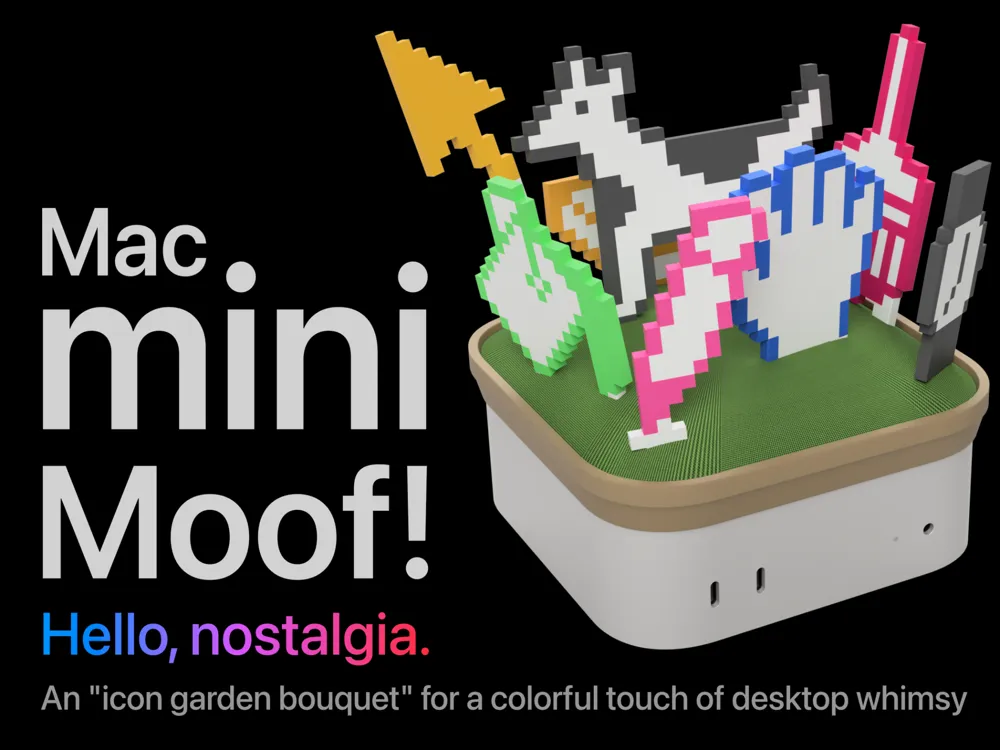
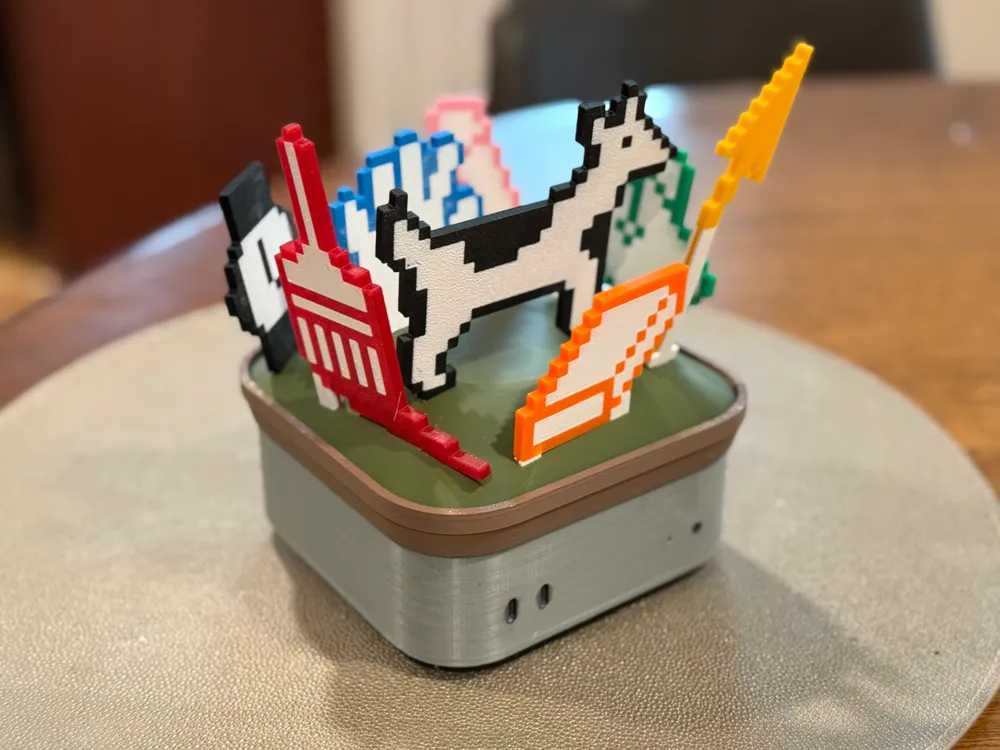
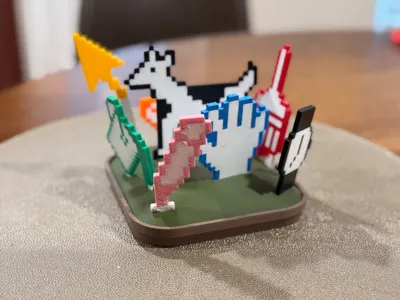
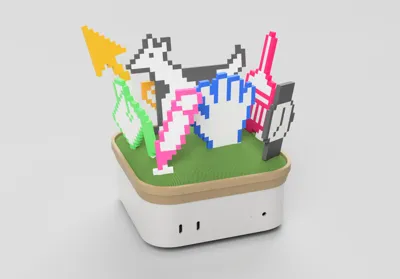
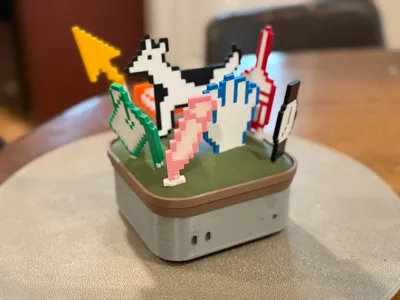
Moof! Add some delightfully-colorful nostalgic whimsy to your desk, right atop your M4 Mac mini (or standalone)!
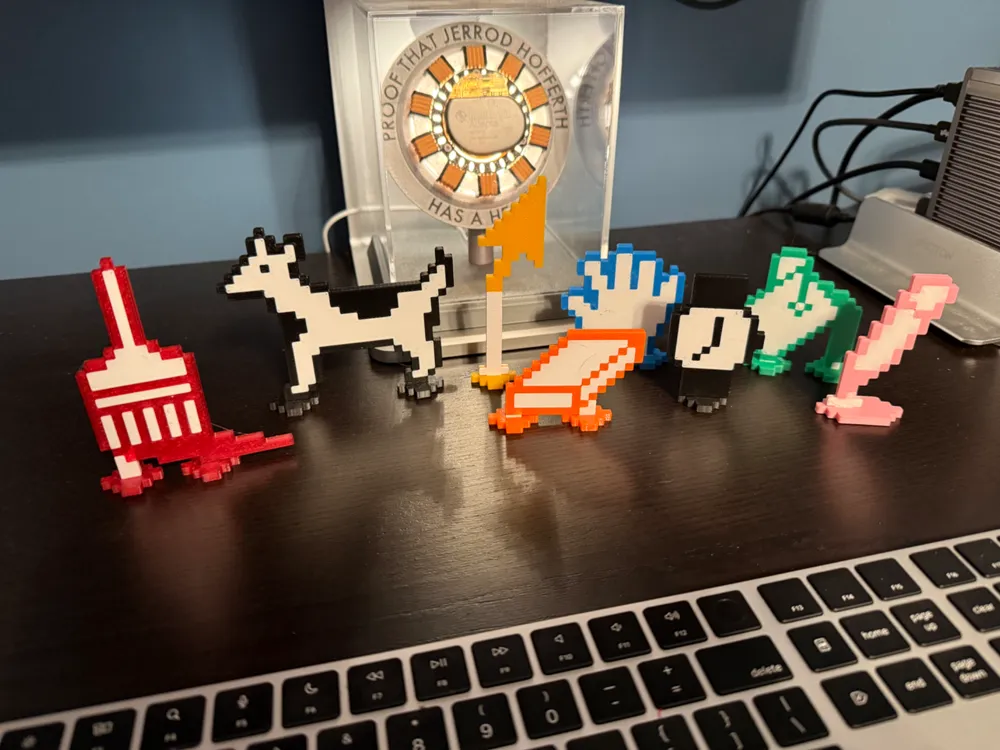
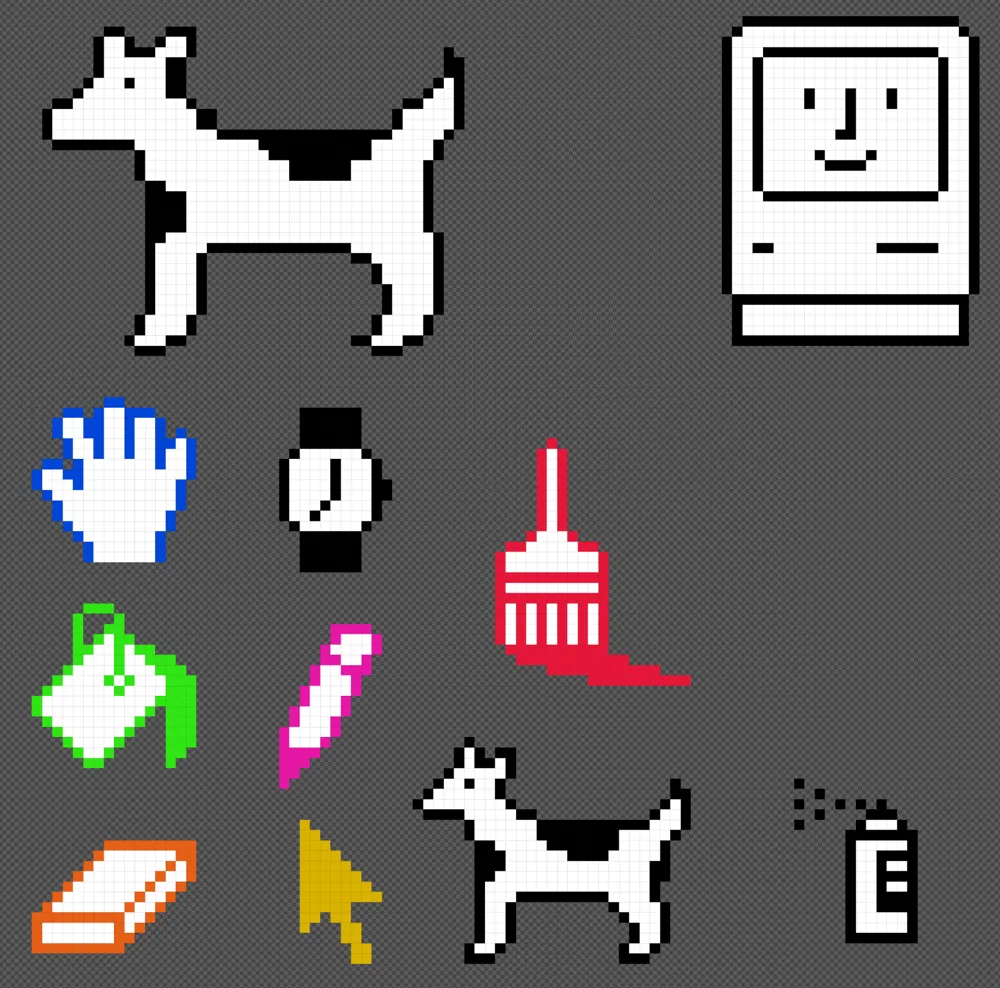
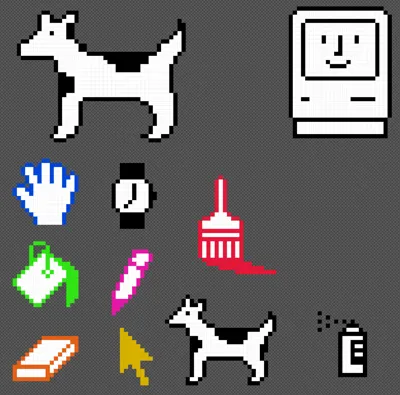
From 1993 to 1998, Apple's Infinite Loop campus in Cupertino was home to a colorful “icon garden”, displaying large . Among them were “Clarus the Dogcow” (Moof!) and a selection of icons from early versions of MacOS and MacPaint, all attributed to designer and iconographer Susan Kare (prints).
Thanks to James Thomson, developer of PCalc and Dice, for the idea and for the reference images in his article for Stephen Hackett’s 512 Pixels blog.
This design includes:
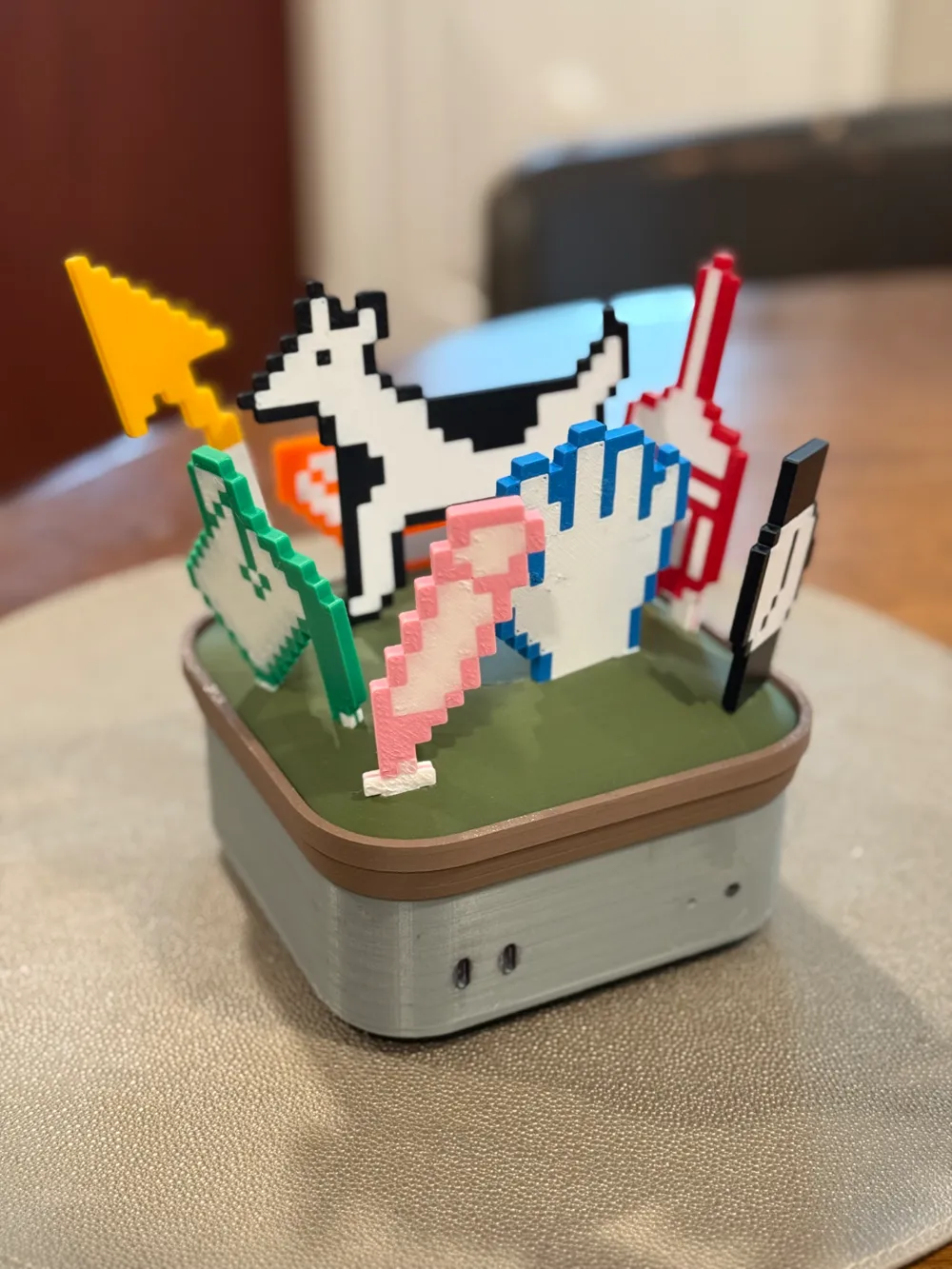
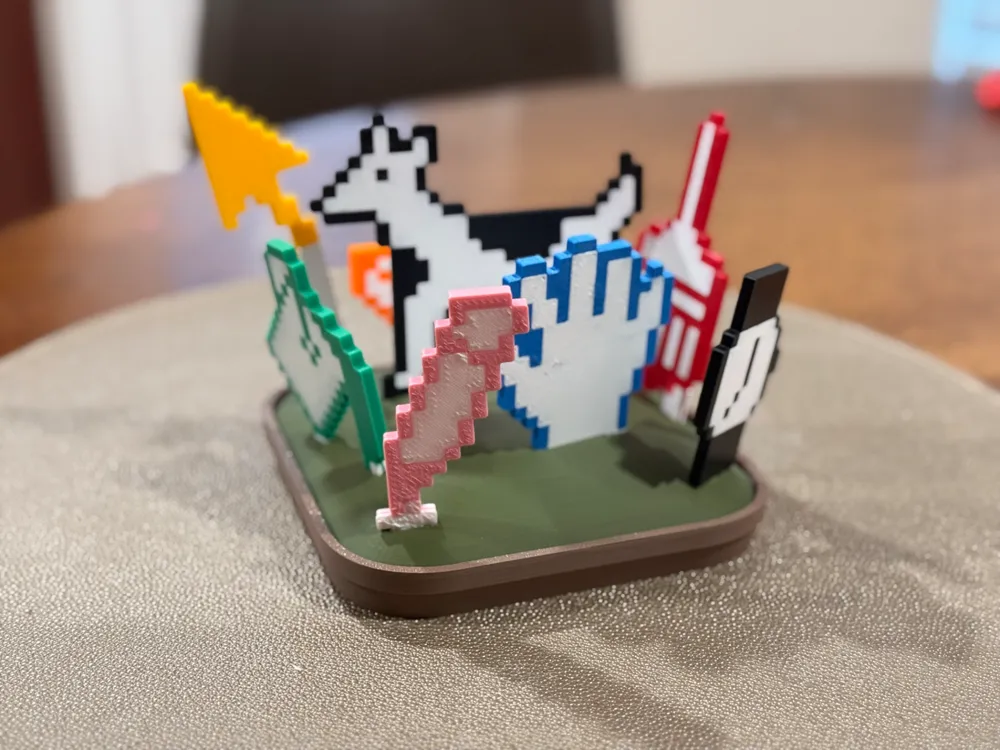
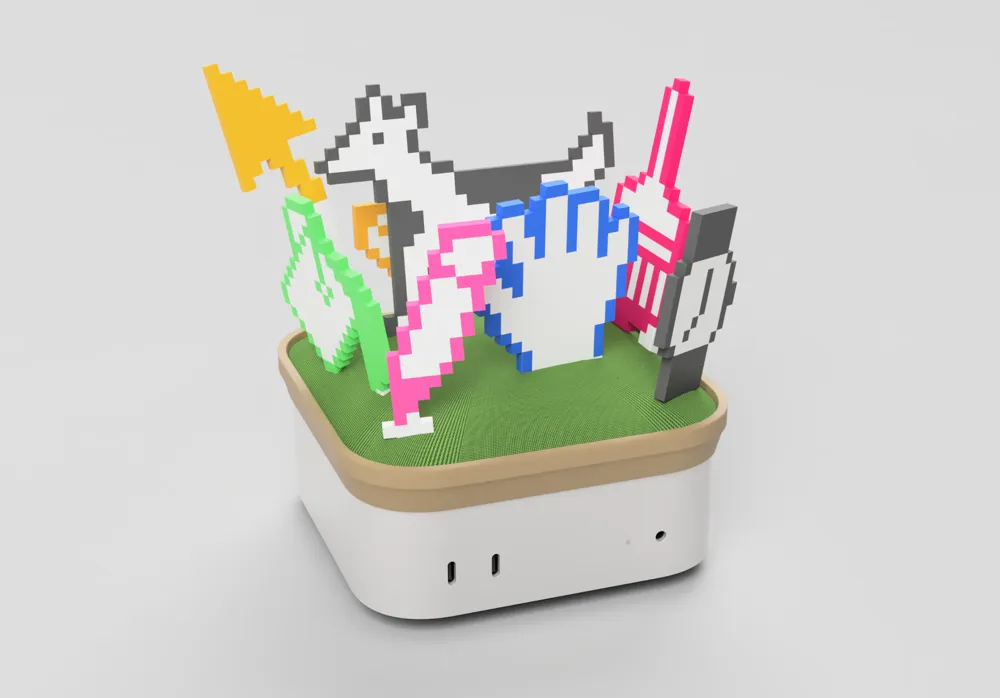
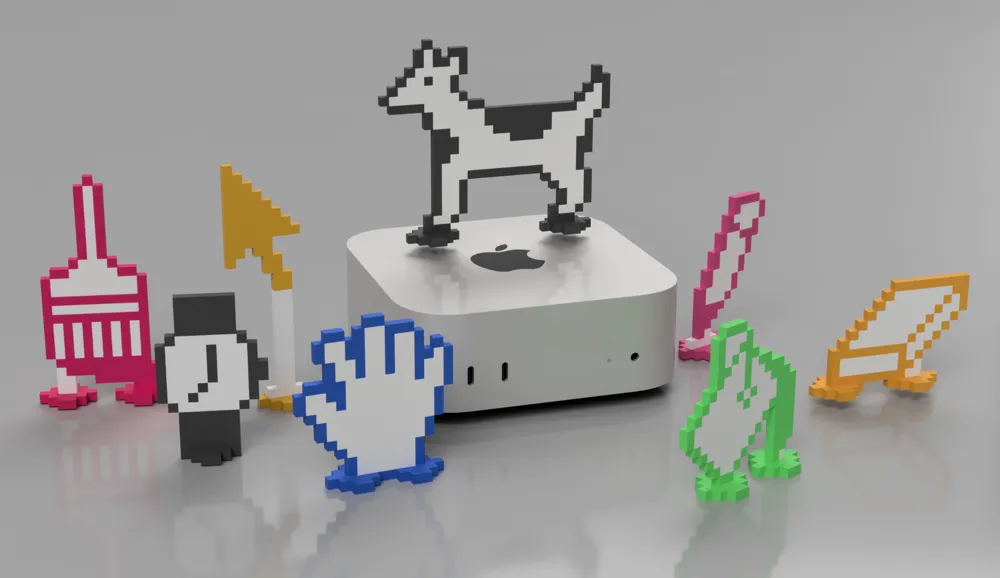
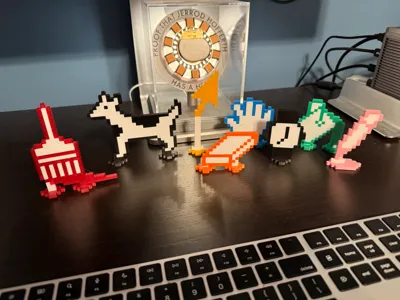
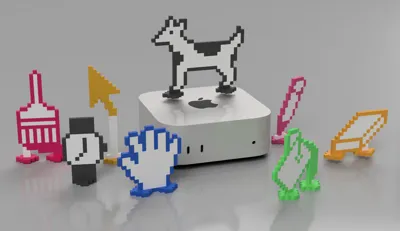
- all 8 icons from the original icon garden, reproduced at a size of 4 mm per pixel and pre-painted and sliced for 2 colors each using AMS or MMU
- separate stand feet for each icon to stand them up vertically on any table (no Mac mini required)
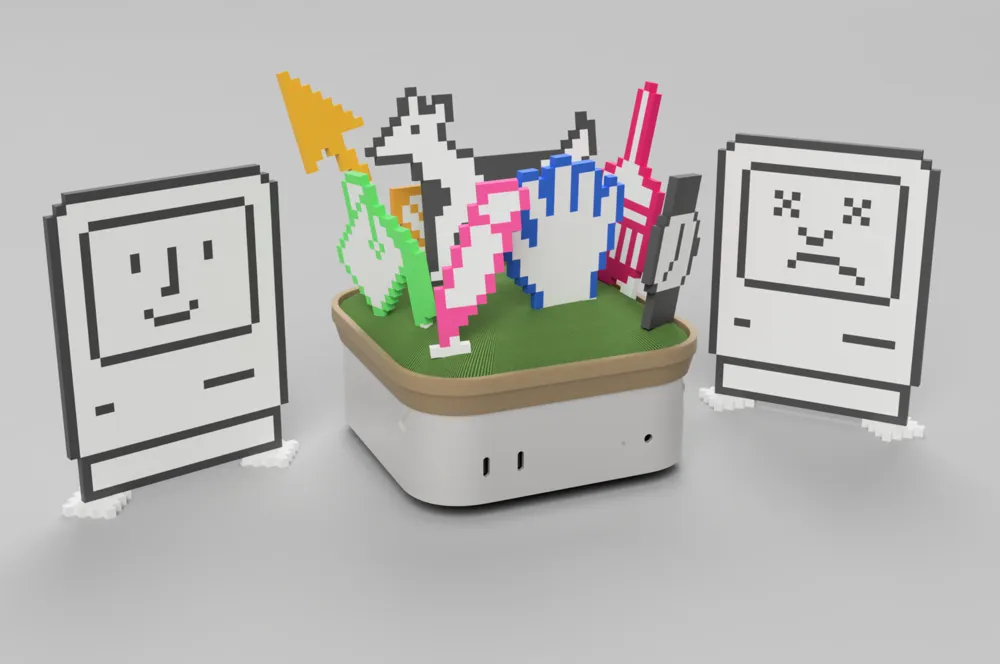
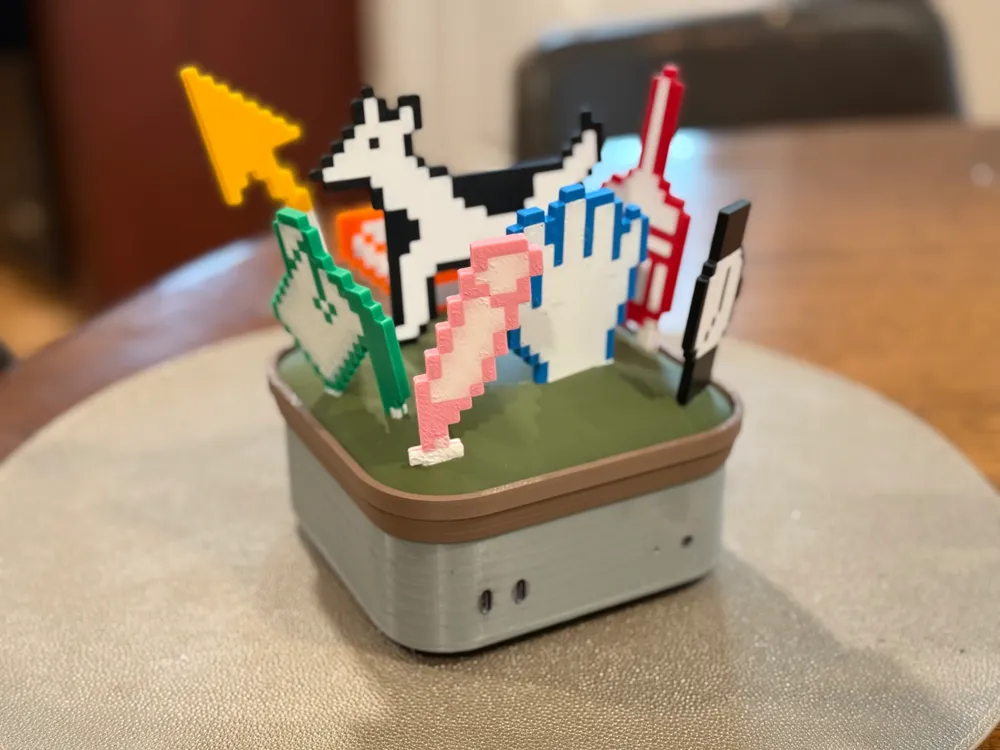
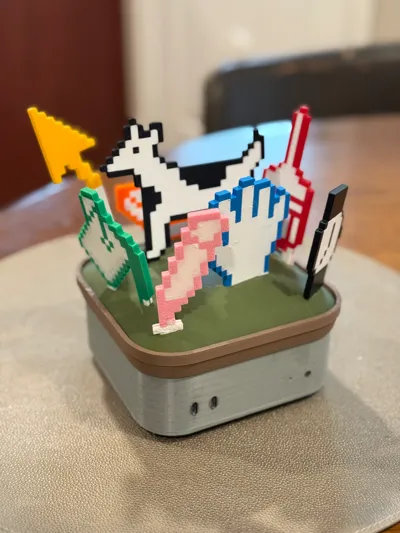
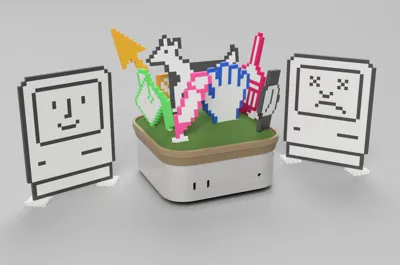
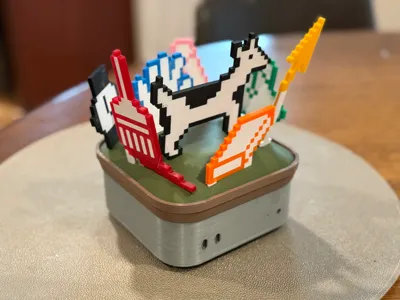
- a topper for the M4 Mac mini meant to look like a mound of grass in a potted plant, that specifically arranges the 8 icons in a festive ‘bouquet’ as a desk decoration. This stand also works standalone on a desk.
- A bonus two-sided “Happy Mac / Sad Mac” icon and stand, scaled to the same size. Indicate your mood by flipping the sign around.
Printing guidance
This initial release requires an AMS or MMU for multicolor printing, but I limit the plating to just 2 colors per plate for expediency. These should print without issue assuming you use best practices for reliable bed adhesion and color swaps.
The advantage of the AMS/MMU approach is that the resulting icons are visible properly from both sides. If there is a desire, I may provide modified CAD in an alternate print profile designed to use a pause layer for color swaps without an AMS or MMU. But know this would mean one-sided viewing (unless you printed each mirrored half separately? Hmm…).
Assembly guidance
Nothing major to note here. Each icon should slide into its stand (and/or the grassy mound stand) snugly. If it's a bit loose, use a bit of CA glue. If it's a bit tight, trim or sand slightly. The "grassy mound" part should snap into the “pot” ring easily and securely. My entire bouquet assembly fit snugly together and I used no glue at all.
Boost Me (for free)
Please consider boosting my projects -- it really supports my ongoing design efforts on these and other works, like my work on the Modular Wind Tunnel for STEM Education (available at Printables).
Related models for M4 Mac Mini:
- "Mac mini Pro" enclosure, (à la 2019+ Mac Pro)
- “Mac mini Trash Can” enclosure, (à la 2013-2019 Mac Pro)
- “Mac mini G5” enclosure, (à la 2003-2006 PowerMac G5 or 2006-2013 Mac Pro)
- "M4 Cube" enclosure, (à la PowerMac G4 Cube, modernized)
- “Mac mini Pro Max” MagSafe and Apple Watch charging base
- Apple Icon Garden Bouquet for M4 Mac mini
- Nintendo NES enclosure
- Protective bumper case in TPU
- Mac App Icon and Logo “Hats”
- "Gridfinity Hats”
- 6-Color Rainbow Stage MagSafe Charger
- Santa Hat
- Gift Wrap: Ribbon and Bow
Related models for Mac Studio and M1-M2 Mac mini:
- “Mac Studio Pro” enclosure, (à la 2019+ Mac Pro)
- Gridfinity Hats"
Related models, other:
- “iPhone XDR” - for MagSafe and StandBy mode
- Mac Pro Desk Model - standalone 3D printable display model
License

You shall not share, sub-license, sell, rent, host, transfer, or distribute in any way the digital or 3D printed versions of this object, nor any other derivative work of this object in its digital or physical format (including - but not limited to - remixes of this object, and hosting on other digital platforms). The objects may not be used without permission in any way whatsoever in which you charge money, or collect fees.


Comment & Rating (4)