
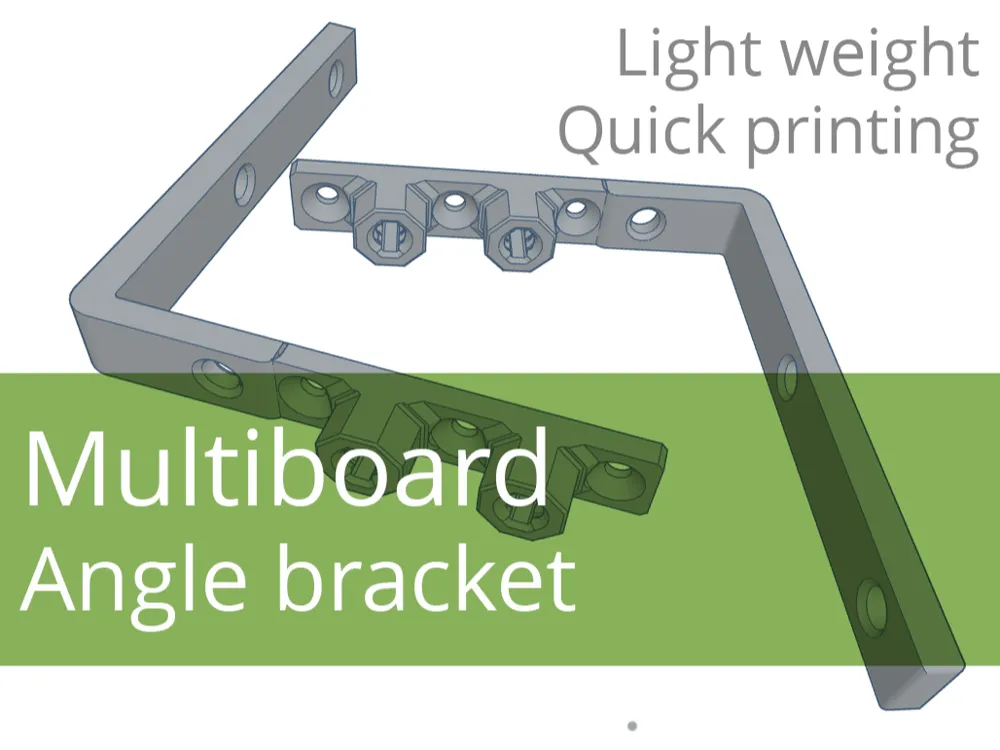
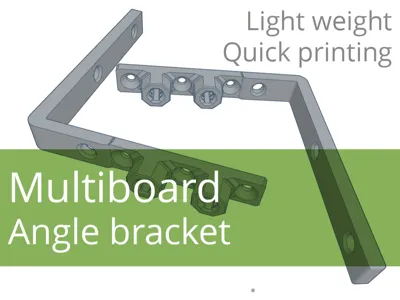
Multiboard mounting (angle) bracket
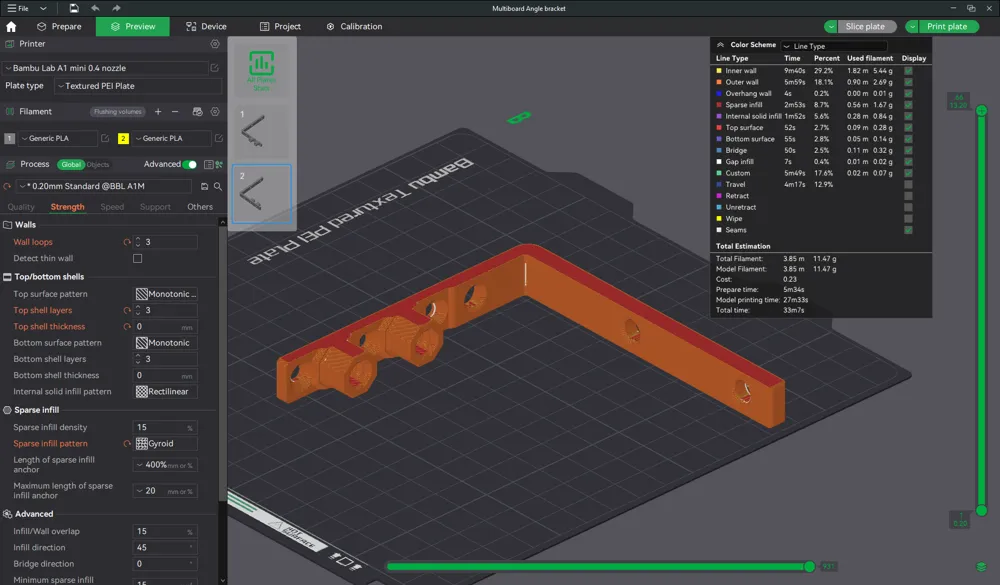

Print Profile(2)


Description
NOTE: For most models, it is worth reading the description carefully, and for some it is even necessary.
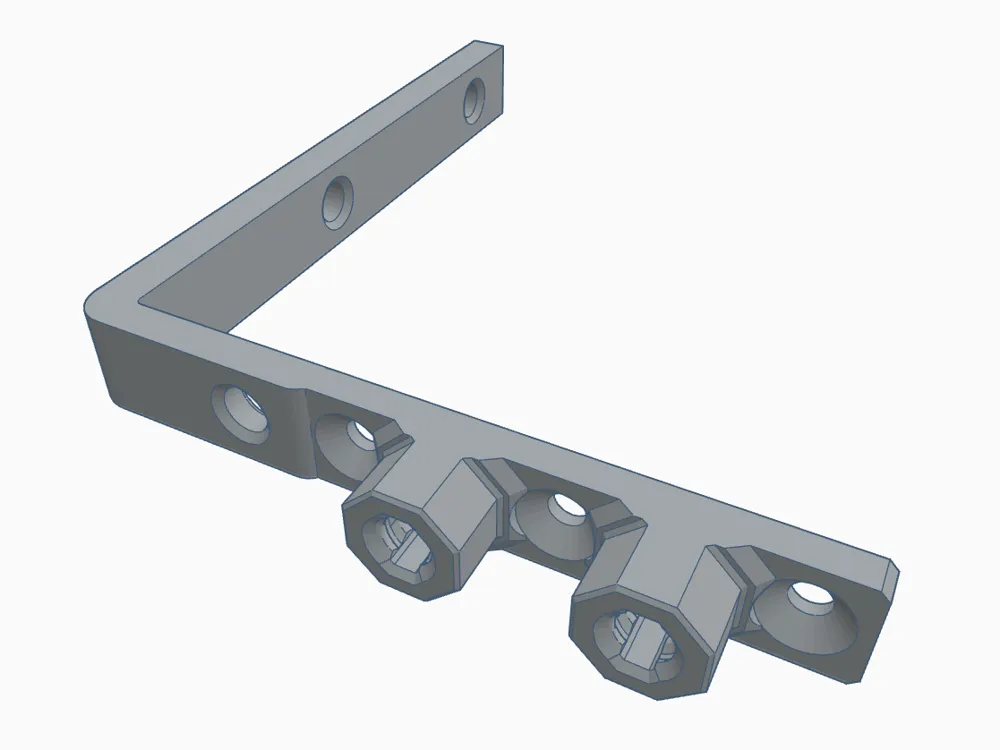
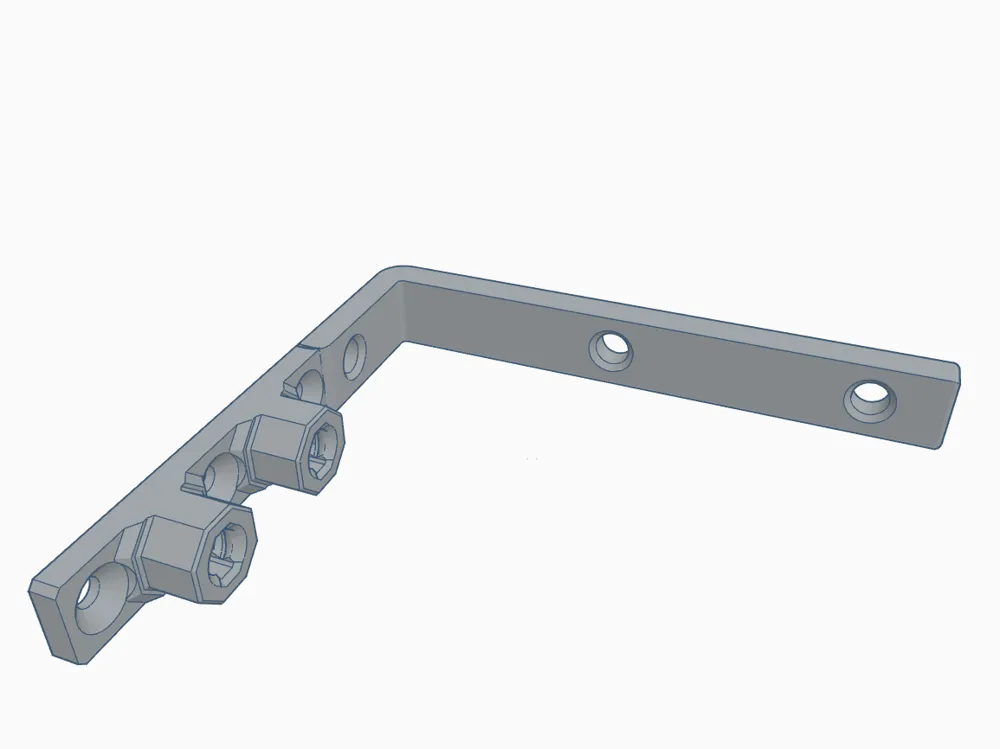
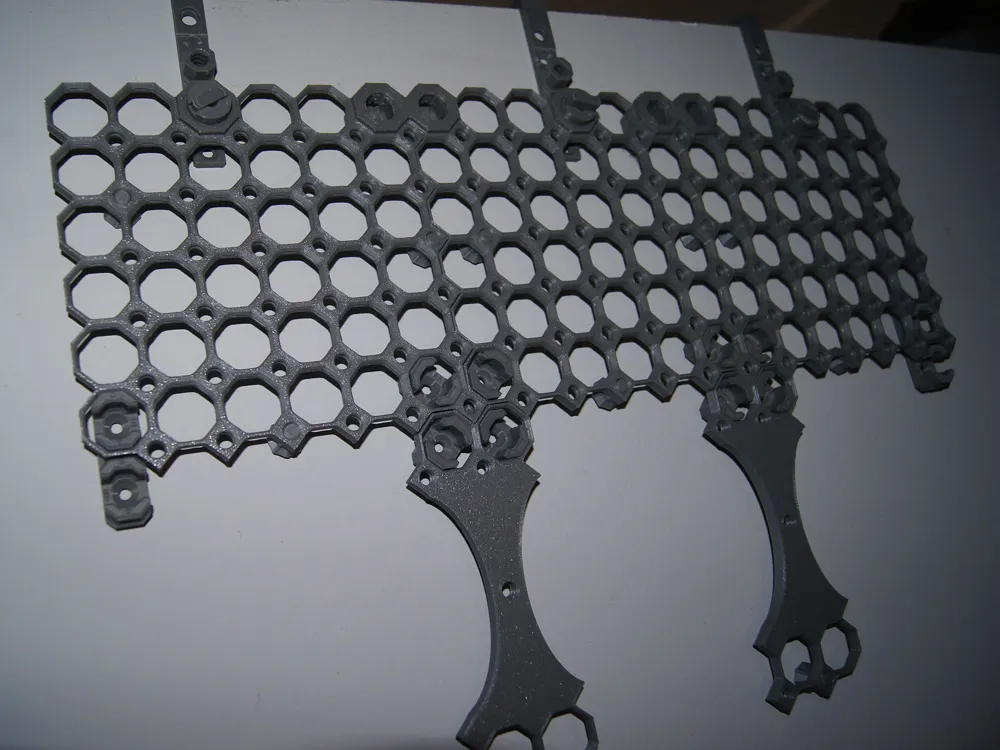
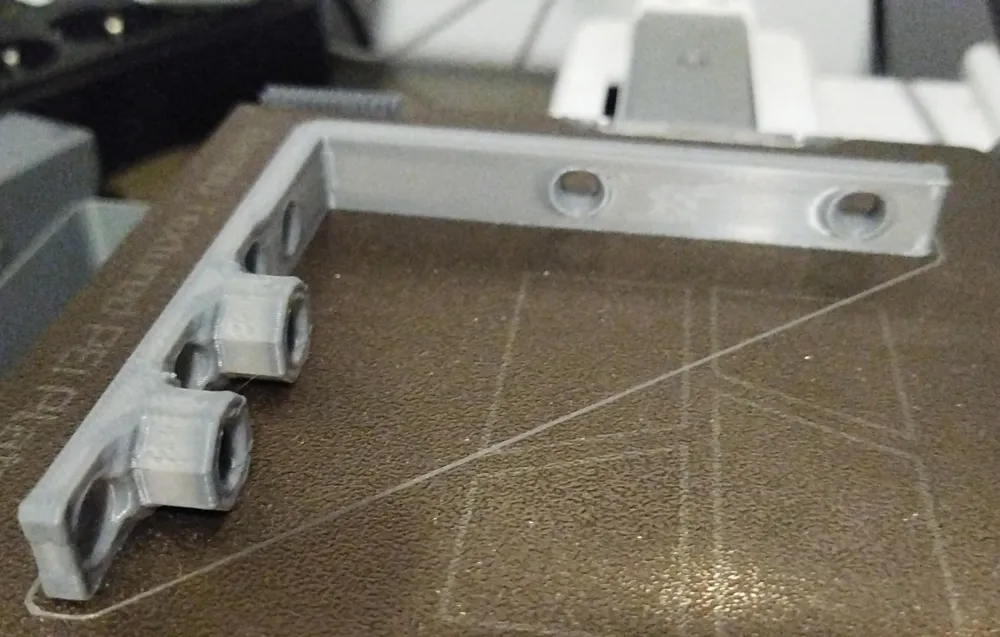
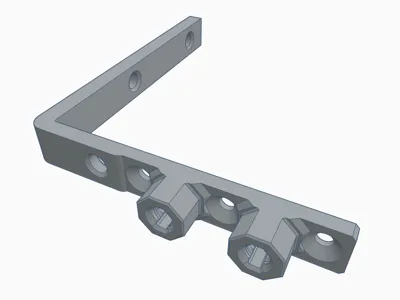
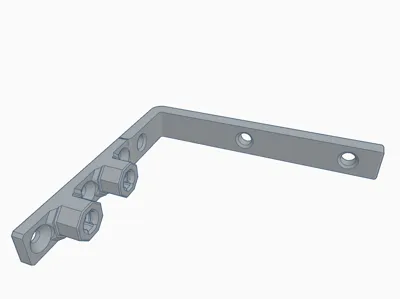
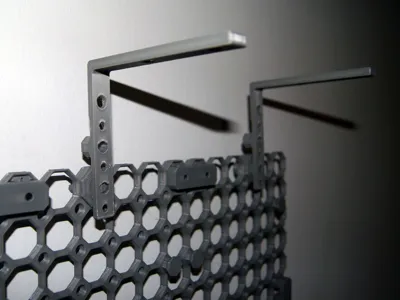
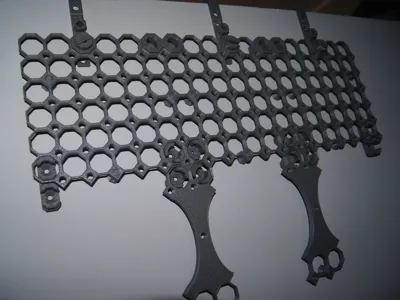
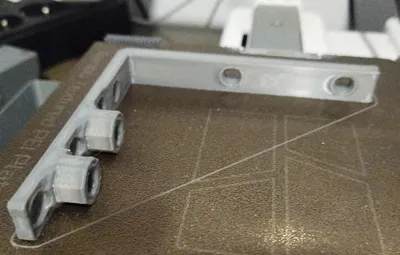
Multiboard mounting (angle) bracket. I use it to hang Multiboard modules from a partition wall. But you can also attach it to the ceiling, top shelf, etc.
The holder is available in two versions:
- A: Multiboard mount for outside
- B: Multiboard mount for inside
(NOT) Moving from 8mm to 6.25mm
The author of Multibord came up with the idea that now everything will be related to another 25 (25 mm), so the distance from 8 mm to 6.25 mm (25 / 4 = 6.25). I understand the idea of the "magic number", but for me it has no meaning or sense at all in the distance from the wall. That is why I stayed - at least for now - with 8 mm, also in new projects. And this holder is for 8 mm.
The mount was designed for 8mm, but that doesn't mean it'll be bad for 6.25. You'll have to check.
More information: https://www.youtube.com/channel/UCl5-usnbC9ieit7UoILP9yQ/community?lb=UgkxHxT2H8-Yv5JAEqhQIOgmL8QbYScaTm01
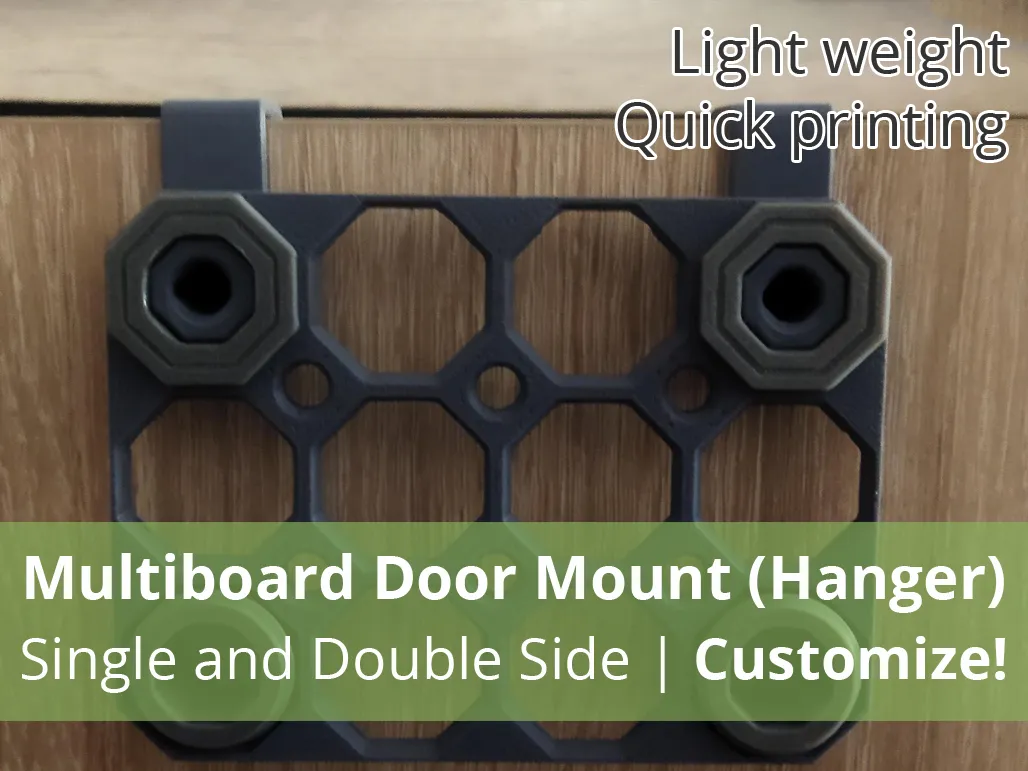
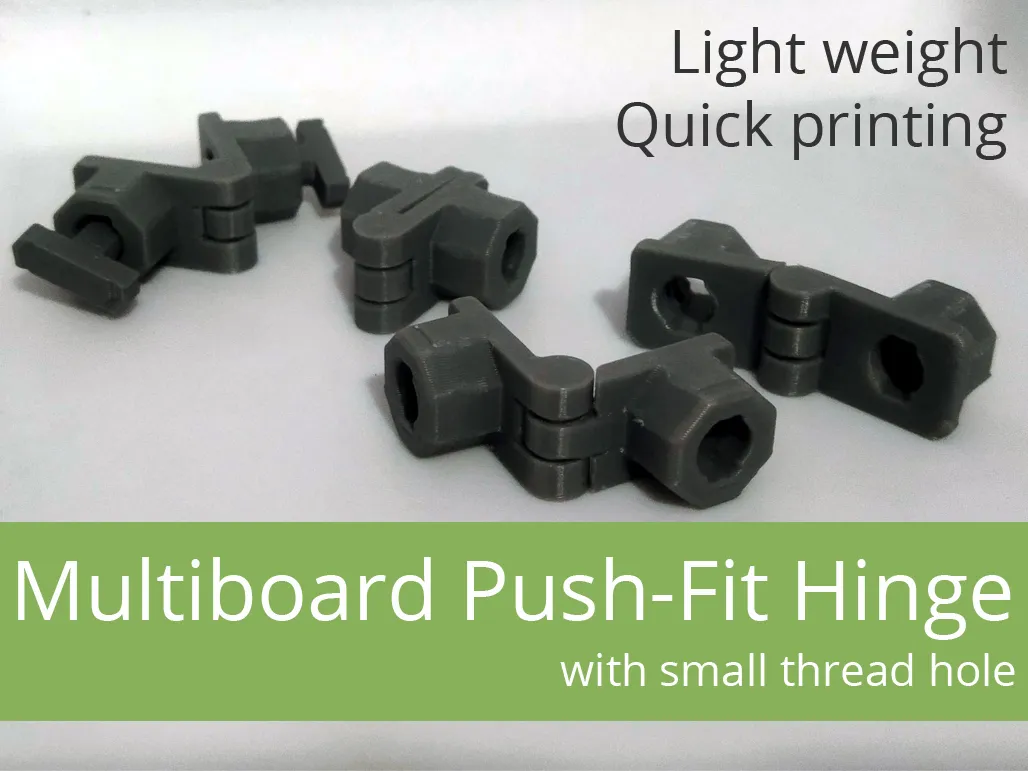
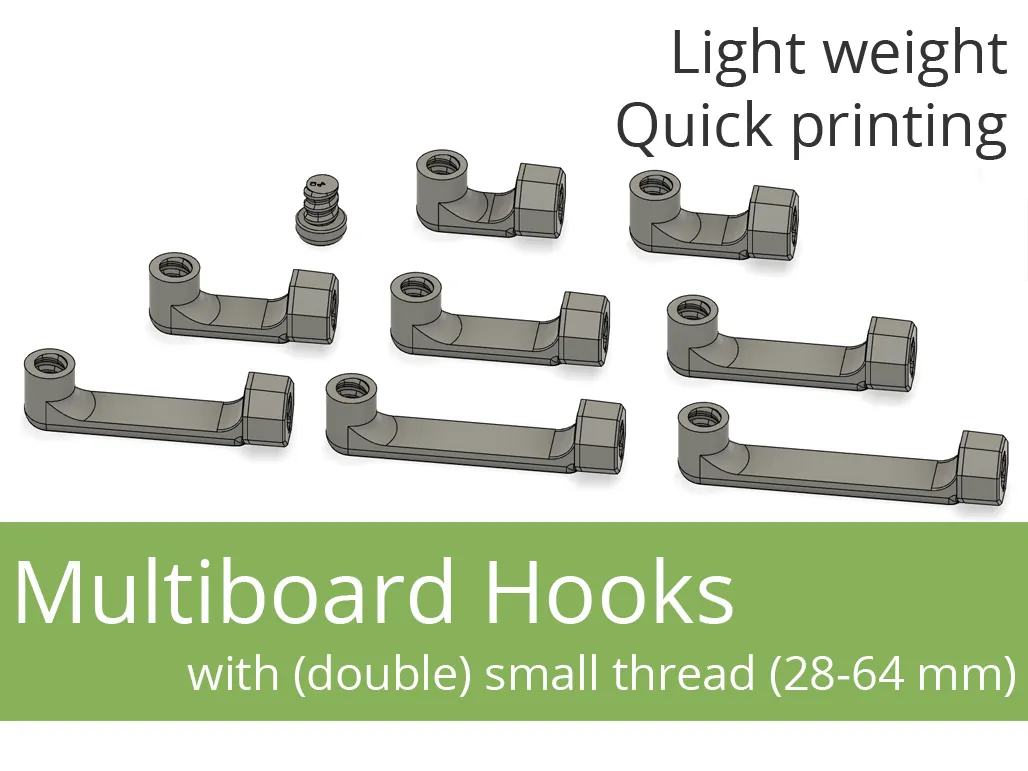
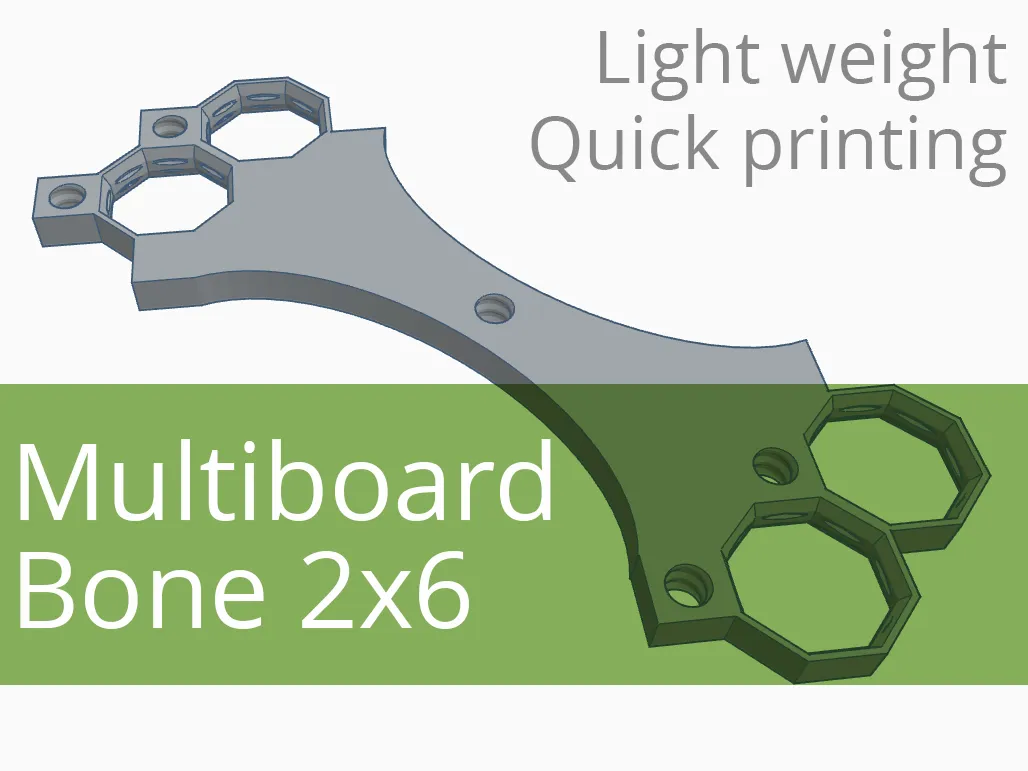
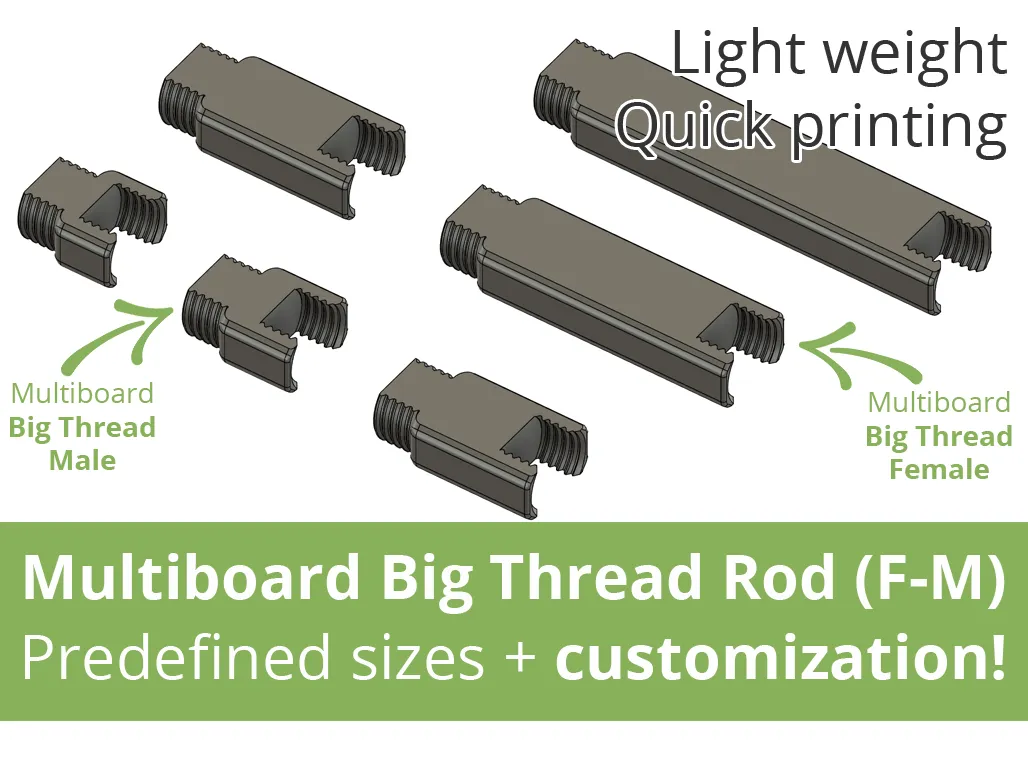
→ Click and check out our other projects for Multiboard! ←
 |  |  |
 |  |  |
Boost Me (for free)
If the model was useful - like and give a boost. It doesn't cost you anything, and for me it's information that it was worth it :-)
Filament in Print Profiles
The filament specified in print profiles is usually just a guideline. It simply must be there. But most often – unless the model description specifically states that a given element must be printed with a specific filament – you can easily change it to the type you want to print the model with. Of course, when making such a decision, it's worth considering not only the type of filament you have, but also what will actually be best for the given print (model, application).
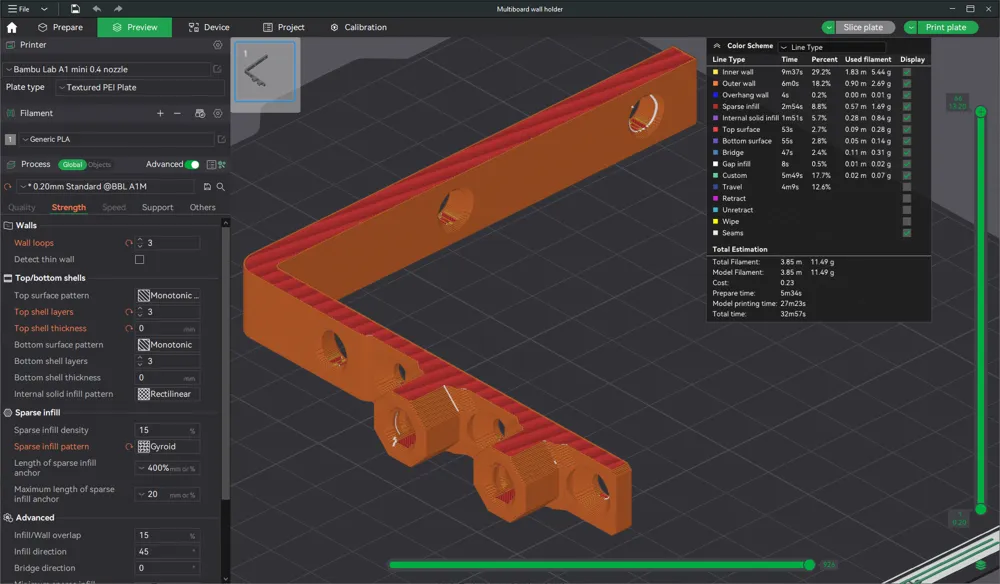
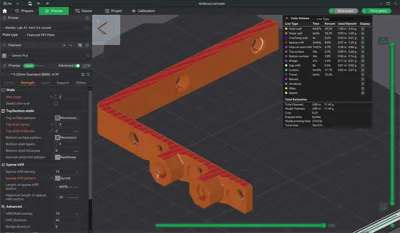
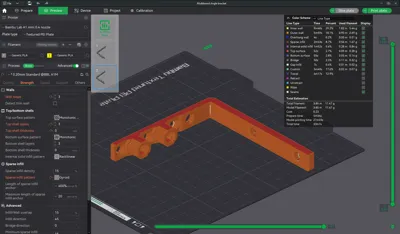
You can change the material type as needed while creating the print (Bambu Studio, Bambu Handy).
License

You shall not share, sub-license, sell, rent, host, transfer, or distribute in any way the digital or 3D printed versions of this object, nor any other derivative work of this object in its digital or physical format (including - but not limited to - remixes of this object, and hosting on other digital platforms). The objects may not be used without permission in any way whatsoever in which you charge money, or collect fees.


Comment & Rating (7)