
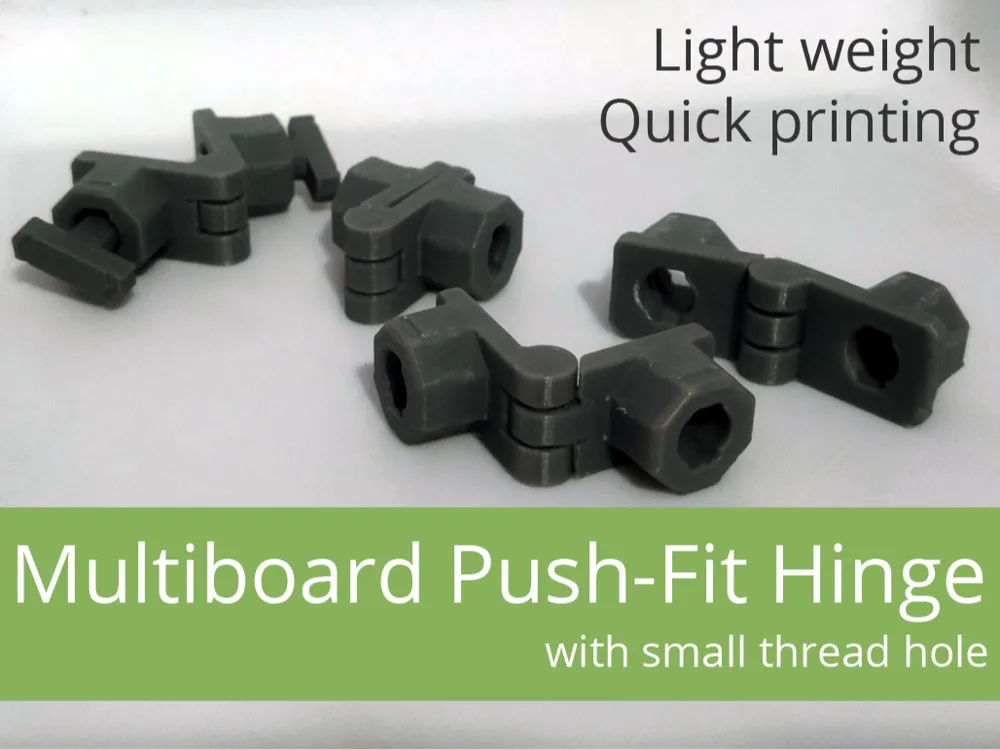
Multiboard Push-Fit Hinge (Hinge for Multiboard)
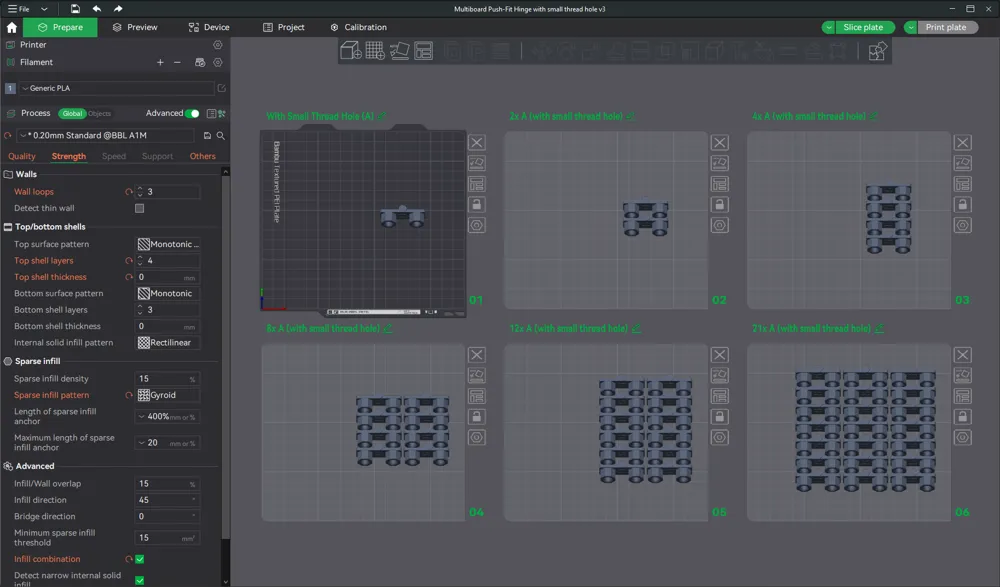
Print Profile(1)

Description
NOTE: For most models, it is worth reading the description carefully, and for some it is even necessary.
I once designed hinges for one of my Multiboard cabinets. A few days ago, a friend of mine visited me and liked the idea so much that I decided to go back to the project and transform it into something more universal that anyone can use.
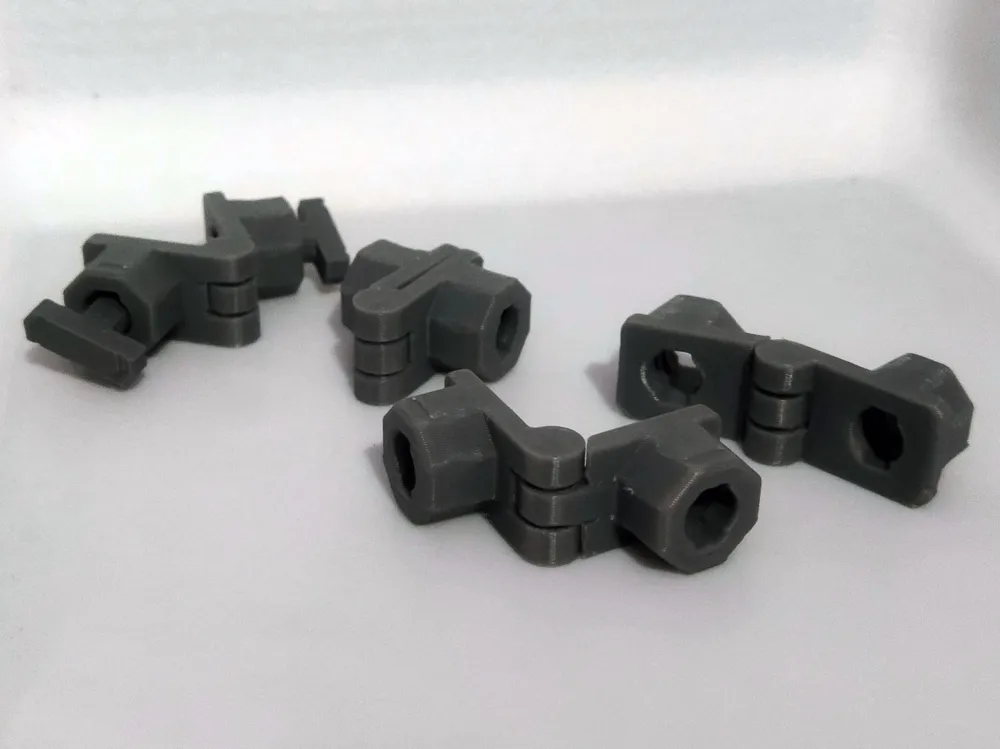
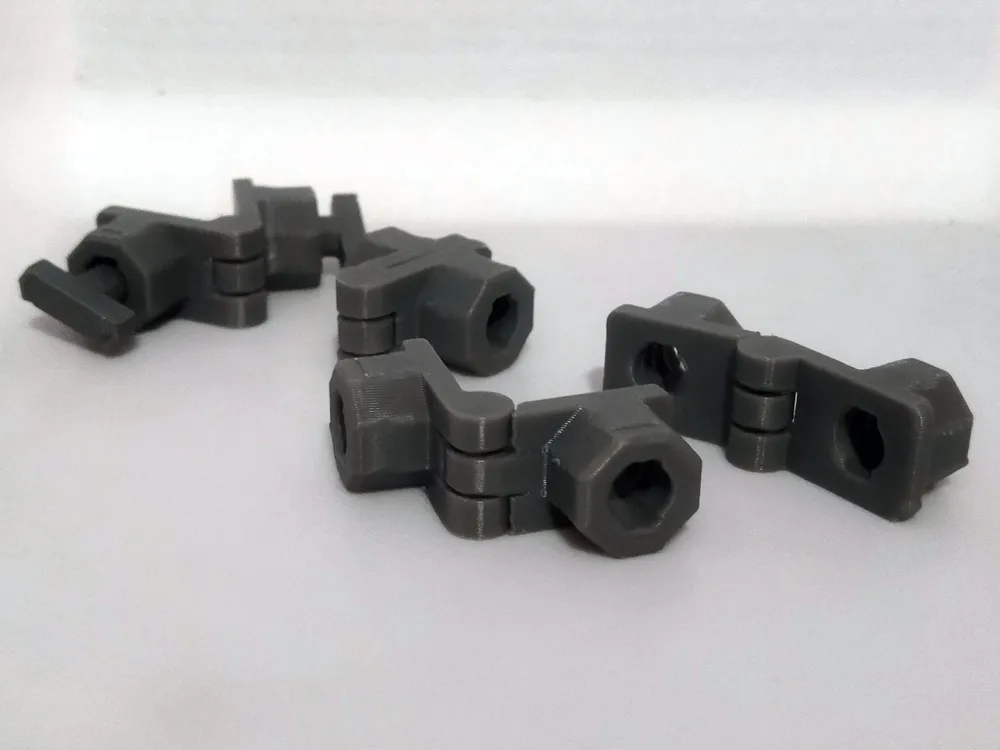
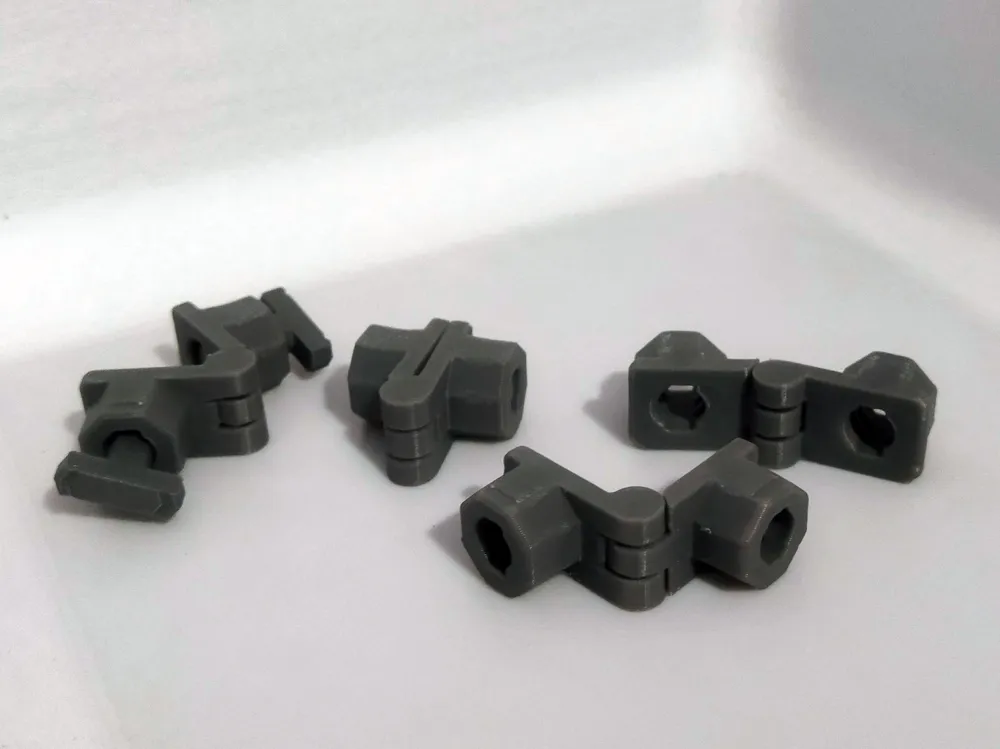
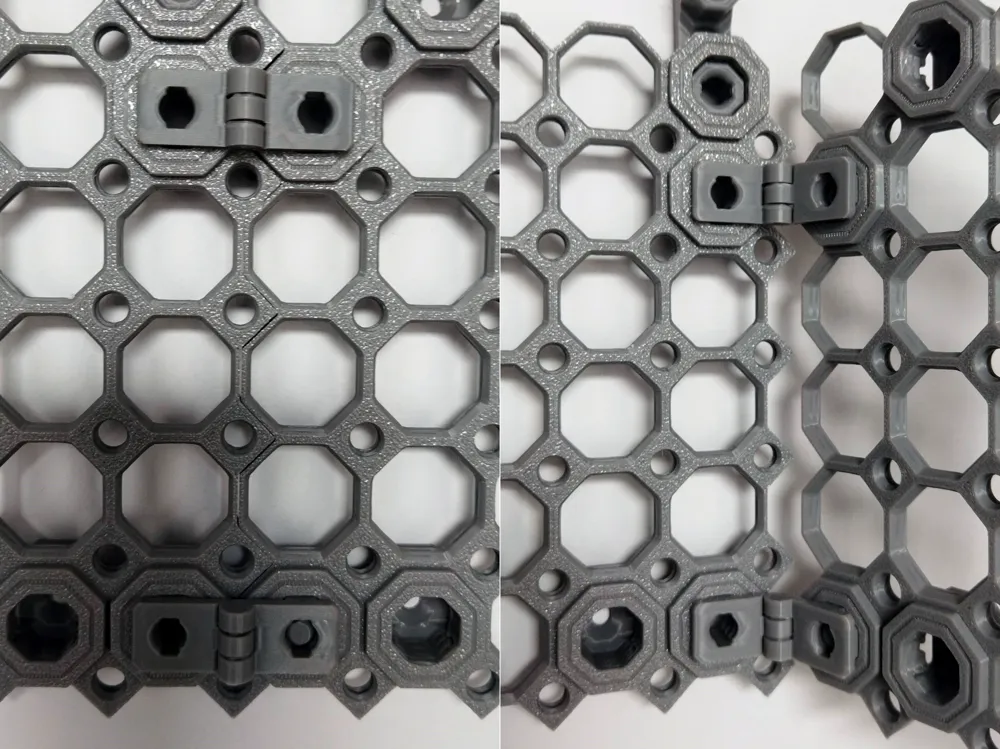
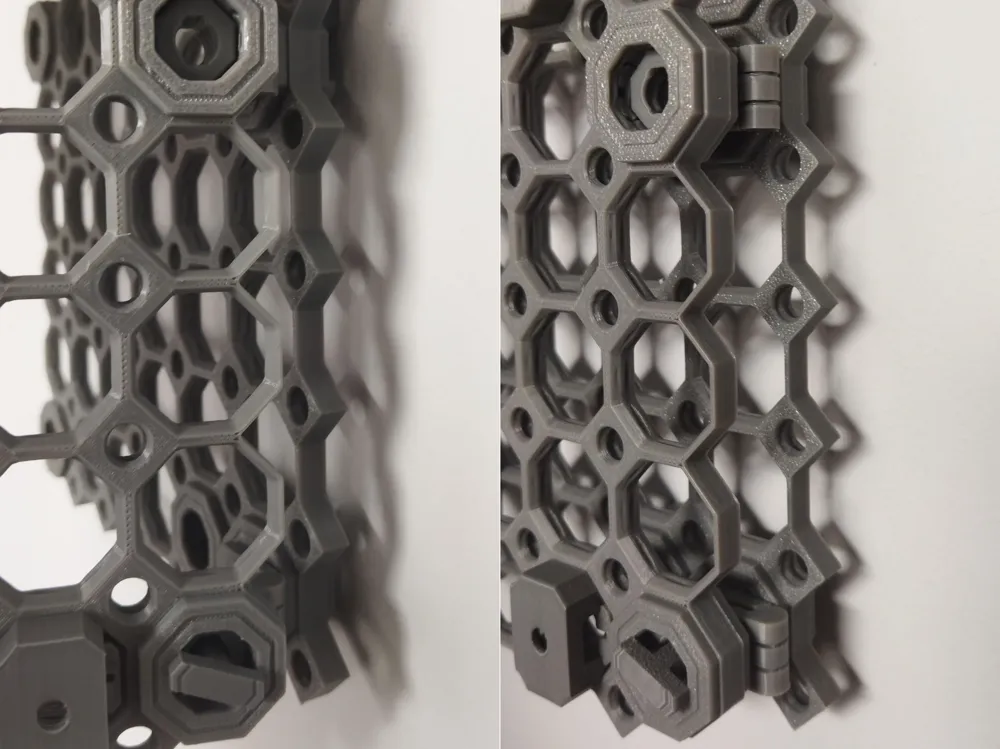
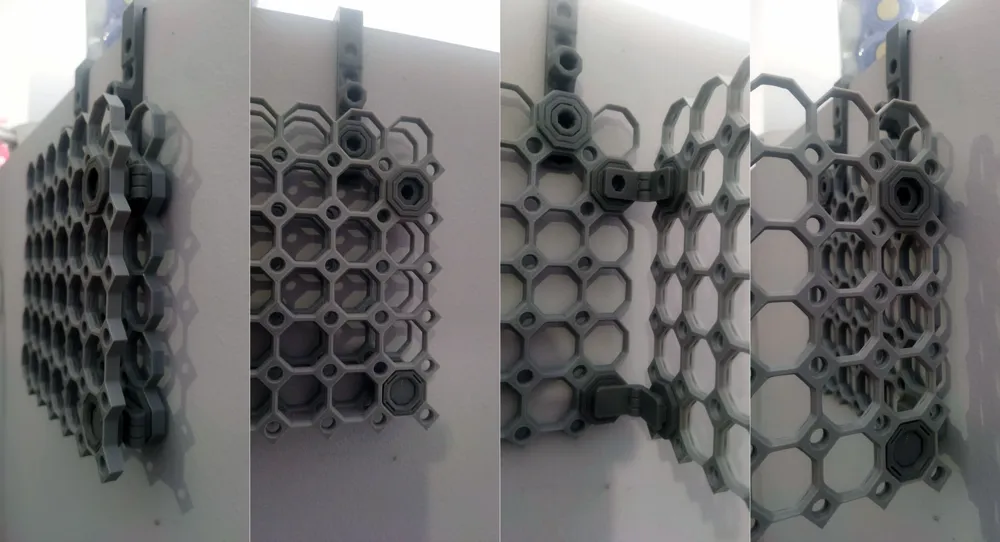
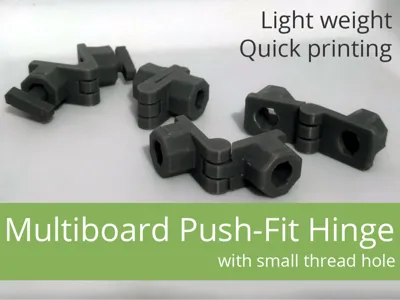
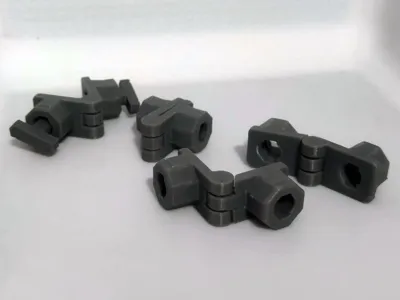
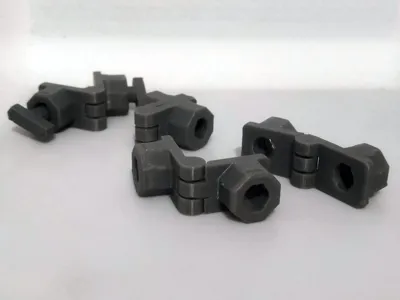
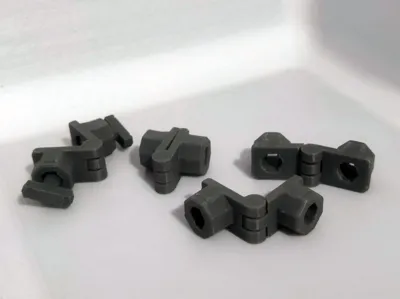
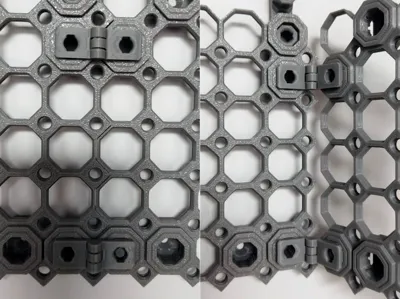
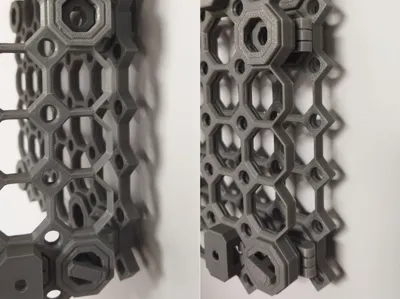
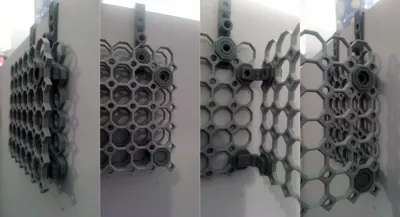
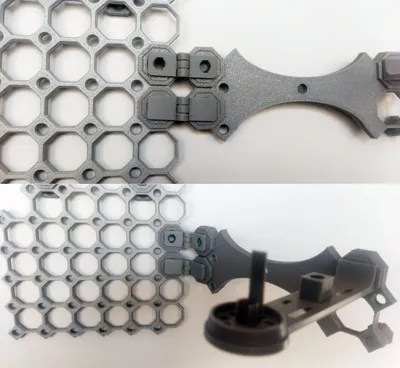
With the Multiboard Push-Fit Hinge, you can connect Multiboard panels so that you have something like a door, a closed/opened wing. Actually, you can let your imagination run wild here ;-)
With small thread hole
The Multiboard Push-Fit Hinge has been prepared with a hole for a small screw (small thread bolt, t-bolt from the Multiboard set), which allows you to additionally secure the hinge from falling out "from the back" with a small screw (small thread bolt, t-bolt).
Small thread hole intentionally added as a negative element in the design, so that it can be easily removed if someone prefers full push-fit. However, I recommend printing with small thread hole, even if it is not going to be used at the moment.
Snap, Double-Sided Snaps
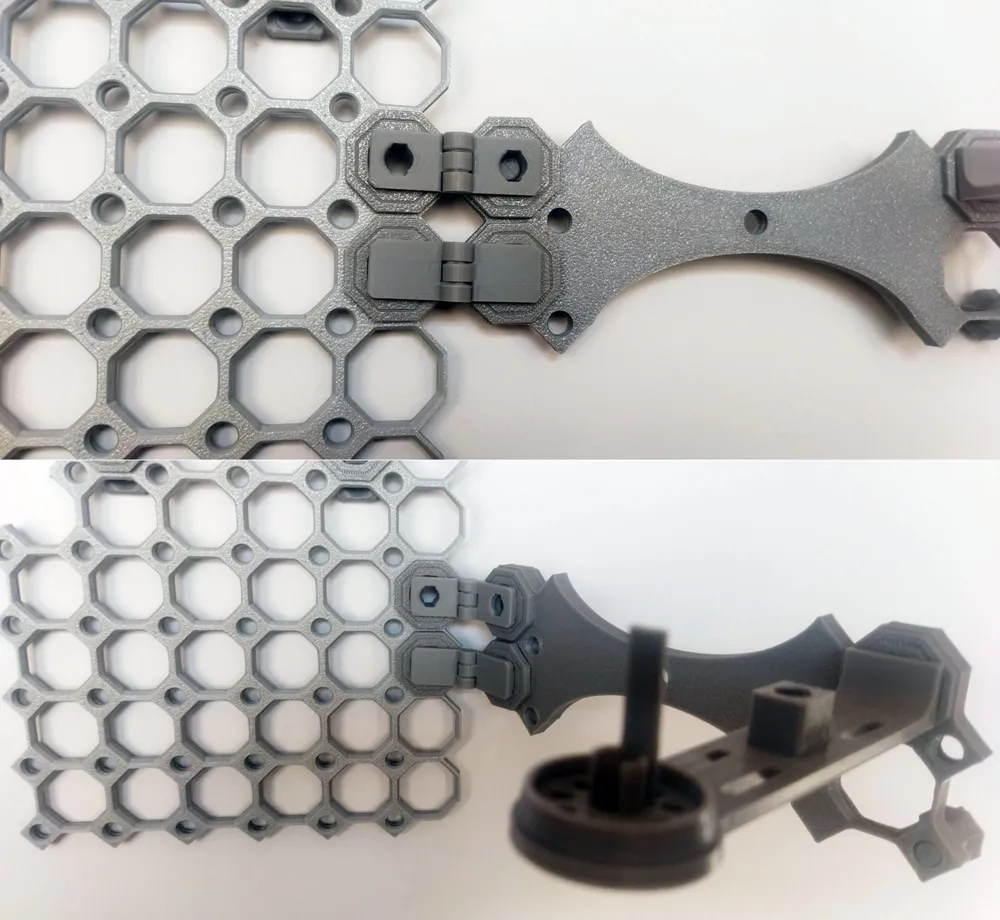
If you are not locking it with a small screw (small thread bolt, t-bolt from the Multiboard set), you can even use a regular Snap. In case we want to lock "from behind" with a small screw (small thread bolt, t-bolt from the Multiboard set), it is best to use Double-Sided Snaps.
Additional information:
- Use several pieces, depending on your needs
- Support not needed for printing
Hinges and Dual Bolt-Lock Mount
In my working version I used the "press-fit" hinges of my design, but for the needs of the public version, I decided to use a cool and useful hinge generator, the Simple Customizable Hinge (Parametric) by Trawls.
The distance between the two "push-fit" is almost identical, as for example in the standard Dual Bolt-Lock Mount. Almost, because it has been increased by 0.8 mm (2x 0.4) to provide a slight distance and thus allow the "wing" to open fully.
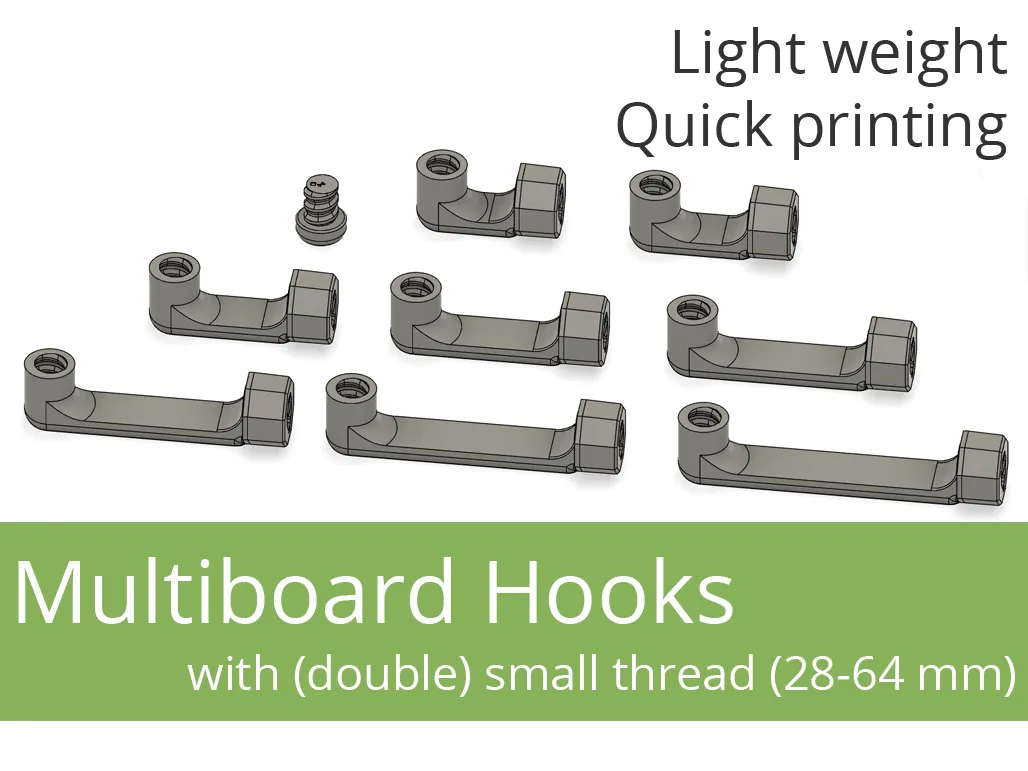
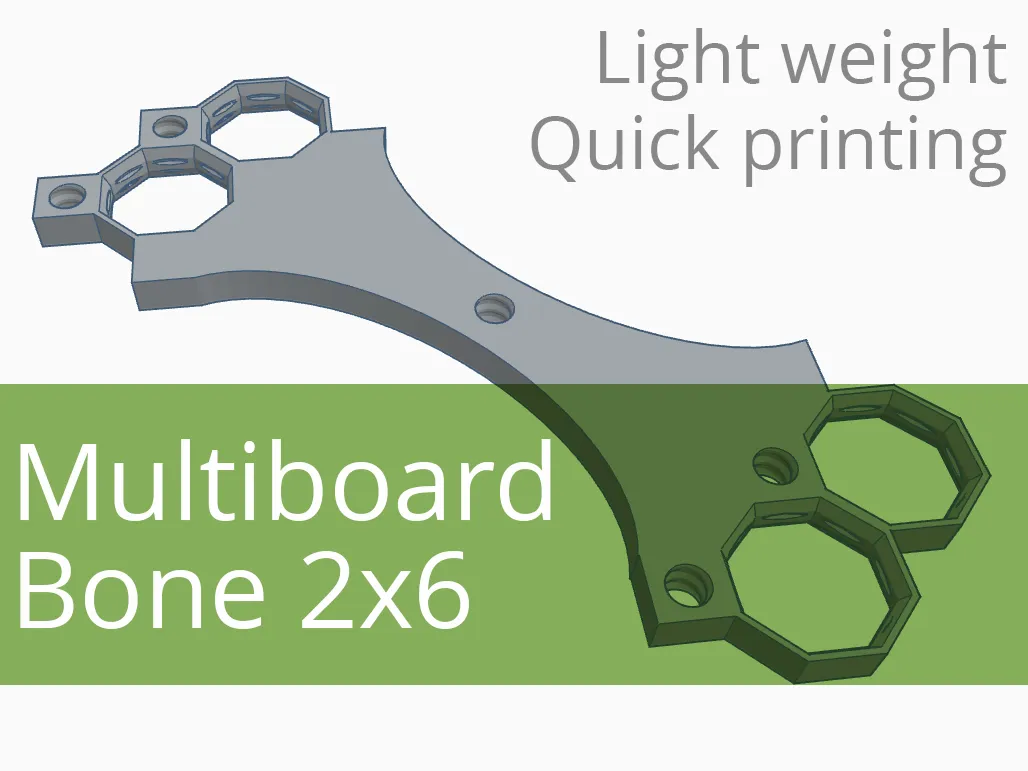
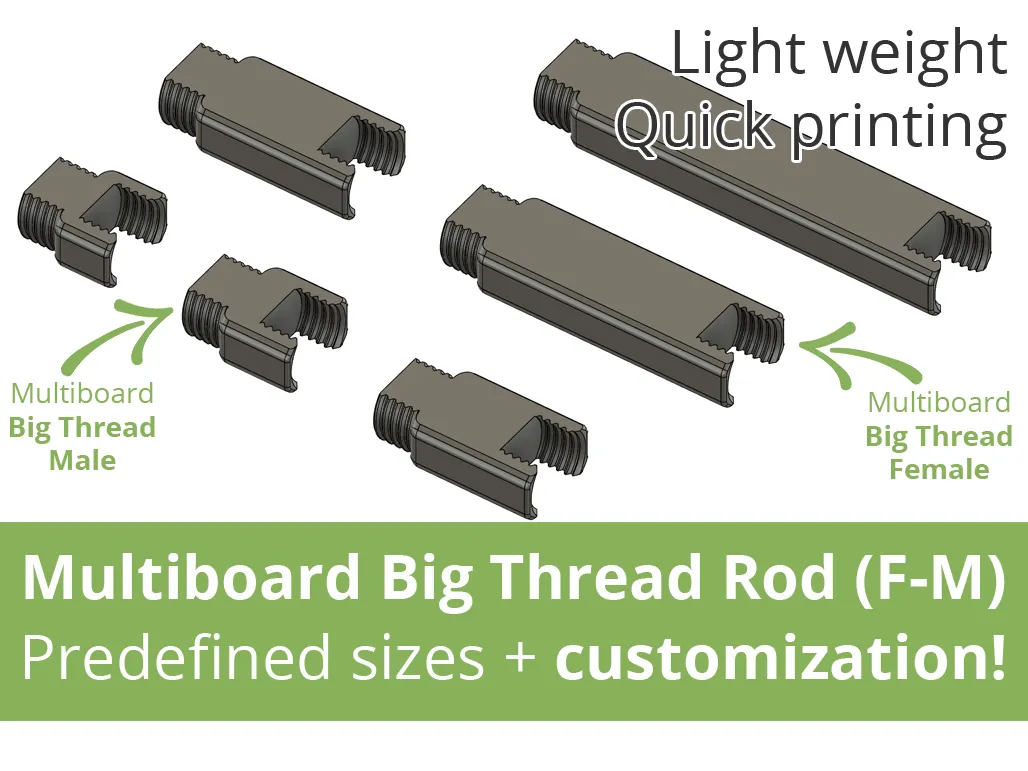
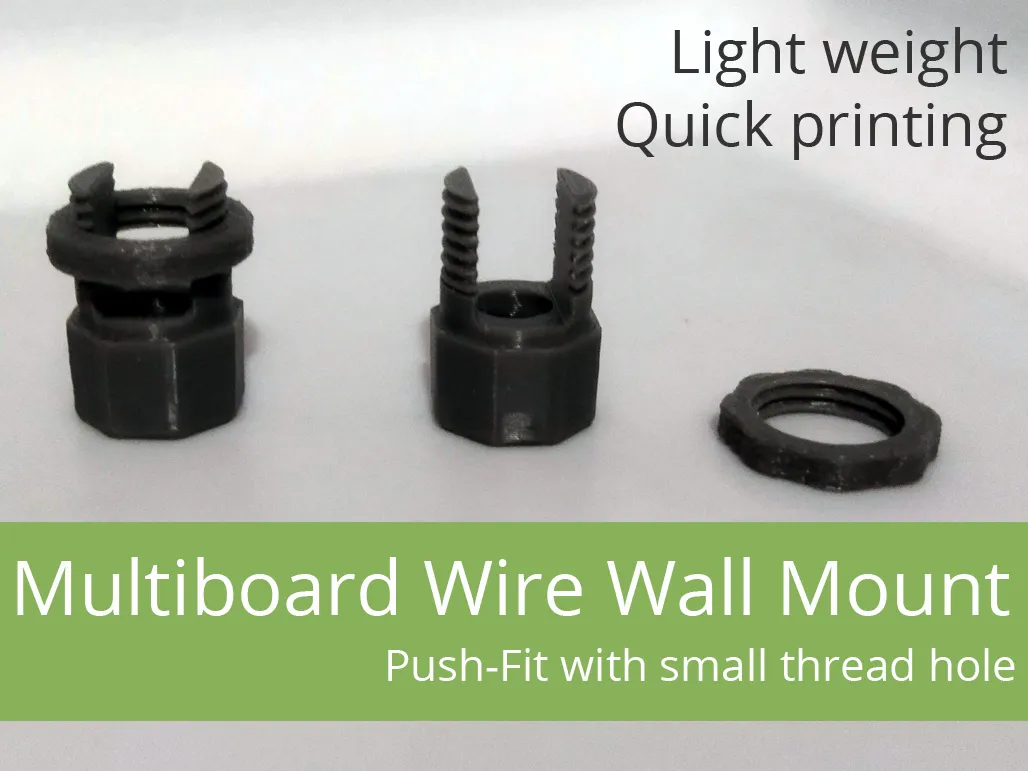
→ Click and check out our other projects for Multiboard! ←
 |  |  |
 |  |  |
Boost Me (for free)
If the model was useful - like and give a boost. It doesn't cost you anything, and for me it's information that it was worth it :-)
Filament in Print Profiles
The filament specified in print profiles is usually just a guideline. It simply must be there. But most often – unless the model description specifically states that a given element must be printed with a specific filament – you can easily change it to the type you want to print the model with. Of course, when making such a decision, it's worth considering not only the type of filament you have, but also what will actually be best for the given print (model, application).
You can change the material type as needed while creating the print (Bambu Studio, Bambu Handy).
License

You shall not share, sub-license, sell, rent, host, transfer, or distribute in any way the digital or 3D printed versions of this object, nor any other derivative work of this object in its digital or physical format (including - but not limited to - remixes of this object, and hosting on other digital platforms). The objects may not be used without permission in any way whatsoever in which you charge money, or collect fees.


Comment & Rating (11)