
Multiboard Hooks with (triple) small thread
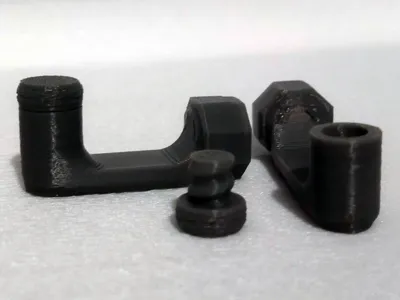
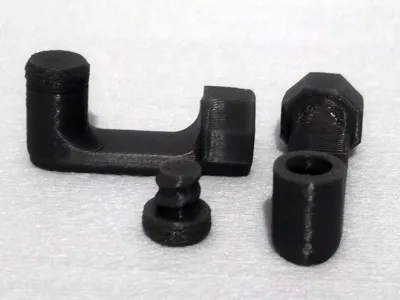
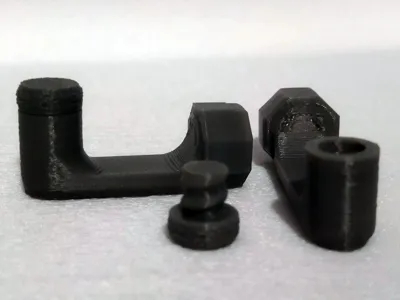
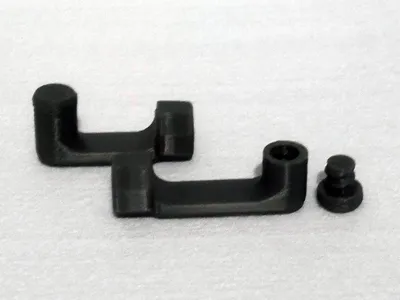
Print Profile(10)


Description
NOTE: For most models, it is worth reading the description carefully, and for some it is even necessary.
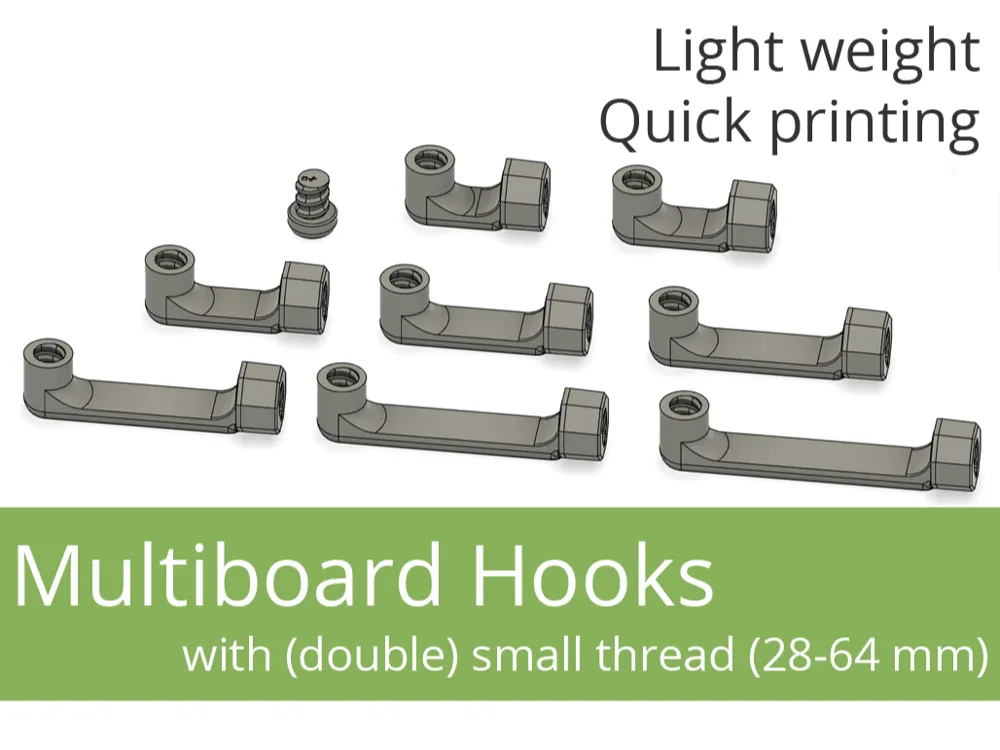
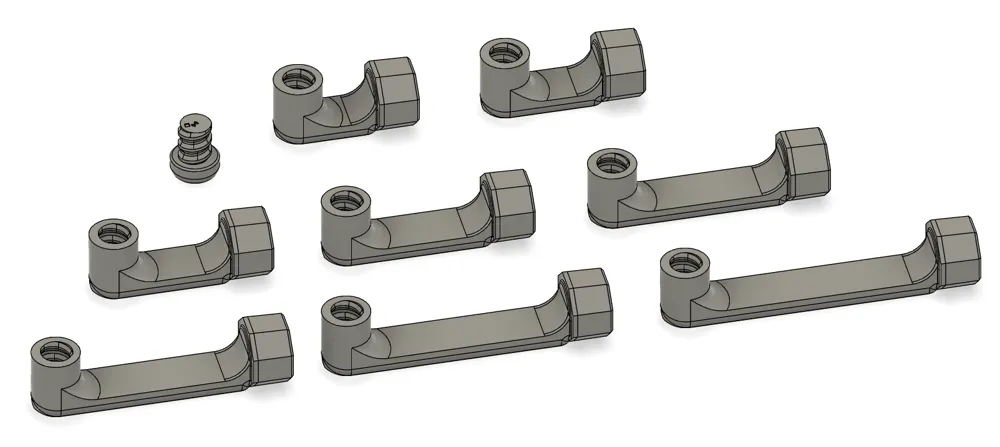
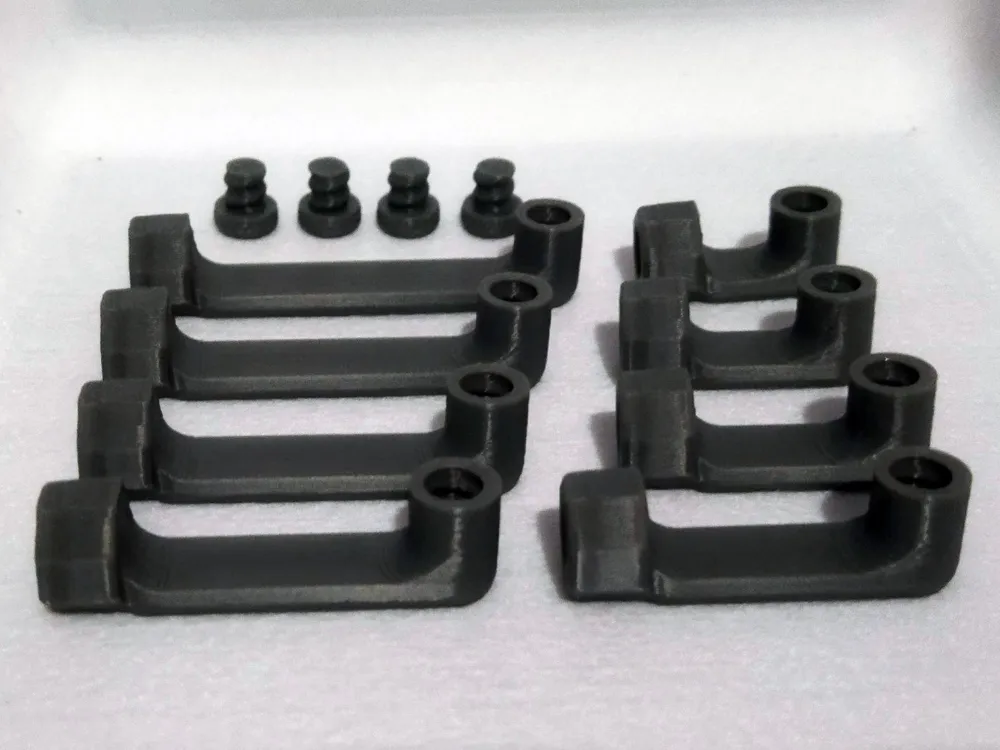
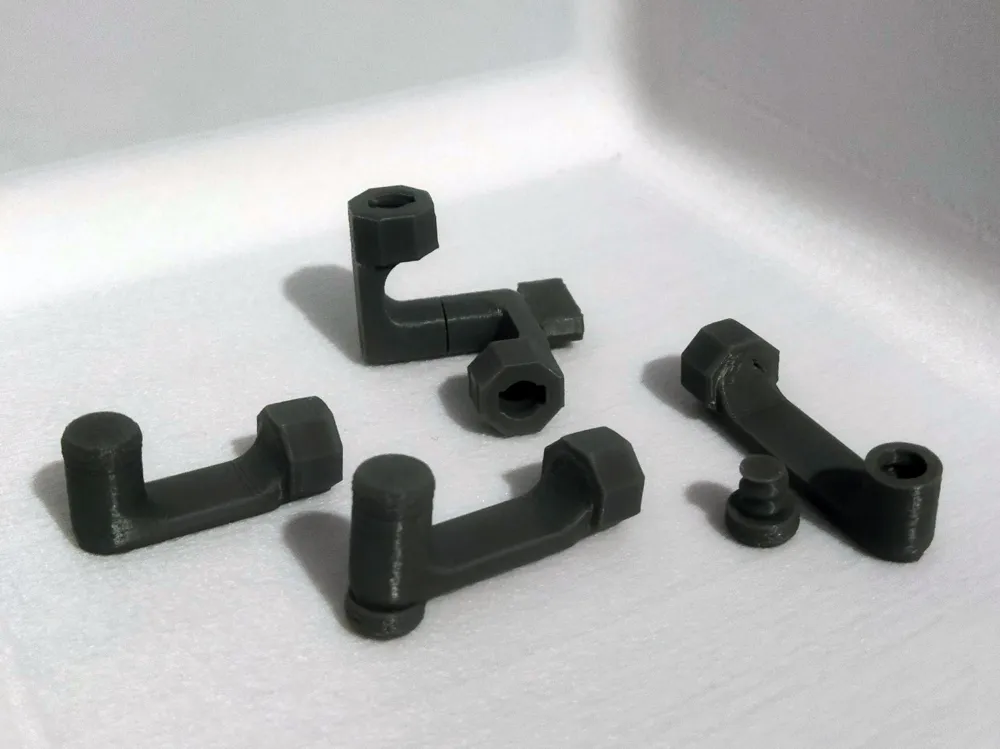
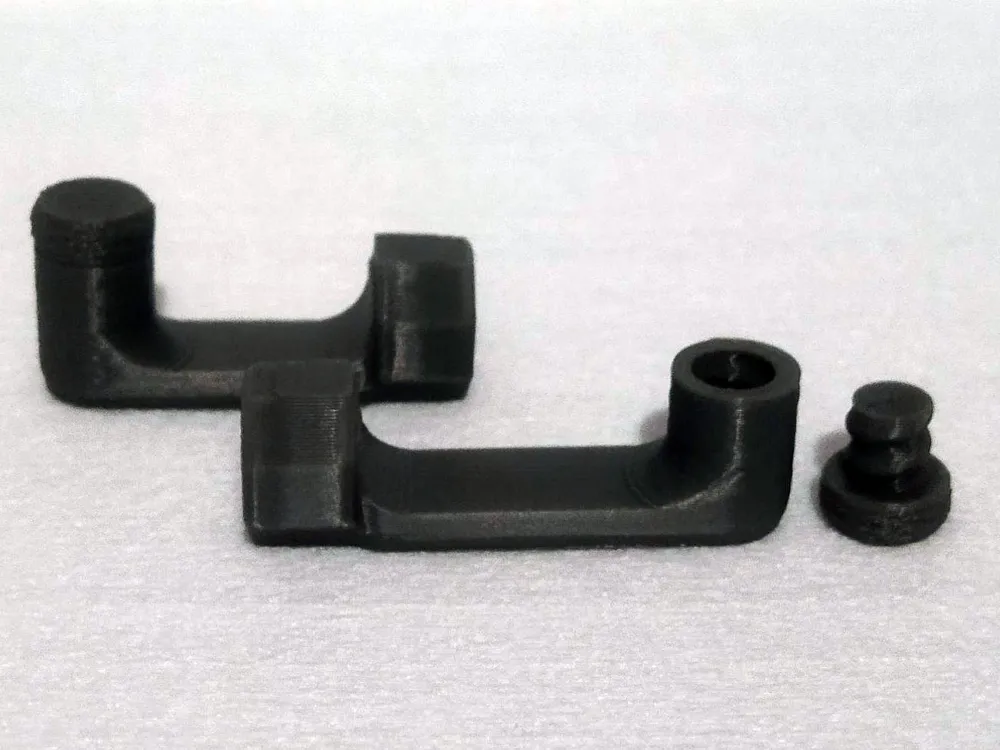
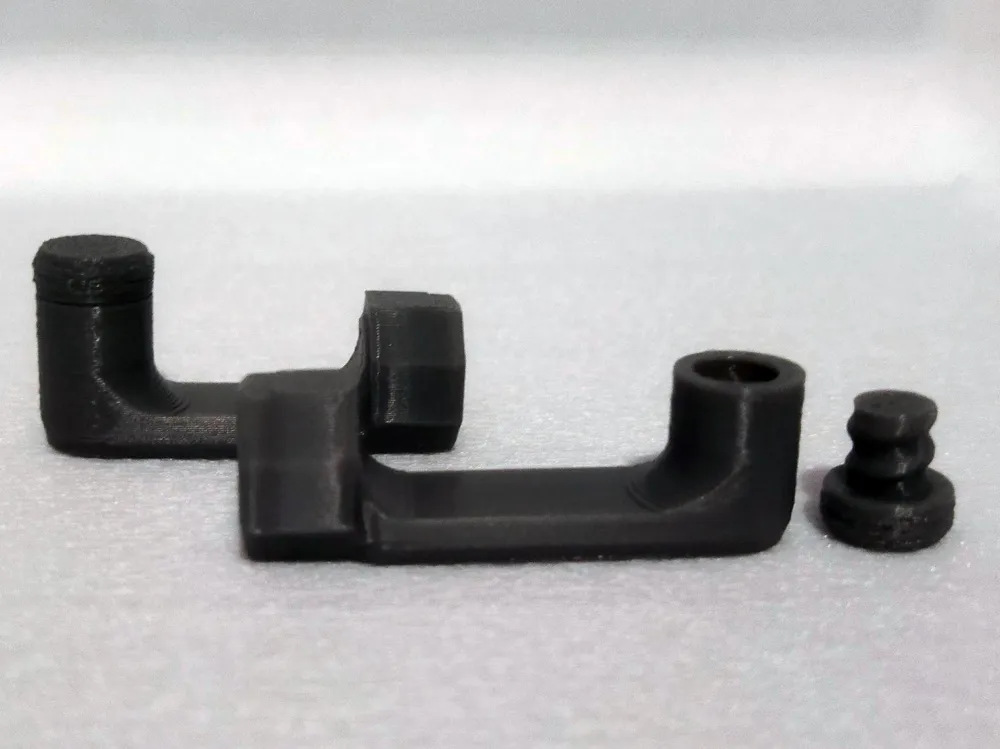
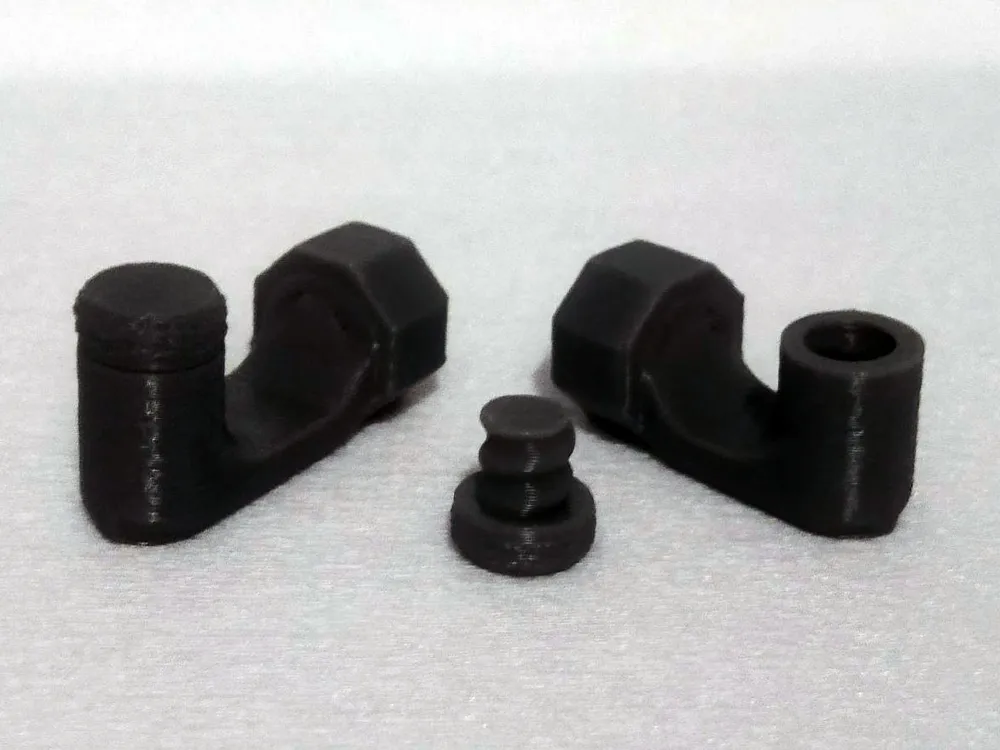
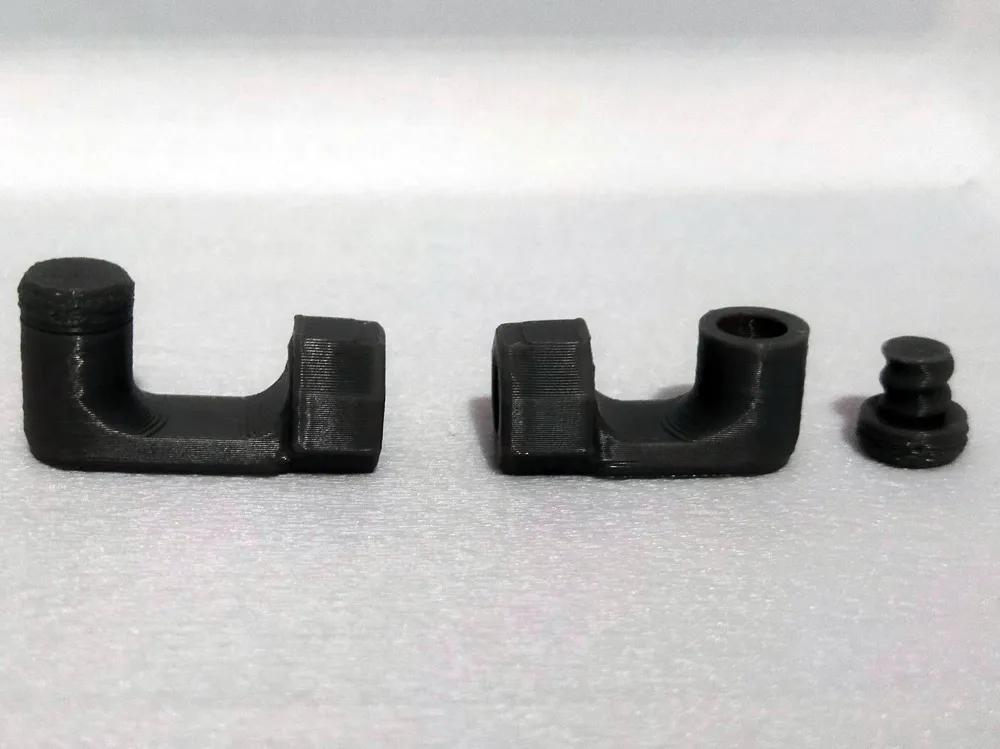
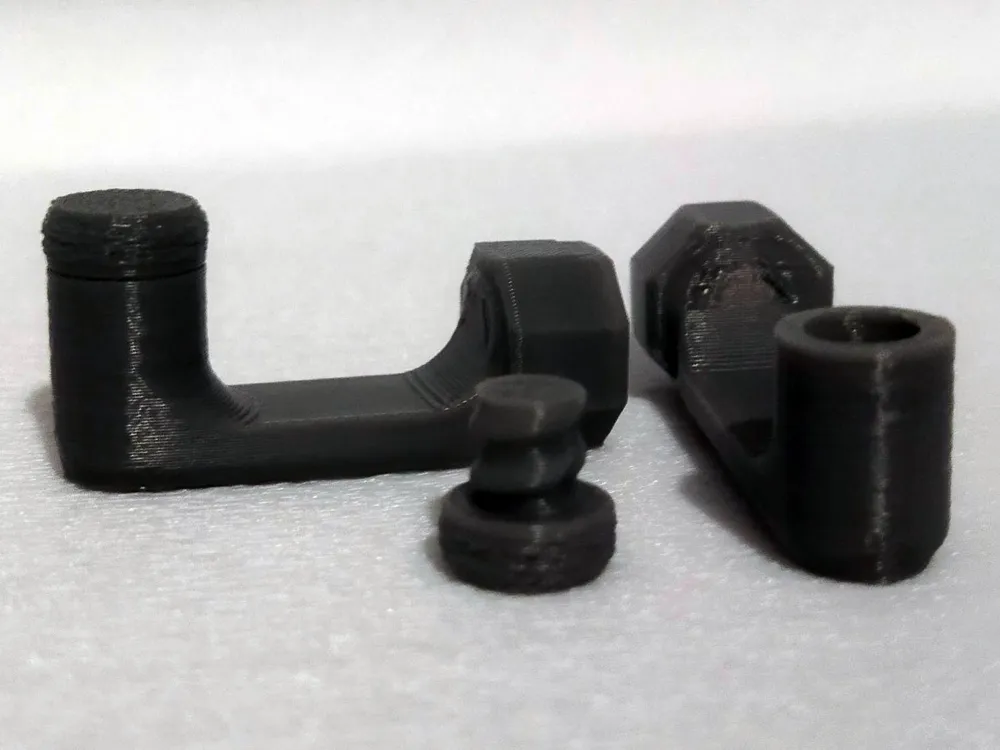
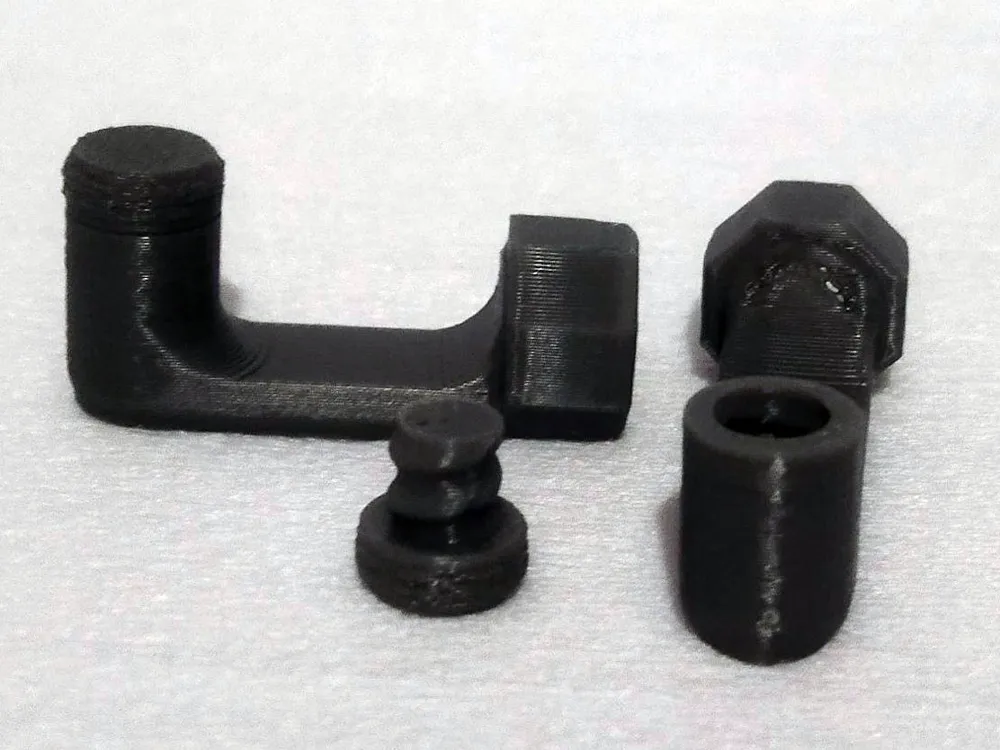
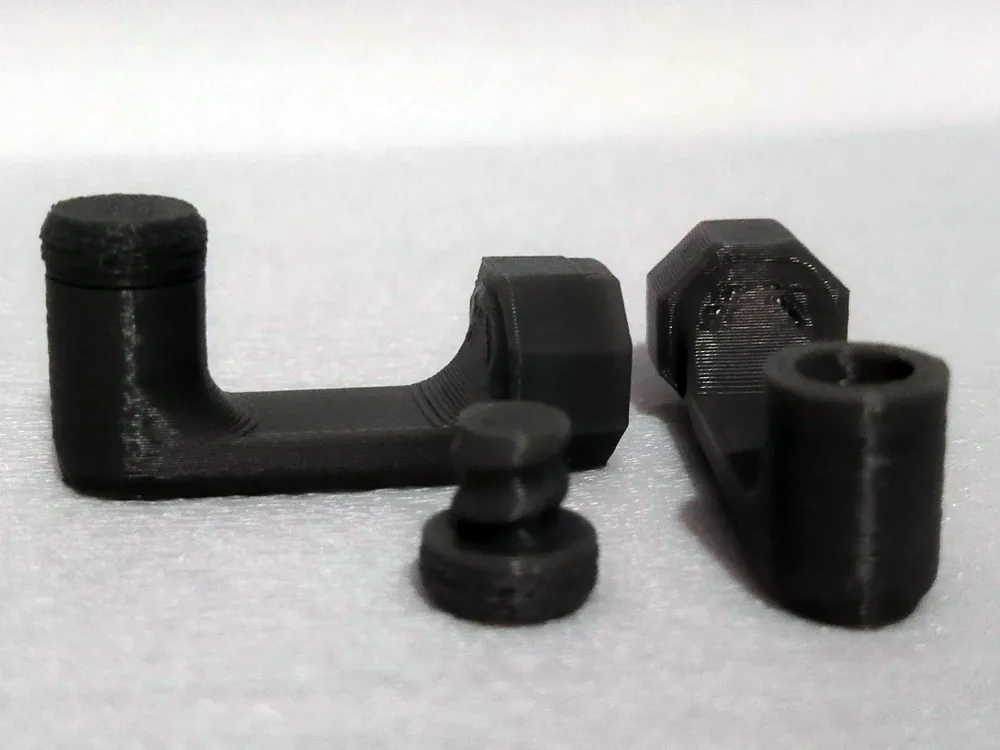
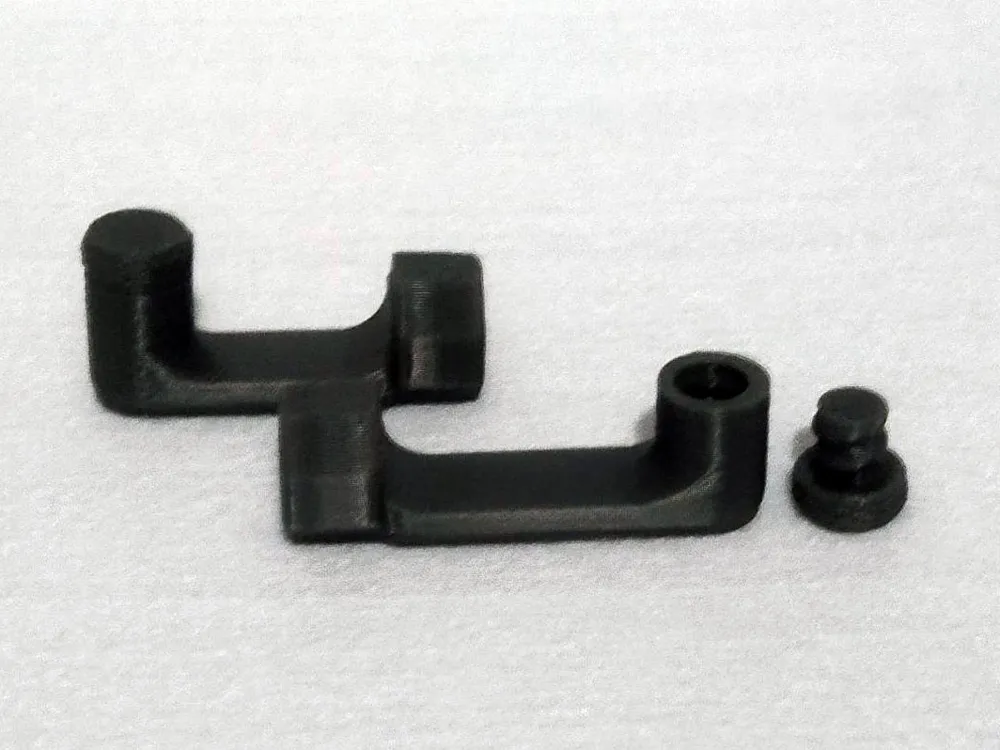
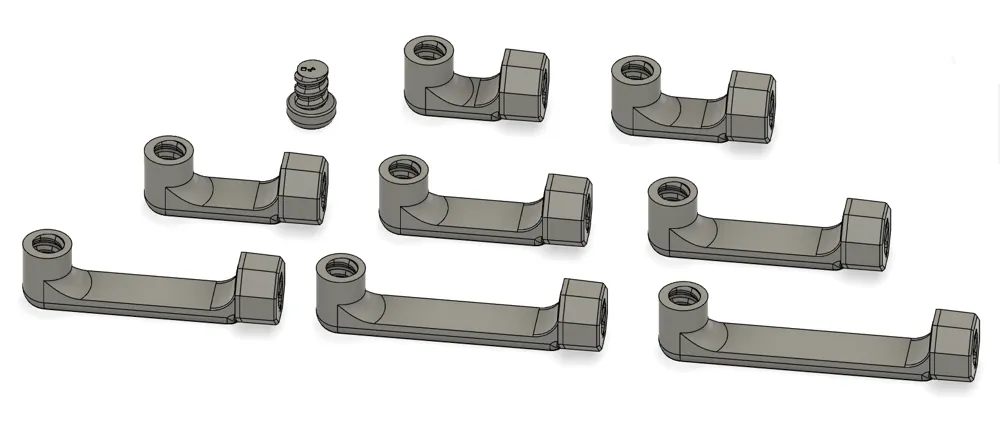
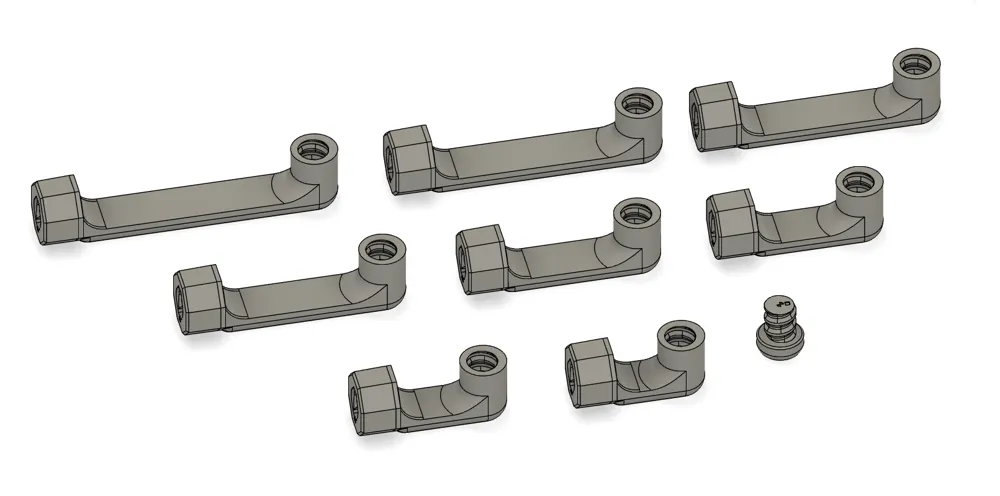
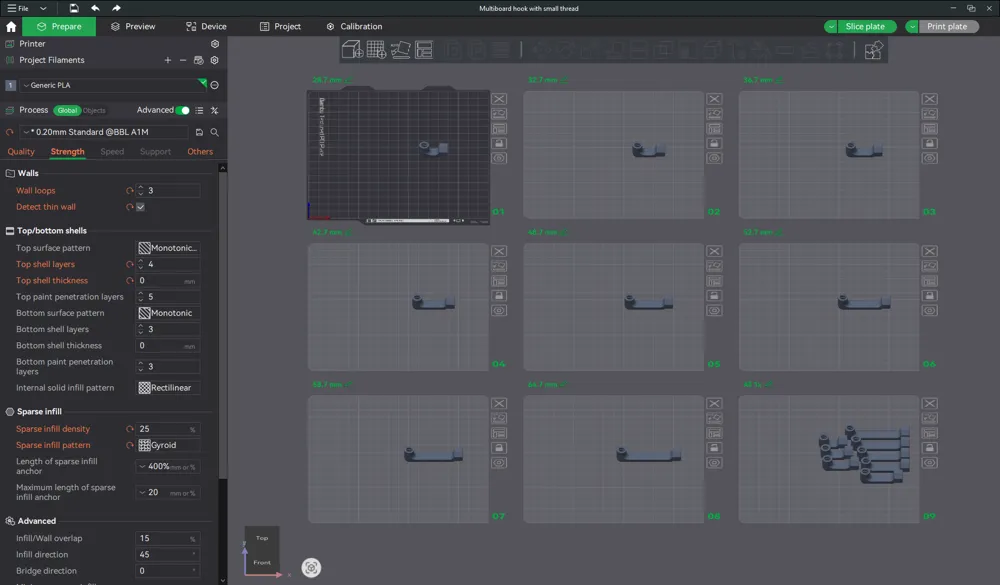
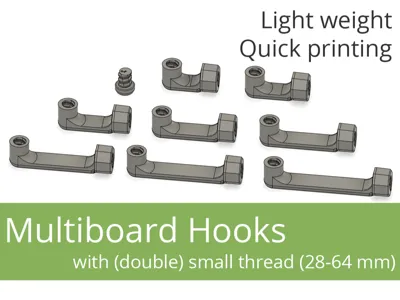
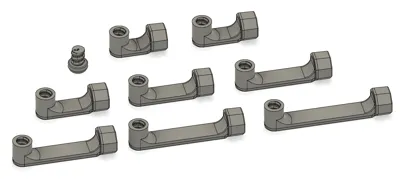
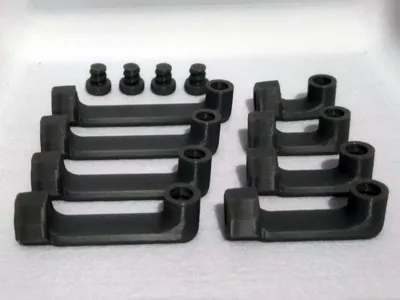
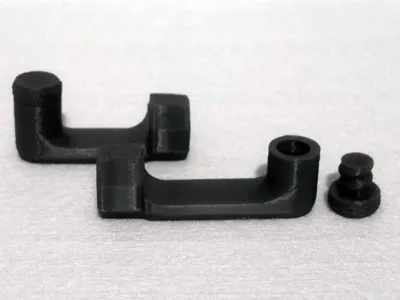
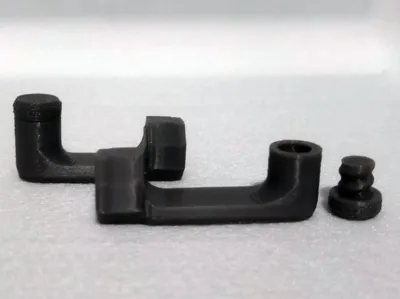
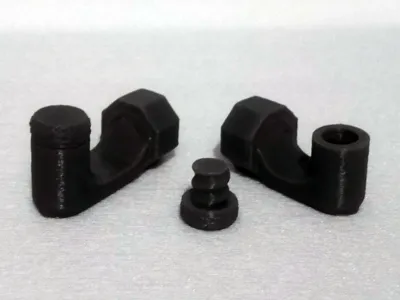
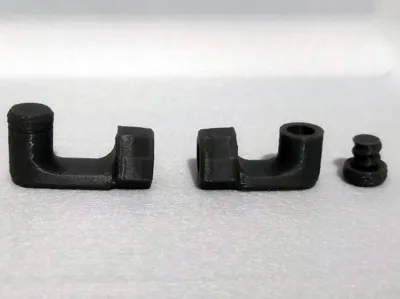
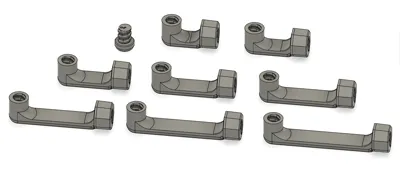
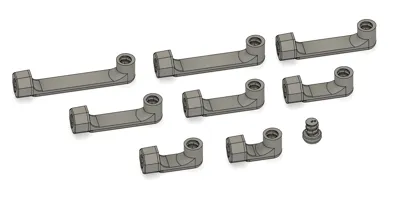
Set of hooks for Multiboard (threaded Push-Fit connector) in sizes from 28 to 64 mm (28, 32, 36, 42, 48, 52, 58 and 64 mm). The hooks are double-threaded - in push-fit (attachment to Multiboard) and in the "hook head" (double-sided). Of course, the set includes a tip, allowing you to turn them into regular hooks.
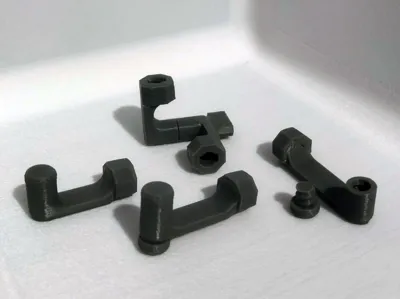
So you can use them as regular, quite strong hooks. But you can also use the double-sided thread in the hook head to... it depends on your imagination.
In addition to using them as regular hooks (with the head from the set), I use the double-sided thread "in the head". Whether to "hook" something from the bottom or add a lock at the top so that the element cannot be (easily) removed from the hook.
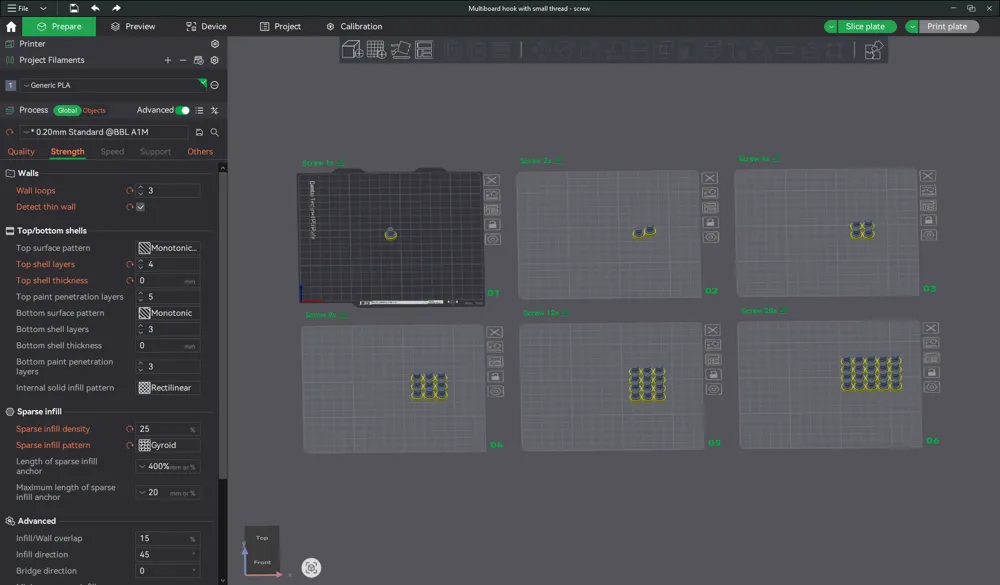
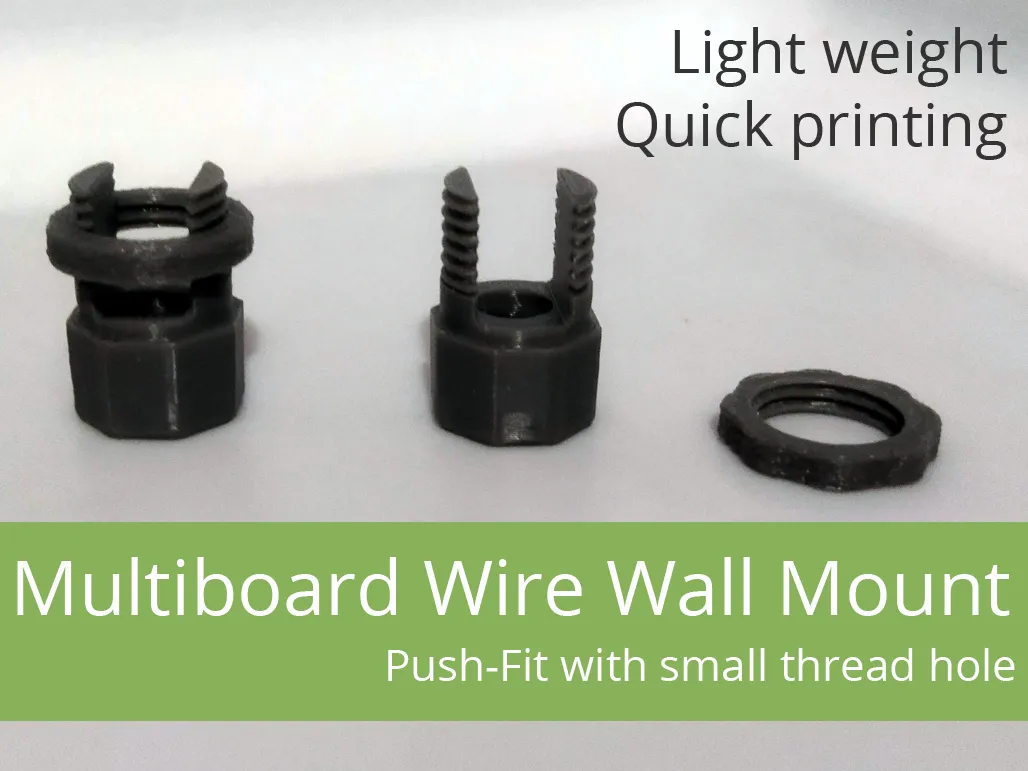
Additionally, the Multiboard mounting element (Push-Fit) also has a thread, thanks to which the hook can be additionally secured "from the back", making its "accidental" removal virtually impossible.
→ Click and check out our other projects for Multiboard! ←
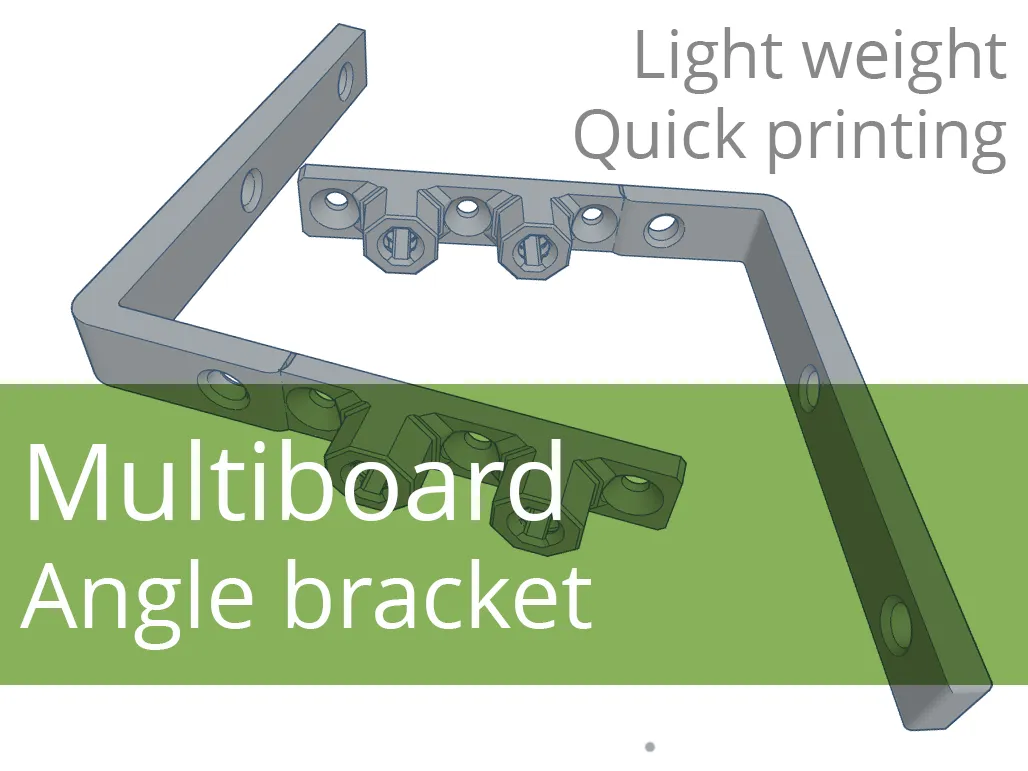 | 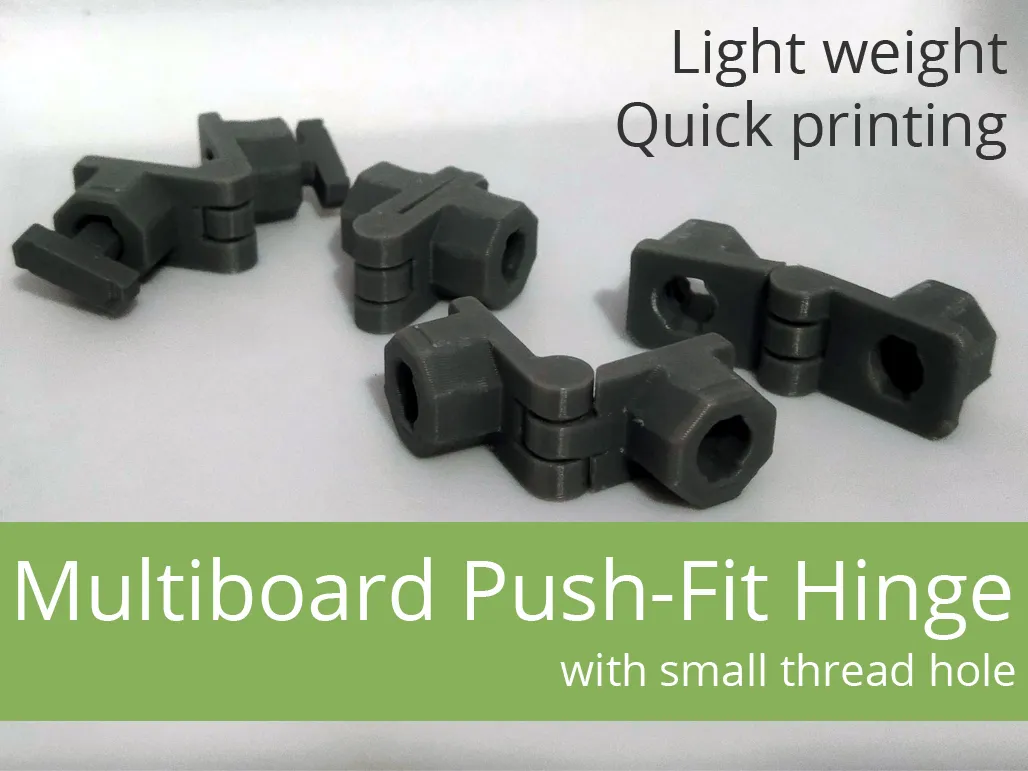 | 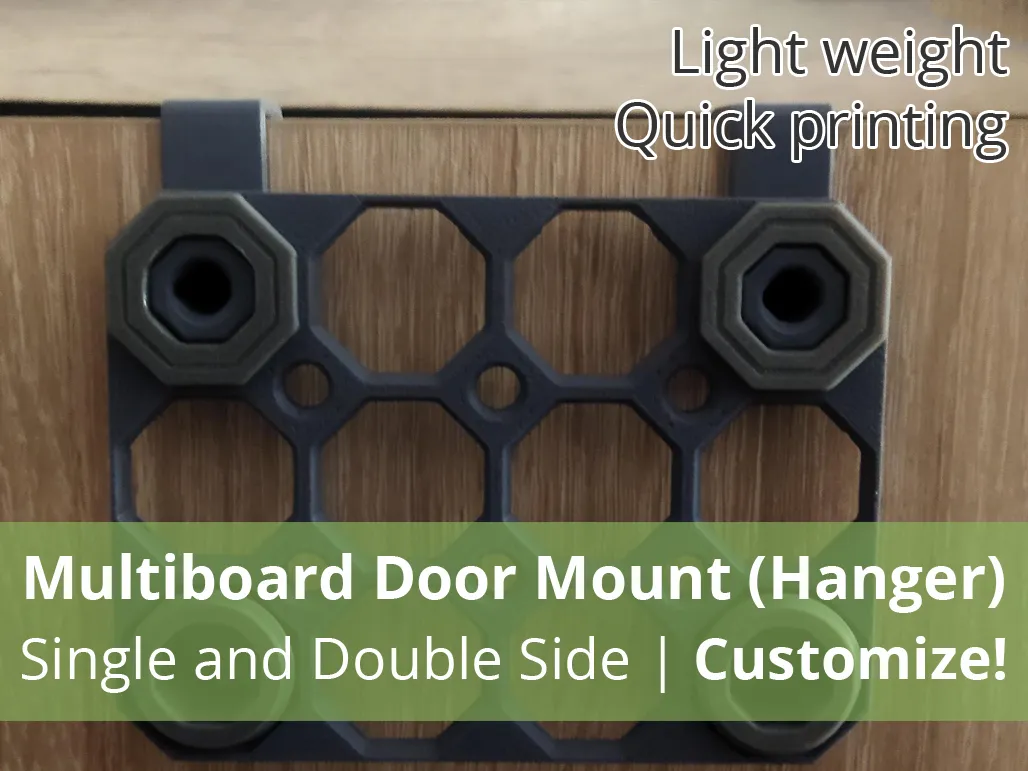 |
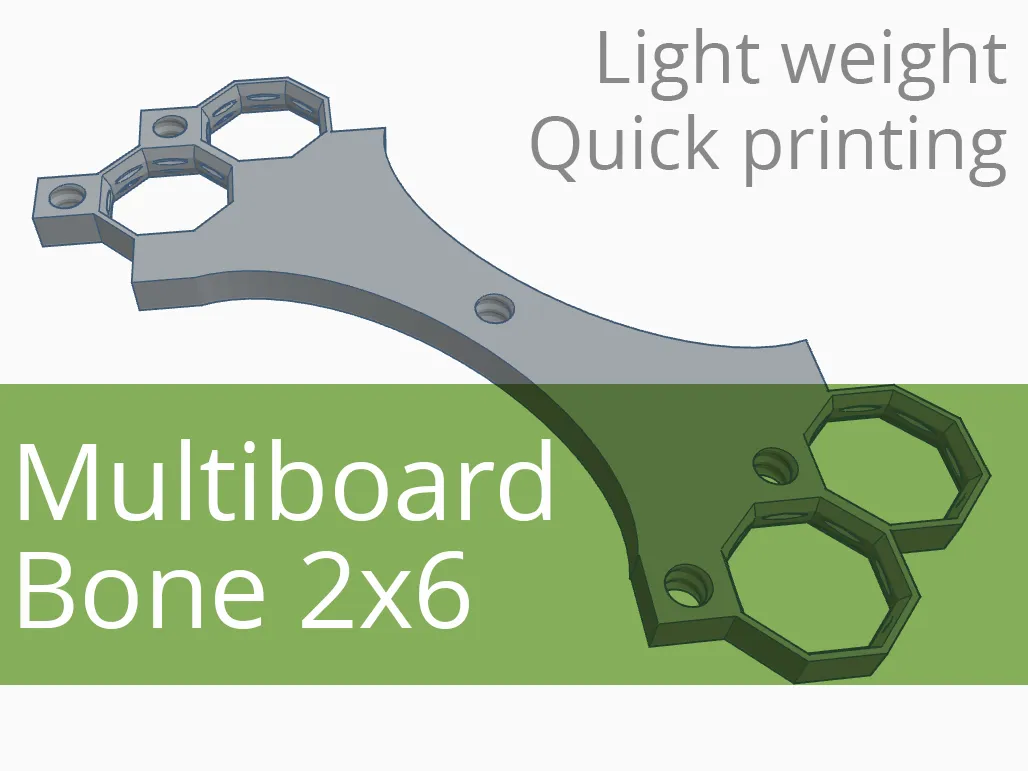 |  |  |
Boost Me (for free)
If the model was useful - like and give a boost. It doesn't cost you anything, and for me it's information that it was worth it :-)
Filament in Print Profiles
The filament specified in print profiles is usually just a guideline. It simply must be there. But most often – unless the model description specifically states that a given element must be printed with a specific filament – you can easily change it to the type you want to print the model with. Of course, when making such a decision, it's worth considering not only the type of filament you have, but also what will actually be best for the given print (model, application).
You can change the material type as needed while creating the print (Bambu Studio, Bambu Handy).
License

You shall not share, sub-license, sell, rent, host, transfer, or distribute in any way the digital or 3D printed versions of this object, nor any other derivative work of this object in its digital or physical format (including - but not limited to - remixes of this object, and hosting on other digital platforms). The objects may not be used without permission in any way whatsoever in which you charge money, or collect fees.


Comment & Rating (3)