
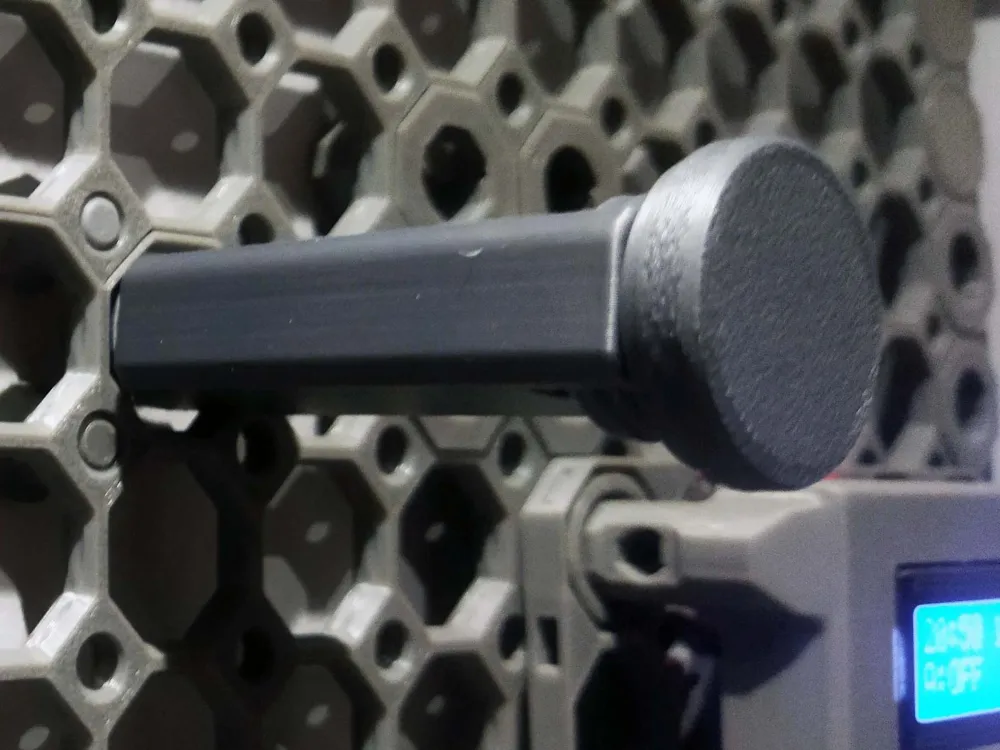
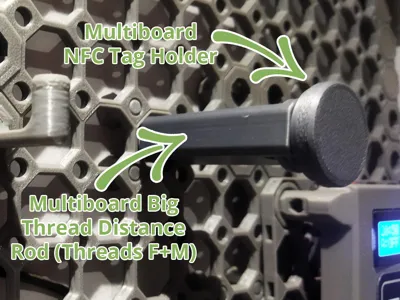
Multiboard Big Thread Distance Rod (Threads F+M)


Print Profile(2)


Description
NOTE: For most models, it is worth reading the description carefully, and for some it is even necessary.
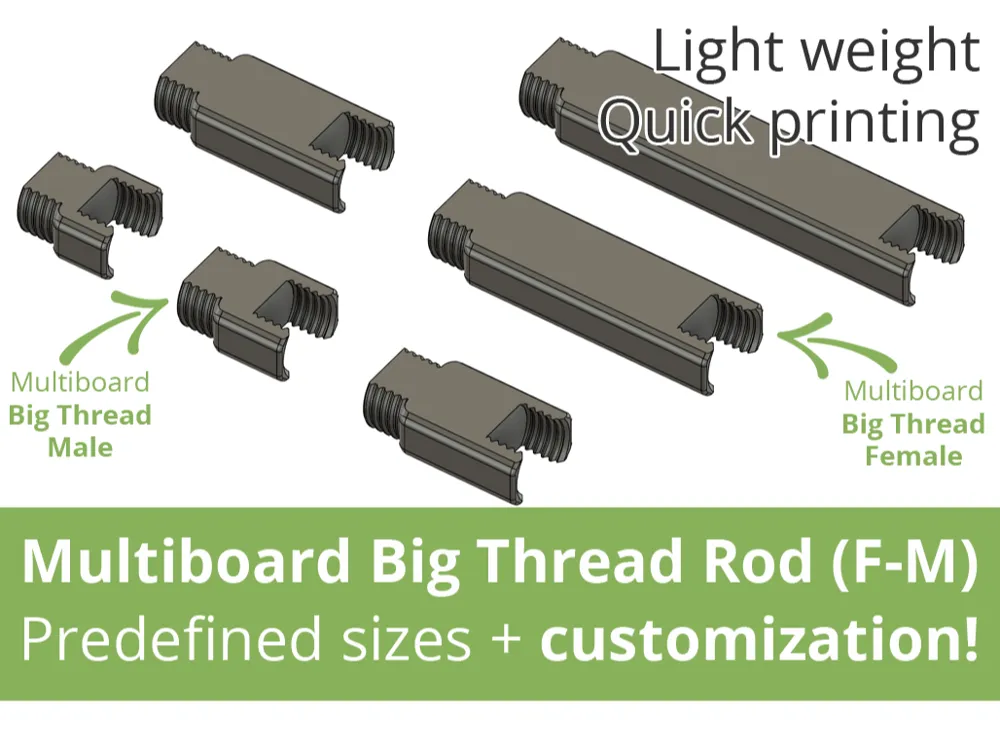
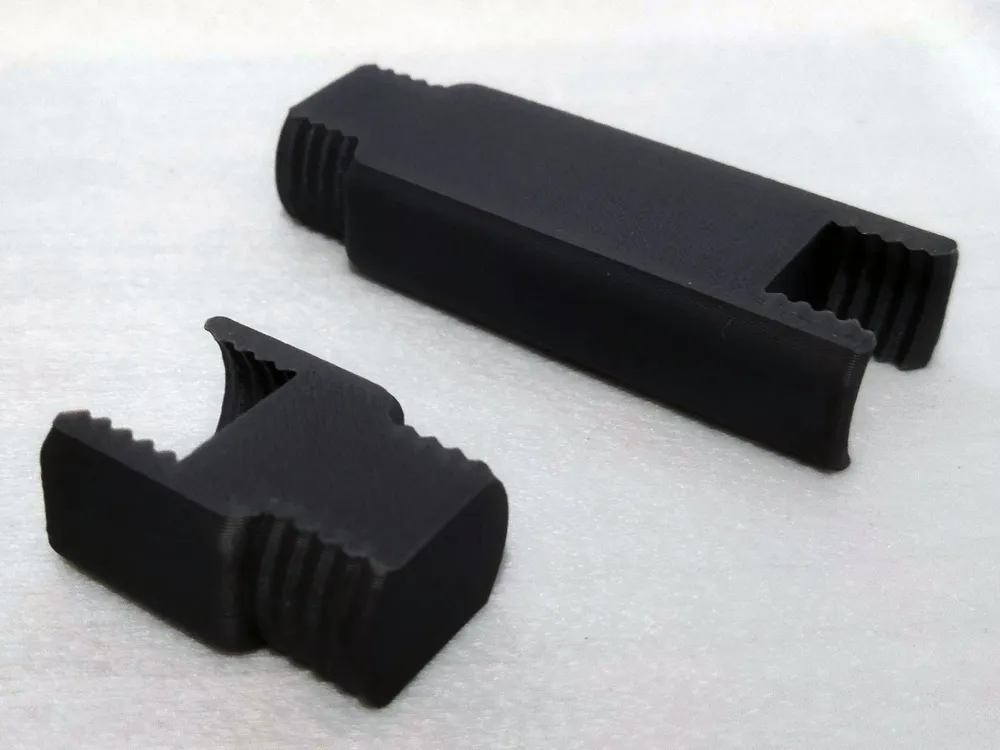
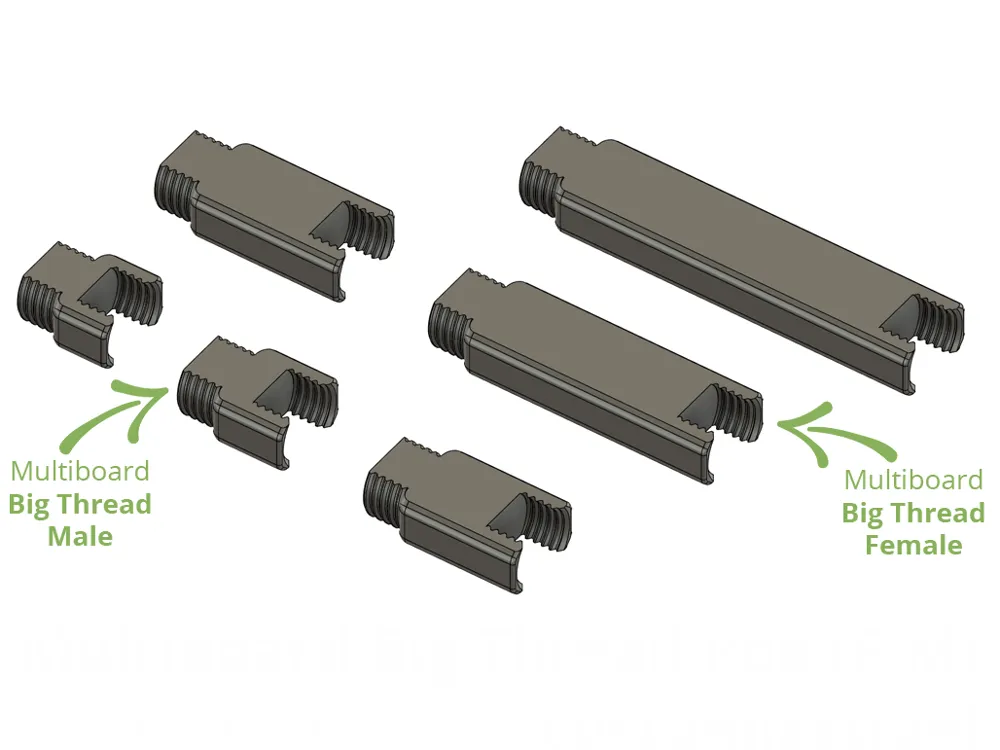
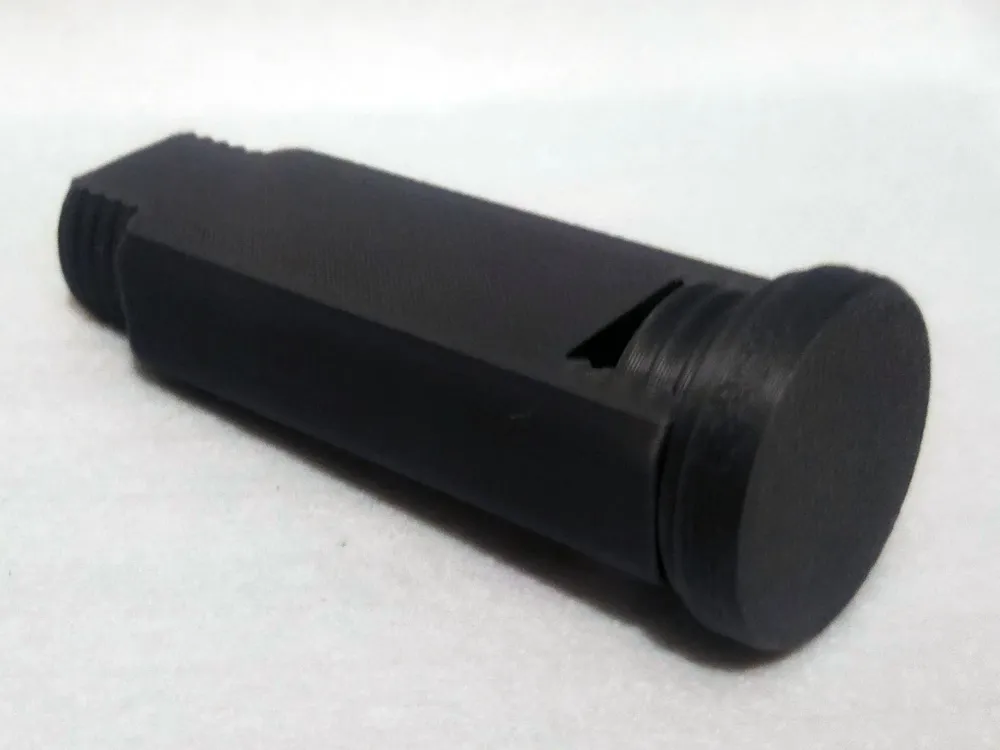
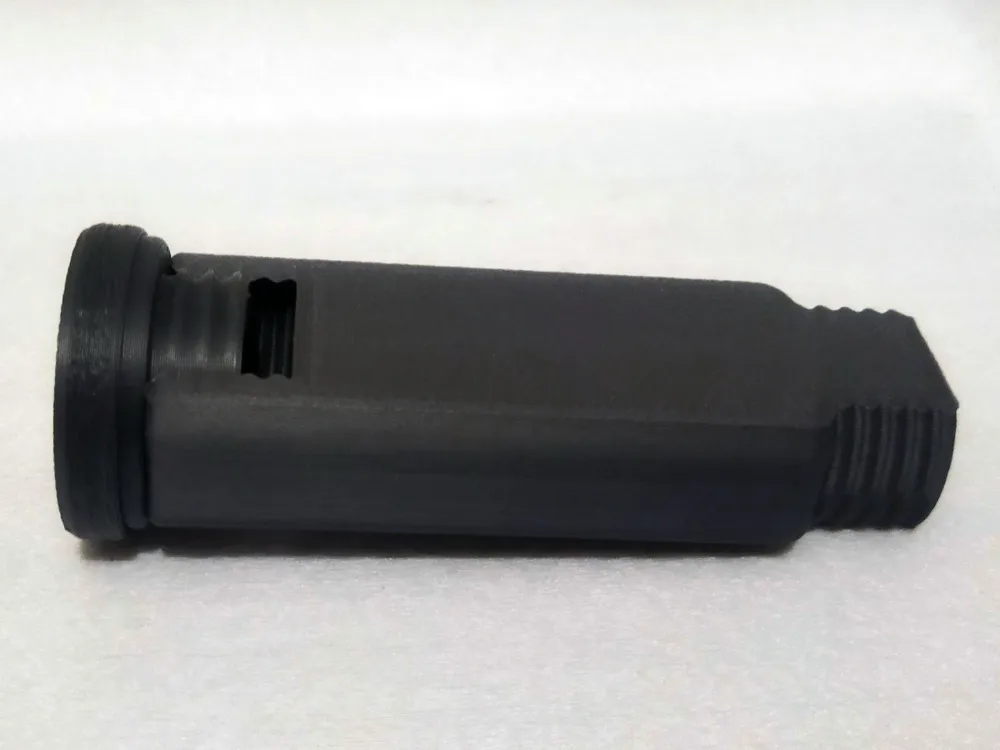
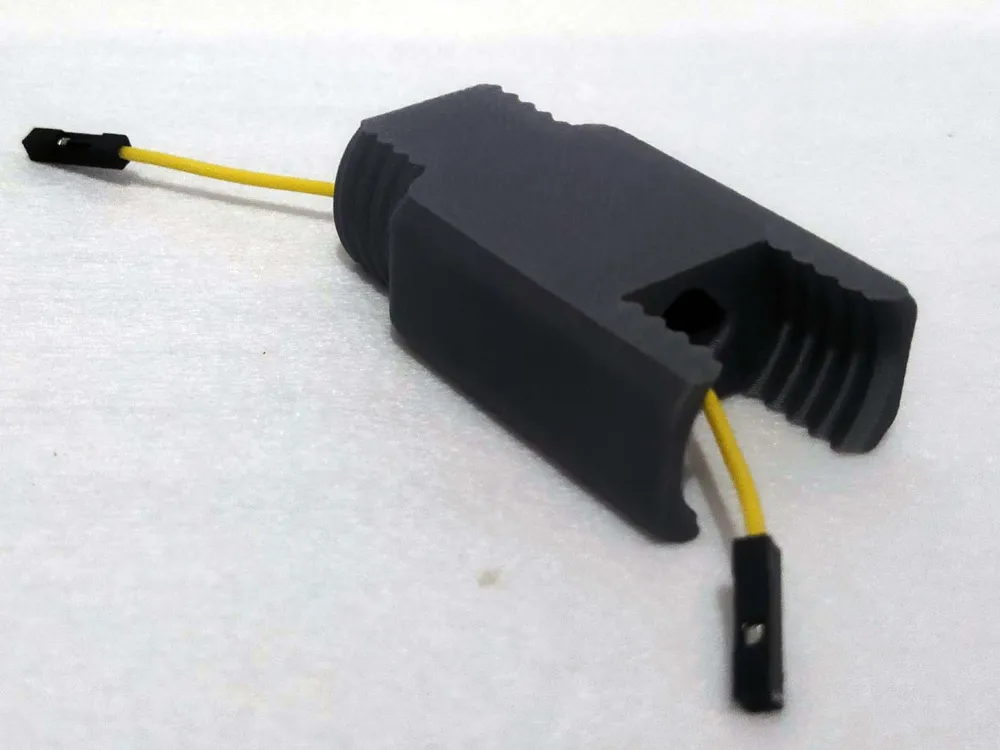
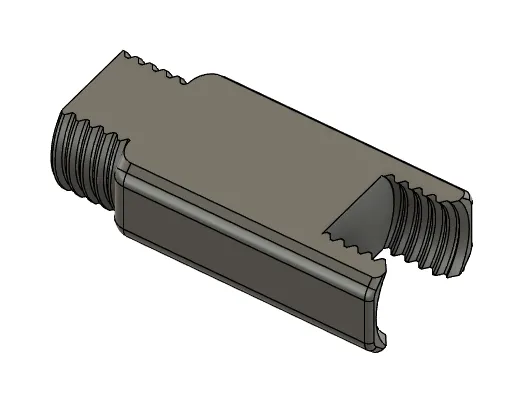
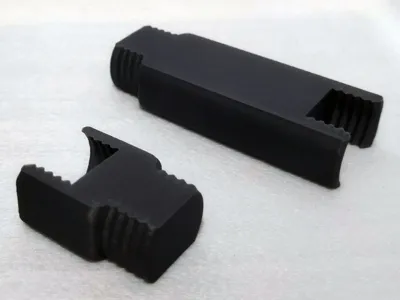
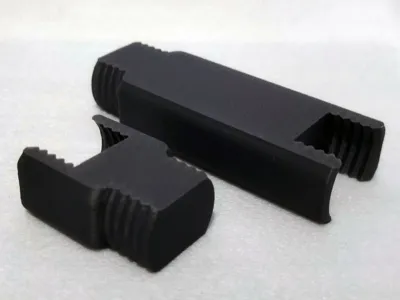
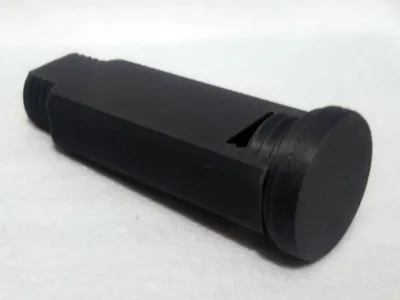
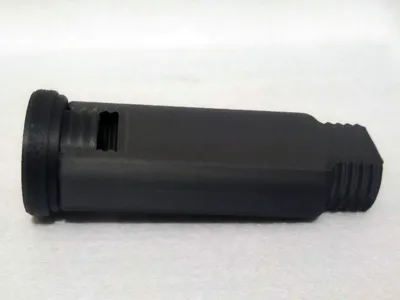
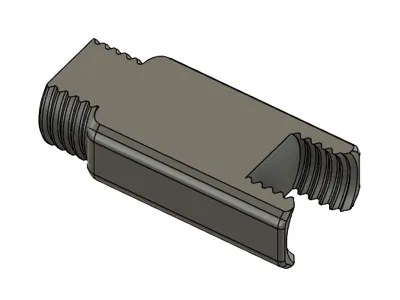
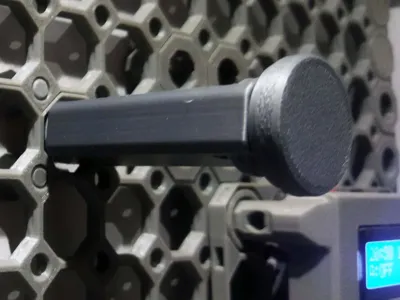
A spacer for elements using the large Multiboard thread, allowing you to move the element away from the board, for example, for better accessibility.
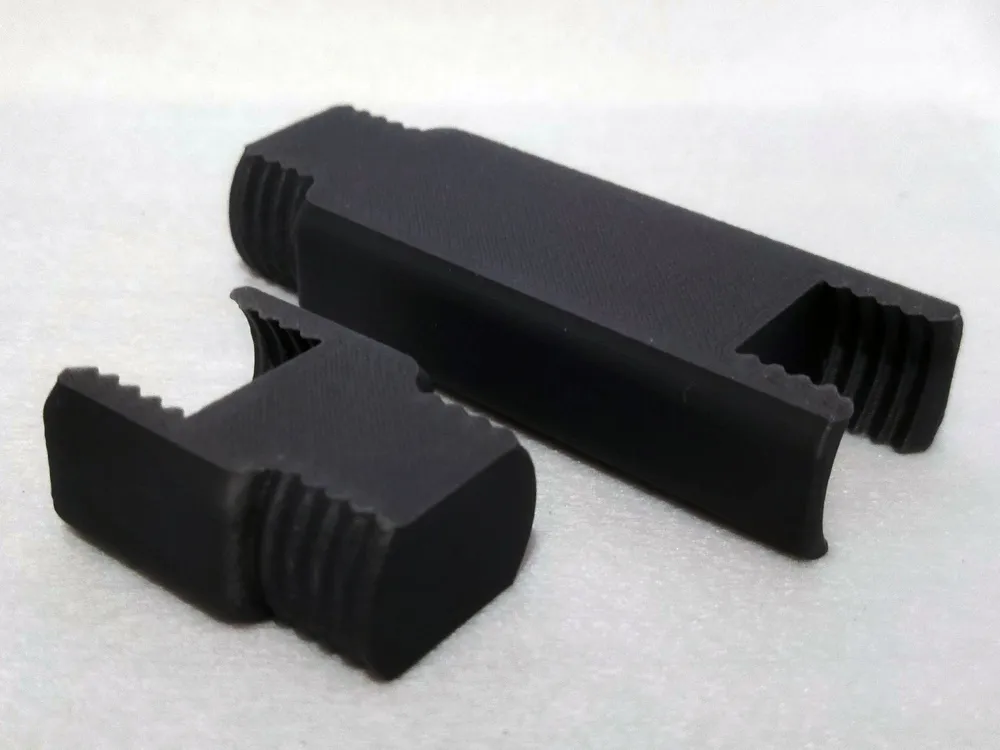
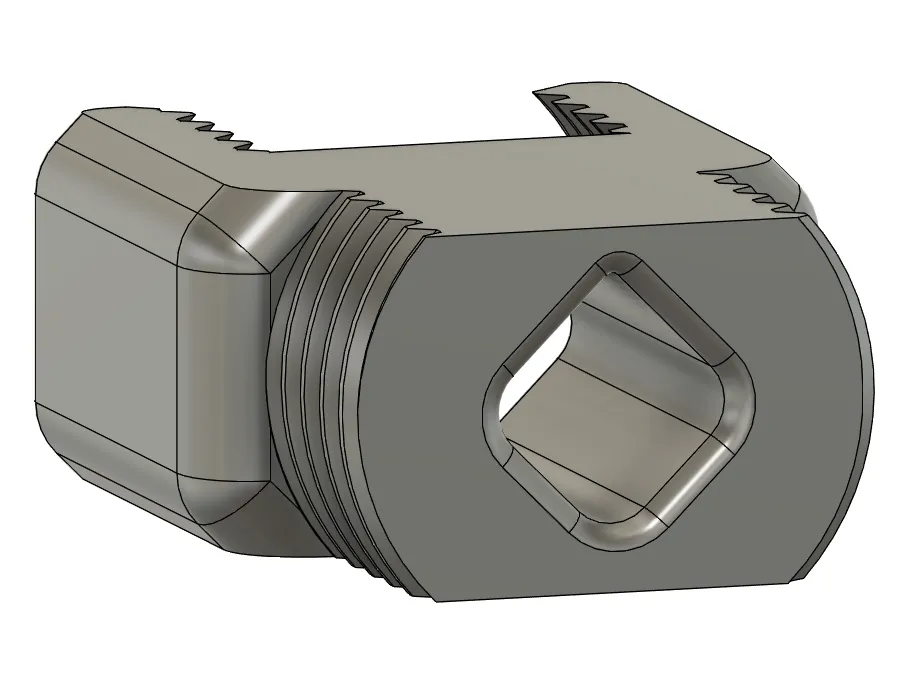
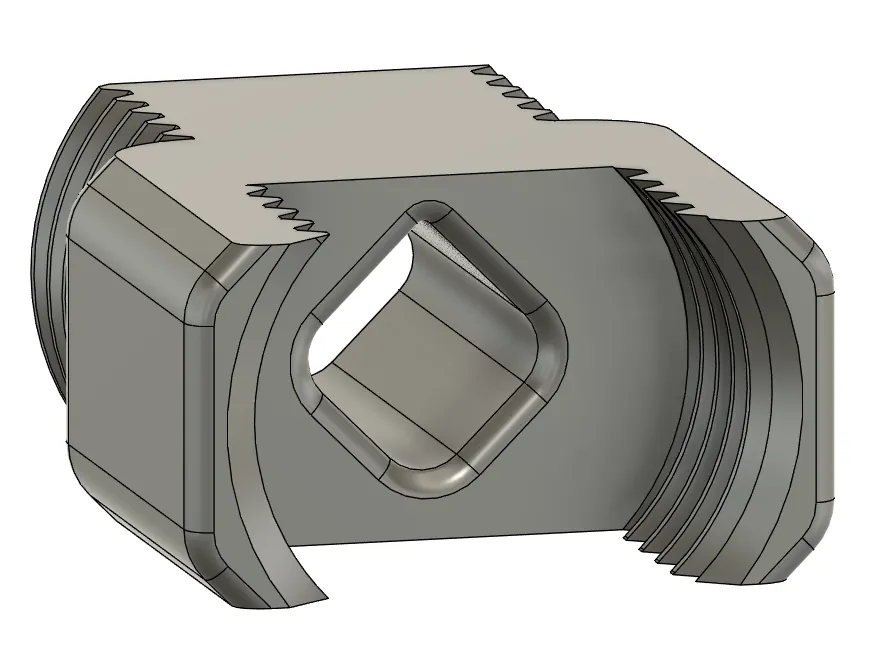
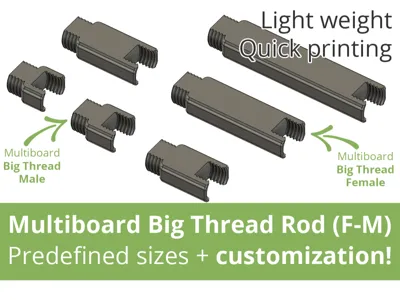
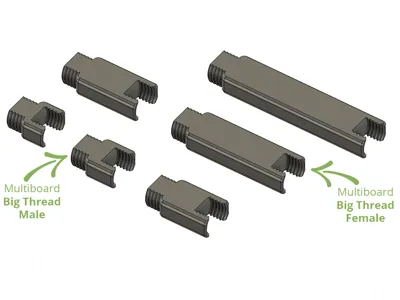
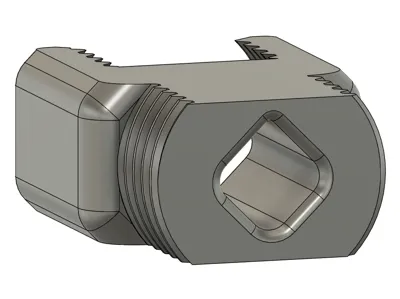
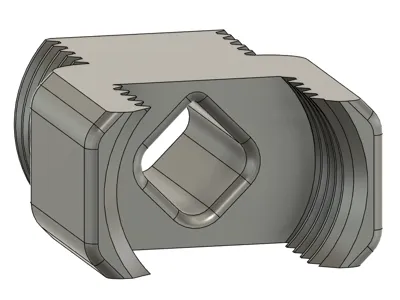
One side has a large male thread, the other a large female thread. The entire unit is printed flat, making it quick and reliable (for this reason, you can't screw flat male threads into the female thread, only round ones).
This model is available in two versions:
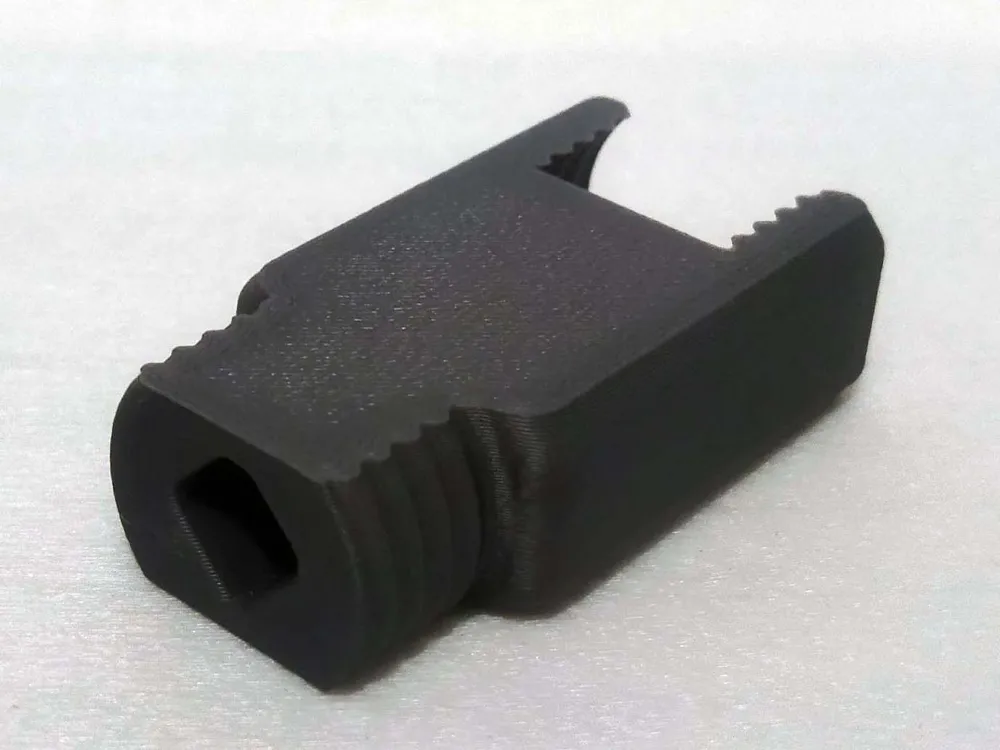
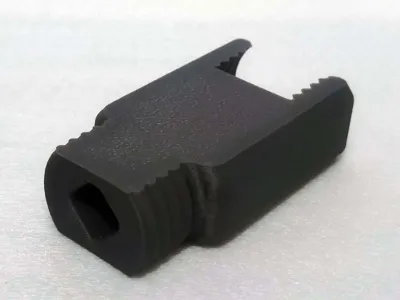
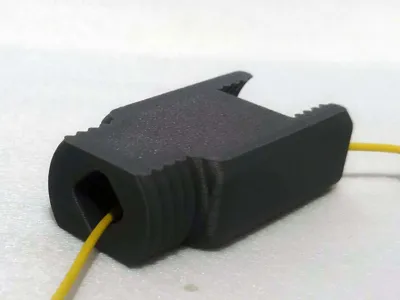
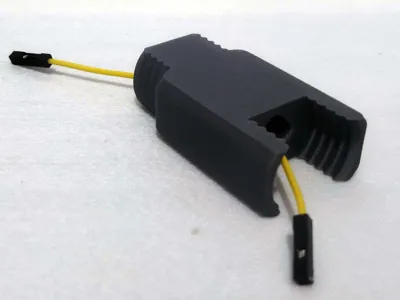
- Without a hole
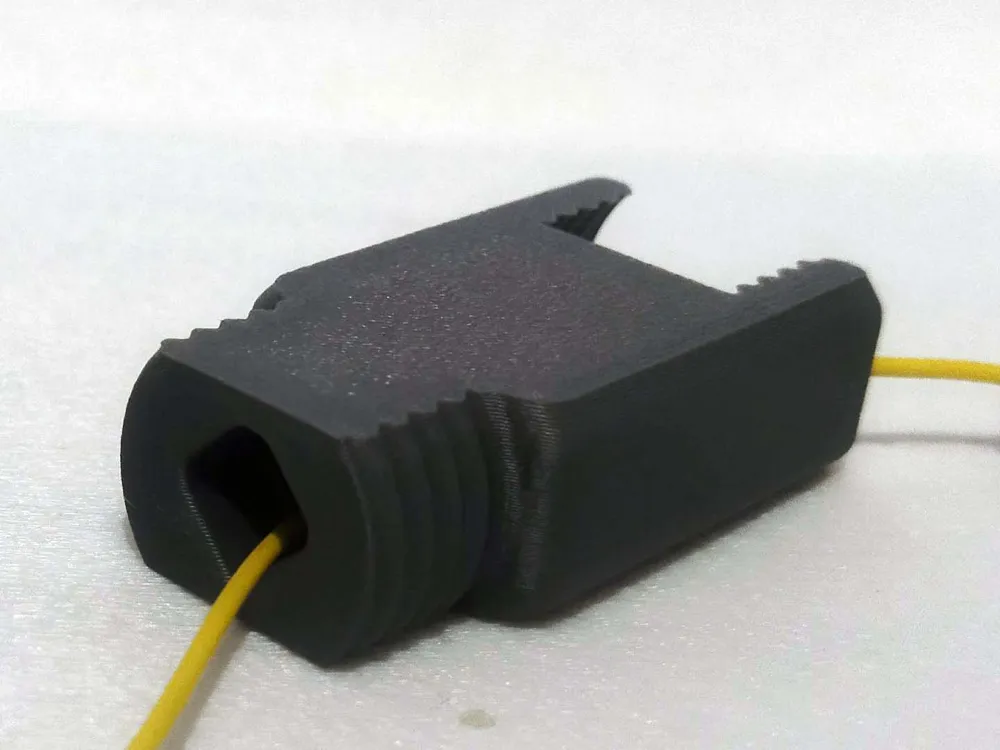
- With a hole (e.g., for wires/cables)
The downloadable profile includes several pre-made sizes: 5, 10, 25, 35, 50, 65, 80, 100, and 125 millimeters. However, you can use the customize option to create virtually any size (but not less than 1-2 millimeters).
However, even if you generate a model tailored to your needs using the “customize” option, I still recommend downloading the print profile and placing your generated model into it. This way you’ll have all the parameters ready without having to set them manually (the parameters linked to each specific profile can be found above).
*** Attention, read about size: ***
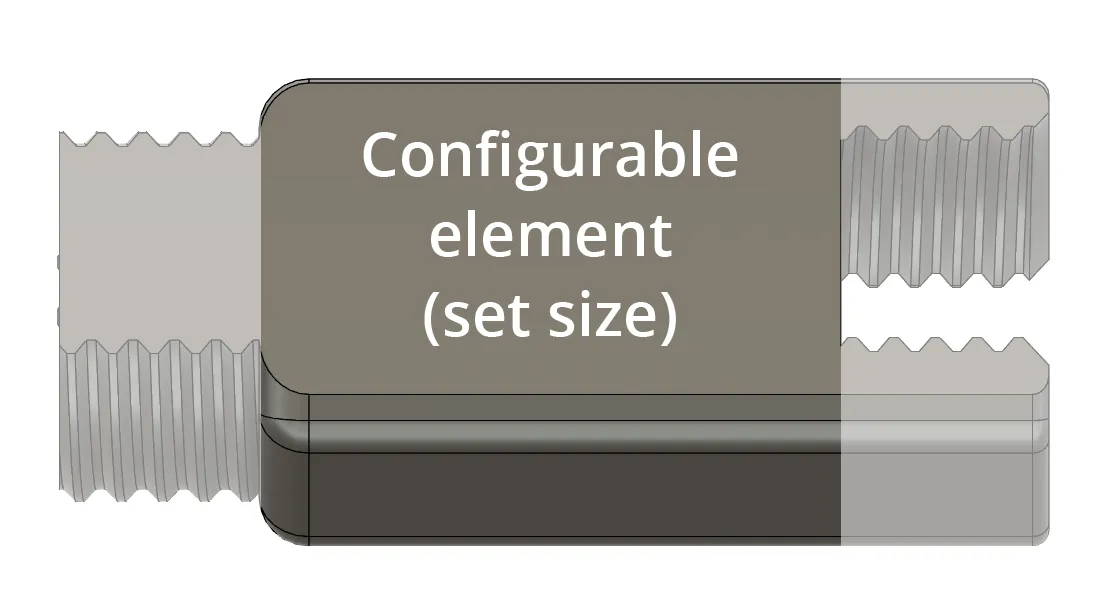
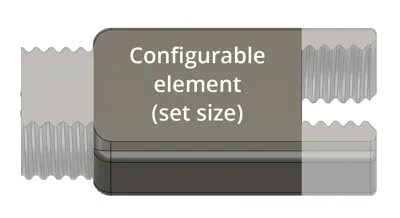
The size given for the pre-made elements, as well as the size given in the "customize" option, refers to the connector between the male thread (12.5 mm) and the female thread (12.5 mm).
For example, 10 millimeters means 12.5 (male thread) + 10 + 12.5 (female thread), or a total of 35 millimeters.
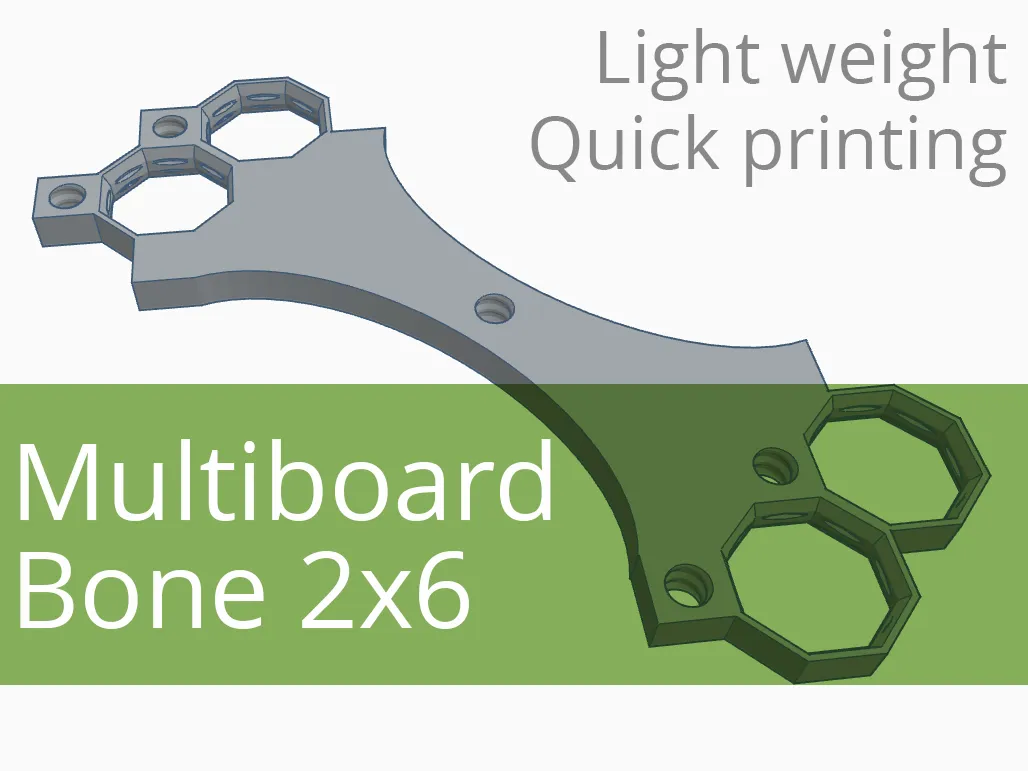
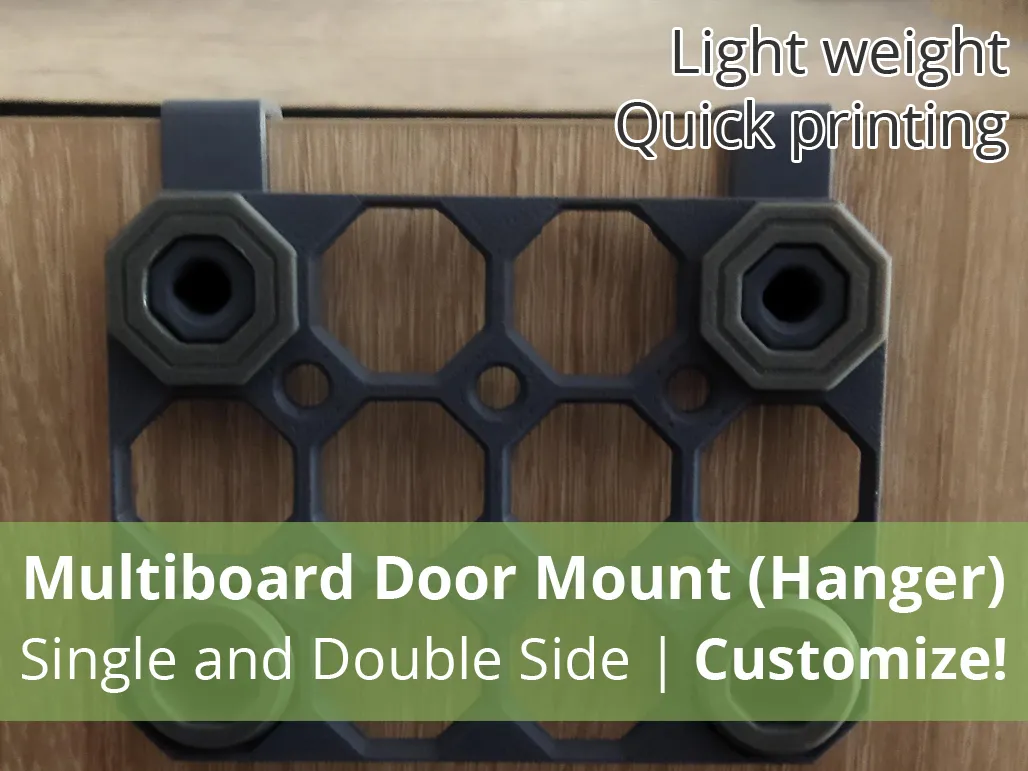
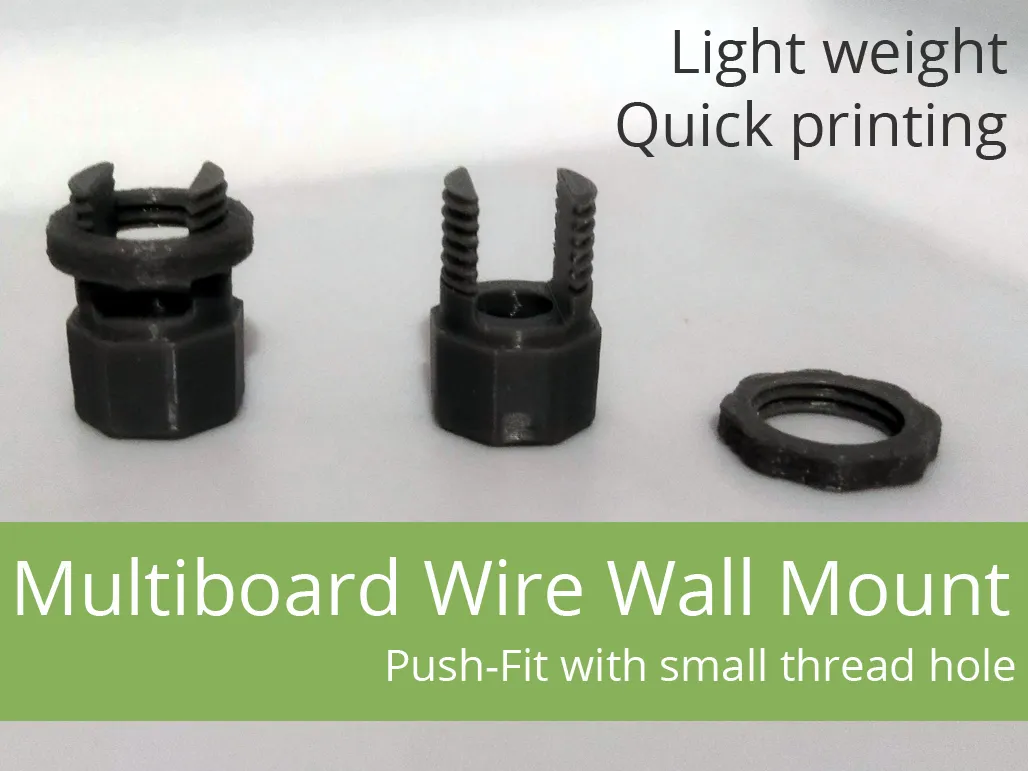
→ Click and check out our other projects for Multiboard! ←
 |  |  |
 |  |  |
Boost Me (for free)
If the model was useful - like and give a boost. It doesn't cost you anything, and for me it's information that it was worth it :-)
Filament in Print Profiles
The filament specified in print profiles is usually just a guideline. It simply must be there. But most often – unless the model description specifically states that a given element must be printed with a specific filament – you can easily change it to the type you want to print the model with. Of course, when making such a decision, it's worth considering not only the type of filament you have, but also what will actually be best for the given print (model, application).
You can change the material type as needed while creating the print (Bambu Studio, Bambu Handy).
License

You shall not share, sub-license, sell, rent, host, transfer, or distribute in any way the digital or 3D printed versions of this object, nor any other derivative work of this object in its digital or physical format (including - but not limited to - remixes of this object, and hosting on other digital platforms). The objects may not be used without permission in any way whatsoever in which you charge money, or collect fees.


Comment & Rating (0)