Search models, users, collections, and posts

CR Designs
@Romans1x16
976
10.2 k
16.1 k
10.4 k
Social Media Links
Bio
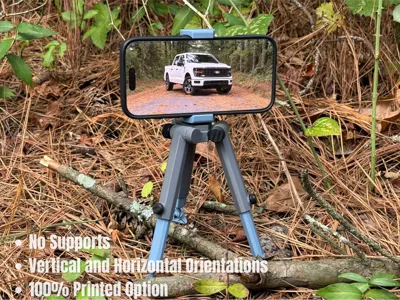
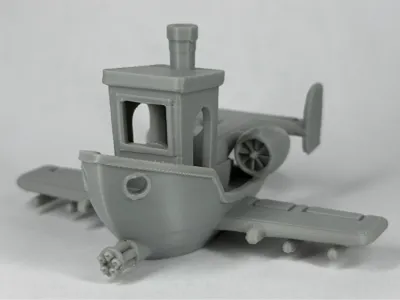
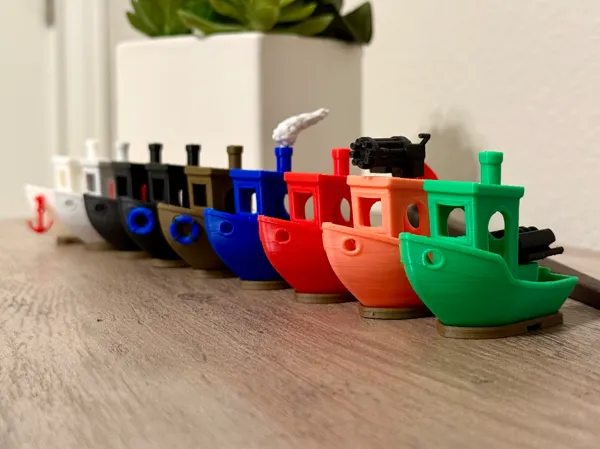
My name is Cohen. I’m the man behind CR Designs. My journey started December 24th, 2024, with an A1 and a little blue Benchy. I’ve since taught myself Fusion and enjoy bringing free models to the table. I create functional models with a clean look - at least that’s the goal! A good example is TriStance, my phone tripod. If you’re interested in seeing behind the scenes, I make posts exclusively for my followers that do just that. “For I am not ashamed of the gospel, for it is the power of God for salvation to everyone who believes, to the Jew first and also to the Greek.” ‭‭Romans‬ ‭1‬:‭16‬
Achievements
MakerWorld Guardian
Active more than 20 days out of last 30 days UTC time

Popular Creator
More than 1,000 followers.

Stellar Reviewer
Rate or Comment 661 different models
Pioneer Maker
Print successful 457 different models and 2,328 hours
Recent Article
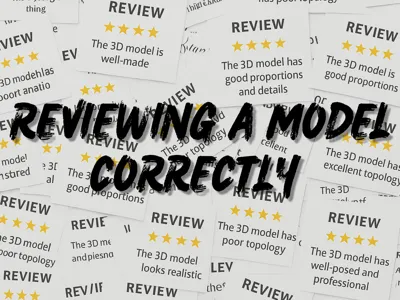
Reviewing a Model Correctly
Reviewing a Model CorrectlyIt seems that everywhere you look, you find reviews that say “Great”, "Good", “Love it”, etc…Though they never said what was great, good, or what they loved about the model. That's what we will be covering today. First, I want to start with what not to do: when you're reviewing a model, you're not reviewing how your specific print came out. Rather, how the model functions, details, and even problems that can be fixed with settings. You do not base your star rating on how your print has one droopy overhang from your support falling off. That nicely takes us to the topic of bed adhesion. When a model doesn't stick to the build plate, that is more than likely user error. You might ask, how do I fix that? It's super simple: wash your build plate with warm water and dish soap. It is best to wipe the build plate dry with a paper towel. Why not use alcohol? Alcohol will spread the natural grease from your hands around on the print surface, rather than cleaning it. Which is where the problem comes from, touching the print surface. The natural grease from your hands decreases bed adhesion. Let's get back to reviews: when you have a print failure, the designer of the model will be more than pleased if you make a comment stating your issue, rather than writing a review that says “Bad" . Then again, there is another thing done wrong. You cannot write a review just simply saying “Bad”, “Doesn't work”, “Hate it”, etc… You need to explain why the model is bad, why it didn't work, or why you hate it. If the review does not contain why, it will be removed due to it not being a valid review. Second, we'll talk about what you should do in a review. Include a photo! Taking a photo of your new print is fun! Take it someplace cool and snap a quick pic; the designer will love it. The photo will need to be of the model, or it isn't a valid review. Don't just be plain and say “Nice” when you write your review; give some detail on what makes it nice. For example, “The supports came off nicely.” Look at you go! Now, think of some other things you liked about this model you printed. Maybe it's speed while printing? Say it! “The print was super fast and had great quality.” Now look what you did, more detail! You said it had great quality; now readers reading your review will know that this model has supports that remove nicely, prints fast, has great quality, and from your fun photo they can see all of that. If this model you printed is functional, say how it has helped you in whatever way it does; also talk about your favorite feature of the print as well. Maybe you should throw in an emoji here and there; why? Emojis are fun! They will help your review stand out from others as well. You can even say what filament you printed in. That way, if the reader wants to recreate your print, they can. Let's put this into action: “The supports came off this model nicely. Also, it printed super fast and had great quality 🤩. Gotta love the dual jet engines as well. I decided to print in Bambu Lab Iridium Gold PLA Metal, which looks nice on my desk 😙🤌.”Look at you! Such a professional reviewer.