
Modular Desk Tower System






Print Profile(9)
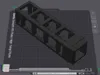
![[H Series Printers] XL 6 cube Tower](https://makerworld.bblmw.com/makerworld/model/US3193f6839121c3/766936901/instance/1ea838d688f2e331.png?x-oss-process=image%2Fresize%2Cw_100%2Fformat%2Cwebp)


Description
Build the desk setup you actually want.
Customizable Desk Organizer System
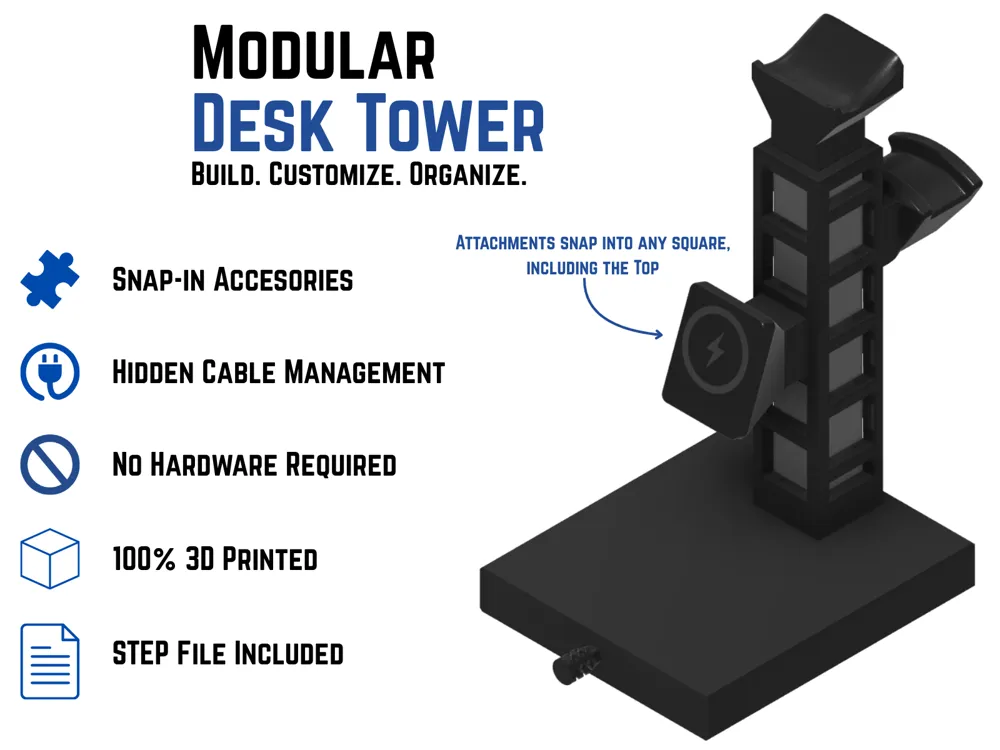
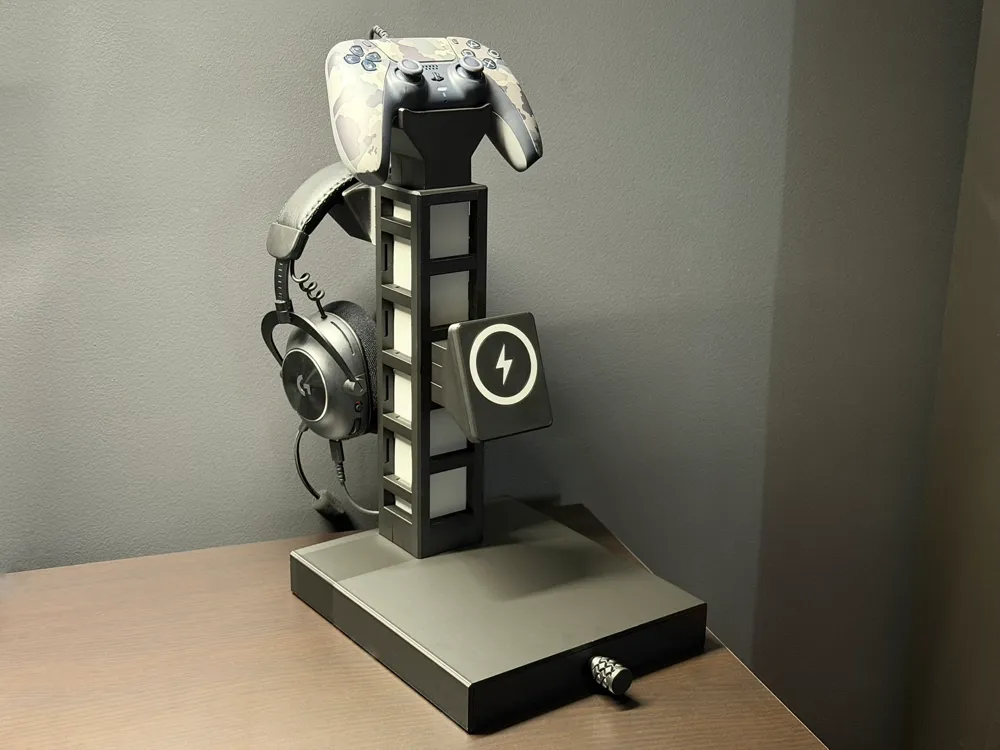
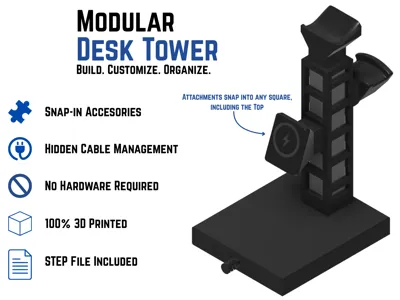
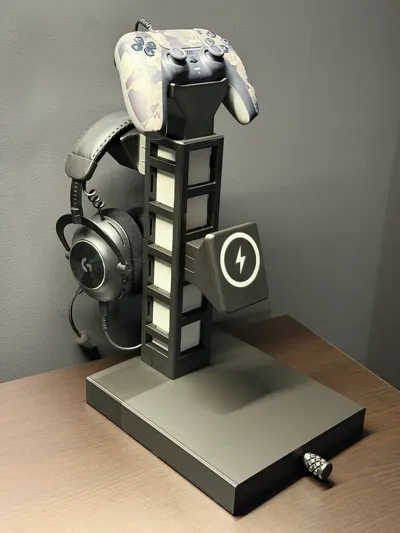
This is a fully 3D printed modular desk tower system designed to organize your desk, clean up charging cables, and let you customize your setup with snap-in accessories.
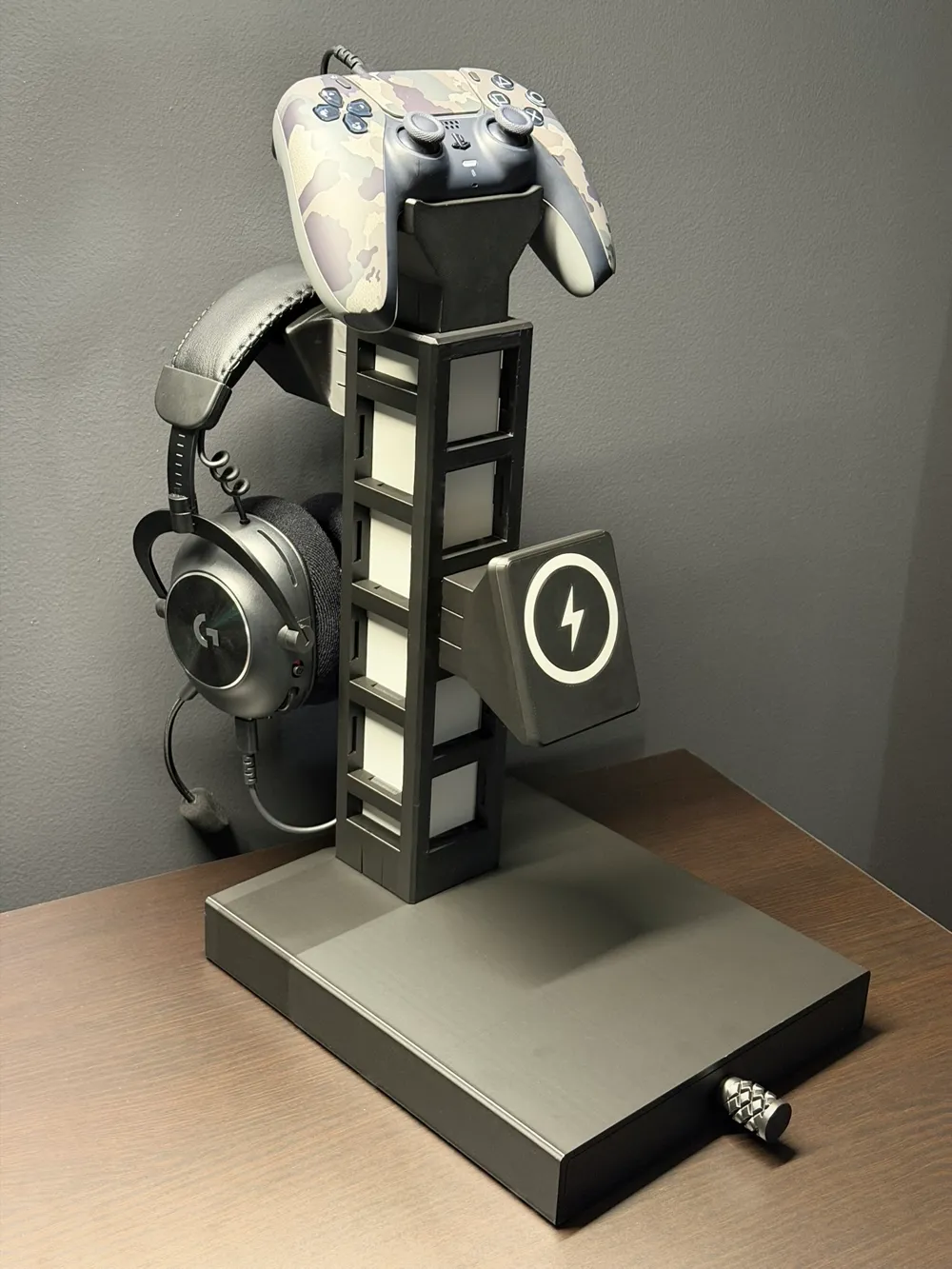
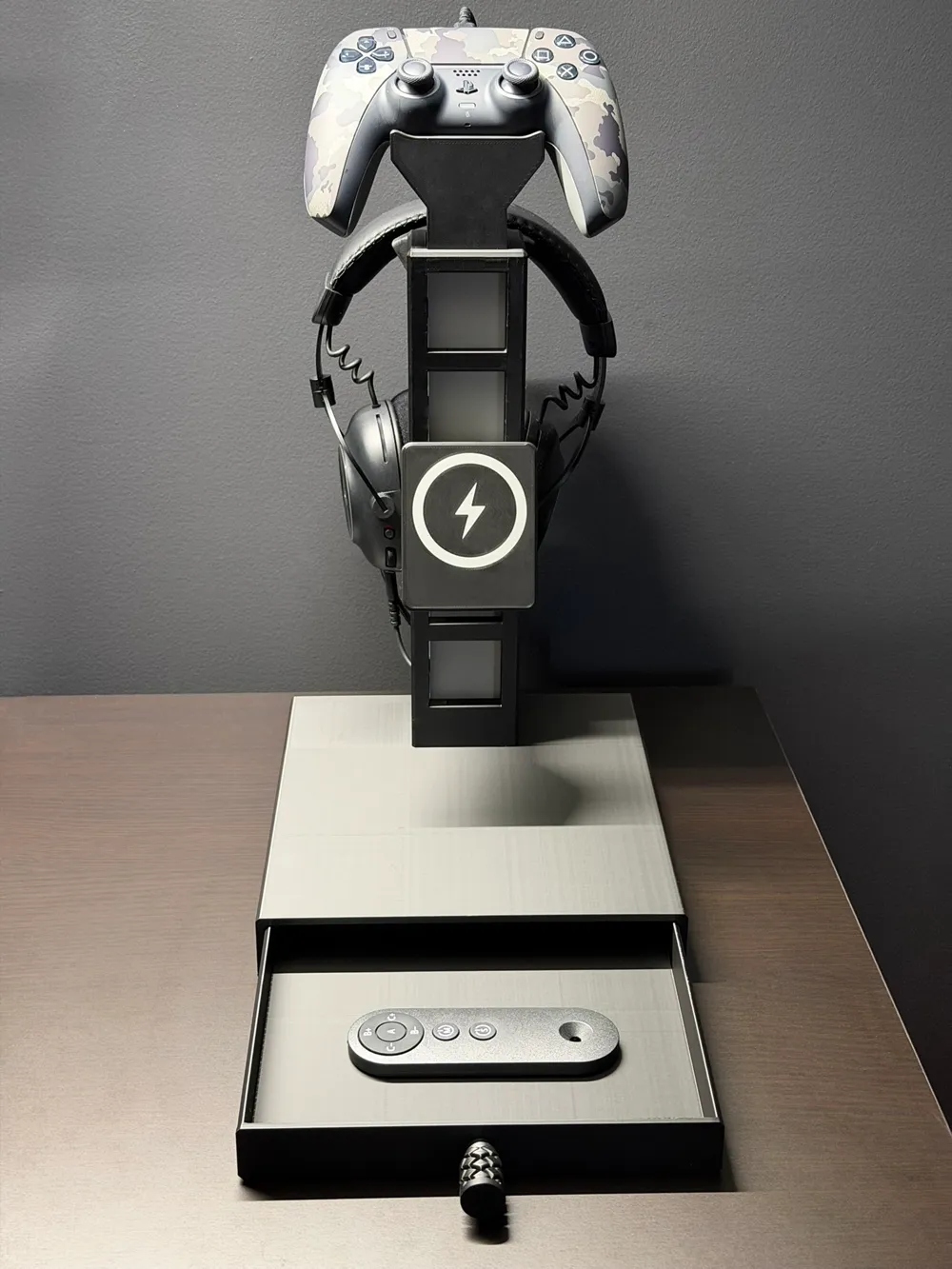
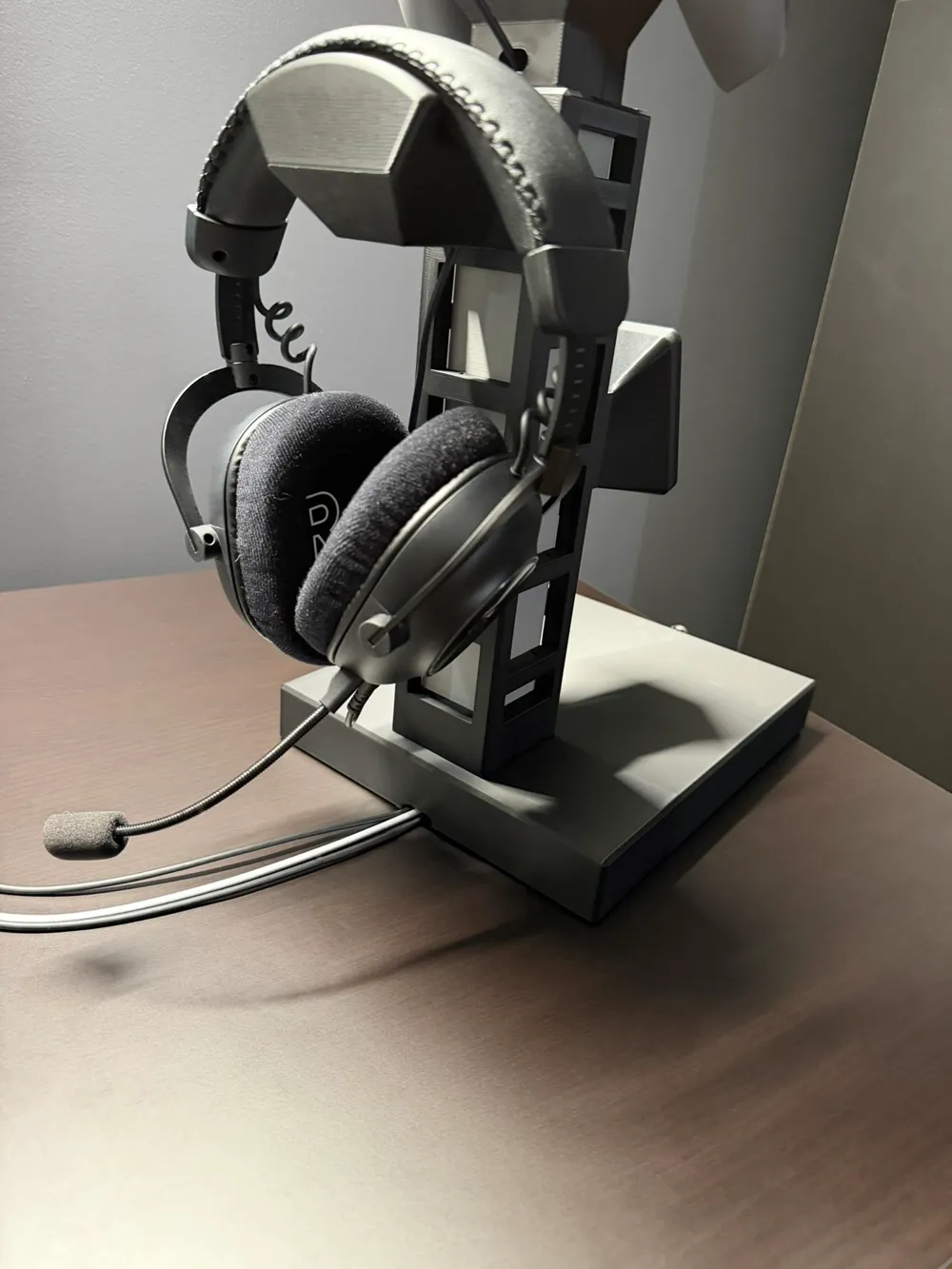
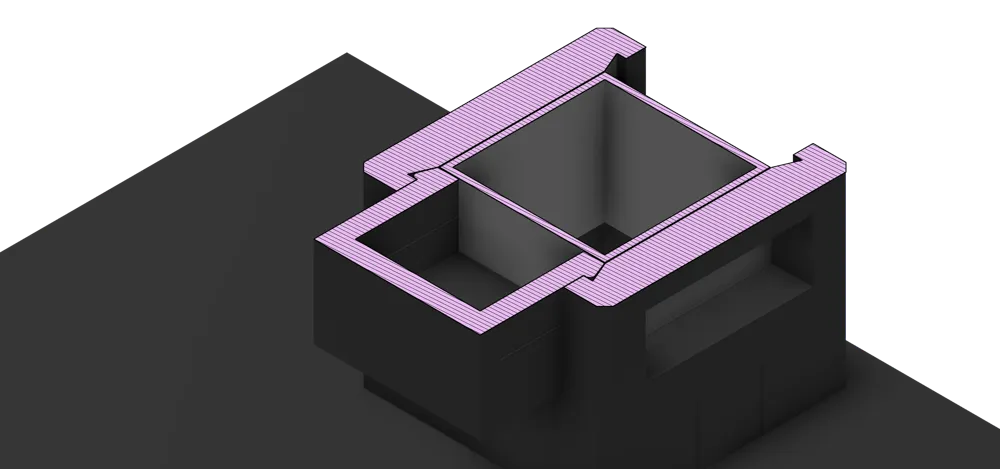
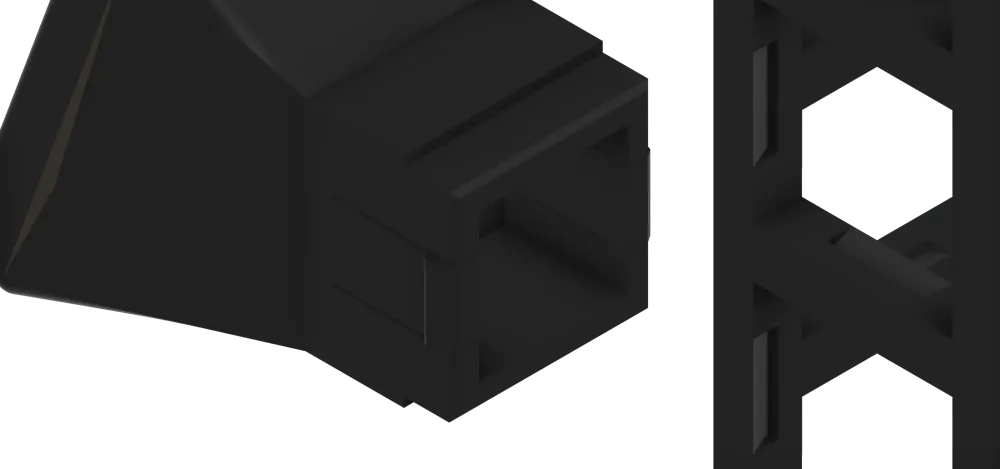
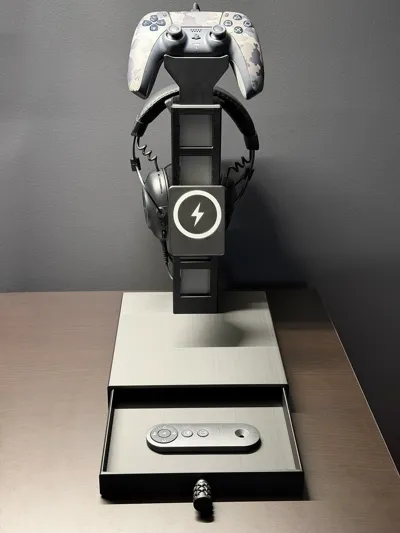
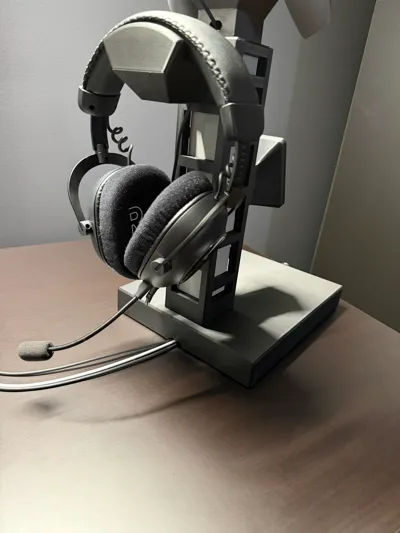
Instead of being locked into one fixed organizer layout, this tower uses a repeating square-grid design that lets attachments snap into different positions around the tower — including the top. Add a controller mount, headset holder, MagSafe charger, drawer base, or future accessories as your setup changes.
Print the tower once. Build it your way.
Why This Is Different
This is not just a desk stand or one-purpose organizer. It is designed as an expandable desktop system.
The tower acts as the main hub, and each attachment can be added, removed, moved, or swapped depending on what you need. I also included a basic STEP attachment template so other makers can design their own compatible modules.
The goal is simple: create a clean, modular desk system that can keep growing over time.
Key Features
Modular Snap-In Accessories
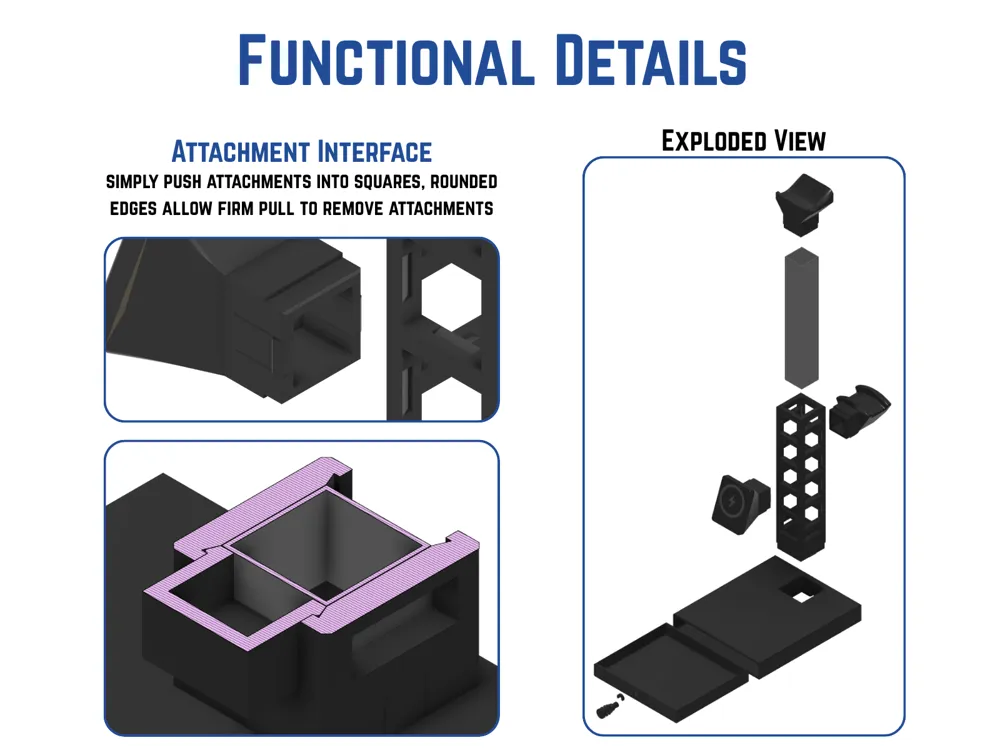
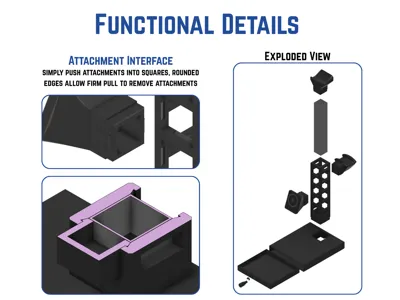
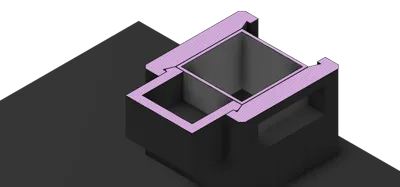
Attachments snap into the square openings on the tower, giving you multiple layout options.
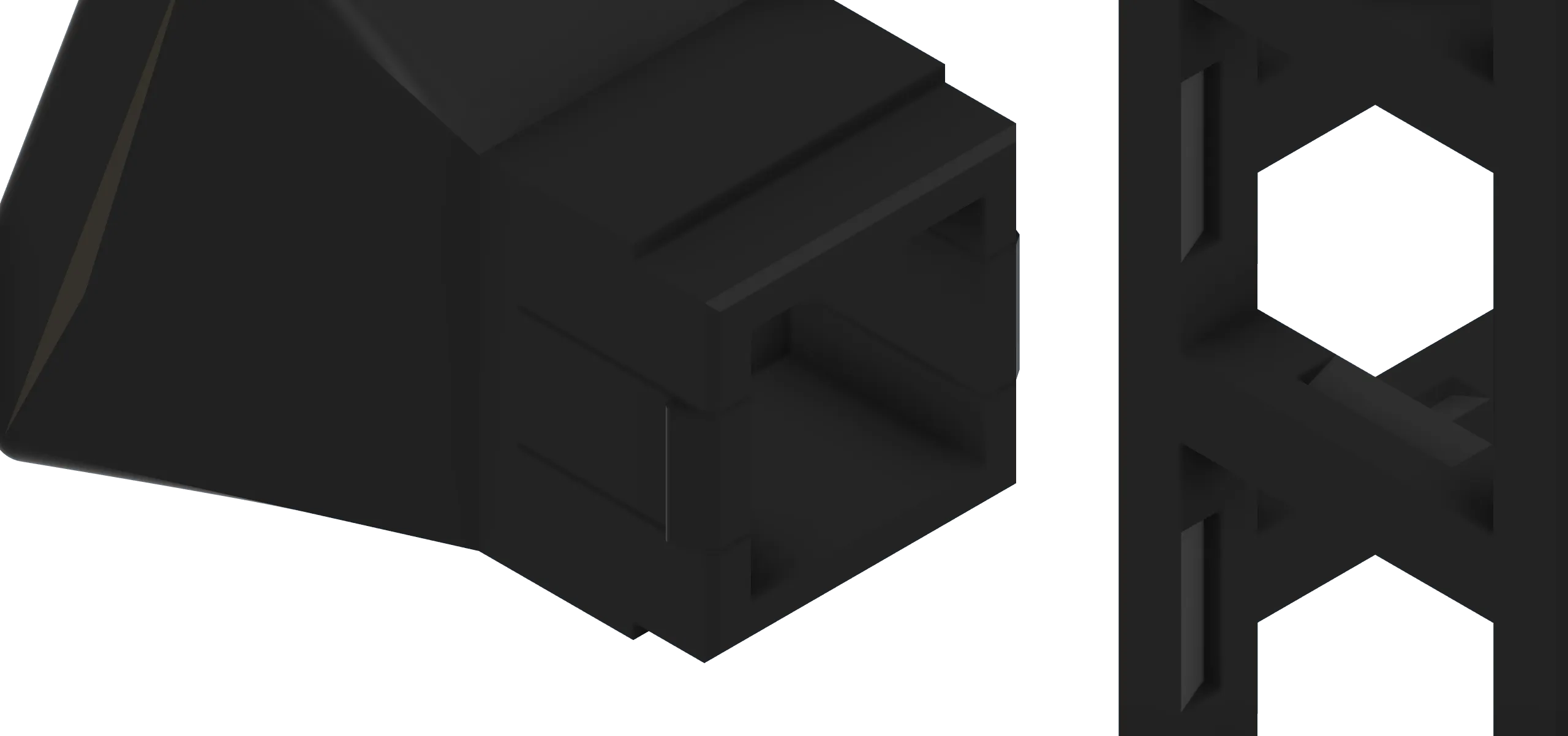
Works on the Sides and Top
The attachment system is designed so modules can mount around the tower, including the top square.
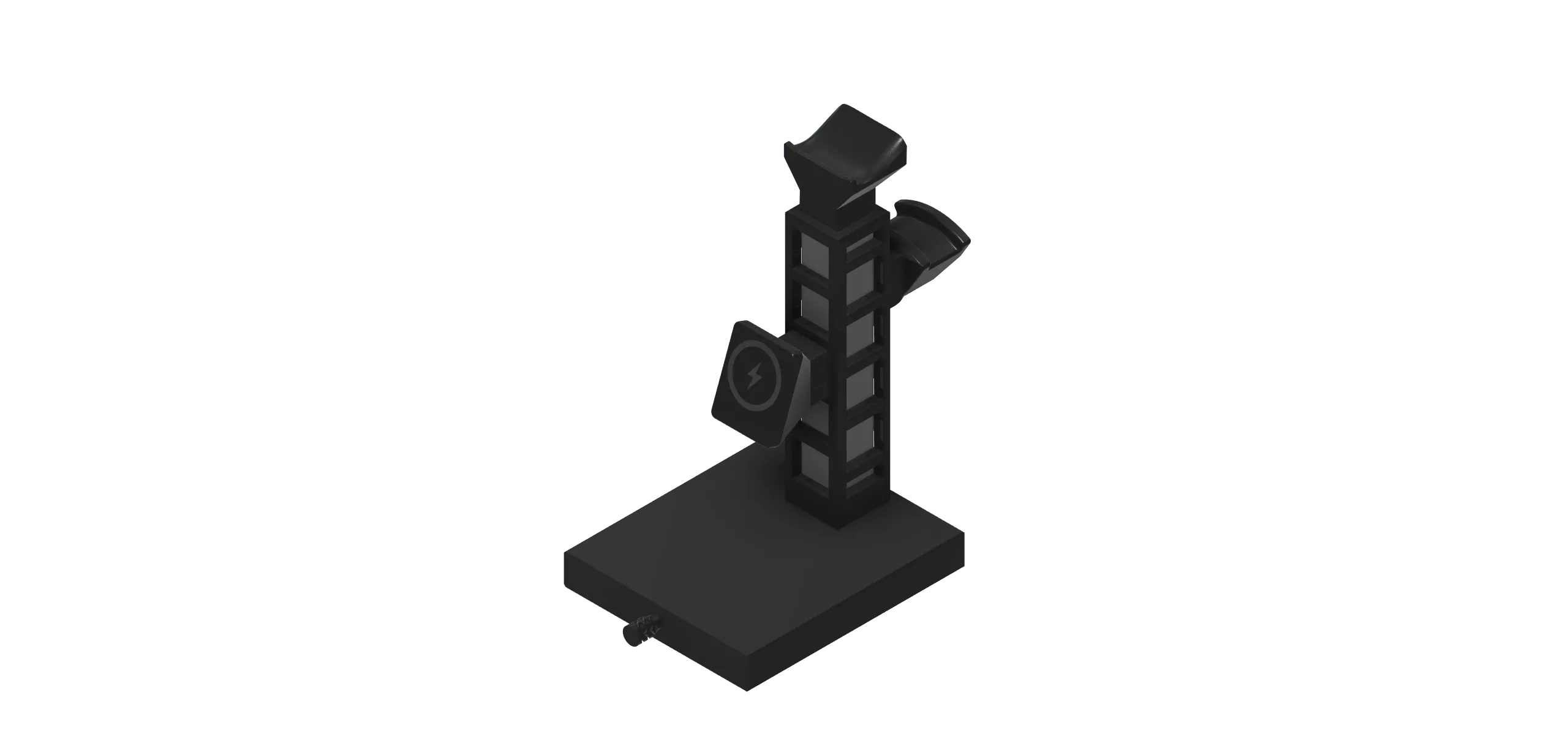
Hidden Cable Routing
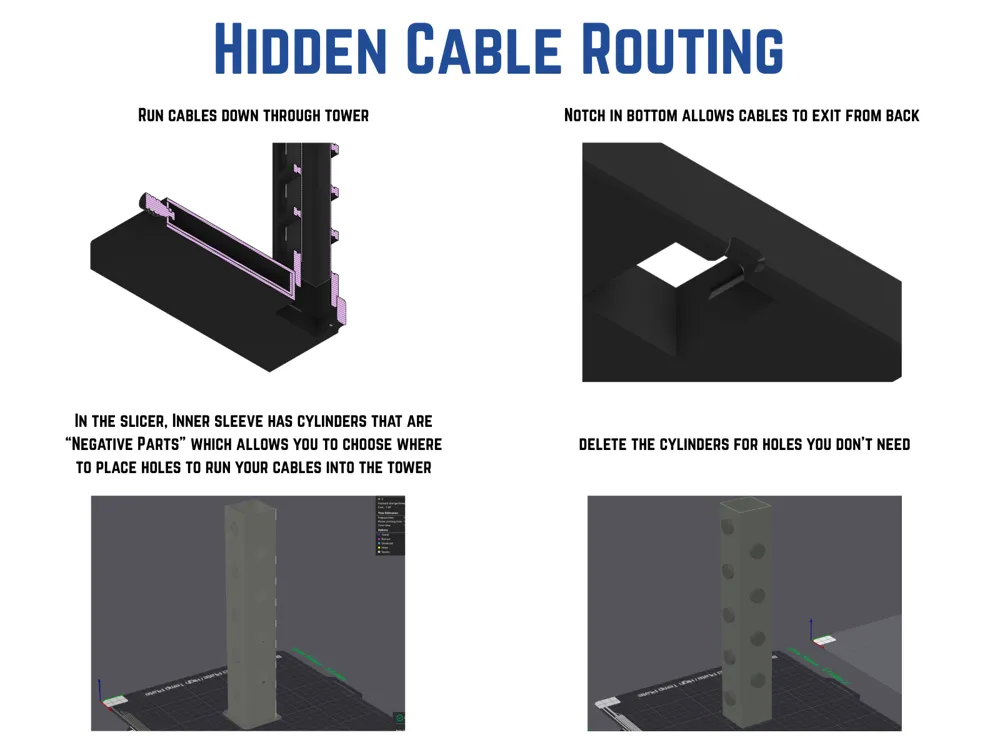
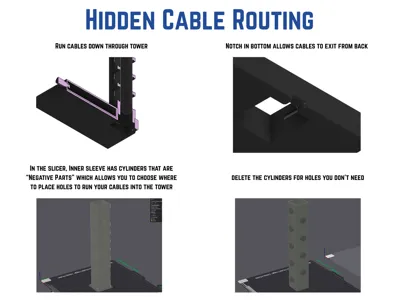
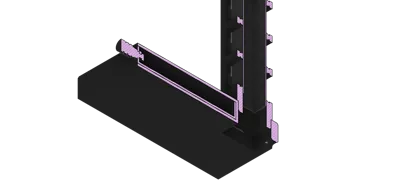
Charging cables can run down the center of the tower instead of hanging across your desk.
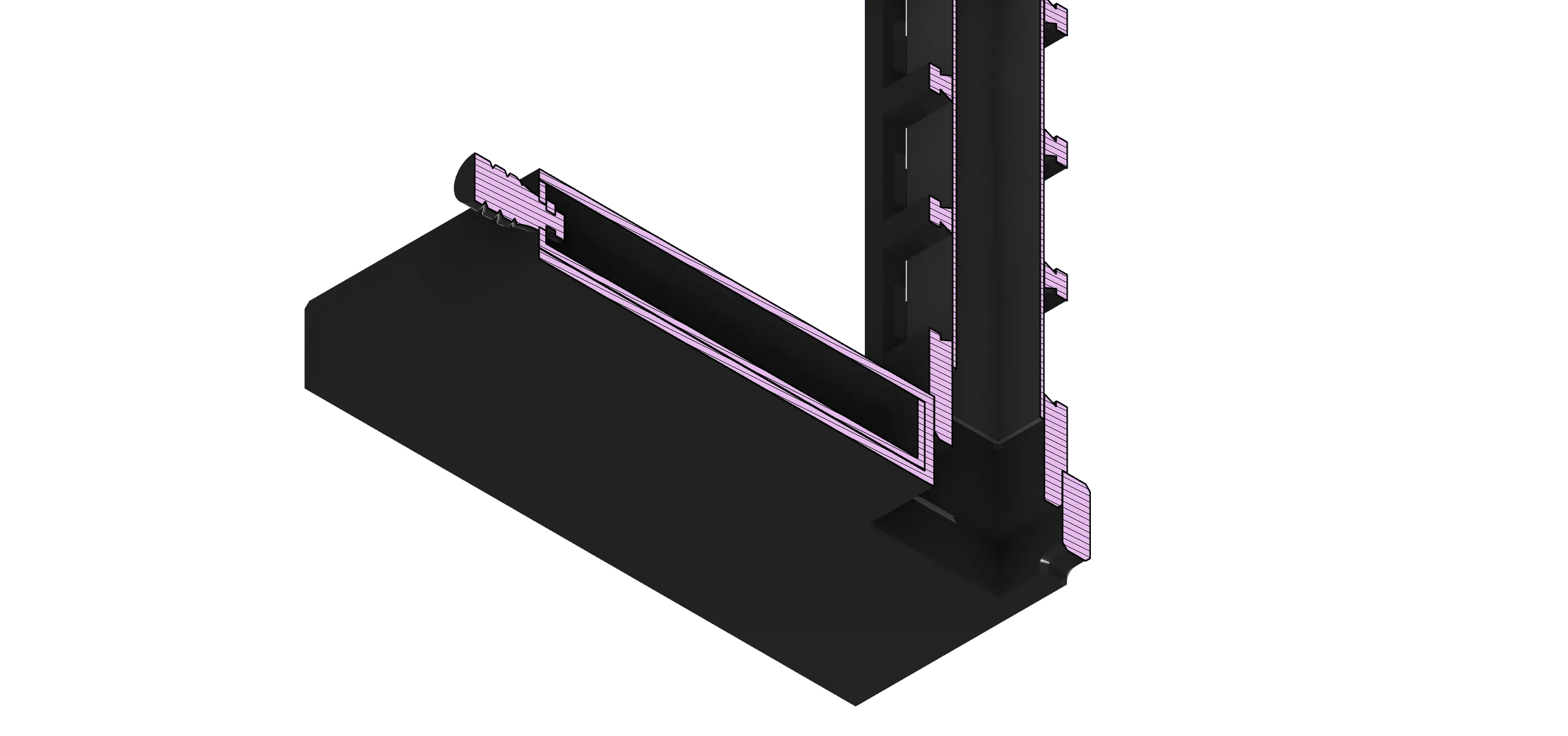
Inner Cable Sleeve
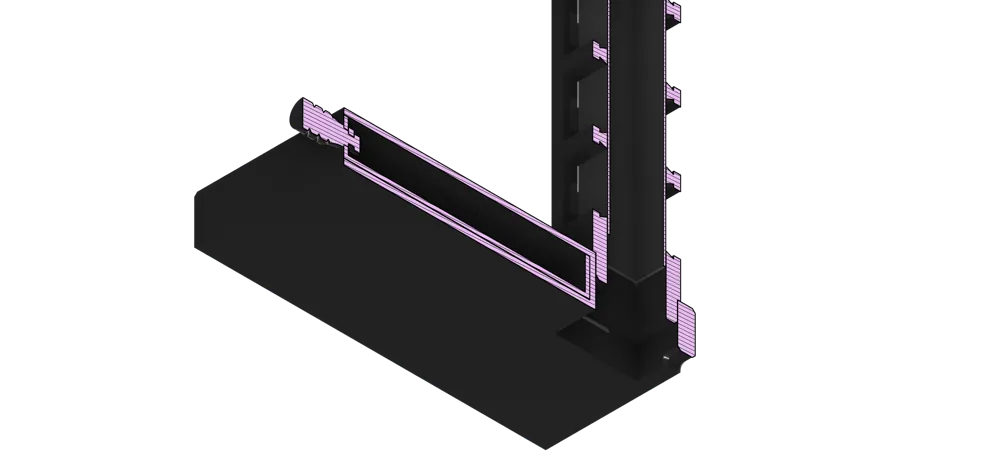
An inner sleeve fits inside the tower to help hide and guide cables running through the center.

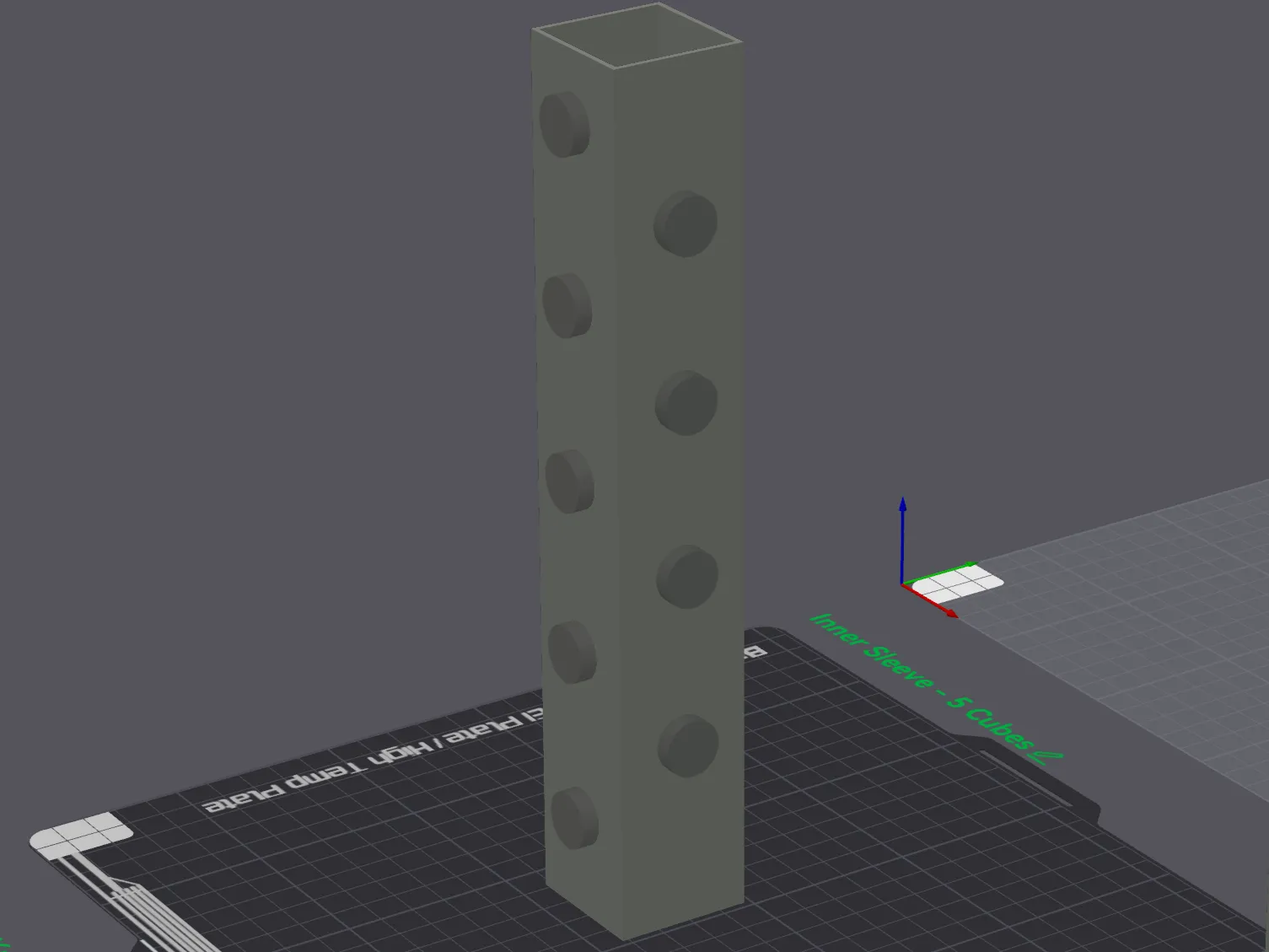
Custom Cable Pass-Through Holes
The included slicer setup uses negative-part cylinders aligned with the center of each square. Keep the holes you need and delete the ones you don’t.
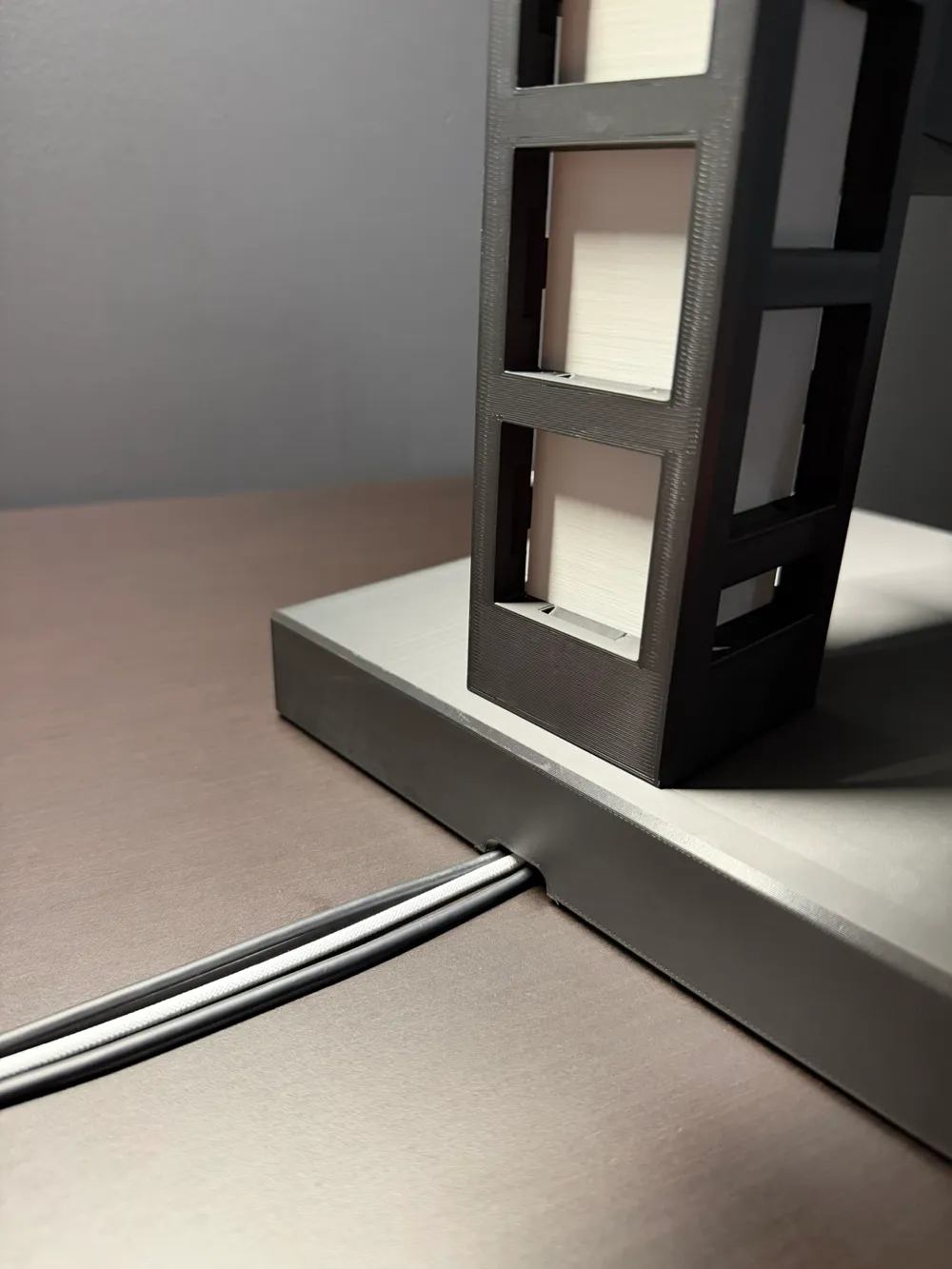
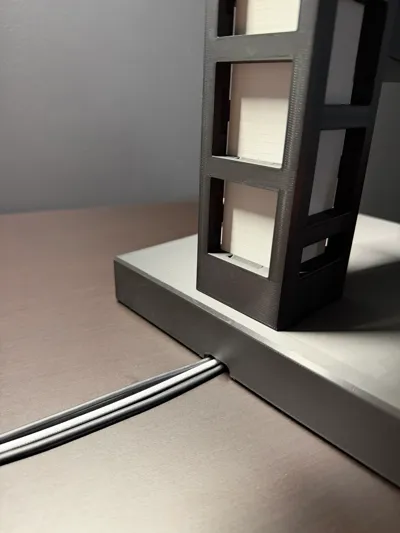
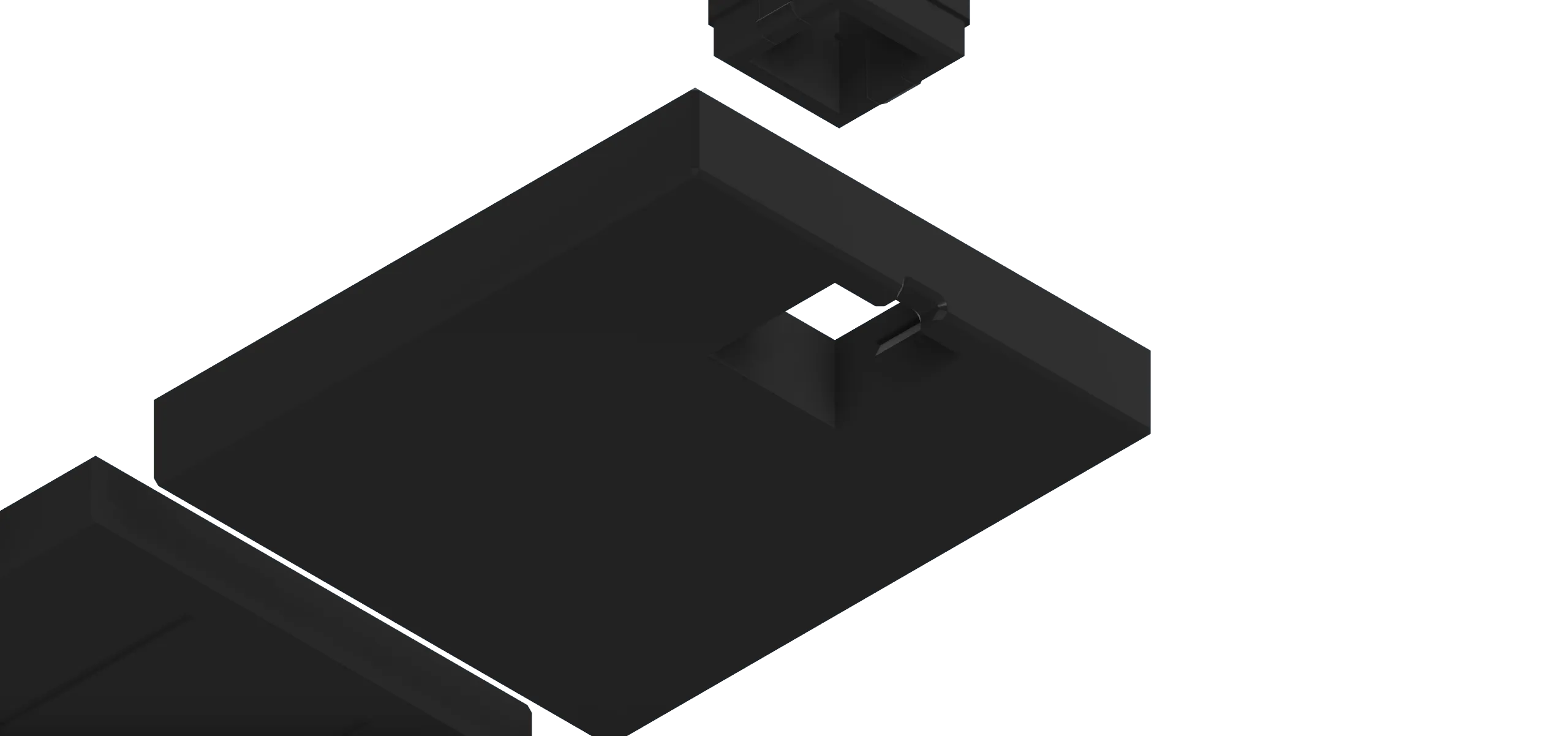
Rear Cable Exit Notch
The base includes a rear notch so cords can exit cleanly out the back.
Drawer Base with Built-In Stop
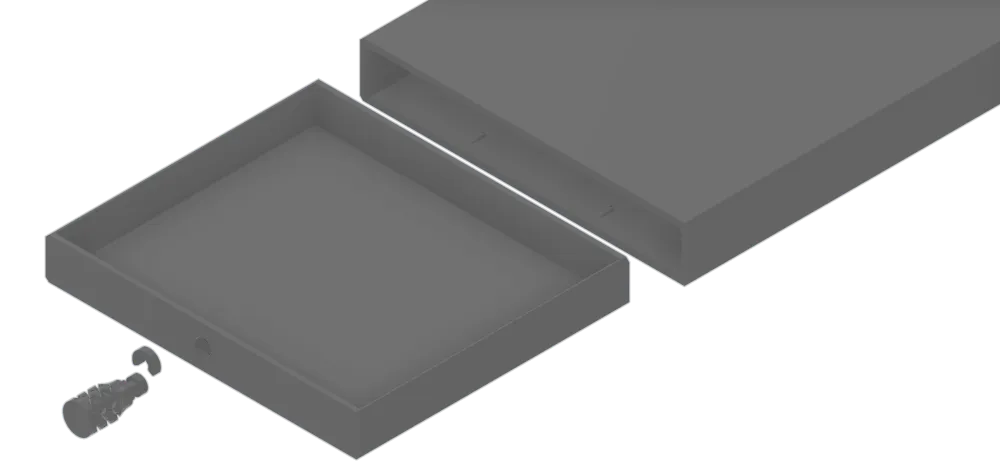
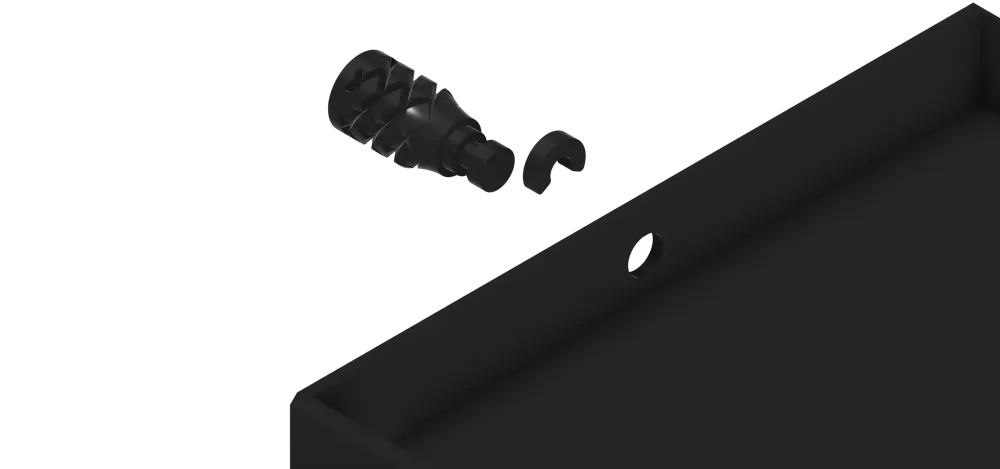
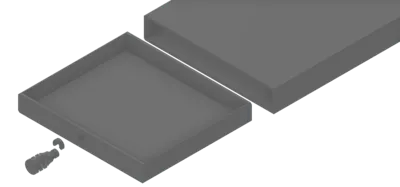
The base includes a sliding drawer for small desk items, with a built-in stop to help prevent it from being pulled all the way out.
No Hardware Required
No screws, bolts, magnets, or extra hardware are needed. Every part is 3D printed.
Expandable System
More attachments are planned and can be added over time as additional print profiles.
Attachment Template Included
A basic STEP template is included so makers can create their own compatible accessories.
How to Choose the Print Profiles
This project is organized into separate print profiles to make it easier to choose only the parts you want to print.
Because many components have multiple options, I split the system into different profiles instead of putting everything into one large plate setup. In most cases, each option has its own plate so you can quickly pick the version that fits your setup.
Start with the Tower Print Profile and choose the tower size you want.
Next, go to the Base Print Profile and choose the base/drawer combination you want to use with that tower.
After that, you can choose any additional Attachment Print Profiles you want to add, such as controller mounts, headset mounts, MagSafe mounts, or other accessories.
The basic workflow is:
- Choose your tower size
- Choose your base/drawer option
- Add whichever attachments fit your setup
- Print, assemble, and customize your layout
This setup also makes it easier for me to add more attachment options over time without making the main project confusing or overcrowded. Each attachment can have its own organized profile with different plate options when needed.
Cable Routing Notes
There is an inner sleeve that fits inside the tower to hide cables. For cable pass-through holes, use the included negative parts in the slicer.
Each negative cylinder is aligned with the center of a square opening. Keep the negative parts where you want cable holes, and delete the ones you do not need before slicing.
This lets you customize the cable routing for your exact setup without needing to edit the model in CAD.
Community Attachments
I included a STEP attachment template so other makers can create their own compatible accessories. The STEP file can be found under “additional files”. If you design your own module, feel free to upload it as a remix or compatible attachment. The more modules people create, the more useful this system becomes. I have included a PDF in the “Documentation” that is a fully dimensioned drawing of the Attachment Template used to create snap fit attachments for this tower.
Attachment / Remix Policy:
I welcome compatible attachments and add-on modules for this system. Please upload them as a remix, print profile, or compatible attachment linked back to this original model on MakerWorld. Do not re-upload the original tower, base, drawer, sleeve, or core attachment geometry as a separate standalone model.
Print. Snap. Organize. Expand.
Whether you are building a gaming setup, charging station, desk organizer, or custom accessory hub, this system is designed to adapt with your workspace.
Print the tower, choose your modules, and build the setup that works for you.
Boost Me (for free)
Never Required, Always Appreciated
Documentation (1)
License

You shall not share, sub-license, sell, rent, host, transfer, or distribute in any way the digital or 3D printed versions of this object, nor any other derivative work of this object in its digital or physical format (including - but not limited to - remixes of this object, and hosting on other digital platforms). The objects may not be used without permission in any way whatsoever in which you charge money, or collect fees.


Comment & Rating (0)