
MINI Carry Handle w/ ZuM
Print Profile(5)


Bill of Materials

Description
MINI Series Low Profile Handle MSLPH
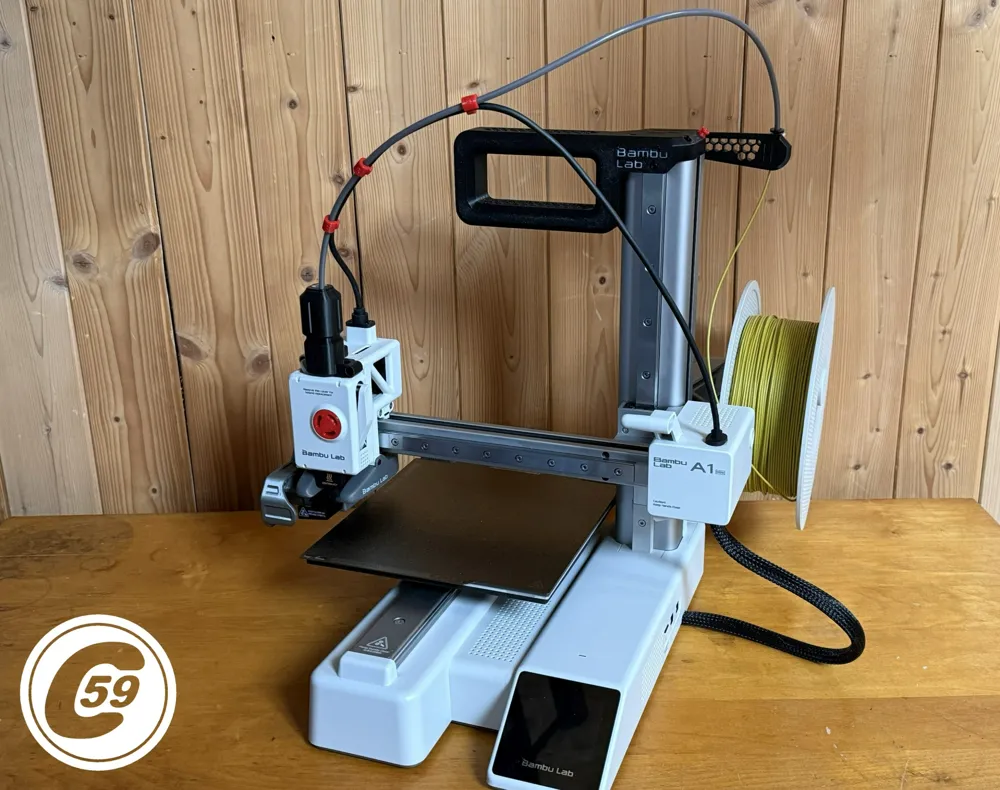
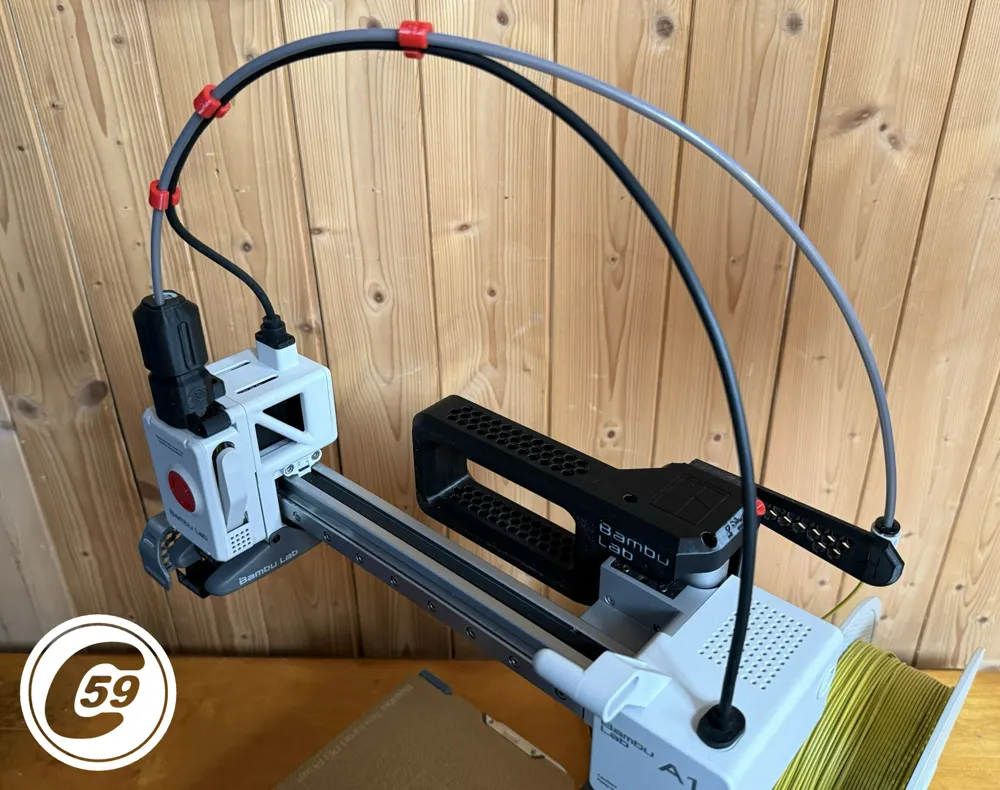
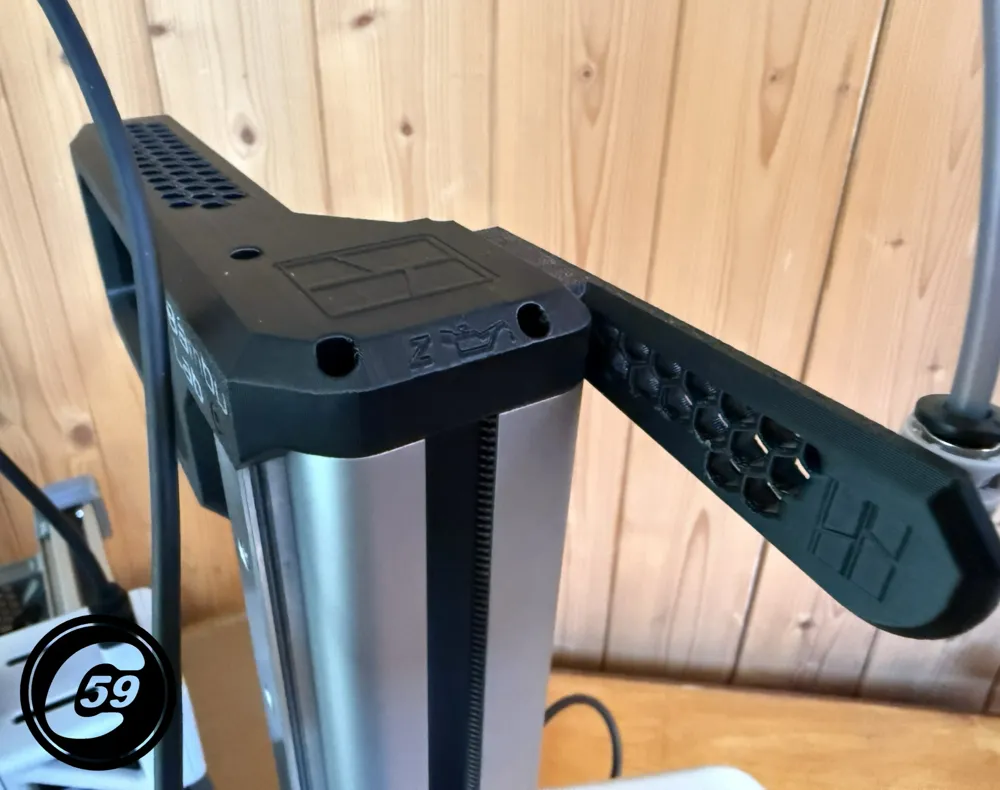
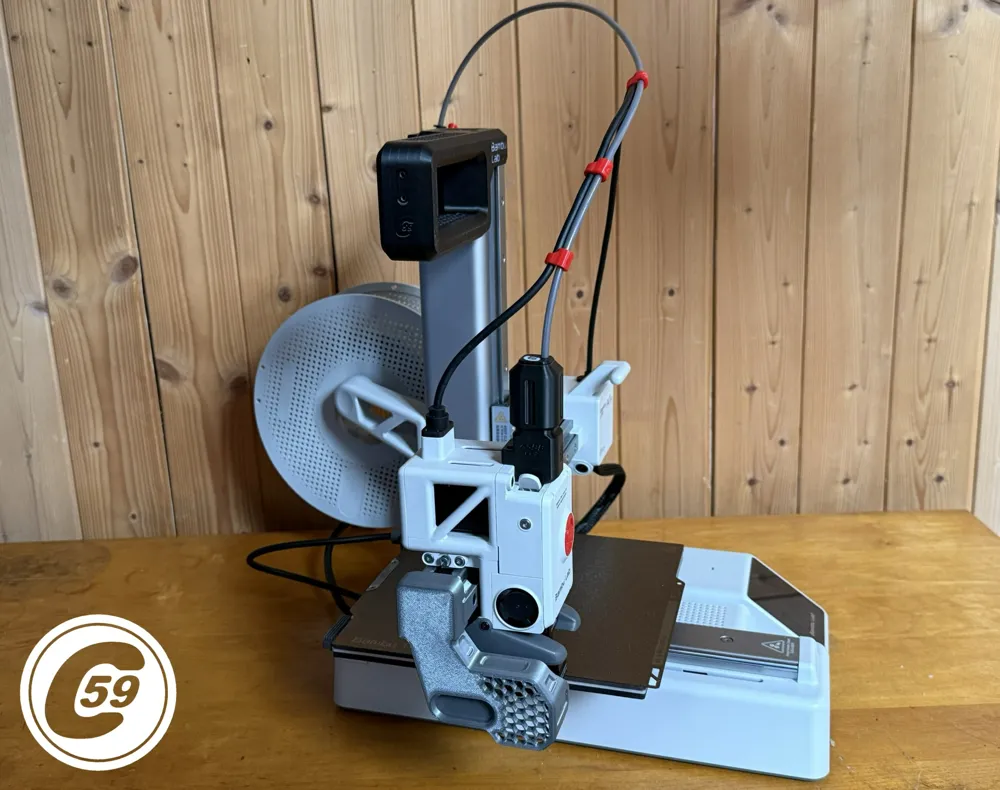
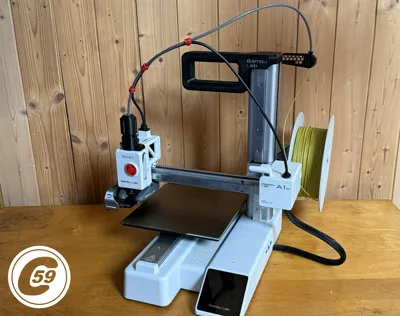
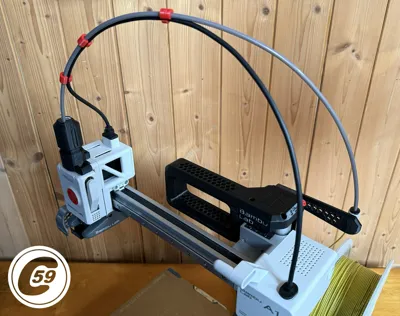
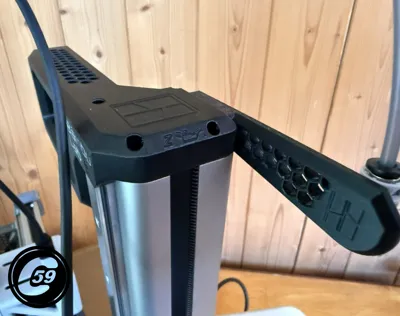
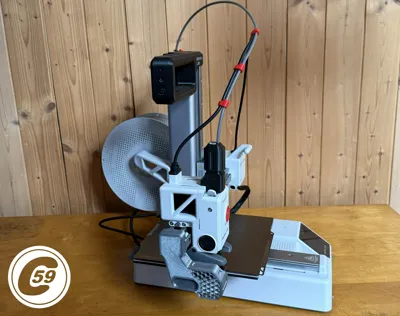
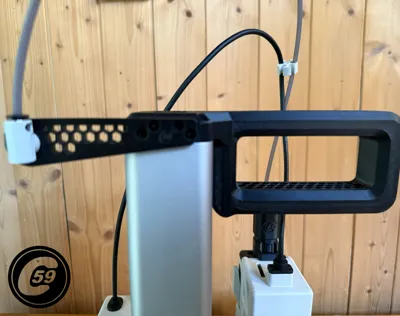
Handle for Safe Transport and Easy Z-Axis Lubrication for the Mini
Looking for a way to safely carry your Mini or move it around? Need an easier way to lubricate the Z-axis or mount accessories on it? Introducing the MSLPH, now available to print!
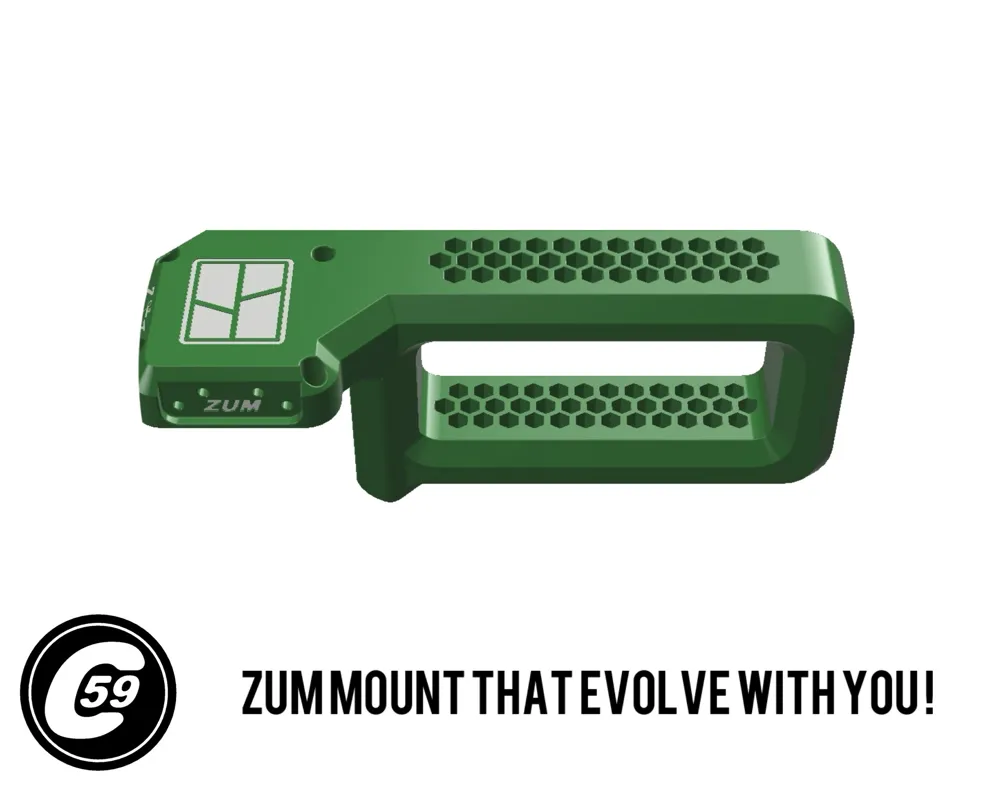
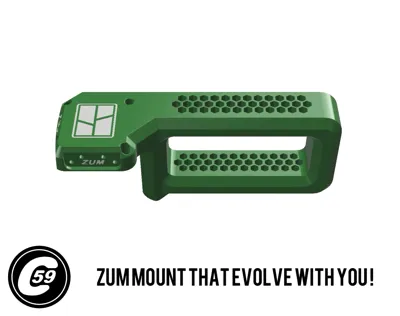
ZUM Mount
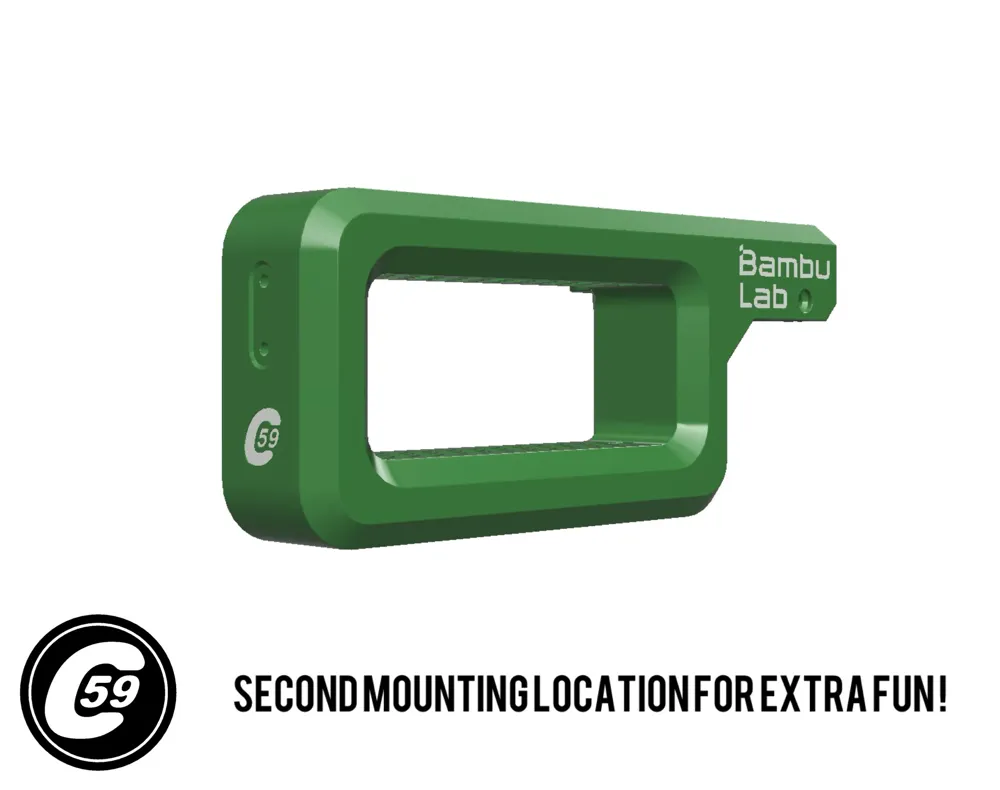
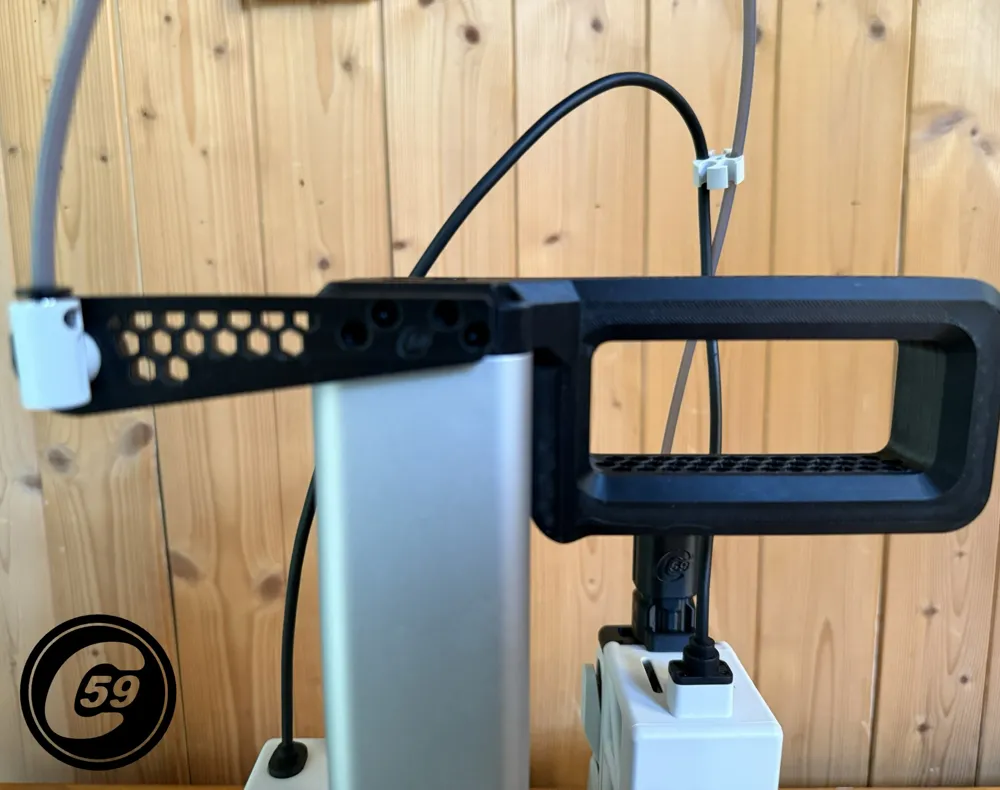
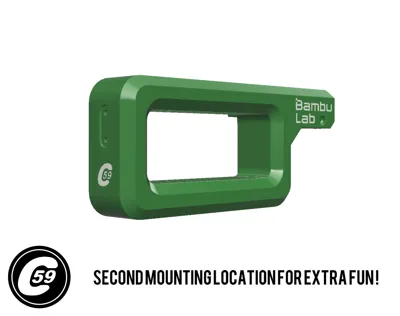
Effortlessly design or download accessories for the rear ZUM mount to suit your needs! Additionally, there’s a second location on the left side for mounting extra accessories. (Requires 4 screws for the main ZUM mount and 2 screws for the additional side mount.) Maker's supply BOM available below. Uses the same screws as the AMS LITE mounting bracket.
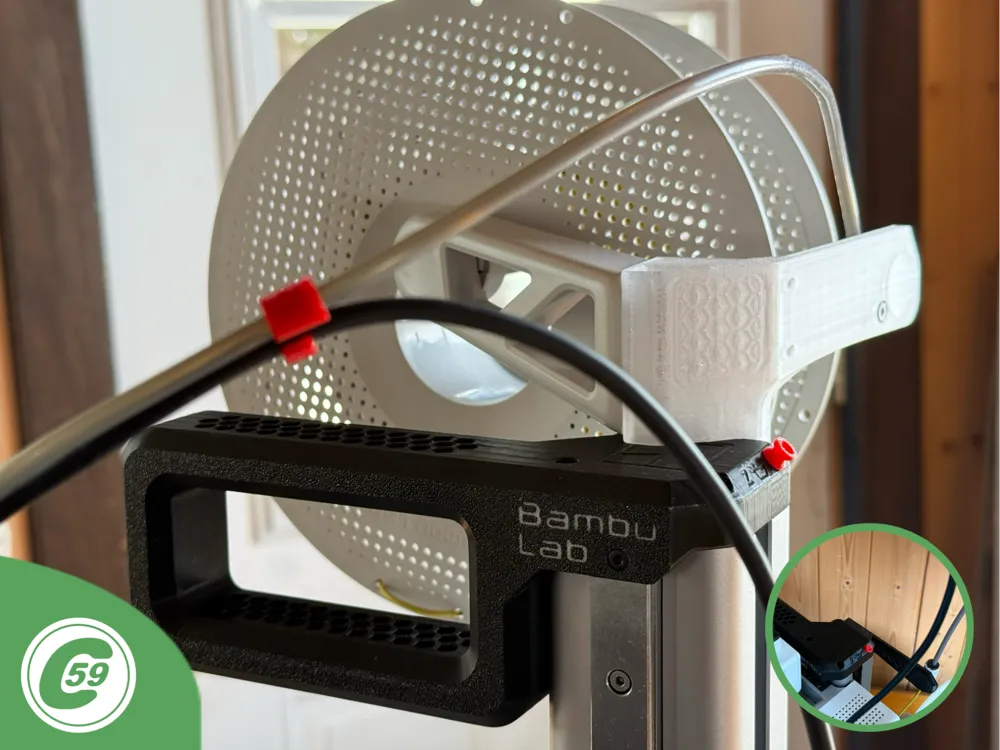
The top spool mount is now available for testing! This setup helps balance the weight of the MINI by shifting it slightly to the left to counteract the excess weight on the right. The adapter uses the original mount and screws onto the ZUM mount at the rear of the handle.
The MSLPH handle mount offer increased flexibility with two mounting locations.
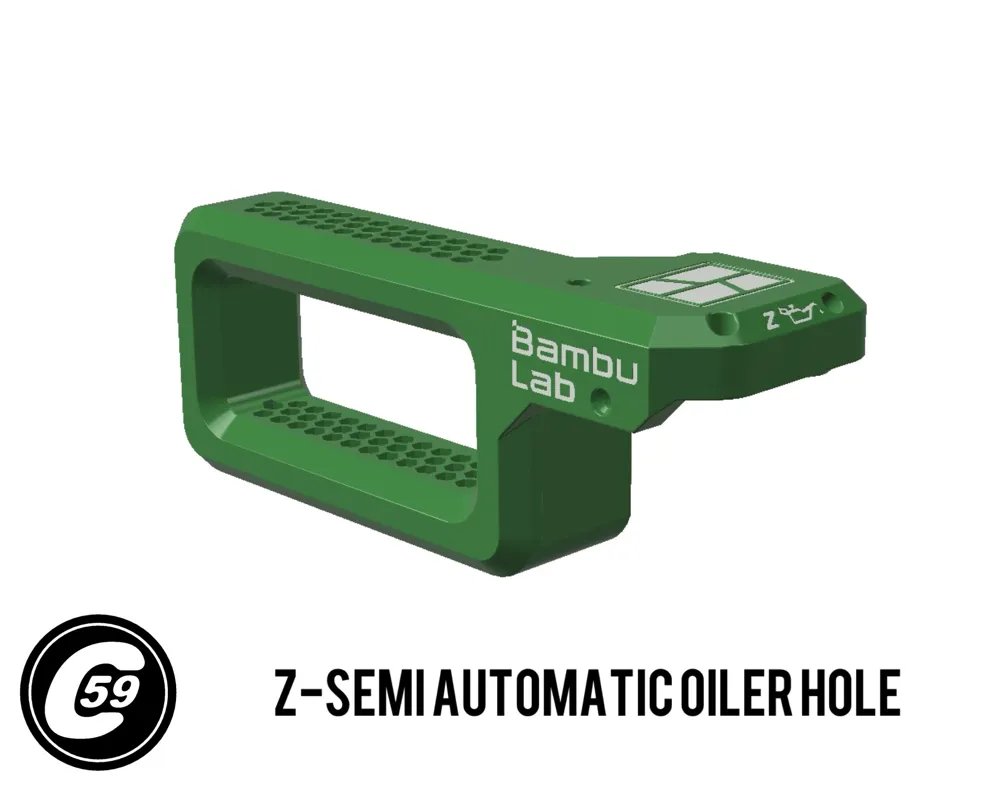
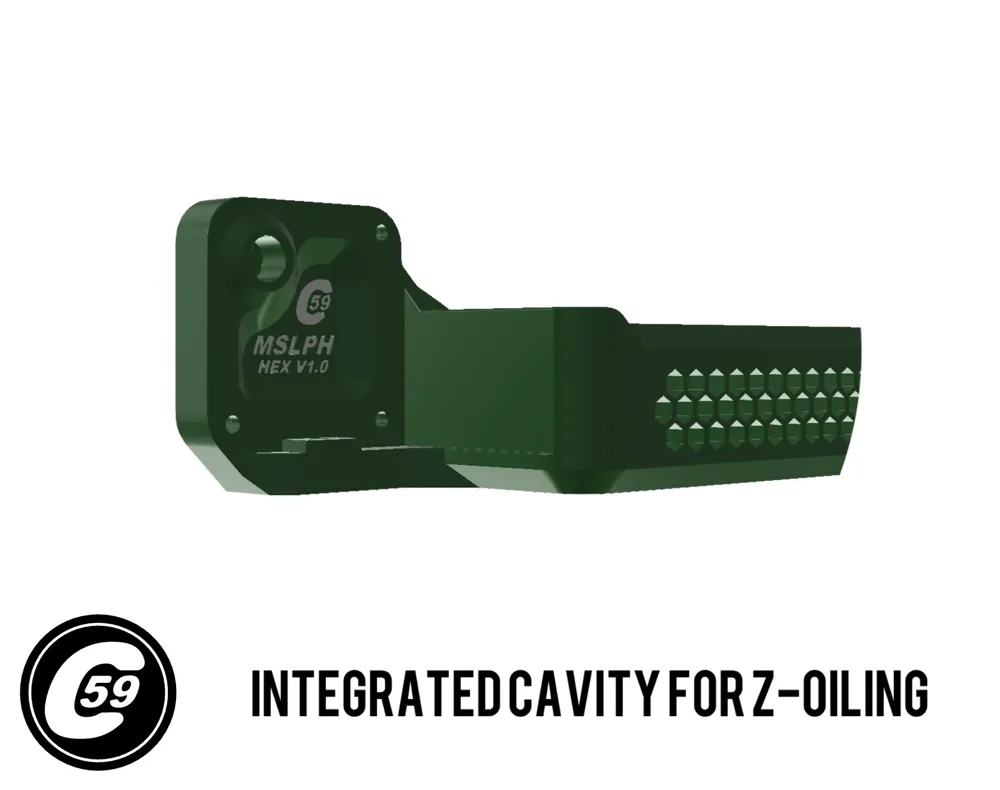
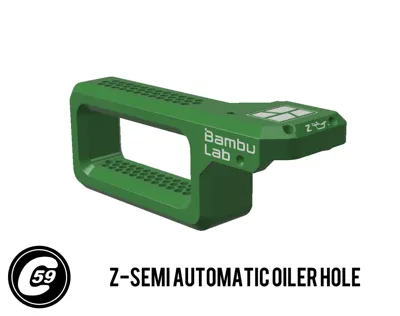
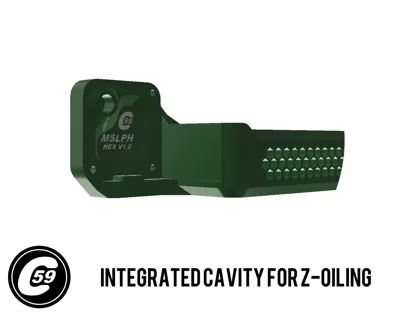
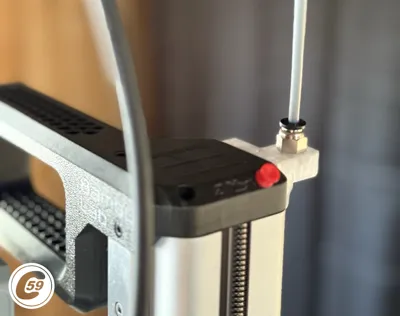
Z-Oiler Semi Automatic Oiling
Simply add lubricant oil into the port. Use the oil supplied with the Bambu printer or an equivalent. Drop a few drops of oil into the port, and gravity will do the rest! A printable dust cap is also available to prevent dust and debris from entering the Z-oil port.
Simple Cap Version of this work
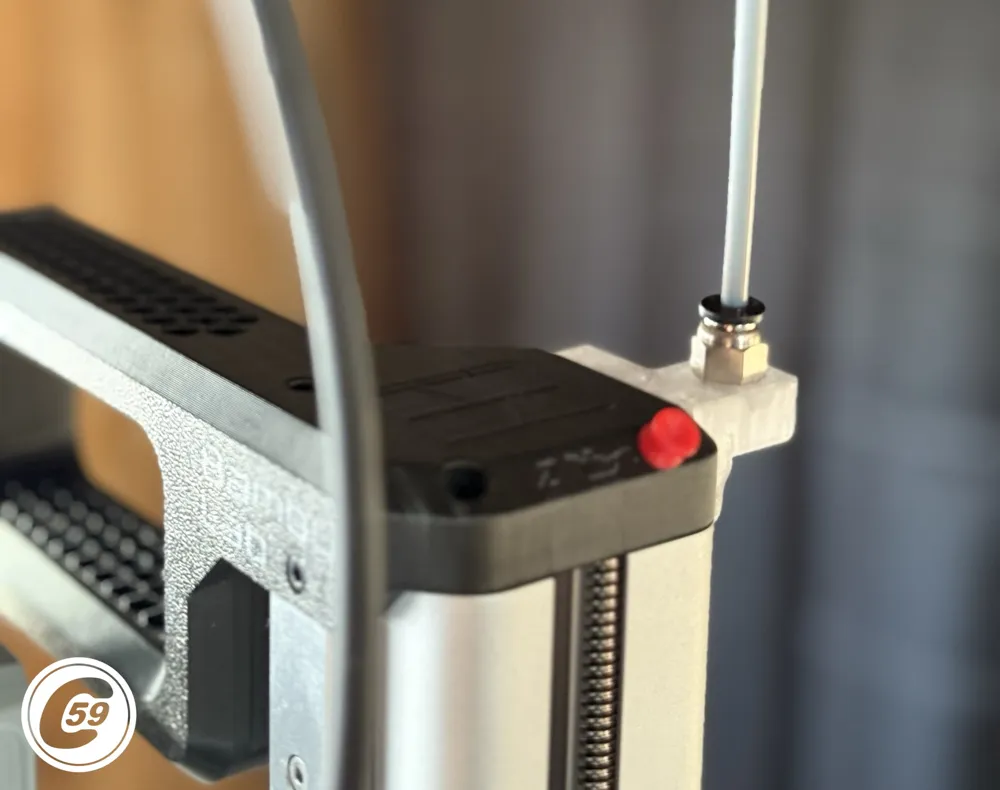
X-Motor PTFE Receptacle Cover
Installation Instructions
- Place the Handle:
Align the handle flush with the top of the tower. - Insert into the Rail Slot:
Gently push the handle into the bearing rail slot. - Align and Secure the Front Screw:
- Center the handle and insert the long front screw.
- Tighten it lightly to hold the handle in place.
- Ensure the bolt holes on the tower side are properly aligned.
- Install the Top Screws:
Loosely install the three top screws. - Tighten the Bolts:
Securely tighten all four bolts, but avoid overtightening to prevent damage. - To test, move the X gantry up and down along the Z-axis. If you notice any rubbing, clean the inside of the lead screw cavity. In my tests, some setups showed minor rubbing while others did not, so make adjustments as needed!
And that’s it! You’re all set to safely transport your Mini or easily service its Z-axis.
The green render is the original 3D CAD model in software.
Install Action HD VIDEO:
V1.0 Specifications Handle + MSOEC
Material: PETG (recommended for durability and strength).
Printer Settings:
- Profile: Standard (Colored Bambu Font Only)
- Layer Height: 0.20 mm
- Mode: CERTIFIED LUDICROUS
- Infill: 30%
- Walls: 6
- Bottom Layers: 3
- Top Layers: 5
Printing Details:
- Supports: Not required
- Print Time: 5:44
- Filament Usage: 5.00 oz
Estimated Cost: ~$1.45 (based on a $26 PETG spool)
Streamlined Tube and Cable Management For A1 MINI
Tired of tangled cables or upgrades that just don’t feel right anymore?
👉 AMPC PTFE x Cable Clip A1/MINI
👉 ASBB HUB Support A1/MINI
Elevate your 3D printer setup today!
Boost Me (for free)
🚀 Boost Your Project! 🚀
If you love what I'm working on, hit the Boost button! Your support helps me continue to create, improve, and share even more exciting designs. Thank you for being part of this journey!
Enjoy your printing journey, and remember—keep your fingers away from the poop chute, she's angry!
"I’ll be sure to keep you updated with any future developments. If you come across any issues or need assistance, don’t hesitate to reach out—I’m here to help!"
You shall not share, sub-license, sell, rent, host, transfer, or distribute in any way the digital or 3D printed versions of this object, nor any other derivative work of this object in its digital or physical format (including - but not limited to - remixes of this object, and hosting on other digital platforms). The objects may not be used without permission in any way whatsoever in which you charge money, or collect fees.
Current ver.1.0_04/01/2025
© 2025 C59 Design Lab. All rights reserved.
License

You shall not share, sub-license, sell, rent, host, transfer, or distribute in any way the digital or 3D printed versions of this object, nor any other derivative work of this object in its digital or physical format (including - but not limited to - remixes of this object, and hosting on other digital platforms). The objects may not be used without permission in any way whatsoever in which you charge money, or collect fees.


Comment & Rating (51)