
A1 - MINI Hub Brace Support & Releaser
Print Profile(8)


Bill of Materials
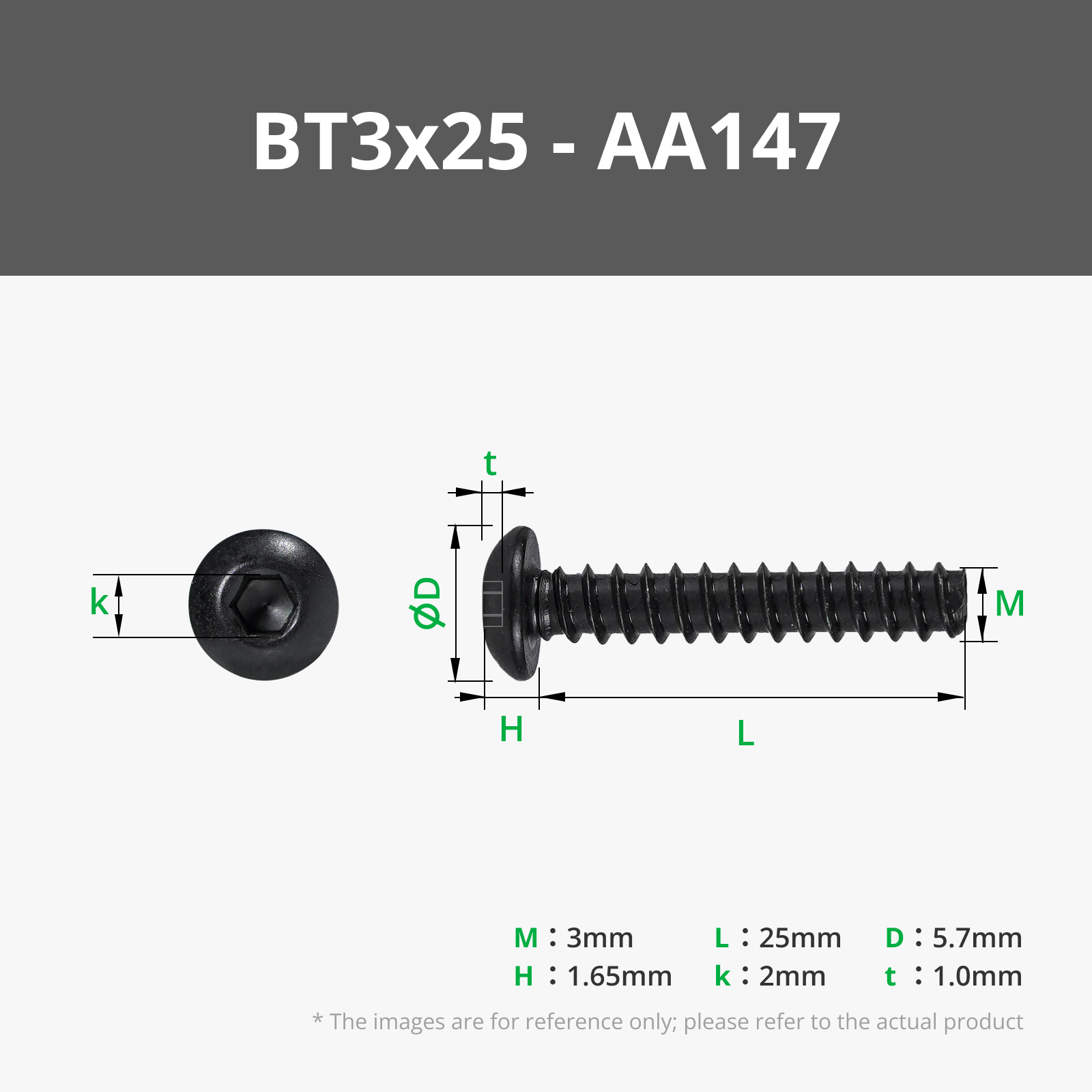
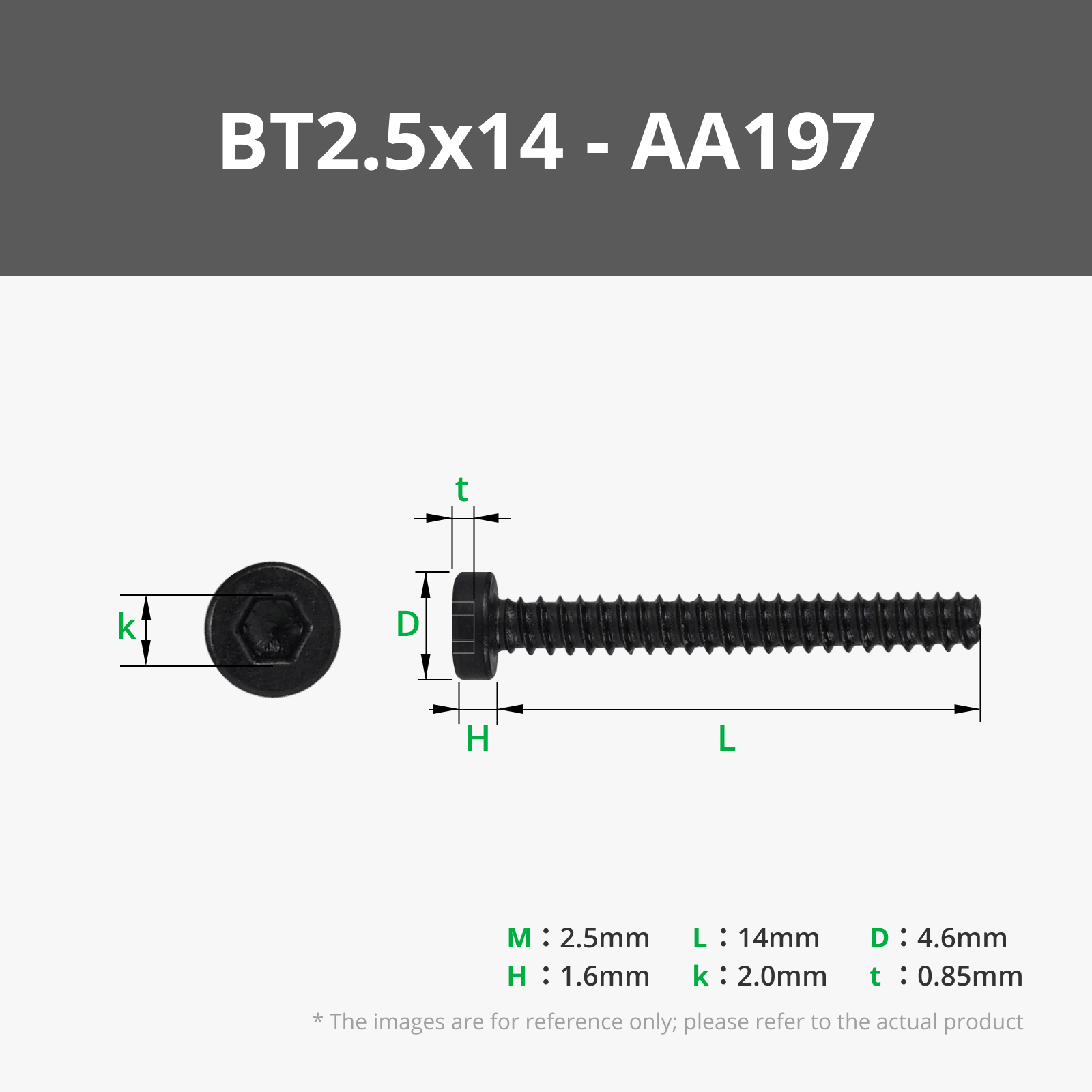
Description
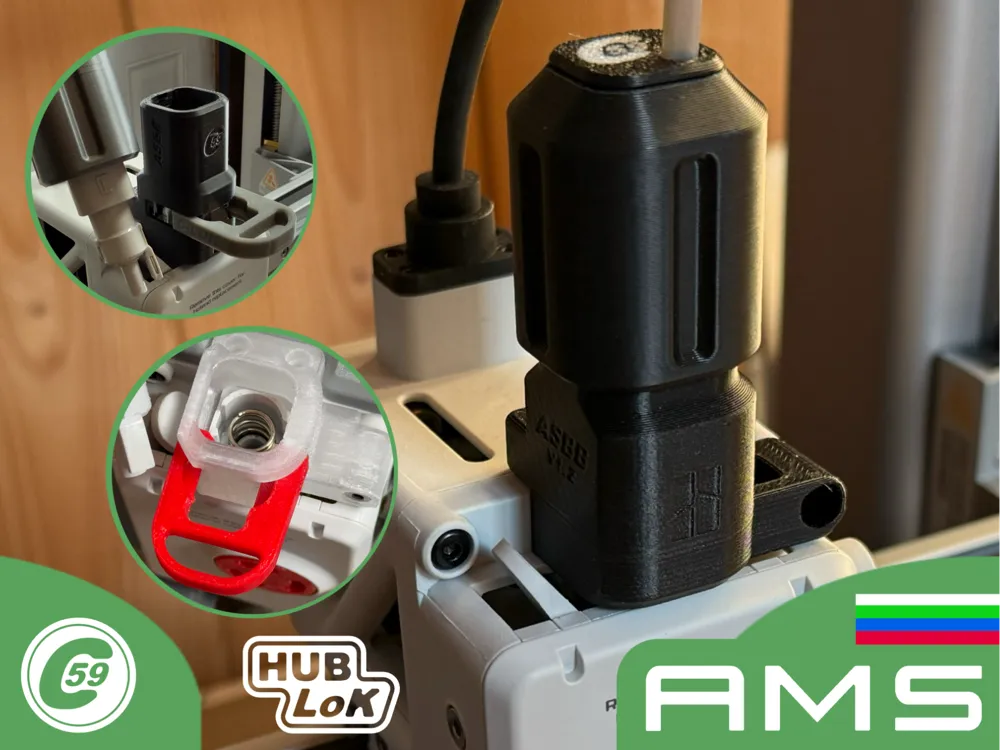
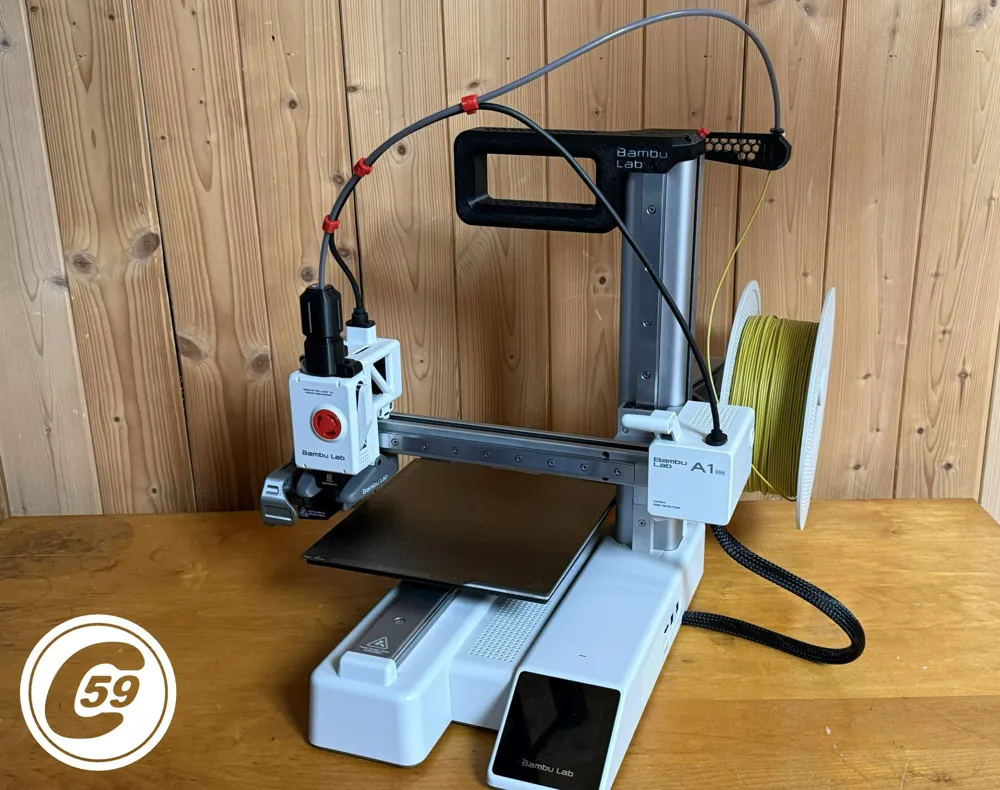
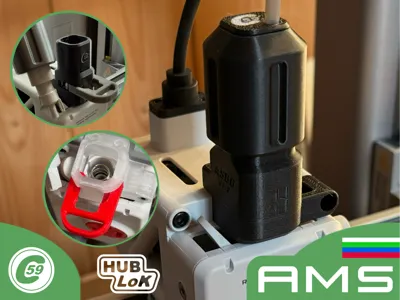
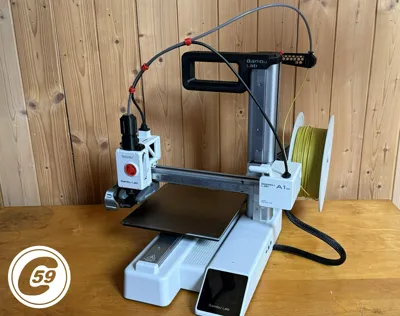
A1/ & MINI Series Hub Support – ASBB System
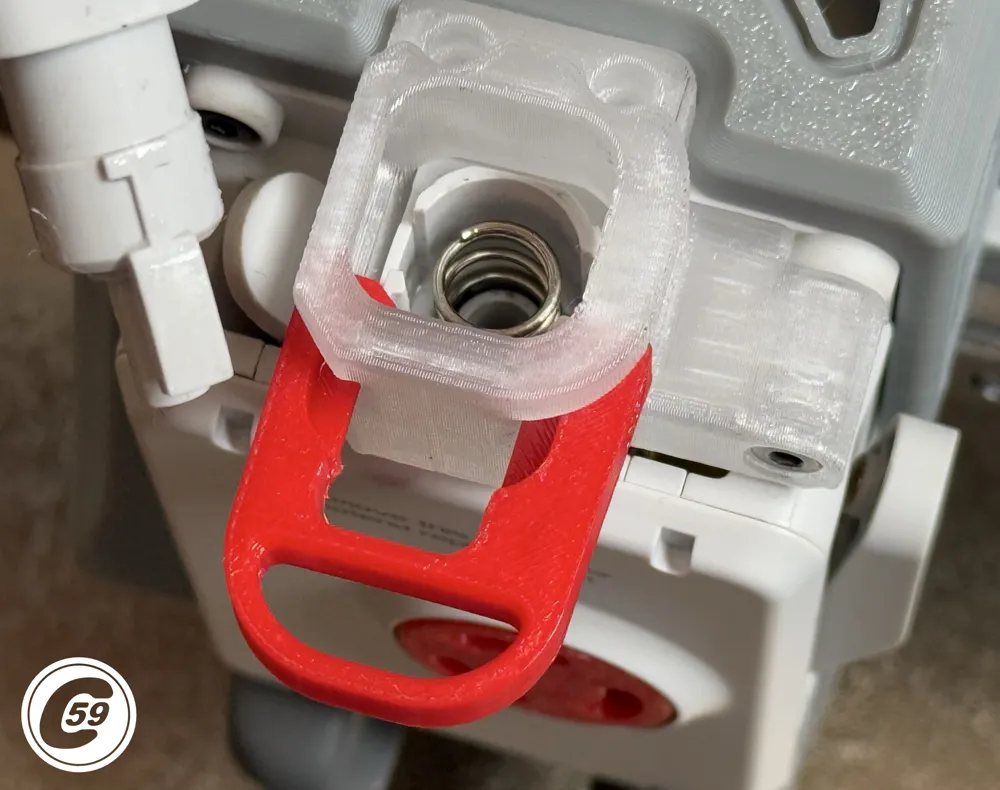
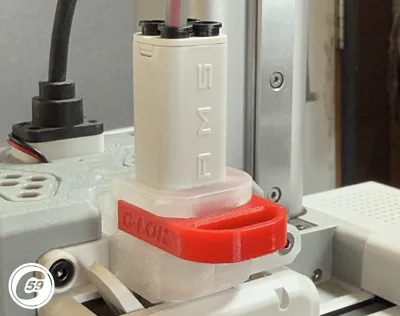
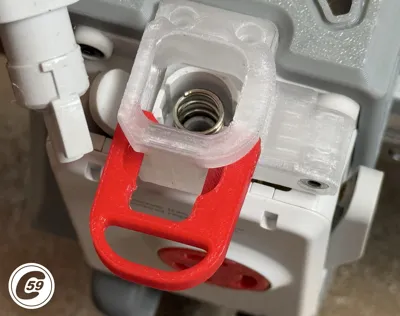
Features optional Hub LoK and PTFE quick-disconnect.
Revolutionizing Ease of Use and Performance for the Bambulab A1/MINI
And the best part? We’re just getting started. Even more exciting innovations are on the way!
Hub-Less Adapter for Hub-LoK is coming along, with mounts for the X/P Buffer and Hub. I successfully tested and printed using an AMS1 on my MINI with the X/P Hub/Buffer, without any issues. I’ll be designing a custom mount for users like me who have a Buffer and/or Hub lying around and want to connect an AMS1/2/HT to the A1 or MINI. Stay tuned!
Key Features Across All Versions:
- Three-Point Hub Mounting
Secure your hub with 3 screws for improved stability. - Hub Wear Protection
Designed to reduce mechanical stress and extend hub lifespan. - PTFE Tube Alignment & Management (Exc. LITE)
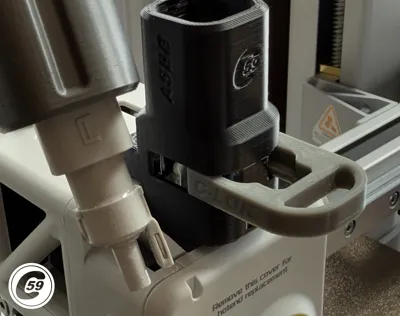
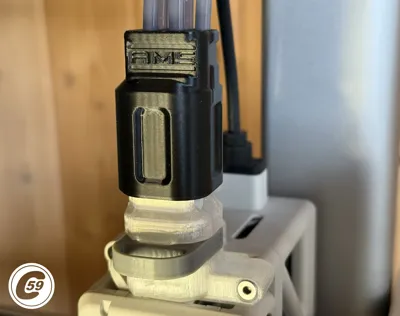
Keeps tubing straight and aligned for optimal filament flow. - Sliding Quick-Release for PTFE Tube (LITE Option coming Soon)
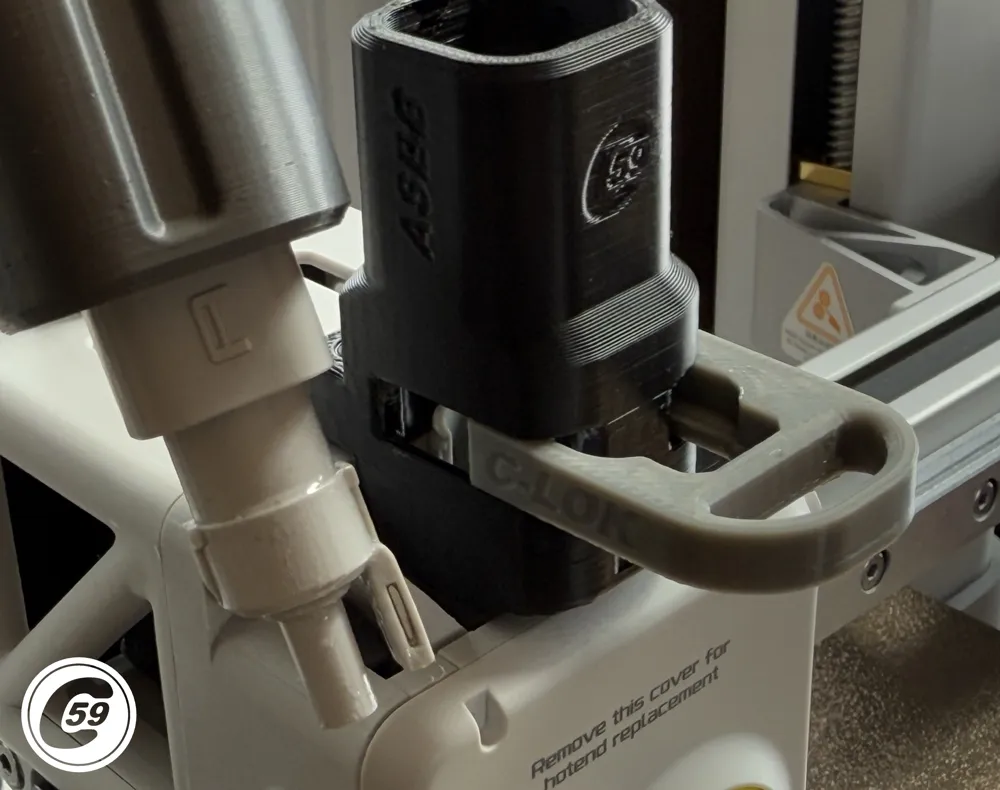
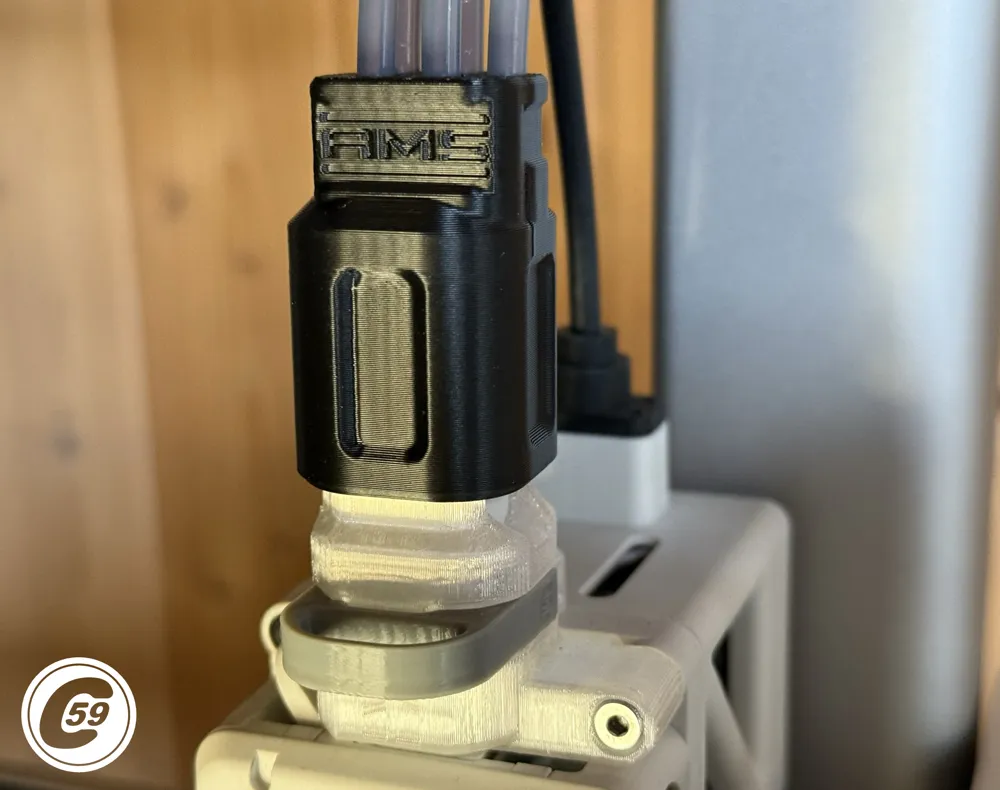
Toolless removal via the ASBB's sliding top design. - Optional 5th PTFE Port
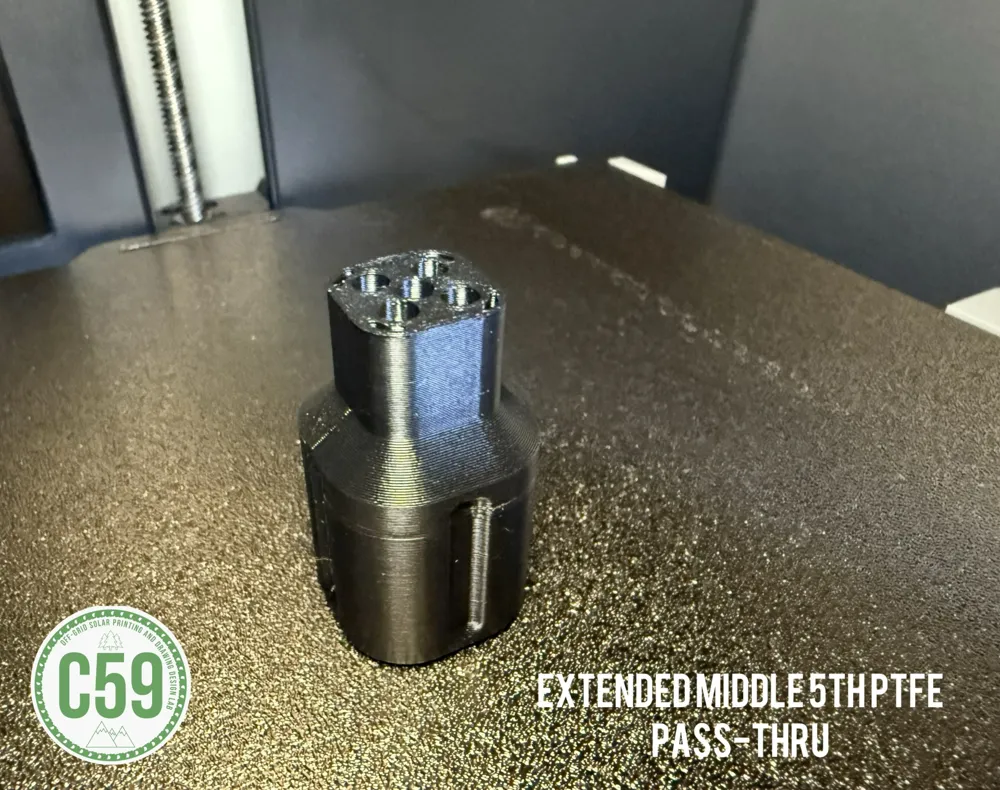
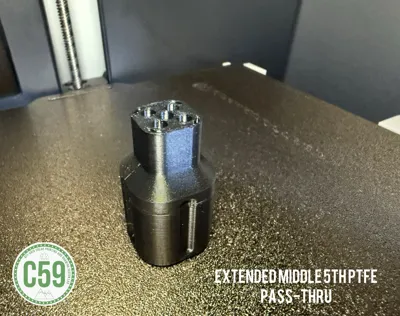
Available for external spool/pass-through configurations (see Side Hustle Release cap). - Minimalist Bambu Logo Branding
Adds a subtle touch of style without compromising function. Delete the hub* (Hub-Less Soon Available)
For AMS 1/2/HT
🔧 Hub-Lok LGS (vs LGS):
- Wider front cut-out – Easier access for cover removal.
- Improved print orientation – Optimized for horizontal printing (no supports required exc. LITE should work just not tested yet).
- Smoother sliding action – Cleaner surface finish for better usability.
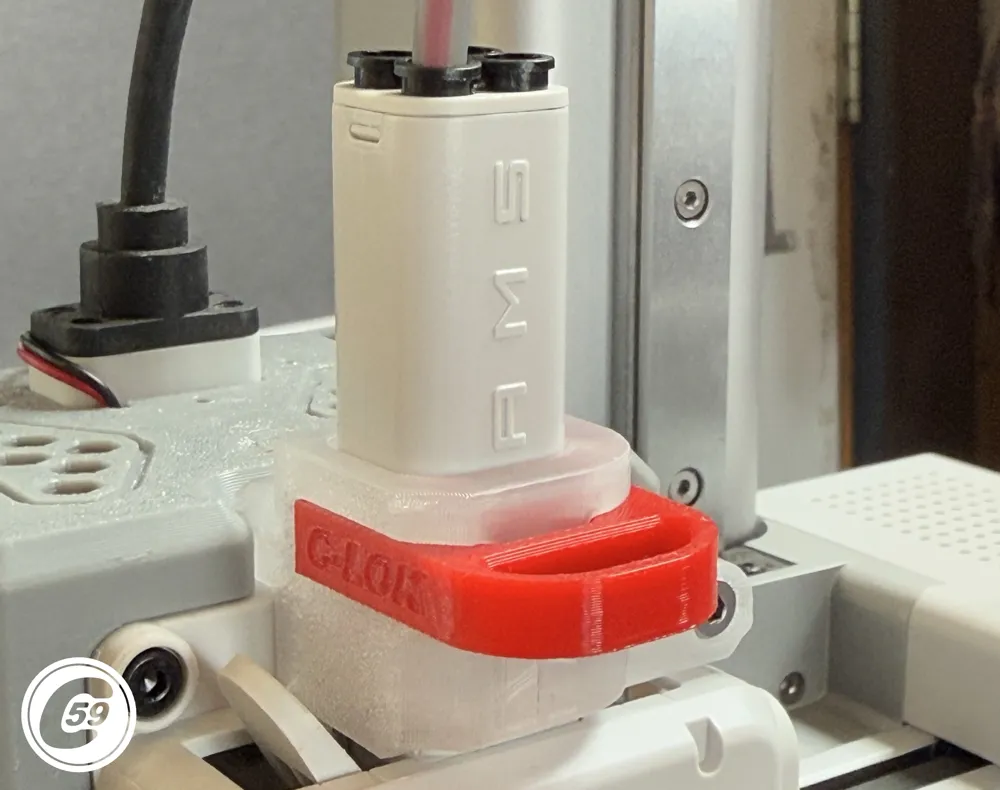
- Integrated Hub-LoK System – Adds a quick-release mechanism.
LGS remains a great option for those who prefer the original setup.
LGS Variant: Longer Screws + Hub-LoK
(If the printed model is labeled "LGS", it requires the longer screws specified in the BOM.)
- Longer screws improve mechanical strength and reduce wear over time.
- Available via Maker Supply (see BOM), or possibly from your own stock.
- Highly recommended for heavy-use setups or if upgrading from OEM screws.
Side Hustle & Pass-Thru – Enhanced Top Support
- Adds a fifth PTFE tube hole for external spools or custom feeds.
- Lightweight, sturdy, and flexible for different AMS setups.
- Current pass-through Hub mods not available (pending in-house design from C59).
C59 is working on a new version for Pass-Thru hub adapter due to the previous external source being discontinued. No ETA yet—stay tuned!
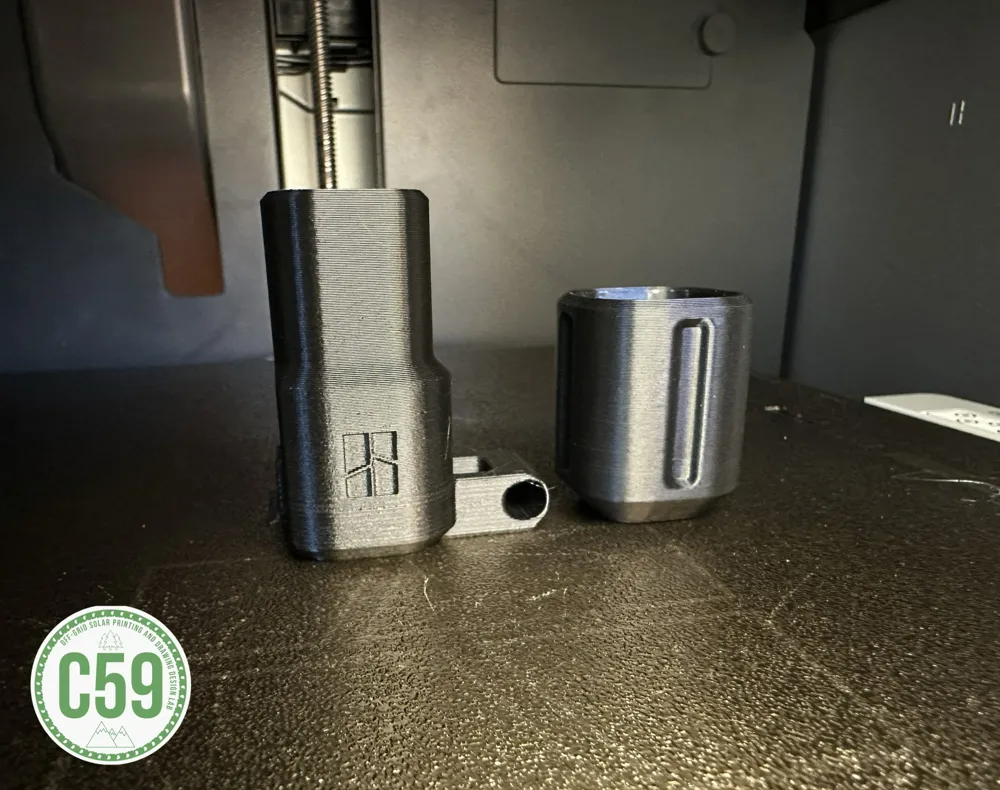
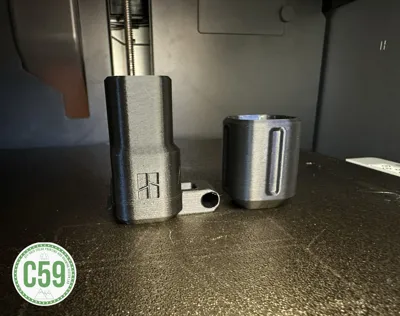
Dust Cap Support:
- Works with standard and Side Hustle setups.
- Designed for single PTFE tube use.
- Two-hole version coming soon for manual dual-color feeding setups.
Installation Instructions
- Sand the sliding portion, if necessary, to ensure smooth movement.
- Remove the PTFE tube from the hub.
- Unscrew the 2 screws behind the hub and the one on the front right of the toolhead. (3rd screw not shown in video because v1.0 didn't have this one)
- Slide the ASBB over the hub.
- Gently tighten the 3 screws.
- Slide the top portion of the ASBB to the bottom portion.
- Insert the PTFE tube.
- If you’re using a single PTFE tube and need one, two, or three extra clips, I’ve designed some [here]. I also have clips for the 5 pass-through version and the 4-hole version coming soon.
Hub-Lok Version Instructions
A full video will be available soon. In the meantime, you’ll need to remove the retaining clip using a tool like the Andy 8-in-1 multitool or another method. There may be some schmoo inside, which is a sticky, glue-like substance. It's up to you whether you want to clean it off, but alcohol and lighter fluid (such as Zippo) work well for this.
If you remove the oily residue, there’s less chance of the spring coming out when removing the hub. Otherwise, it can be more difficult to re-install, though it's still easier than the OEM setup!
Aside from that, it’s the same as the standard LGS and requires the same screws listed in the BOM below the description.
Removal Instructions
- Removing the Front O.E. Cover:
Gently wiggle the cover left and right to loosen it. The tight clearance between the cover and the support makes this step necessary, but there’s no need to remove the support to take off the original cover. With a little practice, this process will feel natural. (A video demonstration might be added later.) - Removing the HUB Support:
Unscrew the three screws securing the HUB support and slide it upward. Be cautious, as the HUB may come off with the support, and there's a cable attached that you don’t want to damage. Pull straight up on the HUB support to safely remove it.
Your upgraded setup is now ready!
Install Action HD VIDEO:
Quick HD Action VIDEO:
V1.0 Specifications
Material: PETG (NON-COLORED)
Printer Settings:
- Clean Build plate: Rinse with dish soap under running water, then dry with a microfiber cloth. !
- Profile: Standard
- Layer Height: 0.20 mm
- Mode: LUDICROUS
- Infill: 15%
- Walls: 3
- Bottom Layers: 3
- Top Layers: 5
Printing Details:
- Supports: required
- Print Time:
- Standard Mode: 1:09
- Filament Usage: 0.71 oz
- Estimated Cost: ~$0.50 (based on $26 PETG spool)
Streamlined Tube and Cable Management For A1 MINI
Tired of tangled cables or upgrades that just don’t feel right anymore? Check out my MSLPH Handle and MSZOC Z-Axis Cap, designed to combine functionality with style. These upgrades feature an integrated rear mount for tube and cable management, with one configuration already available and more exciting options on the way! Plus, the MSZOC includes a convenient lubrication port for hassle-free Z-axis maintenance.
👉 MSLPH Handle MINI
👉 MSZOC Z-Axis Cap MINI
👉 AMPC PTFE x Cable Clip A1/MINI
Elevate your 3D printer setup today!
Boost Me (for free)
🚀 Boost Your Project! 🚀
If you love what I'm working on, hit the Boost button! Your support helps me continue to create, improve, and share even more exciting designs. Thank you for being part of this journey!
Enjoy your printing journey, and remember—keep your fingers away from the poop chute, she's angry!
"I’ll be sure to keep you updated with any future developments. If you come across any issues or need assistance, don’t hesitate to reach out—I’m here to help!"
You shall not share, sub-license, sell, rent, host, transfer, or distribute in any way the digital or 3D printed versions of this object, nor any other derivative work of this object in its digital or physical format (including - but not limited to - remixes of this object, and hosting on other digital platforms). The objects may not be used without permission in any way whatsoever in which you charge money, or collect fees.
Current ver.1.3_05/11/2026
© 2026 C59 Design Lab. All rights reserved.
License

You shall not share, sub-license, sell, rent, host, transfer, or distribute in any way the digital or 3D printed versions of this object, nor any other derivative work of this object in its digital or physical format (including - but not limited to - remixes of this object, and hosting on other digital platforms). The objects may not be used without permission in any way whatsoever in which you charge money, or collect fees.


Comment & Rating (497)