
Hextraction Tiles Set I - Abuse of power
Print Profile(2)


Description
TLDR:
Hextraction is a FAN-TA-STIC game
where beads fly through tiles that create a series of paths and booby traps
that you and your opponents strategically place to get your ball in the end zone,
while blocking your opponents' balls.
If you are a happy Hextraction fan: I have more fun for you! Please look for the "I want more tiles!" section further down.
If you are new to Hextraction: please start with the “What is Hextraction?” section below.
What is Hextraction?
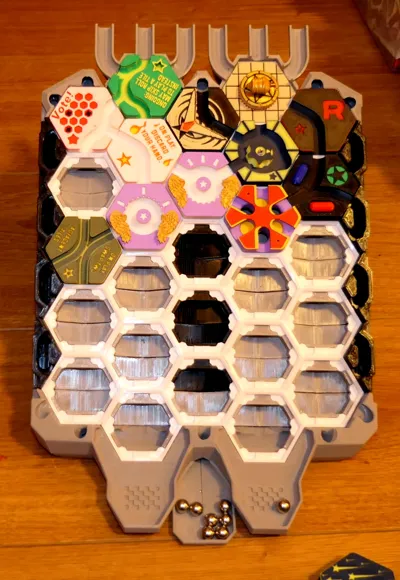
Hextraction is a FAN-TA-STIC game with so much action, traps, physics, effects and randomness that no two games are the same. Each turn you get to carefully place on your 3D printed board one of your 3D printed tiles from your hand of randomly picked tiles. You also get to launch a steel ball down a start ramp and frantically watch it fly through a series of tunnels and paths created by all of the hexagonal tiles laid out by all players. These paths can include traps, levers, jumps and even special effects that are all strategically placed to get your ball in the end zone (to win), while blocking your opponents' balls with devious tiles.
What's best part? This game is free to play, free to print and will forever keep improving as designers keep coming with AWESOME ideas to make CRAZY tiles (also free to print) that often flip the game on its head. This is all thanks to Zack Freedman, who chose to offer his game to the crowds of 3D printing enthusiasts, and let players and designers contribute to this wonderful game.
- "Hextraction is an open-source game - you can download the files to print yourself, or find a pre-printed set to buy.”
- “Hextraction is a 3D-printable, modder-friendly board game designed by Zack Freedman of Voidstar Lab.”
To get an idea of its potential and learn some rules watch the Hextraction video.
To play the game, you will need to:
- Print the grid: look for my Hextraction Super Board Game: Grid for A1 mini & +. It can be printed on the A1 mini or other printers with larger build plate. I recommend PETG to make your board very sturdy, but PLA work fine too. This grid has 27 slots, which means more fun!
- Print the base: look for my Hextraction Super Board Game: Base for A1 mini & +. This includes all the structural parts that are specific to the grid with 27 slots from this page, such as the gutters that channel lost balls all the way to the bottom (that would otherwise fall through), On ramps, End zones, adjustable legs and accessories;
- Check the Hextraction Getting Started page.
- Look at the Hextraction Official rules. If you'd like to play by yourself, look at the single player rules.
- Buy 10 mm steel balls or 3/8" slingshot ammo. 50 of them seems like a good number for 3-4 people.
- Print Hextraction game tiles, the more the better! Here are links to my favourites sets.
- Hextraction Tile Set A - Super Starter Pack: includes plenty of tiles to get your Hextraction games started, along with some very cool tiles that will give you an idea of what is possible with this game.
- Hextraction Tiles Set A - PETG parts: since PETG parts need different printing requirements, I pooled all the PETG parts from set A into this file.
- Hextraction Tiles Set B Flip Flop+Secret tiles: with sets A and B you will have all the basic starter tiles recommended, and enough whacky tiles to show you how much talent and creativity went into designing such mischievous contraptions!
- Hextraction Tiles Set C - Deviations: spice up your games with randomness and a bit of malevolence.
- Hextraction Tiles Set D - Traps! : traps are very useful to slow your opponents down and tear apart their sophisticated plans.
- Hextraction Tiles Set E - Wild Tiles: Hextraction tile creators are (thankfully) not selected by committees or review boards. Nope, if you let them loose, they come up with ingenious and/or crazy ideas, the perfect recipe for exotic tiles with strange themes or effects.
- Hextraction Tiles Set F Mega pack: if your games get slowed down by effects tiles, balance things out by adding regular tiles. And no regular does not mean boring.
- Hextraction Tiles Set G Lucky Unlucky tiles: Feeling lucky? With this set, you can test it out, or better yet, you can bestow bad luck upon your opponents. Feeling better now?
- Hextraction Tiles Set H - Tile rail + Golf: if you thought Hextraction was fun, wait until you play the Skyrail tile, my absolute favorite tile. And those golf-themed are sweet.
- Hextraction Tiles Set I - Abuse of power : some tiles have, or give too much power. Don't print this set. It will change your games for the worst. Or the best! Just depends on the point of view.
- Hextraction Tiles Set J - BAM! : you slip, you explode, you burn, earth splits under your ball. That's what this set is about. And some good (and evil) magic.
- Hextraction Tiles Set K - (in progress)
- Hextraction Set L - Deceptive simplicity
- Hextraction Tiles Set M (in progress)
- Hextraction Tiles Set N - Talent Pool (in progress)
I want even more tiles!
Thank you for your ratings, comments and downloads. I am really glad that this wonderful game designed by ZackFreedman is getting known, printed and played.
I have been playing with a bunch of very cool tiles and published some sets along with the Hextraction board I chose. Some of you are indeed interested into the game, so I decided to post additional sets of tiles to make it easier for you to enjoy Hextraction. So far I have printed over 120 different tiles: no game is like the previous one, we had games that lasted 2 hours, others 5 minutes!
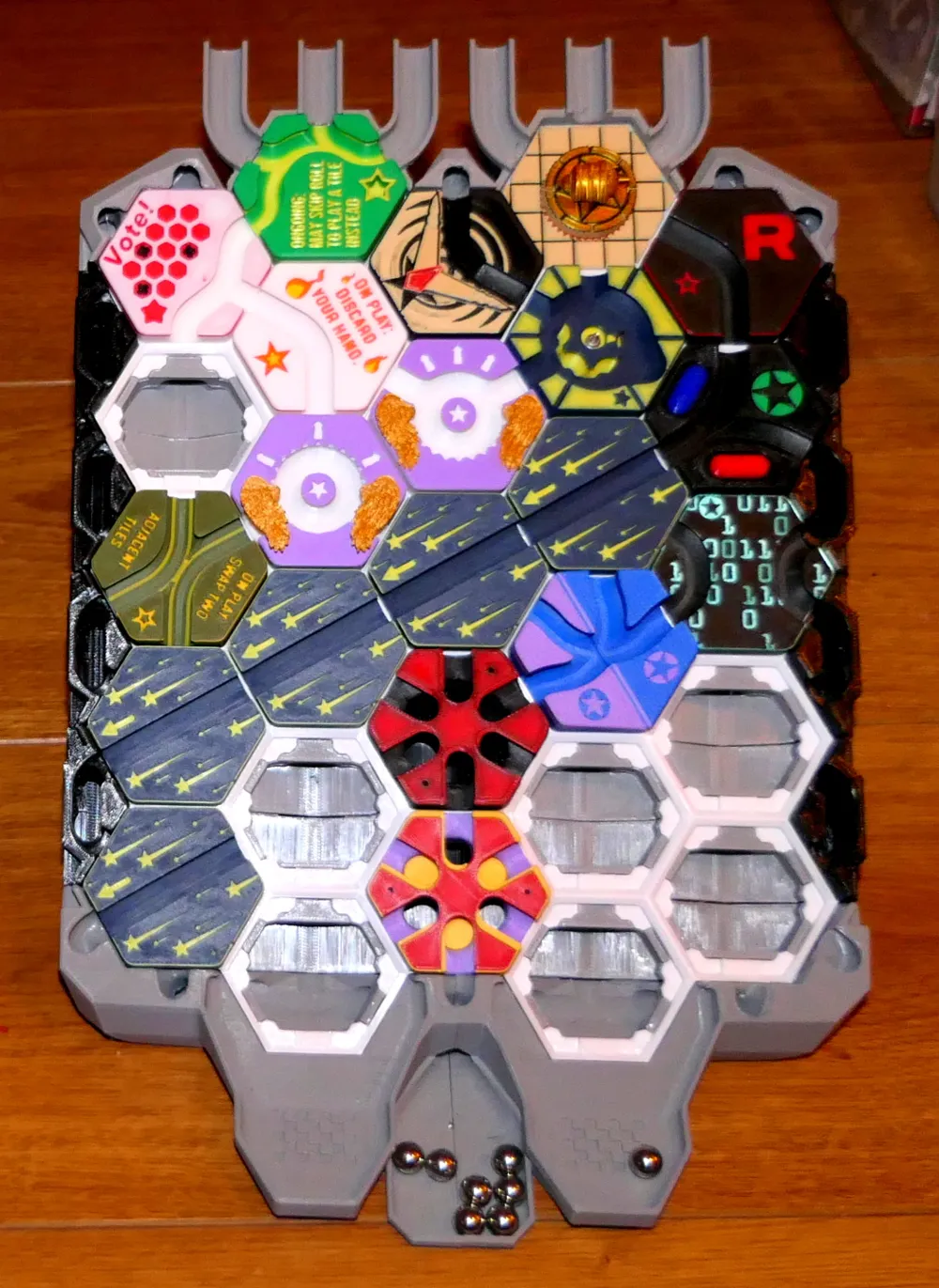
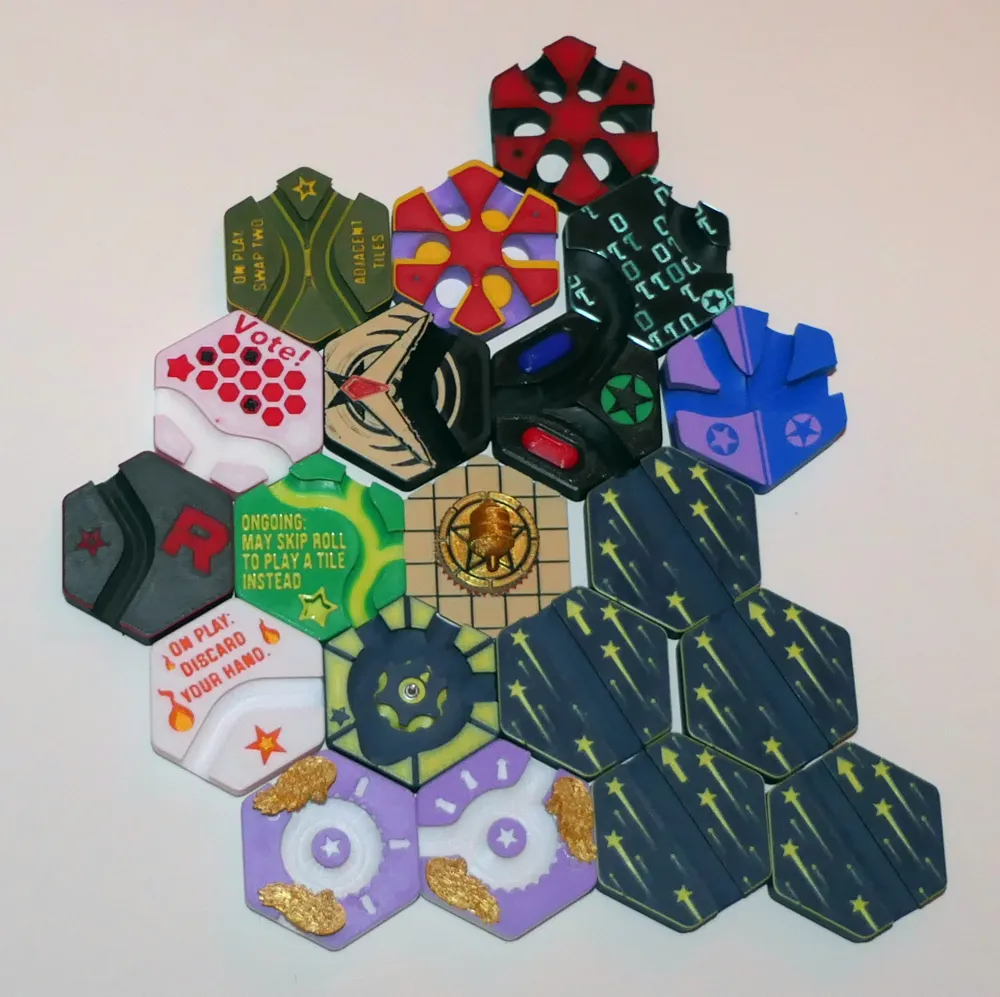
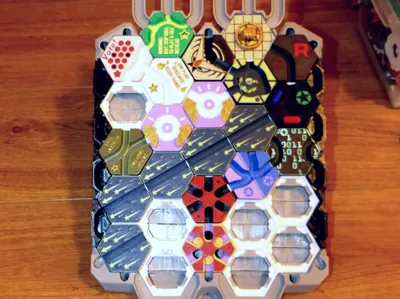
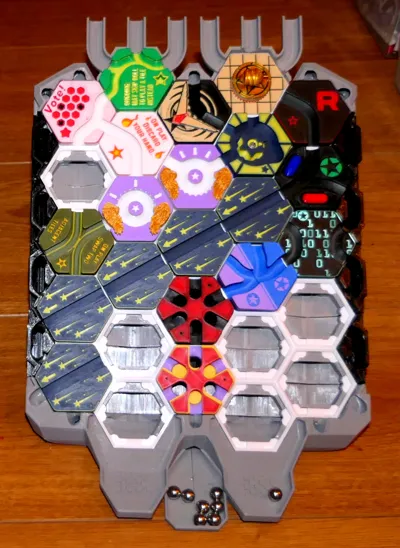
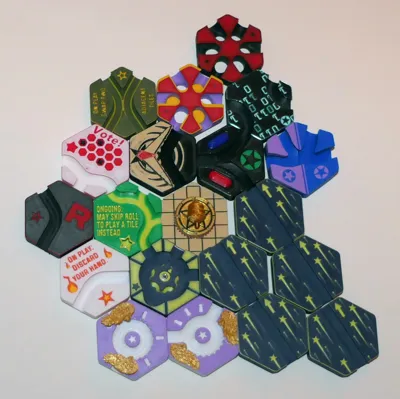
Here are 11 power trip tiles to enjoy. These were hand picked from hundreds of models I found on a variety of sites and forums. I pooled them based on their profiles/characteristics and added color in subsets to reduce filament waste. All tiles have been printed, tested (many were removed along the way), played with and approved by the head of QC (my son). I optimized the print settings to get the best prints possible (fyi, slower = better prints). I picked the positions on the plates so you don't have to clean your build plate more than twice for the entire set.
You clean your plates with soap and warm water, don't you? And dry your filament?
Hextraction Tile Set I - Abuse of power
If you have played a bit, you have noticed that some tiles are very powerful, but there are others who wreak havoc!
This set is for adventurous players, who don't get upset when their plans to rule the board fall apart.
Cool things about the tiles
Someone ruined your path to victory with an annoying tile? How about taking it off the board? When you play the Boomerang tile (by Balthazar), you get to pick any tile from the board and put it in your hand.
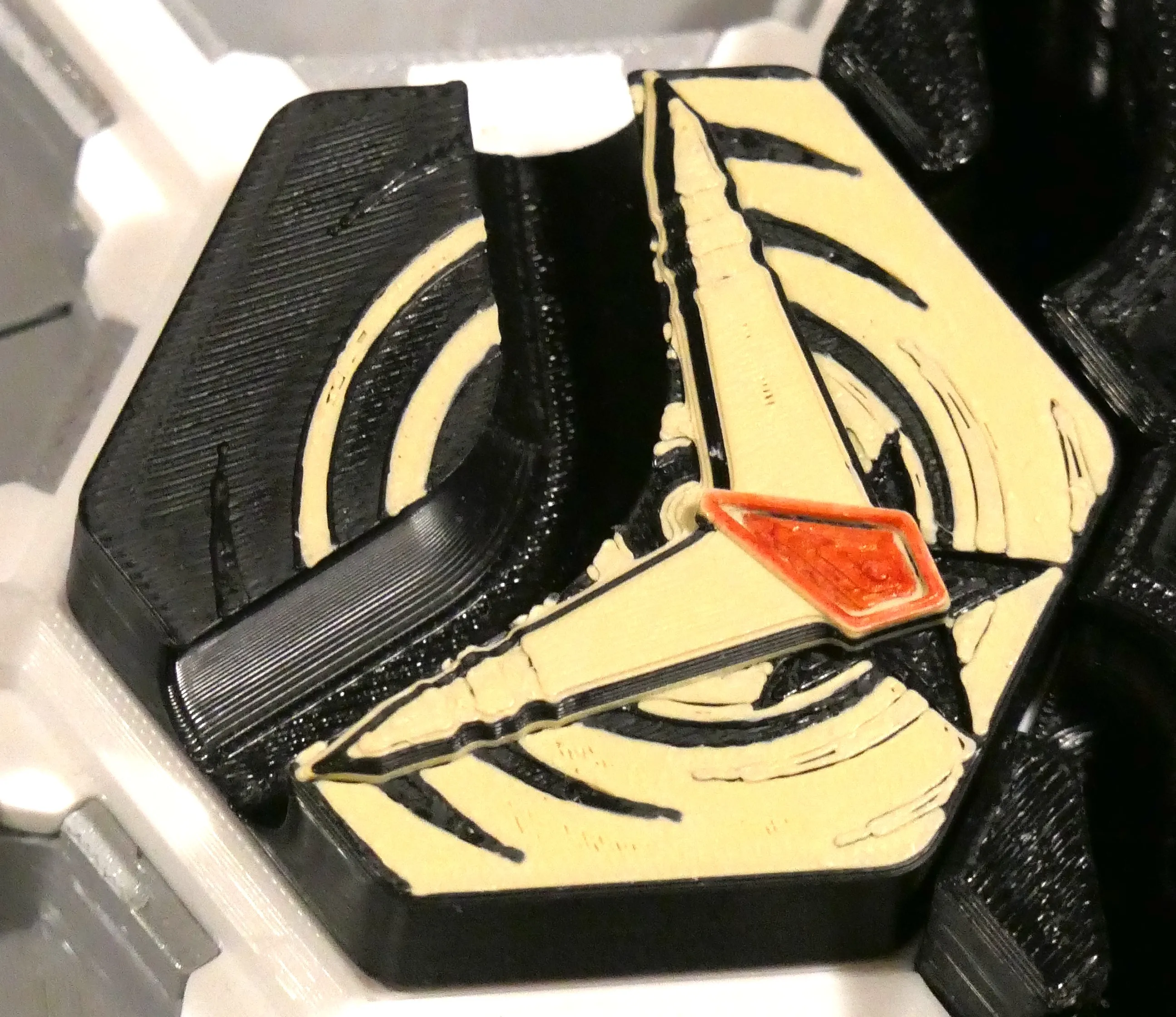
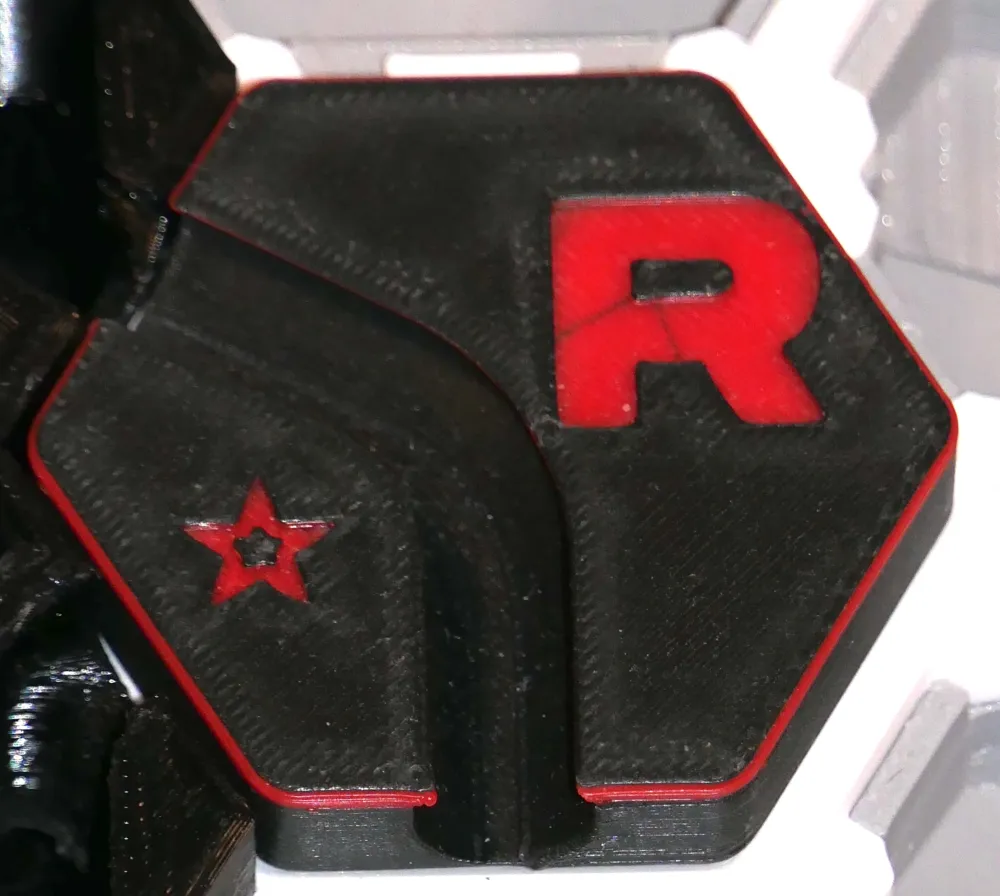
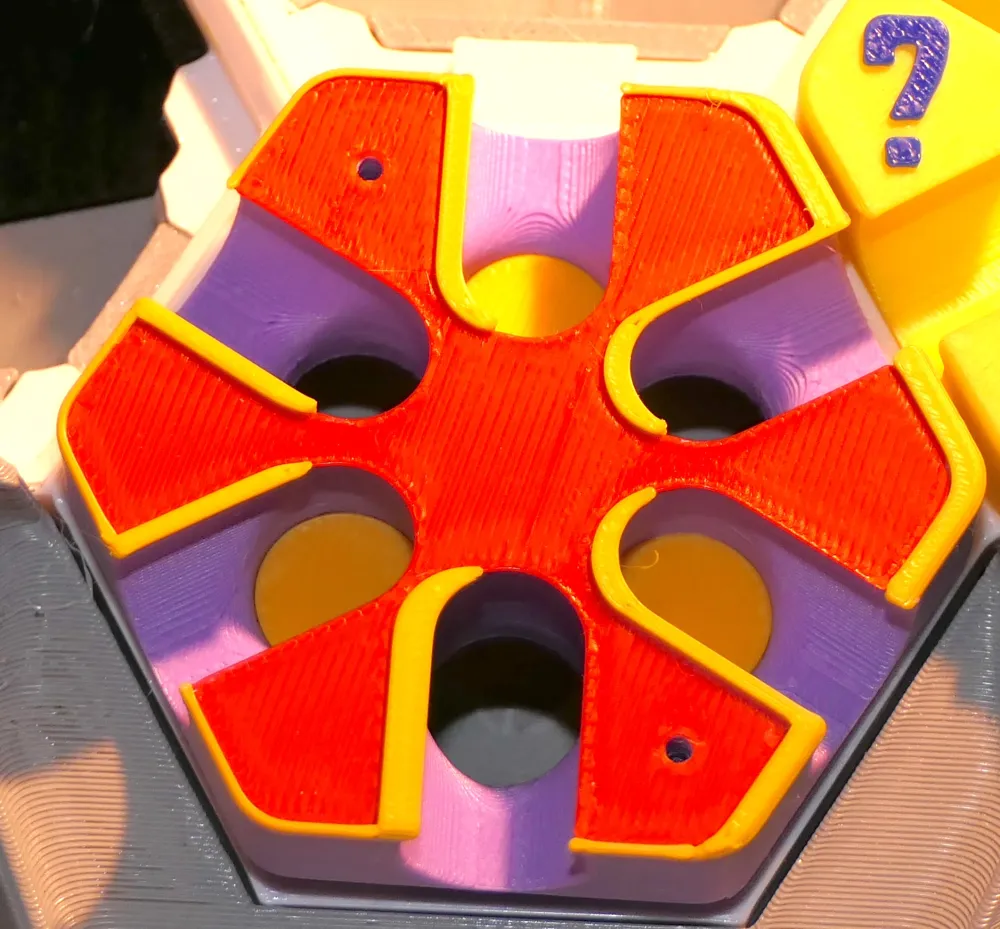
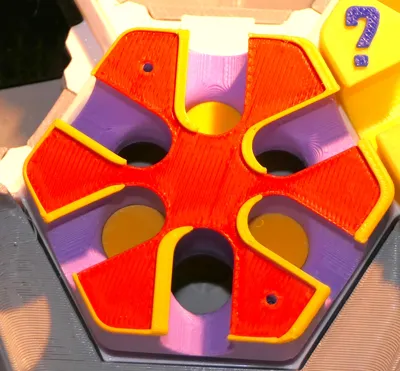
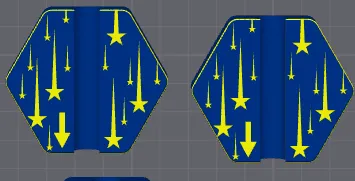
The World Most Annoying Tile (by ZackFreedman) does exactly what its name implies: any ball, from any direction, goes into the gutter. This also means that it can not be destroyed by the 3 balls rule. Unfortunately it is indeed so annoying that it stalls the game, so we recommend NOT to print it. I instead made a remix, The World Almost Most Annoying Tile in which 3 of the holes are filled, which means it can now be detsroyed.
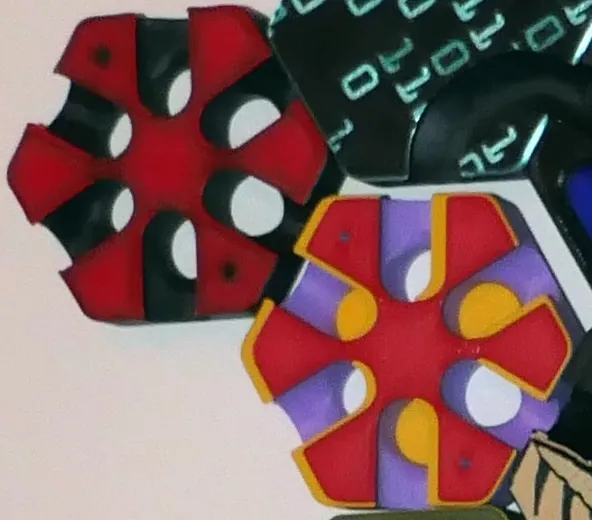
The World Most Annoying Tile (left) and The World Almost Most Annoying Tile (left)
Feel like telling other players what to do? When you play the Boss's order tile ((by zazztheboy), you get to destroy an adjacent tile, look at an opponent's hand and choose one tile to replace it. Yes boss, whatever you say.
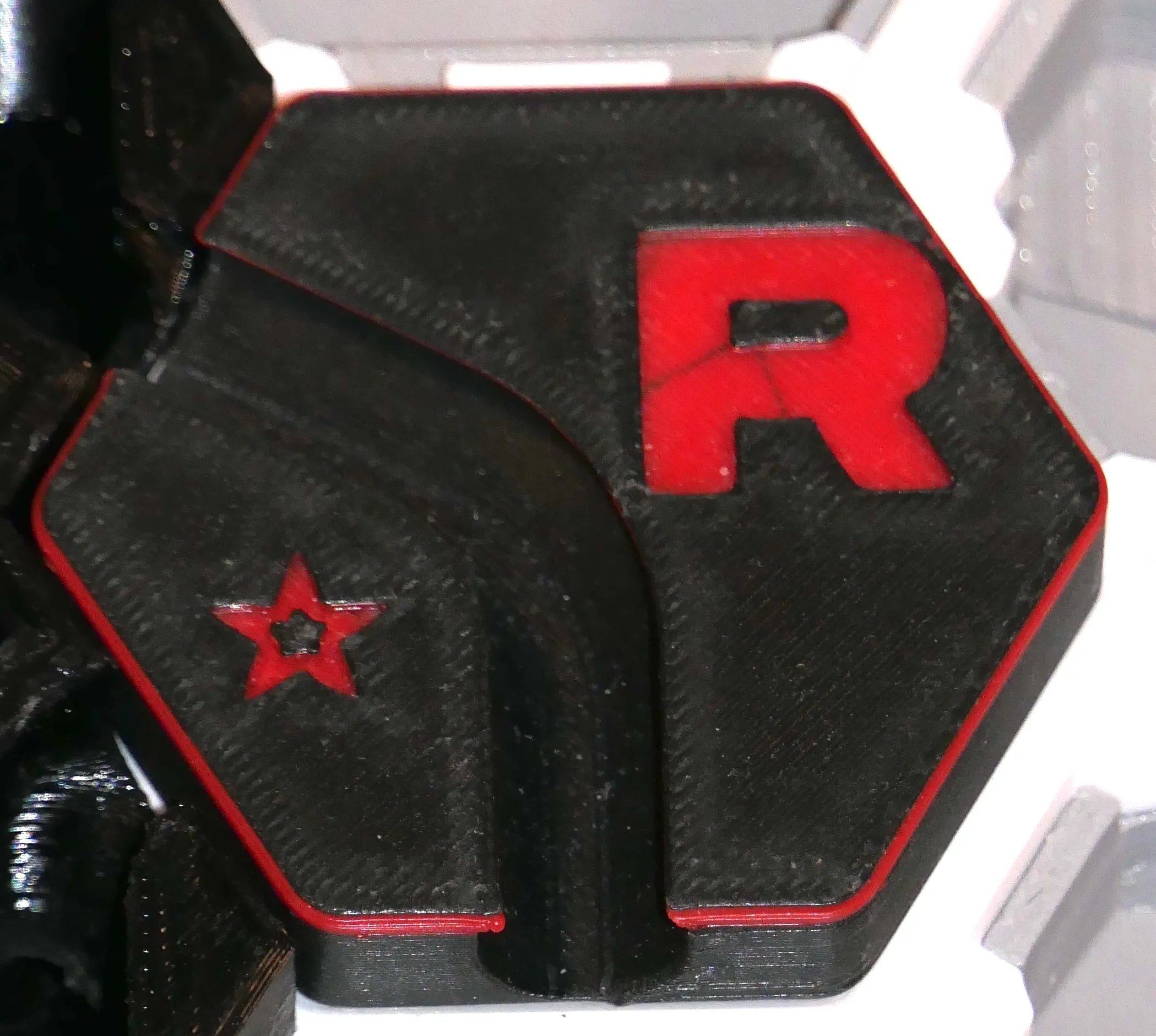
Remember the Matrix digital rain effect? Now imagine the characters are Hextraction tiles and the backdrop is the board.
Well that board will never look the same if you play the Matrix tile (by ZackFreedman). This is no time to blink: E-VE-RY PLAYER PLAYS E-VE-RY tile they have in their hands, as quickly as they can fire them. To make the scene easier to decipher, the On Play effects of those tiles are deactivated.
You can get the Matrix tile here and become a member to support Zack Freedman, who also generously provided links to his Fusion models as a way for us to remix his tiles.
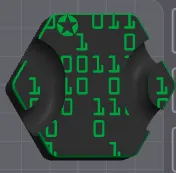
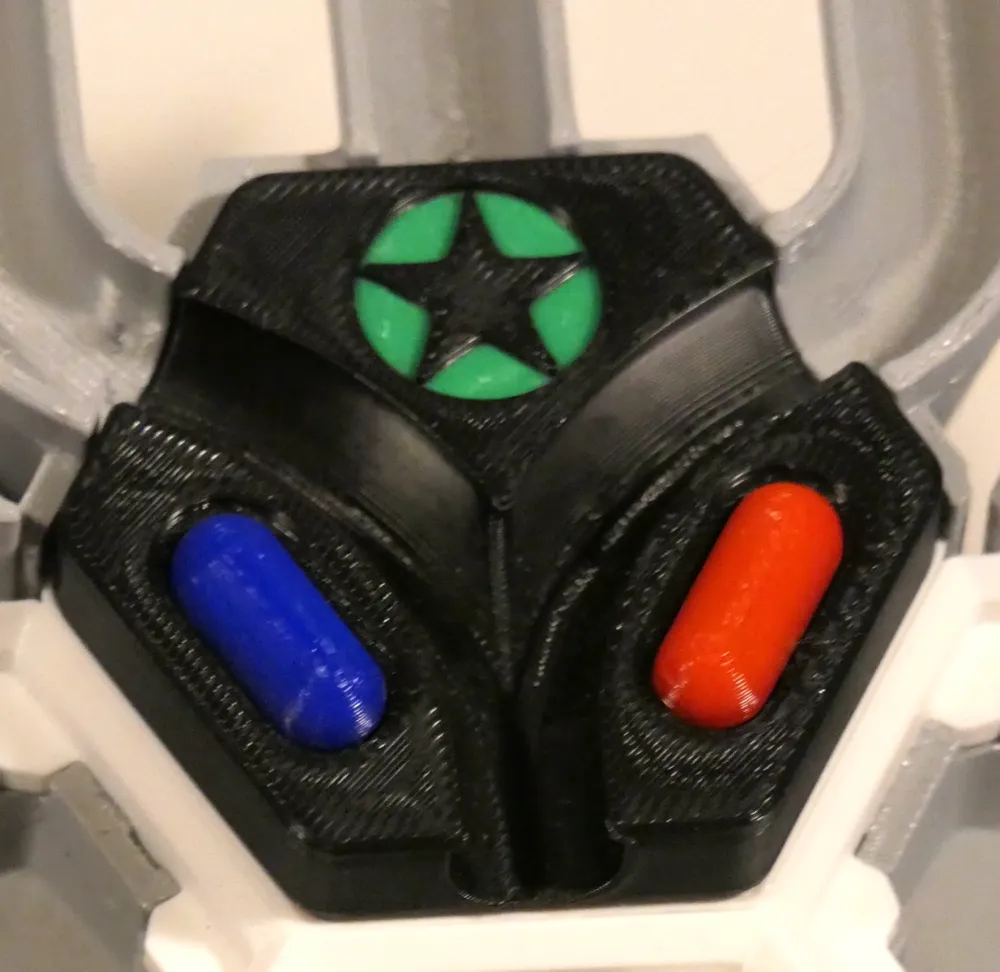
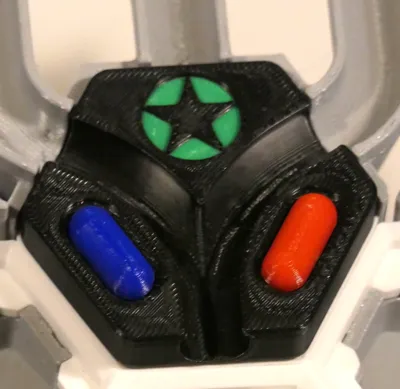
Want another Matrix sequel? Then Take the Tilepill (by ZackFreedman)! While not as crazy as the previous Matrix tile, this is a power trip: when you play it, pick an opponent and ruin their next turn! Instead of playing a tile from their hand, they take two tiles from the pool and play one.
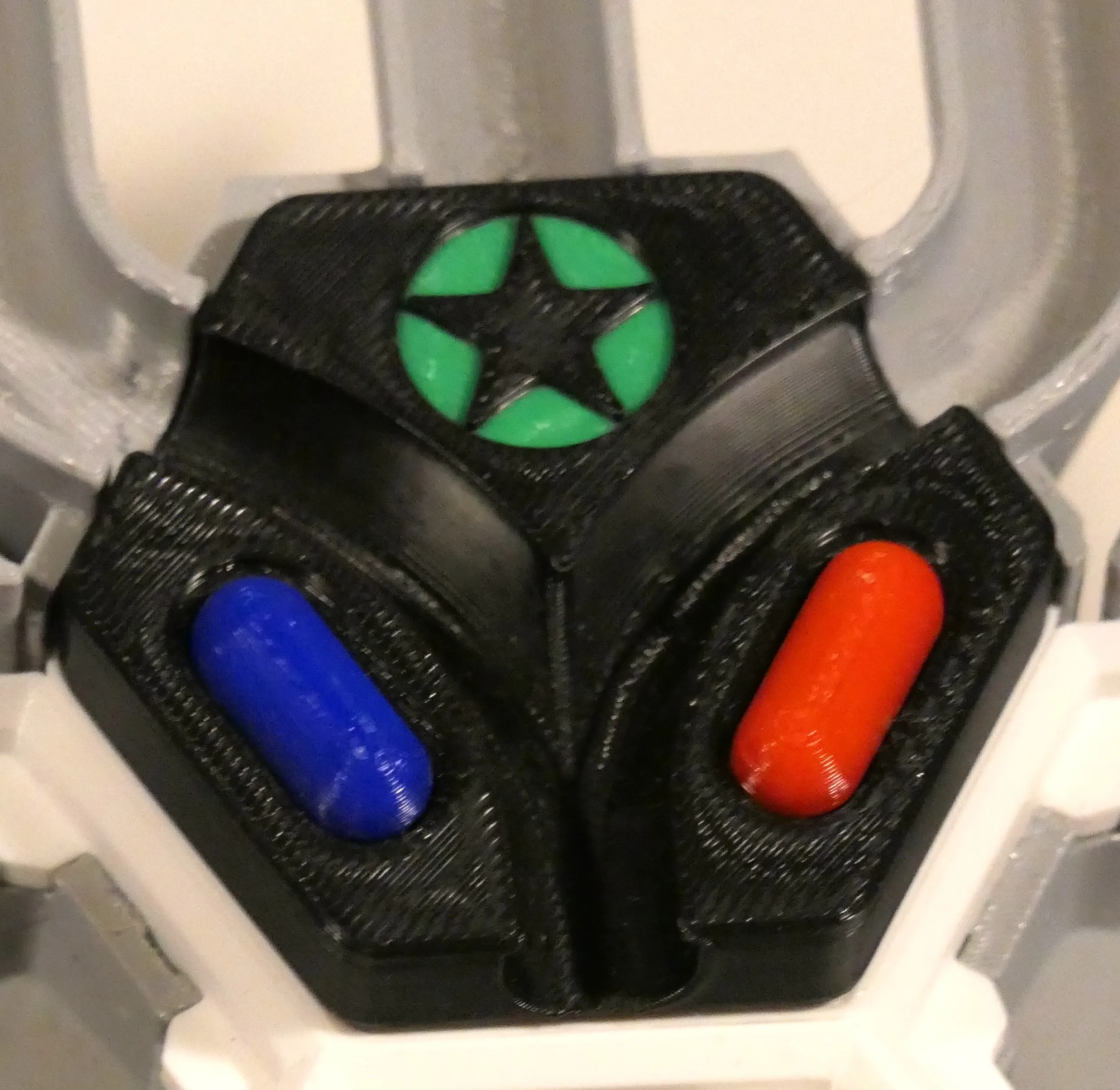
Here's potentially the most devious tile created by ZackFreedman: the Subspace tile. As soon as you play it, it creates a “hyperspace corridor” in whatever direction you choose… Rummage through the pool to find other Subspace tiles to continue the path of the first one you played.
Unfortunately we don't recommend these tiles as they ruin the game. You can those here, also by subscribing to Zack Freedman's paid collection of tiles.
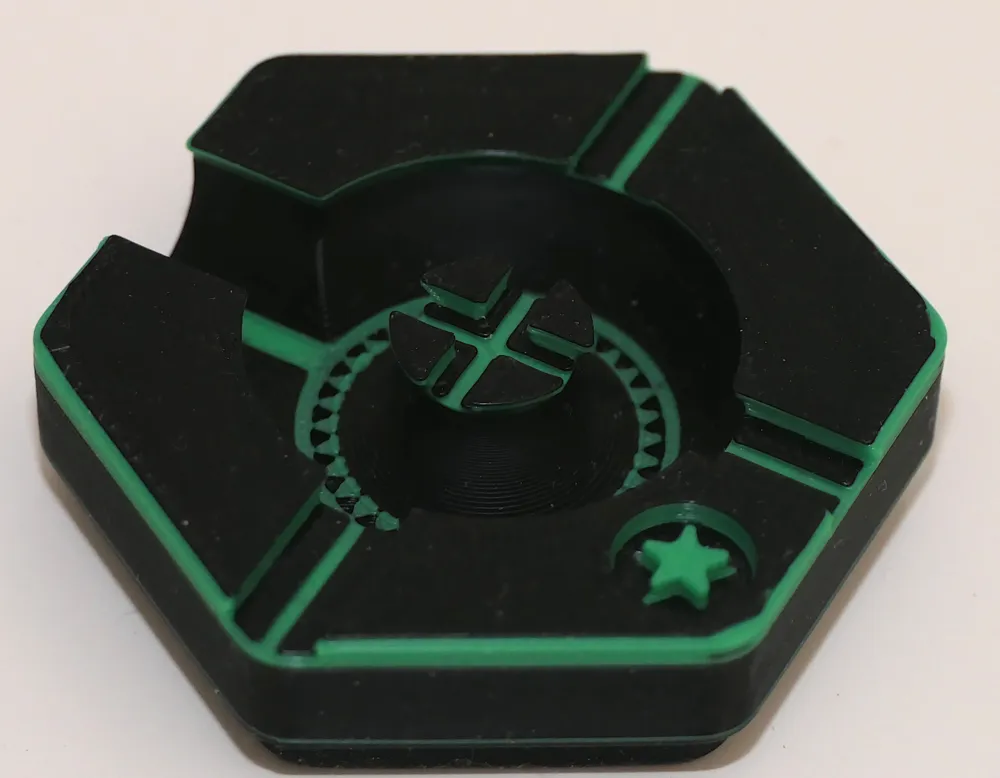
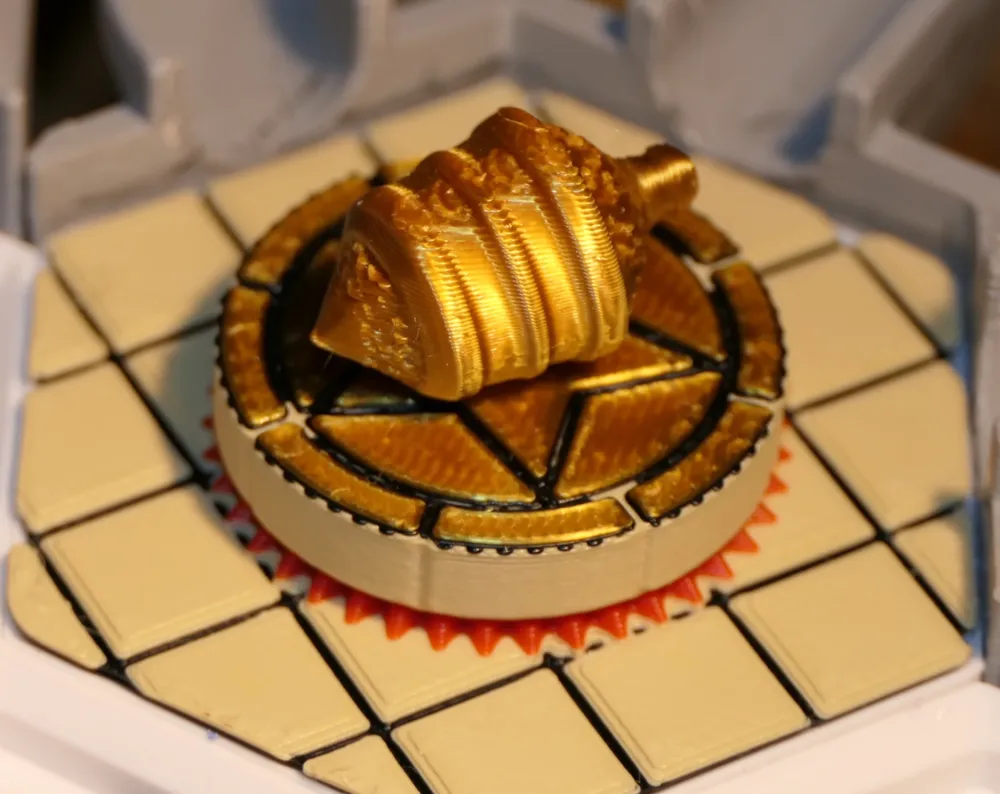
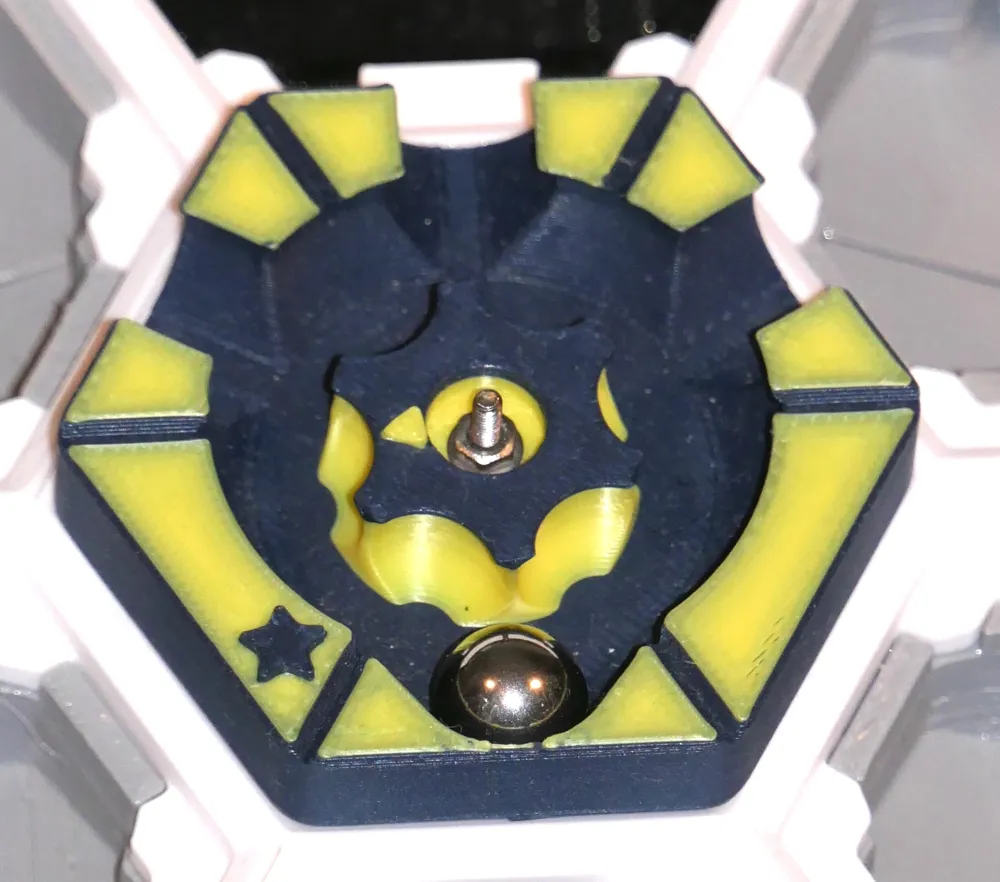
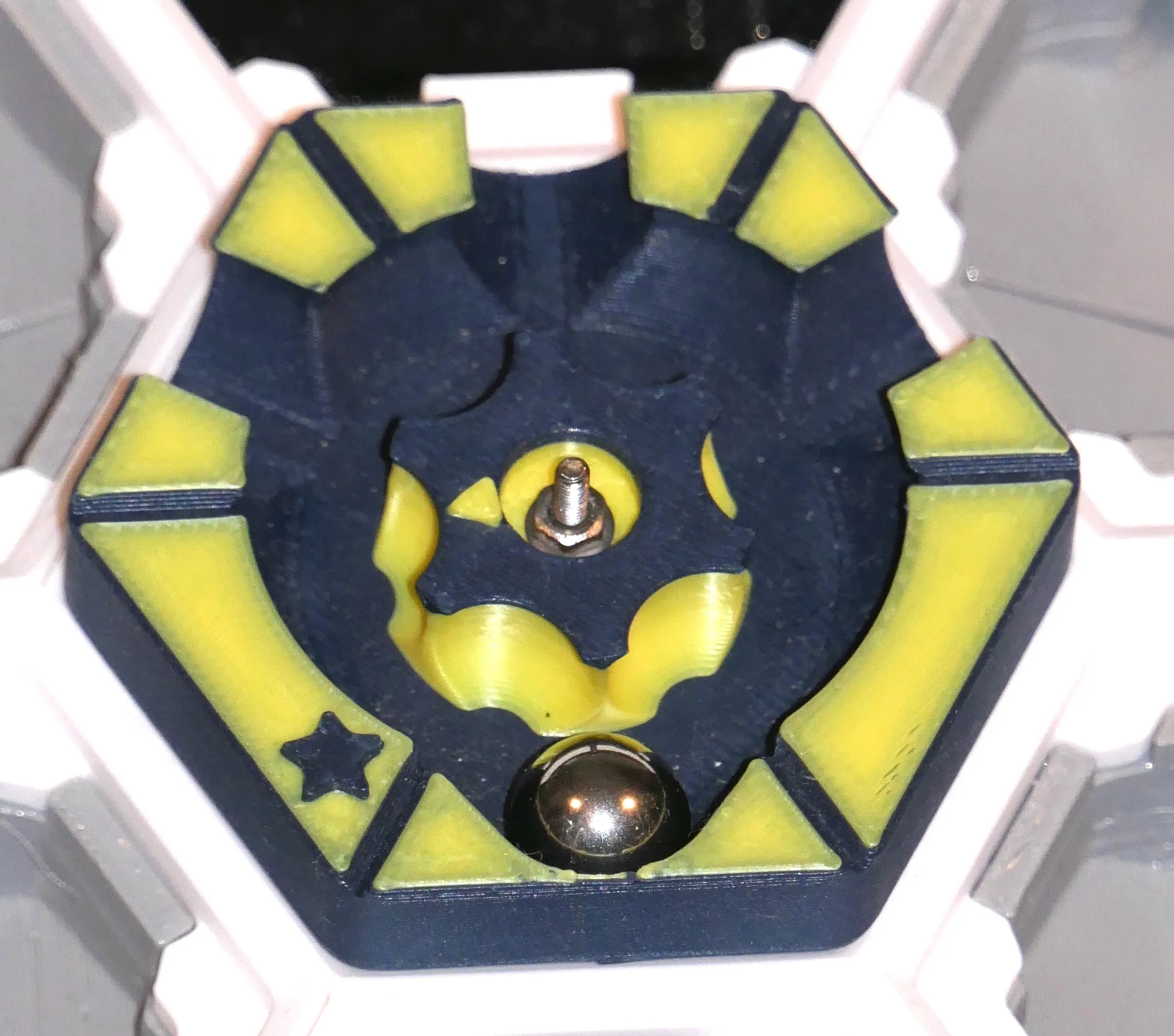
If a ball runs through the Wheel of Teleportune (by CodeWookiee), it gets teleported to the next possible tile in the direction of the arrow on its spinner (if impossible, then it's the gutter). Try to plan around that one!
This tile requires a M3x8 or M3x10 bolt and a washer. Put the bolt into the top of the flipper, add a washer and then screw this into the hole in the center of the tile. You will be screwing into plastic, so be gentle. The flipper should spin freely, if not add some grease.
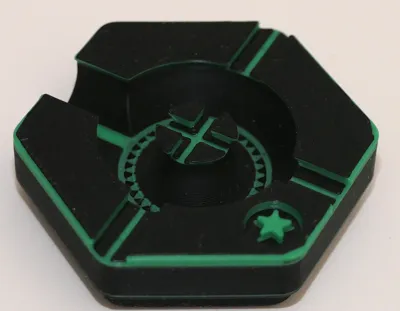
Aim wisely when you ball runs in the Sniper tile (by Bowty Productions, minor mods by myself) because you get to “shoot” a tile of your choice: remove any balls from it, destroy it, activating its On Destroy effects if it has any. You then play that same tile, in the same spot, activating any On play effects.
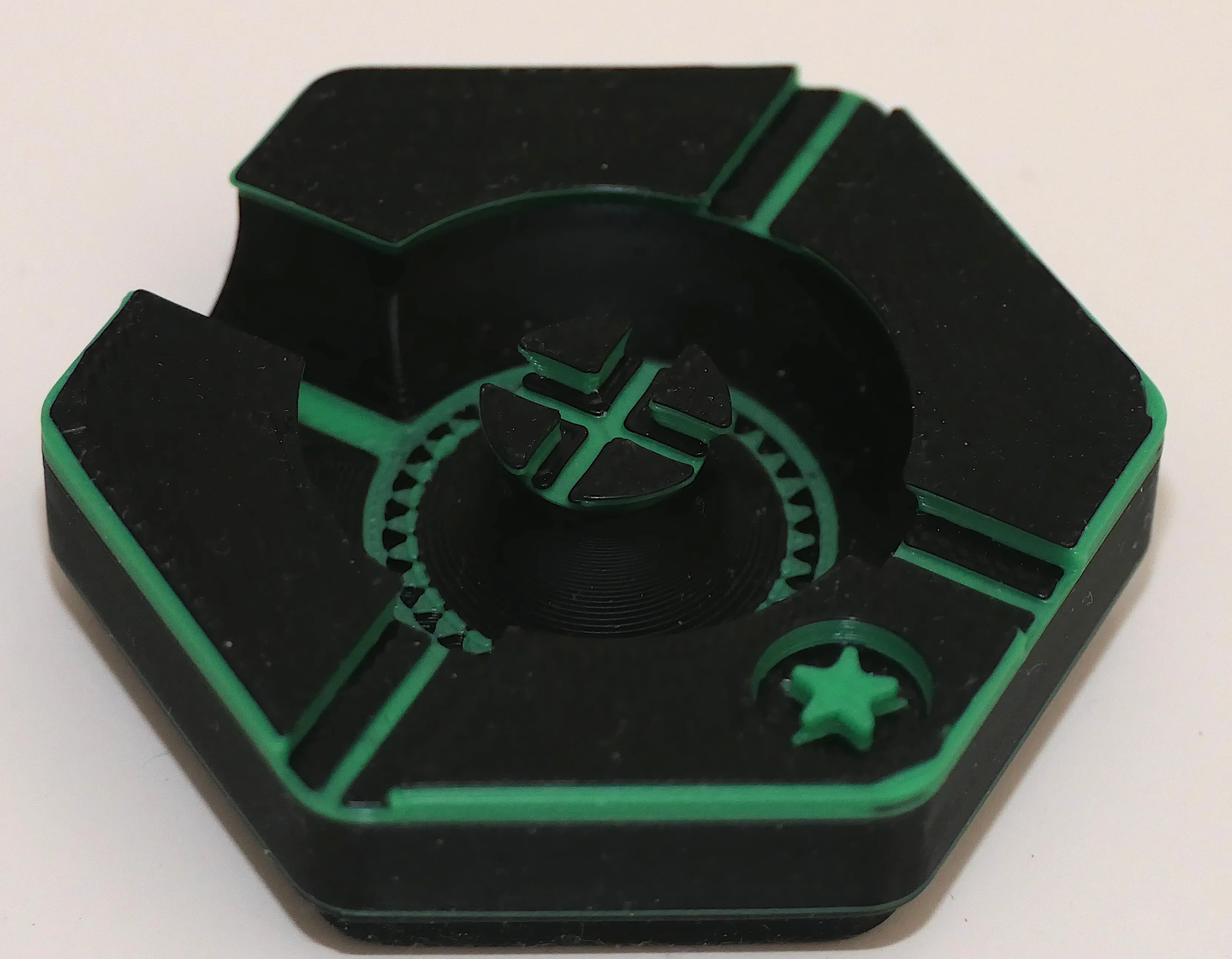
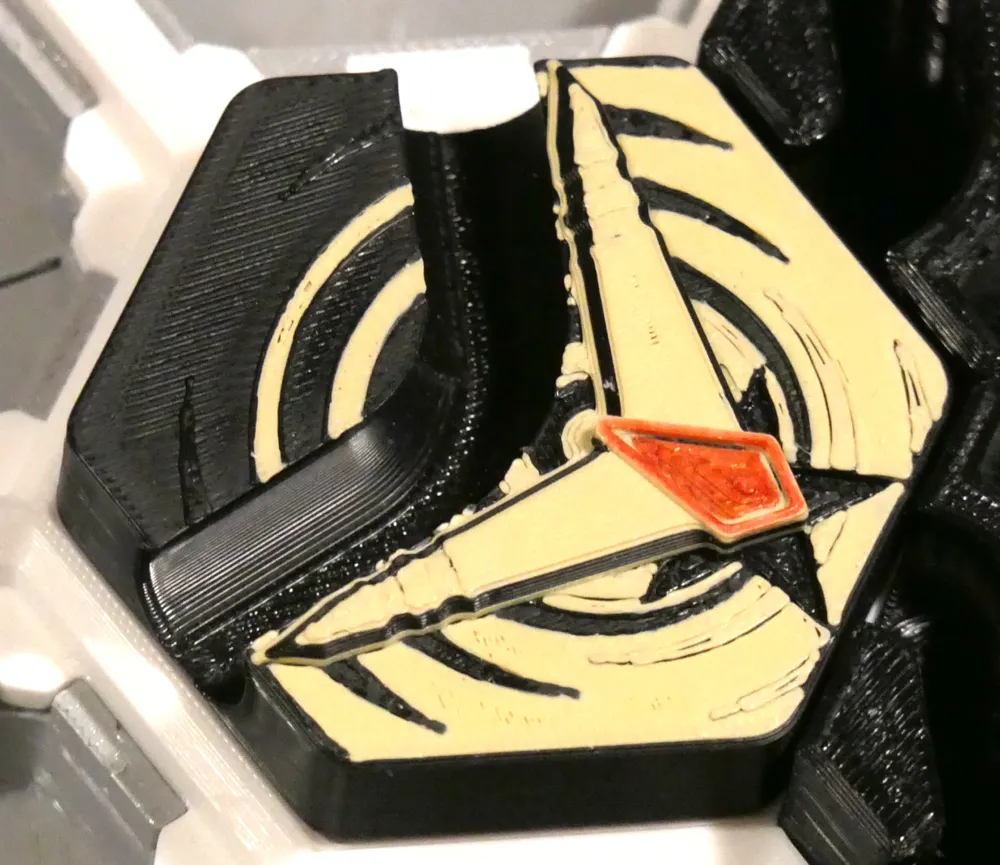
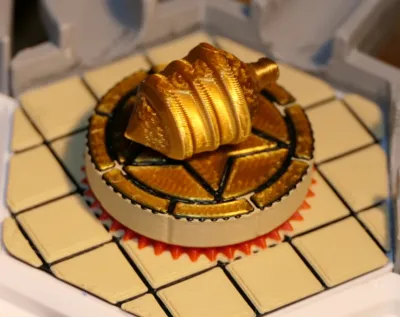
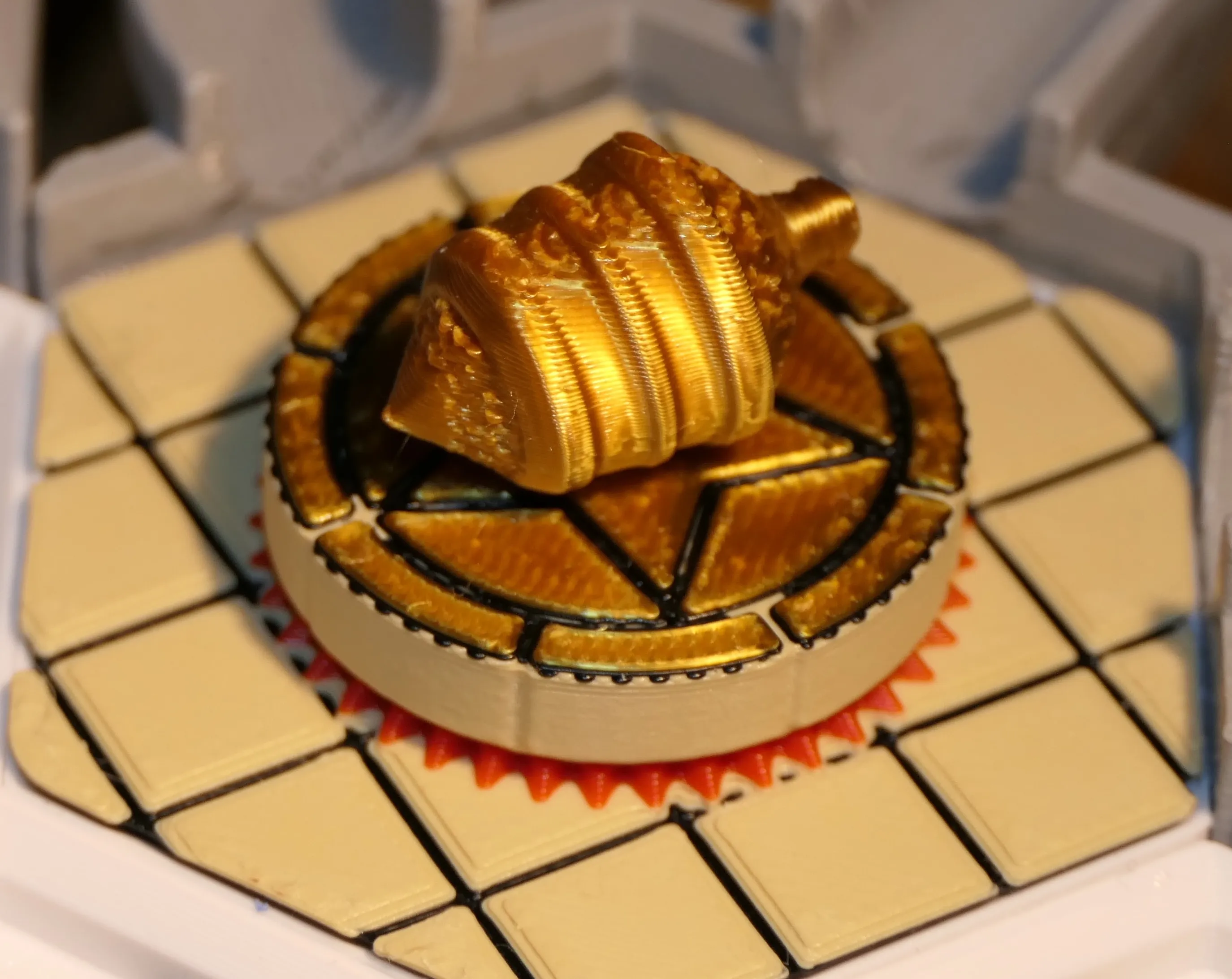
Sensei's Divining Top Tile (by Balthazar) is not only gorgeously designed, but it is quite powerful. When you play it, you get to pick 3 tiles next time you pick some and return two (so you get to choose!). If your ball touches the trigger area (in red), you draw a tile from the pool and return Sensei's Divining Top back to the pool.
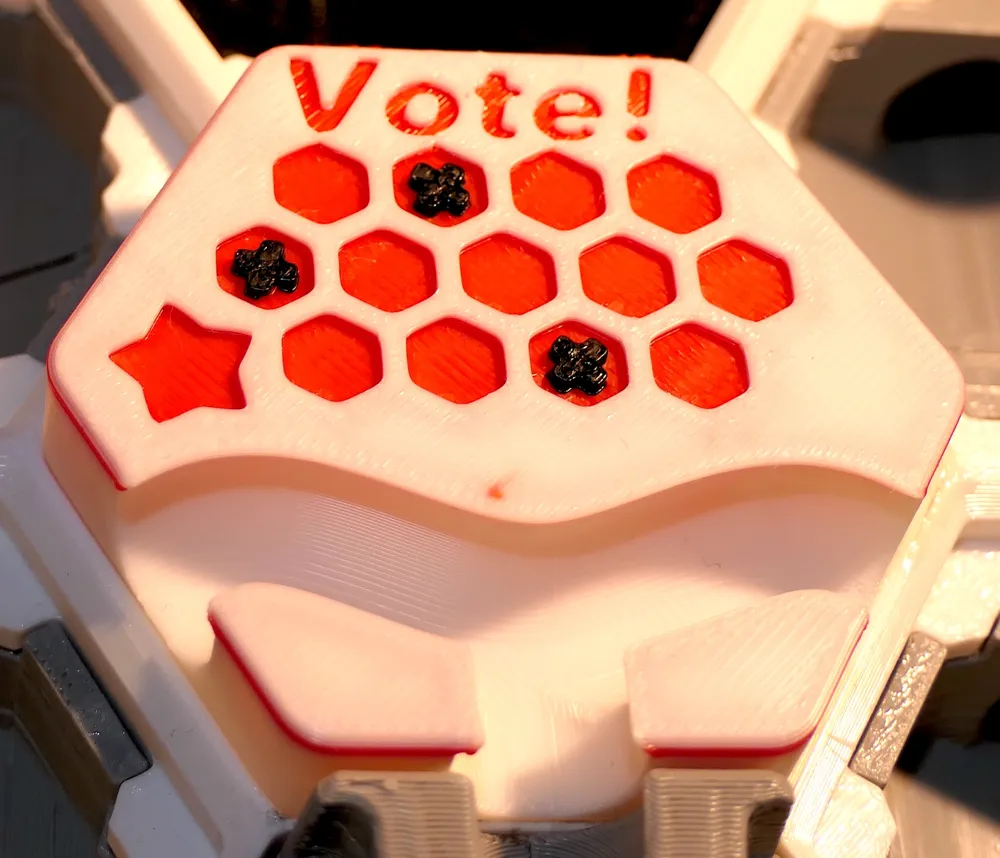
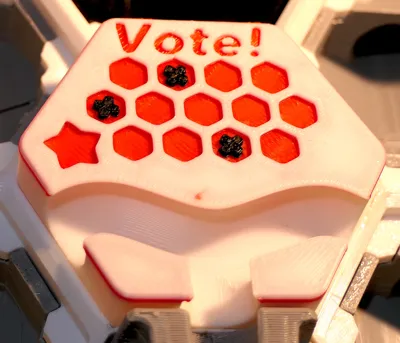
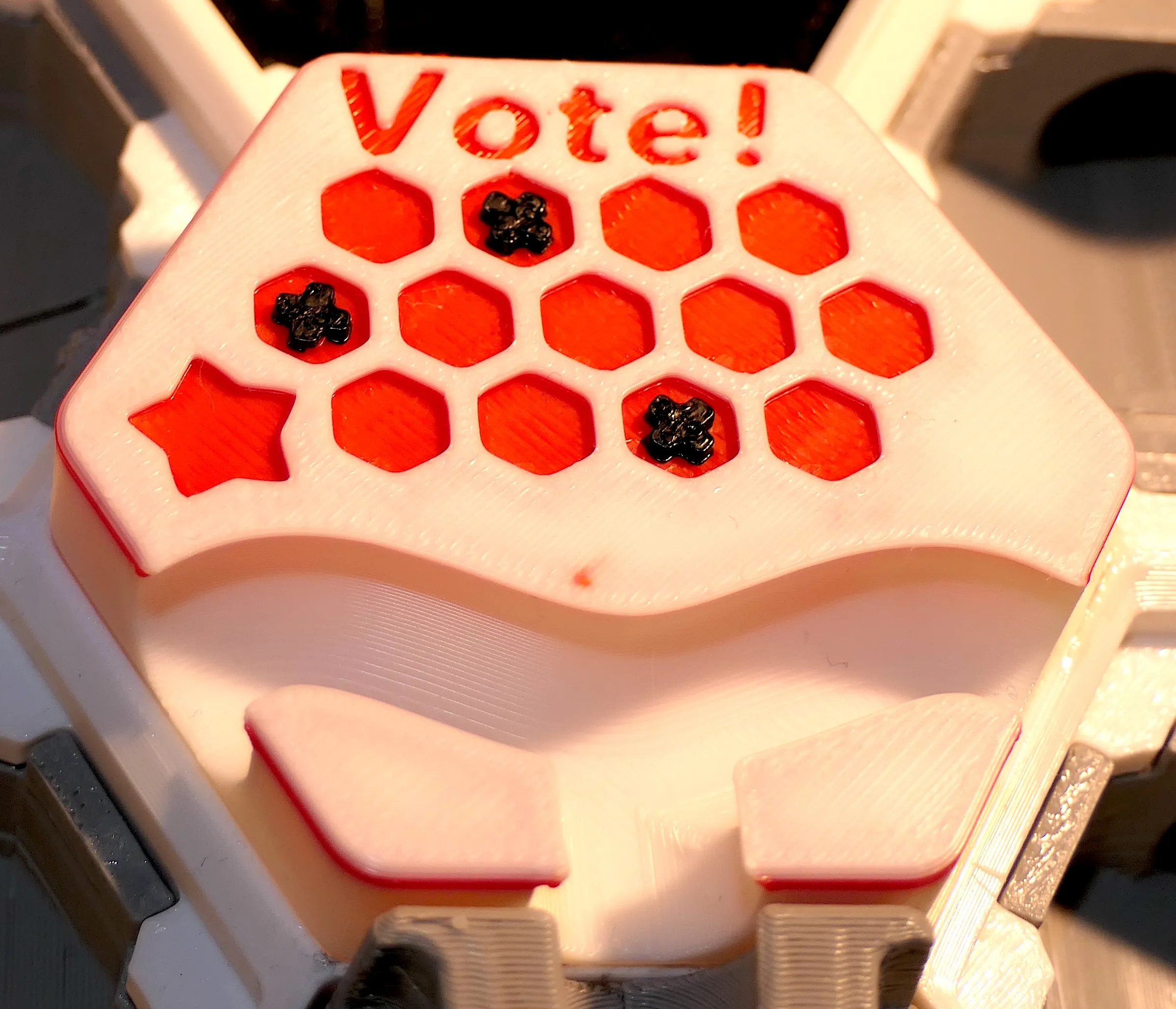
Democracy gets involved in the game with the Vote (by Sauergesicht): players vote for the tile they want destroyed. Tiles with a tie vote all get destroyed.
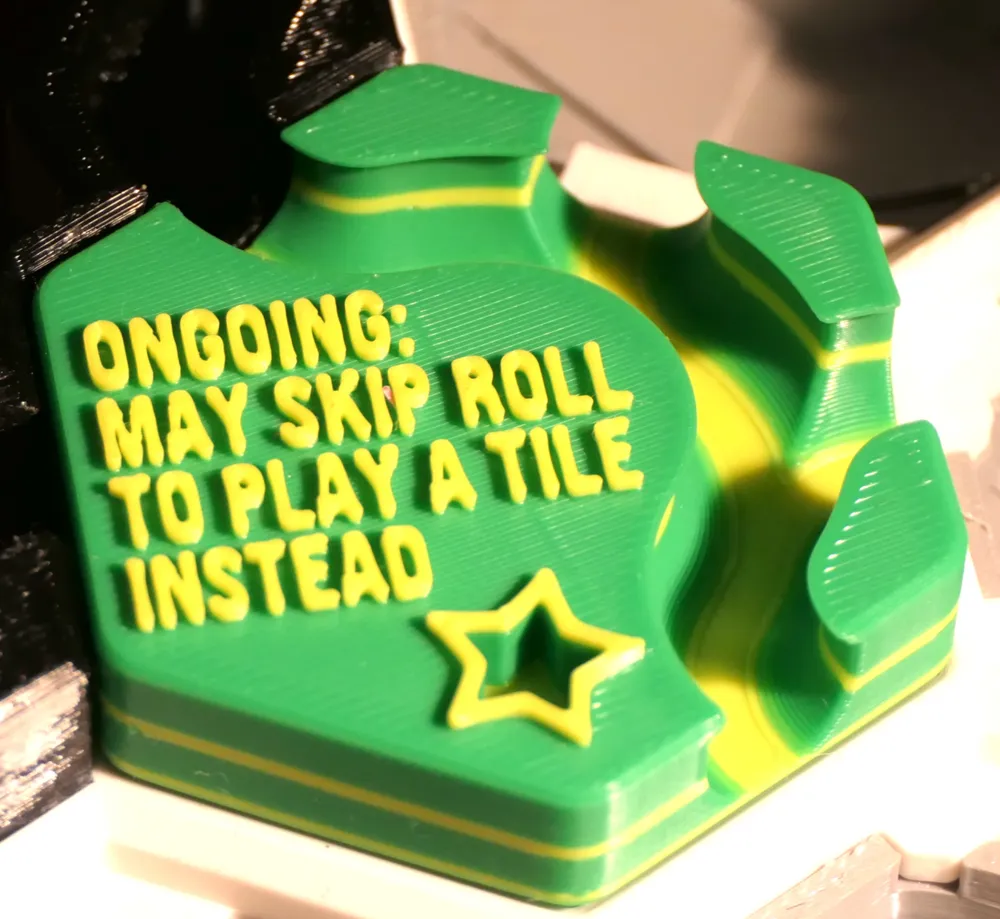
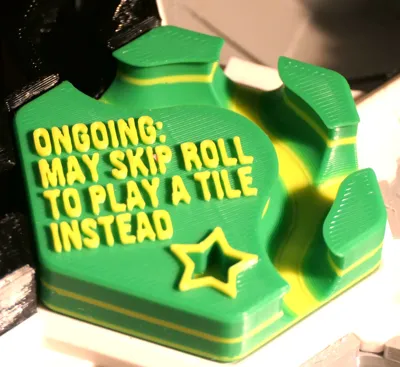
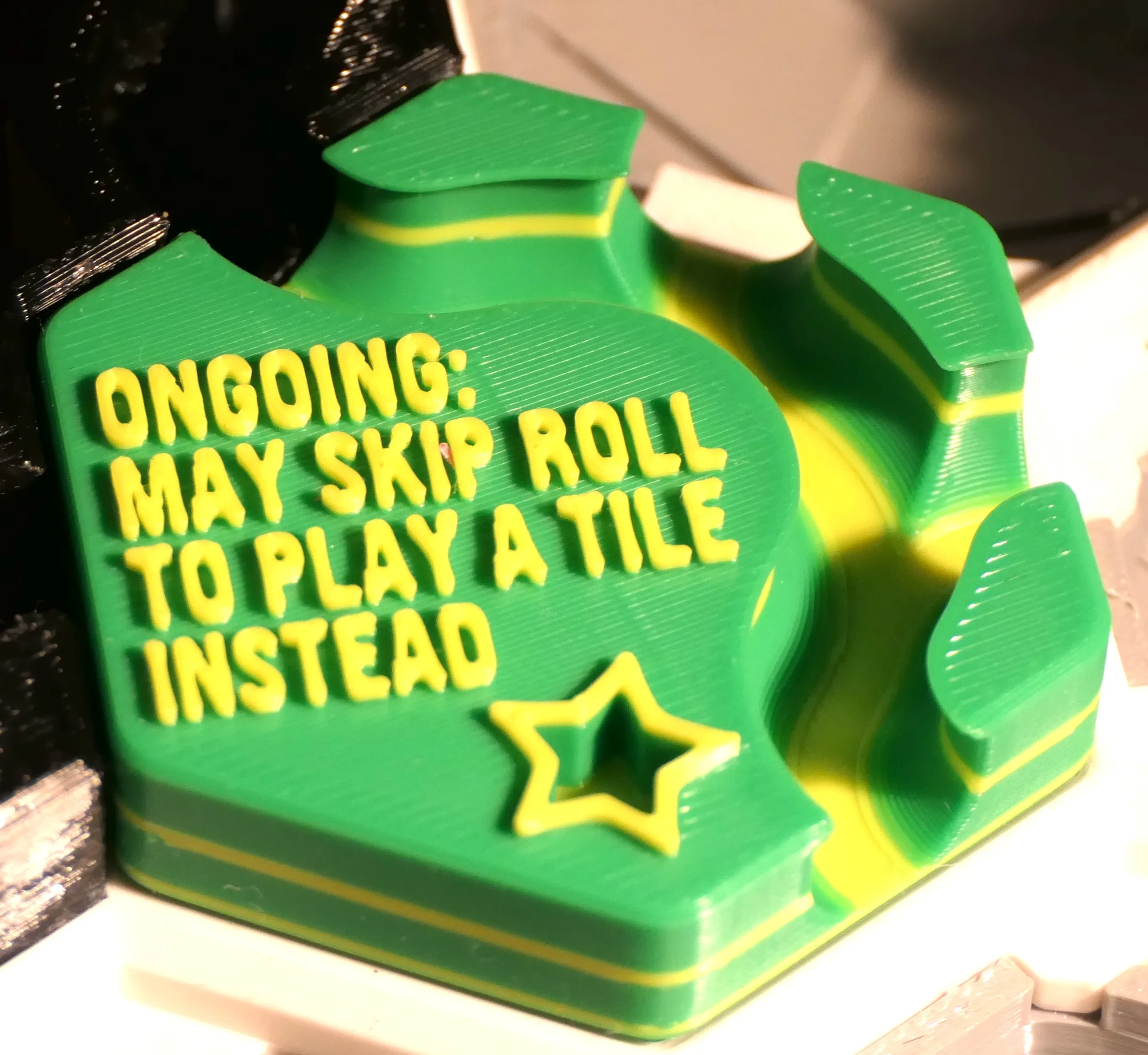
The Skip Roll tile (by Sauergesicht) has a nasty Ongoing Effect: if you play it, every turn afterwards you get to skip a roll and instead play a tile! Sounds like cheating? Oh yeah! But you want it don't you?
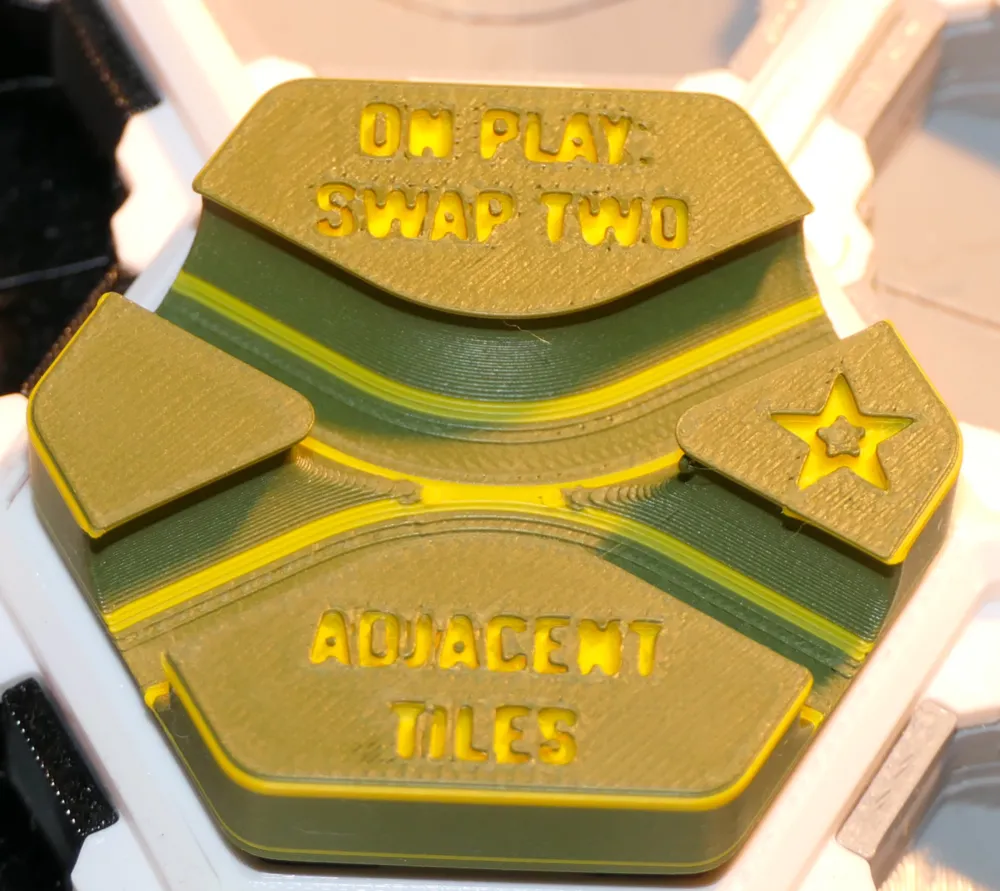
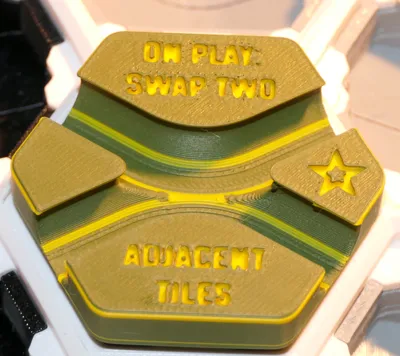
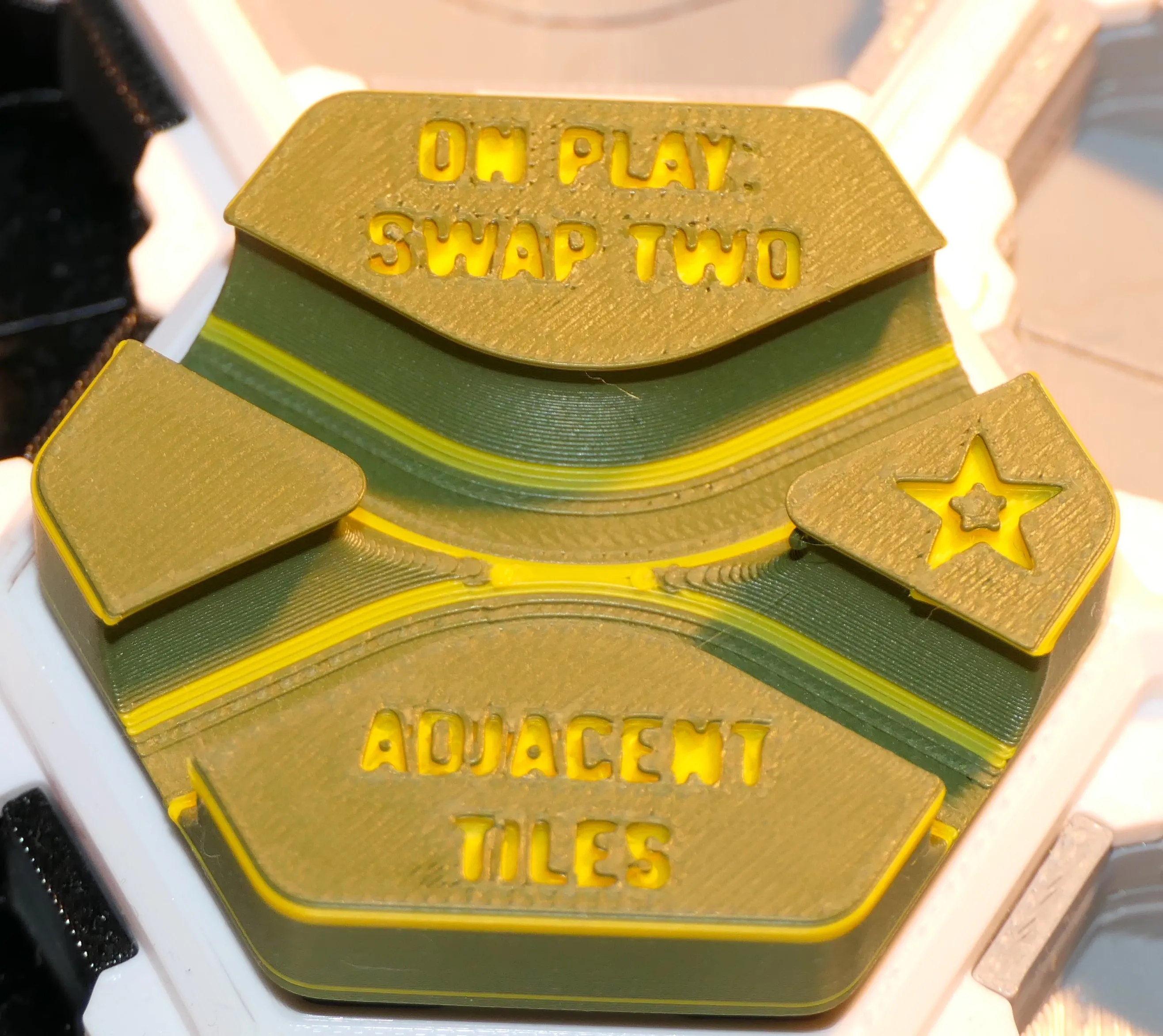
When you play the Swap tile (by Lykrast), you have to swap two tiles that are adjacent the the Swap tile (unless that's not possible).
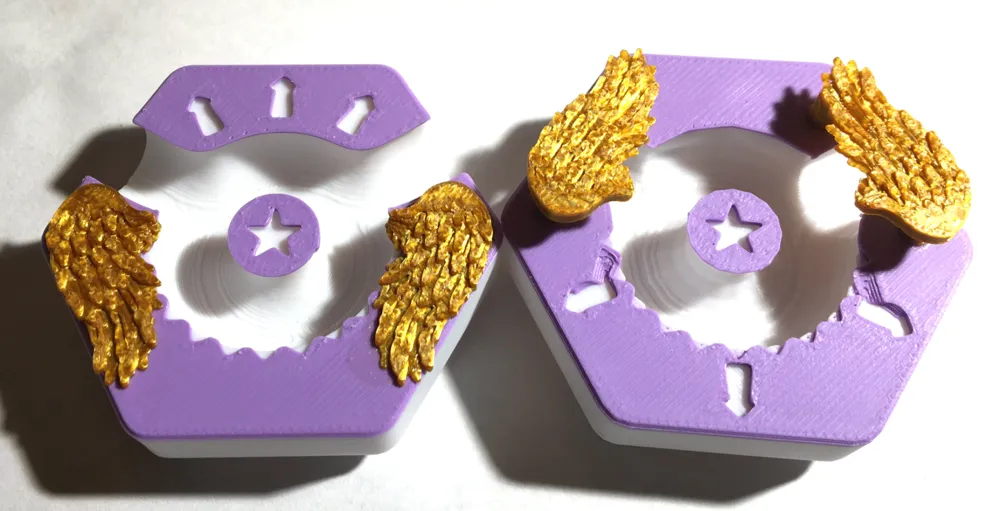
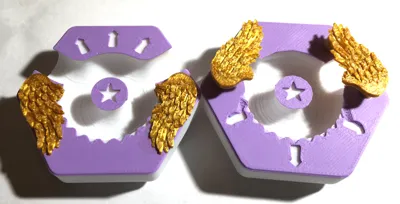
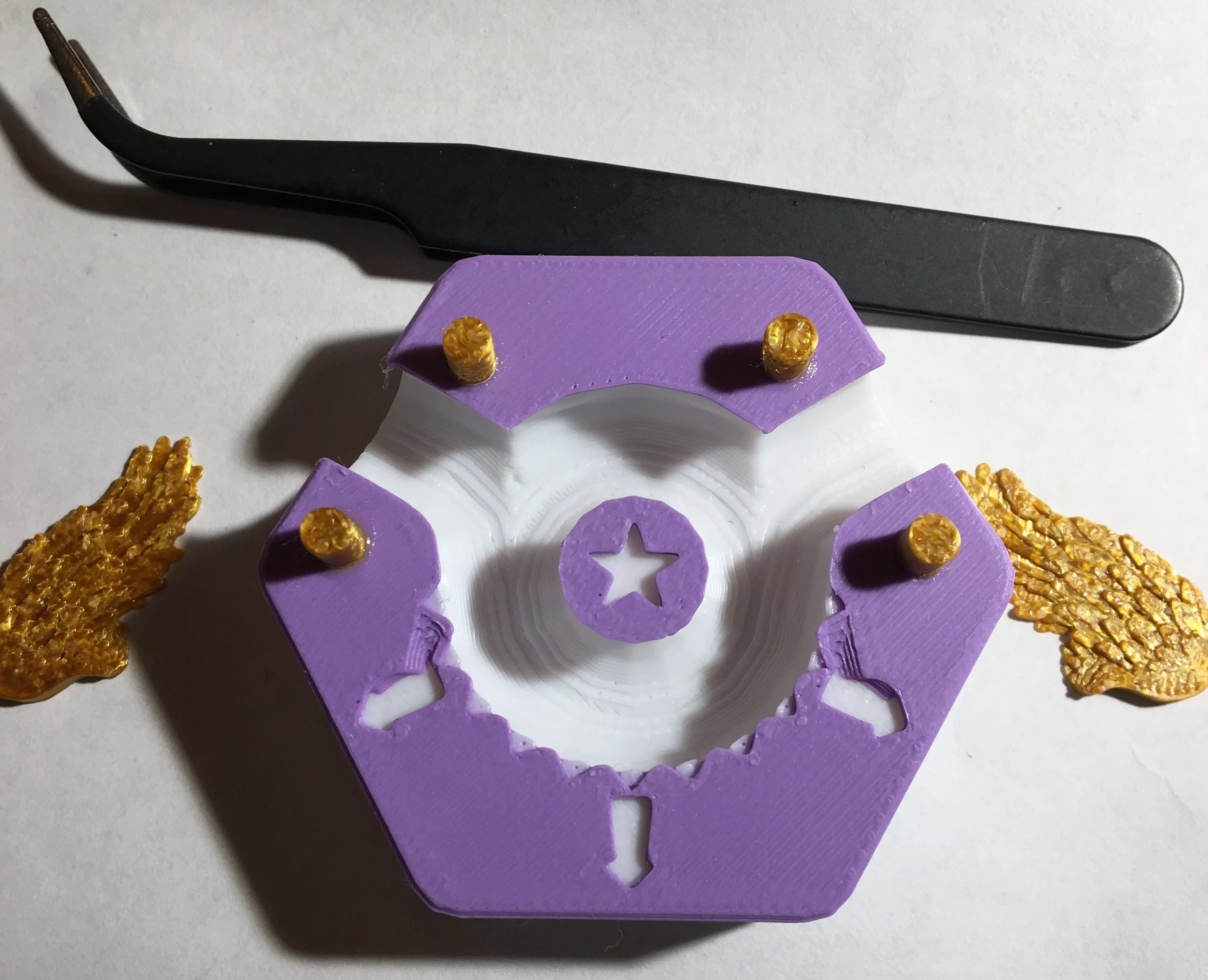
Angel Down and Angel Up tiles (by 3DThee, remixed by myself) are very useful and strategic tiles to play. When your ball runs through Angel Down, you get to remove a trapped ball below. You should thus place this one as high as possible on the board. Angel Up is just the opposite.
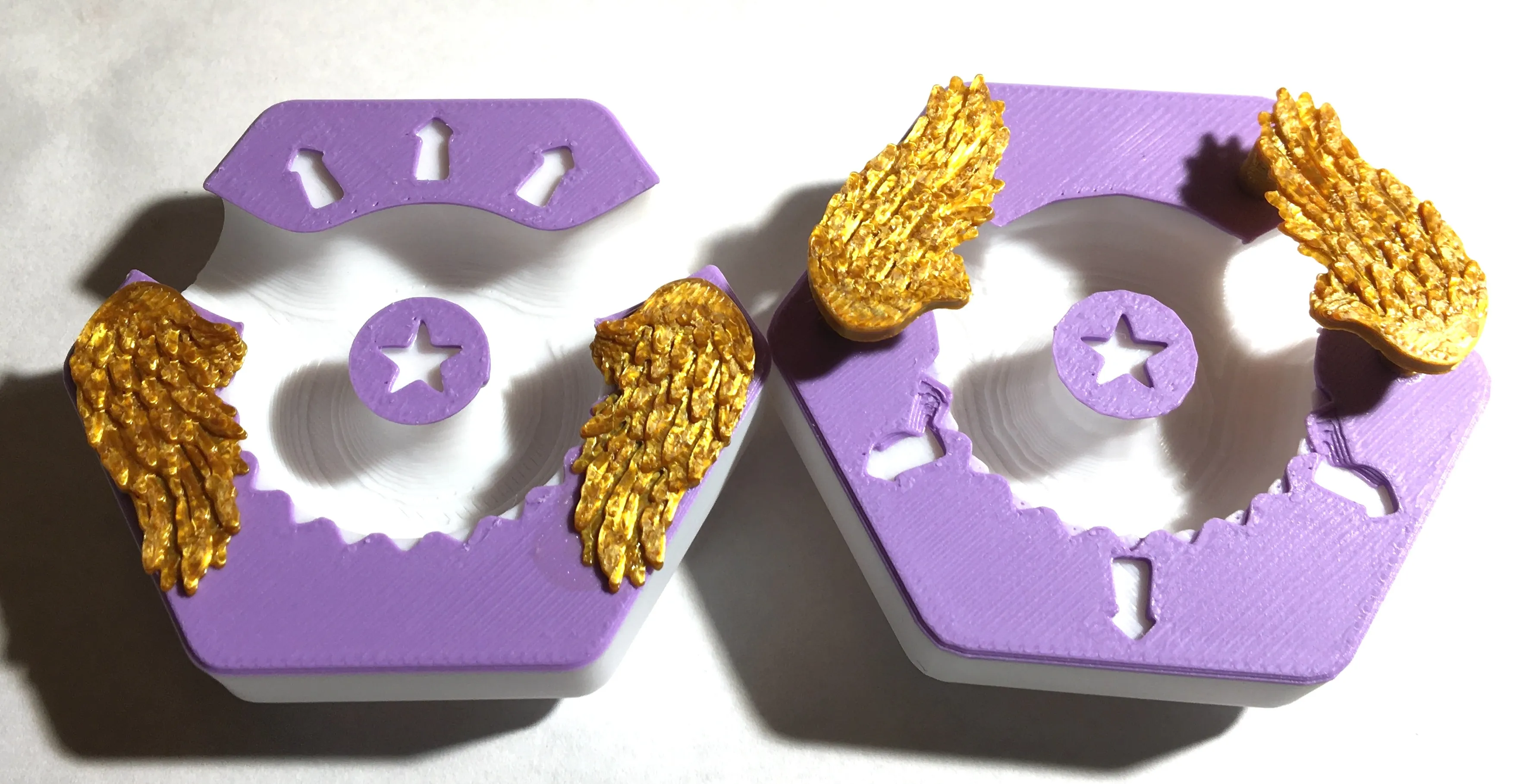
This tile requires glueing 4 posts then glueing the wings on top. The posts lift the wings so they don't block the paths.
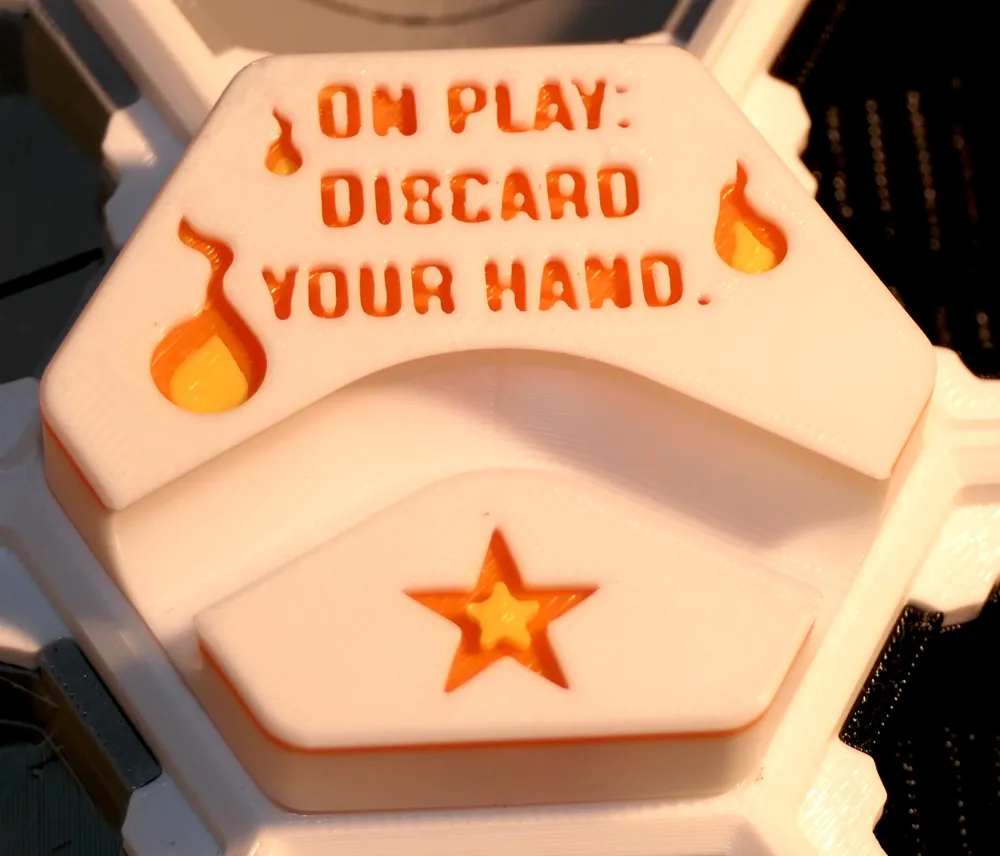
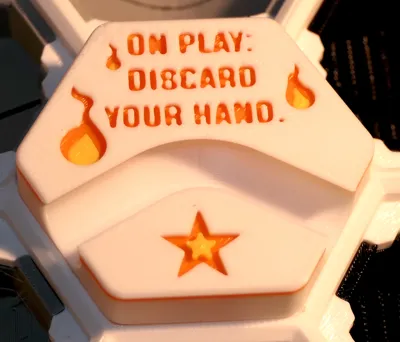
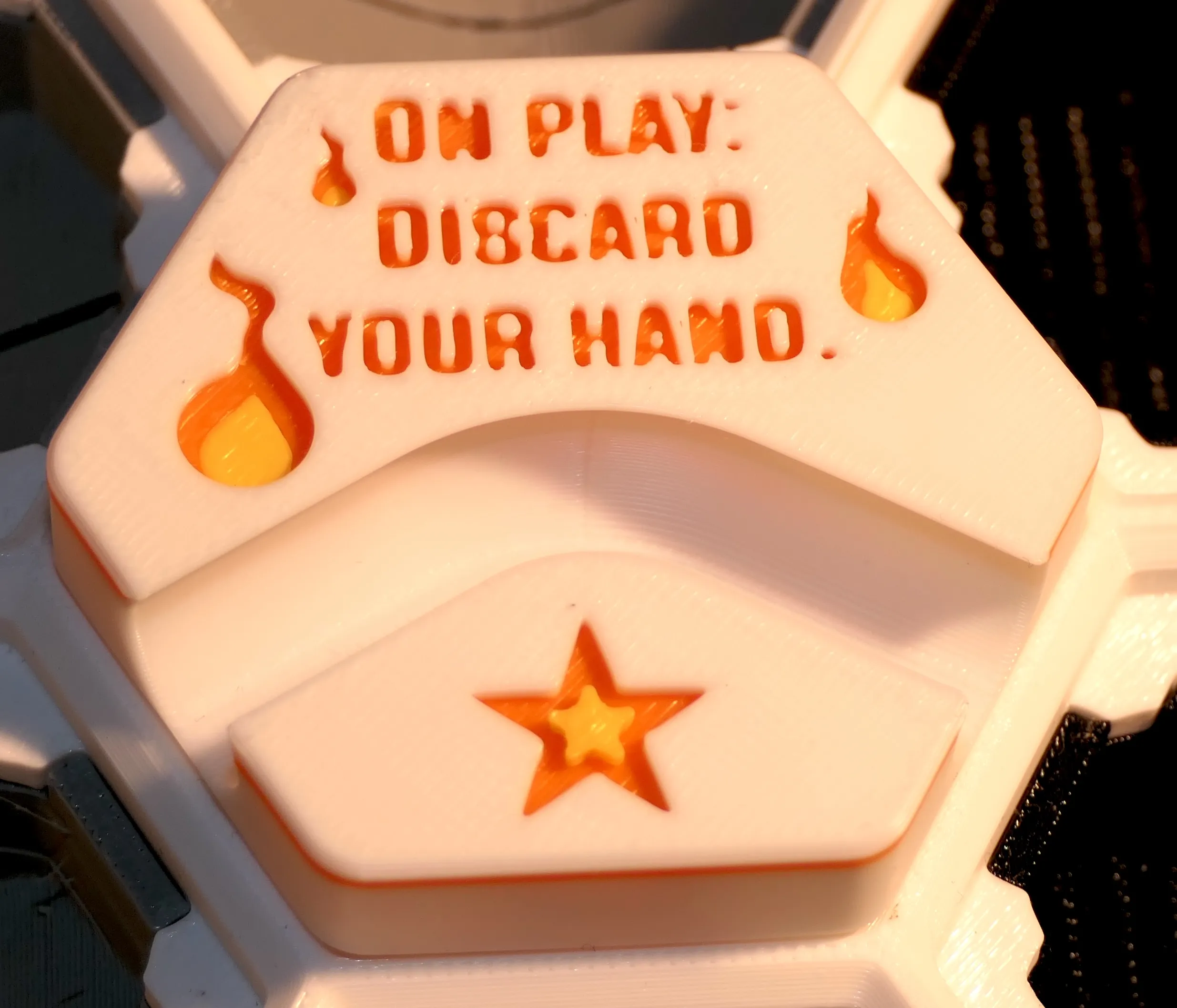
Want to get rid of the tiles in your hand? If you play the Tile with Nothing (by ZackFreedman) then it's possible.
Rules for tiles for sets A to I
Most tiles don't require explanations, but some have “rules” about what happens when you place them on the board (On play) or when a ball touches one of its trigger point (On trigger), denoted by triangles/arrows ▶︎▶︎▶︎).
The rules are often written on the tile itself, and originally were made to be printed on a 3D printed “rule card”. I did not collect the rule cards 3D models, as I prefer to print those out on paper, save filament and make them easier to find. A PDF including the rules for all tiles that have rules is available in the in the Documentation section below. If you wish to get the original Excel document to edit it, feel free to get in touch.
(The Rules for all the tiles for my sets, A to K, is a work in progress, so your feedback will be appreciated).
Comments, suggestions, ratings
As you can tell I put in a lot of time to provide the best board and tiles, documenting everything so newcomers can easily understand how to print and play this game. Every comment, suggestion, rating will be appreciated.
Boost Me (for free)
Any boost will go straight to my 9 year old's DIY fund and will encourage me to put in the effort to provide clear instructions and post additional sets of tiles.
Thank you. Enjoy the game!
License
Original Hextraction board by Zack Freedman
and most tiles from other creators are under the following MIT License:
Copyright (c) 2023 Zachary Freedman and Voidstar Lab LLC Permission is hereby granted, free of charge, to any person obtaining a copy of this software and associated documentation files (the "Software"), to deal in the Software without restriction, including without limitation the rights to use, copy, modify, merge, publish, distribute, sublicense, and/or sell copies of the Software, and to permit persons to whom the Software is furnished to do so, subject to the following conditions: The above copyright notice and this permission notice shall be included in all copies or substantial portions of the Software. THE SOFTWARE IS PROVIDED "AS IS", WITHOUT WARRANTY OF ANY KIND, EXPRESS OR IMPLIED, INCLUDING BUT NOT LIMITED TO THE WARRANTIES OF MERCHANTABILITY, FITNESS FOR A PARTICULAR PURPOSE AND NONINFRINGEMENT. IN NO EVENT SHALL THE AUTHORS OR COPYRIGHT HOLDERS BE LIABLE FOR ANY CLAIM, DAMAGES OR OTHER LIABILITY, WHETHER IN AN ACTION OF CONTRACT, TORT OR OTHERWISE, ARISING FROM, OUT OF OR IN CONNECTION WITH THE SOFTWARE OR THE USE OR OTHER DEALINGS IN THE SOFTWARE.
---------------------------
New to MakerWorld?
What are Boosts?
Boosts are a great way to show your support: users get 12 points per boost, and boost are free to you (we all receive 2 free boosts every 2 weeks). YOU even get 5 points when you first boost any model, and 2 points thereafter. You don't have to print a model to boost.
Rating print profiles
Rating a print profile encourages users to post their models: they earn 2 points for each 4 or 5 star rating, and YOU get up to 50 points/month for rating models you printed.
How to rate a model/print profile?
- On the Makerworld website, click on your avatar and look for « Ratings » (image below).

- In the Bambu Handy app, tap "Me" at the bottom to find a purple ratings folder.
- In Bambu Studio software (or Orca Slicer), you can only rate the last model you printed in the Device tab, under Print progress.
Documentation (1)
This remix is based on

License



Comment & Rating (6)