
Hextraction Tiles Set G - Lucky+Unlucky tiles
Print Profile(2)


Description
2025-03-23 update: added a star to Antikythera tile. If already printed, just draw one with sharpie.
TLDR:
Hextraction is a FAN-TA-STIC game
where beads fly through tiles that create a series of paths and booby traps
that you and your opponents strategically place to get your ball in the end zone,
while blocking your opponents' balls.
If you are a happy Hextraction fan: I have more fun for you! Please look for the "I want more tiles!" section further down.
If you are new to Hextraction: please start with the “What is Hextraction?” section below.
What is Hextraction?
Hextraction is a FAN-TA-STIC game with so much action, traps, physics, effects and randomness that no two games are the same. Each turn you get to carefully place on your 3D printed board one of your 3D printed tiles from your hand of randomly picked tiles. You also get to launch a steel ball down a start ramp and frantically watch it fly through a series of tunnels and paths created by all of the hexagonal tiles laid out by all players. These paths can include traps, levers, jumps and even special effects that are all strategically placed to get your ball in the end zone (to win), while blocking your opponents' balls with devious tiles.
What's best part? This game is free to play, free to print and will forever keep improving as designers keep coming with AWESOME ideas to make CRAZY tiles (also free to print) that often flip the game on its head. This is all thanks to Zack Freedman, who chose to offer his game to the crowds of 3D printing enthusiasts, and let players and designers contribute to this wonderful game.
- "Hextraction is an open-source game - you can download the files to print yourself, or find a pre-printed set to buy.”
- “Hextraction is a 3D-printable, modder-friendly board game designed by Zack Freedman of Voidstar Lab.”
To get an idea of its potential and learn some rules watch the Hextraction video.
To play the game, you will need to:
- Print the grid: look for the Hextraction Super Board Game: Grid for A1 mini & +. It can be printed on the A1 mini or other printers with larger build plate. I recommend PETG to make your board very sturdy, but PLA work fine too. This grid has 27 slots, which means more fun!
- Print the base: look for my Hextraction Super Board Game: Base for A1 mini & +. This includes all the structural parts that are specific to the grid with 27 slots from this page, such as the gutters that channel lost balls all the way to the bottom (that would otherwise fall through), On ramps, End zones, adjustable legs and accessories;
- Check the Hextraction Getting Started page.
- Look at the Hextraction Official rules. If you'd like to play by yourself, look at the single player rules.
- Buy 10 mm steel balls or 3/8" slingshot ammo. 50 of them seems like a good number for 3-4 people.
- Print Hextraction game tiles, the more the better! Here are links to my favourites sets.
- Hextraction Tile Set A - Super Starter Pack: includes plenty of tiles to get your Hextraction games started, along with some very cool tiles that will give you an idea of what is possible with this game.
- Hextraction Tiles Set A - PETG parts: since PETG parts need different printing requirements, I pooled all the PETG parts from set A into this file.
- Hextraction Tiles Set B Flip Flop+Secret tiles: with sets A and B you will have all the basic starter tiles recommended, and enough whacky tiles to show you how much talent and creativity went into designing such mischievous contraptions!
- Hextraction Tiles Set C - Deviations: spice up your games with randomness and a bit of malevolence.
- Hextraction Tiles Set D - Traps! : traps are very useful to slow your opponents down and tear apart their sophisticated plans.
- Hextraction Tiles Set E - Wild Tiles: Hextraction tile creators are (thankfully) not selected by committees or review boards. Nope, if you let them loose, they come up with ingenious and/or crazy ideas, the perfect recipe for exotic tiles with strange themes or effects.
- Hextraction Tiles Set F Mega pack: if your games get slowed down by effects tiles, balance things out by adding regular tiles. And no regular does not mean boring.
- Hextraction Tiles Set G Lucky Unlucky tiles: this current page. Feeling lucky? With this set, you can test it out, or better yet, you can bestow bad luck upon your opponents. Feeling better now?
- Hextraction Tiles Set H - Tile rail + Golf: if you thought Hextraction was fun, wait until you play the Skyrail tile, my absolute favorite tile. And those golf-themed are sweet.
- Hextraction Tiles Set I - Abuse of power : some tiles have, or give too much power. Don't print this set. It will change your games for the worst. Or the best! Just depends on the point of view.
- Hextraction Tiles Set J - BAM! : you slip, you explode, you burn, earth splits under your ball. That's what this set is about. And some good (and evil) magic.
- Hextraction Tiles Set K - (in progress)
- Hextraction Set L - Deceptive simplicity
- Hextraction Tiles Set M (in progress)
- Hextraction Tiles Set N - Talent Pool (in progress)
I want more tiles!
Thank you for your ratings, comments and downloads. I am really glad that this wonderful game designed by ZackFreedman is getting known, printed and played.
I have been sitting on a bunch of very cool tiles, but I waited to see if there was any interest before I put in the effort to clean up my files up and write details about the tiles and whom designed them. So far I have printed over 120 different tiles: no game is like the previous one, we had games that lasted 2 hours, others 5 minutes!
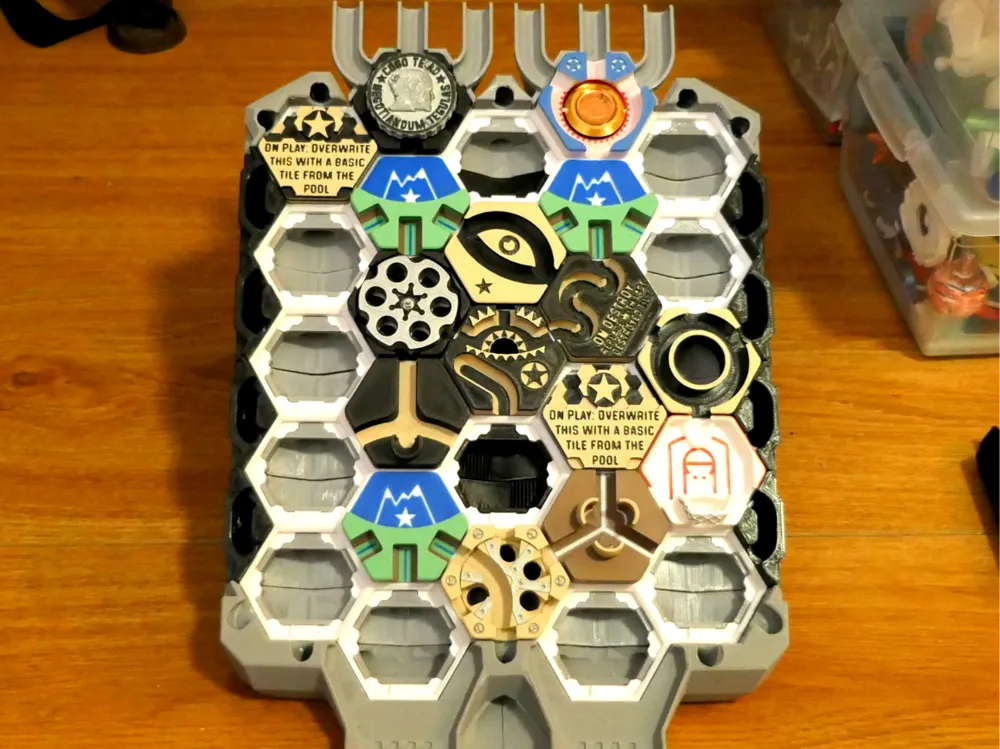
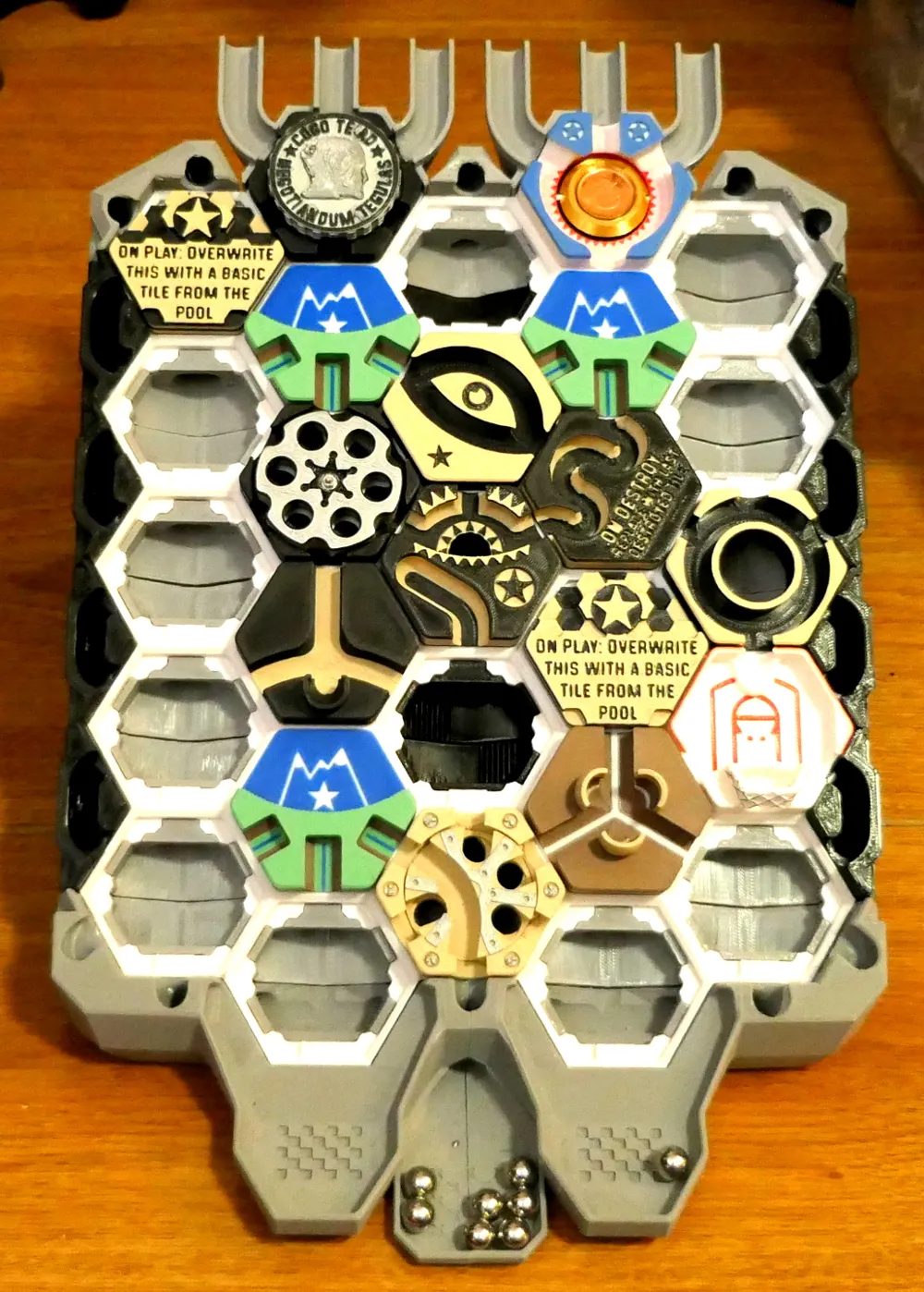
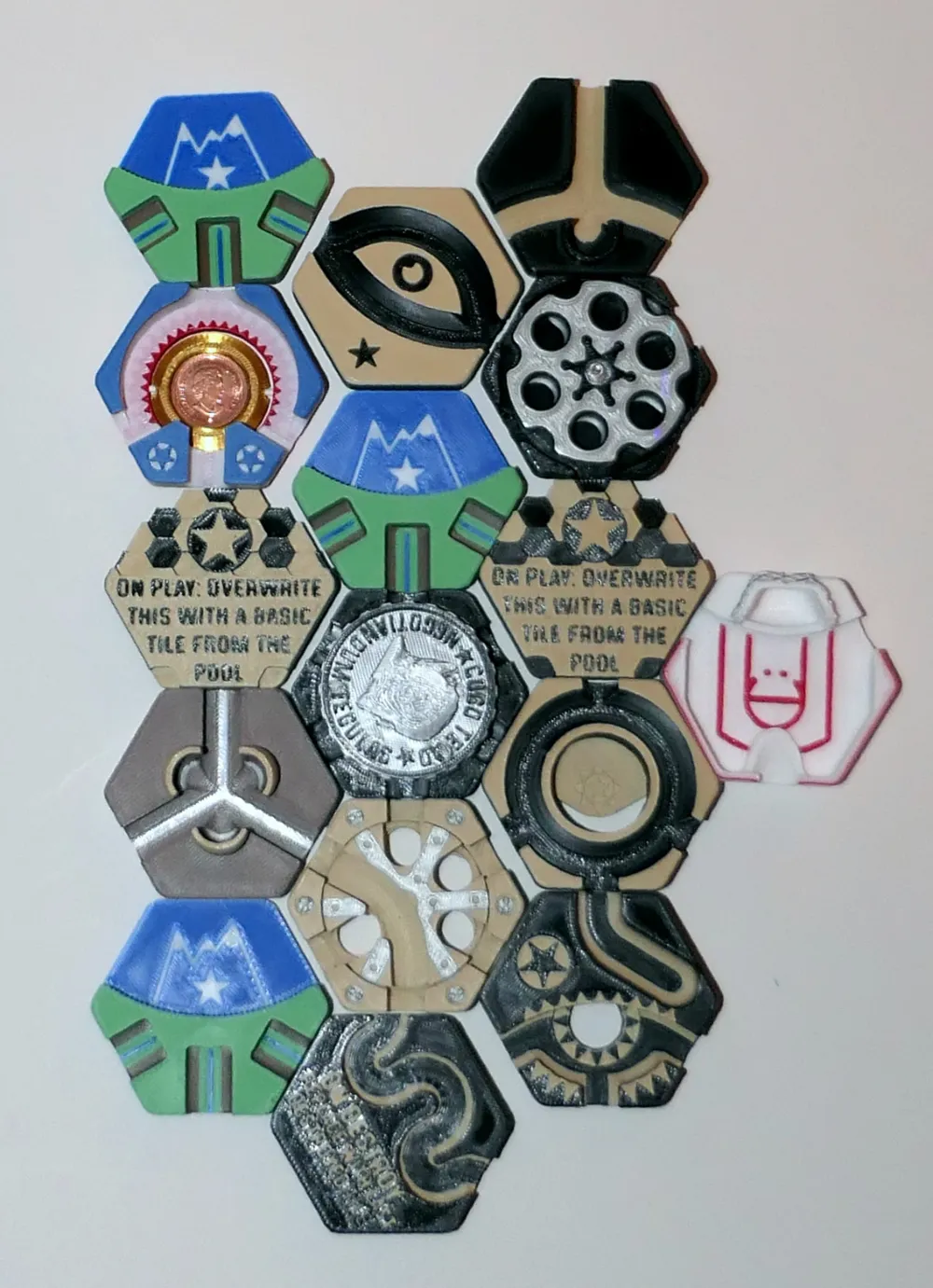
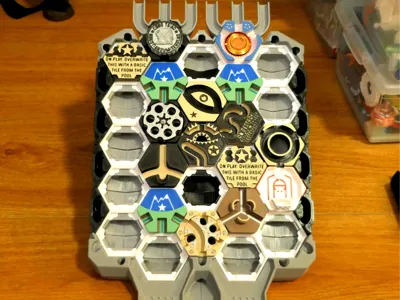
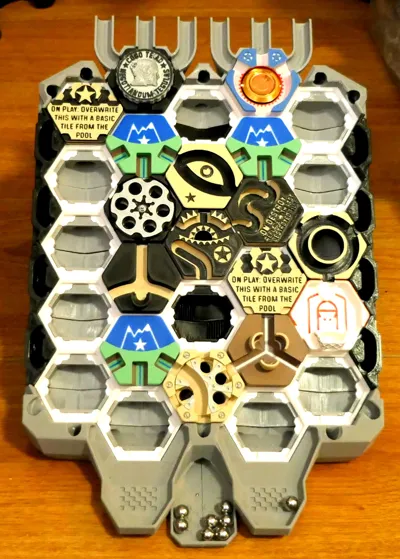
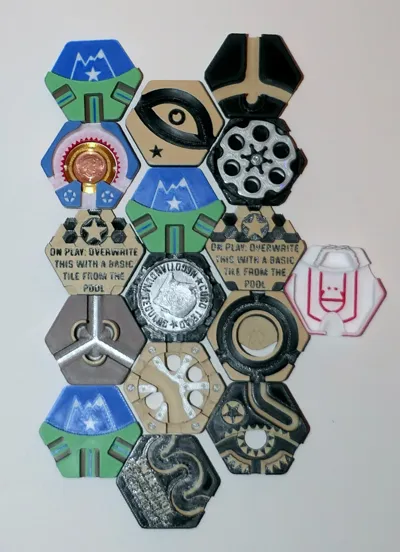
Here are 10 “new” lucky/unlucky tiles for you to enjoy (or not), hand picked from hundreds of models I found on a variety of sites and forums. I pooled them based on their profiles/characteristics and added color in subsets to reduce filament waste. All tiles have been printed, tested (many were removed along the way), played with and approved by the head of QC (my son). I optimized the print settings to get the best prints possible (fyi, slower = better prints). I picked the positions on the plates so you don't have to clean your build plate more than twice for the entire set.
You clean your plates with soap and warm water, don't you? And dry your filament?
Hextraction Tiles Set G Lucky Unlucky tiles
Once I realized how much fun Hextraction was with all those sets of tiles, I decided to make it harder! Why just use strategy and physics, when you can add some luck, and especially bad luck for your opponent?
I went to the “dark side” of the interwebs, and searched for evil tiles. This was risky, but I was ready to lose many subsequent games just to bring pain, or joy, to you or your opponents. 💀
As I downloaded and inspected hundreds of tiles (on my path to Hextraction addiction), some of the tiles stood out as being just plain evil. Why would anyone create dark tiles? These tiles will spin your game on its head!
Let's see how long you will keep those in your pool of tiles… Muhahaha! 👿
Cool things about the tiles
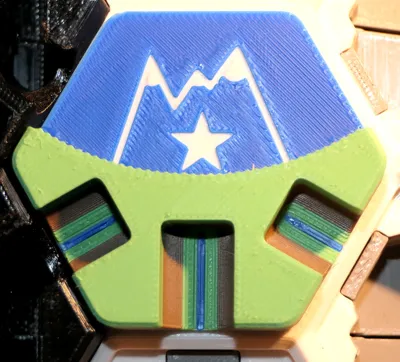
Throwing your balls at the Triple jump (by Drubble) is easy. Getting them to jump off the tile is possible. But to get them to jump into the finish zone would require a lot of luck, or skill.
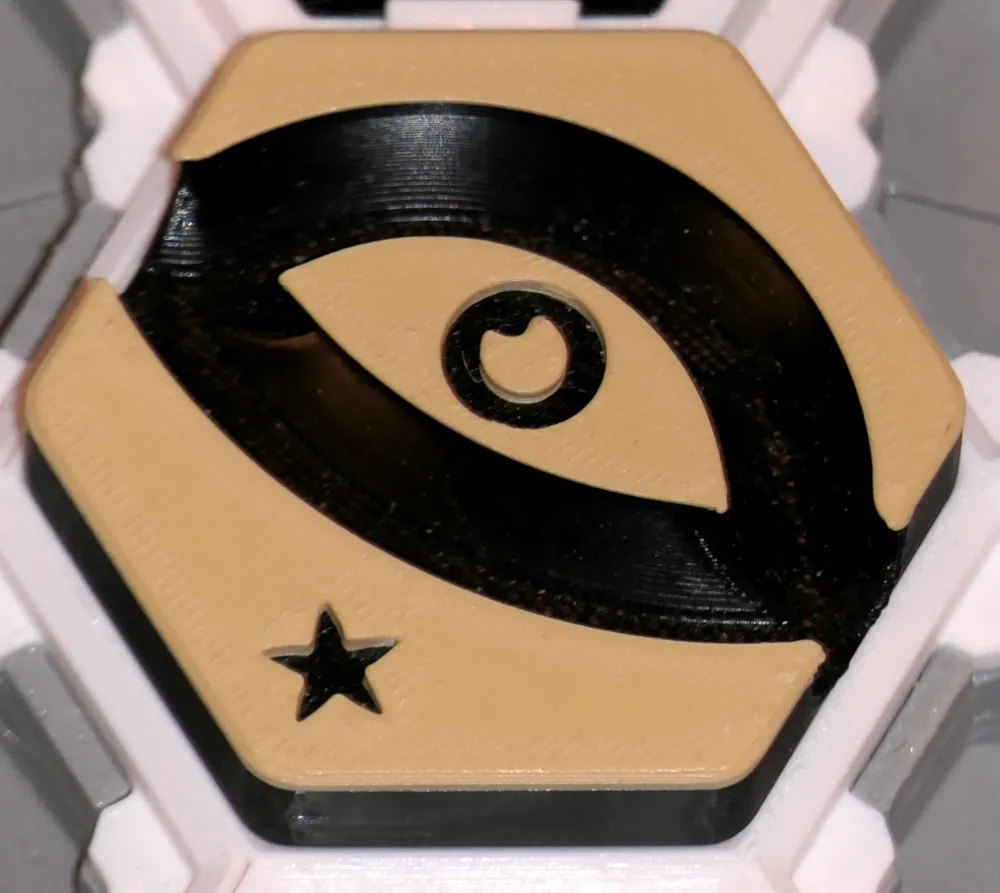
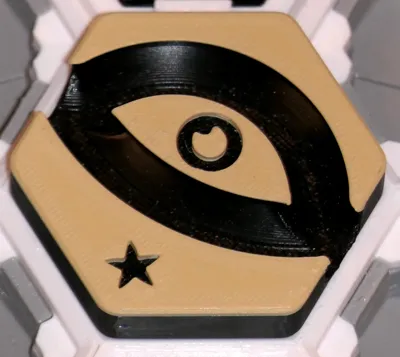
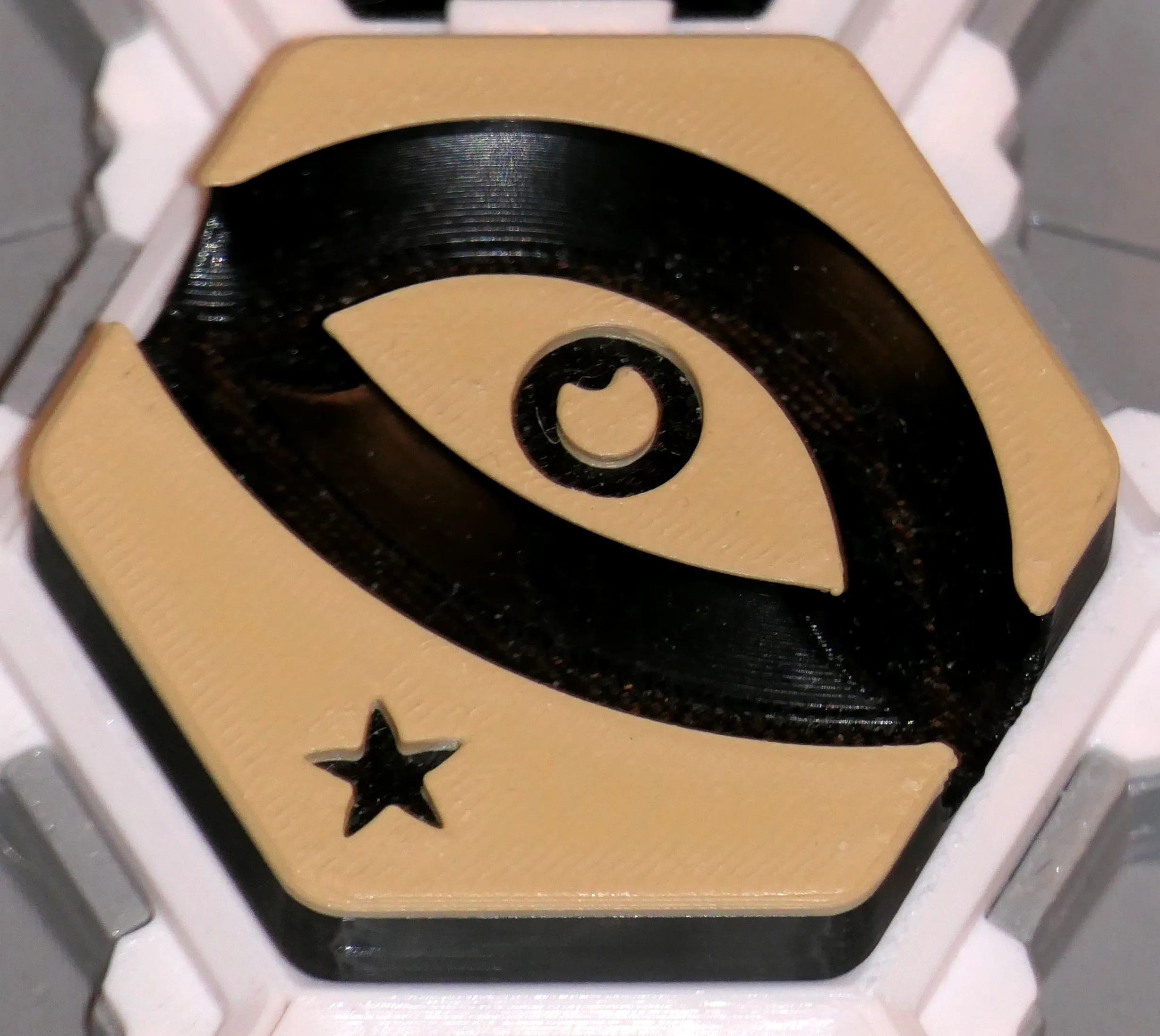
When you play the Eye Spy tile (by BowTy Productions), you not only get to peek at an opponent's hand, you get to pick one of those tiles and play it!
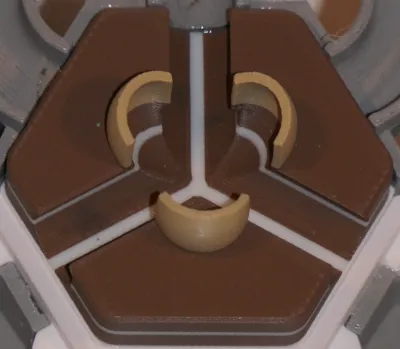
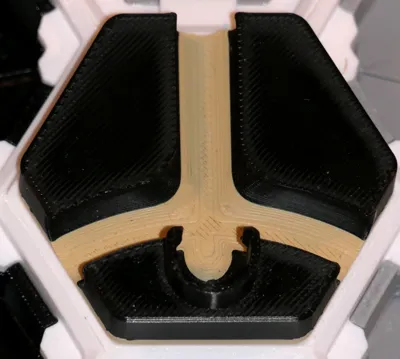
The Trapdoor Sinkhole (by NoStepOnDeez) tile gets activated by a ball that either jumps out of the gutter through its hole, or if a ball jumps up to fall into it. If this happens, it destroys the previous tile the ball touched.
This tile needs 2 parts from 2 plates to be assembled: a small plate clicks underneath the tile.
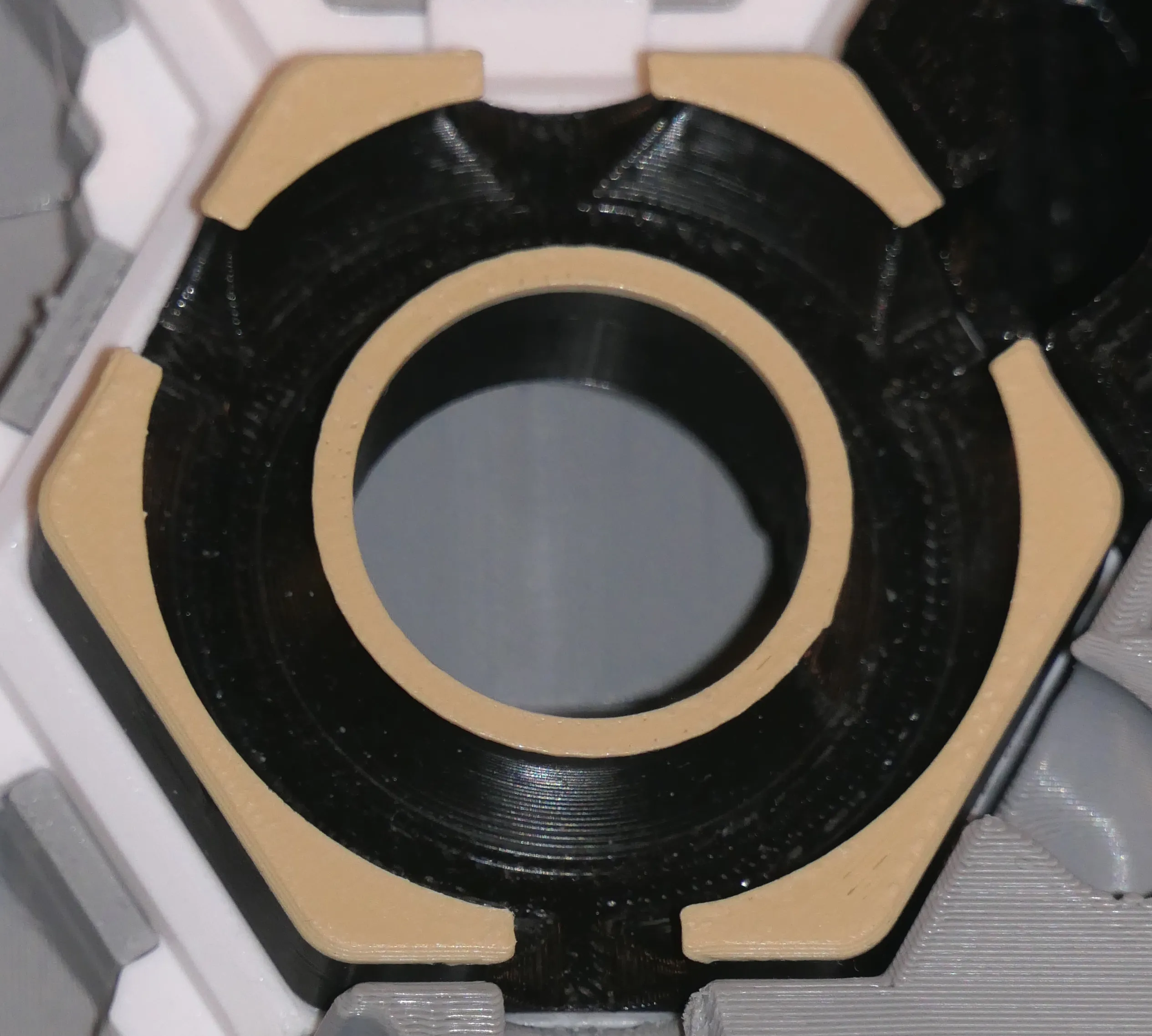
When you play the Auction tile (by the strategic Zack Freedman), all opponents must show one of their tiles. You must then pick the one you want, and trade it with one of your own tiles. That bid could open up your game, or shutdown someone else's plans.
This tile requires 3 parts from 2 plates to be glued together.
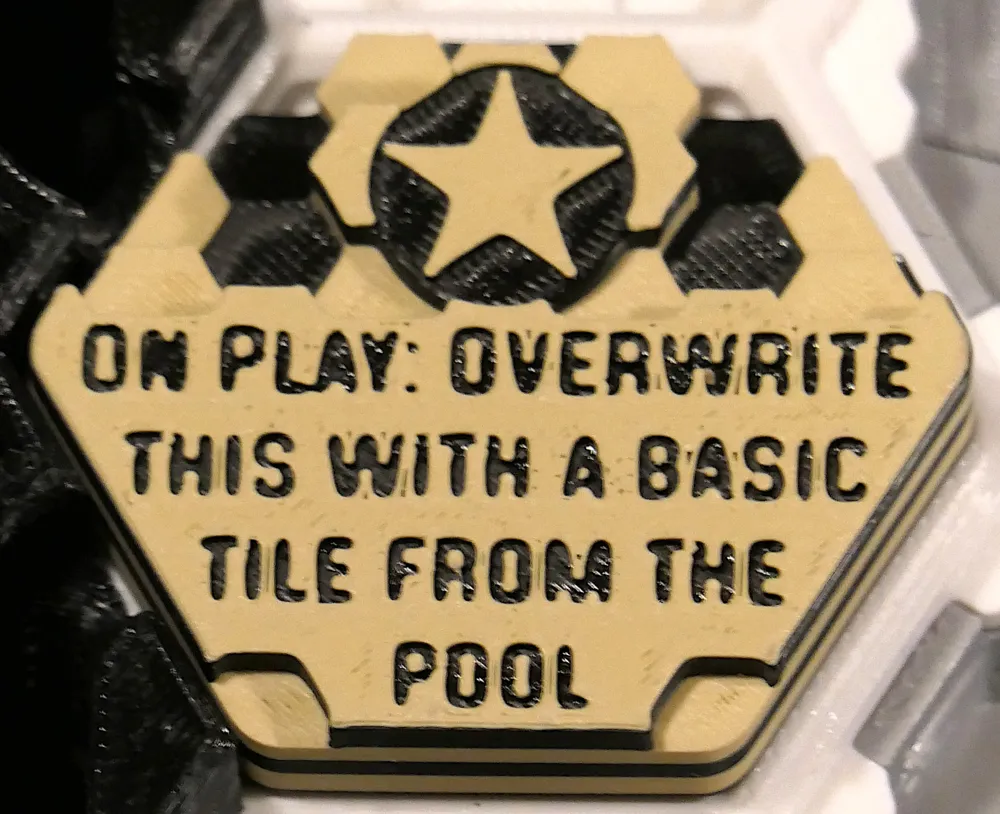
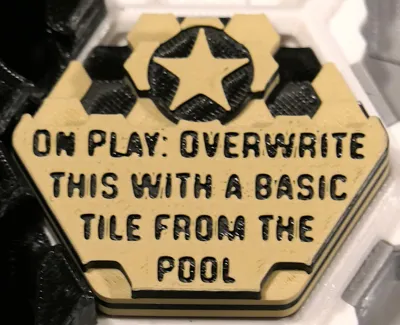
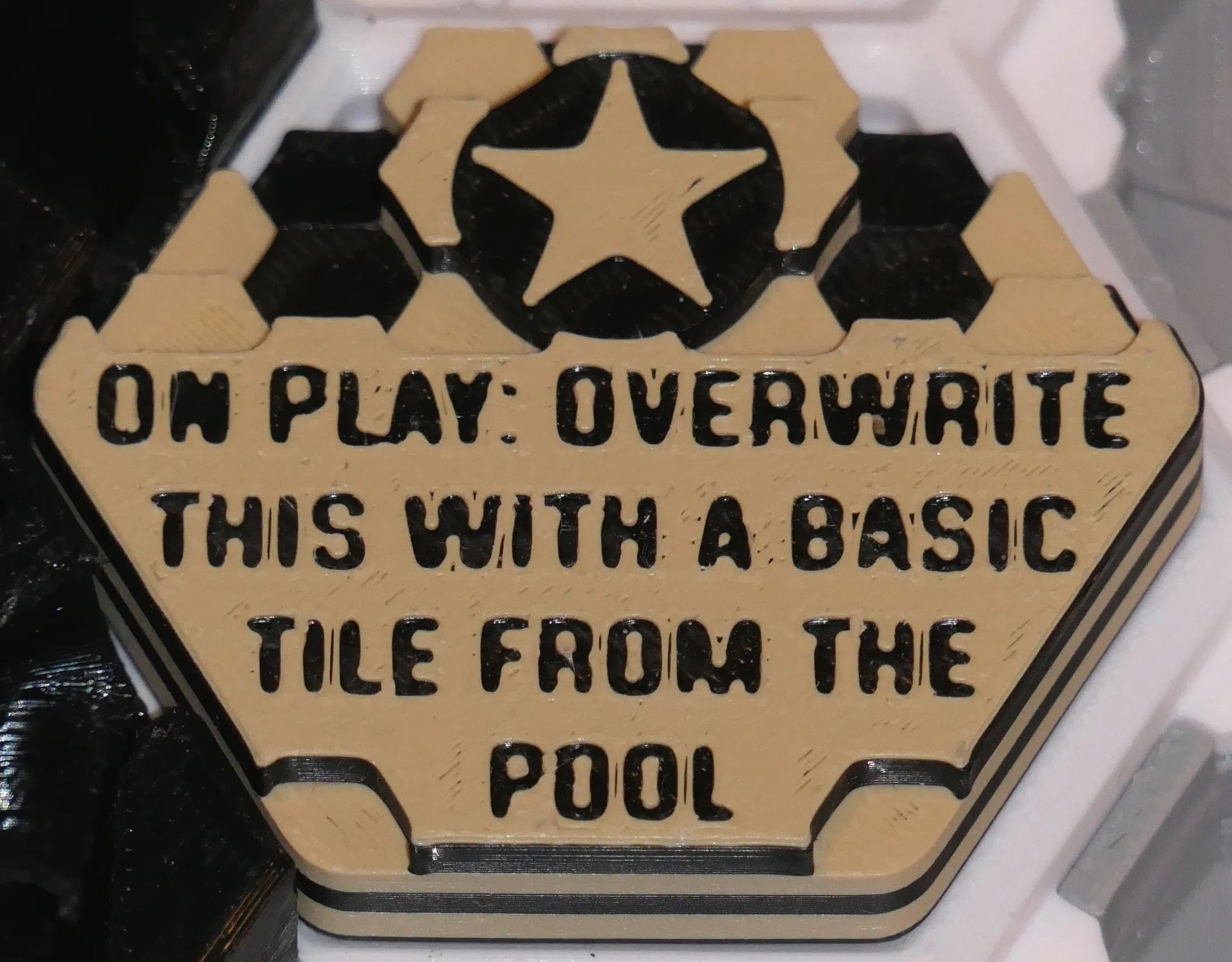
As soon as you place the Terramorphic tile (by the magical Zack Freedman), it gets destroyed and magically replaced by any basic tile you need (a tile with no effect).
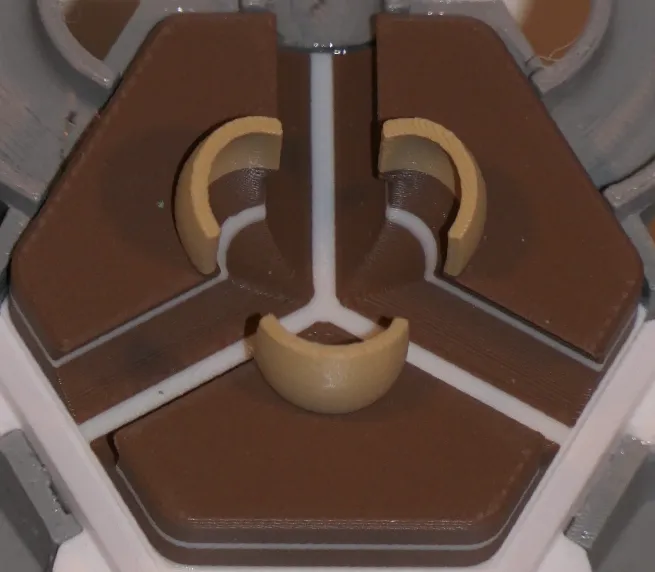
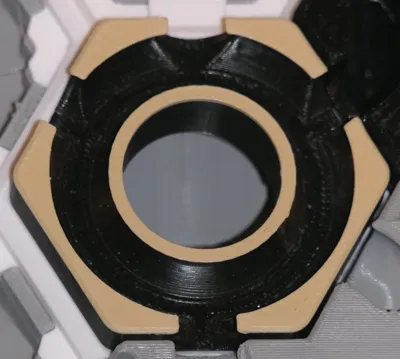
When your ball enters the iris of the Psychic Tile (by the paranormal Zack Freedman), you hide up to 3 balls in your hand and make an opponent guess how many there are. If the guess is right, your turn has ended. But if it's wrong, you roll all these balls on the tile's off ramp. This could change your fate.
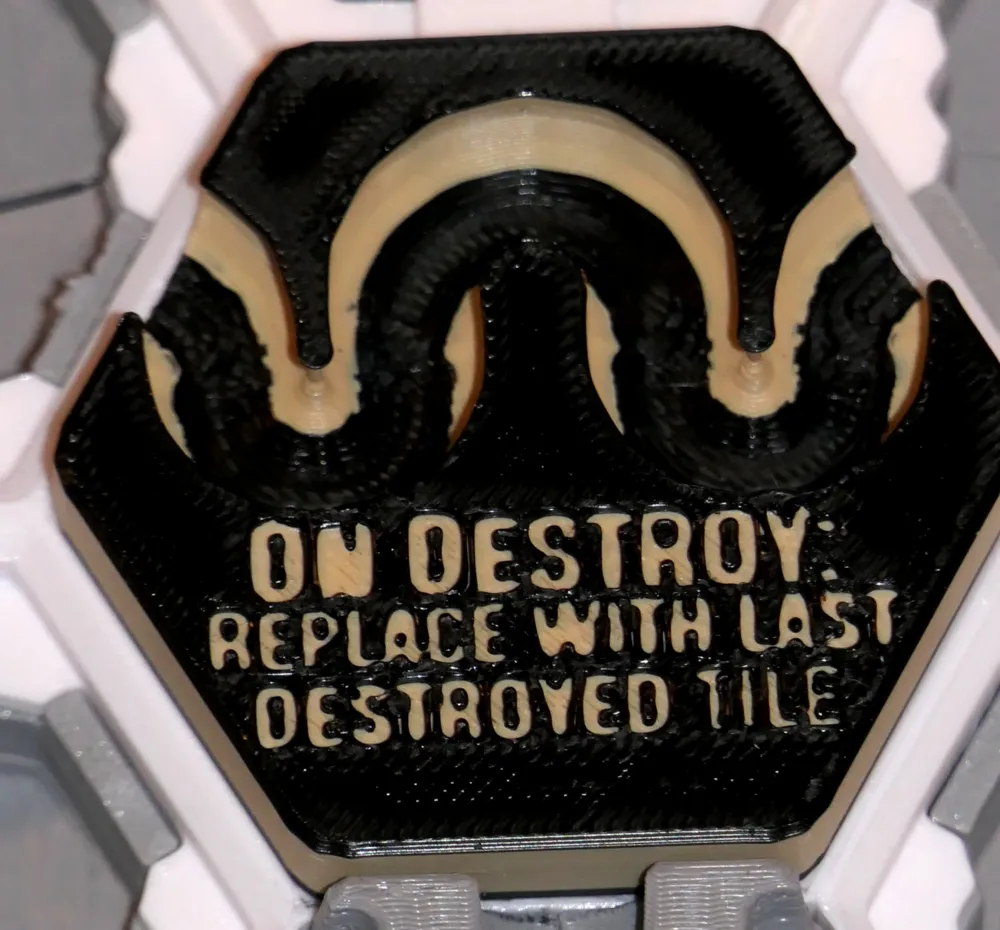
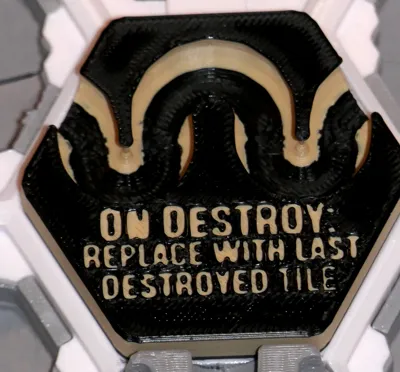
Necromancer (by 3Dthee) is pure evil. Were you happy or sad to see that last tile get destroyed? Well you don't get to choose because when the Necromancer gets destroyed, it will bring the last tile that was destroyed back from the dead… I'm BAAAaaack!
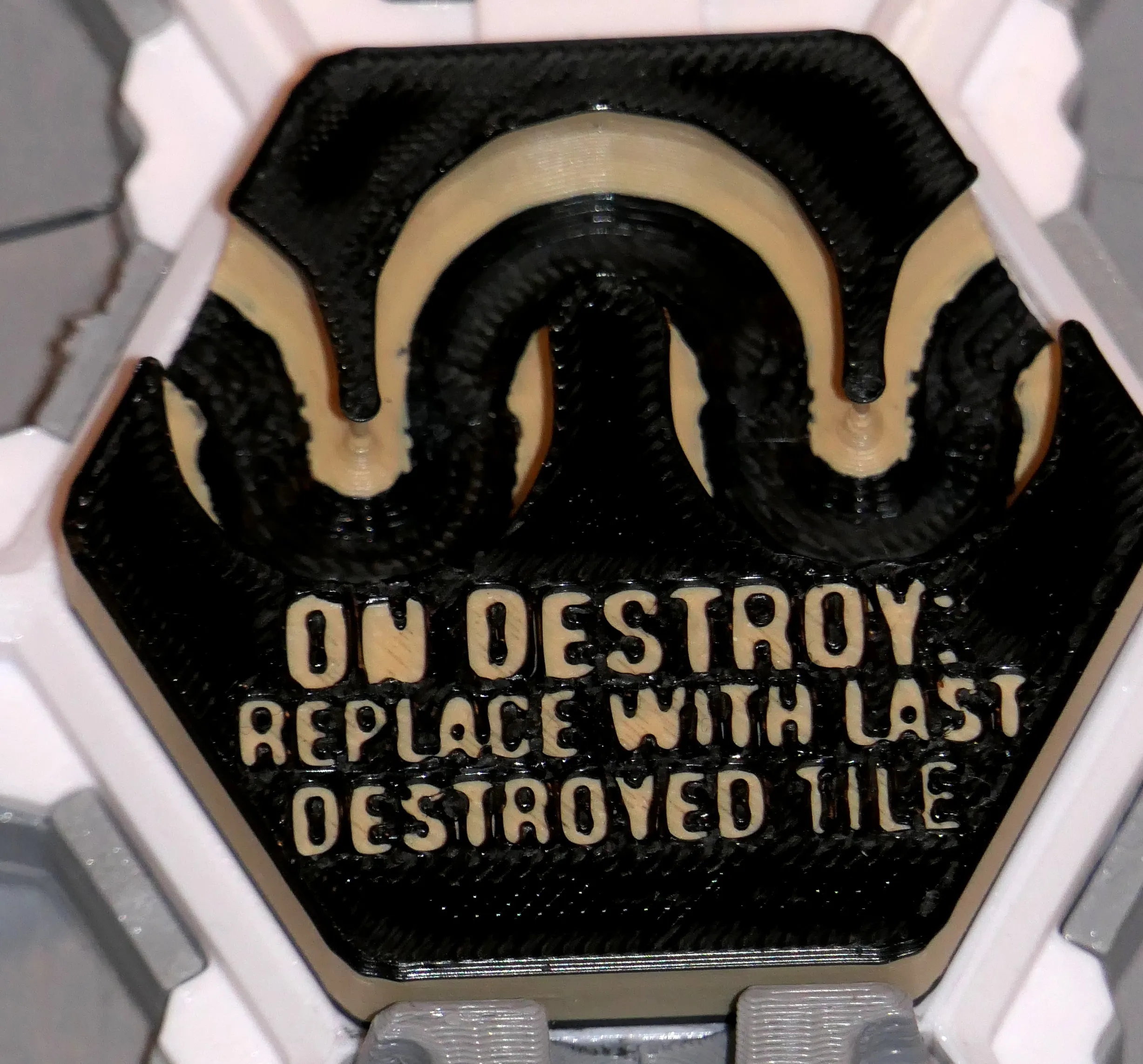
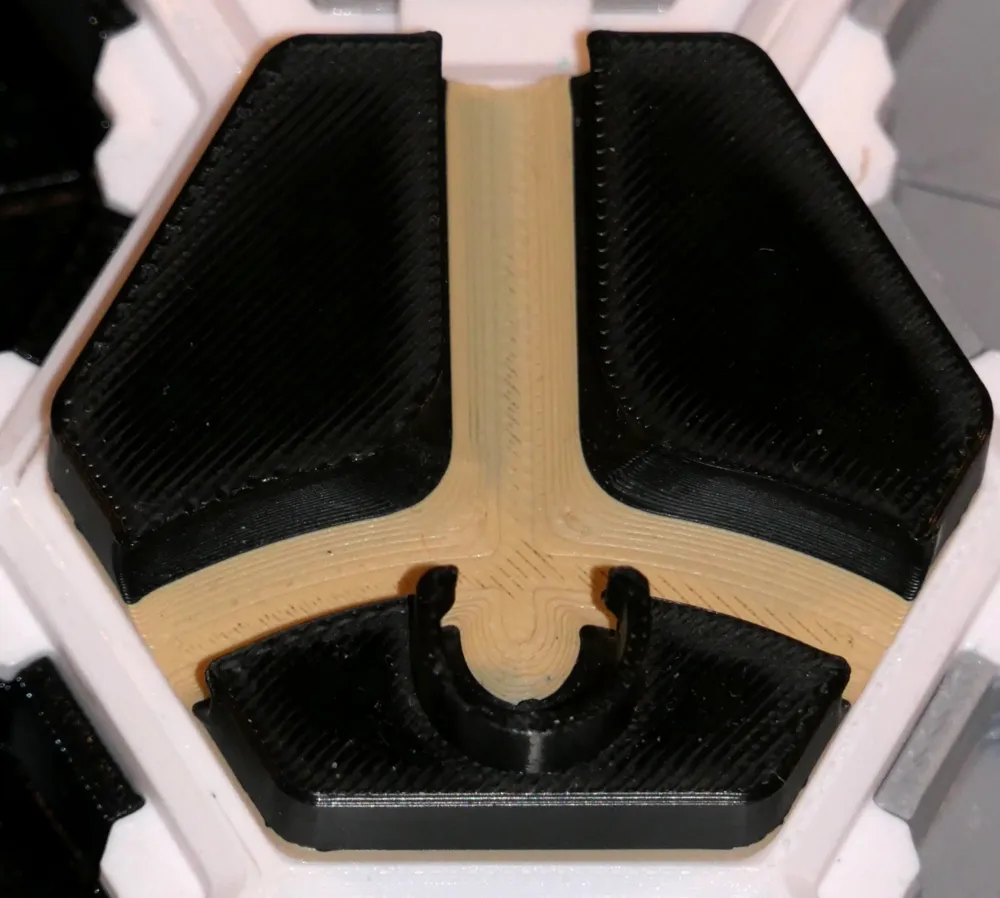
Chimney trap jump (by 3Dthee) looks rather plain… until you see it in 3D: it's a jump! If your ball is too slow, it gets trapped or deviated, but if it's too fast your ball will jump off the board. That's how desperate the ball is to leave the game!
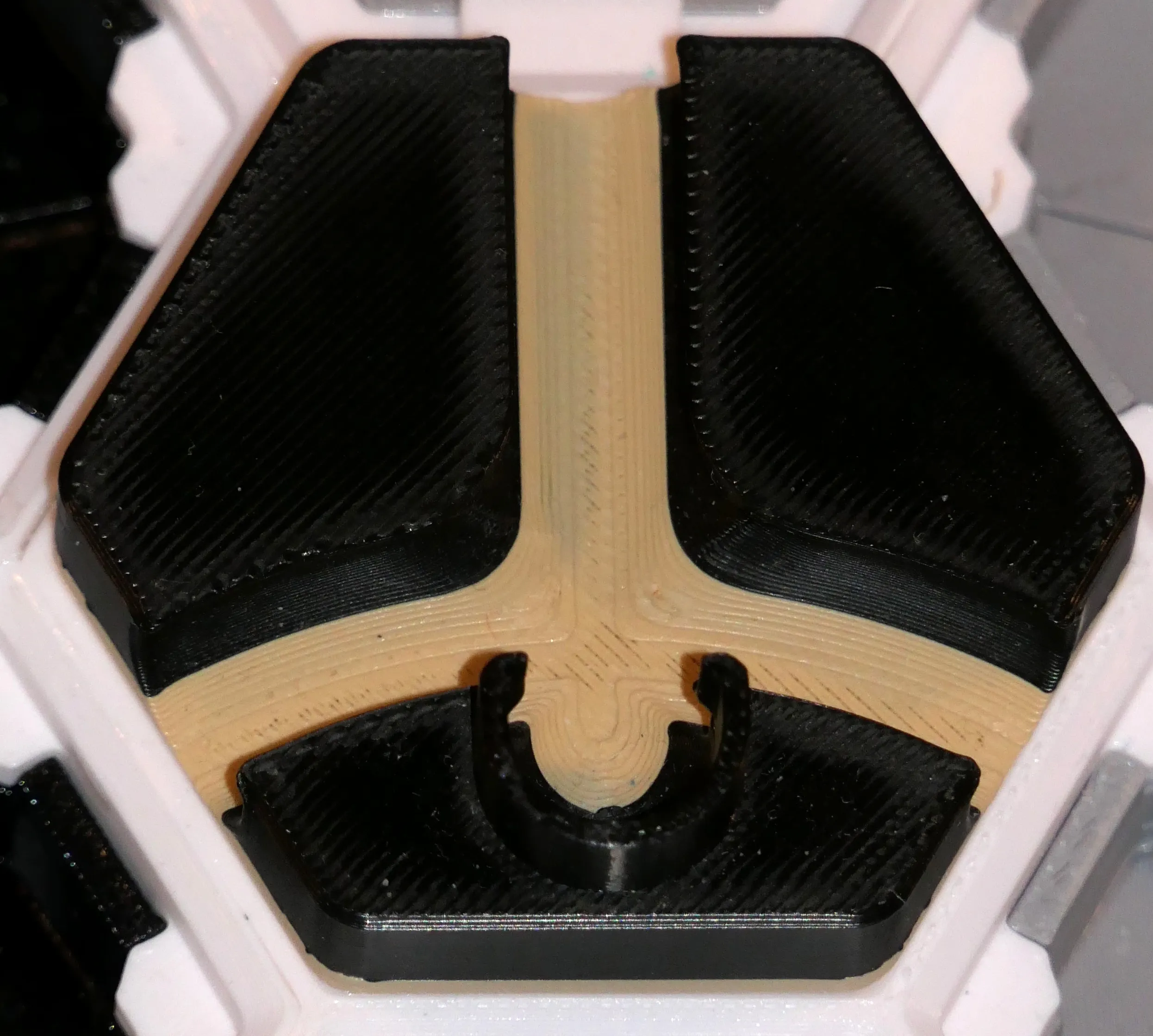
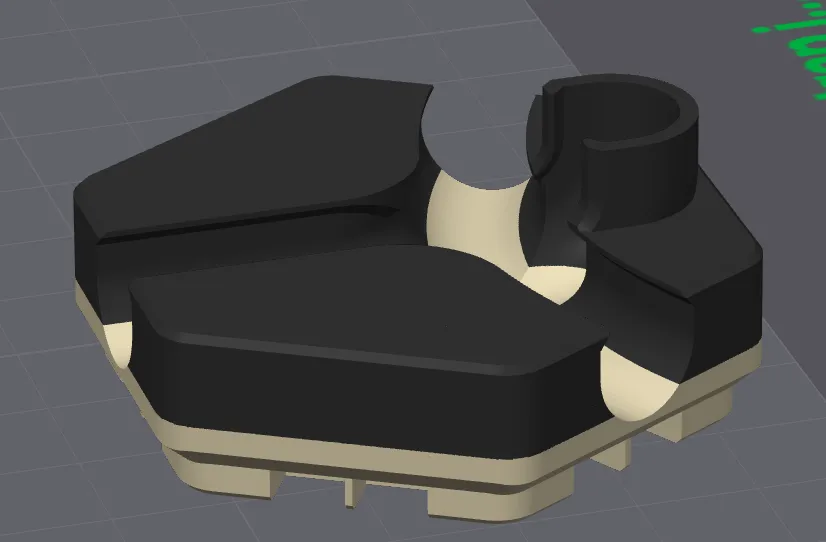
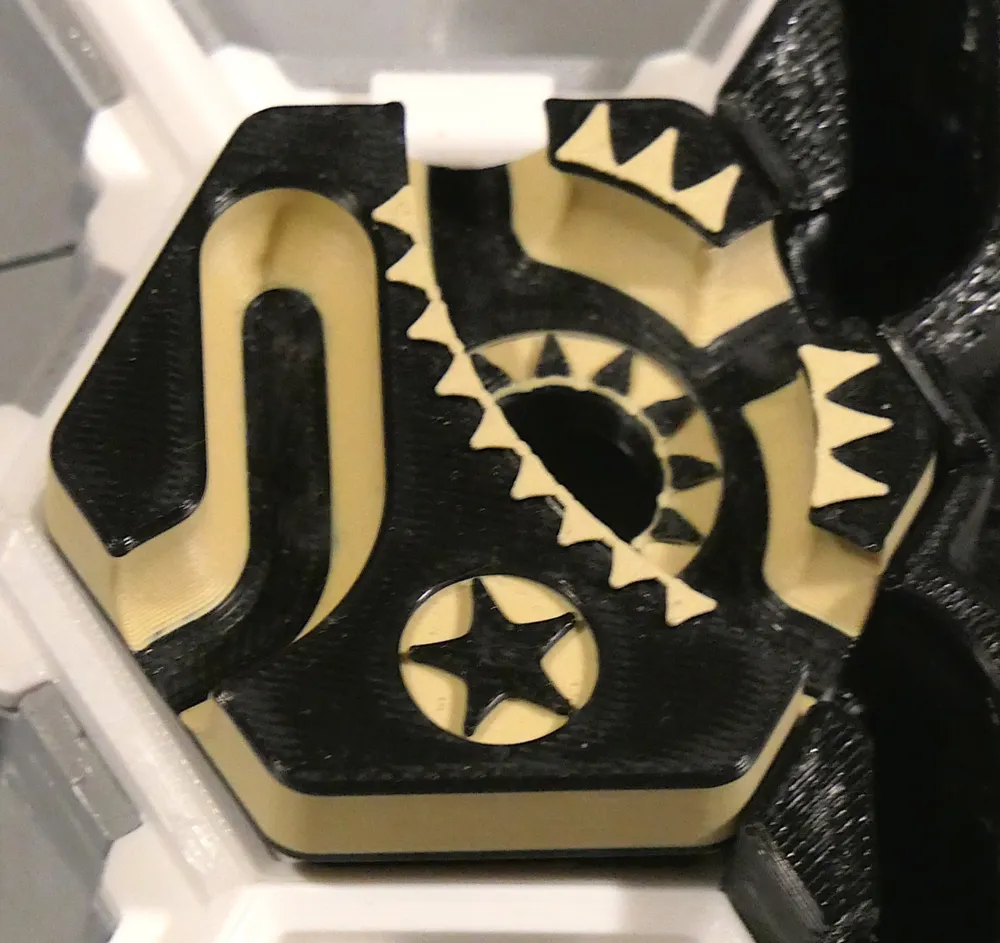
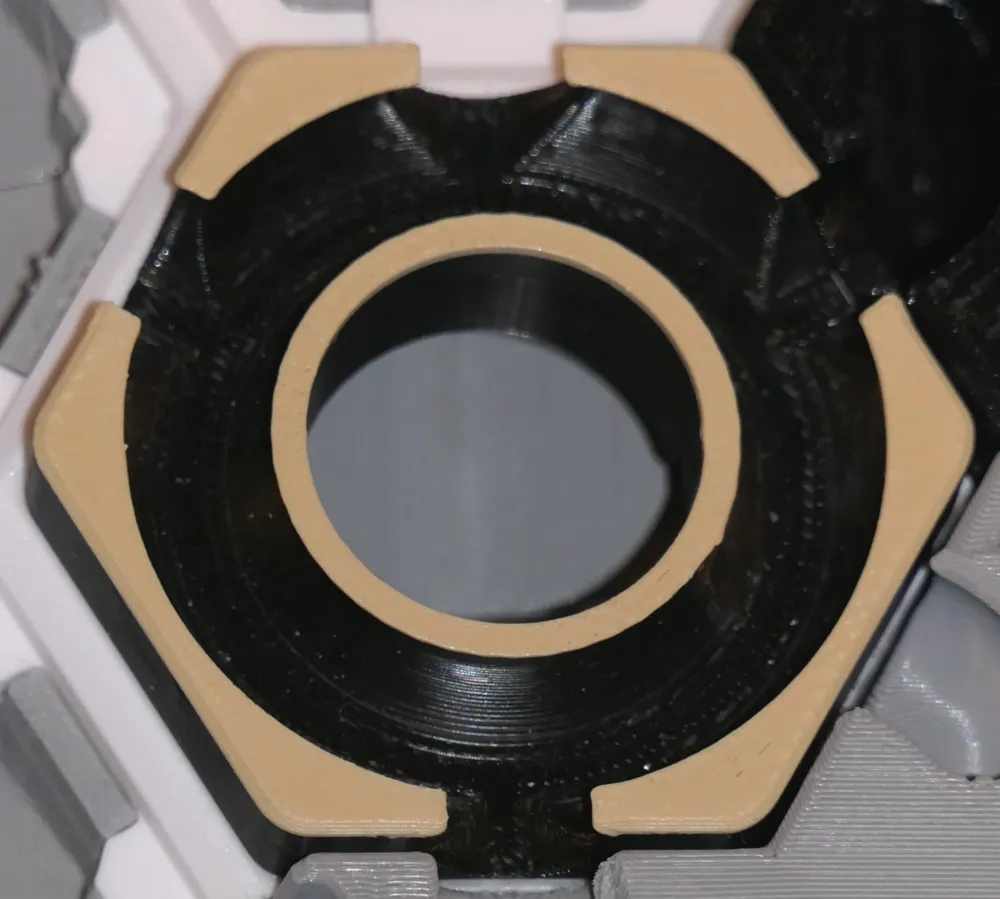
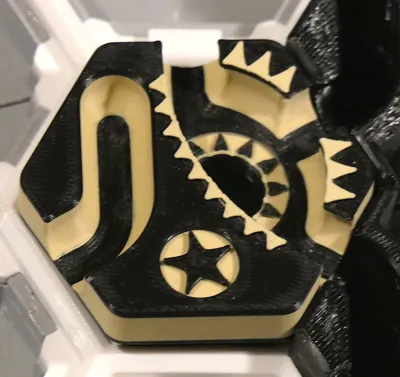
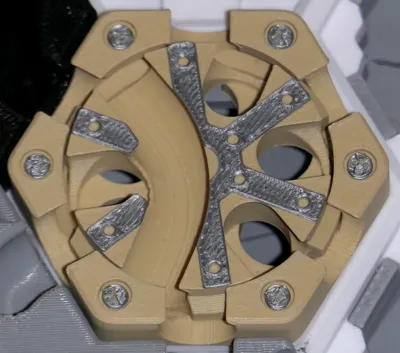
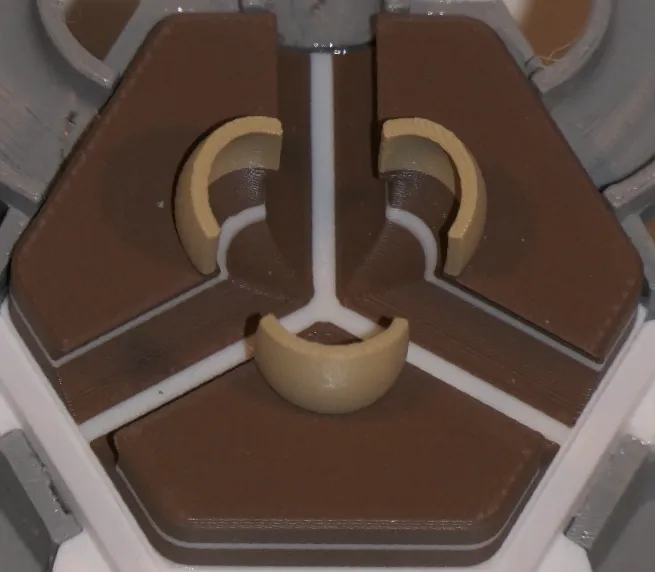
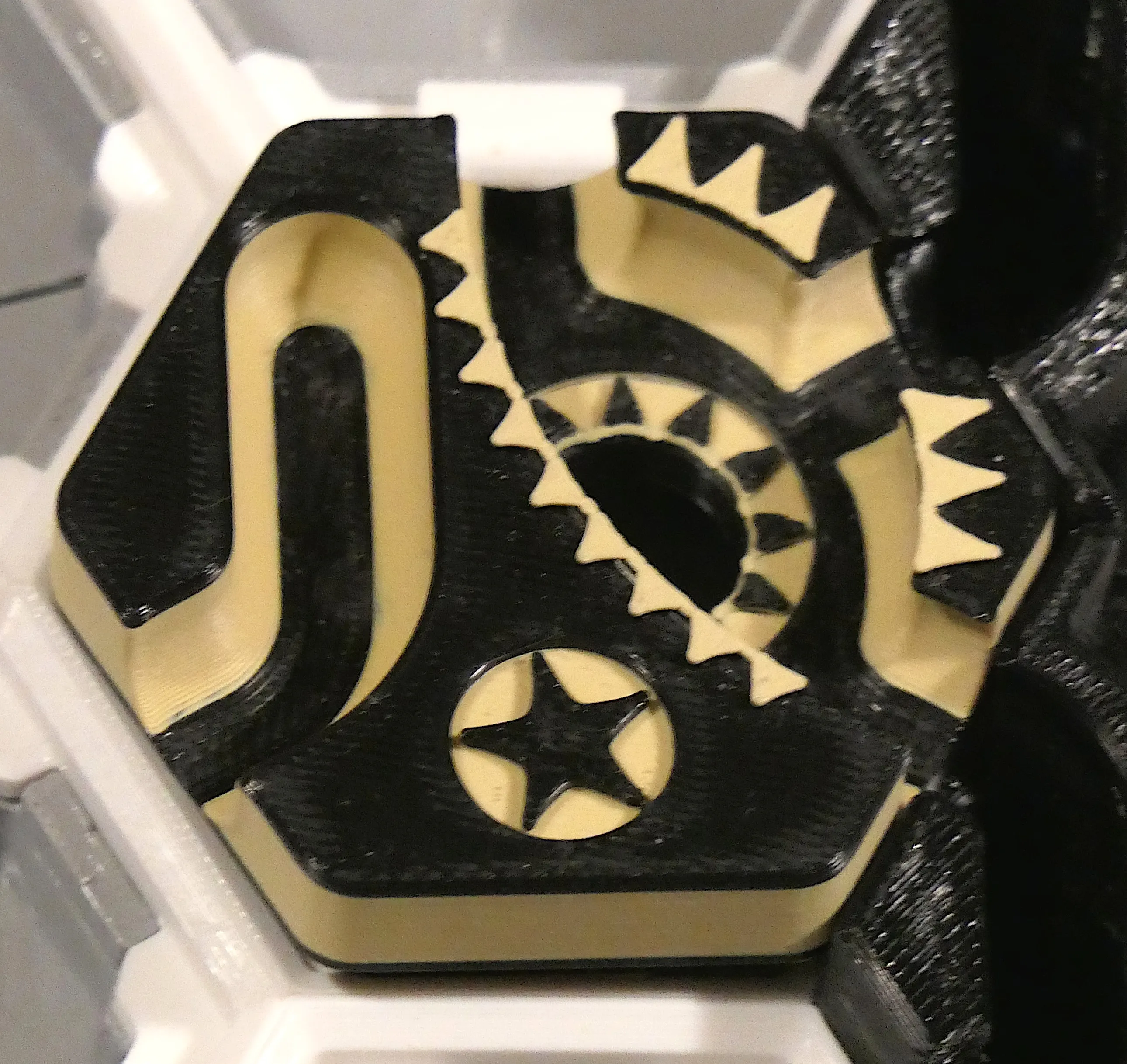
Antikythera tile (aka An-Tile-Kythera, by the relic-ious Zack Freedman; 2 parts).
If you know your ancient Greek history (or read Wikipedia), you know that the Antikythera relic was a hand-powered “computer” that could “predict astronomical positions and eclipses decades in advance”. Found in a shipwreck “as one lump, … separated into 3 … fragments … now divided into 82 fragments". It was THAT powerful.
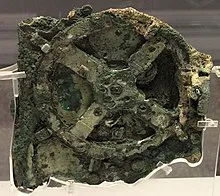
(picture of the Antikythera relic from Wikipedia)
The evil Antikythera tile uses its own mechanism to change your fate: if your ball goes to the underworld through an open slot, its liberated spirit allows you to spin the Antikythera wheel one notch, in any direction. This could open a path to the future, good or bad.
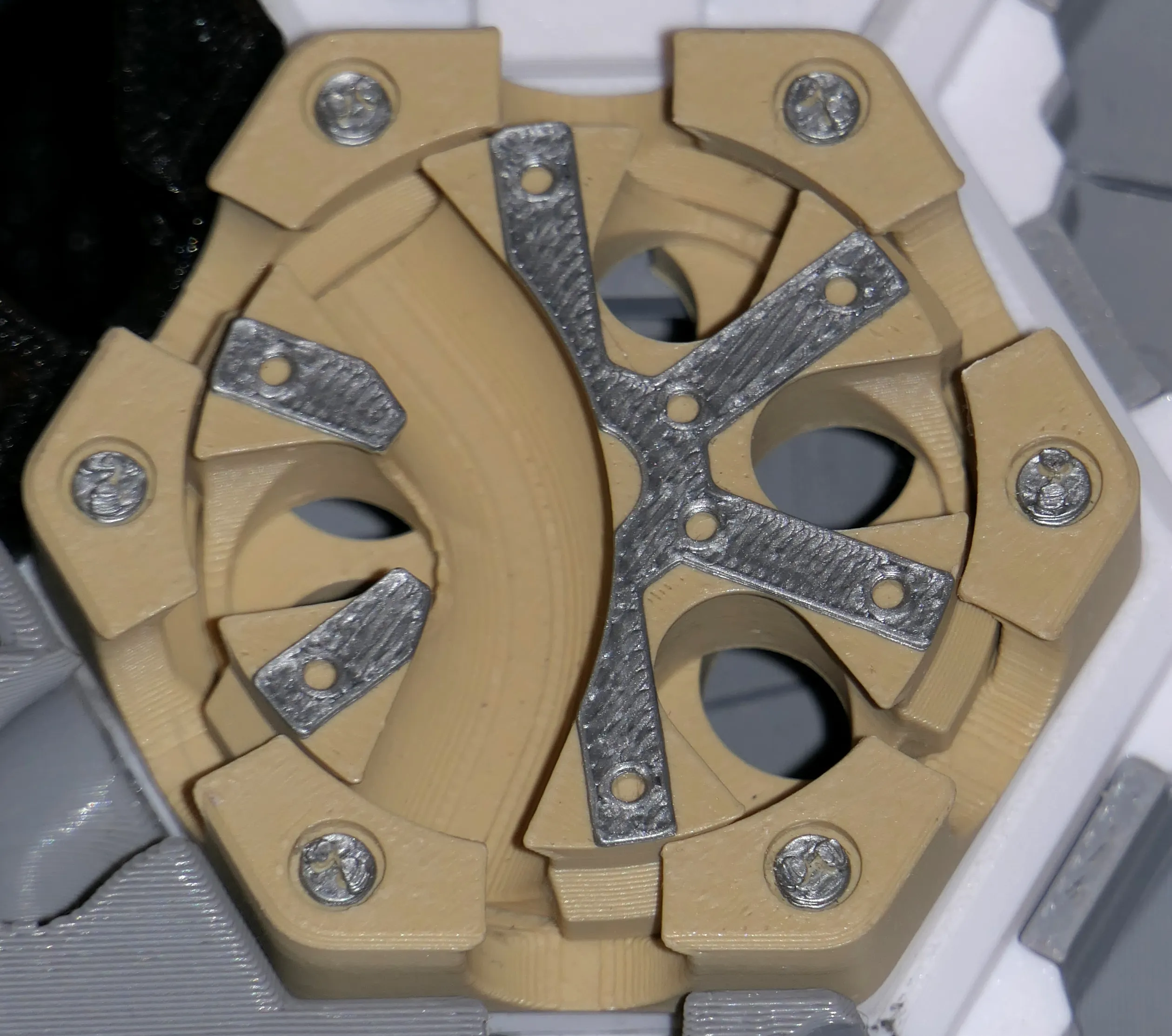
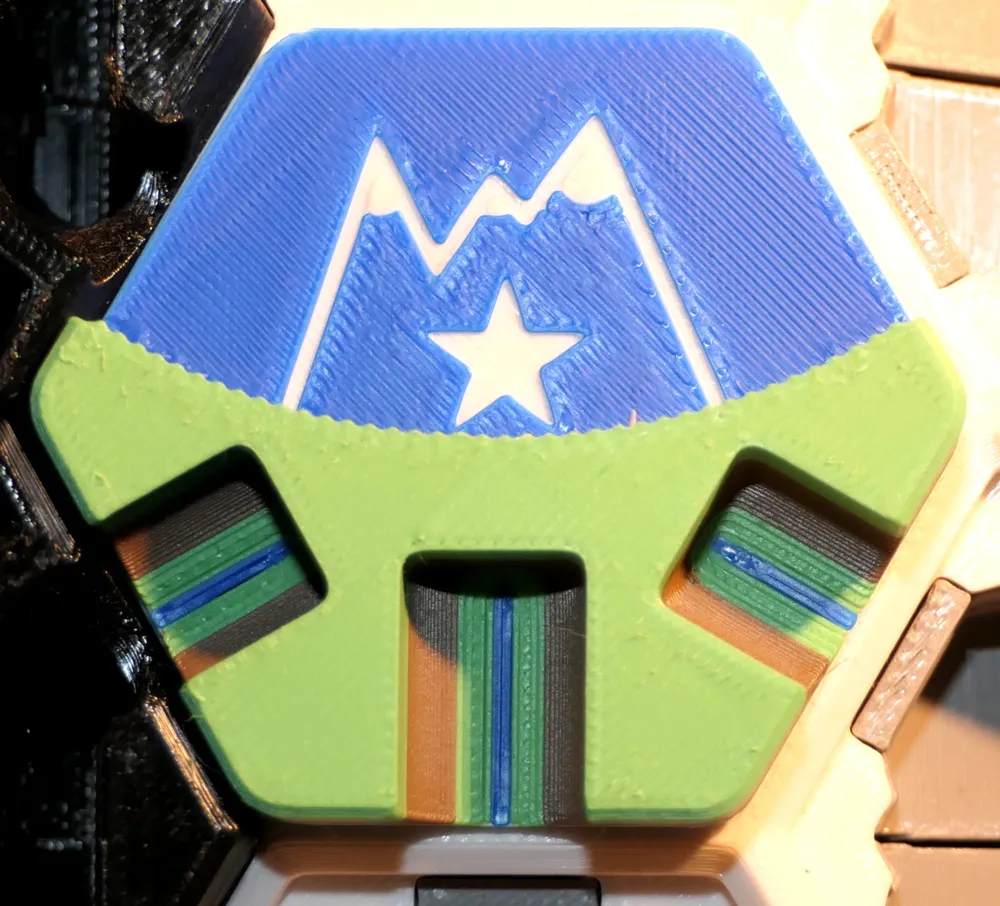
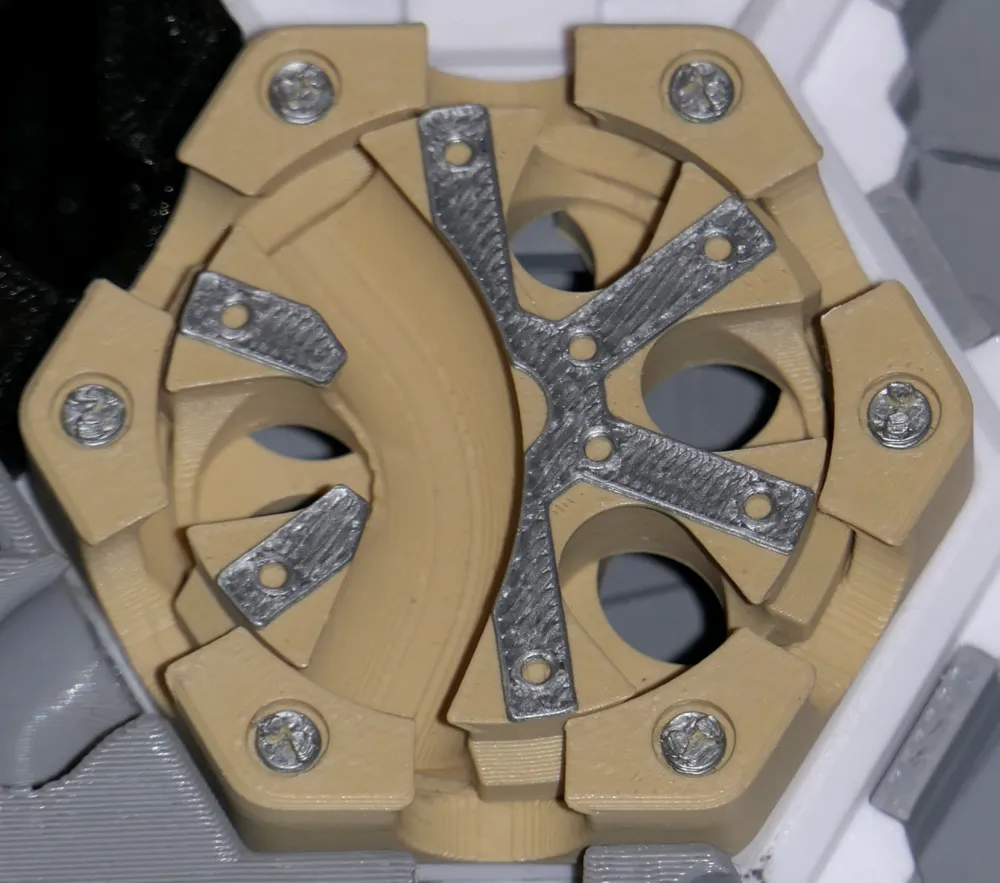
When you ball falls into an Ascent tile (by IceChes), it has the privilege to be teleported to the topmost Ascent tile and you get to choose which output. If its the only Ascent tile on the board, you get to choose which of its 3 outputs to get your ball going.
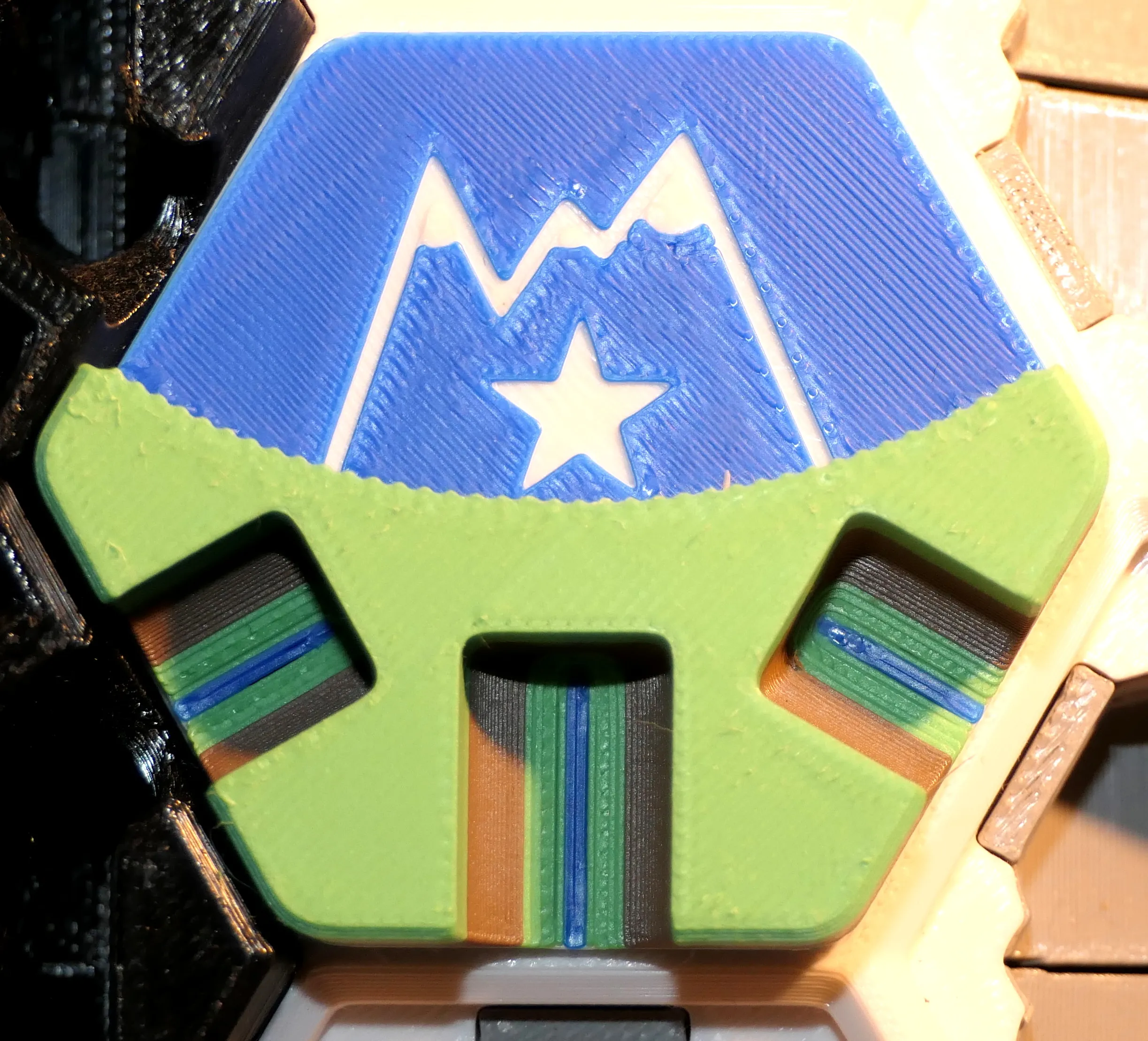
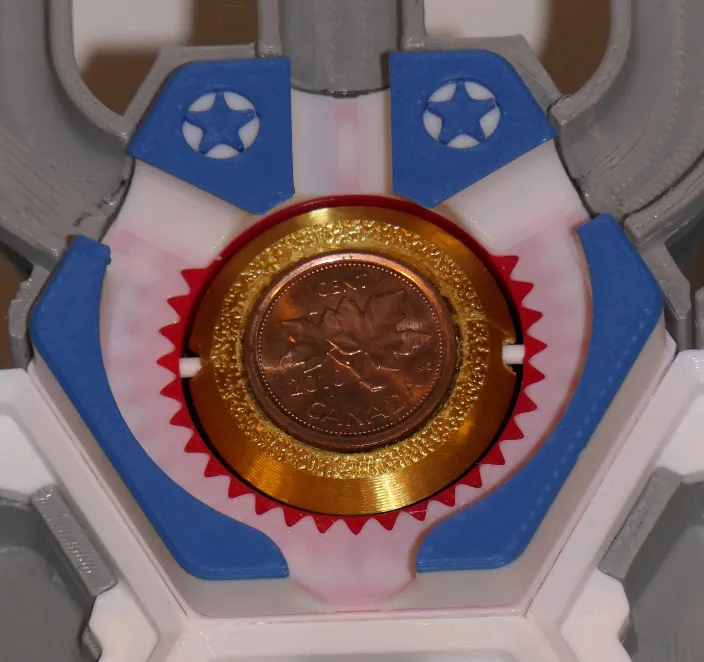
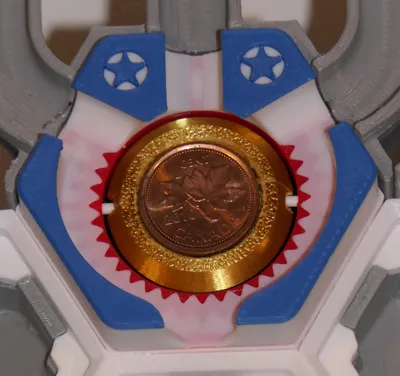
Even if it's called Heads or Tails, (by NoStepOnDeez) you won't have a 50/50 chance of making it through. It all depends on… luck (and some physics and how what position the last ball left the coin in).
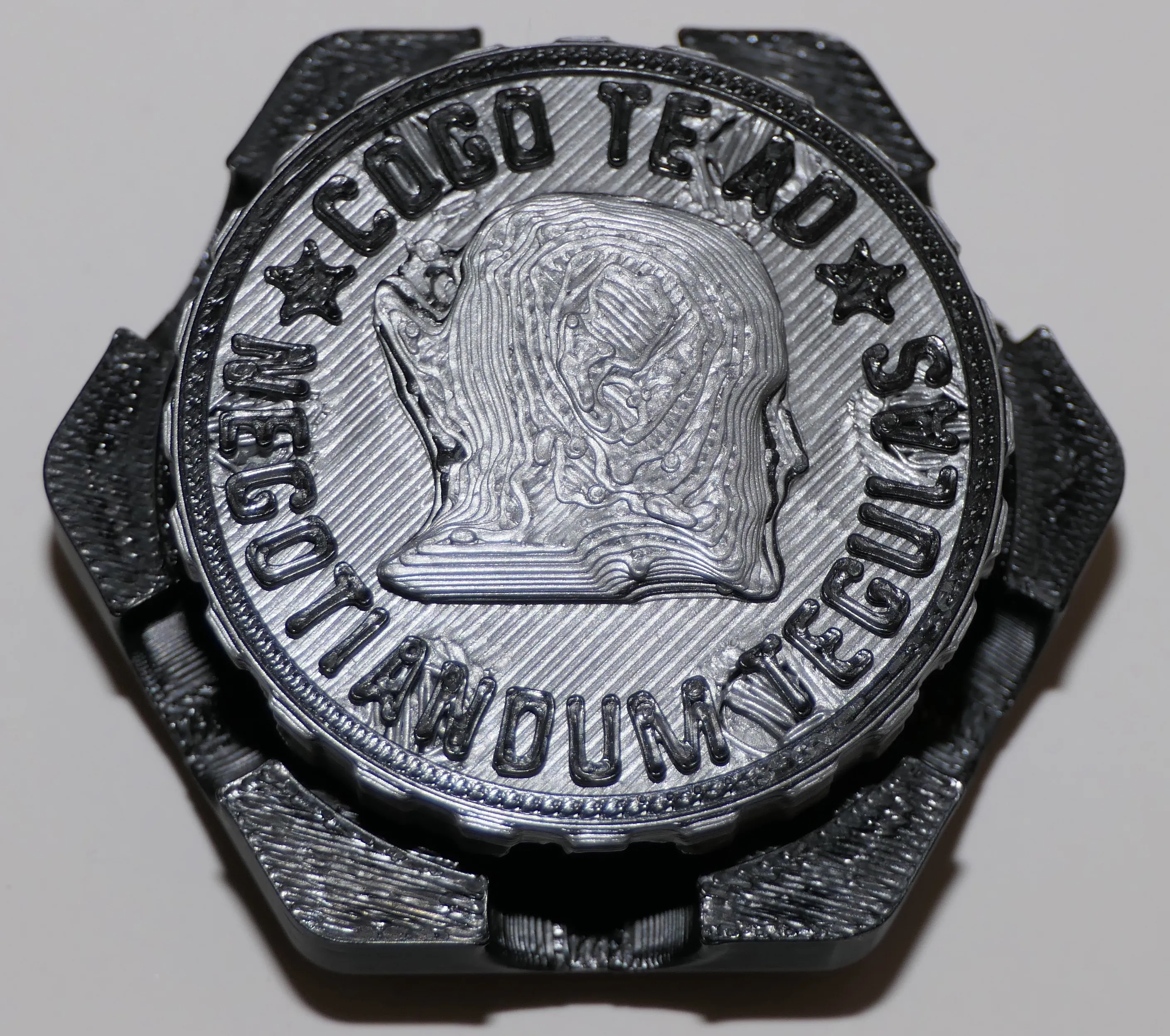
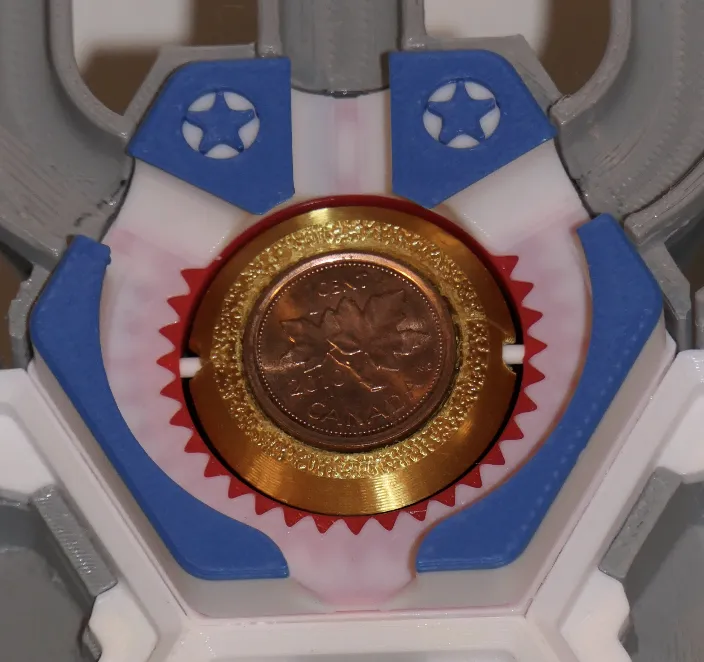
This tile requires assembly: you can glue 2 cents, dimes or whatever coins that fits on the black part, or you can glue the 2 red and blue circles. You then need to run a piece of filament through the tile and into the black part (gold on the image below, notice the white piece of PLA).
Rules for tiles for sets A to G
Most tiles don't require explanations, but some have “rules” about what happens when you place them on the board (On play) or when a ball touches one of its trigger point (On trigger), denoted by triangles/arrows ▶︎▶︎▶︎).
The rules are often written on the tile itself, and originally were made to be printed on a 3D printed "rule card" . I did not collect the rule cards 3D models, as I prefer to print those out on paper, save filament and make them easier to find. A PDF including the rules for all tiles that have rules is available in the in the Documentation section below. If you wish to get the original Excel document to edit it, feel free to get in touch.
(The Rules for all the tiles for my sets, A to K, is a work in progress, so your feedback will be appreciated).
Comments, suggestions, ratings
As you can tell I put in a lot of time to provide the best board and tiles, documenting everything so newcomers can easily understand how to print and play this game. Every comment, suggestion, rating will be appreciated.
Boost Me (for free)
Any boost will go straight to my 9 year old's DIY fund and will encourage me to put in the effort to provide clear instructions and post additional sets of tiles.
Thank you. Enjoy the game!
License
Original Hextraction board by Zack Freedman
and most tiles from other creators are under the following MIT License:
Copyright (c) 2023 Zachary Freedman and Voidstar Lab LLC Permission is hereby granted, free of charge, to any person obtaining a copy of this software and associated documentation files (the "Software"), to deal in the Software without restriction, including without limitation the rights to use, copy, modify, merge, publish, distribute, sublicense, and/or sell copies of the Software, and to permit persons to whom the Software is furnished to do so, subject to the following conditions: The above copyright notice and this permission notice shall be included in all copies or substantial portions of the Software. THE SOFTWARE IS PROVIDED "AS IS", WITHOUT WARRANTY OF ANY KIND, EXPRESS OR IMPLIED, INCLUDING BUT NOT LIMITED TO THE WARRANTIES OF MERCHANTABILITY, FITNESS FOR A PARTICULAR PURPOSE AND NONINFRINGEMENT. IN NO EVENT SHALL THE AUTHORS OR COPYRIGHT HOLDERS BE LIABLE FOR ANY CLAIM, DAMAGES OR OTHER LIABILITY, WHETHER IN AN ACTION OF CONTRACT, TORT OR OTHERWISE, ARISING FROM, OUT OF OR IN CONNECTION WITH THE SOFTWARE OR THE USE OR OTHER DEALINGS IN THE SOFTWARE.
---------------------------
New to MakerWorld?
What are Boosts?
Boosts are a great way to show your support: users get 12 points per boost, and boost are free to you (we all receive 2 free boosts every 2 weeks). YOU even get 5 points when you first boost any model, and 2 points thereafter. You don't have to print a model to boost.
Rating print profiles
Rating a print profile encourages users to post their models: they earn 2 points for each 4 or 5 star rating, and YOU get up to 50 points/month for rating models you printed.
How to rate a model/print profile?
On the Makerworld website, click on your avatar and look for « Ratings » (image below).

- In the Bambu Handy app, tap "Me" at the bottom to find a purple ratings folder.
- In Bambu Studio software (or Orca Slicer), you can only rate the last model you printed in the Device tab, under Print progress.
This remix is based on

License



Comment & Rating (14)