
A1 LED Light Bar [Plug-N-Play]

Print Profile(1)

Description
Introduction:
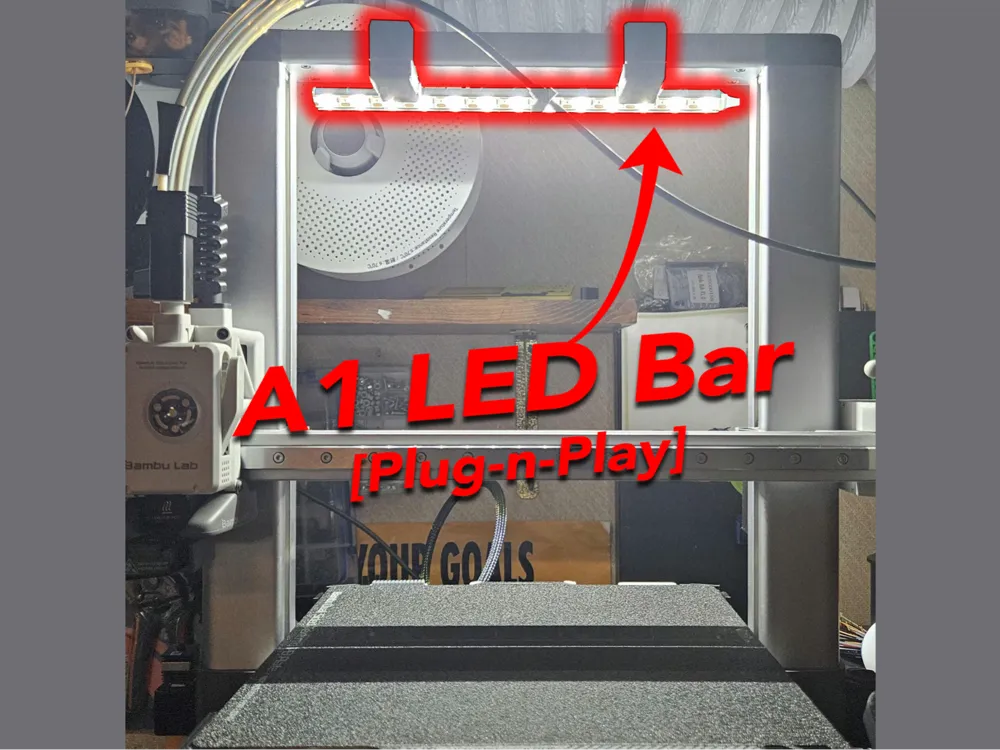

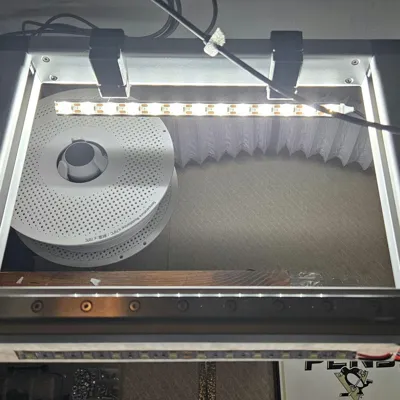
One of the first things you may notice is that the lighting on A1 (or really all Bambu Labs printers) is very inadequate and severely lacking, especially when trying to view the print through the camera. Originally I created This low profile LED bar that bolts along/behind the X-Gantry. If you like to tinker, then that might be the setup for you as it calls for opening the base of the machine and wiring the light directly to the PSU (detailed instruction on the page). But as this machine is marketed mostly toward beginners I thought it would be nice to create a more Plug-N-Play option that didnt really require tinkering at all.
Design:
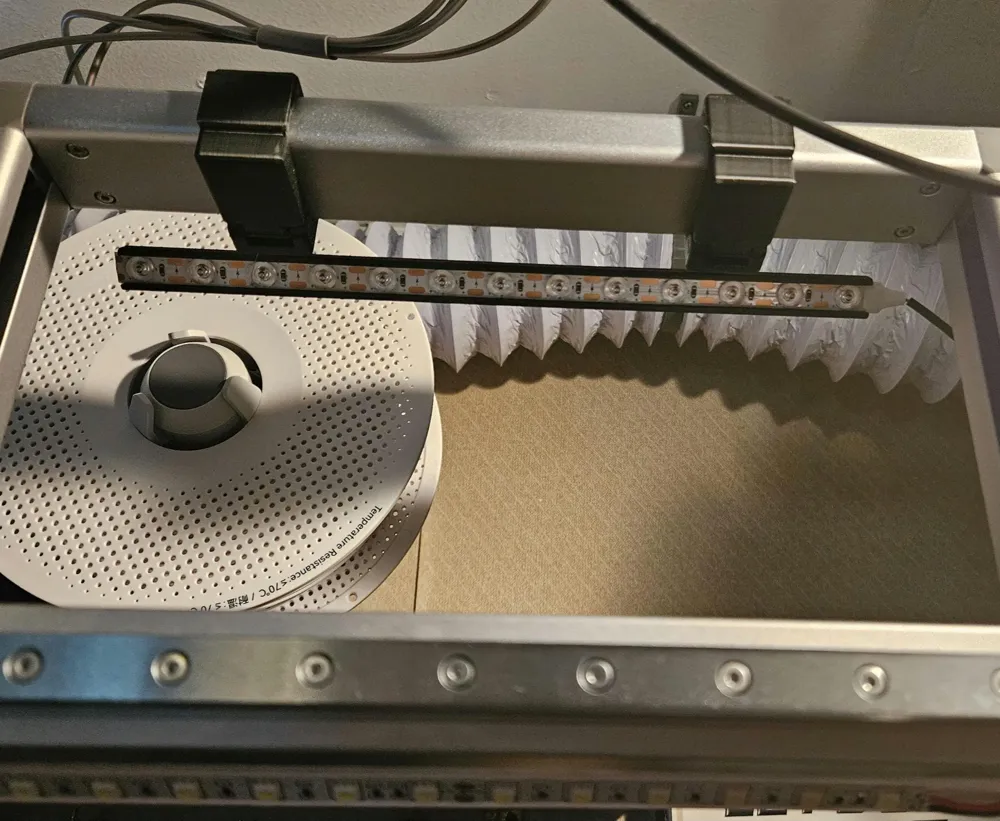
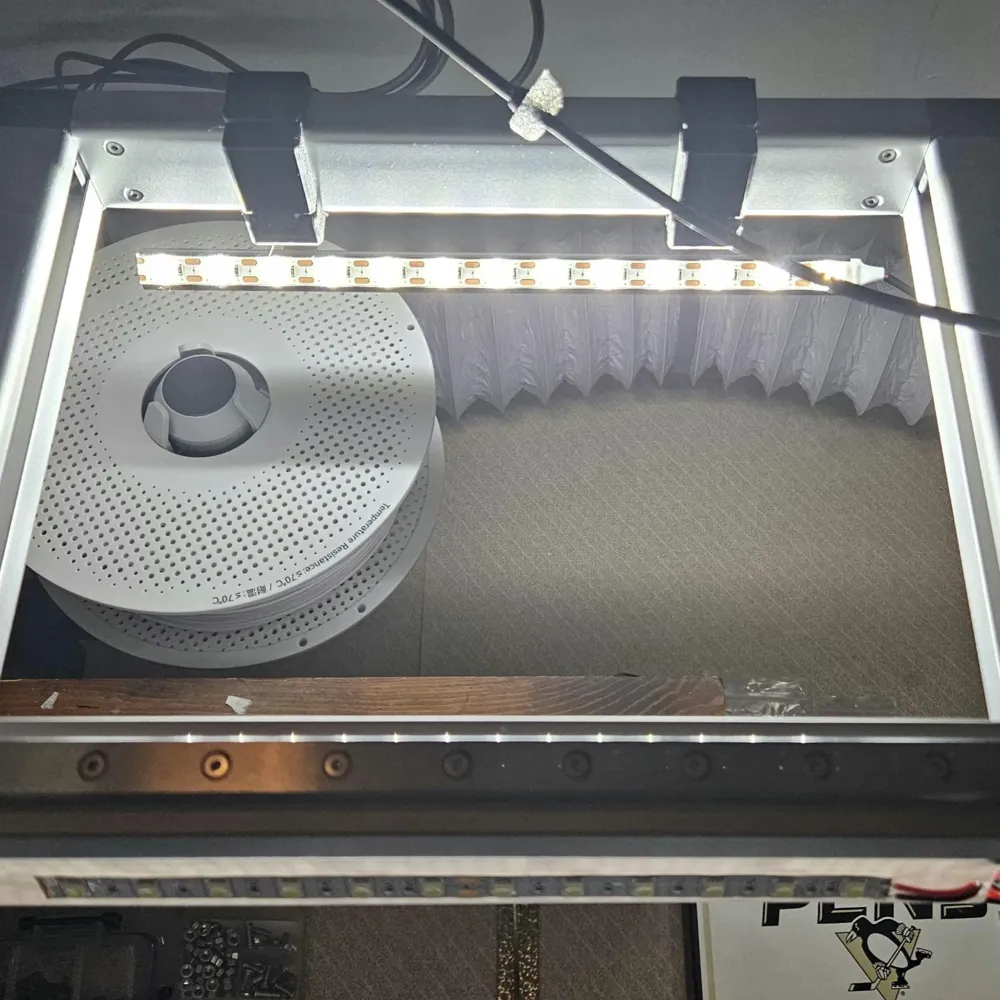
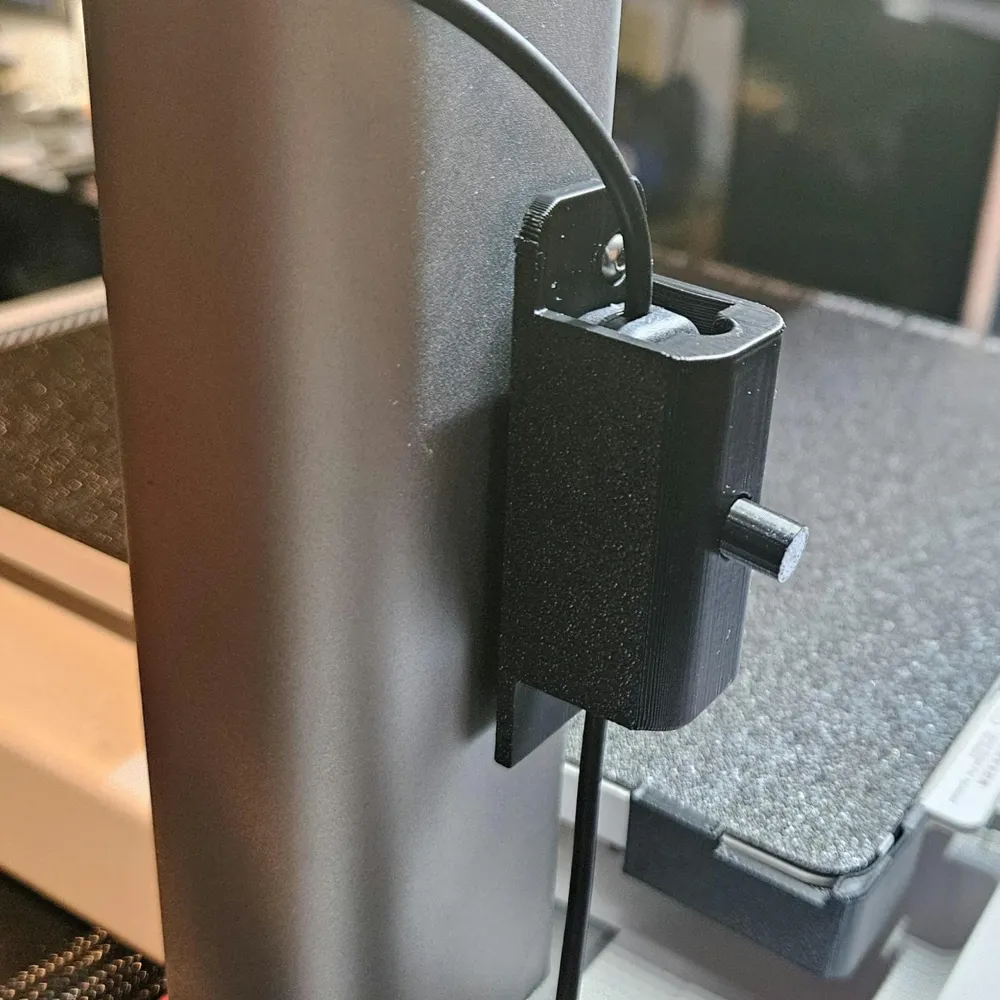
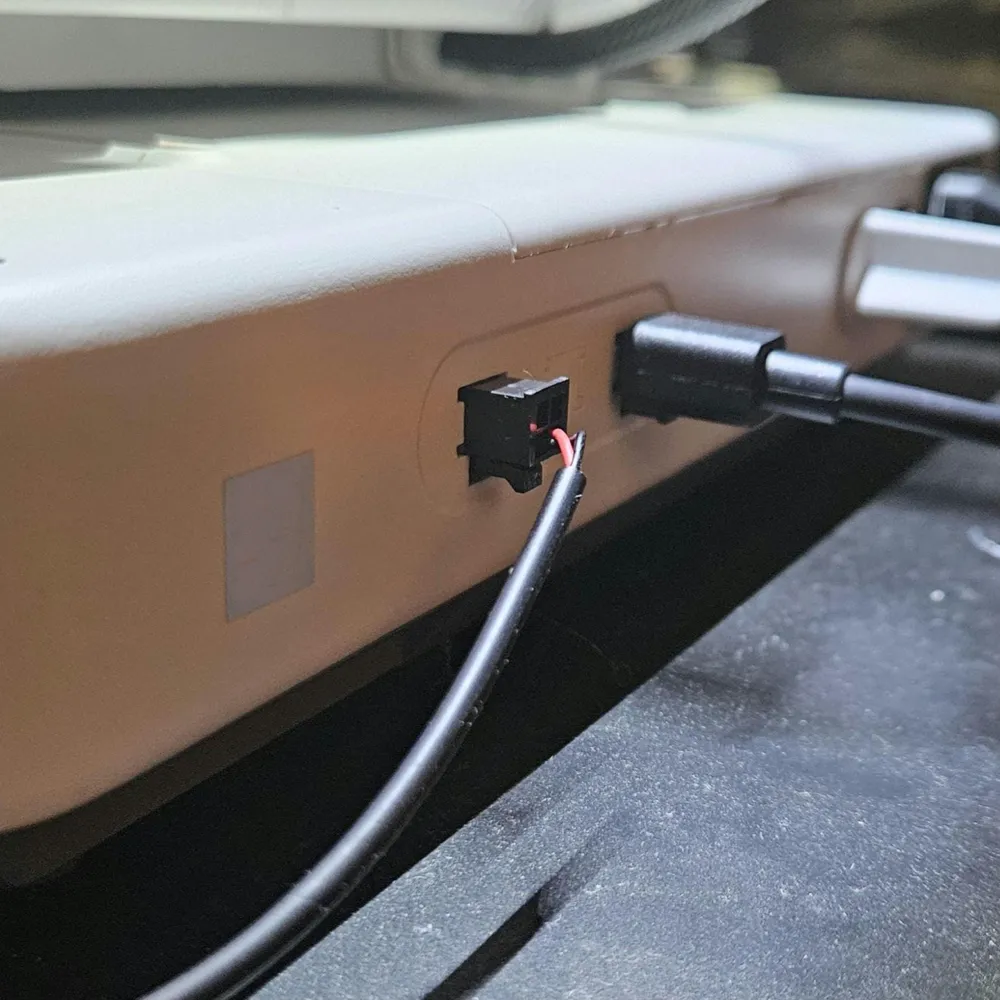
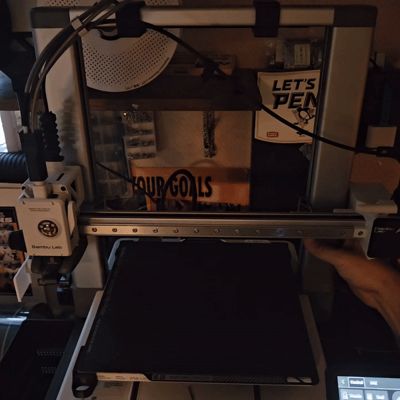
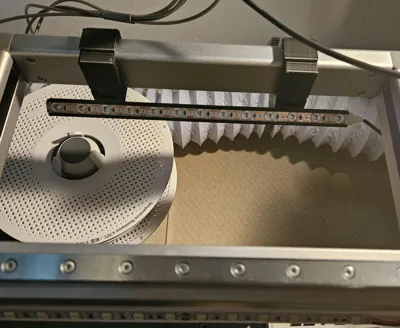
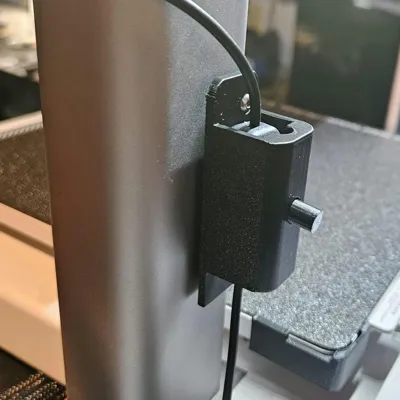
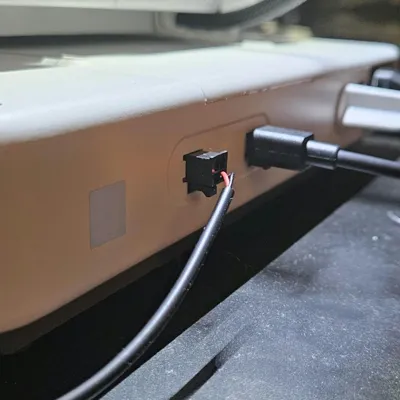
This design is based on DerTobi01's original design but I've modified and improved the bar in a way that utilizes a premade LED strip that plugs right in to the spare 4-pin ams port on the back of the machine, which you can purchase directly from me at Bambu A1 LED Strip. The LED strip slides in to the bar (no need to rely on the 3M backing), snap the tabs on the bar in to the frame clamps and snap those clamps closed on the top frame cross bar. Should only take a minute or two to install. There should be threaded holes in the back of the right side Z frame tower [Re-Release of A1, not sure if they are there for the 1st gen of the A1.] This is where you will mount the switch for the light. First insert the switch extension button in to the housing, feed the lights plug through and slide the switch in place. Thats it.
Now you have more than sufficient lighting for your printer with almost none of the hassle to get it!
Should be compatible with the BIQU Panda Lux
UPDATES:
5/17/25 - Increased the side of the slot so the light strip can be slid in much easier if it should have a little bit of size variation. Shouldn't have any issues with it being too tight now.
Boost Me (for free)
Boost if you found this useful!
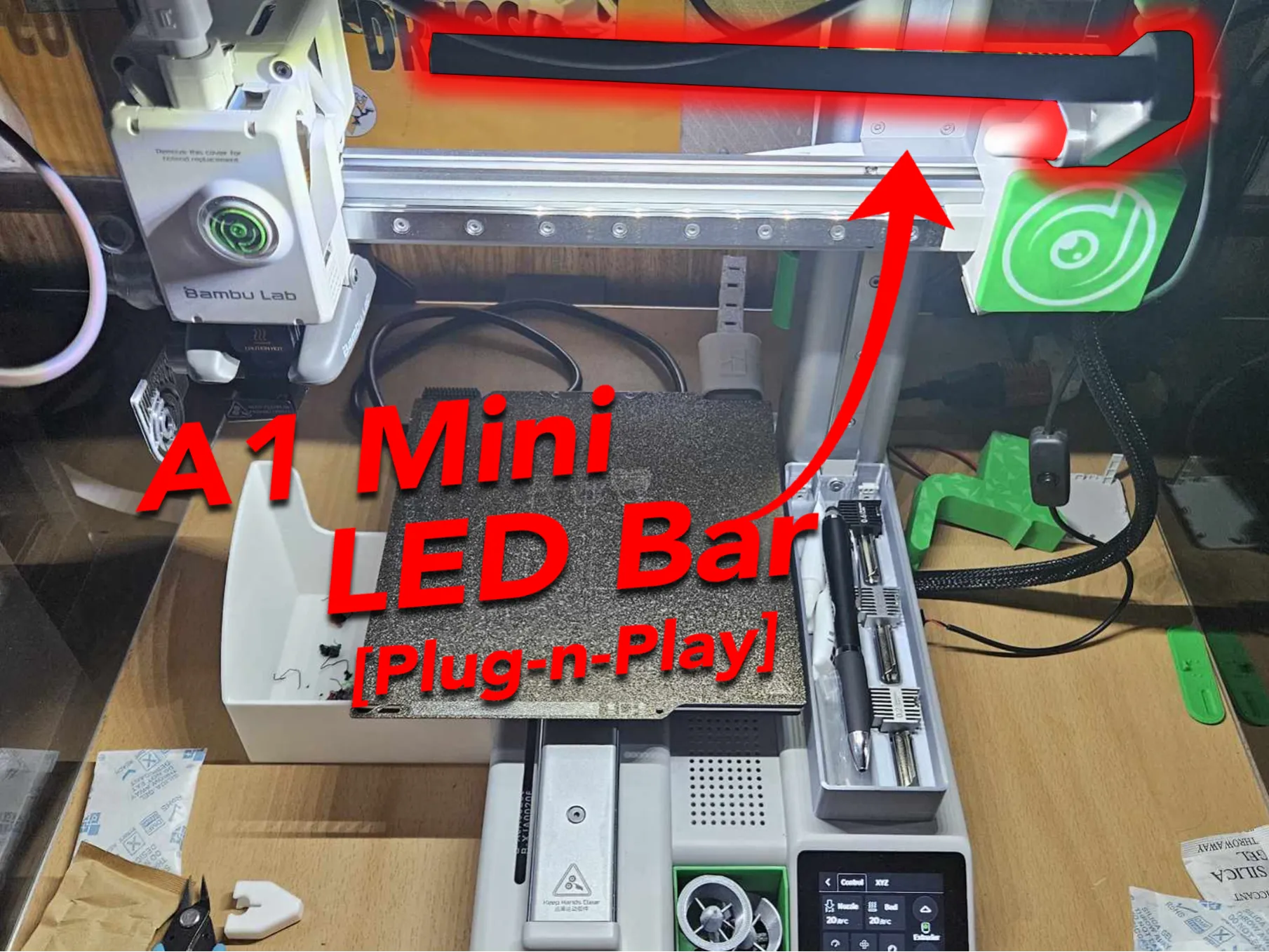
You can find the A1 Mini Version Here
This remix is based on

License



Comment & Rating (38)