
Hextraction Tiles Set C - Deviations
Print Profile(2)


Description
TLDR:
Hextraction is a FAN-TA-STIC game
where beads fly through tiles that create a series of paths and booby traps
that you and your opponents strategically place to get your ball in the end zone,
while blocking your opponents' balls.
If you are a happy Hextraction fan: I have more fun for you! Please look for the "I want more tiles!" section further down.
If you are new to Hextraction: please start with the “What is Hextraction?” section below.
What is Hextraction?
Hextraction is a FAN-TA-STIC game with so much action, traps, physics, effects and randomness that no two games are the same. Each turn you get to carefully place on your 3D printed board one of your 3D printed tiles from your hand of randomly picked tiles. You also get to launch a steel ball down a start ramp and frantically watch it fly through a series of tunnels and paths created by all of the hexagonal tiles laid out by all players. These paths can include traps, levers, jumps and even special effects that are all strategically placed to get your ball in the end zone (to win), while blocking your opponents' balls with devious tiles.
What's best part? This game is free to play, free to print and will forever keep improving as designers keep coming with AWESOME ideas to make CRAZY tiles (also free to print) that often flip the game on its head. This is all thanks to Zack Freedman, who chose to offer his game to the crowds of 3D printing enthusiasts, and let players and designers contribute to this wonderful game.
- "Hextraction is an open-source game - you can download the files to print yourself, or find a pre-printed set to buy.”
- “Hextraction is a 3D-printable, modder-friendly board game designed by Zack Freedman of Voidstar Lab.”
To get an idea of its potential and learn some rules watch the Hextraction video.
To play the game, you will need to:
- Print the grid: look for the Hextraction Super Board Game: Grid for A1 mini & +. It can be printed on the A1 mini or other printers with larger build plate. I recommend PETG to make your board very sturdy, but PLA work fine too. This grid has 27 slots, which means more fun!
- Print the base: look for my Hextraction Super Board Game: Base for A1 mini & +. This includes all the structural parts that are specific to the grid with 27 slots from this page, such as the gutters that channel lost balls all the way to the bottom (that would otherwise fall through), On ramps, End zones, adjustable legs and accessories;
- Check the Hextraction Getting Started page.
- Look at the Hextraction Official rules. If you'd like to play by yourself, look at the single player rules.
- Buy 10 mm steel balls or 3/8" slingshot ammo. 50 of them seems like a good number for 3-4 people.
- Print Hextraction game tiles, the more the better! Here are links to my favourites sets.
- Hextraction Tile Set A - Super Starter Pack: includes plenty of tiles to get your Hextraction games started, along with some very cool tiles that will give you an idea of what is possible with this game.
- Hextraction Tiles Set A - PETG parts: since PETG parts need different printing requirements, I pooled all the PETG parts from set A into this file.
- Hextraction Tiles Set B Flip Flop+Secret tiles: with sets A and B you will have all the basic starter tiles recommended, and enough whacky tiles to show you how much talent and creativity went into designing such mischievous contraptions!
- Hextraction Tiles Set C - Deviations: this current page will spice up your games with randomness and a bit of malevolence.
- Hextraction Tiles Set D - Traps! : traps are very useful to slow your opponents down and tear apart their sophisticated plans.
- Hextraction Tiles Set E - Wild Tiles: Hextraction tile creators are (thankfully) not selected by committees or review boards. Nope, if you let them loose, they come up with ingenious and/or crazy ideas, the perfect recipe for exotic tiles with strange themes or effects.
- Hextraction Tiles Set F Mega pack: if your games get slowed down by effects tiles, balance things out by adding regular tiles. And no regular does not mean boring.
- Hextraction Tiles Set G Lucky Unlucky tiles: Feeling lucky? With this set, you can test it out, or better yet, you can bestow bad luck upon your opponents. Feeling better now?
- Hextraction Tiles Set H - Tile rail + Golf: if you thought Hextraction was fun, wait until you play the Skyrail tile, my absolute favorite tile. And those golf-themed are sweet.
- Hextraction Tiles Set I - Abuse of power : some tiles have, or give too much power. Don't print this set. It will change your games for the worst. Or the best! Just depends on the point of view.
- Hextraction Tiles Set J - BAM! : you slip, you explode, you burn, earth splits under your ball. That's what this set is about. And some good (and evil) magic.
I want even more tiles!
Hextraction Tiles Set C
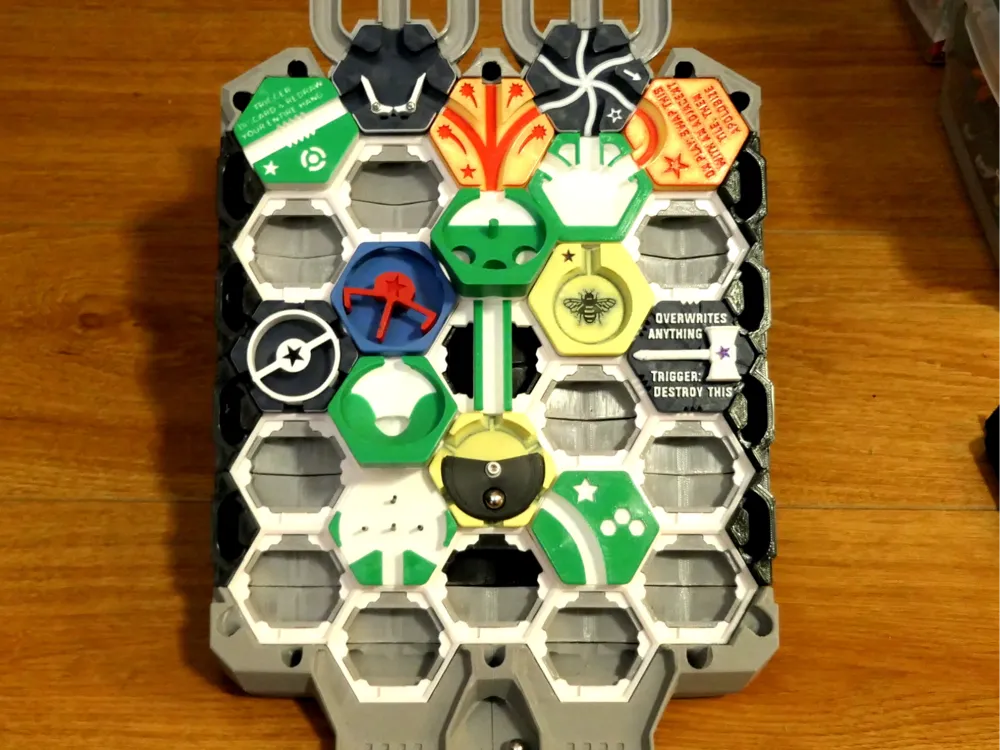
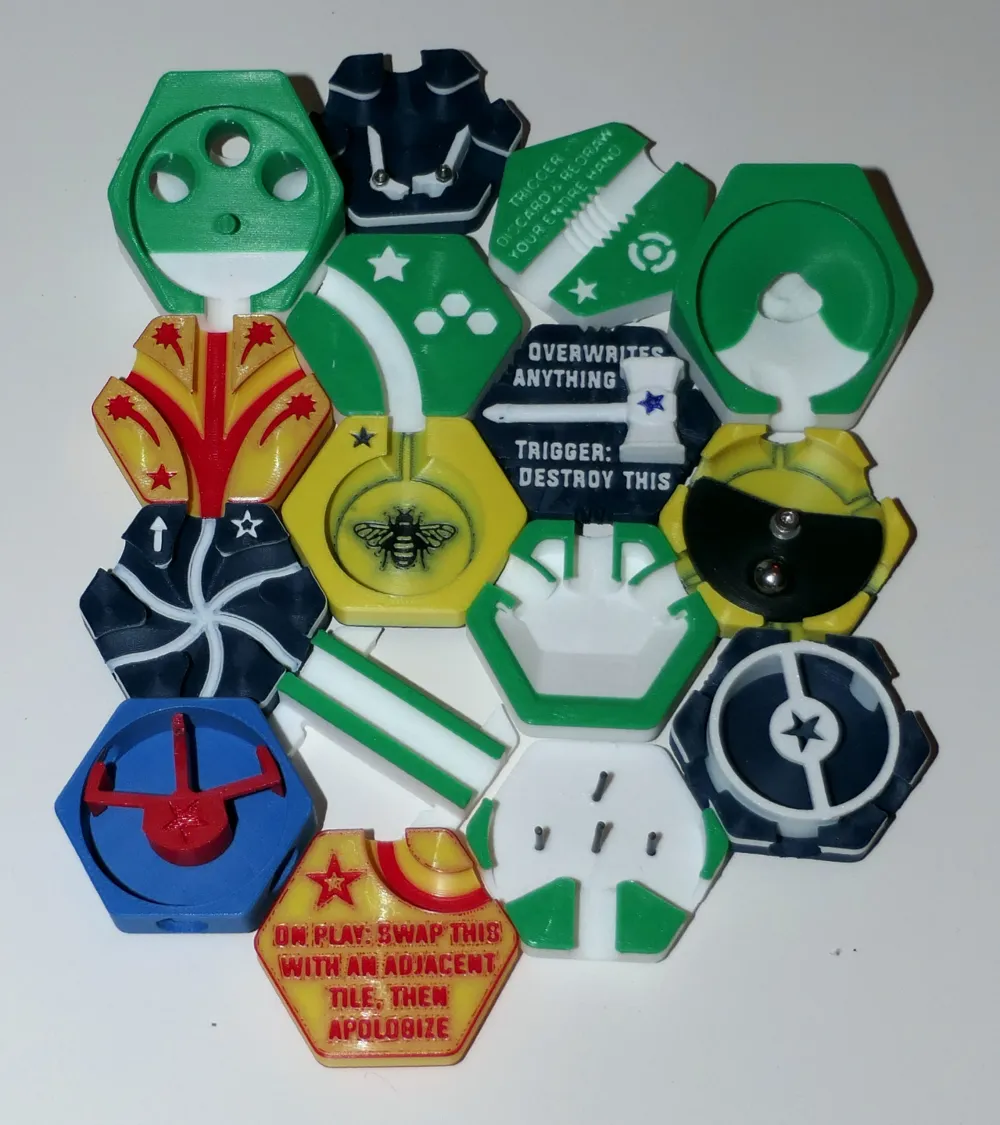
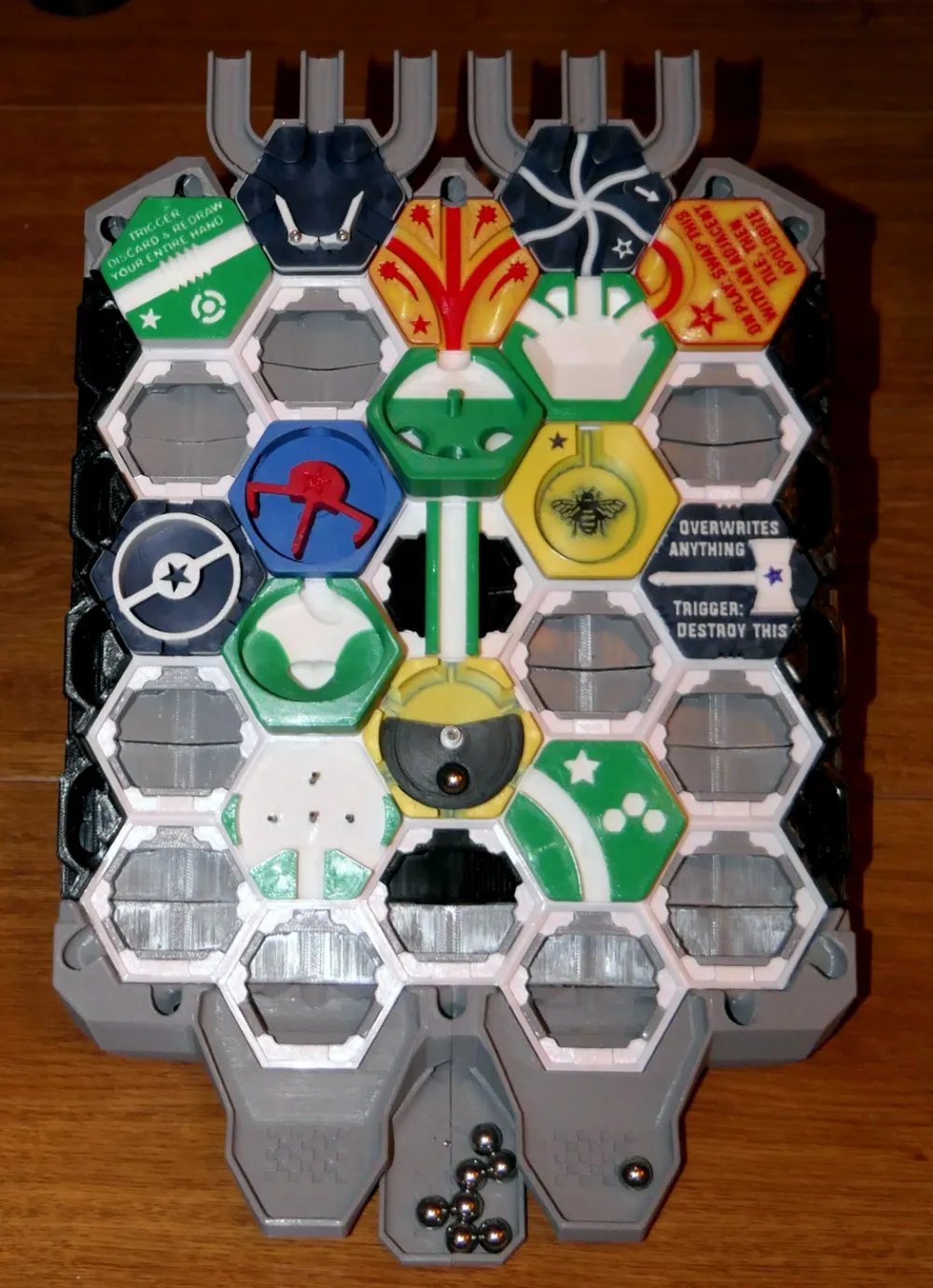
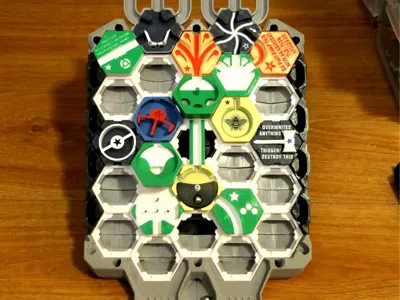
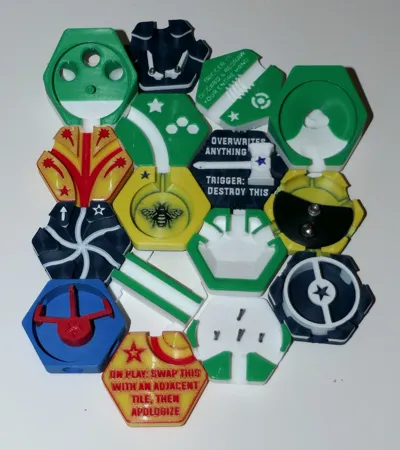
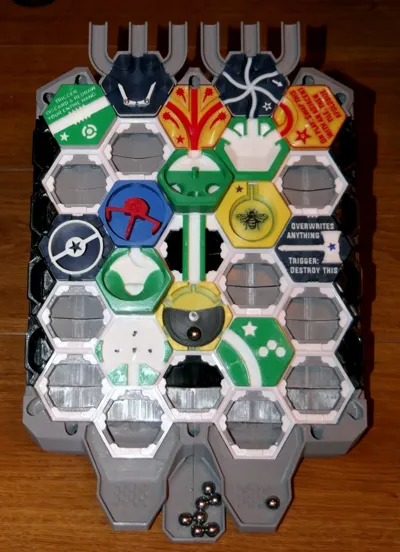
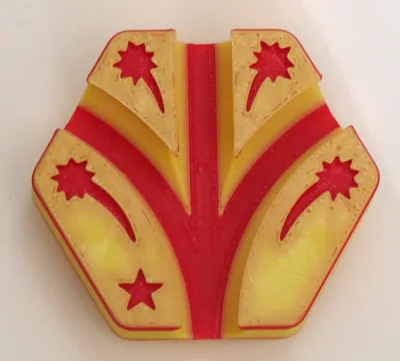
This is a large set of Hextraction tiles I gathered from Thangs and other sites. I have colorized them, organized them to reduce filament waste and fit them on an A1 mini build plate.
The Loop tile was removed since the original design was too narrow for 10 mm steel balls.
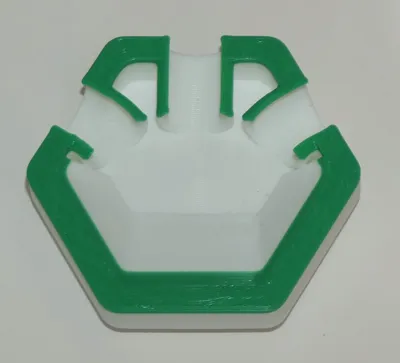
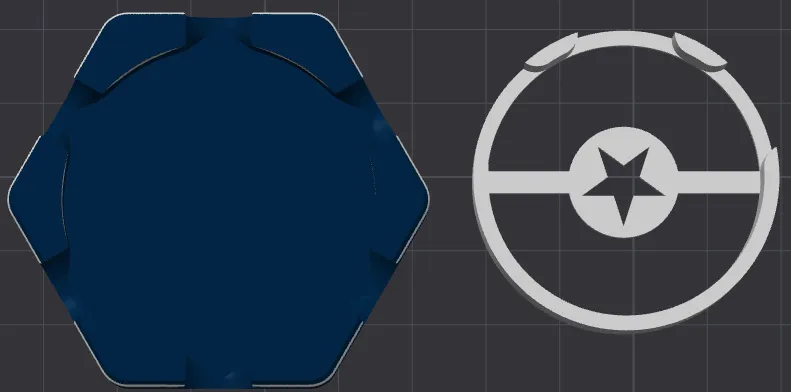
The Airlock tile white part should have the star at the very top. We store it with an elastic band so it does not come apart.
Cool things about the tiles
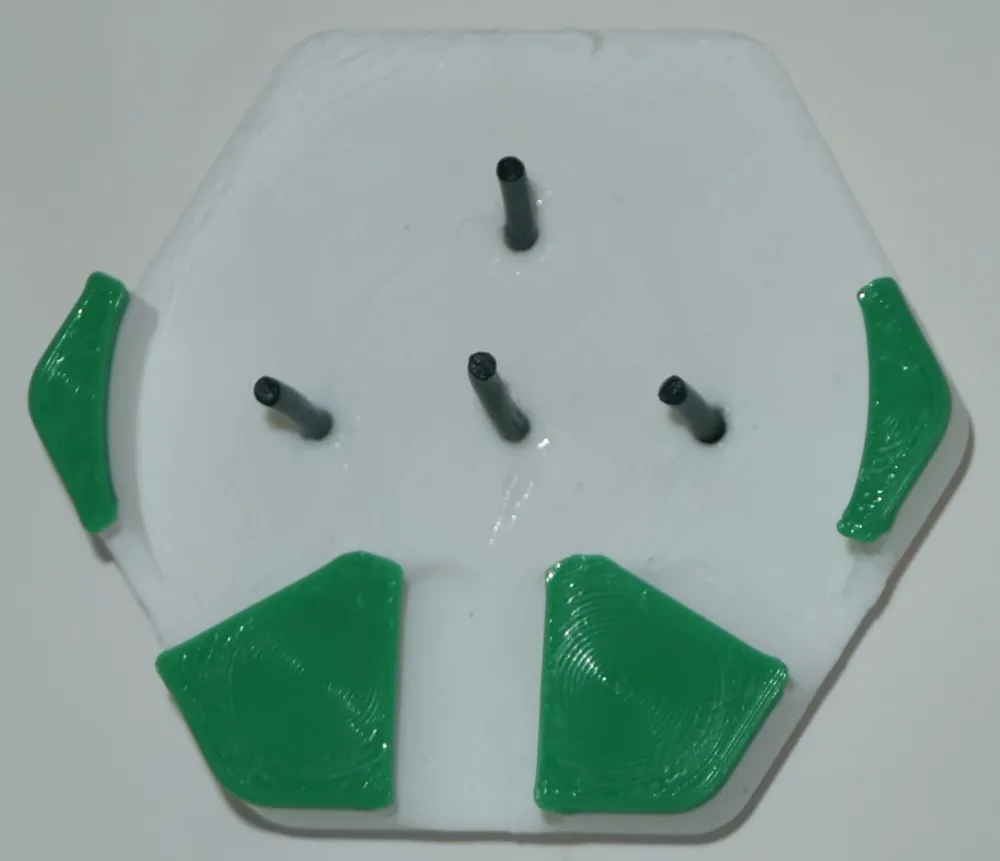
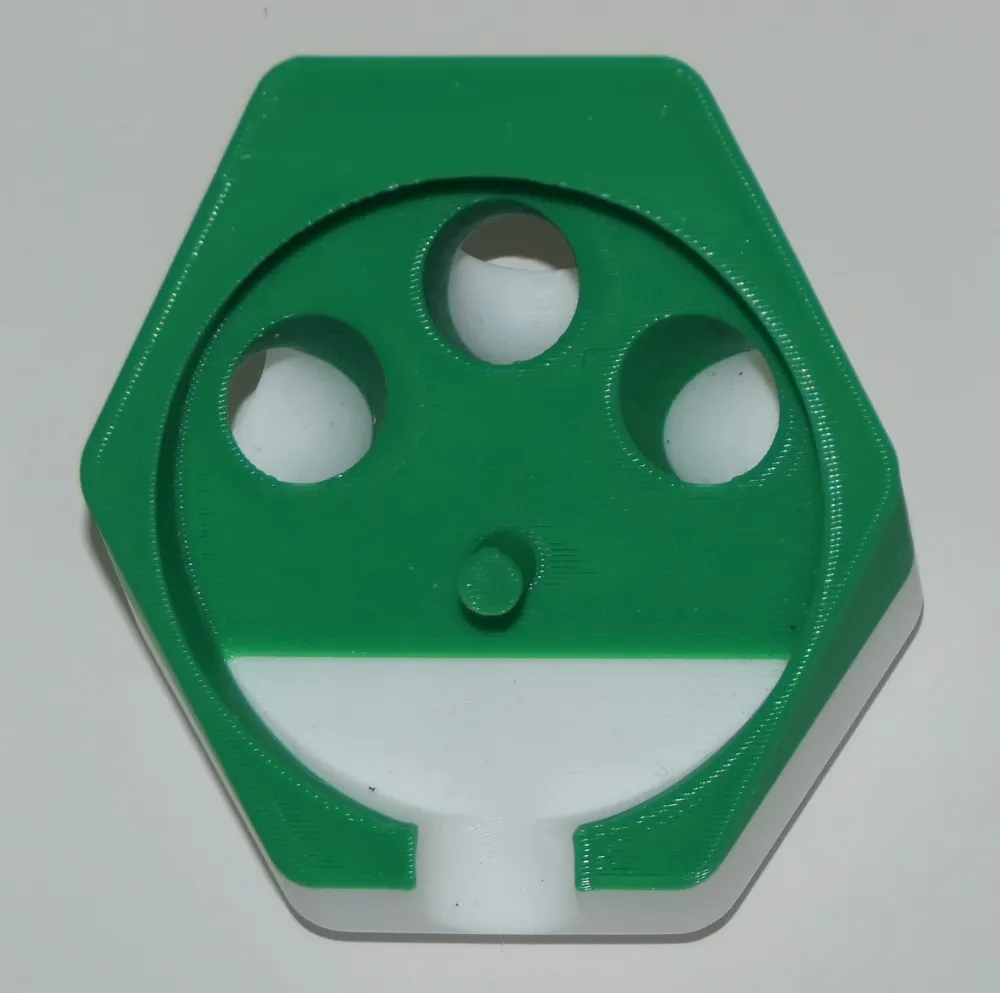
The Plateau (by timothyjackman) has an angle that sets its surface horizontally, but your ball will not stay put and will instead run down in one of the three outlets.
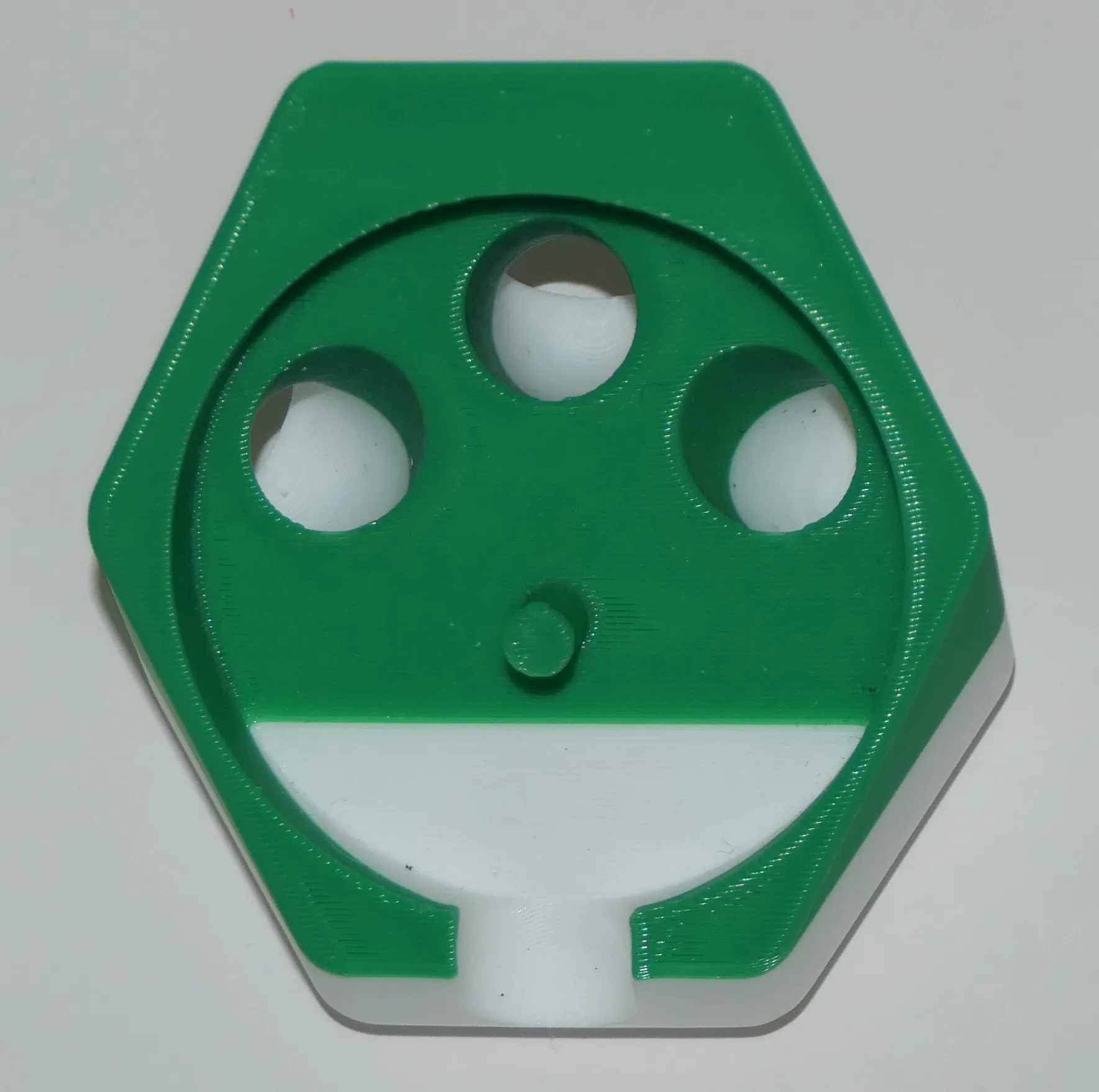
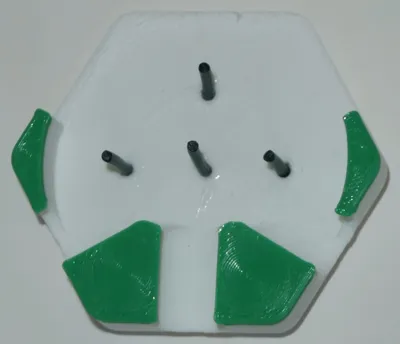
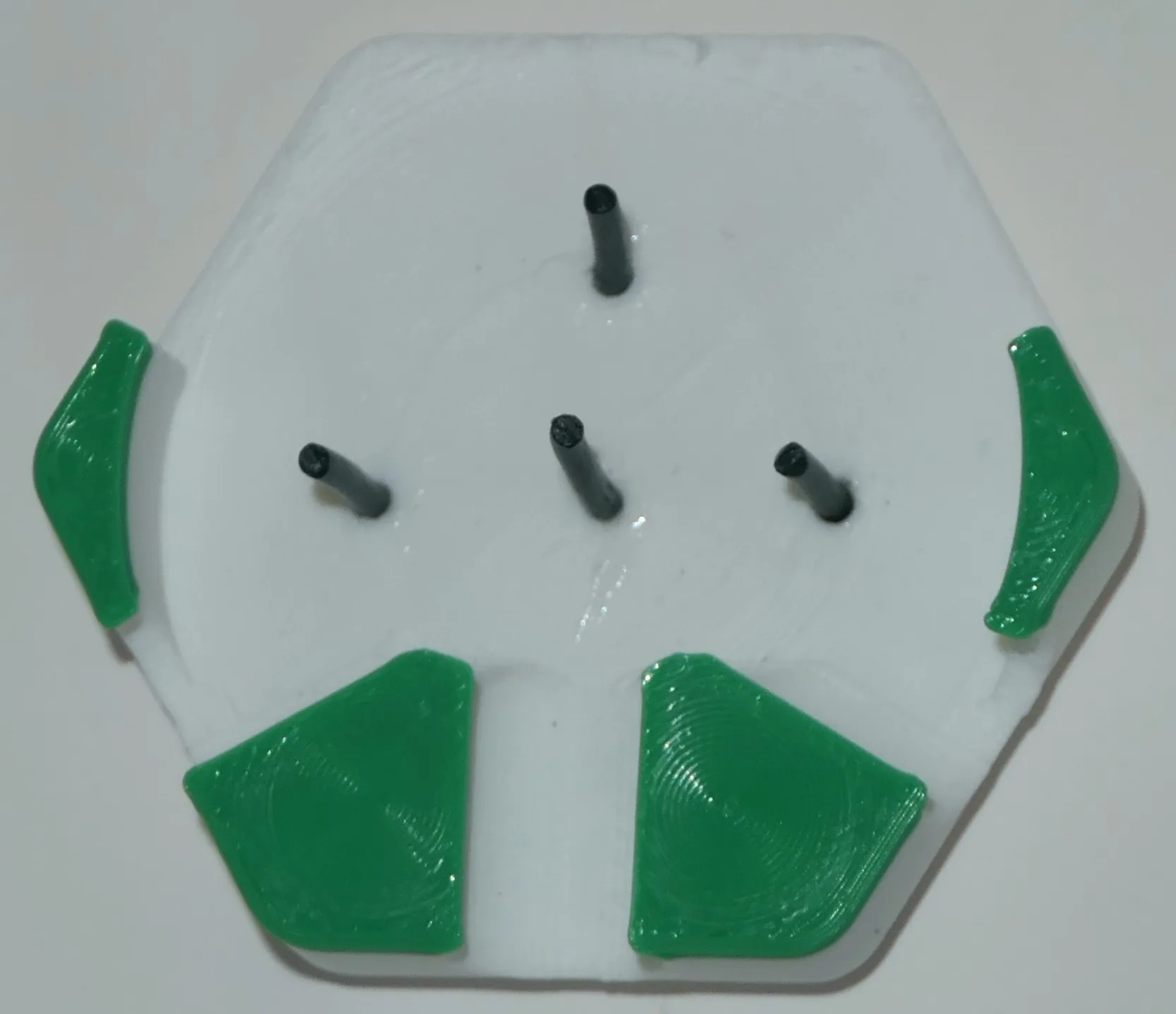
The Pachinko tile (by Zack Freedman) requires a few 4 pieces of PLA filament, whose role is to get balls to bounce like in a pinball until they find an exit.
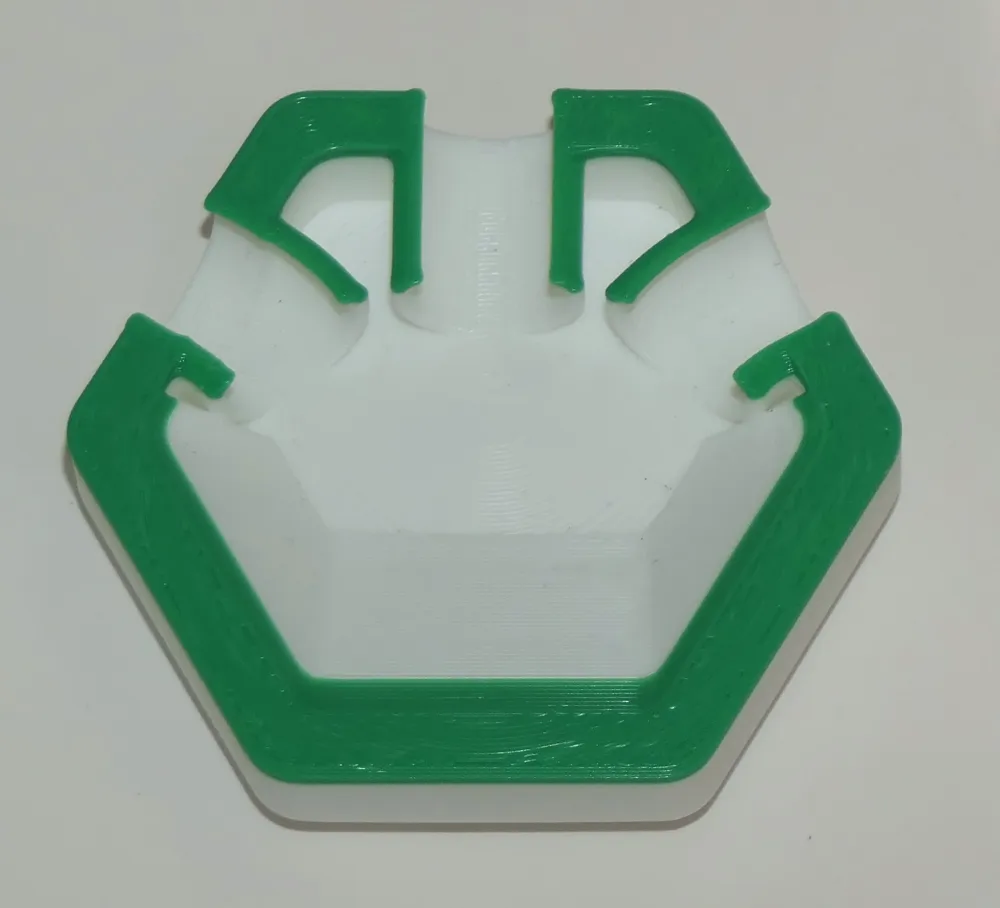
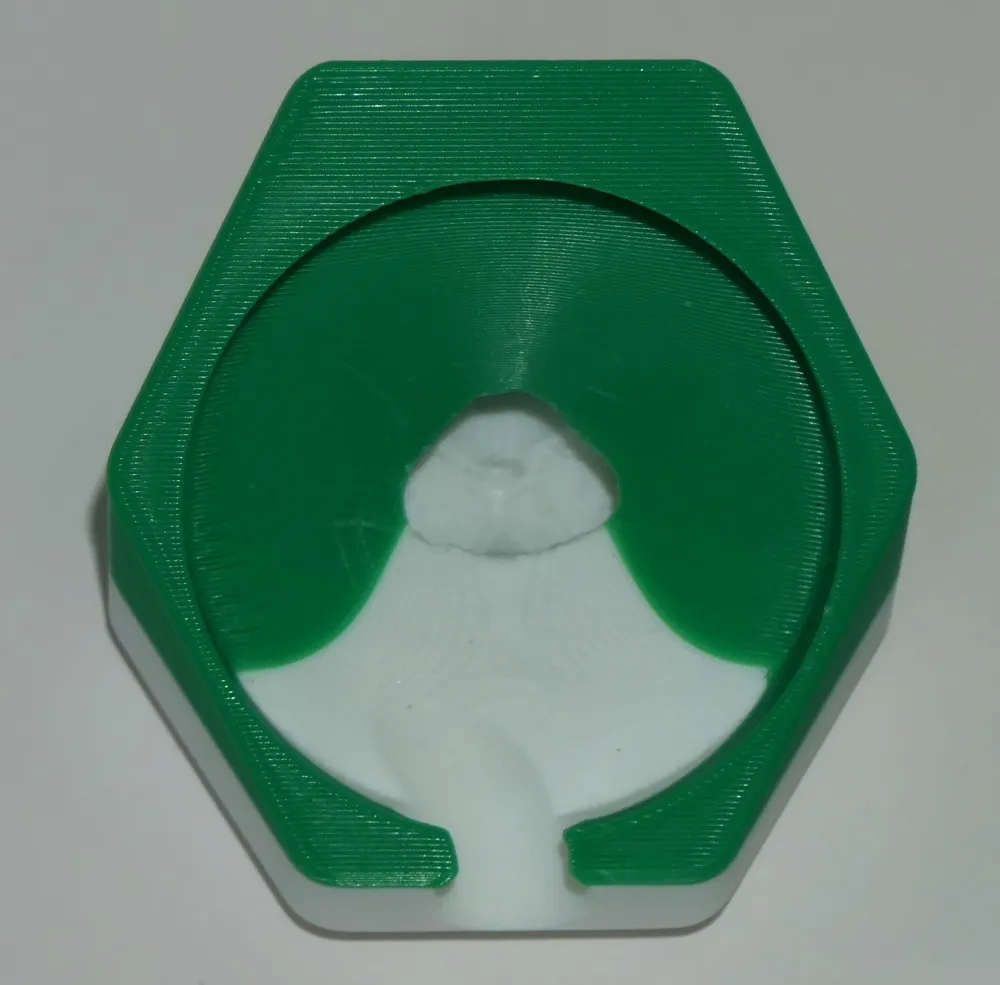
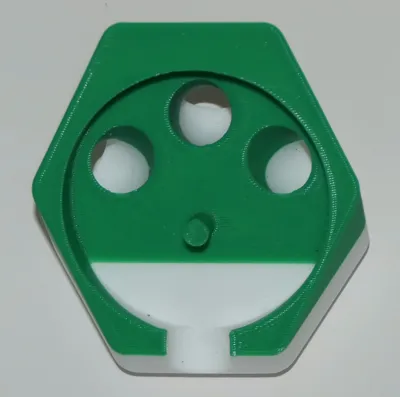
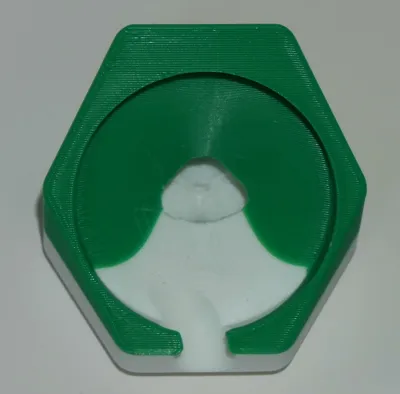
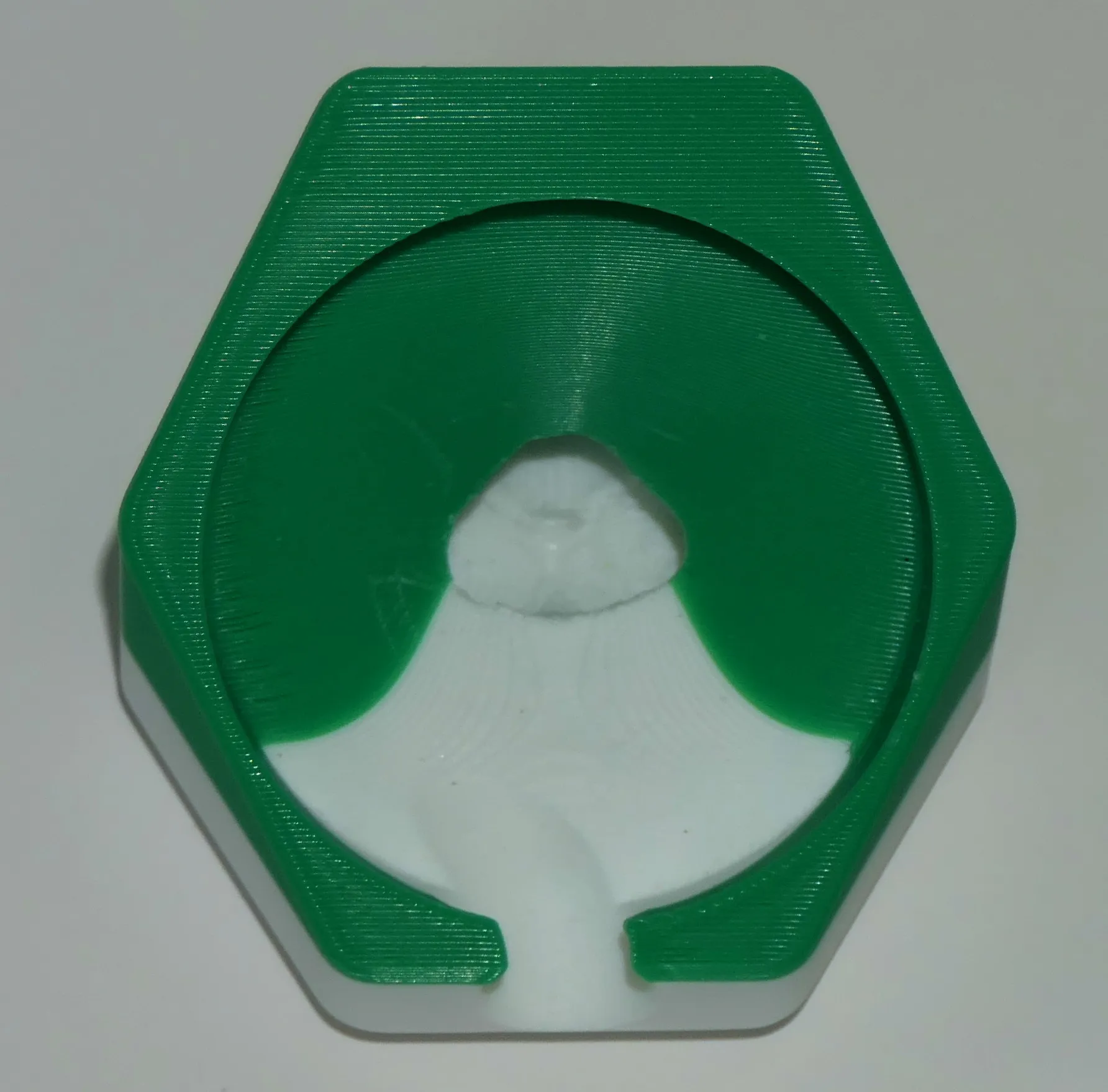
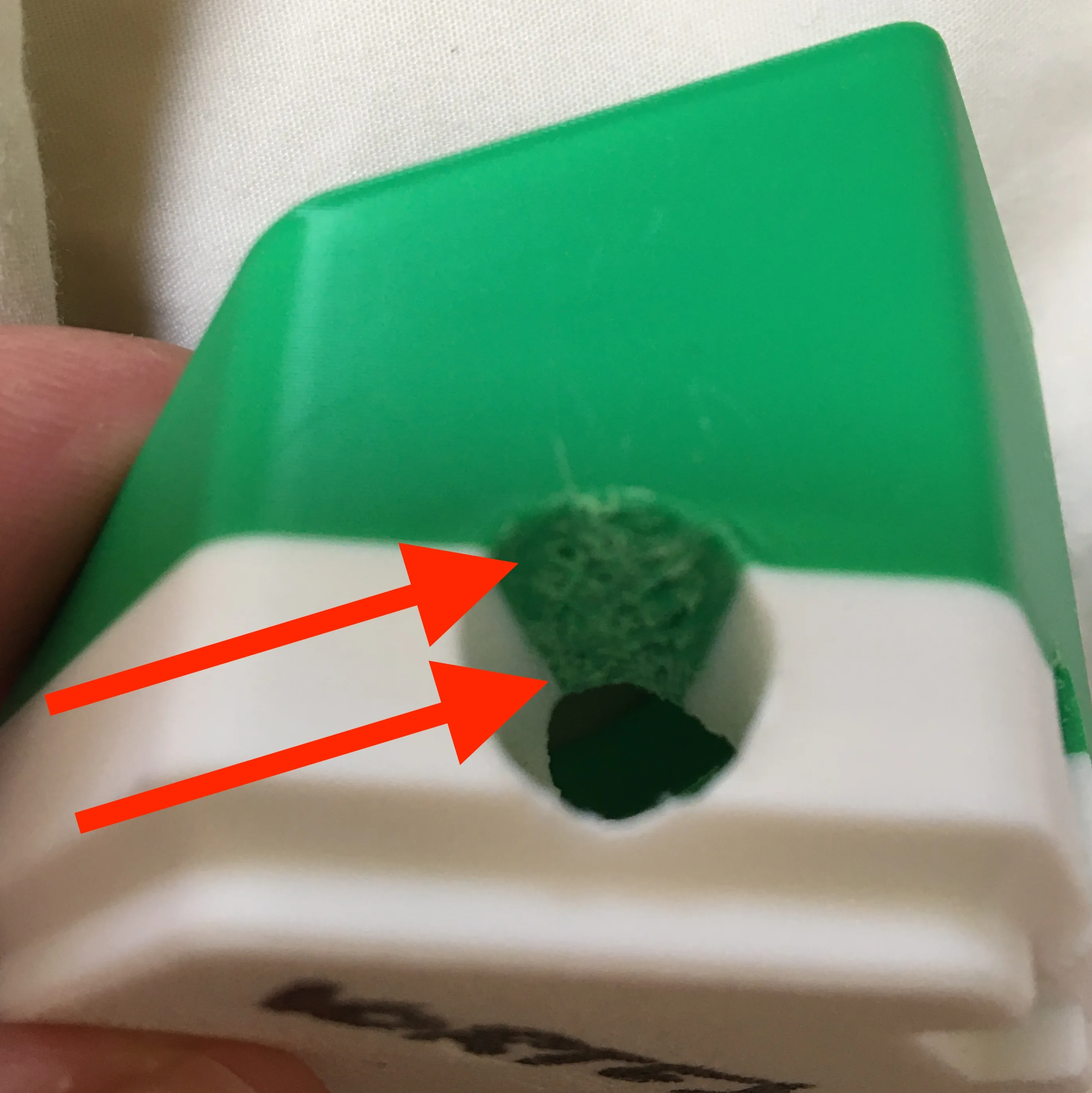
If you look at the Vortex tile (by timothyjackman) in 3D, you will notice that balls enter it with a swirl and can come out from any of the 3 exits. This tile will require some filing on the exits to let the balls out (see image).
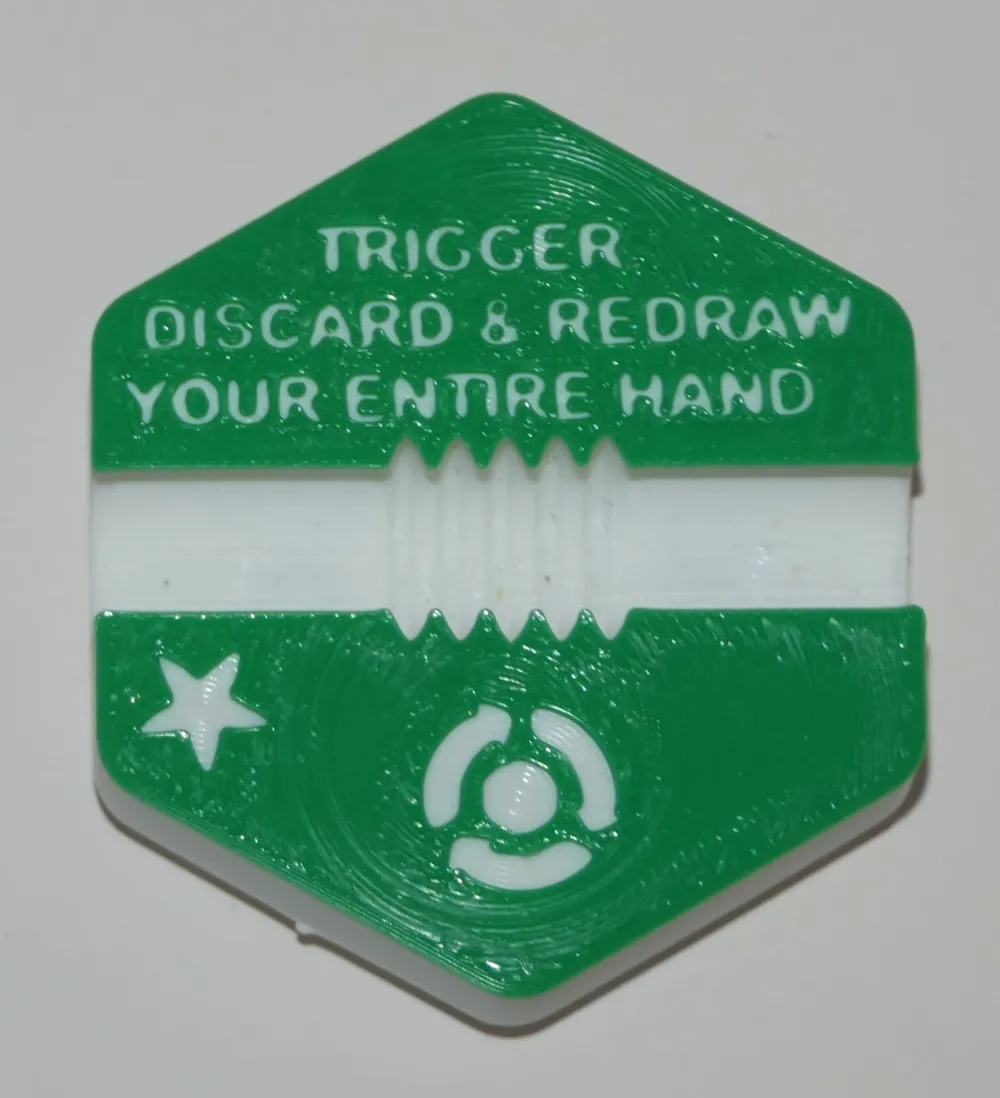
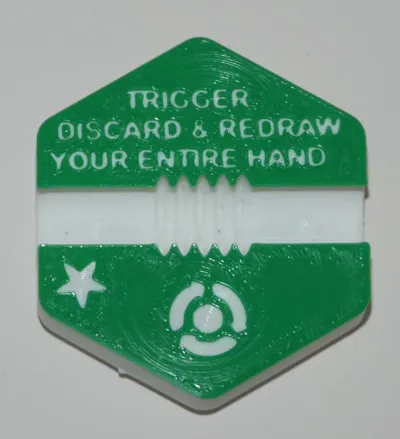
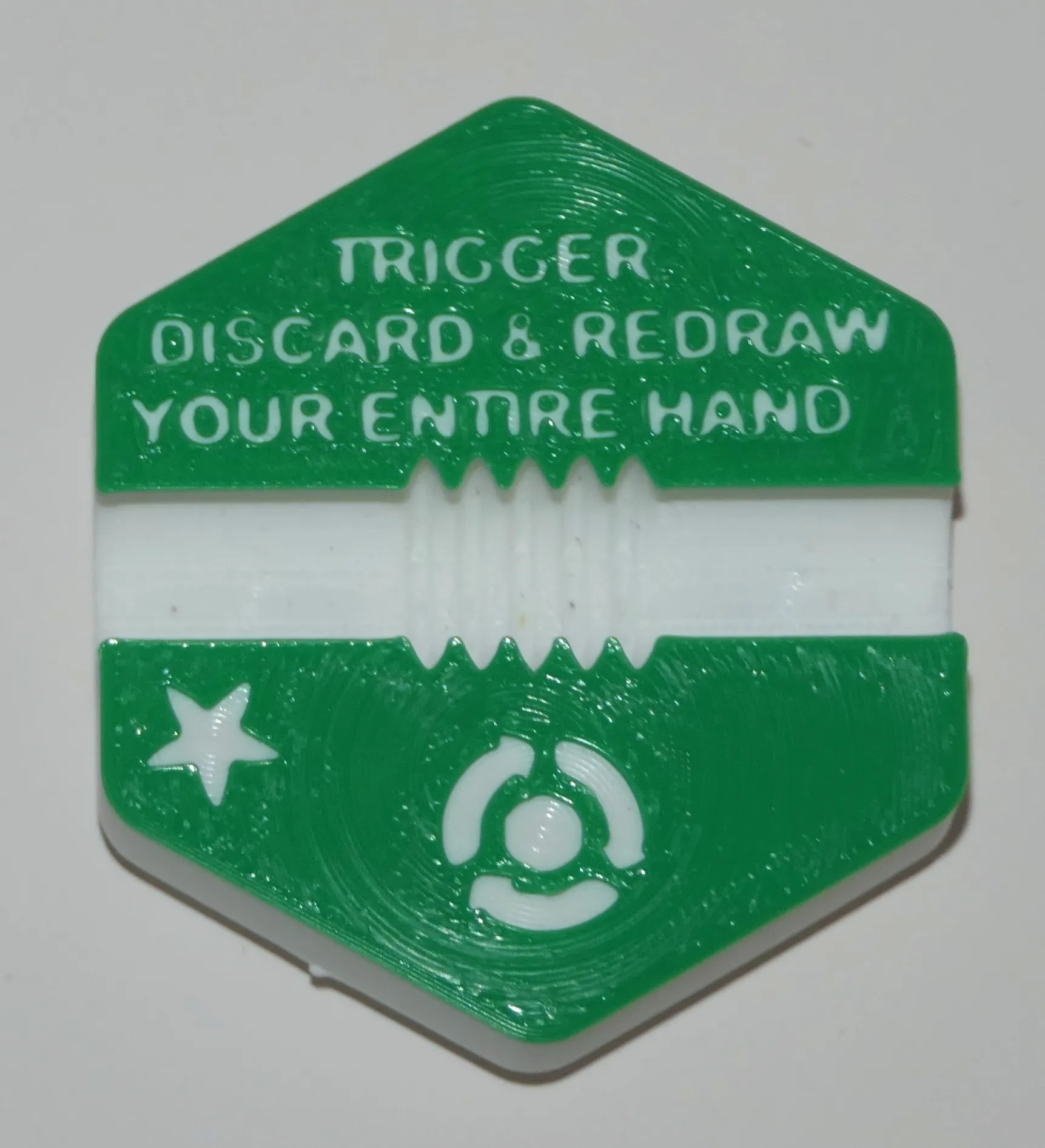
Redraw (by andrewtho5942) has a trigger effect: if on your turn a ball runs through it, you have to discard all the tiles in your hand and draw new ones.
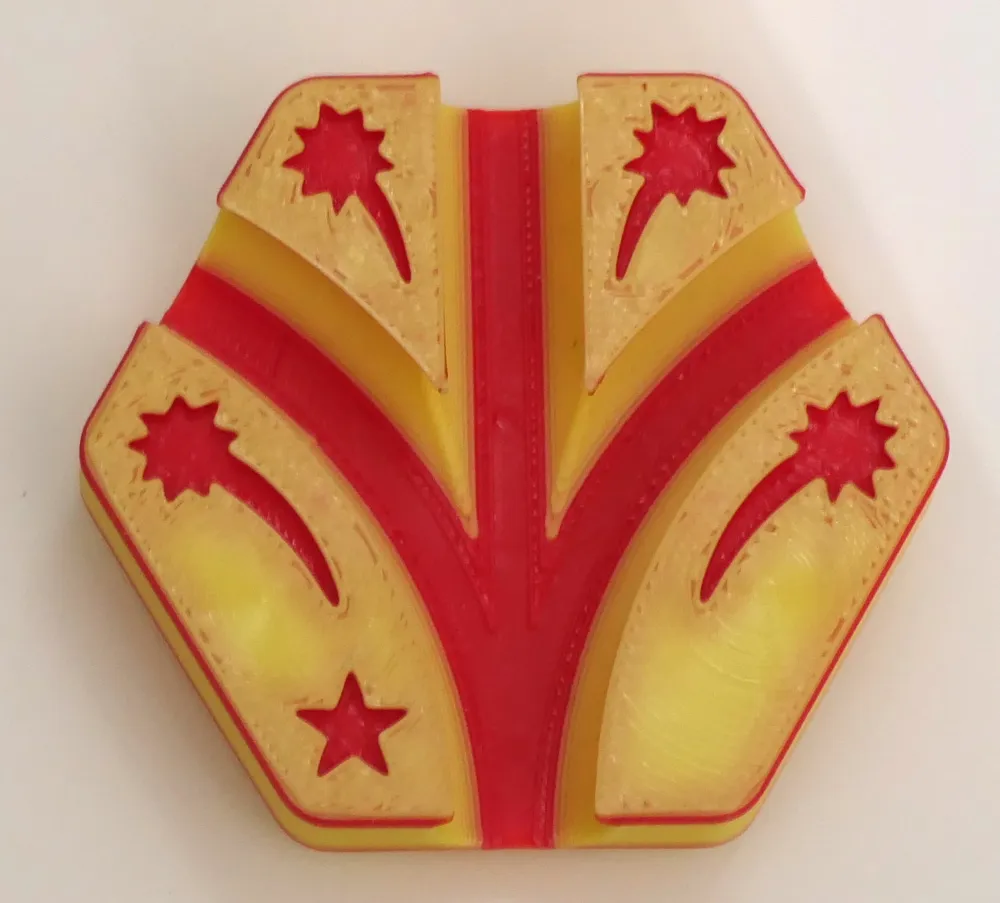
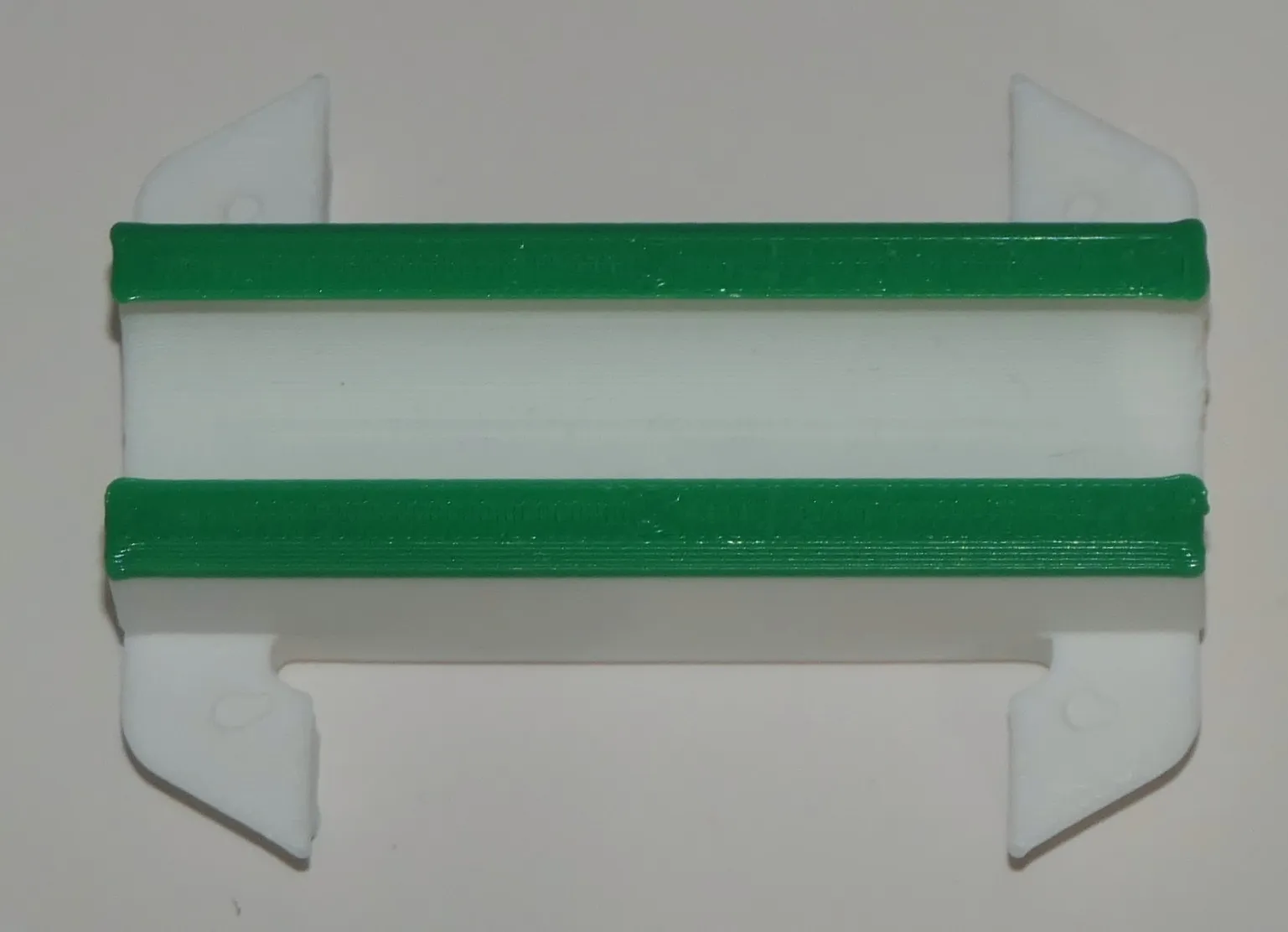
The Rail tile (by Koringer) might look like a plain, direct track to the tile below, but only if you come straight through it. Otherwise you fall through. And yes you can place it in the orientation you want, so what a great way to neutralize your opponent path to glory.
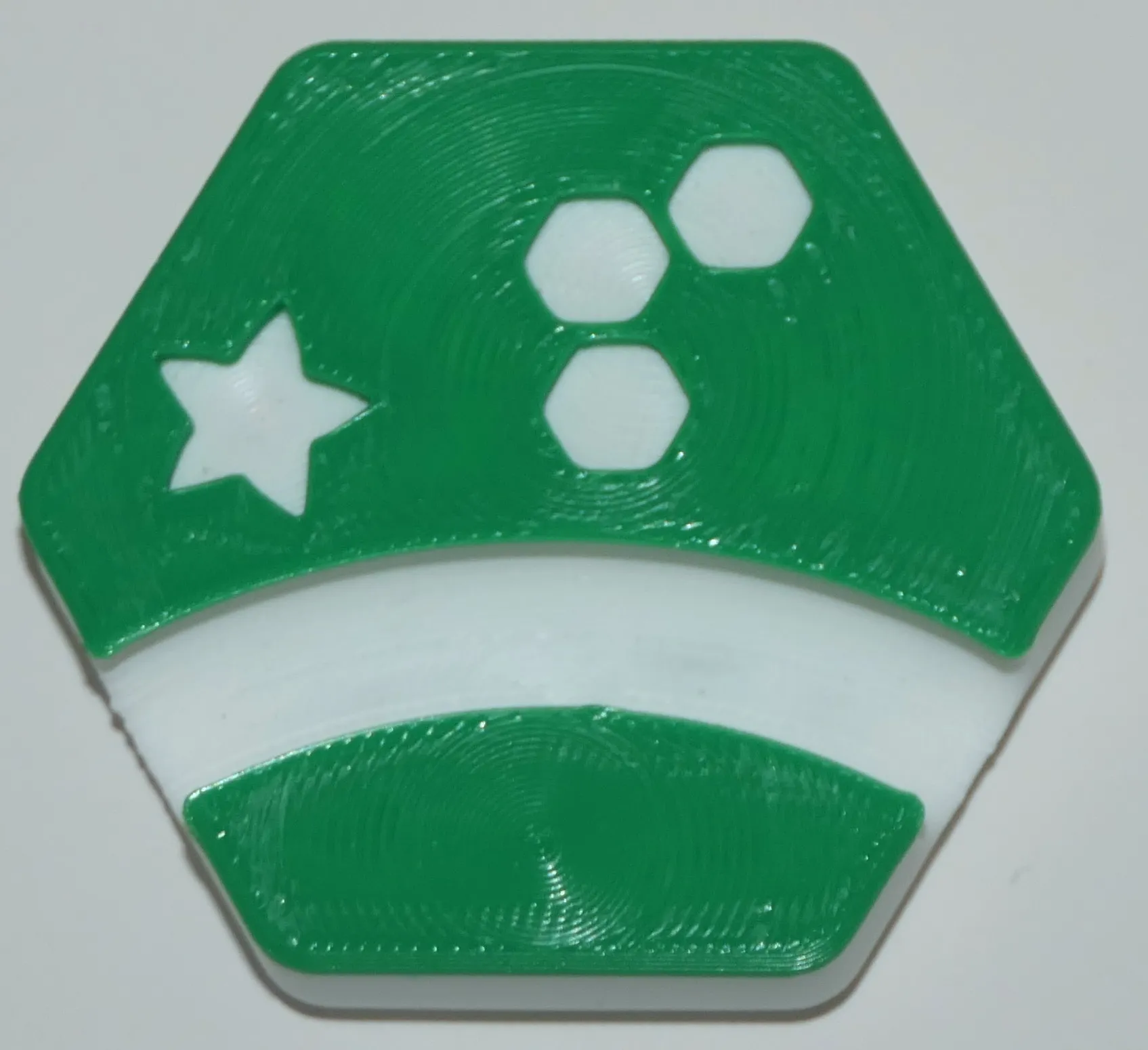
The Tactical Discard tile (by IceChes) has as a powerful effect: when you play it, you get to play all other tiles in your hand and get new ones (can only be played if there are at least 3 slot available).
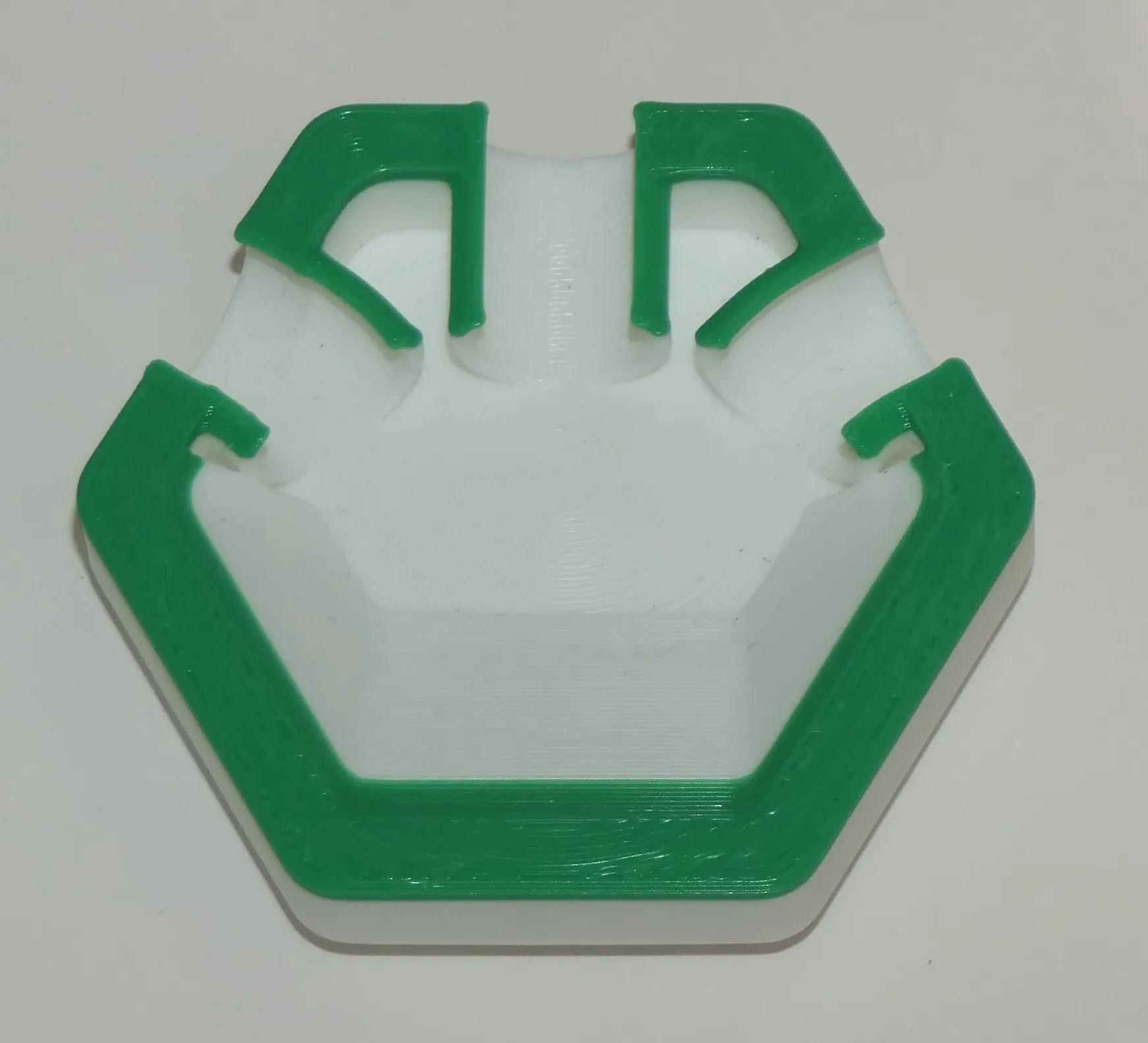
Smiley Face Triple Jump (by3Dthee) might be your way to the end zone, to the gutter or into any willing tile along the way.
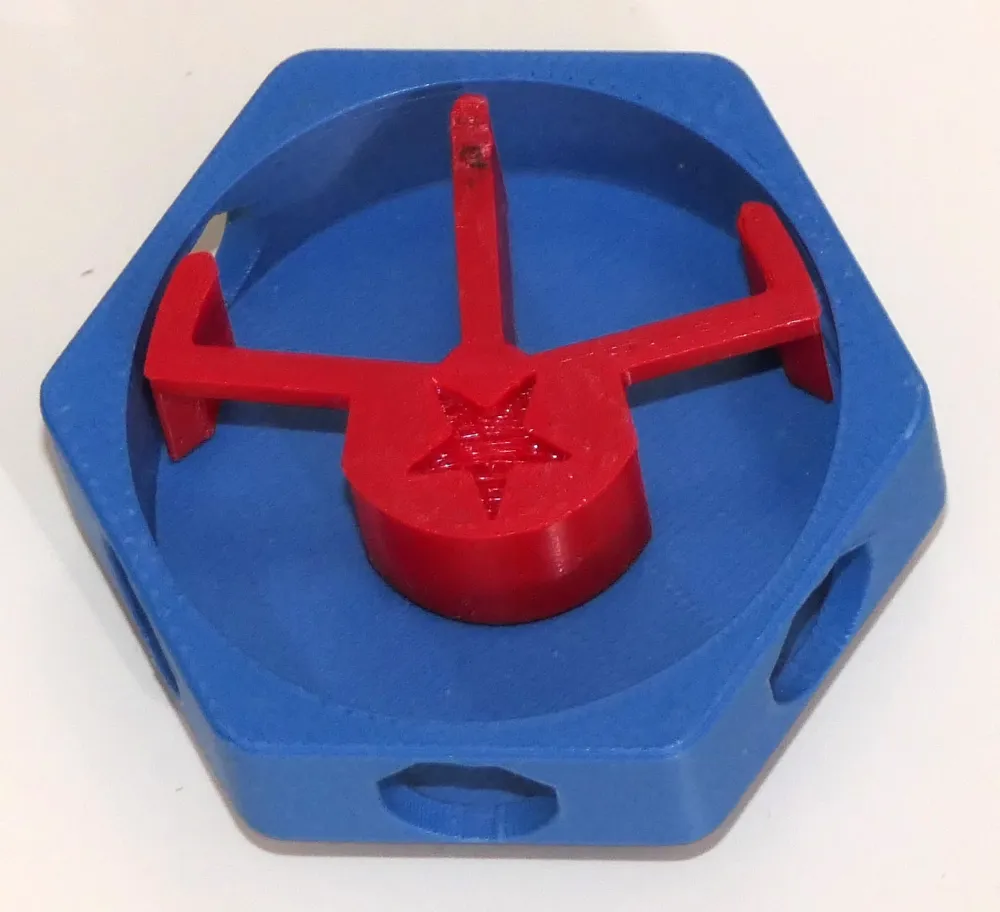
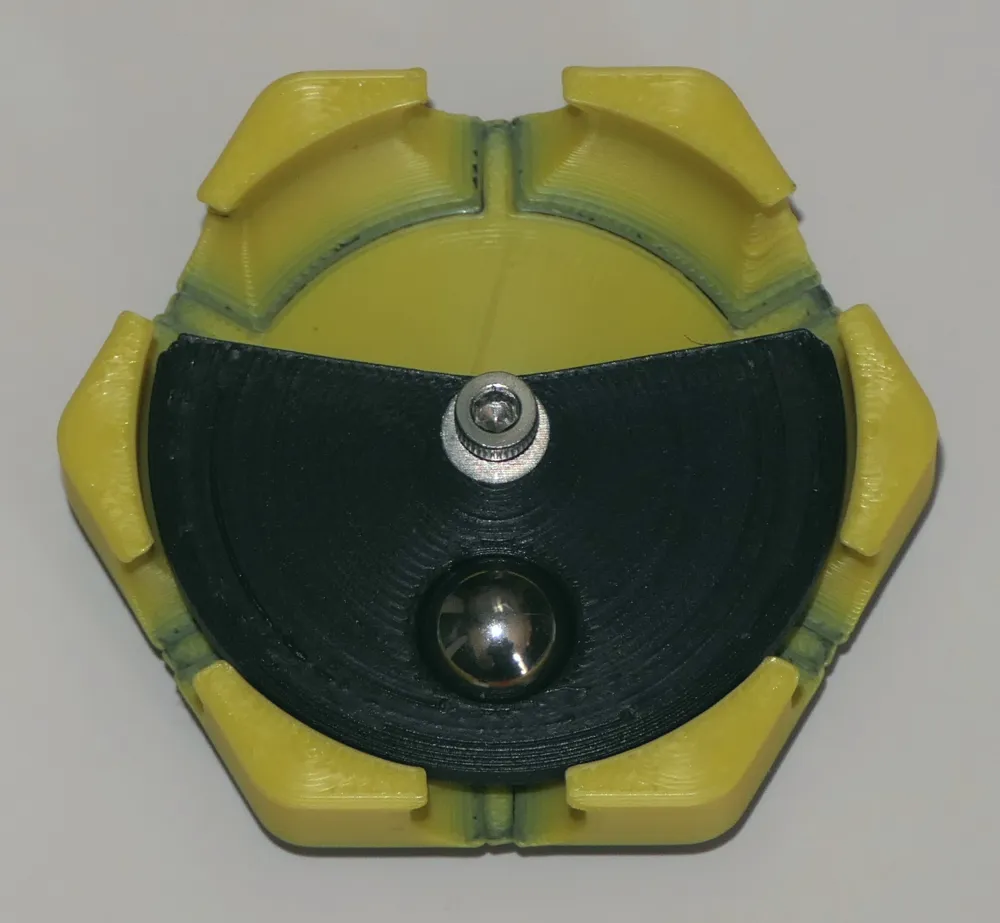
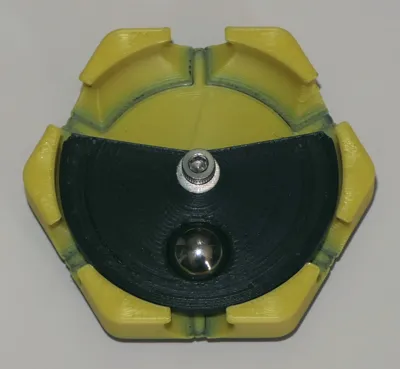
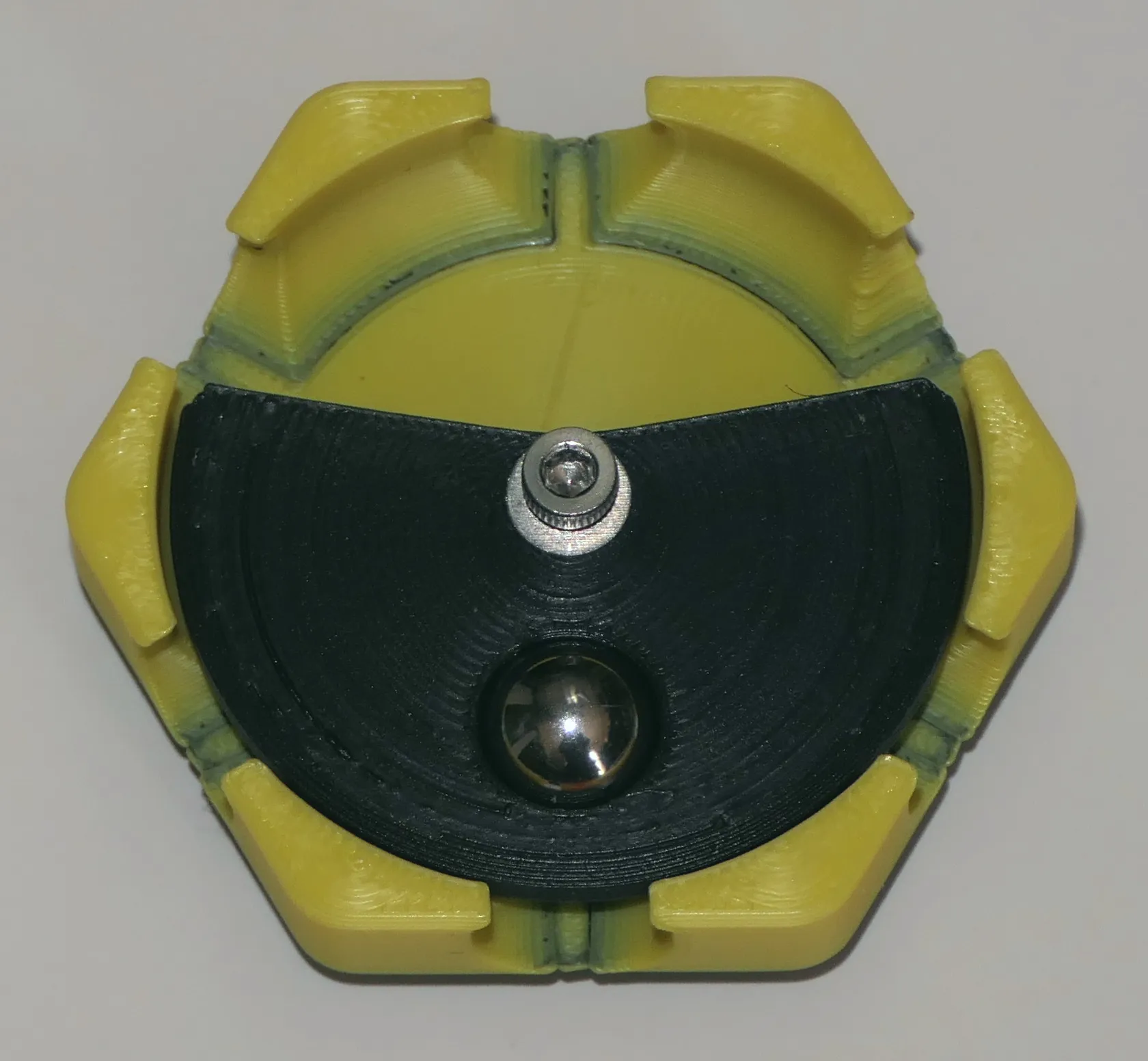
Rolling balls can get trapped in Twozu (by NoStepOnDeez), or directed by it, depending on if it's the first or second ball going through. When you play it, you must add a ball on its flipper.
This tile requires assembly: run a M3x12mm bolt down the top of the black flipper, add one M3 washer to reduce friction then screw the bolt in the hole in the tile base. Don't overtighten, you could strip the tile's PLA. You want the flipper to spin freely. If it does not, try adding a second washer or a bit of grease.
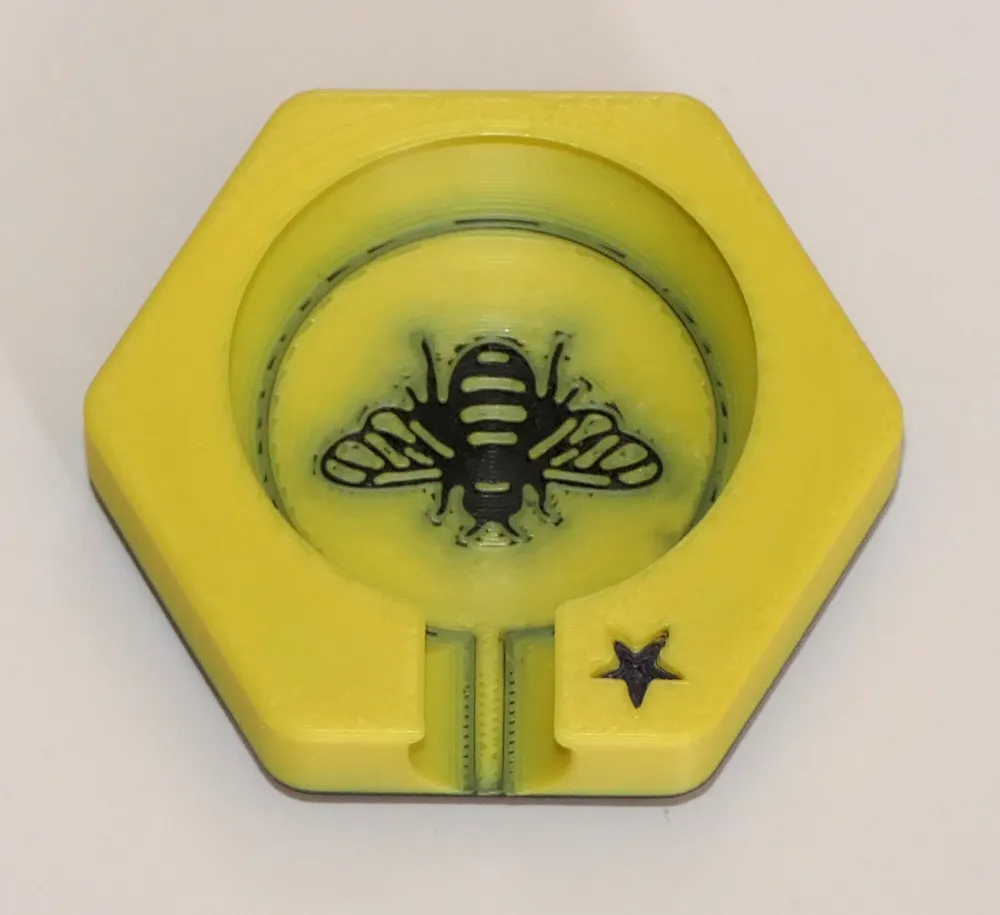
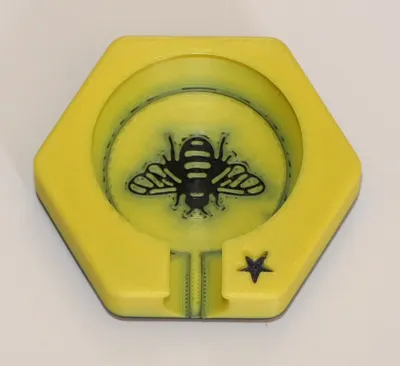
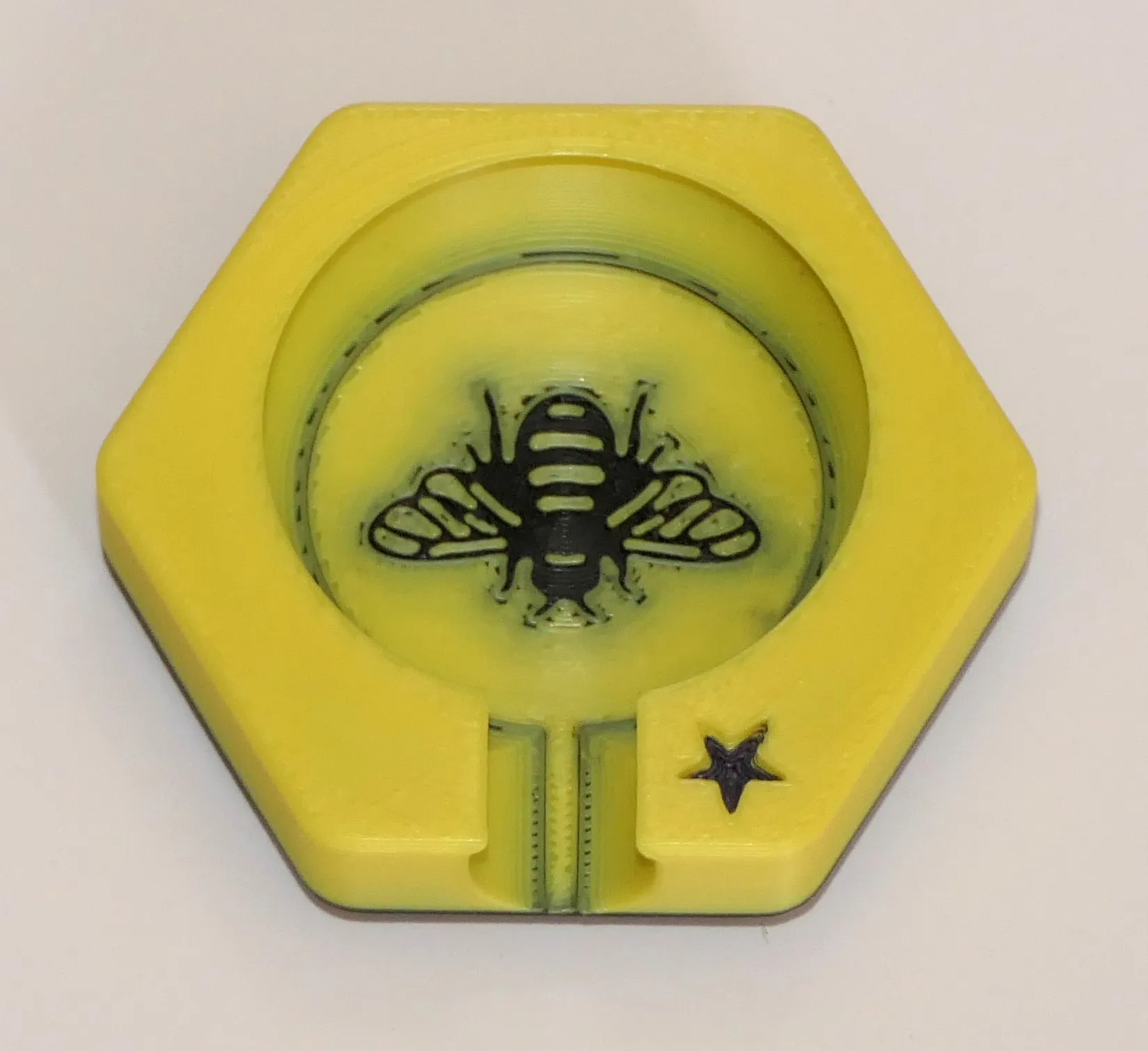
The Queen Bee tile (Queen Bee by g0m), not to be confused with the Queen Chess in the Set A Mega pack is a VERY powerful tile: it can not be played next to another tile (you know how sacred bees can be by themselves), but if it eventually becomes surrounded on all sides, the player who first placed it simply wins the game!
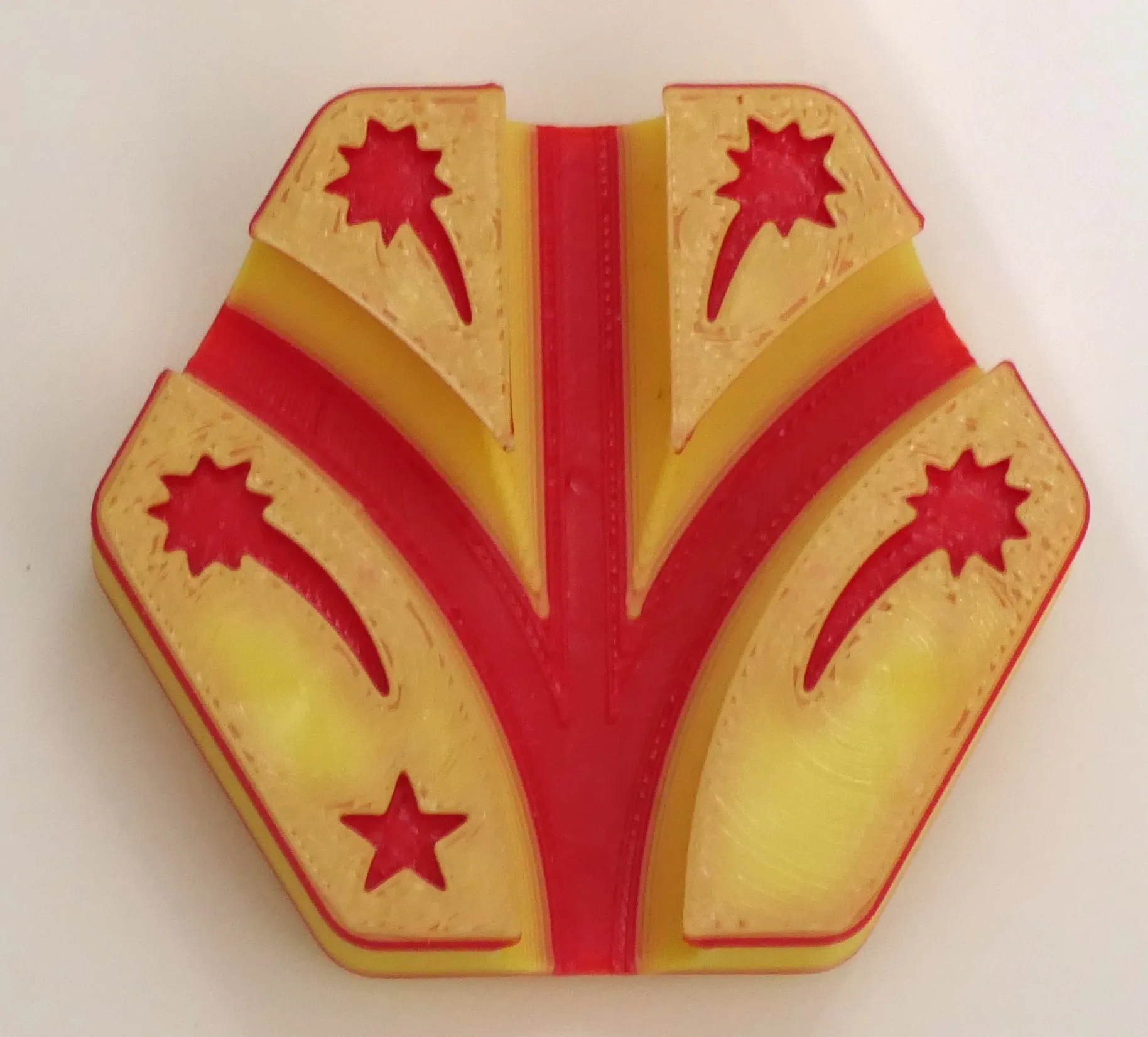
Detonate (by Lykrast) is an explosive tile: when played, ALL tiles that TOUCH a ball EXPLODE! Even if a ball touches multiple tiles. The balls removed along with the ball in it, so they magically disappear and can't move into another tile.
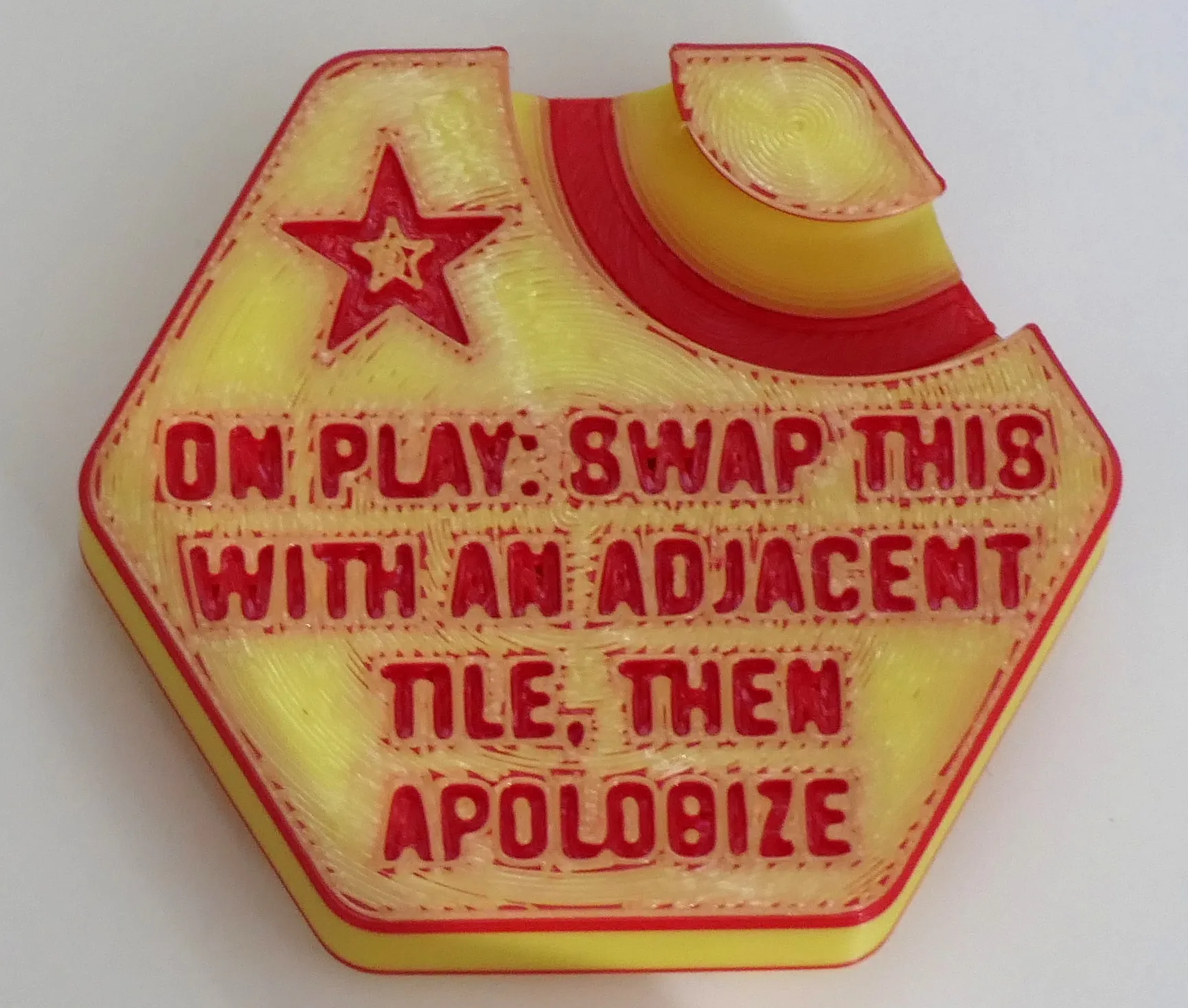
When you play the Jerk (by Zack Freedman) you switch its place with an adjacent tile (along with a ball if there's one in it), then you must apologize, otherwise you would be a jerk!
When the Airlock tile (by IceChes) is played, the white spinner's star should be on top and all its openings
should be upwards. When three balls get in the chamber, the spinner rotates to free all balls, then placed back to its original position.
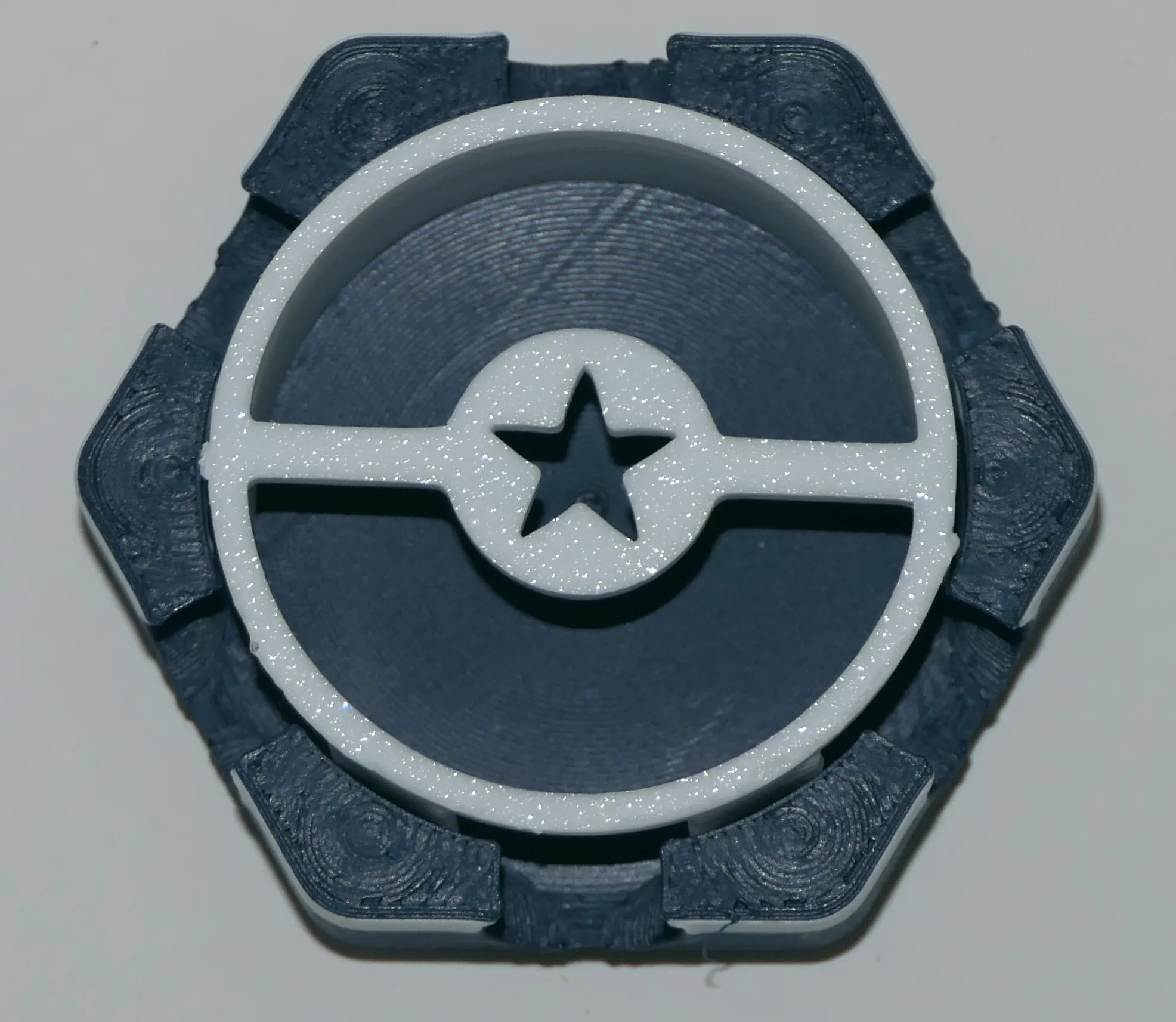
Tip: store it attached to the tile (with an elastic band) so you won't have to search for it.
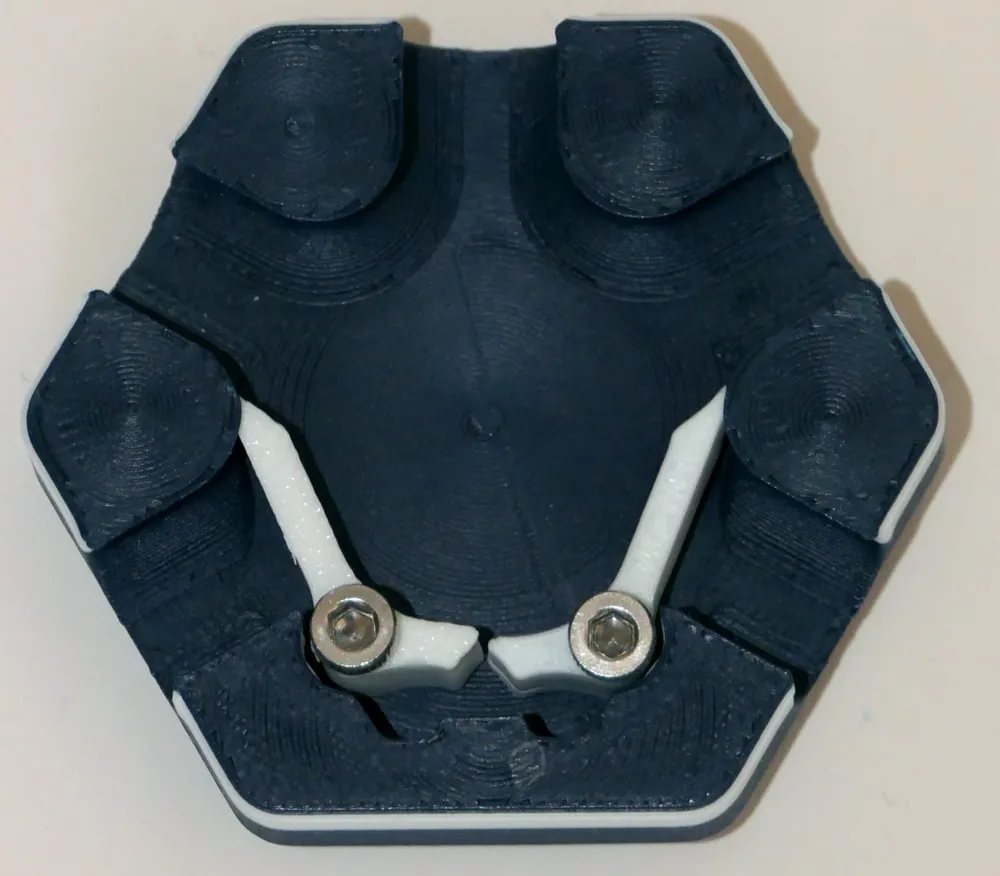
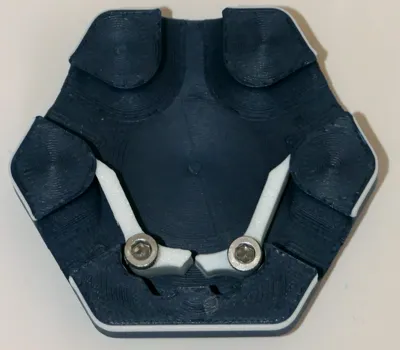
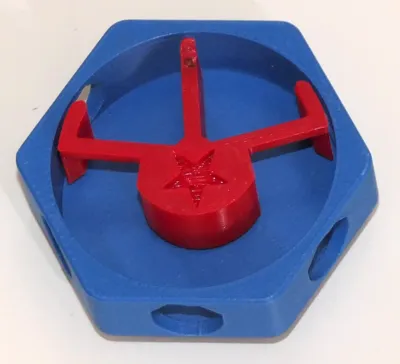
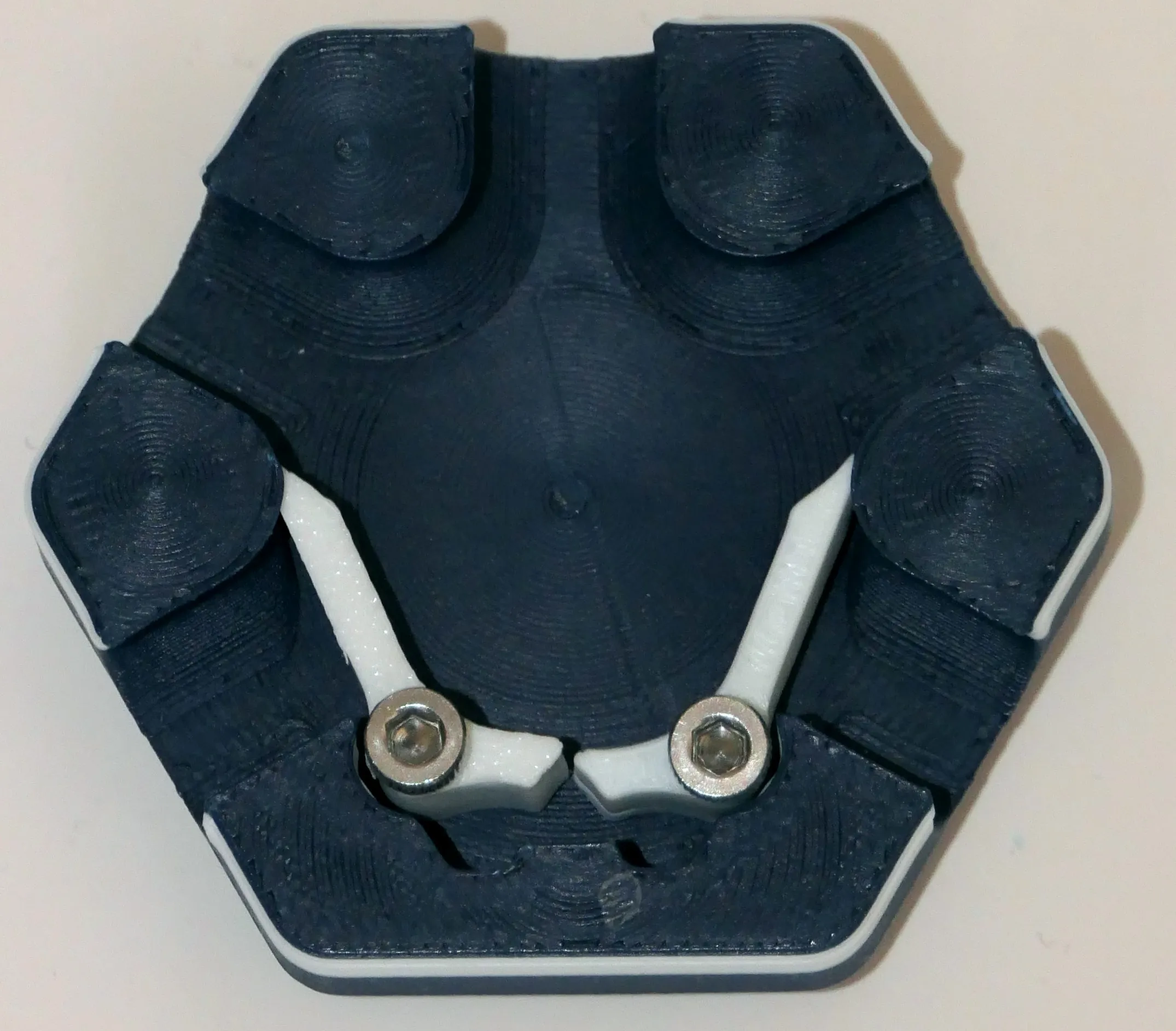
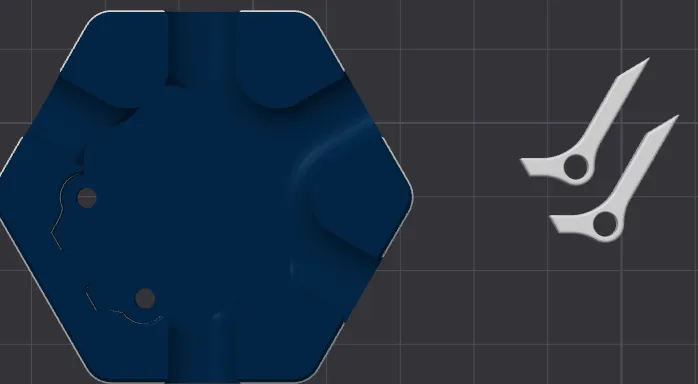
The Divert tile (by andrewtho5942) has two flippers that you can place the flippers as you like when you play the tile (4 different scenarios), then its up to the balls to do diversions.
Assembly: run a M3x12 bolt down each flipper screw down the hole. The arms should move with little friction, so you might need to add washers and grease. Again, don't overtighten
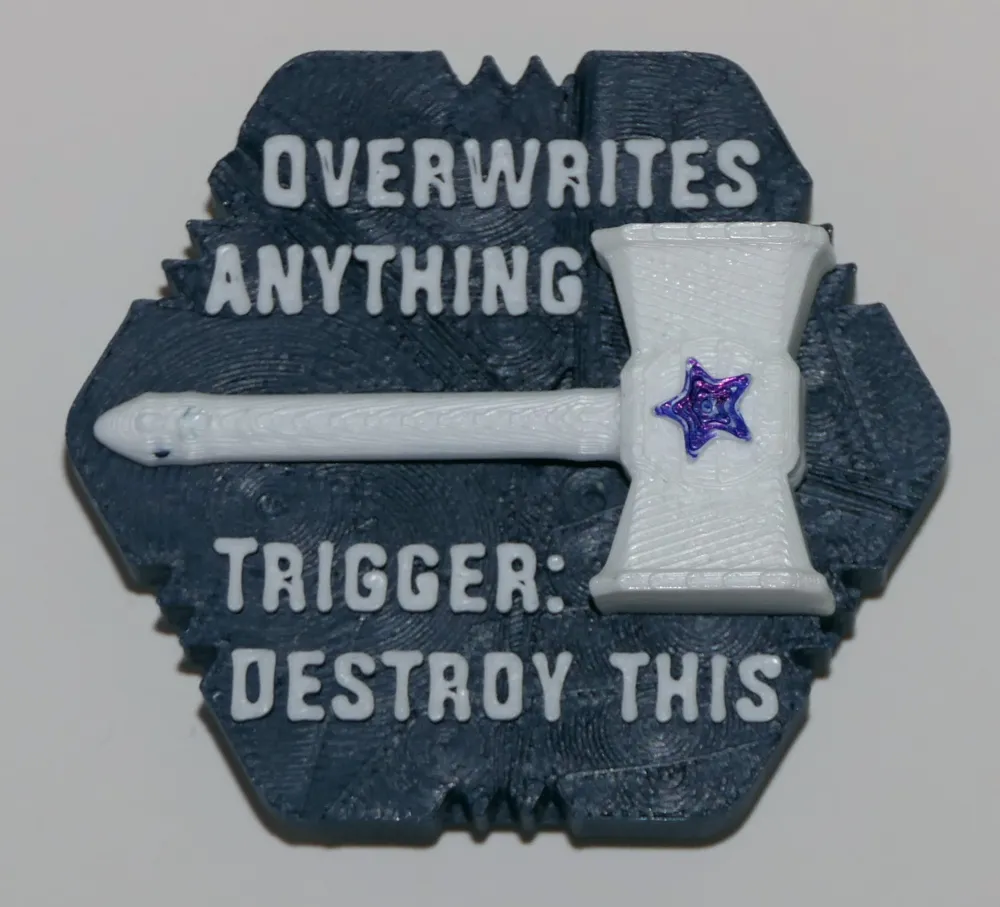
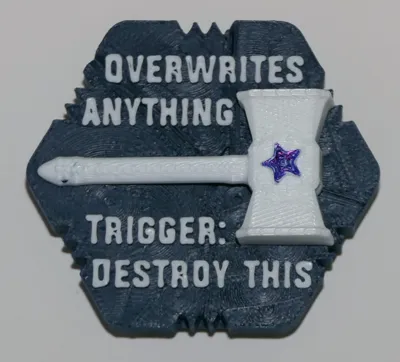
You place the Fancy Hammer (by Balthazar) where you want to destroy a tile. Afterwards, it will get destroyed as soon as a ball touches it. Simple, effective.
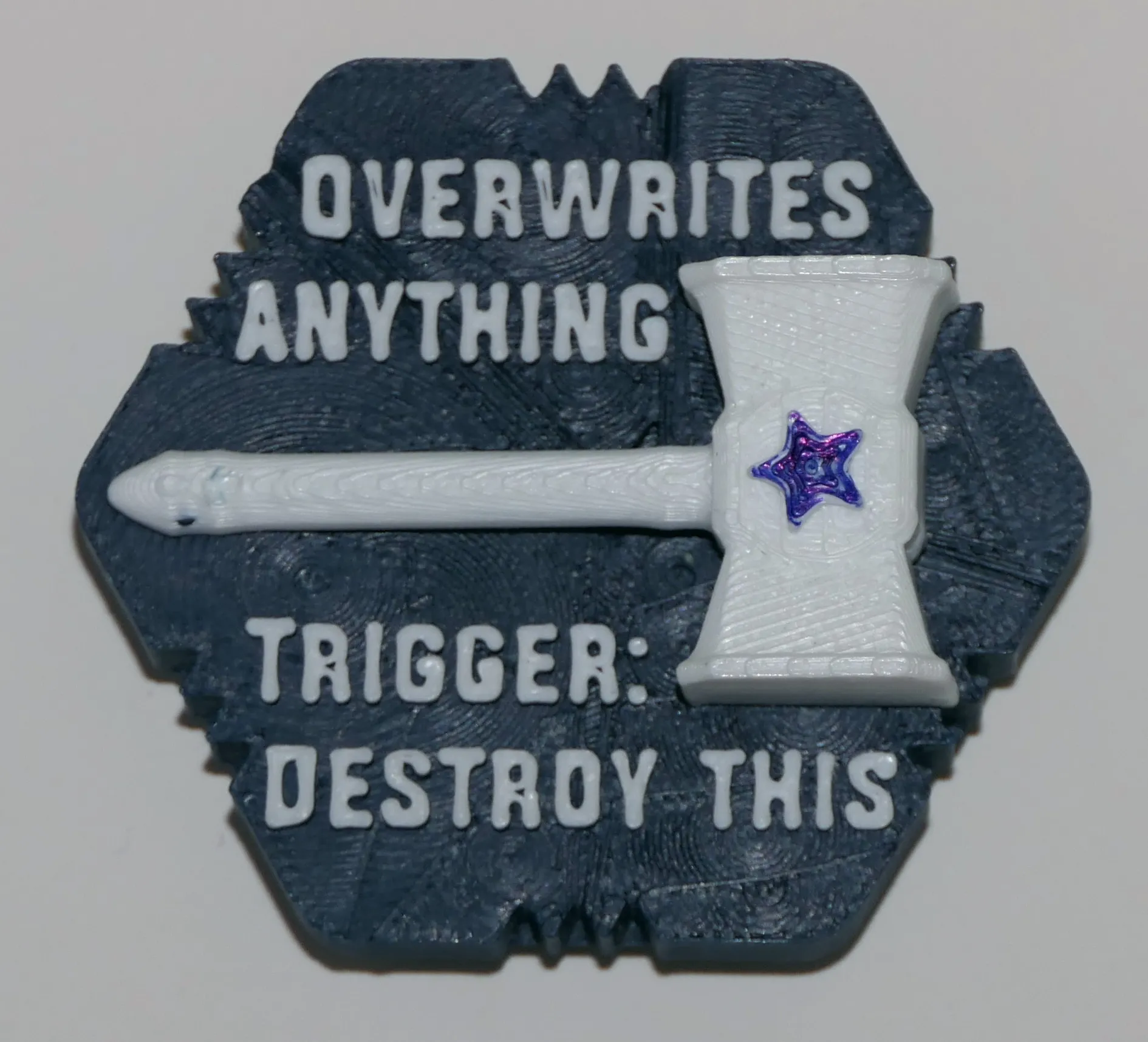
Rules for tiles for sets A to G
Most tiles don't require explanations, but some have “rules” about what happens when you place them on the board (On play) or when a ball touches one of its trigger point (On trigger), denoted by triangles/arrows ▶︎▶︎▶︎).
The rules are often written on the tile itself, and originally were made to be printed on a 3D printed "rule card". I did not collect the rule cards 3D models, as I prefer to print those out on paper, save filament and make them easier to find. A PDF including the rules for all tiles that have rules is available in the in the Documentation section below. If you wish to get the original Excel document to edit it, feel free to get in touch.
(The Rules for all the tiles for my sets, A to K, is a work in progress, so your feedback will be appreciated).
Comments, suggestions, ratings
As you can tell I put in a lot of time to provide the best board and tiles, documenting everything so newcomers can easily understand how to print and play this game. Every comment, suggestion, rating will be appreciated.
Boost Me (for free)
Any boost will go straight to my 9 year old's DIY fund and will encourage me to put in the effort to provide clear instructions and post additional sets of tiles.
Thank you. Enjoy the game!
Credits
Tiles by Zack Freedman and most other creators
are under the following MIT License :
Copyright (c) 2023 Zachary Freedman and Voidstar Lab LLC Permission is hereby granted, free of charge, to any person obtaining a copy of this software and associated documentation files (the "Software"), to deal in the Software without restriction, including without limitation the rights to use, copy, modify, merge, publish, distribute, sublicense, and/or sell copies of the Software, and to permit persons to whom the Software is furnished to do so, subject to the following conditions: The above copyright notice and this permission notice shall be included in all copies or substantial portions of the Software. THE SOFTWARE IS PROVIDED "AS IS", WITHOUT WARRANTY OF ANY KIND, EXPRESS OR IMPLIED, INCLUDING BUT NOT LIMITED TO THE WARRANTIES OF MERCHANTABILITY, FITNESS FOR A PARTICULAR PURPOSE AND NONINFRINGEMENT. IN NO EVENT SHALL THE AUTHORS OR COPYRIGHT HOLDERS BE LIABLE FOR ANY CLAIM, DAMAGES OR OTHER LIABILITY, WHETHER IN AN ACTION OF CONTRACT, TORT OR OTHERWISE, ARISING FROM, OUT OF OR IN CONNECTION WITH THE SOFTWARE OR THE USE OR OTHER DEALINGS IN THE SOFTWARE.
---------------------------
New to MakerWorld?
What are Boosts?
Boosts are a great way to show your support: users get 12 points per boost, and boost are free to you (we all receive 2 free boosts every 2 weeks). YOU even get 5 points when you first boost any model, and 2 points thereafter. You don't have to print a model to boost.
Rating print profiles
Rating a print profile encourages users to post their models: they earn 2 points for each 4 or 5 star rating, and YOU get up to 50 points/month for rating models you printed.
How to rate a model/print profile?
- On the Makerworld website, click on your avatar and look for « Ratings » (image below).
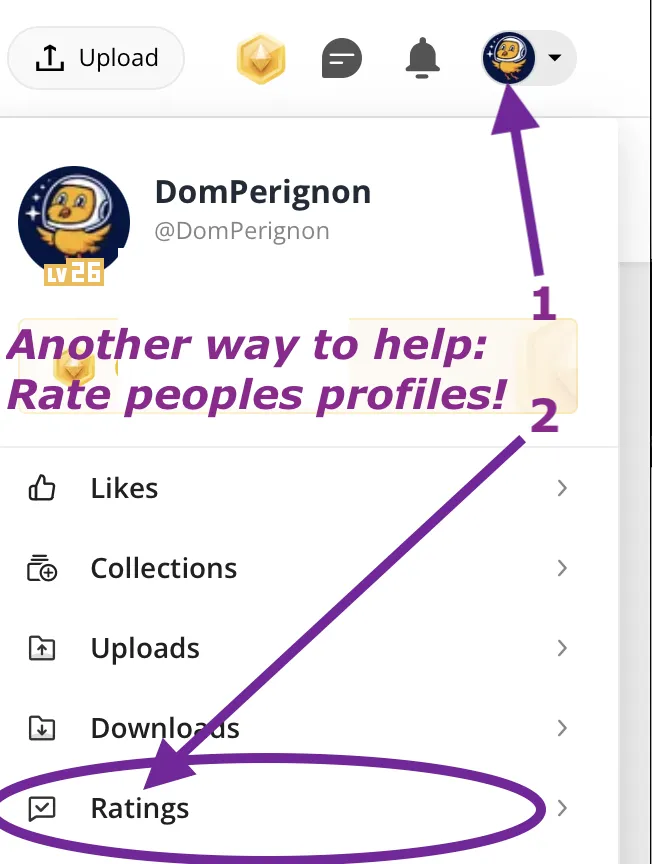
- In the Bambu Handy app, tap "Me" at the bottom to find a purple ratings folder.
- In Bambu Studio software (or Orca Slicer), you can only rate the last model you printed in the Device tab, under Print progress.
Documentation (1)
This remix is based on

License



Comment & Rating (53)