Search models, users, collections, and posts

xTool M1 Ultra Inkpad Accessory for Honeycomb
IP Report
Print Profile(1)

xTool M1 Ultra Ink Pad Helper for Honeycomb

45 min
1 plate
Open in Bambu Studio
Boost
16
52
11
2
46
24
Released
Description
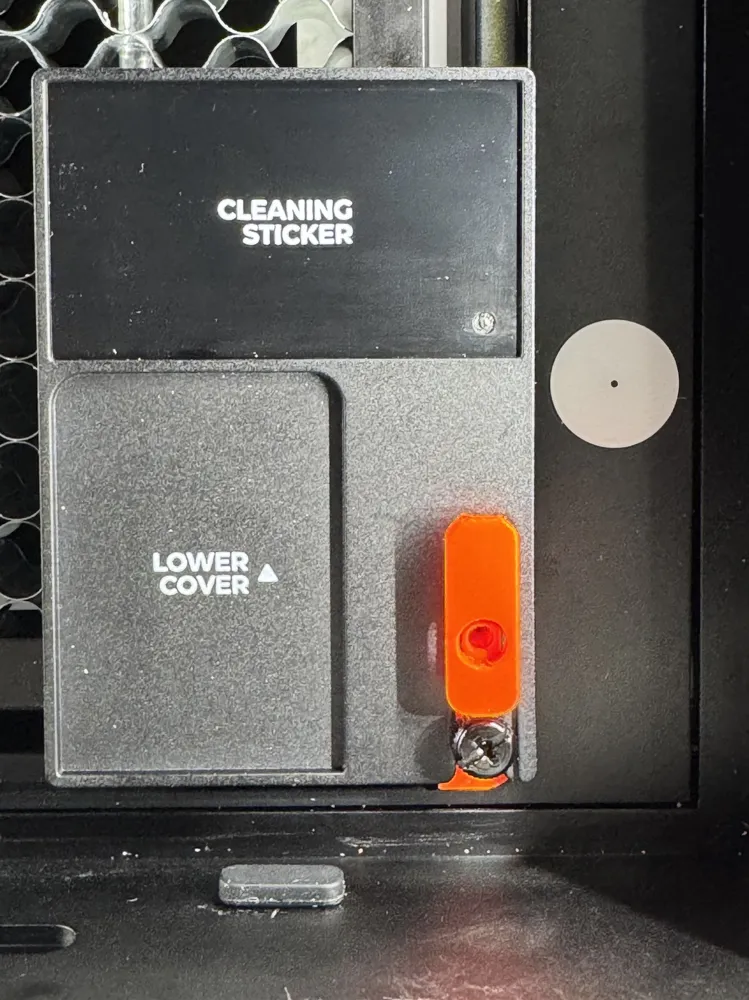
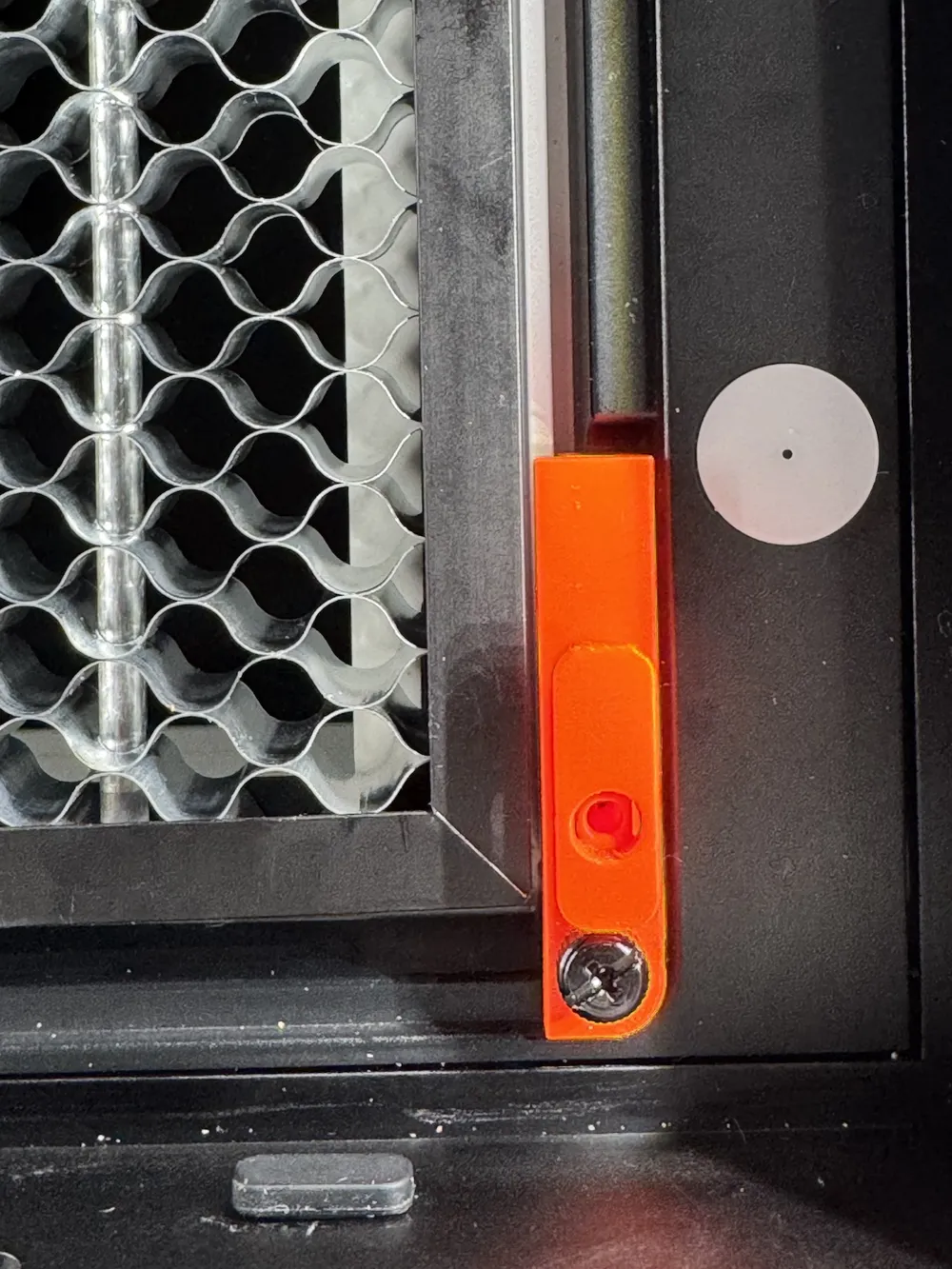
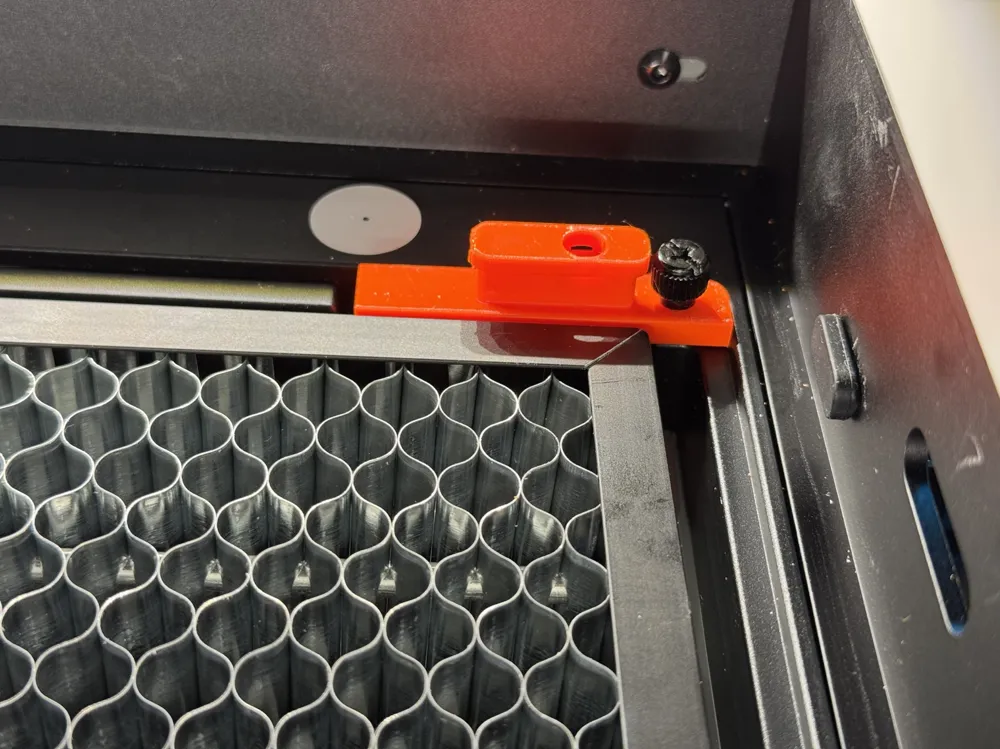
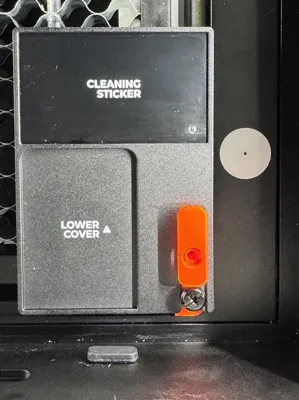
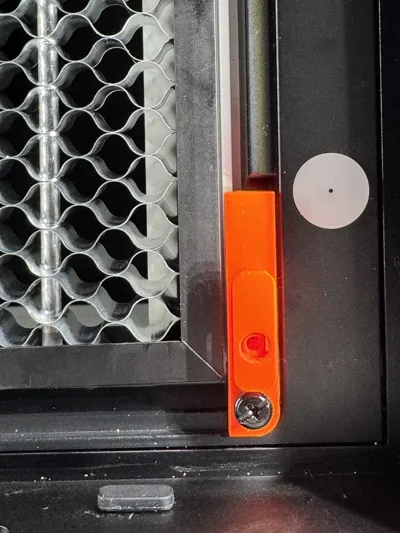
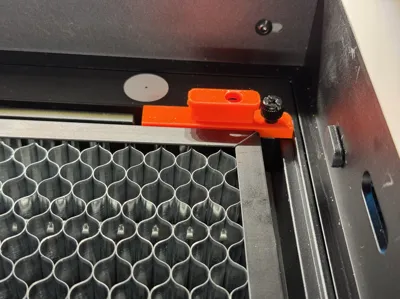
Ink pad with honeycomb needs to be perfect aligned. Insert it into the white gap and screw it (don't overtight) onto the back to hold it in place.
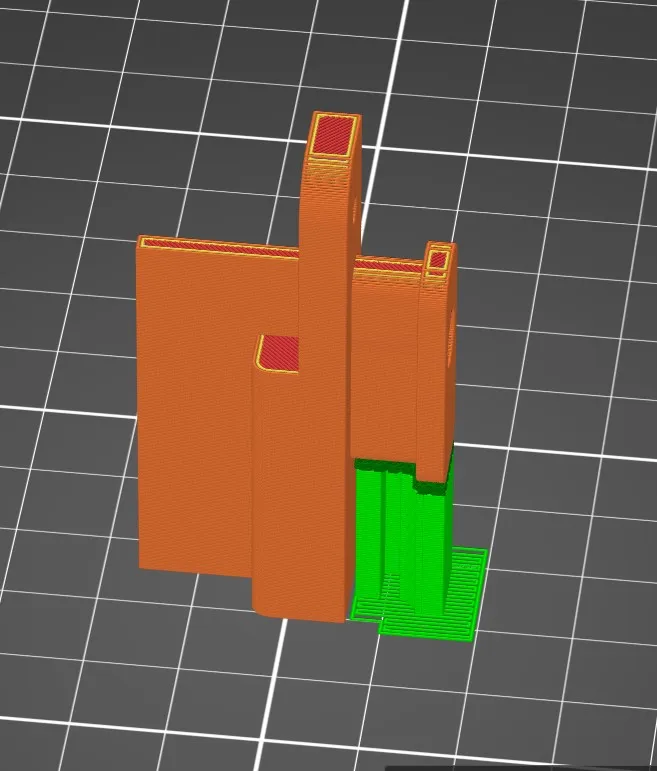
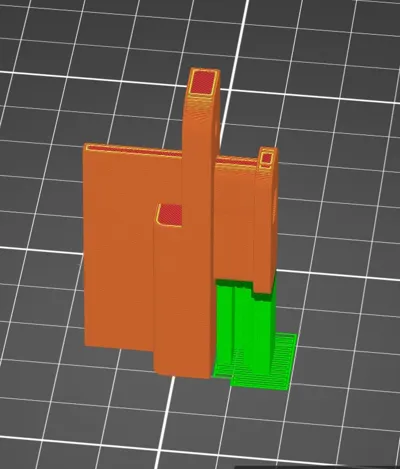
0.2 layer, 15% infill, supports on bed - best print orientation in photo
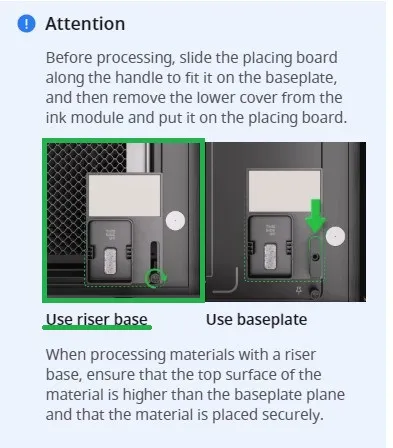
Steps using honeycomb with inkjet function and laser cutting together:
- Place image for Inkjet printing
- Select Inkjet printing mode
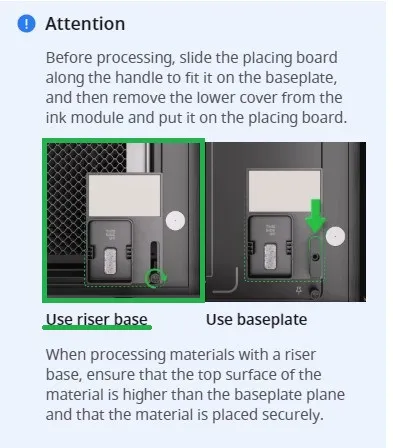
- Place this tool as you can see in the picture (marked as green)
- Process inkjet print job
- After job is completed swap inkjet module with laser module
- Switch to lasering on flat surface mode
- Set image output to off
- Set image outline or whatever you want to do with laser
- Do Auto-measure distance for laser
- Process laser job
License

This user content is licensed under a
Creative Commons Attribution-Noncommercial-Share Alike


Comment & Rating (11)