
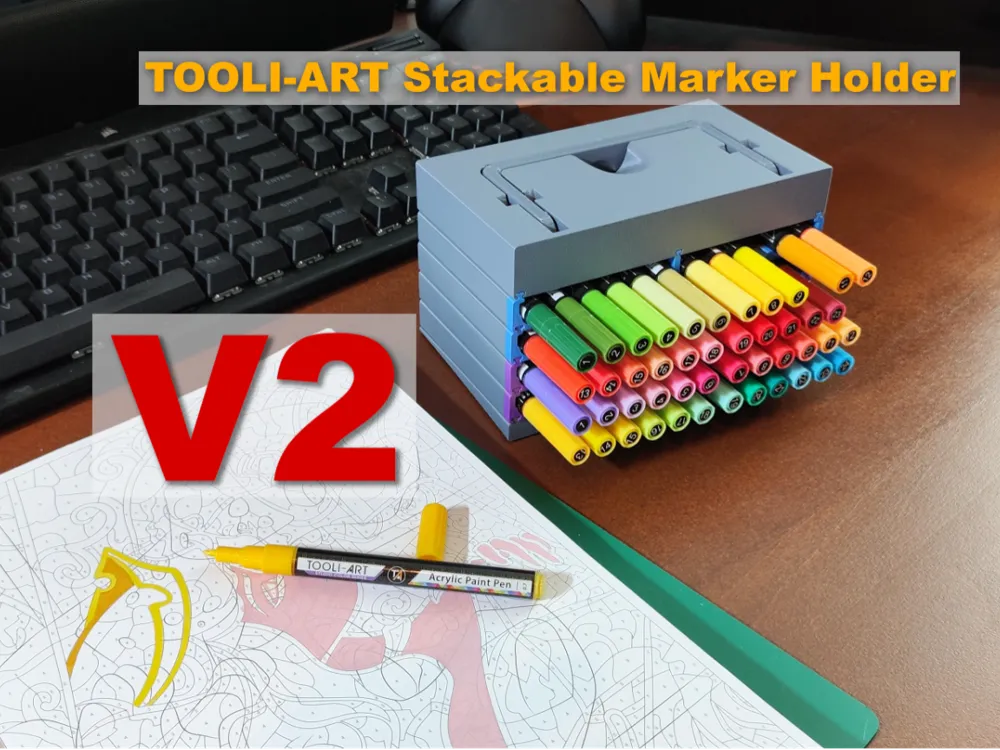
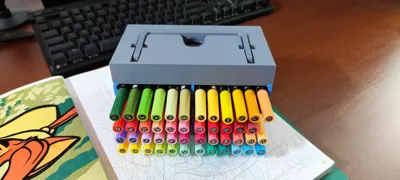
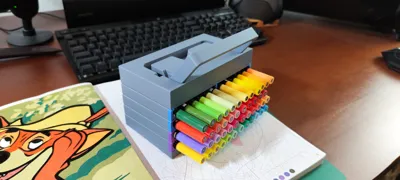
Tooli-Art Stackable Marker Pen Holder V2
Print Profile(2)


Description
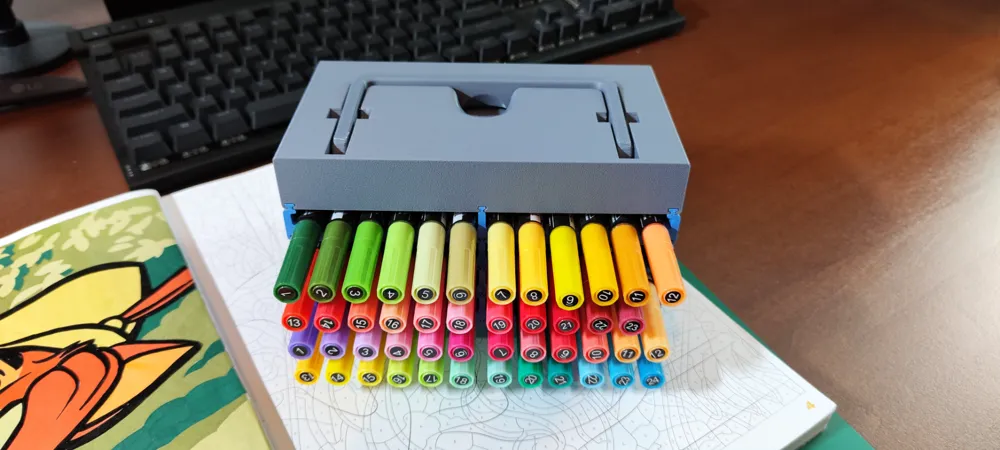
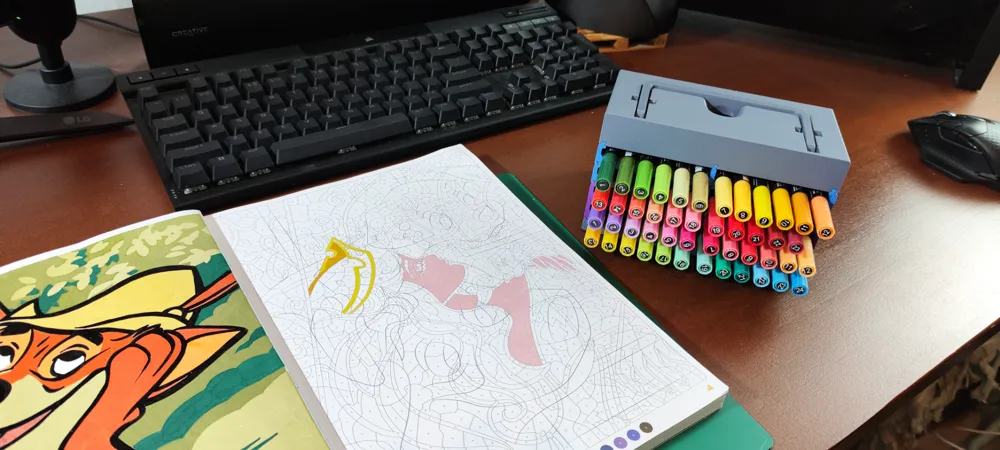
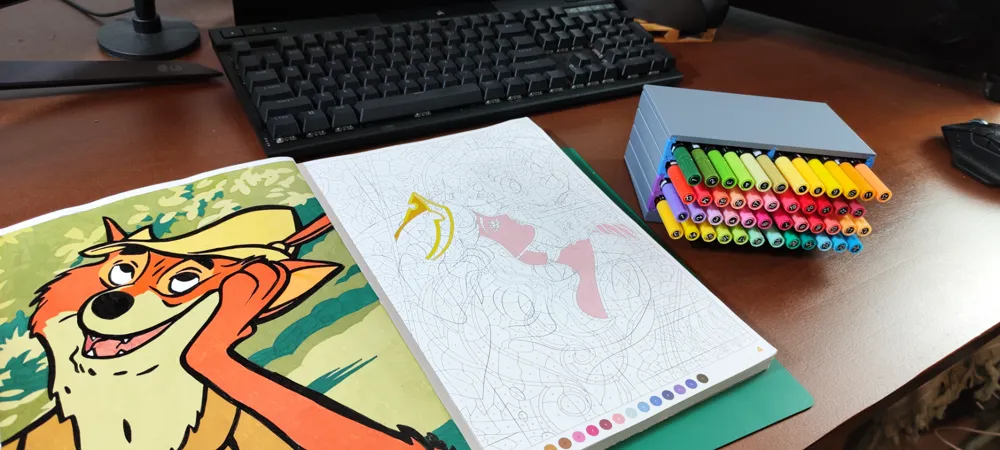
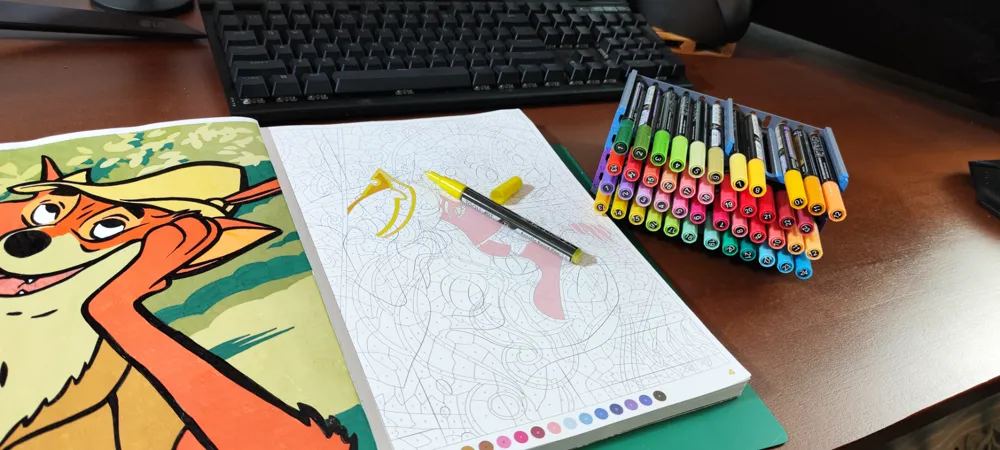
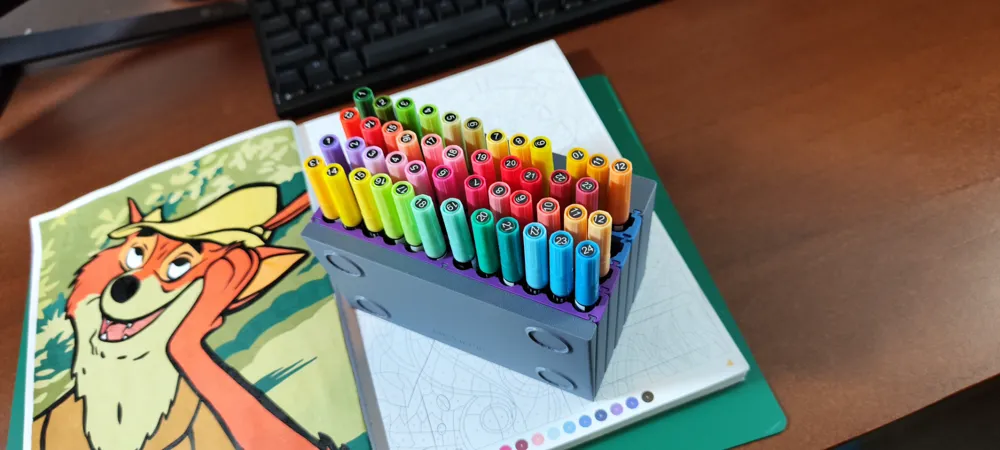
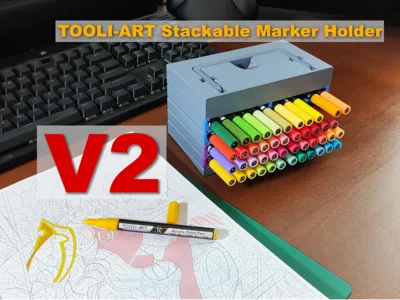
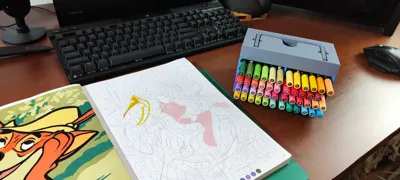
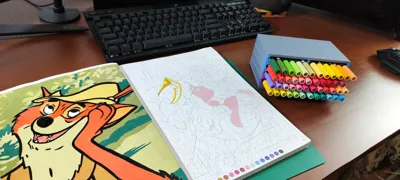
Hello and welcome to the revision of my Tooli-Art Marker holder!
Ever since I got the first one finished I wanted to make some adjustments to make it better, use less filament and expand a bit on what I made. Now with a bit more experience under my belt I present my improved model.
Changes:
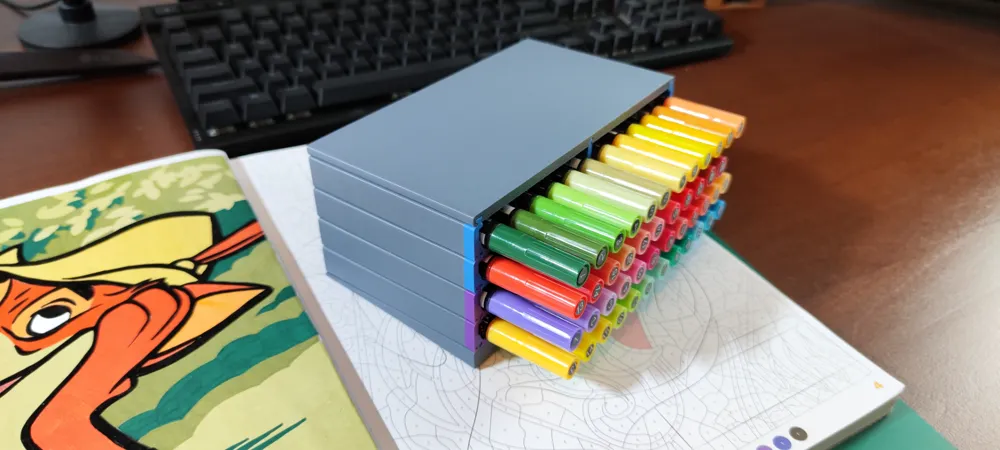
- Reduced the amount of filament needed (for example a V1 tray was about 54 gr of filament, V2 is about 38gr)
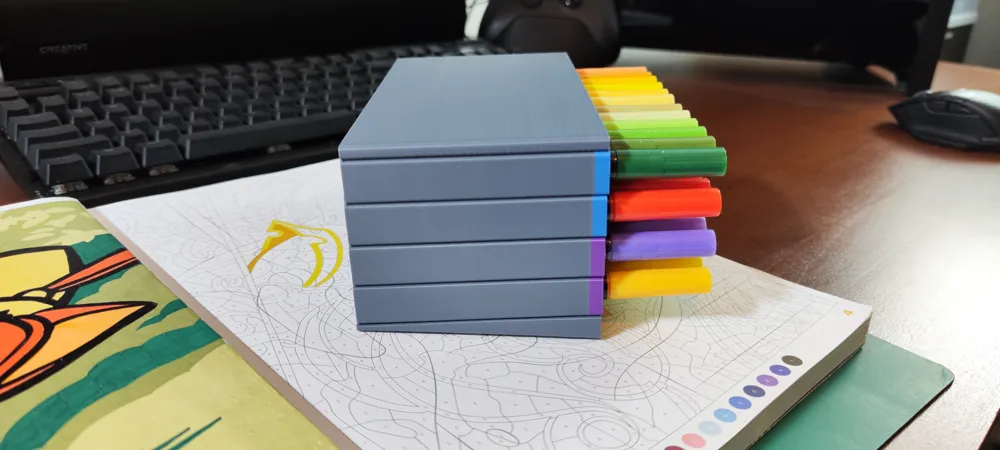
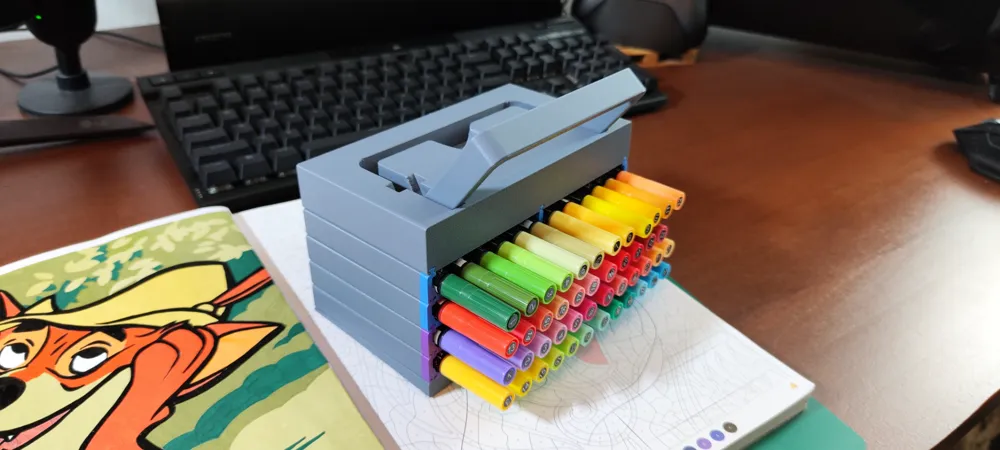
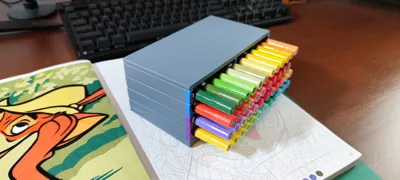
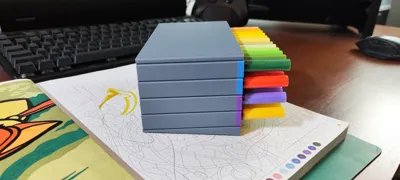
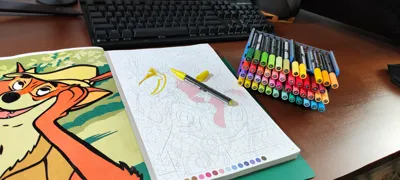
- Parts now slide lock together
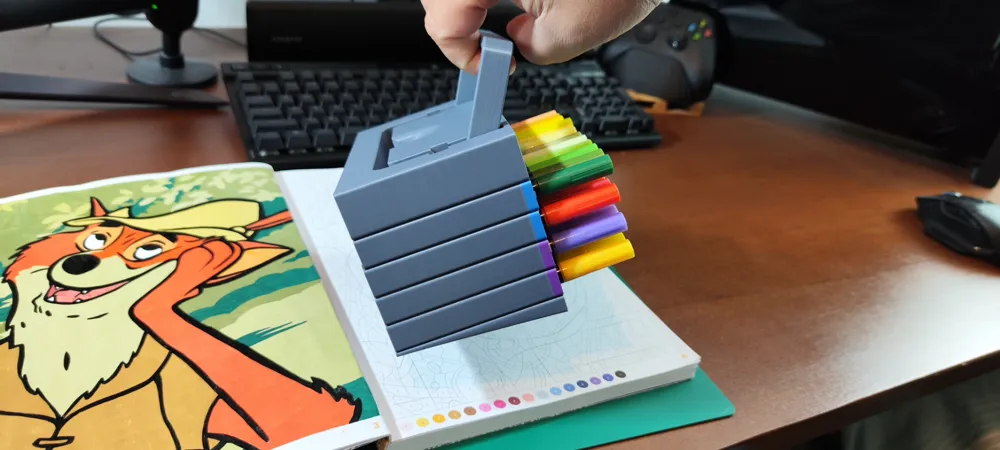
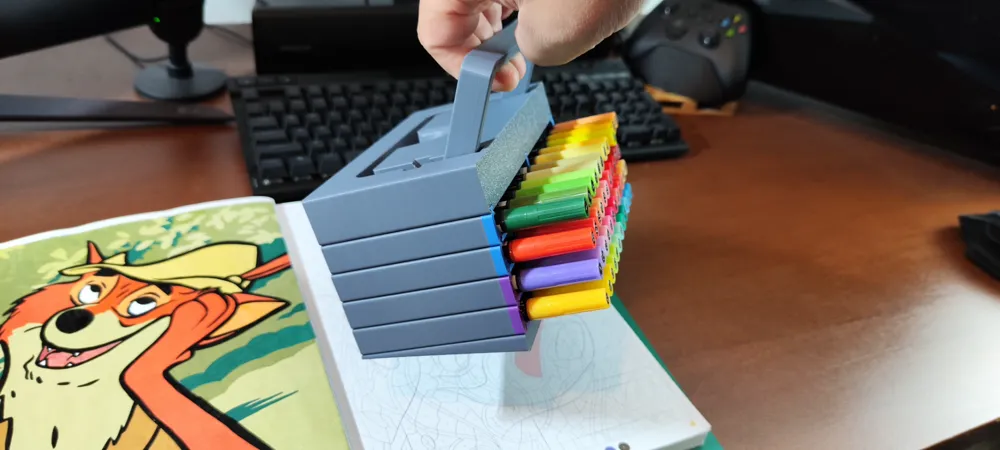
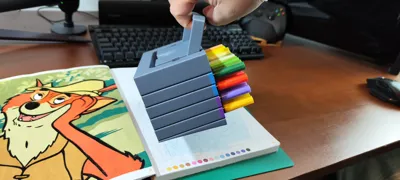
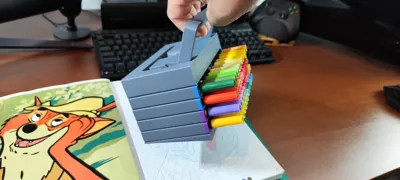
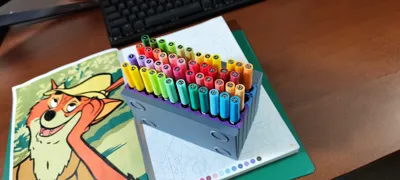
- Created a carrying handle, that because of gravity pivots the stack backwards so you can cary the markers without having them drop
I've made a complete printing profile. With different settings for each plate and/or object. For me this prints perfectly.
IMPORTANT NOTE: Because of the printing orientation, keeping your print bed clean is very important. I made it so it has a bit more surface area to connect than the V1 version, but it is still a tall print. Keep your bed clean and if you're not confident add a brim on the outside. I printed this many times without fail.
On that subject, I kept the printing orientation like this so the slide connecting parts are dimensionally accurate and don't need any support, yes…it takes longer to print 1 model and ‘could’ be safer when laying flat but this way it works best in my opinion.
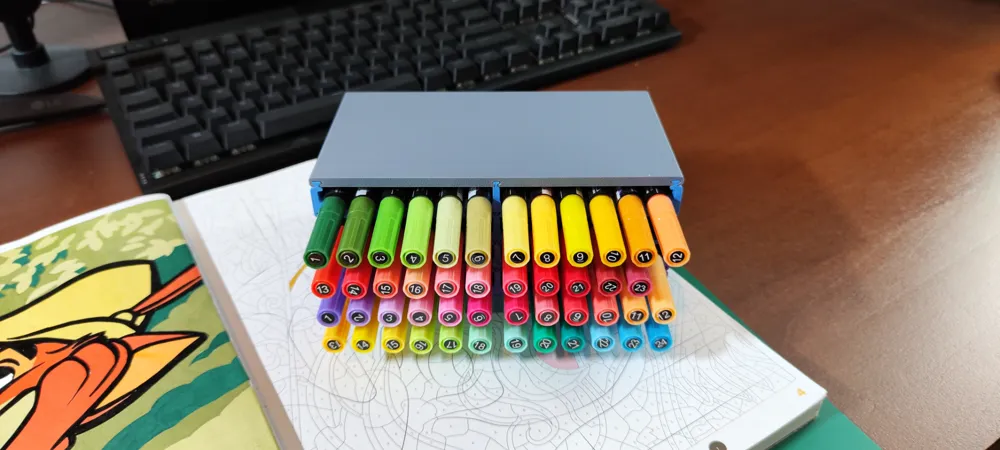
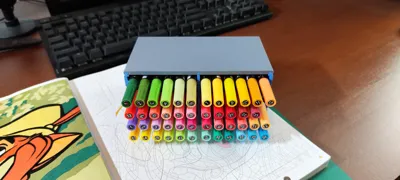
Final notes: I made these in mind with Tooli-Art markers in mind. The diameter of those markers are 11mm. It will probably fit other markers with the same diameter, but length wise it might be too long or short, depending.
I have 2 profiles, one with a color band and one without. I like to print them with a color band so you can see to what marker set they belong to.
Versions like this for OHUHU Markers and one for OHUHU Markers that can be Printed on the A1-Mini can be found in the links.
License

You may create derivative works based on this object, provided that all such derivative works are published exclusively on the MakerWorld platform and include proper attribution to the original creator. You may not share, upload, host, distribute, or publish this object—or any derivative work of this object—on any other digital platform, marketplace, or distribution channel. Commercial use of this object and any derivative works is strictly prohibited. This includes, but is not limited to, selling, renting, sublicensing, or using the object in any context in which you receive monetary compensation or other financial benefits.


Comment & Rating (54)