
simple dust protection - A1 mini

Print Profile(1)

Description
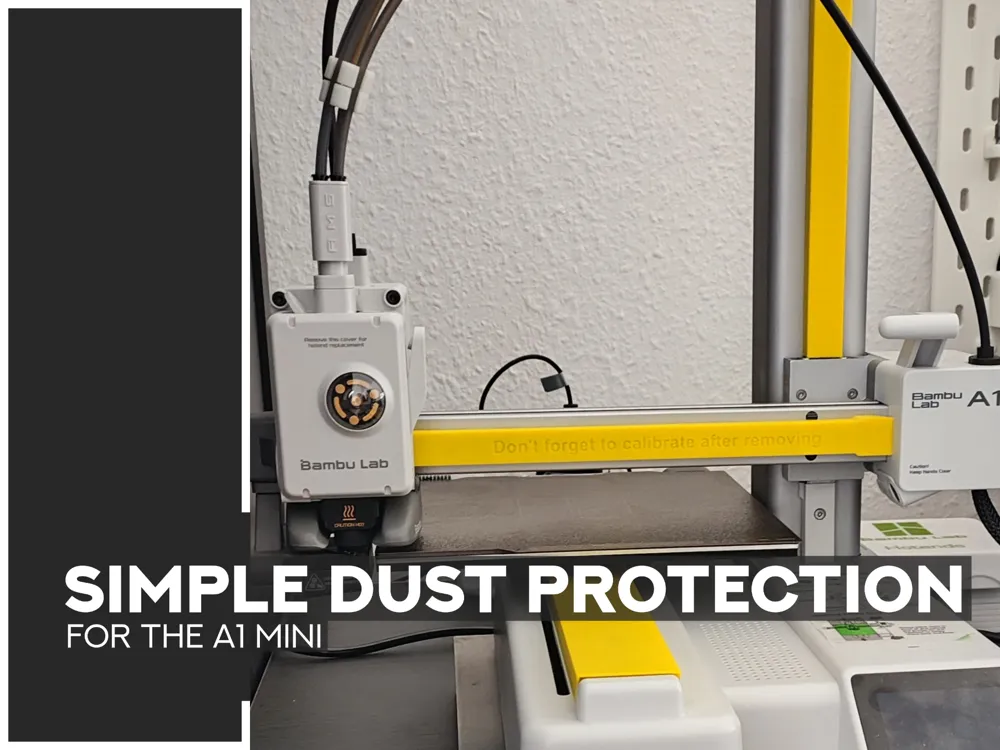
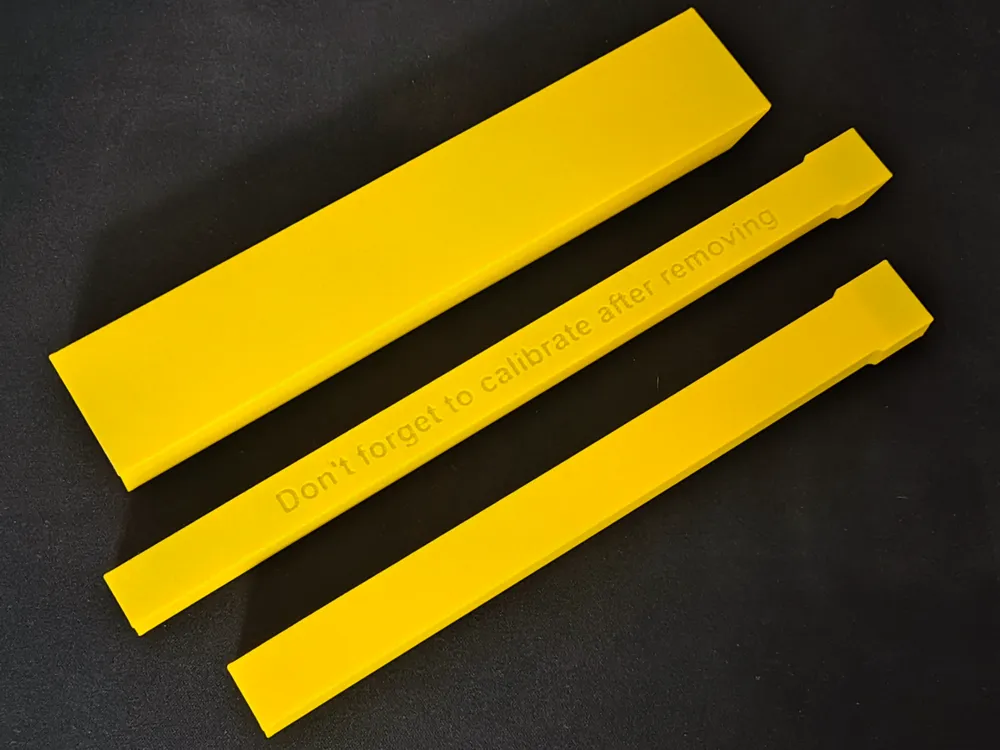
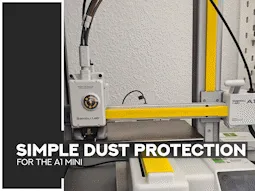
A simple way to protect your guides on all axes from dust while on vacation.
The guides are coated with a light film of oil, which allows dust to adhere and can dirty the guides when turned on again. These protective covers effectively prevent this.
Attaching the dust protection is very easy:
- Turn off the printer
- Manually move the Z axis all the way down
- Manually move the printhead all the way to the left side
- Push the print bed completely backward
- Slide the dust protection covers onto the guides
Removal is just as easy:
- The printer have to switched off
- Remove the dust protection covers
- Turn on the device
DISCLAMER:
The creator of the model is not liable for any damage caused by failing to remove the cover before using the printer. This can result in significant printer damage. It is strongly recommended to print the cover in a bright color like yellow, orange, or red.
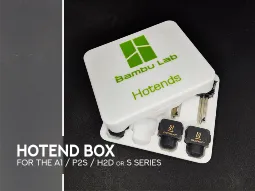
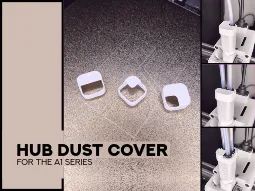
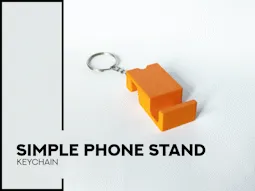
Don't forget to check out my other models too.
 |  |  |
Boost Me (for free)
Please consider boosting and downloading if you enjoyed this model! It was alot of fun to design & make and I am always working on new creations to share.
 |  |  |
Show all models
License

You shall not share, sub-license, sell, rent, host, transfer, or distribute in any way the digital or 3D printed versions of this object, nor any other derivative work of this object in its digital or physical format (including - but not limited to - remixes of this object, and hosting on other digital platforms). The objects may not be used without permission in any way whatsoever in which you charge money, or collect fees.


Comment & Rating (142)