
Aura Laser Edition, Smart Weather Forecast Display
Print Profile(1)

Bill of Materials




Description
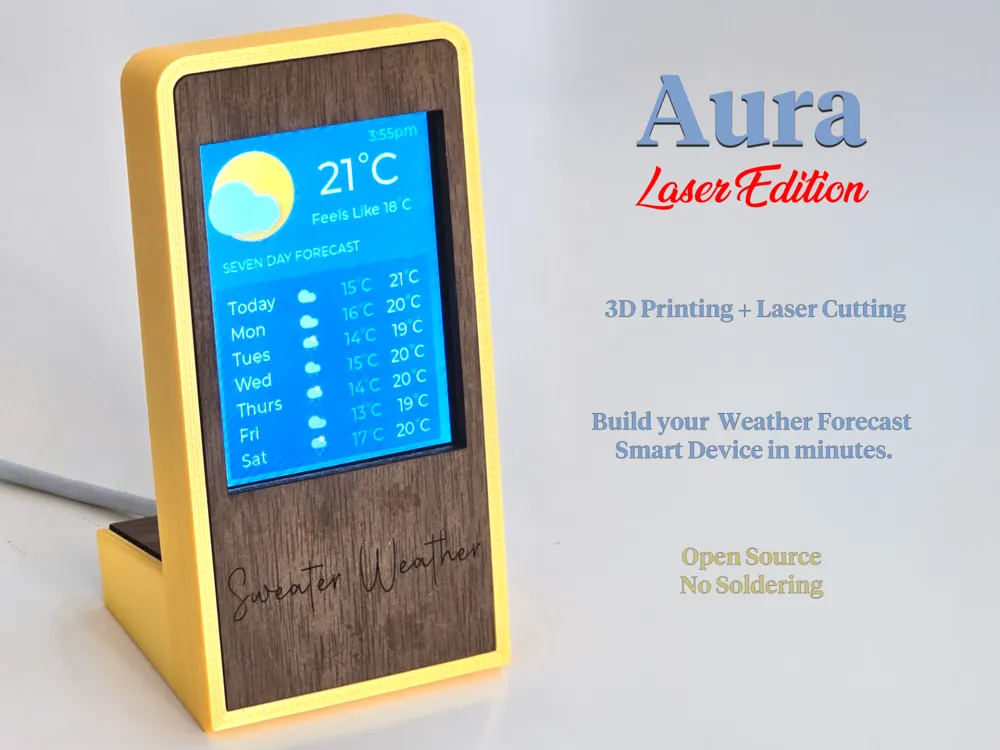
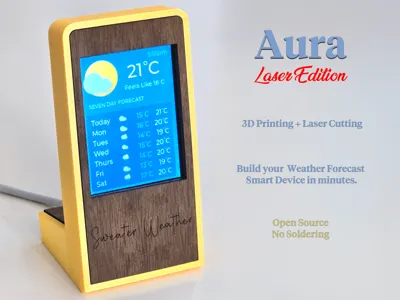
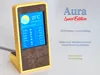
Aura Laser Edition is a mixed-media (laser-cut & 3D-printed) premium glanceable smart device that displays the latest weather forecast. Never walk out the door wearing the wrong gear again.
This listing contains only the 3D-printed components. The matching laser-cut project is here. You need both.
Features:
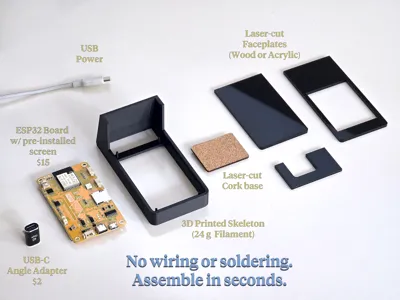
- Assemble in seconds
- Costs less than $20
- No wiring or soldering!
- Free and open source
Aura Laser Edition requires a laser cutter to build (such as the Bambu H2D). If don't have a laser cutter, you can still build the standard version of Aura. The original 3D-printed-only version is here.
Aura Laser Edition is an ideal first project for learning to combine laser cutting, 3D printing, and microcontrollers. It uses off-the-shelf parts that are inexpensive and widely available on Amazon, and it's simple to set up. No previous experience required.
Boost Me (for free)
Hope you have good weather, but feel free to rain down your boosts :)
Required Parts
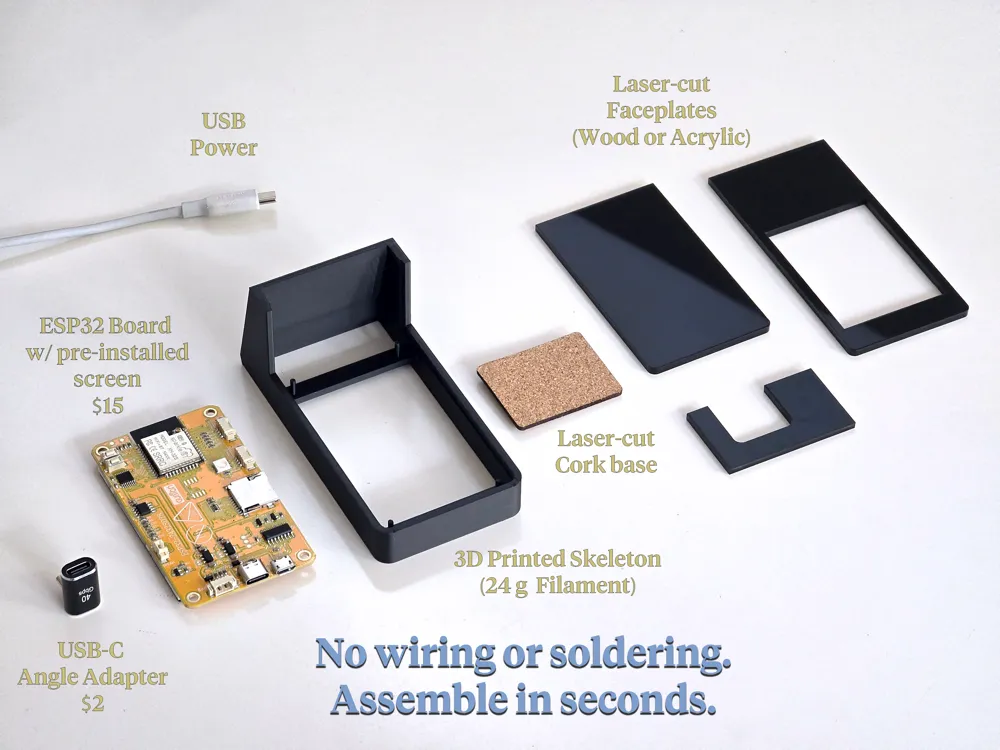
- Case skeleton (3d-printed - this listing)
- Case faceplates (laser cut - see here)
- ESP32-2432S028R ILI9341 dev board with 2.8" display (Also known as a CYD): Around $15
- Any USB-C (or USB Micro) 90 degree angled connector
Note: If the exact 'DIYmalls' brand 2.8" ESP32-2432S028R ILI9341 board is not cheap or easily available in your country, you can buy any brand's “ESP32-2432S028R ILI9341 2.8in 240x320 TFT LCD Module”. Many Chinese distributors sell this product. Just make sure it's a 2.8-inch display and that the ESP32-2432S028R ILI9341 numbers match.
Software Installation and Assembly
Full instructions with photos are in the assembly guide PDF below, but here is the quick version:
Step 1: Install Aura's Software
- Plug the board into your computer's USB port.
- Visit this website to install the Aura software onto the board.
- Once the software is loaded, follow the instructions on the screen to configure Aura's access to your Wifi. It needs internet access to load the weather forecast.
Step 2: Assemble the Device
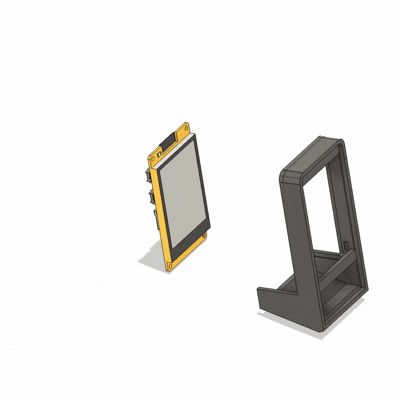
- Attach the USB angle adapter to the board's USB port, facing away from the screen.

- Drop the board into the front of the case skeleton with the screen facing outwards.
- Glue in the 3 faceplates - front, rear, rear top, and cork base - with super glue or acrylic glue, depending on your material choices.
- Plug in a USB cable for power!
Step 3: Use Aura
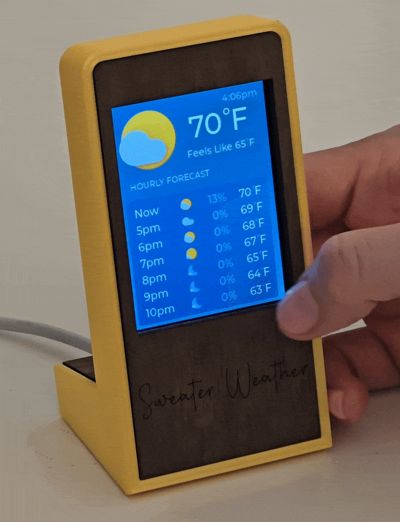
- Click on the top of the screen to access Aura Settings.
- From there, you can enter your city to make sure you get the correct forecast.
- You can also change the brightness or switch between C/F temperatures.
- You can also switch between any of the supported languages.

- Click on the 10-day weather forecast area to switch between an hourly forecast or daily forecast view.
Frequently Asked Questions
Q: How is this different than the original 3D-printed version of Aura?
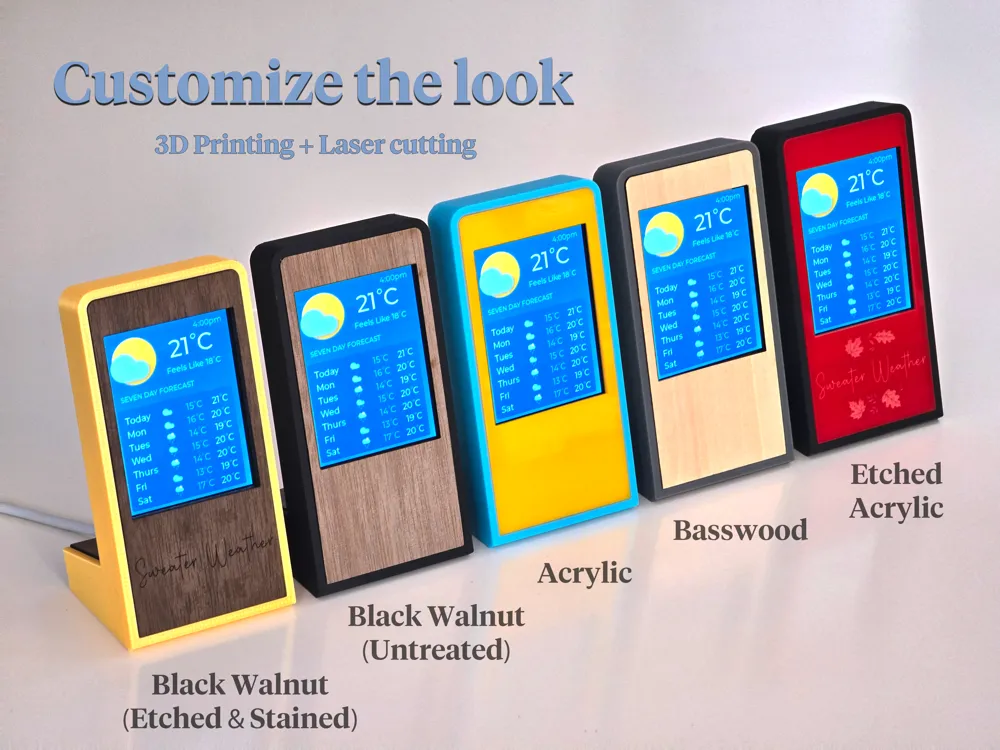
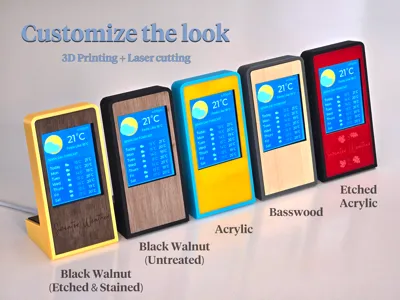
A: This new version features wood or acrylic laser-cut panels, giving you more options on styling and finish. Functionally, it is exactly the same. Build whichever version you like more!
Q: Aura connects to the internet. Does it collect any information or track me?
A: No, it only connects to the Open-Meteo API to fetch the weather forecast. You can see the source code here and compile the software yourself, if you like. It's open source.
Q: Do I need an account or anything to use this? Does it cost money to use?
A: No, it's totally free, and no accounts are required.
Q: Aura displays everything in English. Does it support other languages?
A: Yes, currently English, French, German, and Spanish are supported.
Documentation (1)
License

You shall not share, sub-license, sell, rent, host, transfer, or distribute in any way the digital or 3D printed versions of this object, nor any other derivative work of this object in its digital or physical format (including - but not limited to - remixes of this object, and hosting on other digital platforms). The objects may not be used without permission in any way whatsoever in which you charge money, or collect fees.


Comment & Rating (7)