
A1 bed cable holder and protector

Print Profile(3)


Description
NOTICE: This model is only for the old, rubber A1 cable, it's not compatible with the new post-recall one.


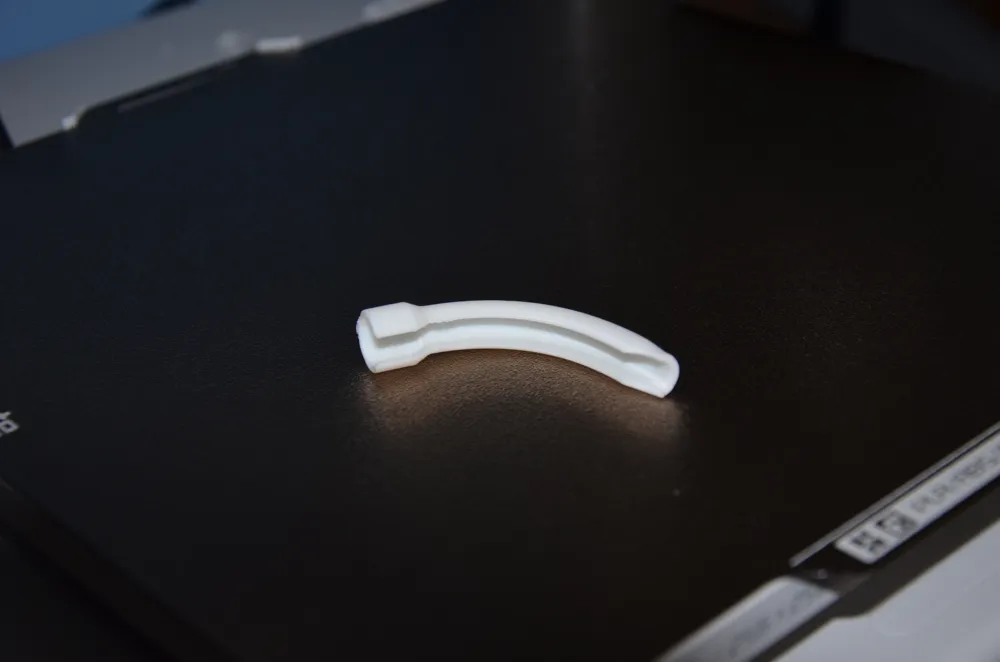
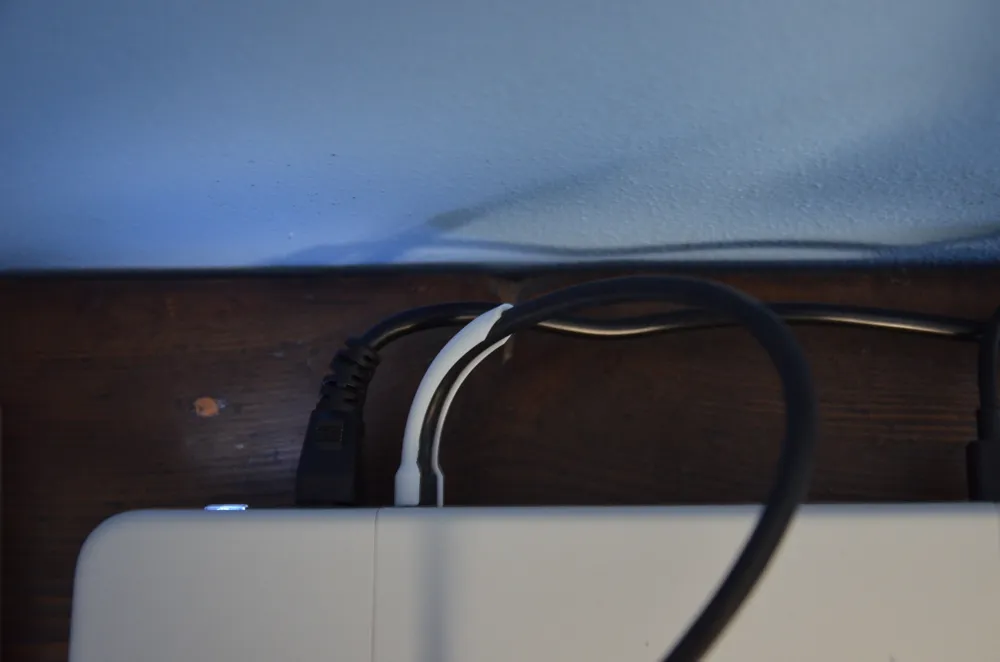
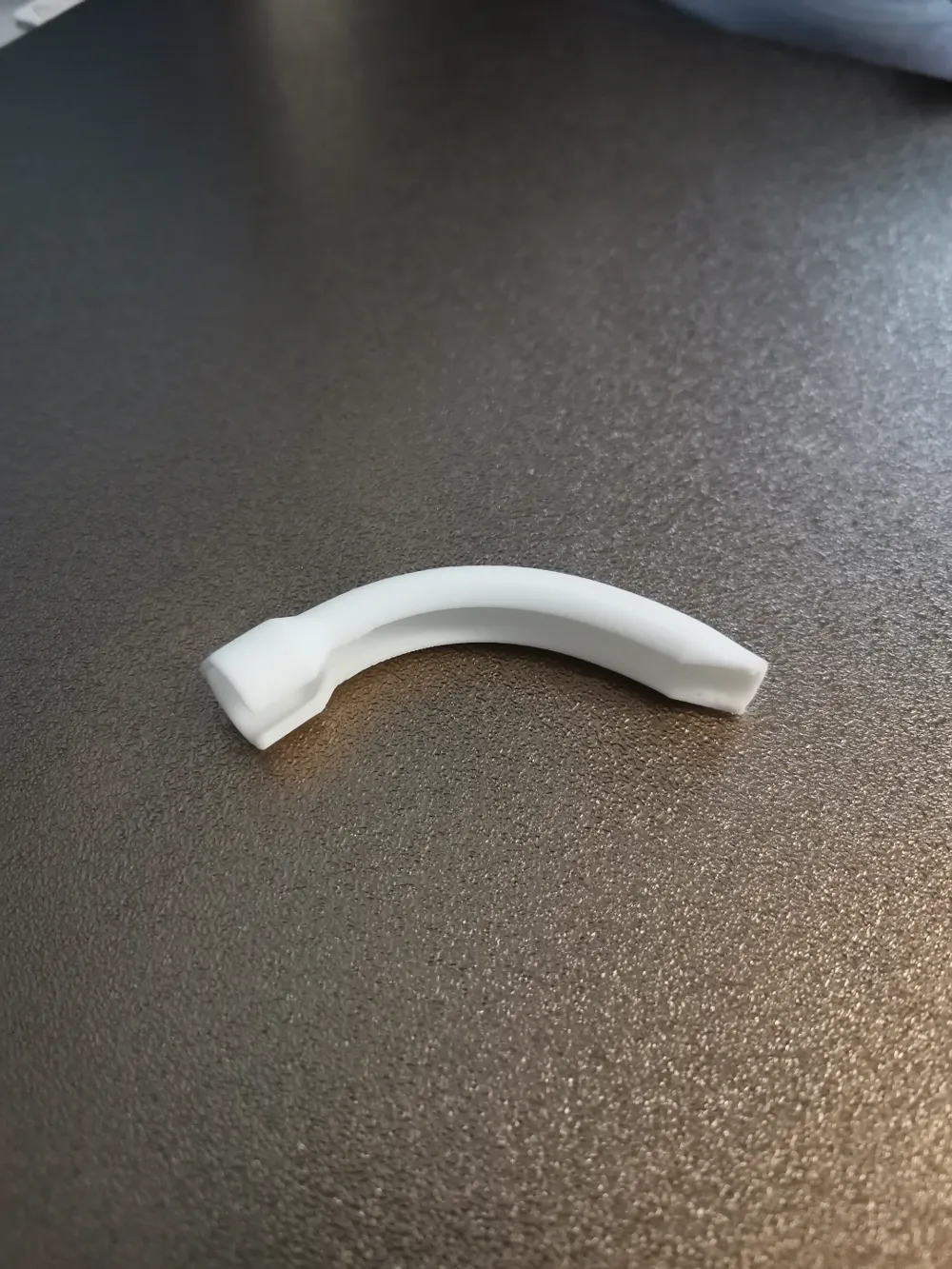
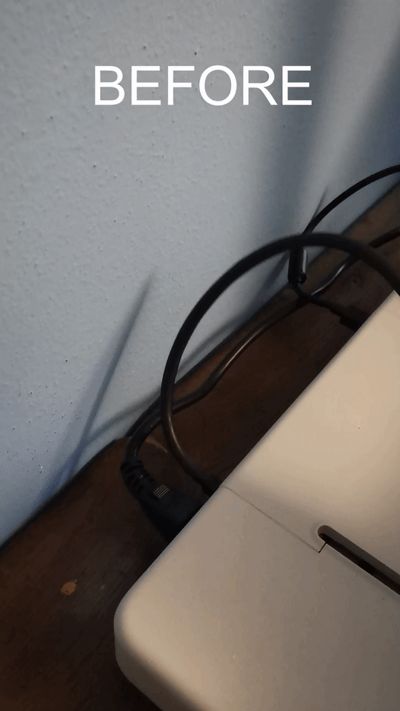
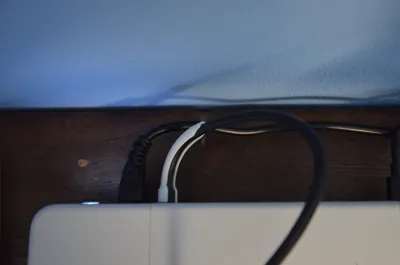
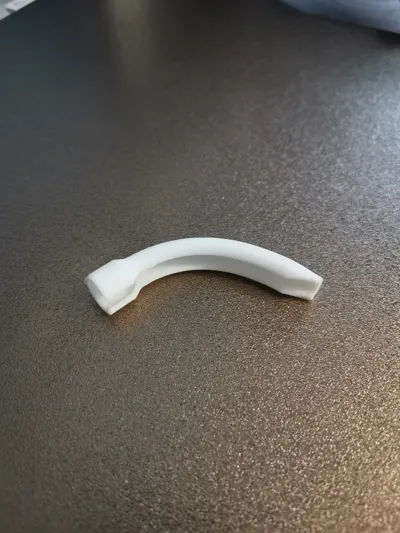
My Bambulab A1 sits quite close to the wall since my table is not the longest, this cable holder is meant to clip into the base of the heated bed cable and give it a curve so that it doesn't rub against the wall quite as much.
To insert it into the cable start with the wide section, slide it on near the base of the cable and push it towards the printer until it's completely inserted inside the wider part, then push the rest of the cable inside with a bit of force (while testing i inserted and removed it many times and my cable is still fine so don't worry about damaging it), finally moving the bed forward and backwards a few times should make it automatically find its angle (like in the video)
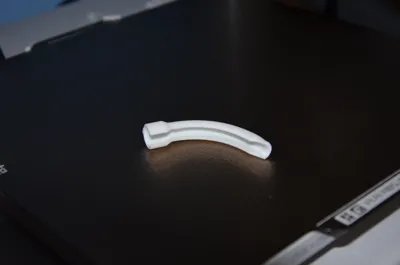
Its shape is quite unfortunate for 3d printing and i went through many design iterations to get the supports right so i suggest printing it in the same position as it comes in the 3mf file, with supports enabled and my support settings, they break off easily and leave scarring only on the bottom part which is hidden from sight. If you are confident in your bed adhesion you can reduce the support threshold angle and/or move the piece higher on the z axis and make it completely suspended on supports so that the part at the very bottom comes out round and not flat but i find it unnecessary.
EDIT:
Some users are reporting a loose fit and the cable slipping out of the clip while printing, on my machine the fit is so tight that i had to scale it up by 5% on the x and y axis because i was worried about damaging the cable, my theory is that there is a version of the bed cable so slightly smaller that is causing this, if that is the case for you i have added a print profile that is not scaled up by 5%, you can also scale it down further or directly print both of them and throw away the wrong one if you don't want to take chances
EDIT 2:
This model also protects against the weakness at the cable root the recall notice talked about so you don't have to remove it to install bambu's protector, they do the same thing in that regard
License



Comment & Rating (142)