
Overhang test
Print Profile(1)
Bill of Materials


Description
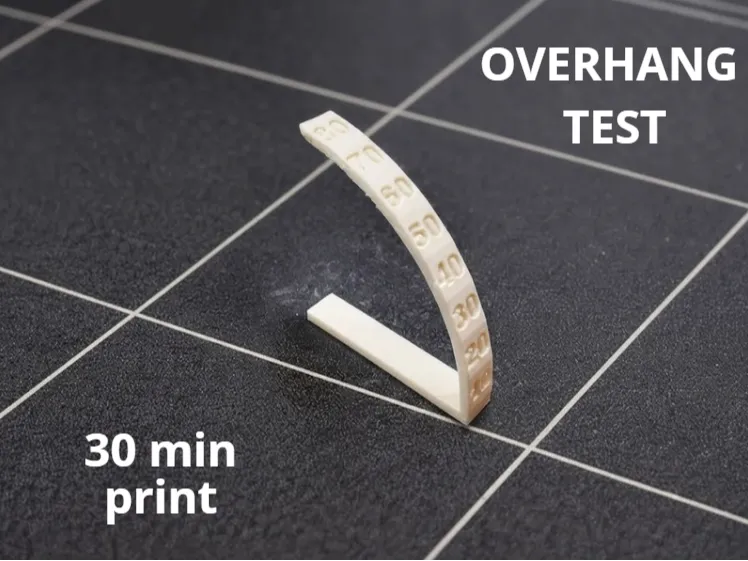
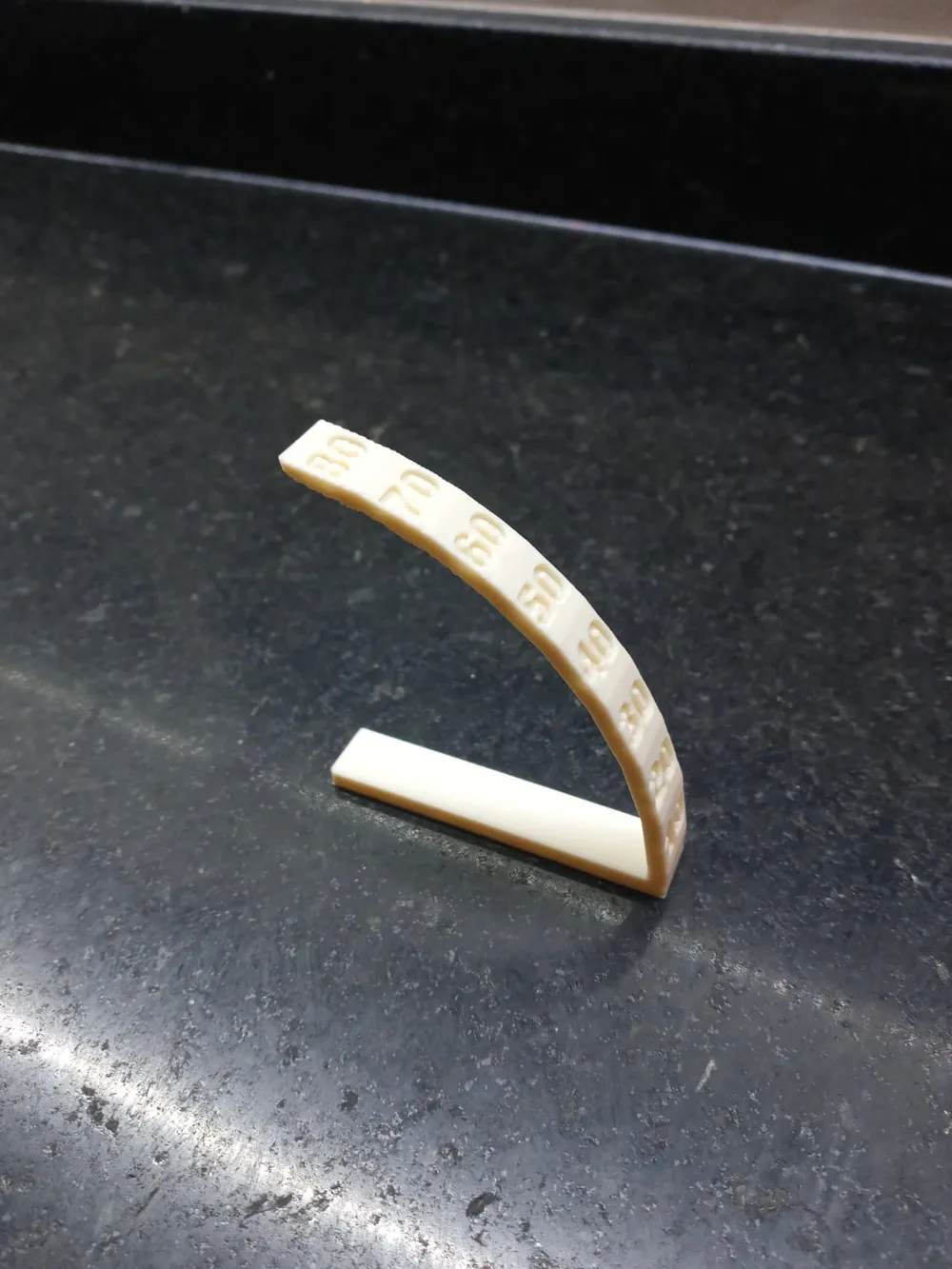
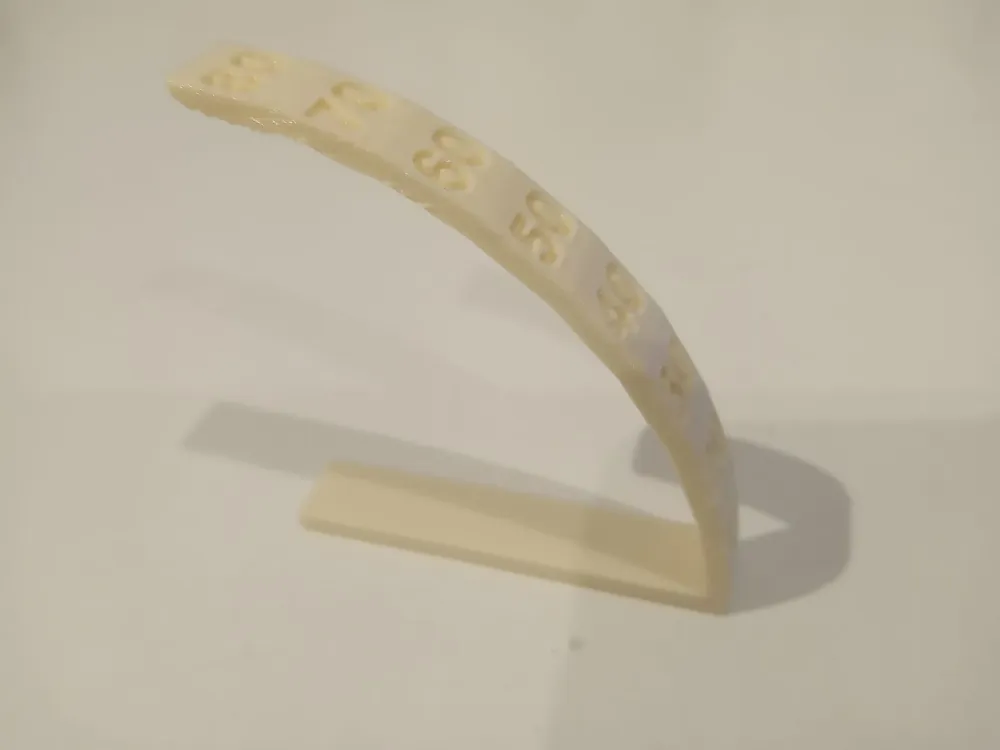
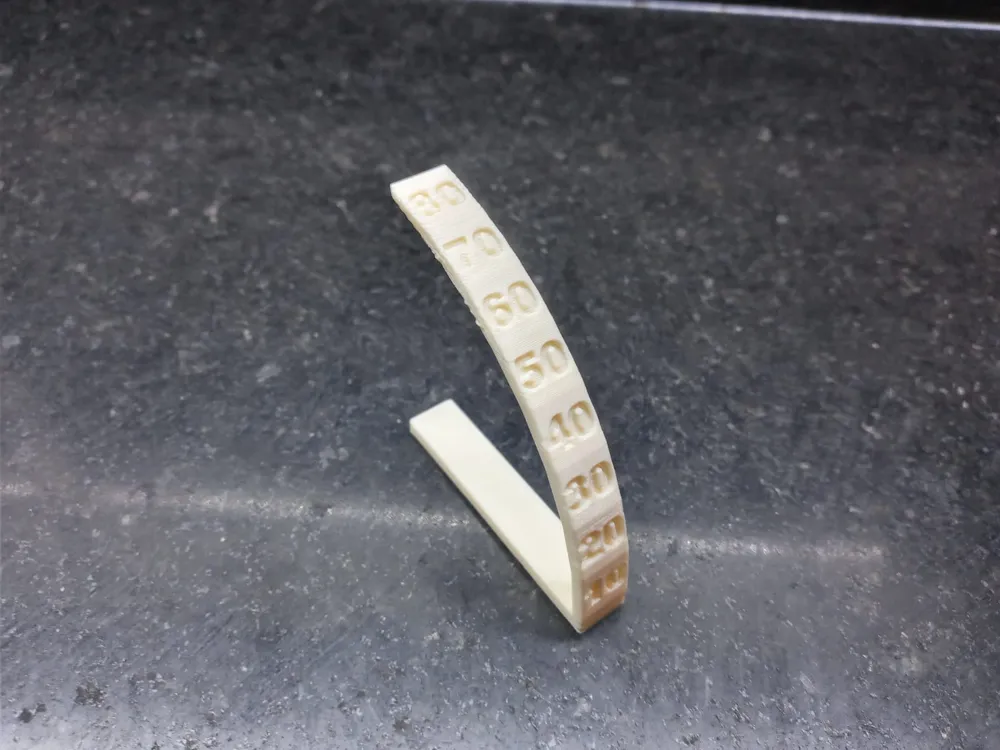
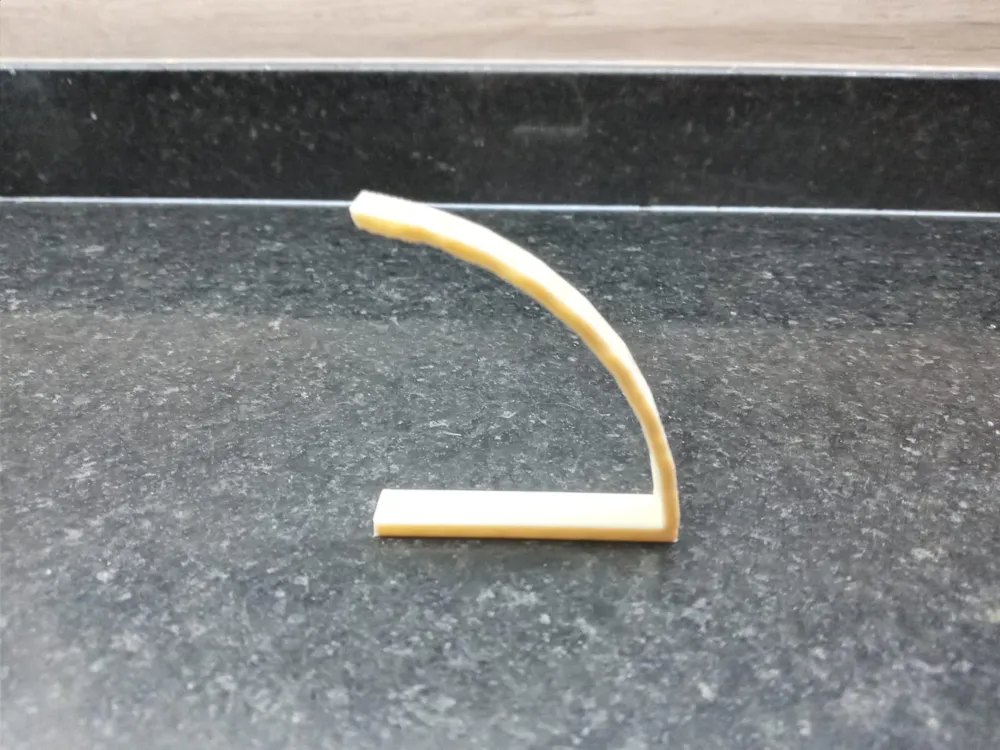
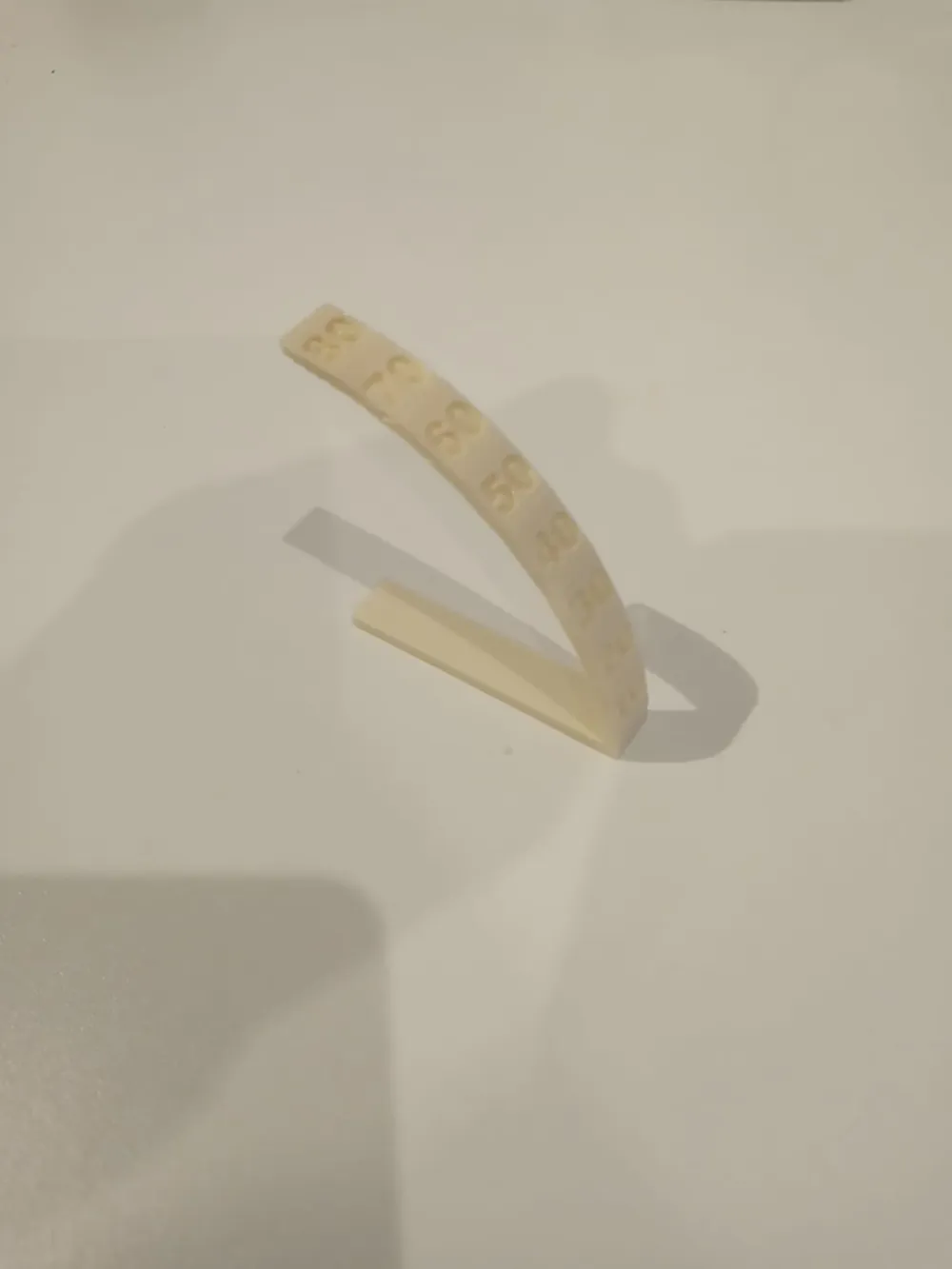
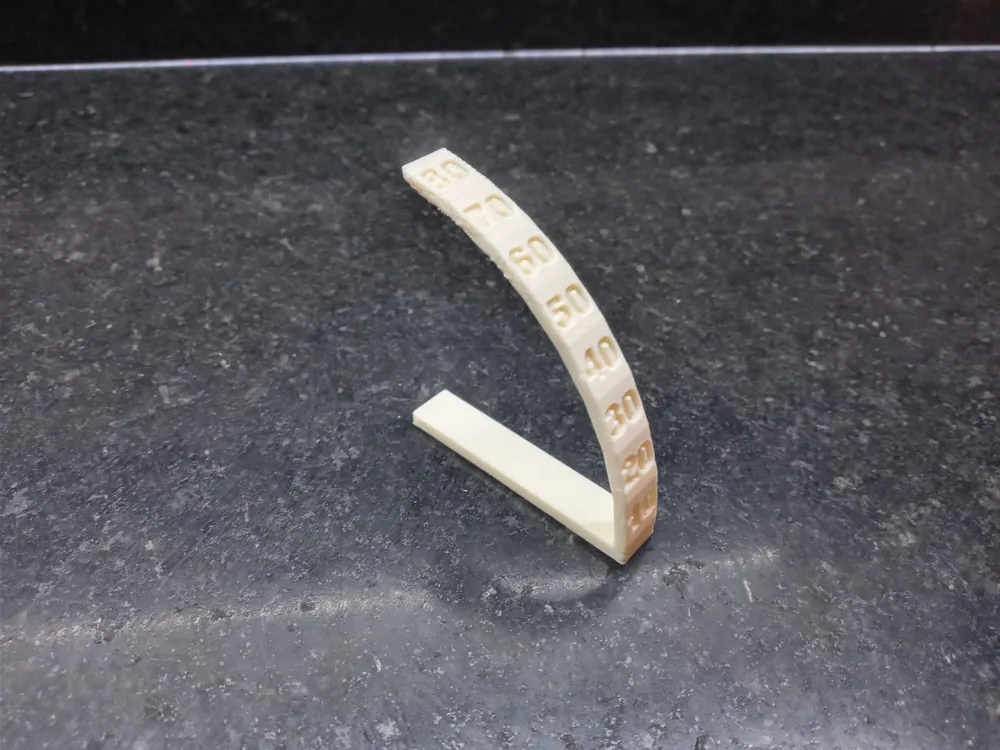
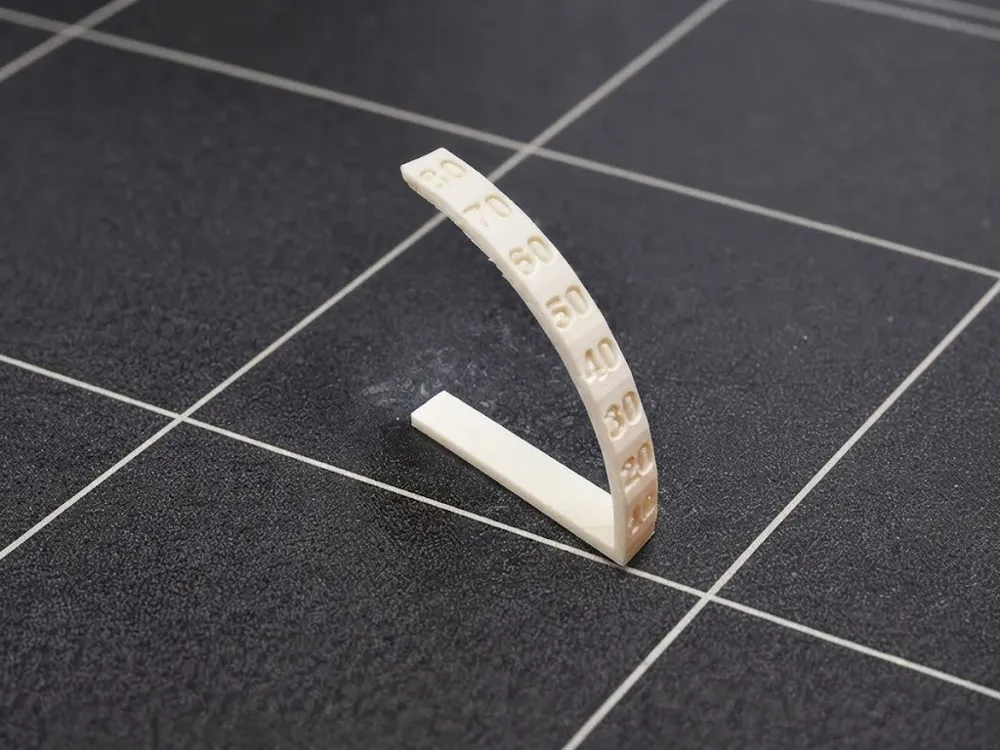
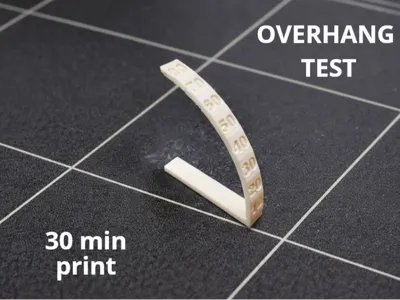
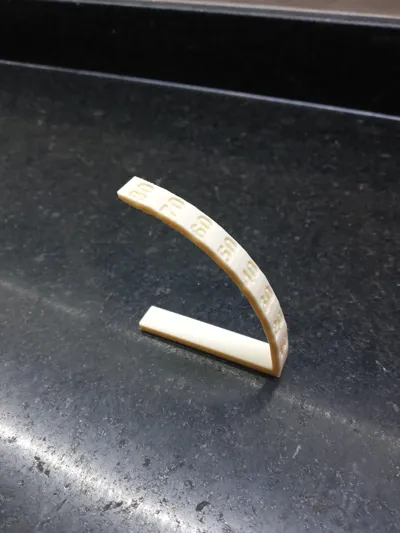
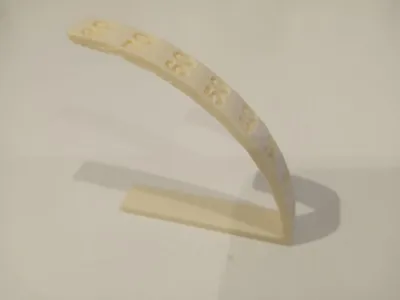
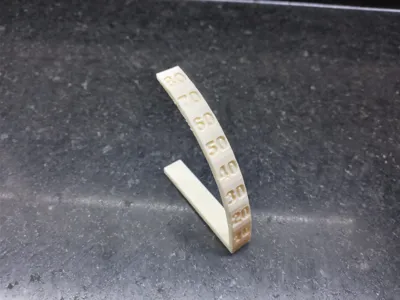
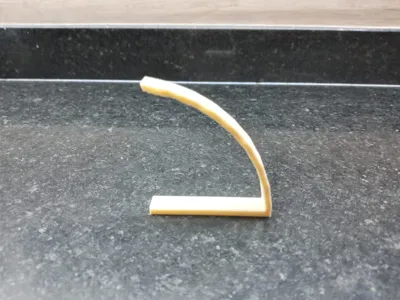
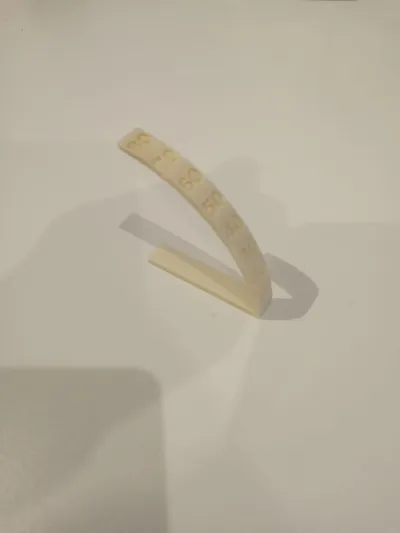
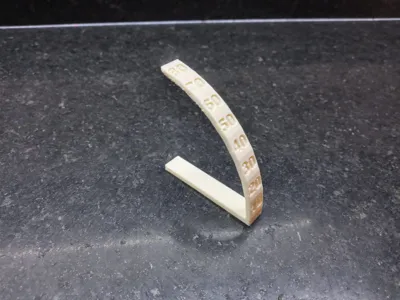
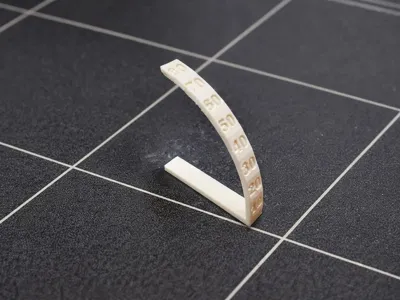
This is an overhang test. It's simple to understand how it works. You just need to look at the number where the filament starts to “fall off”, floating and leaving an unpleasant appearance.
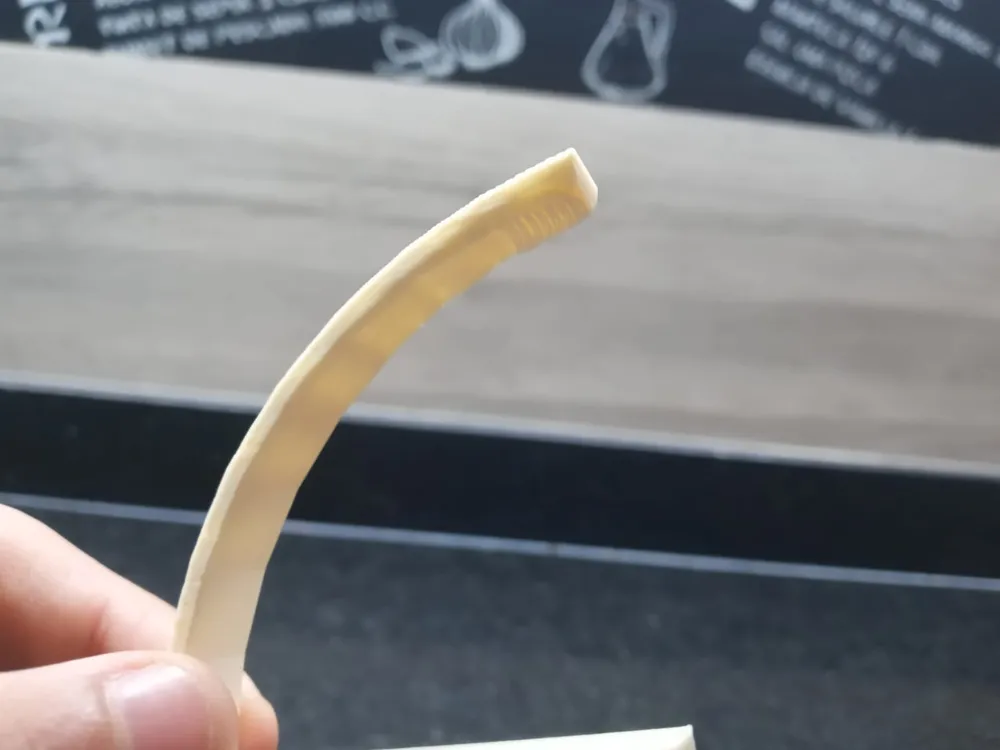
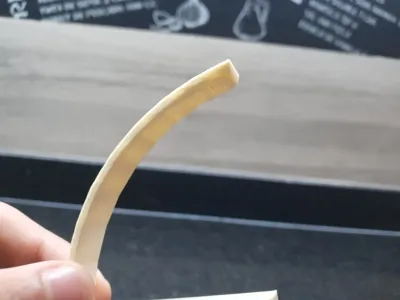
. In this photo, right at the end, at number 80, that unpleasant mark begins to appear:
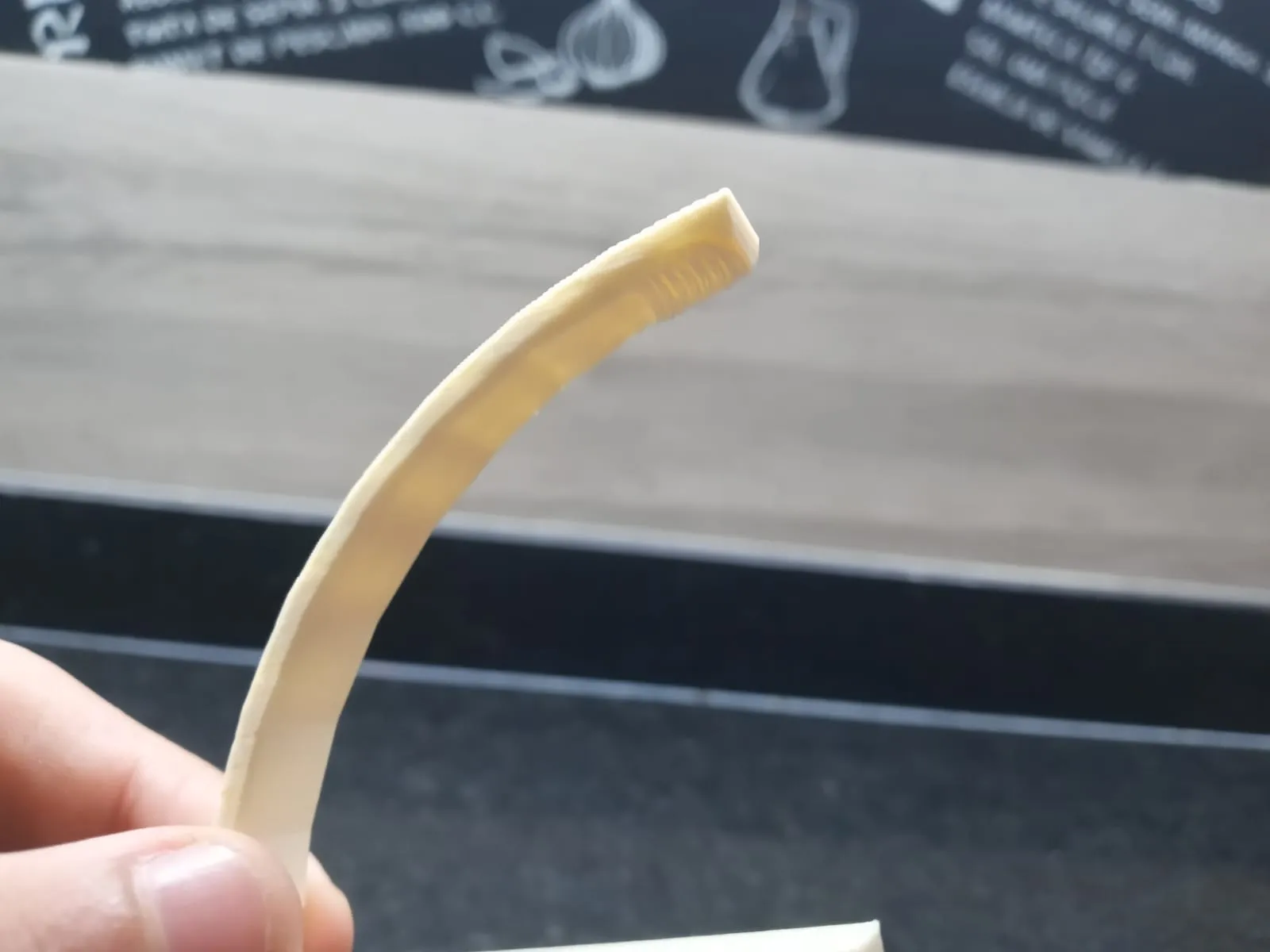
Then, remembering that number, in the '"support"' section in the slicer, we will do a subtraction. The calculation is 90, which would be the number of degrees, subtracted by the number where our figure begins to mark, and the result must be placed in the “Threshold Angle”. For example, if it had marked at 80 before, we will do: 90 - 80 = 10 = Threshold Angle
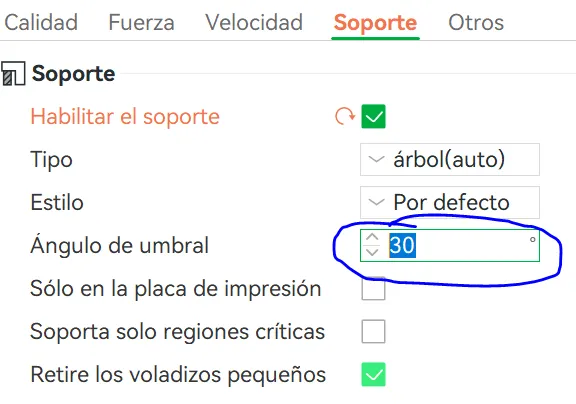
As always, I hope you like it :)
License

You shall not share, sub-license, sell, rent, host, transfer, or distribute in any way the digital or 3D printed versions of this object, nor any other derivative work of this object in its digital or physical format (including - but not limited to - remixes of this object, and hosting on other digital platforms). The objects may not be used without permission in any way whatsoever in which you charge money, or collect fees.


Comment & Rating (3)