Search models, users, collections, and posts

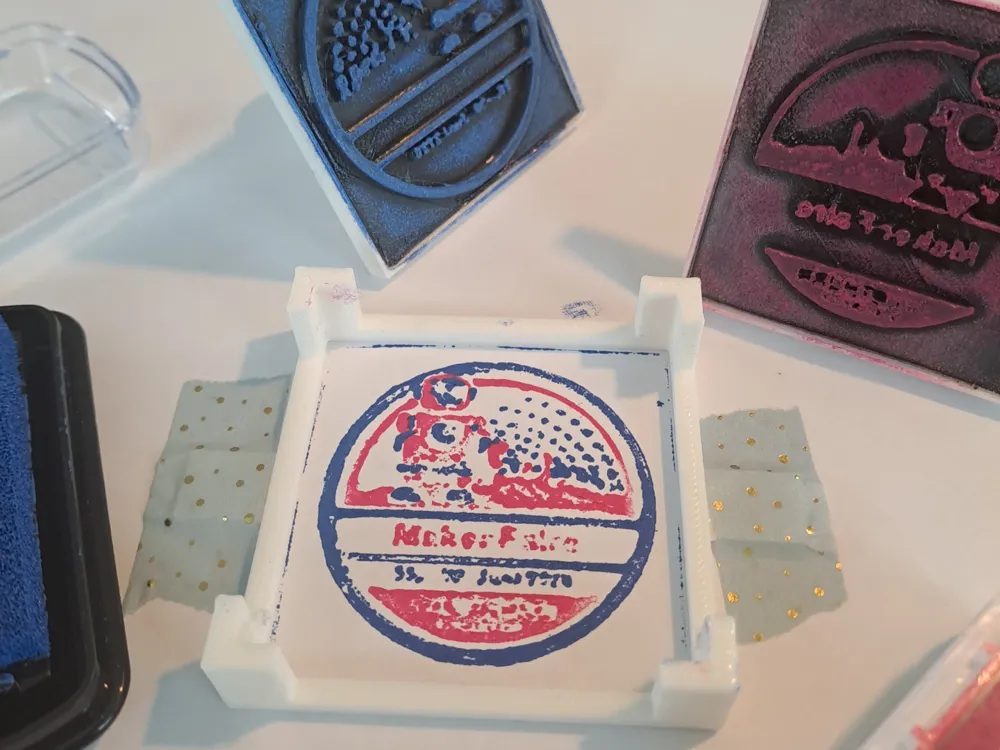
Multicolor stamp
IP Report
Print Profile(1)
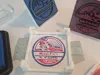
0.2mm layer, 2 walls, 15% infill
Designer
2 h
2 plates
Open in Bambu Studio
Boost
0
4
0
0
0
1
Released
Description
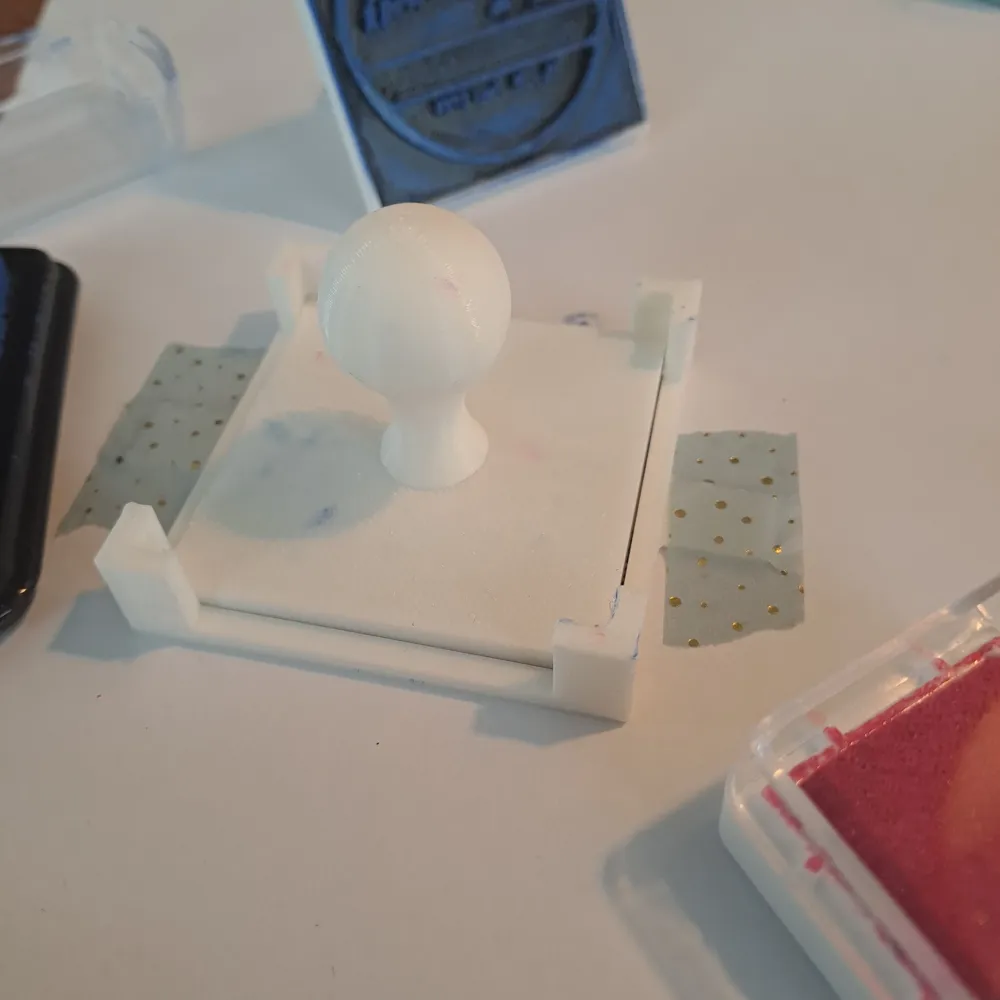
This is an easy way to print in multiple colors only using stamps. I recommend printing the part: stamp_engraved using TPU and ironing for a smooth top. For the rest, I used PLA. For a costume stamp, you either import an STL to your slicer, emboss a text within your slicer, or create a cube of the size (74.4mm/74.4mm/1mm) in your CAD and extrude your design at least 2mm. You only need one stamp_guide. The rest is necessary for every new color/design. For assembly, use some glue to fix the parts together. For better results, sand down the top layer of the stamp with a fine sandpaper.
How to use:
- Stick the frame down using Washi-tape or another tape that's easy to release from the Paper.
- Color the stamp and pressing it at the paper; for that, you can use the guide as a guide. For the next stamp, please make sure that you use it in the right direction.
(The logo of the makerfaire Solothurn isn‘t mine)
License

This user content is licensed under a
Creative Commons Attribution-Noncommercial-Share Alike


Comment & Rating (0)