
Print Profile(1)

Description
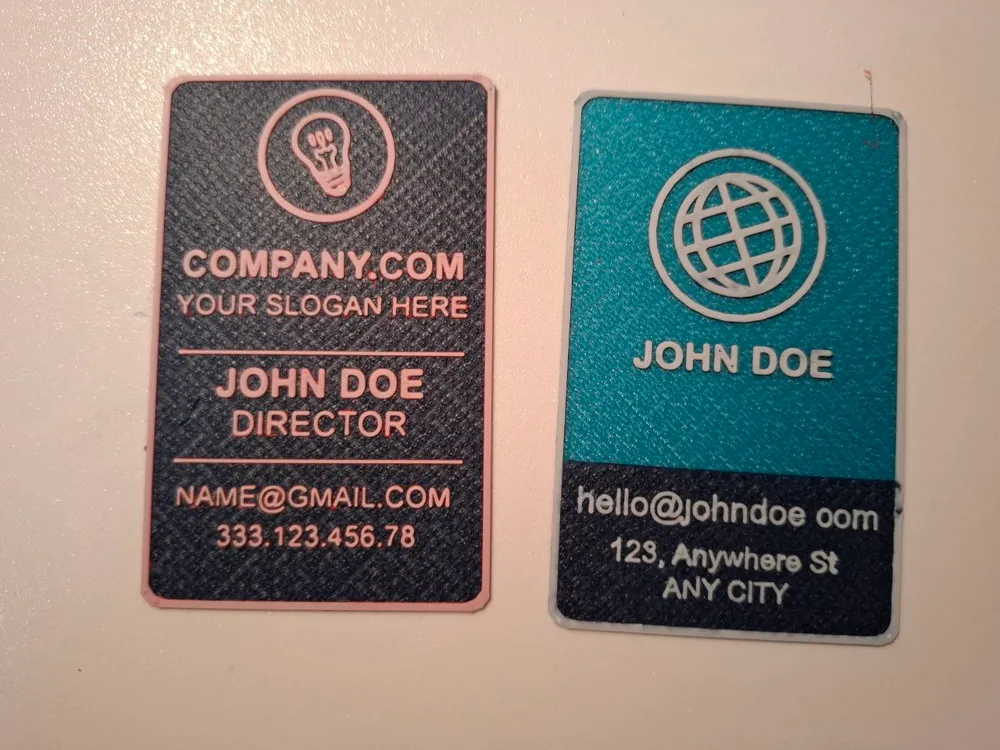
After several months, I can finally make the parametric business cards available in a new vertical version!
Have you ever thought about how surprising it could be to give (or receive) a business card that's not just a little rectangle of paper, but an actual mini 3D-printed, personalized object?
Imagine presenting your work with something that already speaks for itself just by looking at it: a small embossed logo, a unique texture, maybe even a QR code that takes people straight to your website or LinkedIn profile. It’s like saying: "Hey, this is me, and I like to do things big (even in miniature)."
Think about it: with a simple QR code on your card, you can share a whole world of information that would never fit on a traditional card! A portfolio, an intro video, even a map to your office. It’s not just a business card; it’s an interactive experience! 🚀
In this awesome new format, I’ve also added several exciting new features:
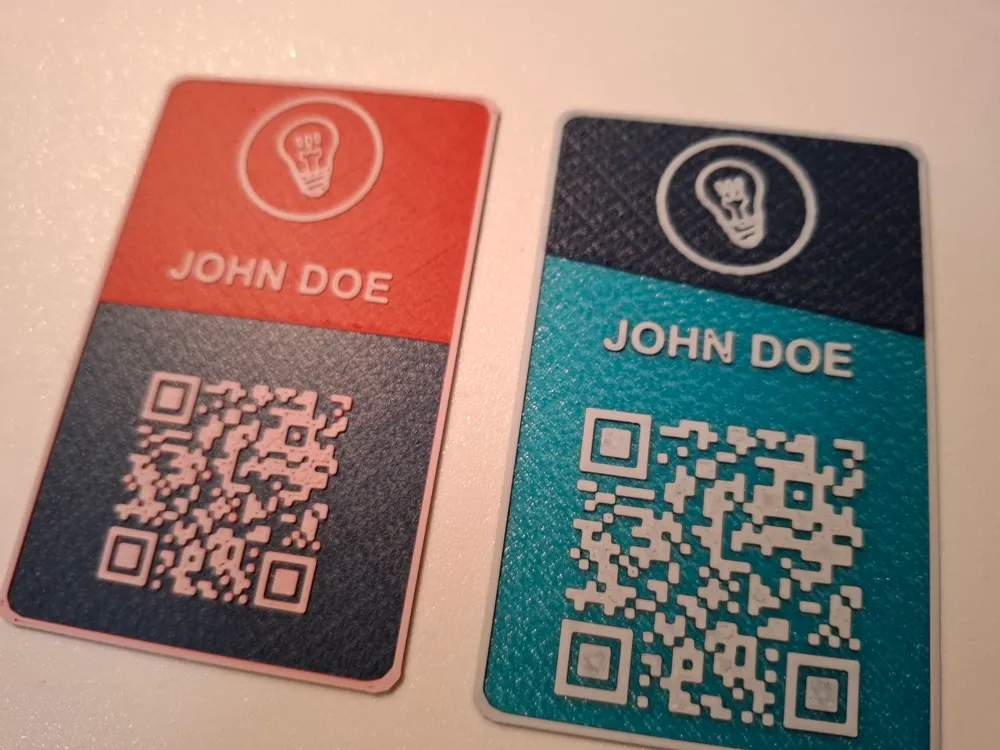
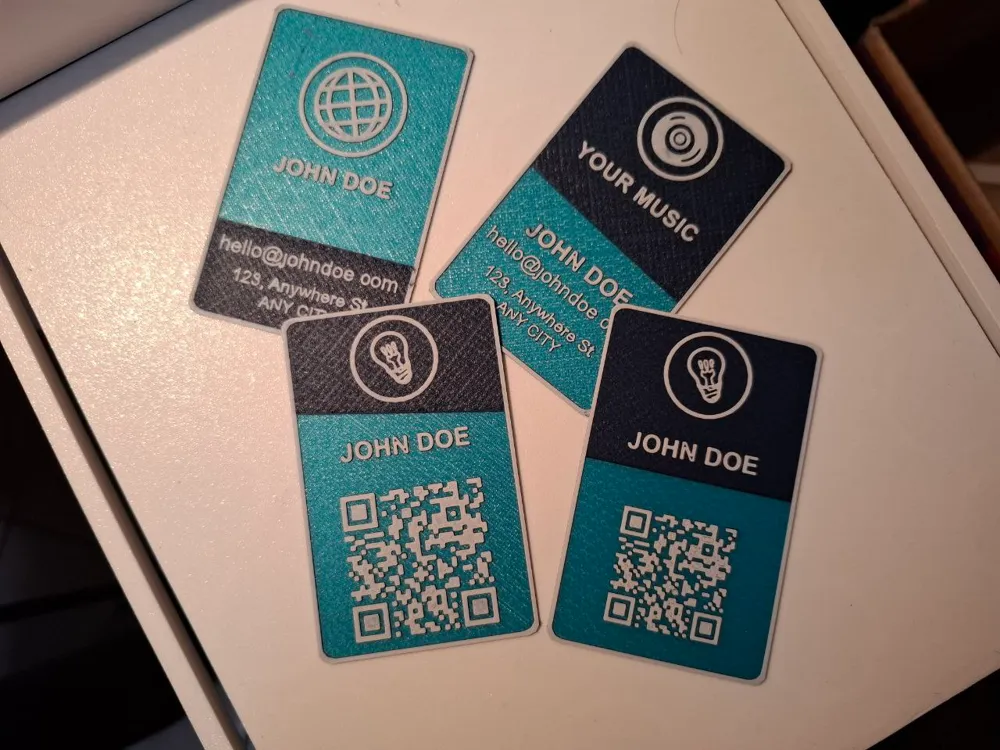
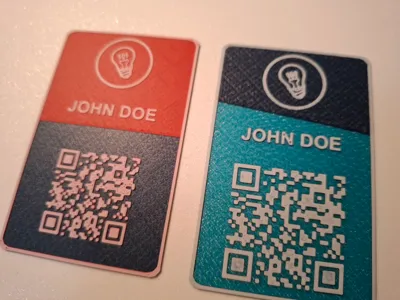
First and foremost, the ability to include a QR code by specifying the link (or message), dimensions, and position.
The QR code is optional and can be turned off by setting QR = false
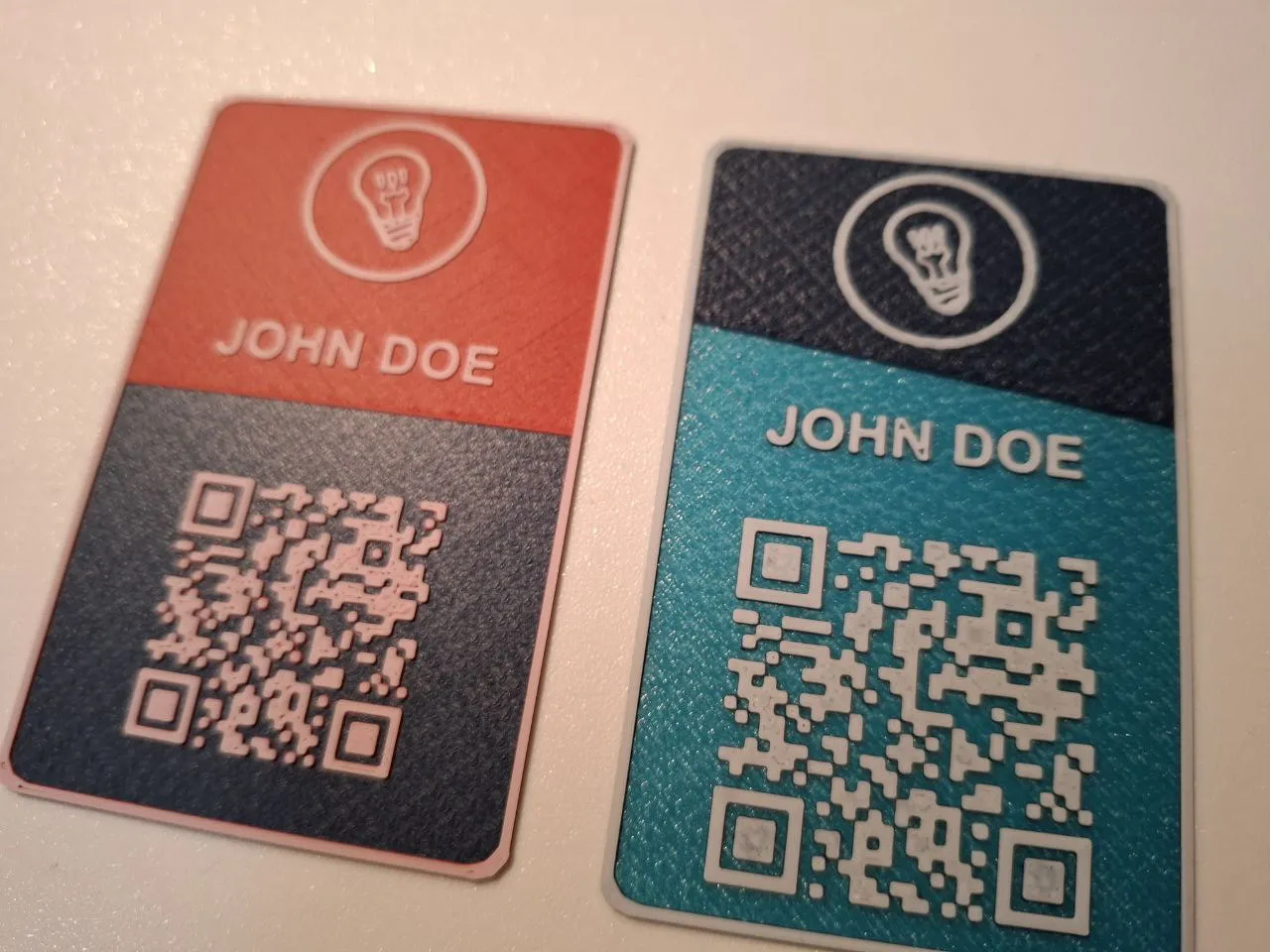
You can now add a circle around the logo if you want.
Don’t want it? Just set CIRCLE_RADIUS = 0.
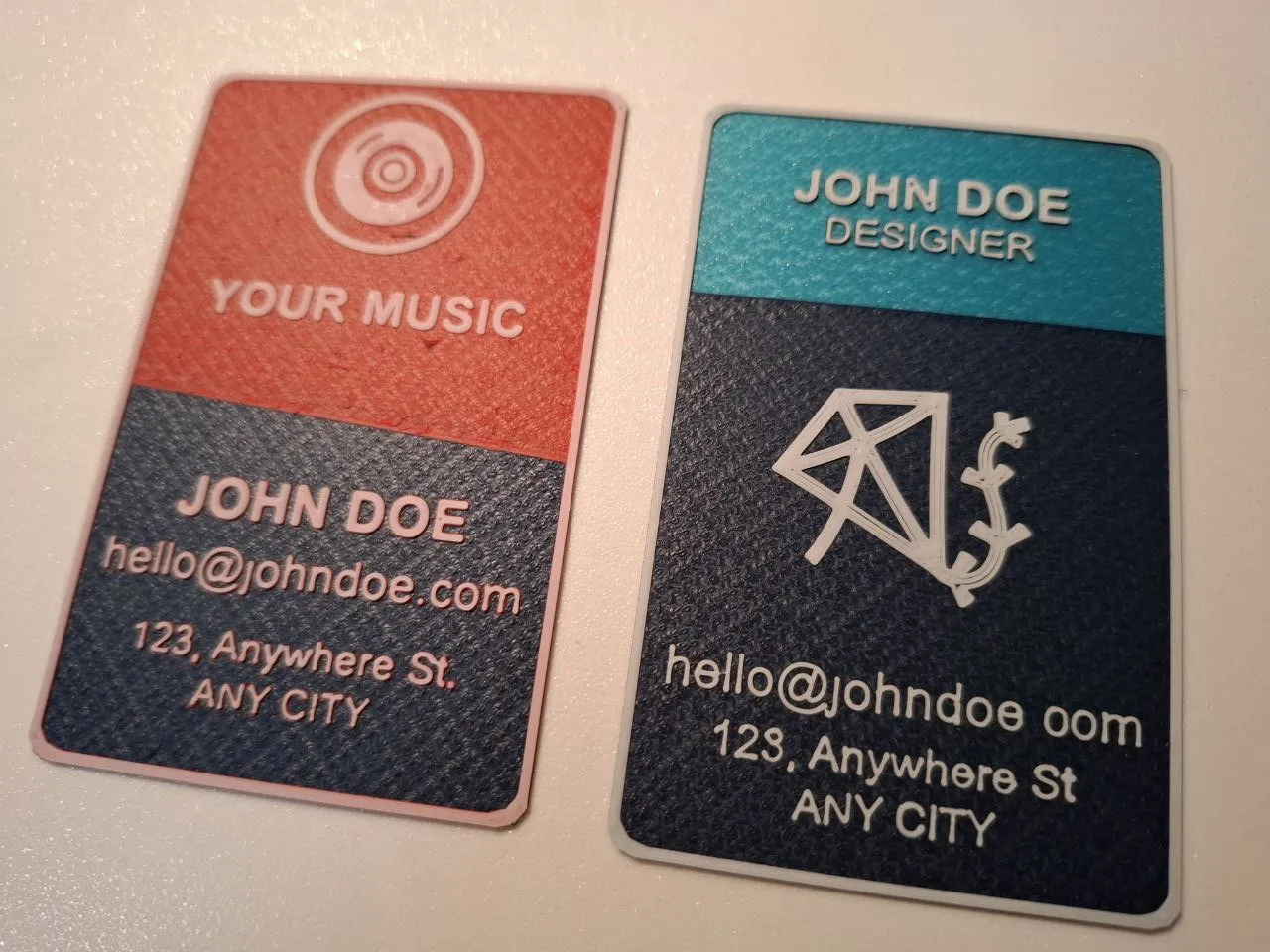
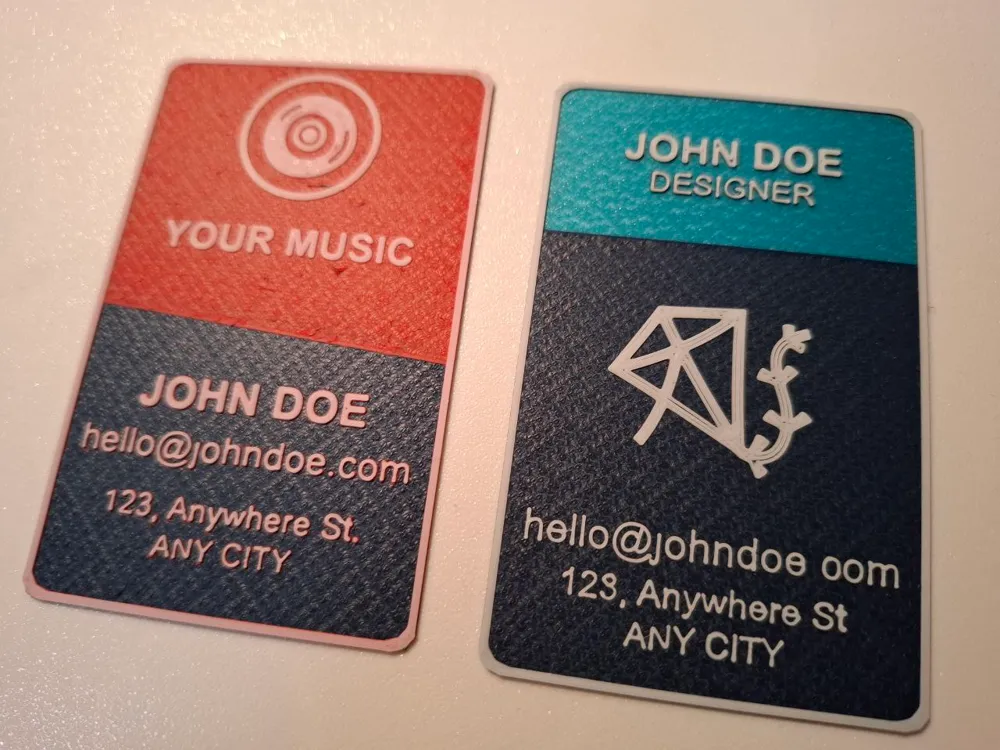
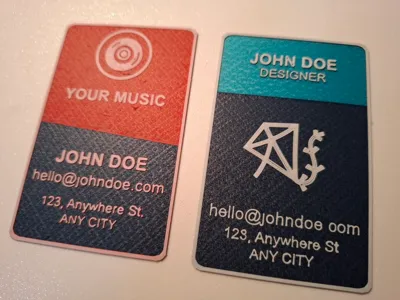
For those interested, there’s also an option to add a decoration where you can specify both the vertical position and the angle.
I’ve also increased the number of text lines.
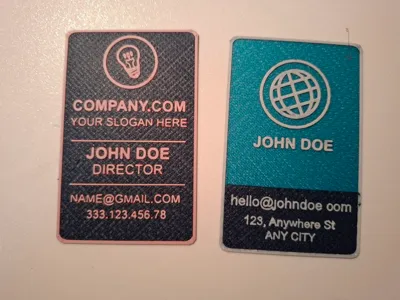
In addition to “COMPANY” and “SLOGAN,” there are now 5 more customizable lines where you can write whatever you want, choosing the font and size as well.
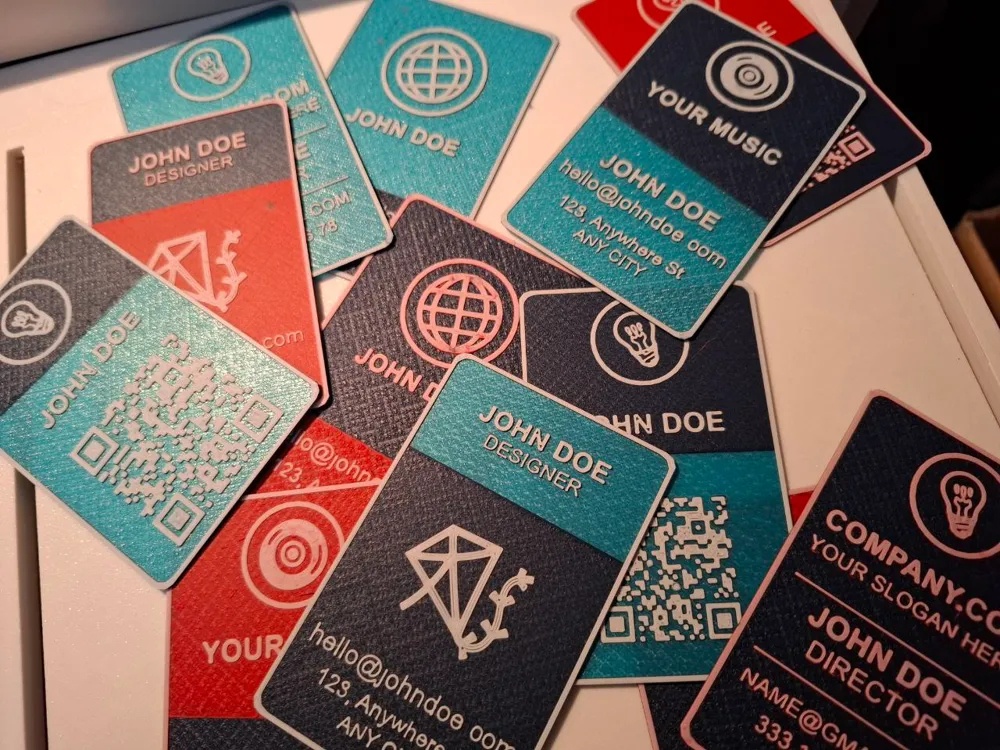
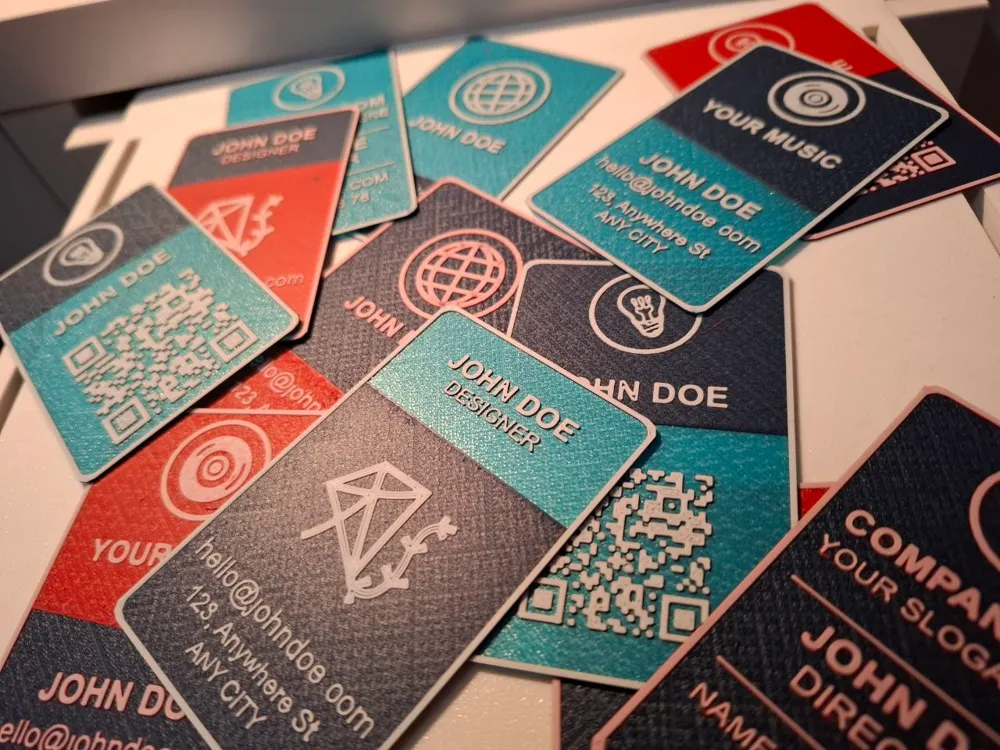
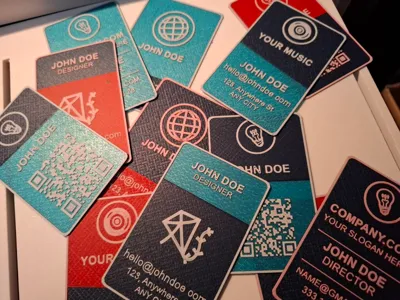
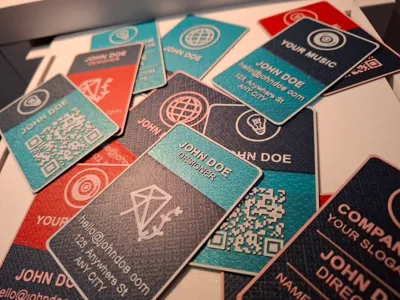
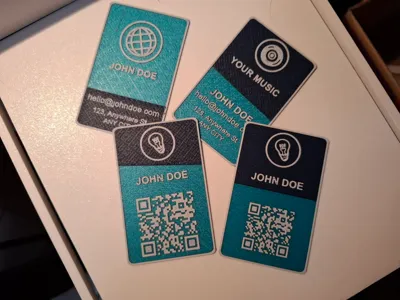
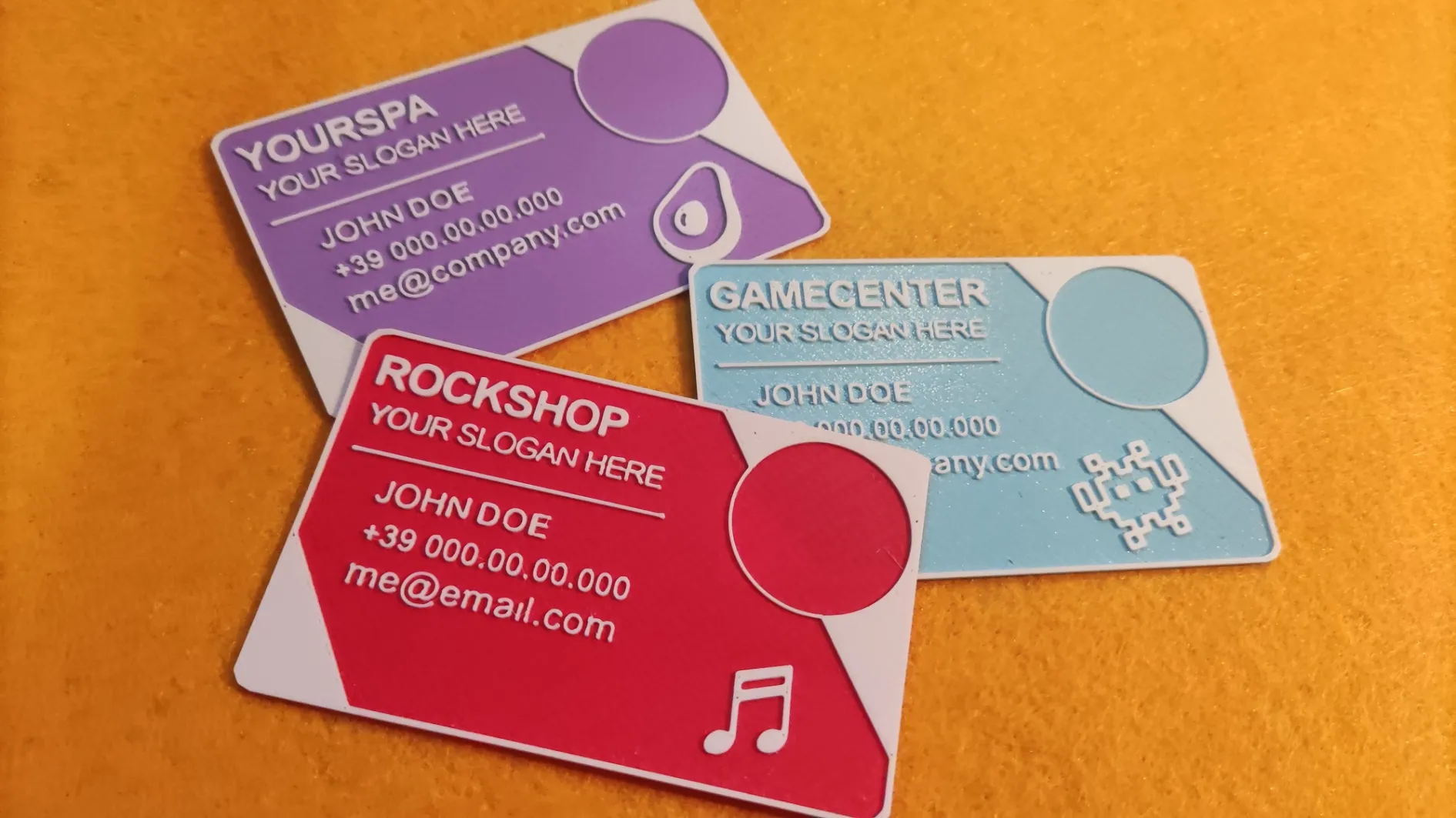
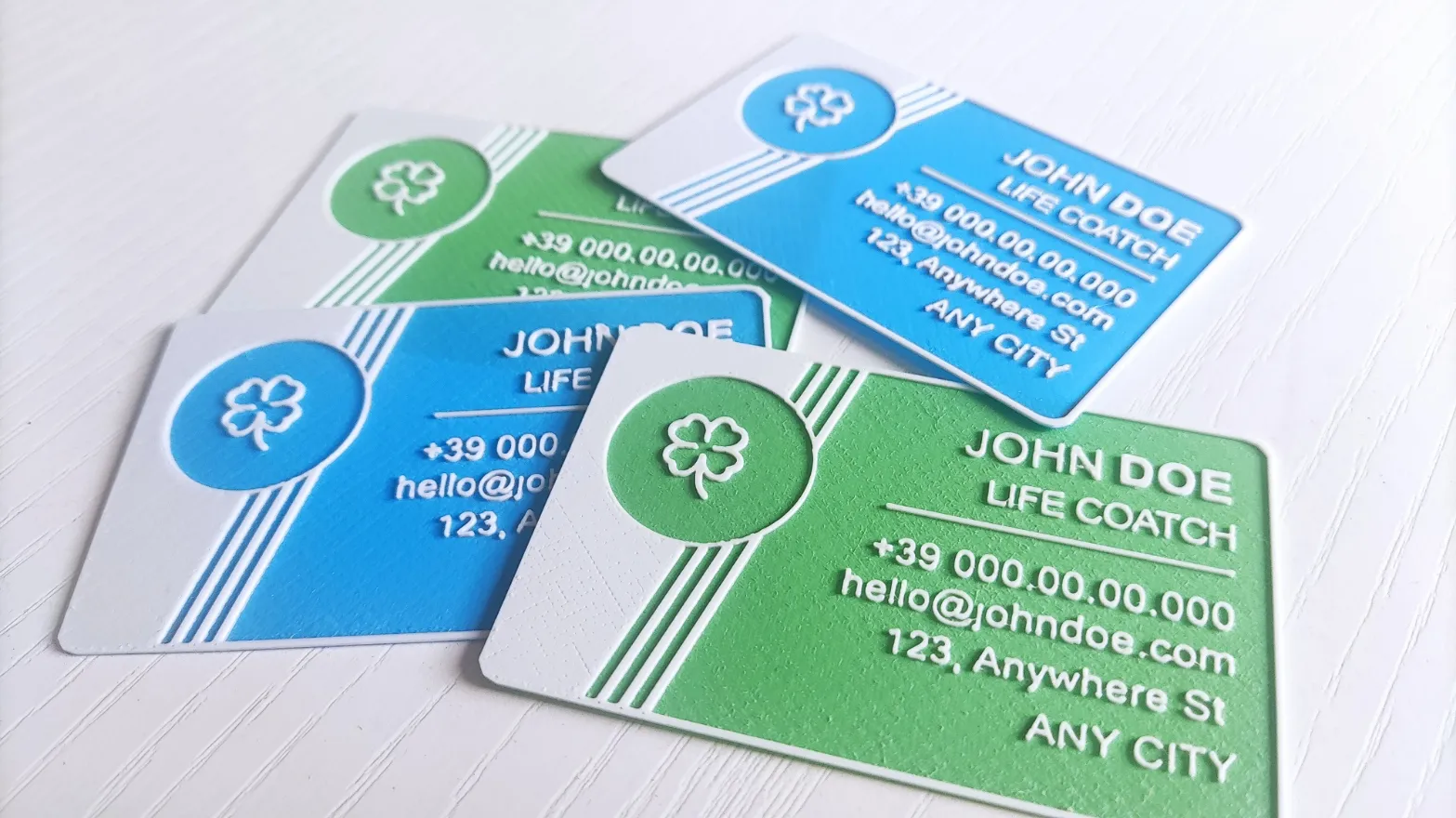
Here are a few examples!
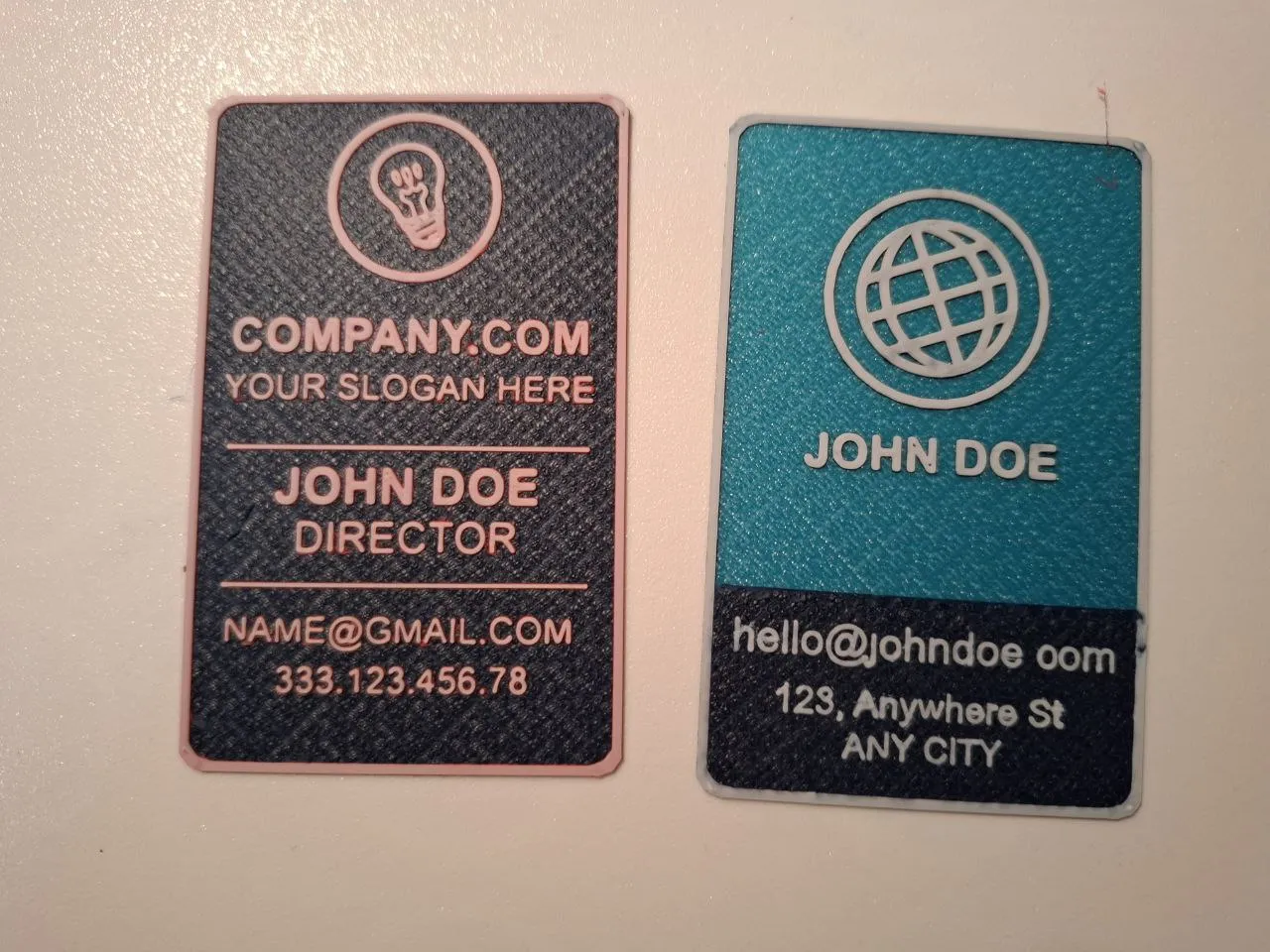
Each element also has a TRANSLATE parameter so you can decide exactly where it should be placed.
For example, you could display your name first, then the logo and email, or choose to have the QR code at the top and the logo at the bottom.
I hope this new version is truly customizable and I can’t wait to see your creations! 😊
Alternative versions
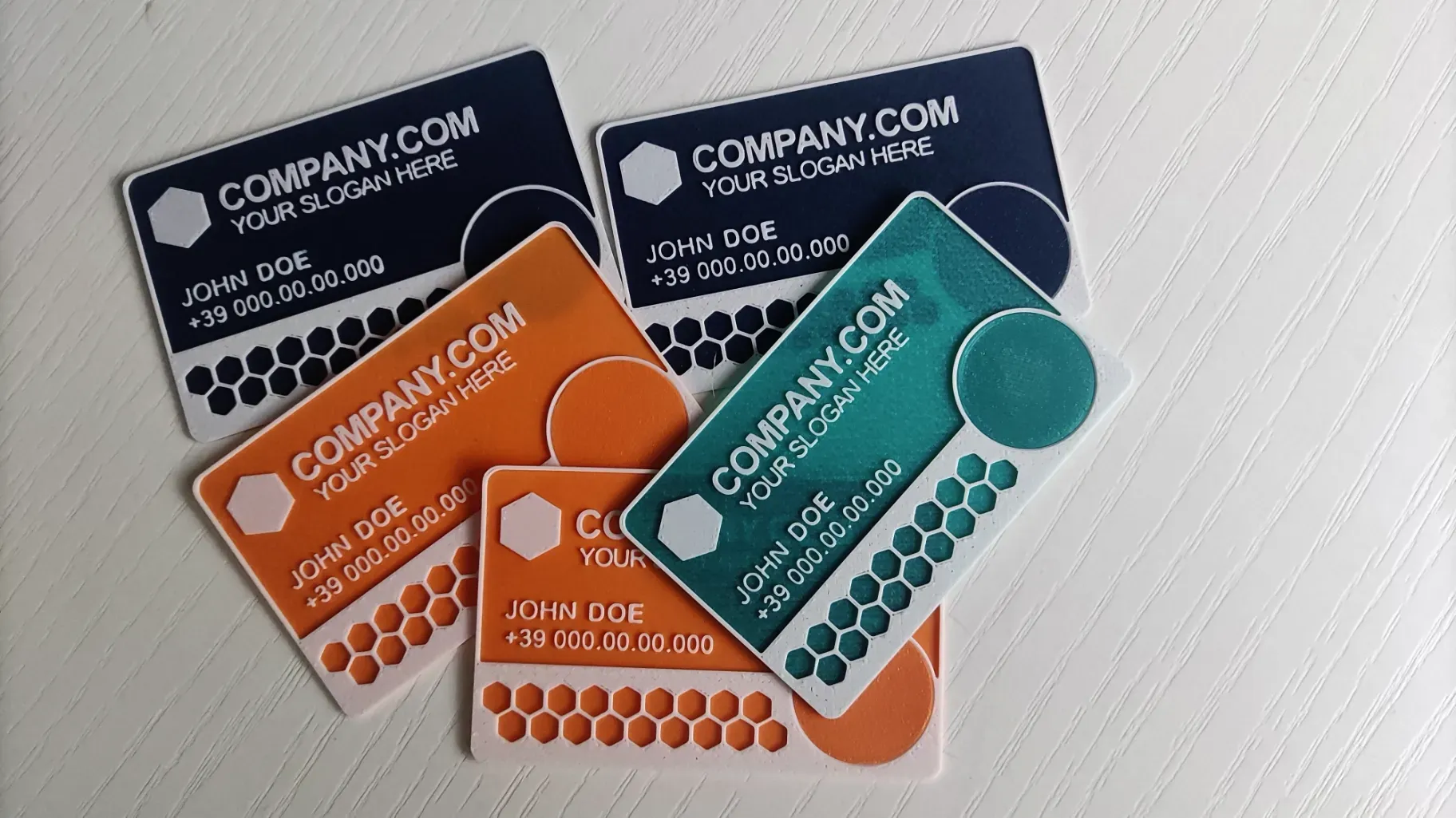
I want to say thanks to everyone who supported this project by making some alternative version of this business card available.
Hope you like it!
 | 
| 
|
Printing Instructions
This model is super easy to print and doesn't need any supports or post-processing.
You can print it with a 0.4mm nozzle and a layer height of 0.08mm. If you've reduced the text size, you might want to try a 0.2mm nozzle.
For the colors, I've set a color change at the third layer in the preview page.
For those interested, I've uploaded the .3mf file (Bambu Studio) with the color change already configured.
Material: PLA
Layer Height: 0.08mm
Initial Layer Height: 0.16mm
Infill: 100% (Rectilinear)
Top Surface Pattern: Hilbert Curve
Wall Generator: Classic
Detect thin wall: true
Supports: NO
Layer 1: base color
Layer 5: decor color
Layer 7: text, logo and qrcode color
Are other versions available?
You can find alternative versions on my profile and more will be published in the future.
If you have any suggestions to improve it, leave a comment. I'll do my best to make this project even better!
If you need a hand and can't customize the file, just leave a comment. If I can, I'll be happy to help you out!
Additional Information
If you like this model and want to support my work, you can give me a "boost" 🚀 or buy me a [Ko-Fi].
Boost Me (for free)
Your contribution, no matter how small, helps me buy new spools of filament for creating my prototypes. ;) Thanks in advance! :)
License

You shall not share, sub-license, sell, rent, host, transfer, or distribute in any way the digital or 3D printed versions of this object, nor any other derivative work of this object in its digital or physical format (including - but not limited to - remixes of this object, and hosting on other digital platforms). The objects may not be used without permission in any way whatsoever in which you charge money, or collect fees.


Comment & Rating (6)