Search models, users, collections, and posts

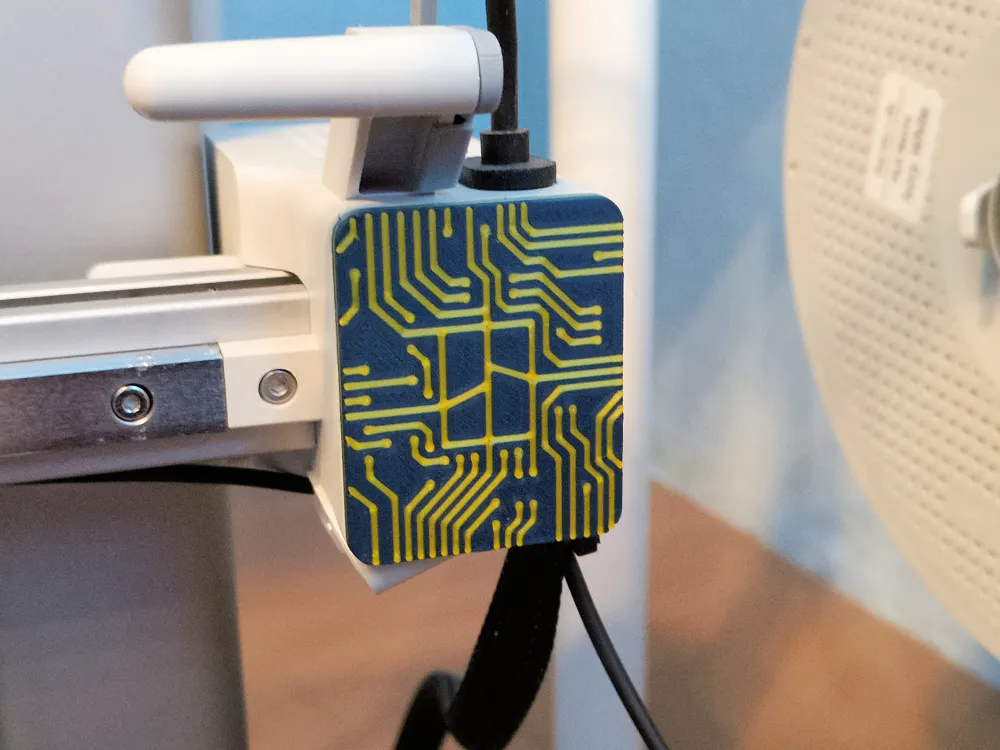
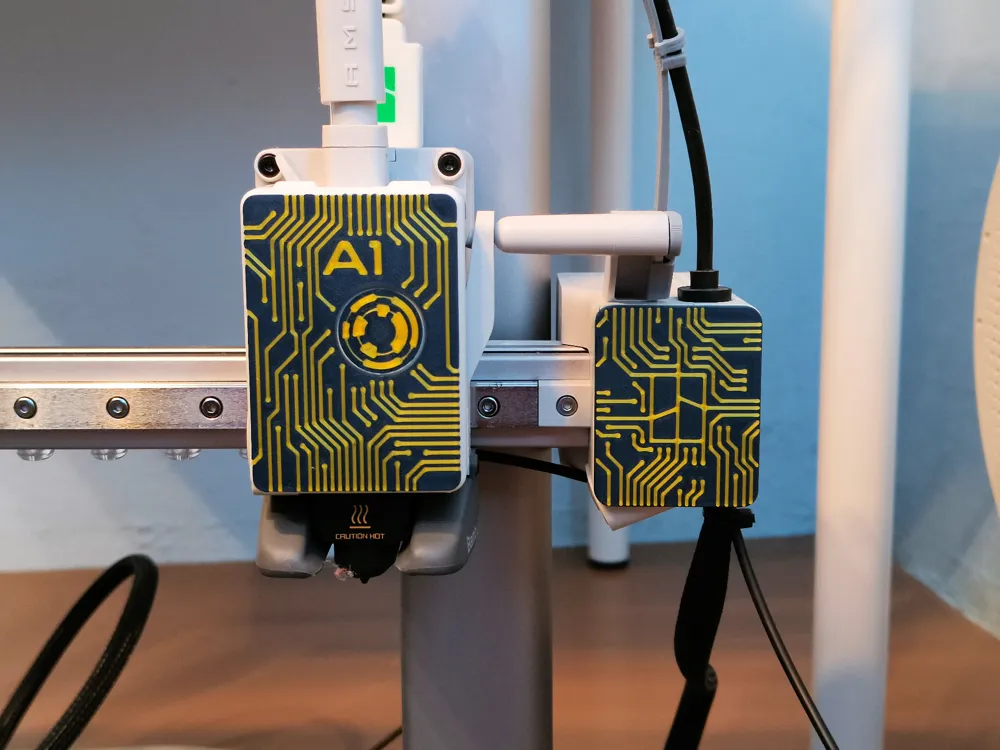
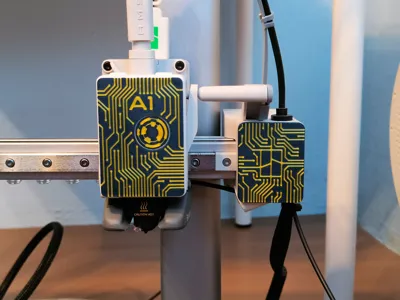
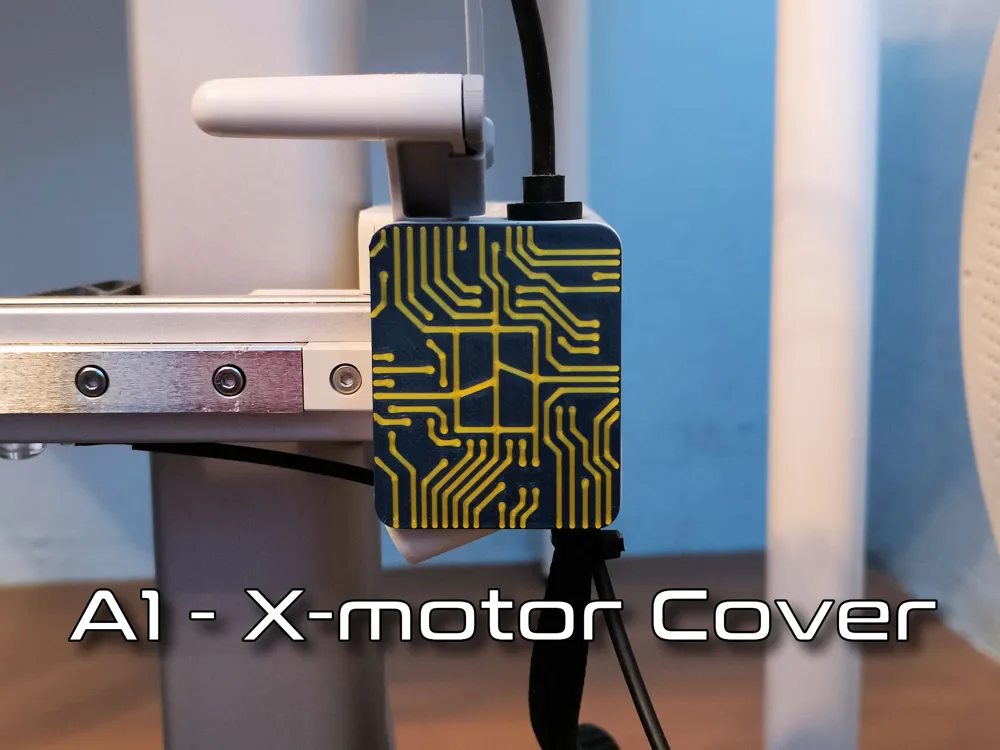
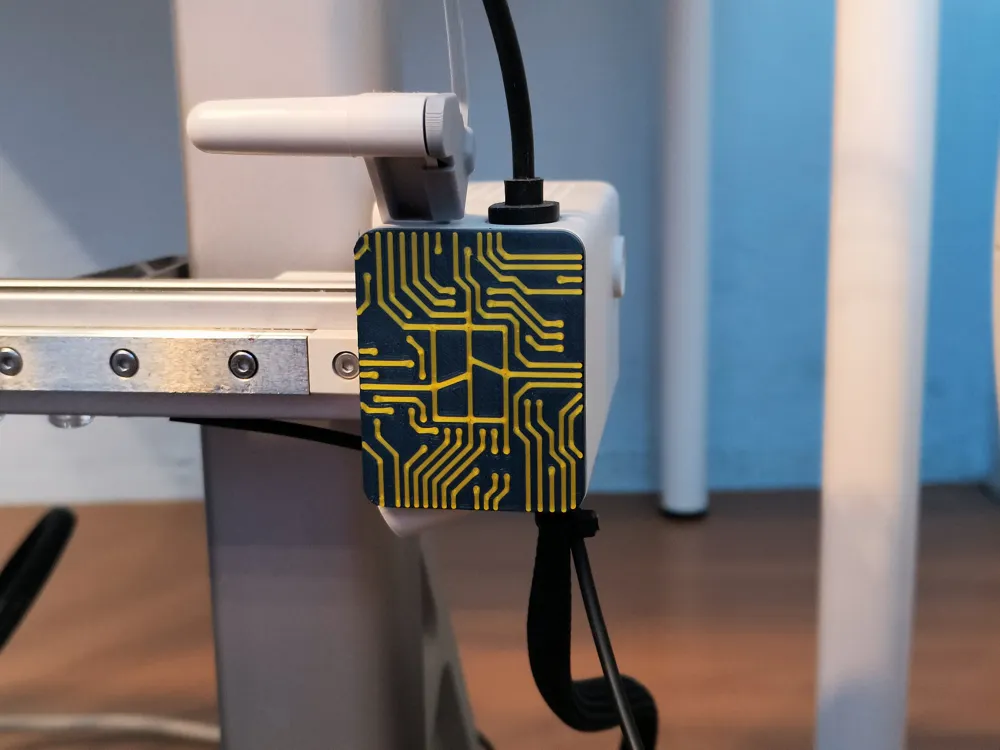
A1 PCB X-motor Cover
Print Profile(1)

All
A1
P1S
P1P
X1 Carbon
X1E
X1
A1 mini
H2D
H2D Pro
H2S
P2S
H2C
X2D
A2L

0.2mm layer, 3 walls, 15% infill
Designer
36 min
1 plate
5.0(71)

Open in Bambu Studio
Boost
187
321
93
27
449
335
Released 

Description

The PCB Face for the extruder can be downloaded from here: A1 mini & A1 PCB Face
Before you start printing, make sure you have a clean plate (Wash it in warm soapy water or IPA). The first layer has a lot of small elements that must stick well to the plate.

I printed on Bambu Cool Plate SuperTack and there are no problems with adhesion of such small elements on this plate.


If you have printed it, please leave a rating.


Before installation, the original front cover must be dismantled. Apply force from right the motor cover front lid to remove it as shown in the image..
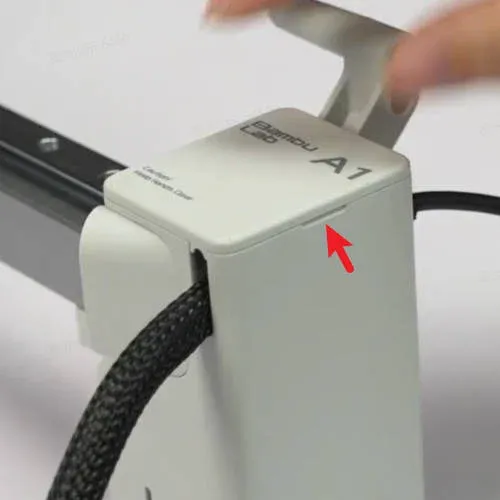
To assemble the face, proceed in reverse to the disassembly procedure, i.e.: First insert the left side, then press the right side.


Boost Me (for free)

Hey! If you like my 3D models, I’d really appreciate it if you hit Boost! 🚀
It’s a big motivation for me to keep creating and sharing new projects with the community.
Every Boost shows it’s worth it – thank you! 🙏

Comment & Rating (93)

(0/1000)

Boosted
is there a guide somewhere out there on how to better control the colors on the individual layers? The way these objects are laid out I’m getting black bleeding through my clear. All the rest of the models for this print are not designed in the same way and I don’t know how to fix this one to my liking if anyone could help or point me in the direction that would be awesome .
The designer has replied
0
Reply
I'm no expert, but I don't think there's a definitive answer in your case. Many factors can influence this, such as the filament used and the order in which the colors are printed. I mainly print with Bambu filaments, and I know, for example, that the PLA Basic series is naturally slightly transparent, while PLA Matte has very opaque colors, but they tend to stain other colors, especially if they're not yet dry. From experience, I know that it's better to print light colors first, because if there's a streak of light, the darker one will cover it up, but that's not always the case; it depends on the colors chosen. The key is a dry filament, and unfortunately, experience means you have to test.
0
Reply
Boosted
Replying to @WojciechKawa :
It is a design element the other models allow for control of color that goes on the layers on top of the face of the object, I need color control over the three layers that go directly on top of the image the snap connections on the back all the way to the front face are one single object this is not true in the other variations of the design. if the front face was two separate objects then i can control the tone of the clear front face, keep in mind this would only be noticeable when printing with different clear filament's so its kind niche... :)) essentially layers 4-7 need to be a separate object and layers 1-3 should be two separate objects.
(Edited)
0
Reply
Replying to @Phil227 :
If I understand correctly, you want to change the color above the third layer. If so, use the Cut[C] tool in Bamboo Studio, set the height to 0.6 mm, and select the “Cut to parts” option. This will cut the front off the rest of the model, and you will be able to set the color in the “Objects” tab.
0
Reply
Print Profile
0.2mm layer, 3 walls, 15% infill
noice
0
Reply
noice back mate
0
Reply
what is the really far thing for???
0
Reply
nvm
0
Reply
Print Profile
0.2mm layer, 3 walls, 15% infill
just printed in clear petg to fit my theme but was perfect fitting :)
0
Reply
yo I have that
0
Reply
Print Profile
0.2mm layer, 3 walls, 15% infill
Excellent rendering
Show original
0
Reply
Print Profile
0.2mm layer, 3 walls, 15% infill
Really nice !
0
Reply
Print Profile
0.2mm layer, 3 walls, 15% infill
Super top and perfectly fitting Thank you
Show original
0
Reply
Print Profile
0.2mm layer, 3 walls, 15% infill
This looks so awesome on my printer. very happy with how it came out.
(Edited)
0
Reply
Print Profile
0.2mm layer, 3 walls, 15% infill
looks great! I just printed the wrong one lol
0
Reply
Boosted
Print Profile
0.2mm layer, 3 walls, 15% infill
I printed it for both my printers (A1 and A1 mini) and the result is superb
(Edited)
Show original
0
Reply

License

This user content is licensed under a Standard Digital File License.

You shall not share, sub-license, sell, rent, host, transfer, or distribute in any way the digital or 3D printed versions of this object, nor any other derivative work of this object in its digital or physical format (including - but not limited to - remixes of this object, and hosting on other digital platforms). The objects may not be used without permission in any way whatsoever in which you charge money, or collect fees.