Search models, users, collections, and posts

Dr. Brain Breaker Puzzle for A1 Mini
Remixed by

Print Profile(2)

All
A1 mini
P1S
P1P
X1
X1 Carbon
X1E
A1
H2D
H2D Pro
H2S
P2S
H2C
X2D
A2L

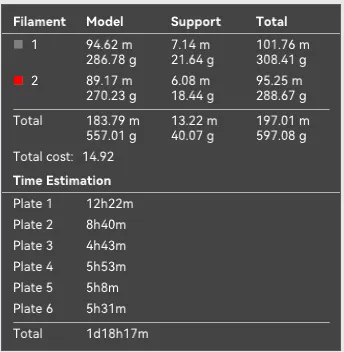
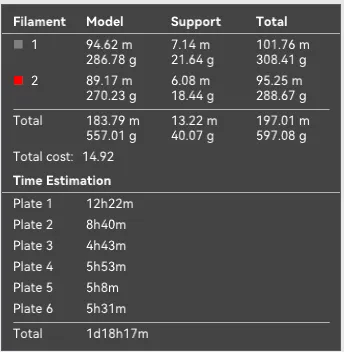
A1 Mini 0.12mm layer, 2 walls, 10% infill
Designer
42.2 h
6 plates
4.6(11)

Reinforced Supports 0.12mm layer, 2 walls, 10% infill
Designer
23.4 h
4 plates

Open in Bambu Studio
Boost
150
378
25
22
255
103
Released 

Description

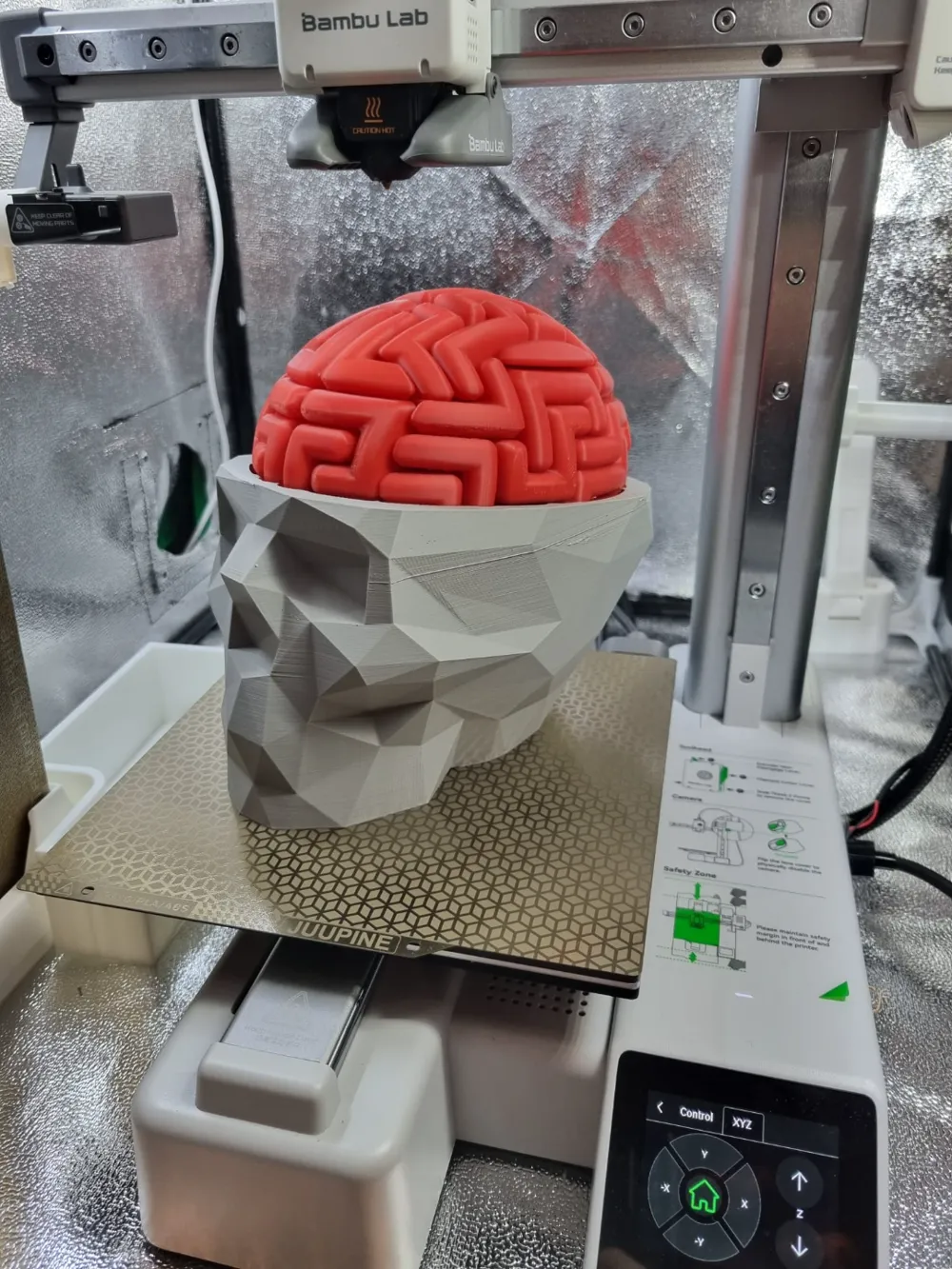
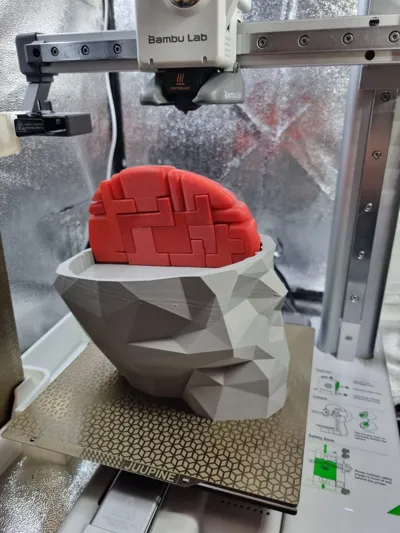
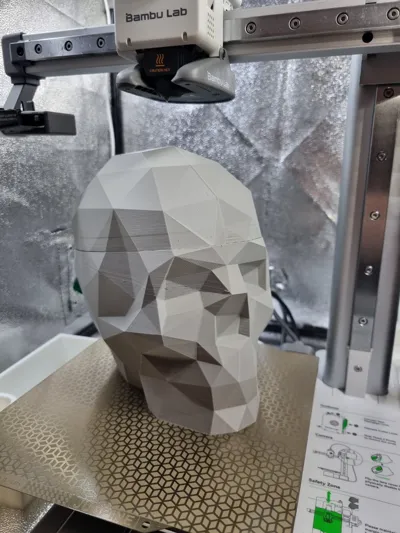
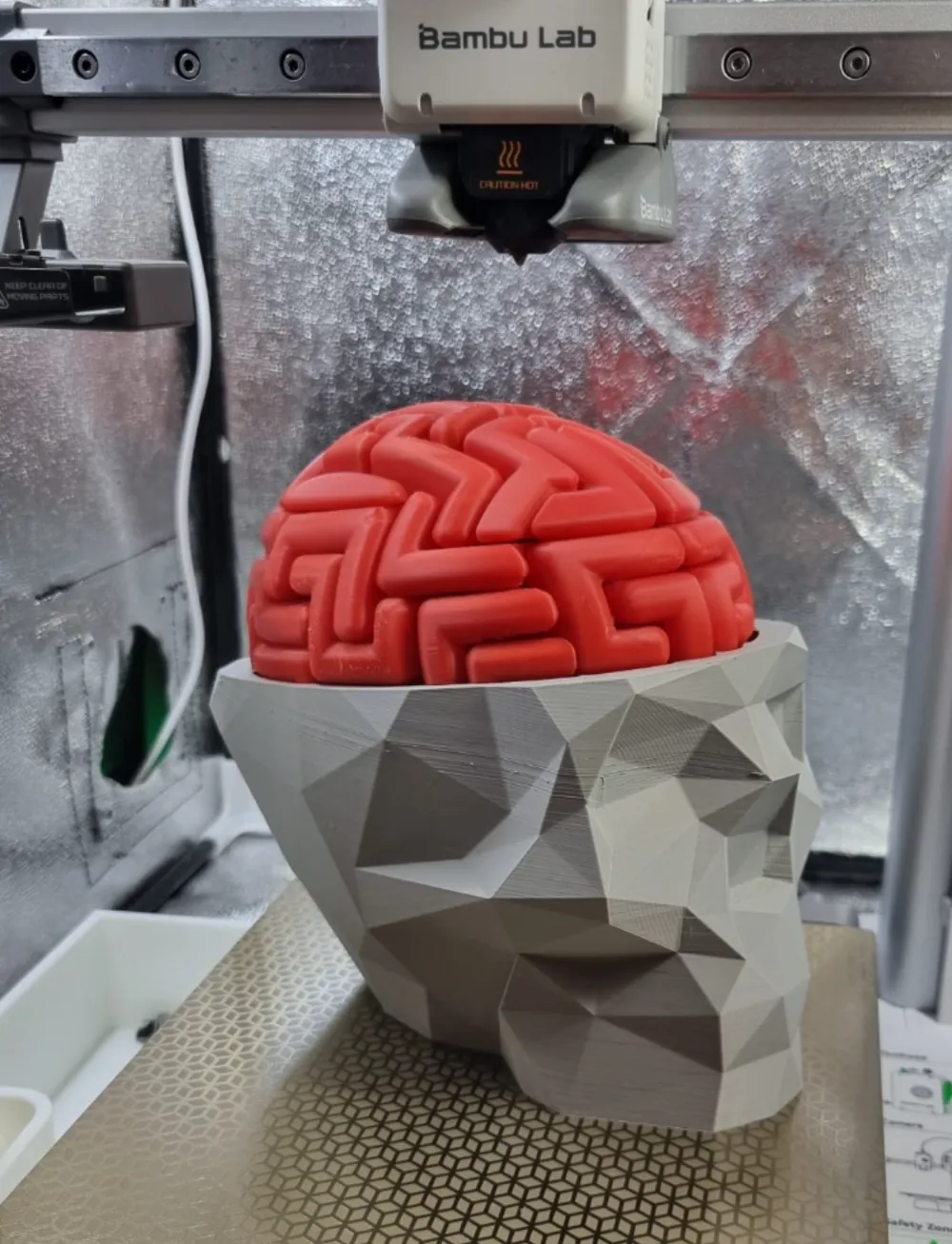
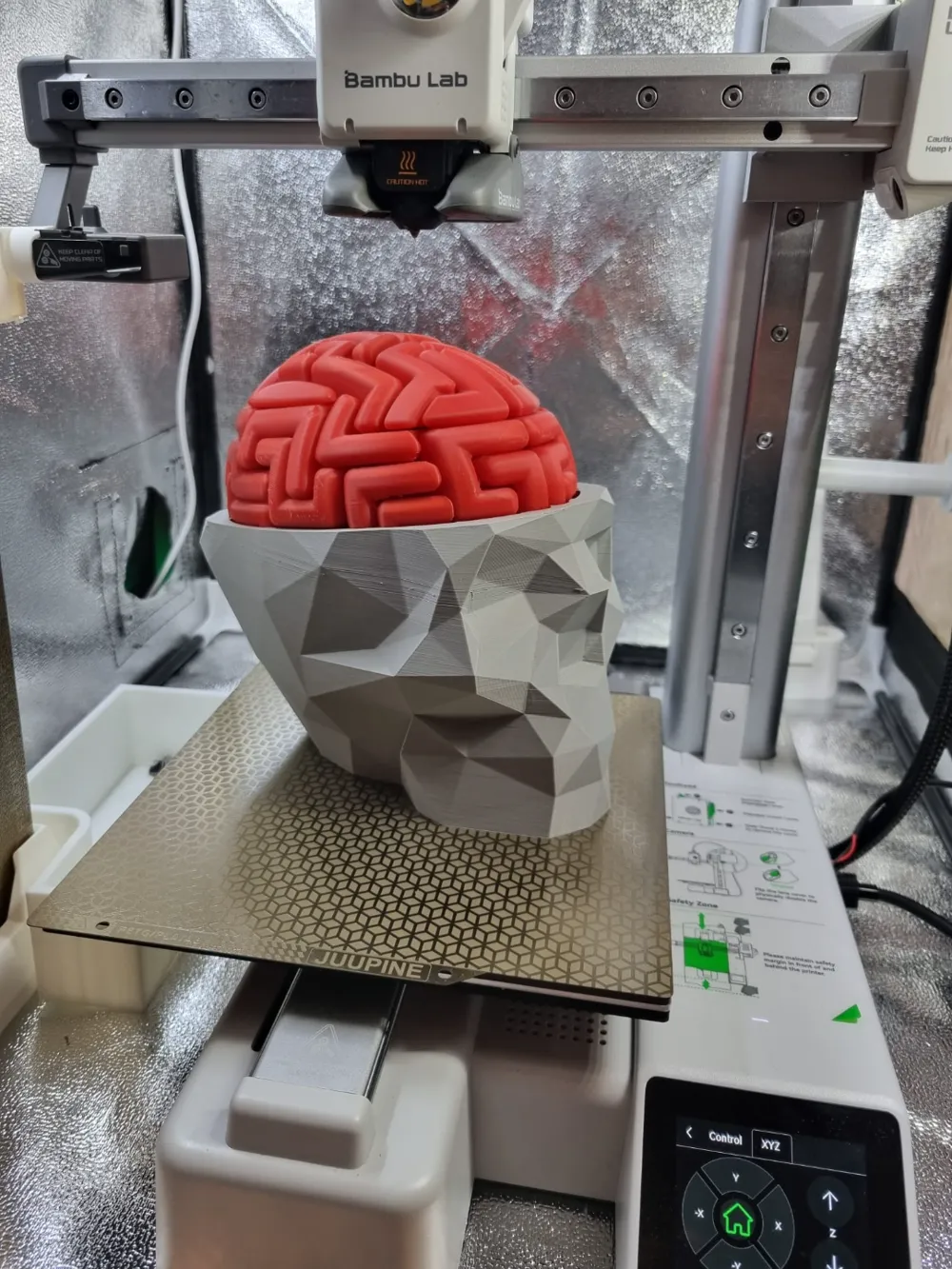
Dr. Brain Breaker Puzzle - Now Adapted for the A1 Mini!

Exciting news for puzzle enthusiasts and 3D printing fans! Dr. Brain Breaker Puzzle by the Thomas Buseyne (available on MMF) has been adapted to fit the A1 Mini. This is not a new creation but a simple adjustment to make this fantastic model more accessible to users of the A1 Mini printer.
All credit for the design, concept, and creativity of the model goes entirely to Thomas Buseyne.

About the Puzzle
Here’s how Thomas describes it:

"Use your own brains to put the brains back together.
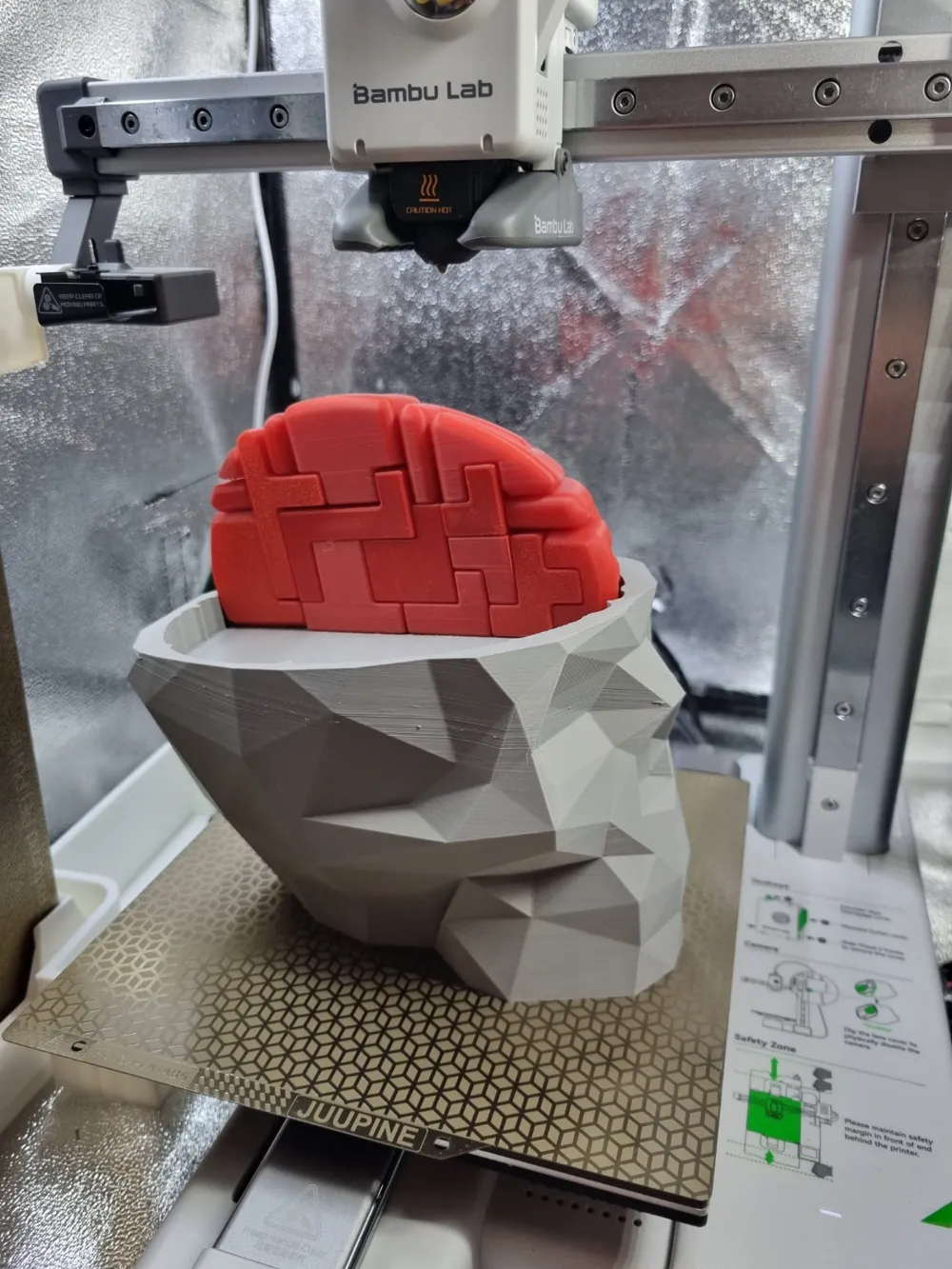
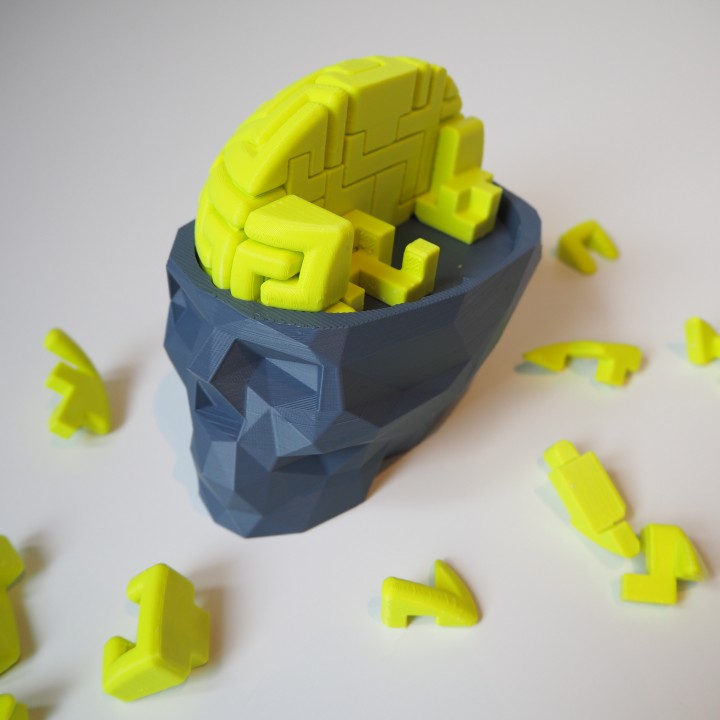
During an experiment Dr. Brain Breaker made a terrible mistake! An explosion splattered his brain into 56 pieces. It’s up to you to pick up the parts of his brain and put it back together. Only then will you know if you are as smart as him. ;)"

The puzzle includes:

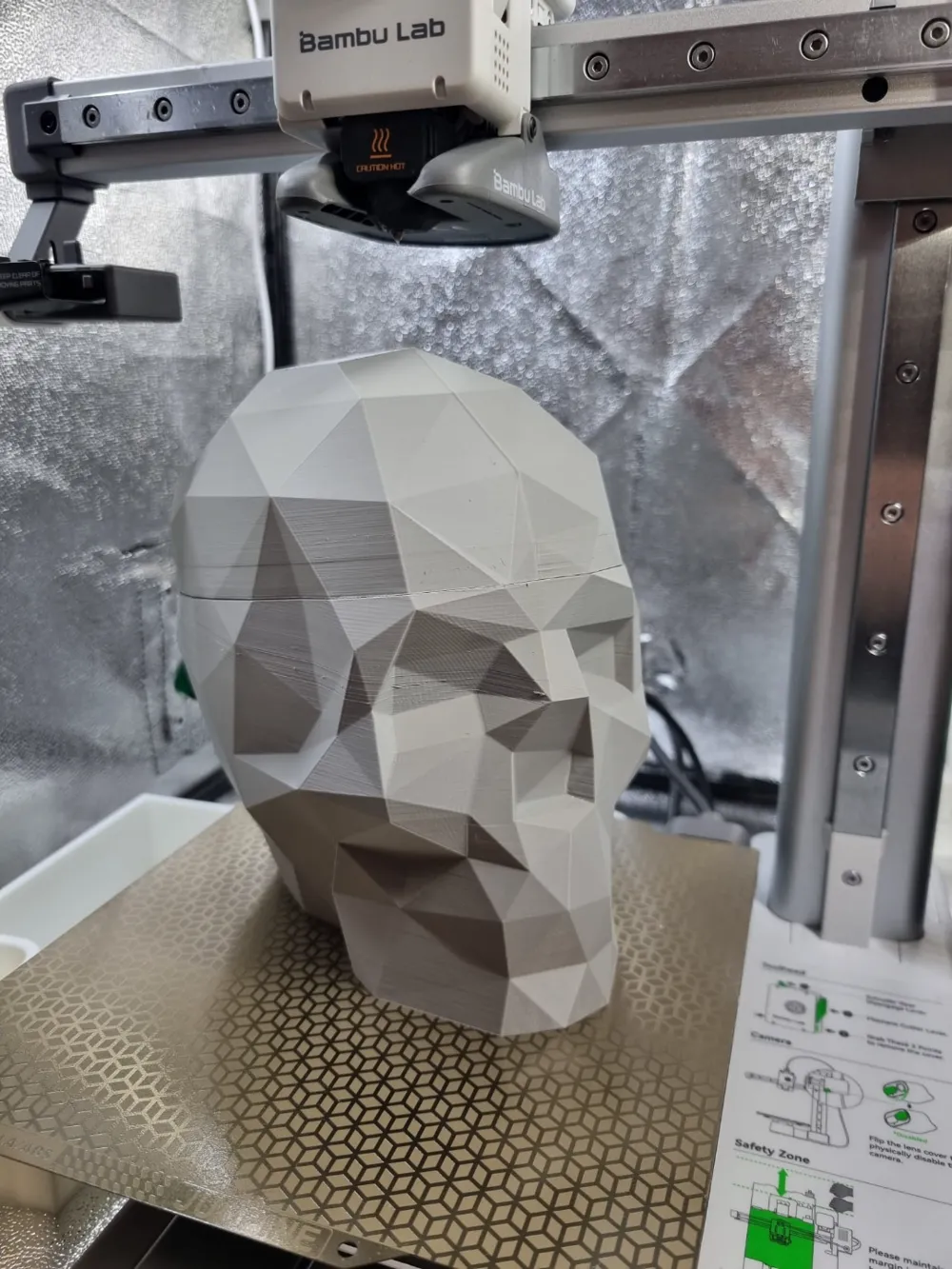
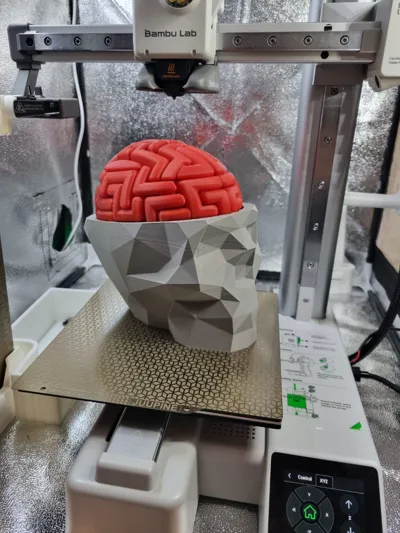
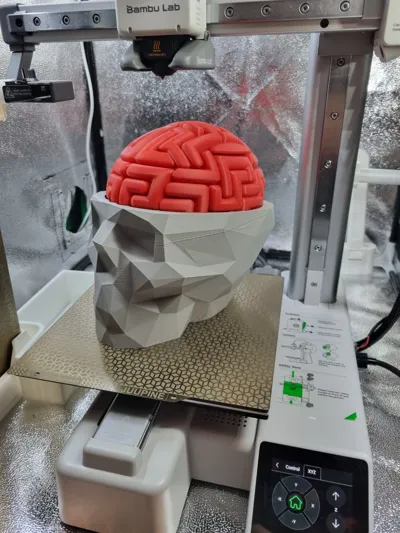
  • 1 low-poly skull bottom (originally inspired by the fantastic design of Steve Dakh)
  • 1 low-poly skull top(originally inspired by the fantastic design of Steve Dakh)
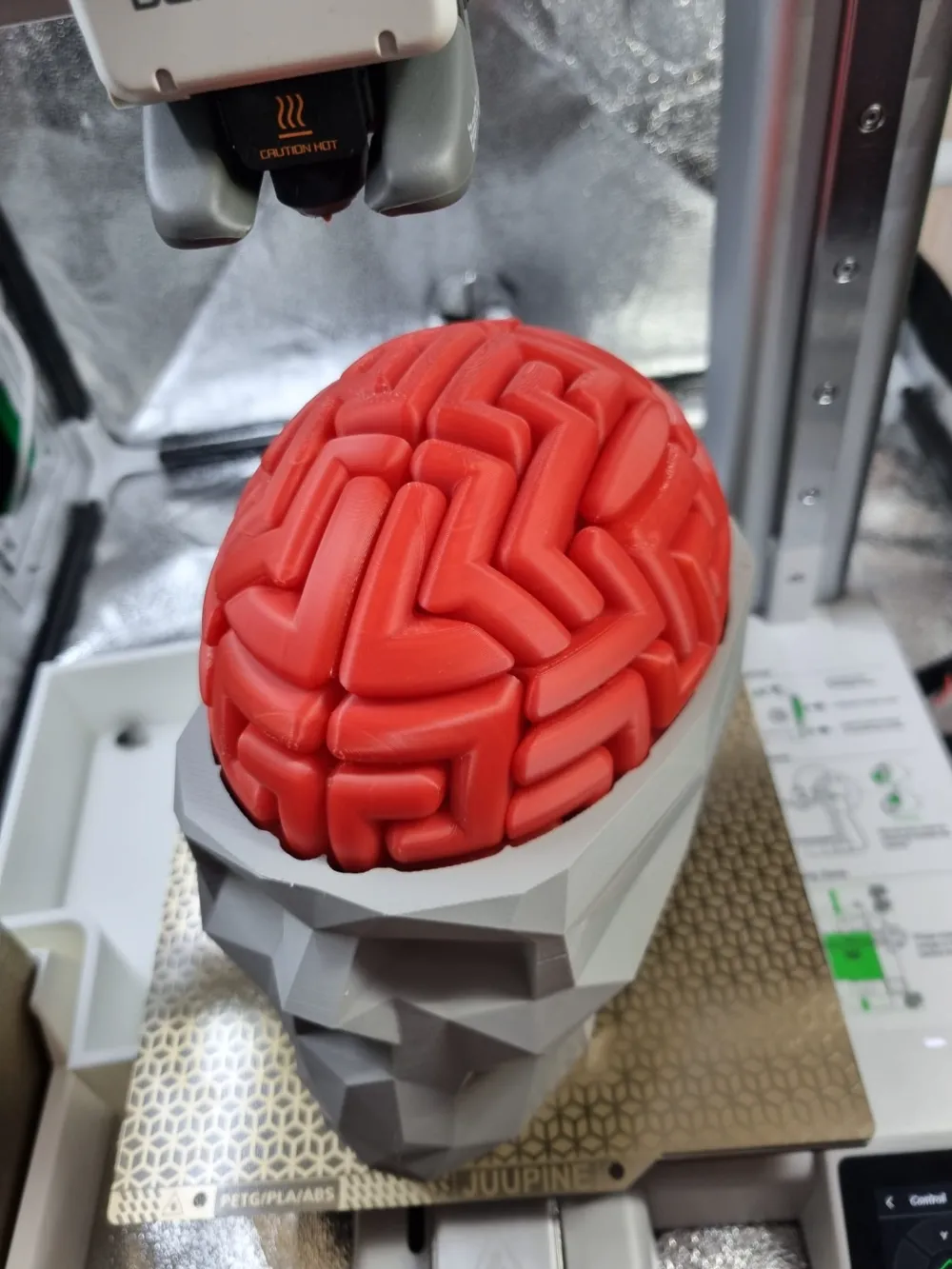
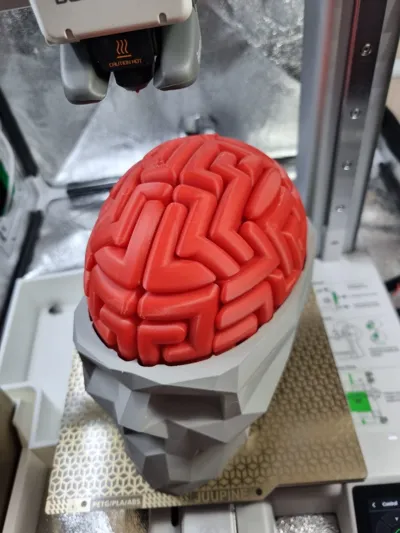
  • 2 brain halves (each with 28 individual pieces)
  • Options for different difficulty levels (merge files for each side if you want to ease the challenge or print them all as individual parts for the ultimate brain workout!)


Once again, all credit to Thomas Buseyne for this creative, mind-bending model.
This adaptation is purely a size adjustment to make it accessible for more users. If you’re up for a challenge, print it and see if you can outsmart Dr. Brain Breaker!

Happy printing and good luck putting those brains back together!
PS: Good luck, it is VERY VERY difficult!

Comment & Rating (25)

(0/1000)

Print Profile
A1 Mini 0.12mm layer, 2 walls, 10% infill
Nice one! Extreme puzzle :-D
profile
2
Reply
Really fun to build, a lot to print but the best print I’ve ever made!
(Edited)
designer
2
Reply
looks pretty good, just ran it with some rainbow filament and pink for the brain. didn't realize it was for the A1 mini so I may have had it printed a bit larger than suggested but it still looks very nice
The designer has replied
designer
1
Reply
thanks for the review. looks nice!
0
Reply
this was an easy print. had fun putting it together with the wife. used silver grey for the skull 💀 and glow in the dark red for the brain 🧠
(Edited)
0
Reply
Wondering if anyone could offer some help as to what went wrong. The print was going great for about 8+ hours, then the nozzle started ramming into the print, so I paused it. Here are some images, if that helps. I don’t want to abandon this yet, but I don’t want to tie up the machine for too long, either. Using an A1 mini that I’ve had for less than a month. All machine requested mai trance has been performed. This is the 4th lengthy print with this filament with no problems prior to this. Thanks!
0
Reply
I didn’t change anything, just filament color and printer for A1. The highlighted in orange was some that I had problem this morning. for the other ones I didn’t took any picture.
0
Reply
The Skull printed amazing in my A1and looks pretty nice but when trying to print the brain Im losing lots of filaments because the parts dont stick well on the base. Quitting for now and saving this project for another time.
The designer has replied
0
Reply
Hi there, thanks for the feedback. Did you change anything in the support settings? Feel free to send me a pic of which pieces caused you issues and I will test them out again. Also, make sure your print plate is nice and clean :) Dish soap, warm water and kitchen paper towels have been working great so far for me.
(Edited)
0
Reply
Hi, I looked into it and you can indeed get a better adhesion, support and print by simply switching from slim trees to default trees in the support tab. I added a print profile for the brain pieces with better supports
1
Reply
Replying to @Petur_Printur :
thanks. gonna try later
0
Reply
Boosted
Print Profile
A1 Mini 0.12mm layer, 2 walls, 10% infill
Came out great! Really good present
The profile uploader has replied
profile
1
Reply
Glad you had a good print! Good luck to the recipient to put it together!
0
Reply
Print Profile
A1 Mini 0.12mm layer, 2 walls, 10% infill
A challenge that was a ton of fun.
1
Reply
Boosted
really nice project
0
Reply