
Gridfinity Ruler MKII [7 Unit Length]



Print Profile(6)
Description
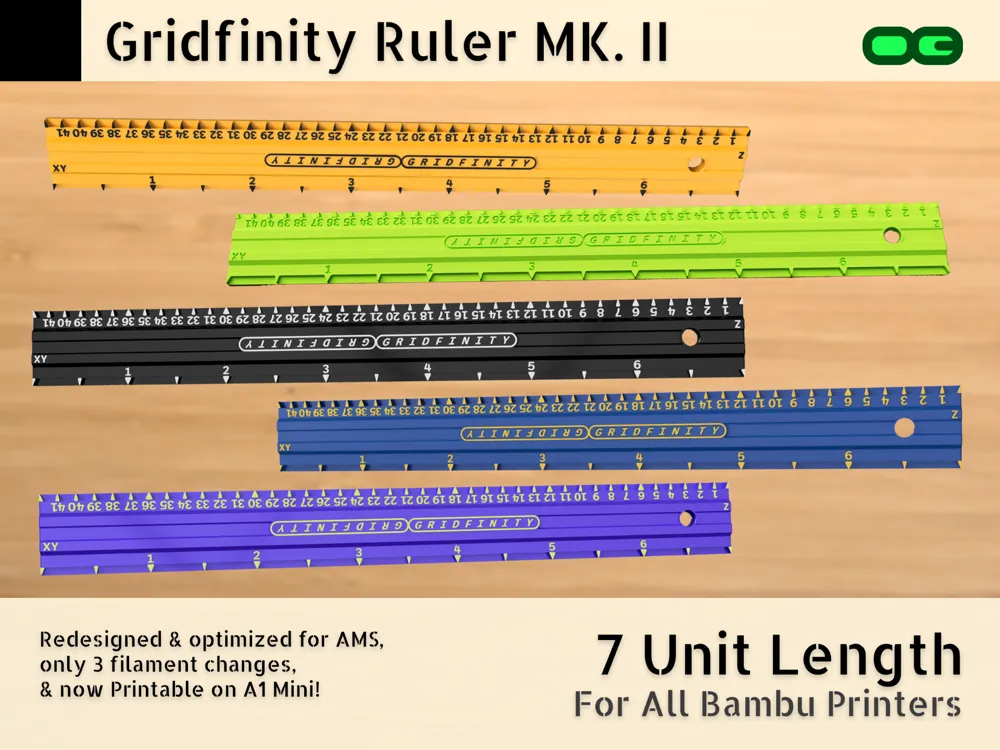
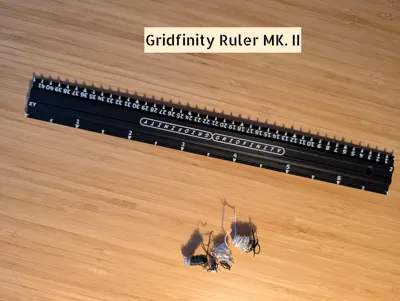
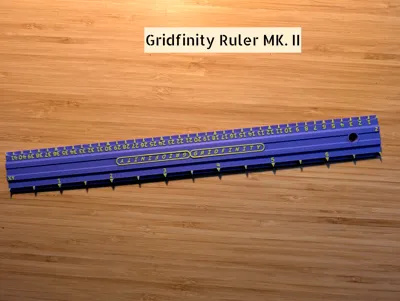
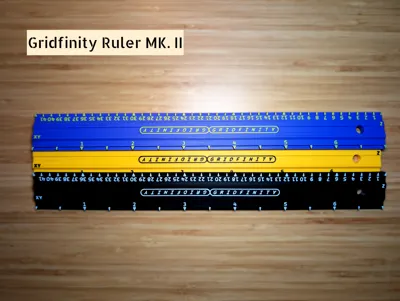
THE GRIDFINITY RULER MK. II
REDESIGNED & REFINED WITH THE AMS IN MIND 😎🎨📏
2024-12-11 UPDATE: For those who prefer the ruler to read in the opposite direction:
7-Unit Left-to-Right Version // 5-Unit Left-to-Right Version
2025-01-20 UPDATE: All geometry for this model is now labeled & selectable for super easy customization! See the tips section below for details 👇🏻
 | 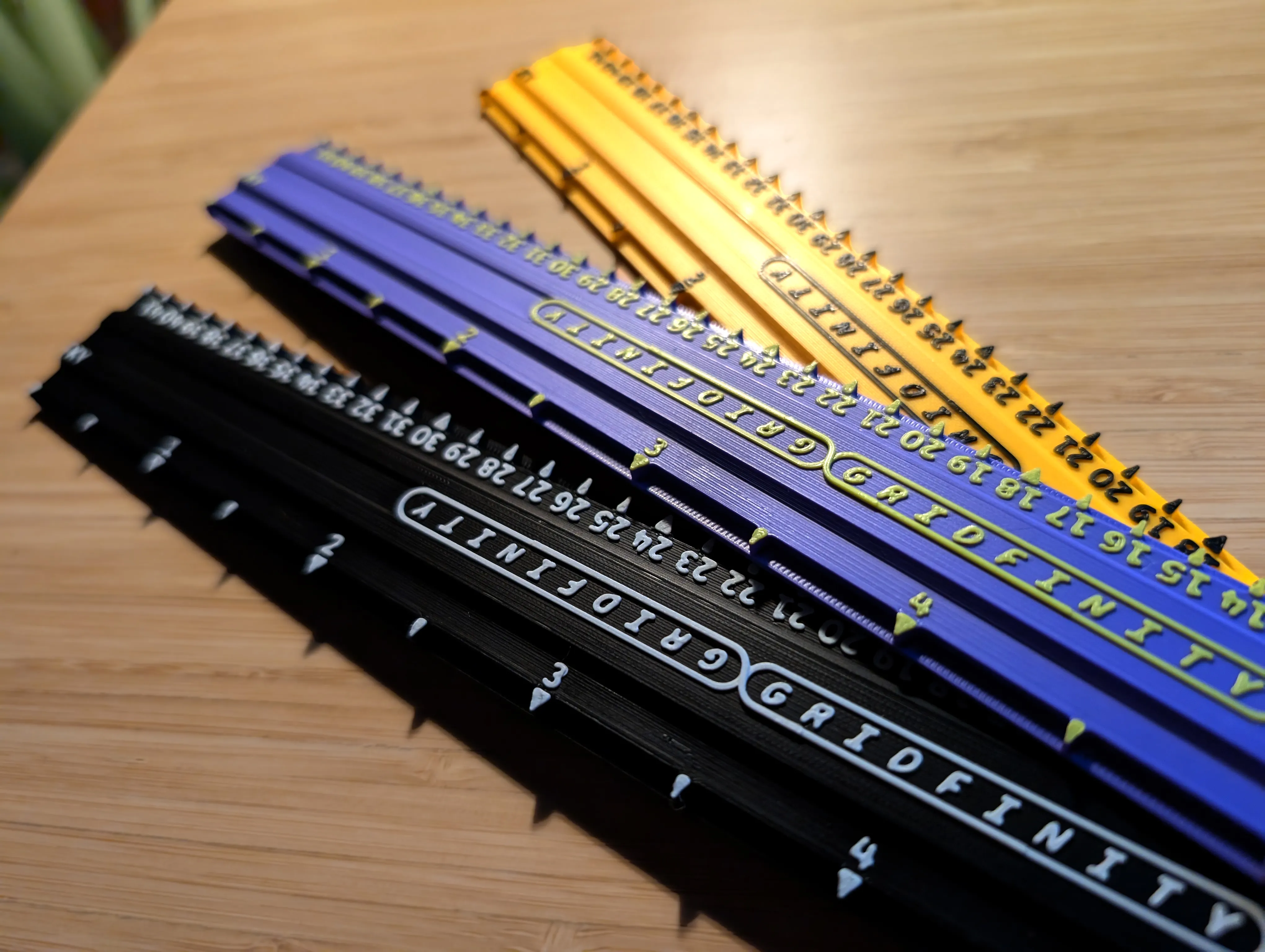 |
This generously-sized 7-Unit Gridfinity Ruler is a highly specialized doohickey created to help you select and design Gridfinity bins, plan layouts, and ultimately, self-actualize by wrangling the chaotic nebula of miscellaneous items that plagues your existence into a gallery-worthy spread of well-organized whatchamacallits.
Gridfinity, for the uninitiated, is a free, 3D-printable organization system based on a 42mm grid, conceived of by visionary gigachad Zack Freedman, now with an ever-diversifying range of community-developed storage solutions for all types of items.
FEATURING:
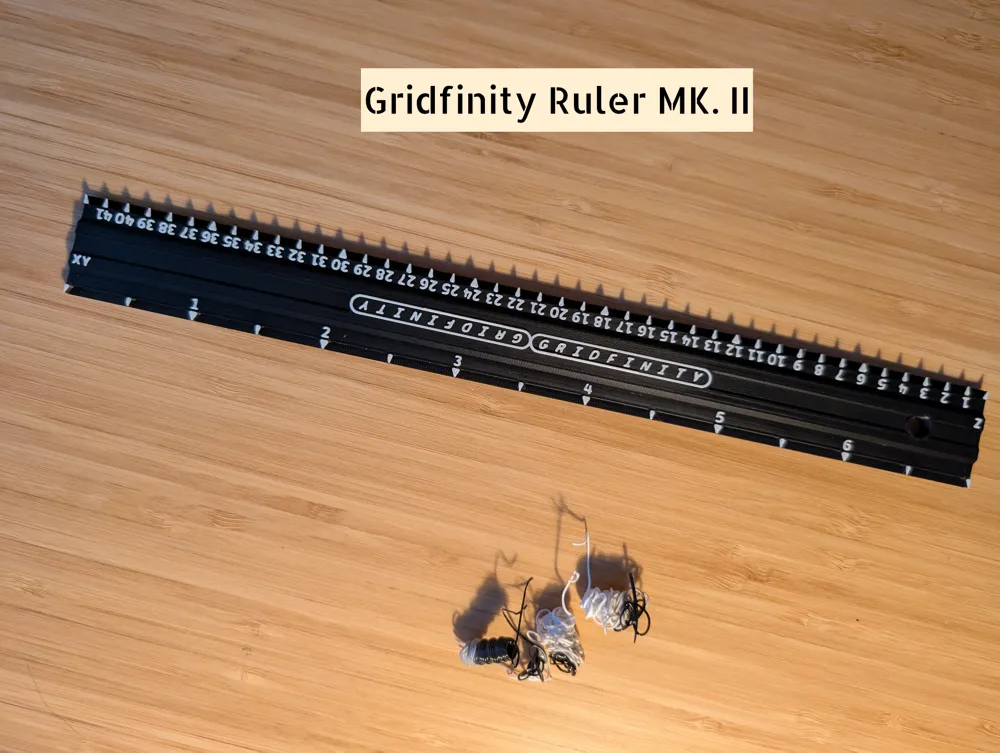
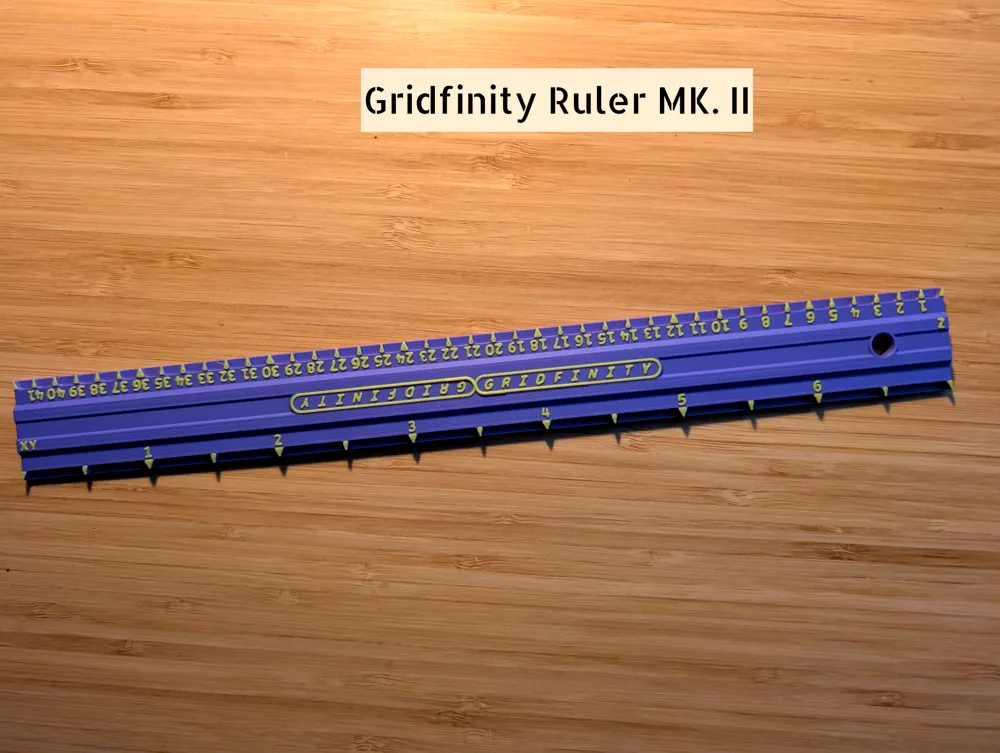
- On one side, 42mm increments representing the X/Y axis. On the other, 7mm units representing the Z axis.
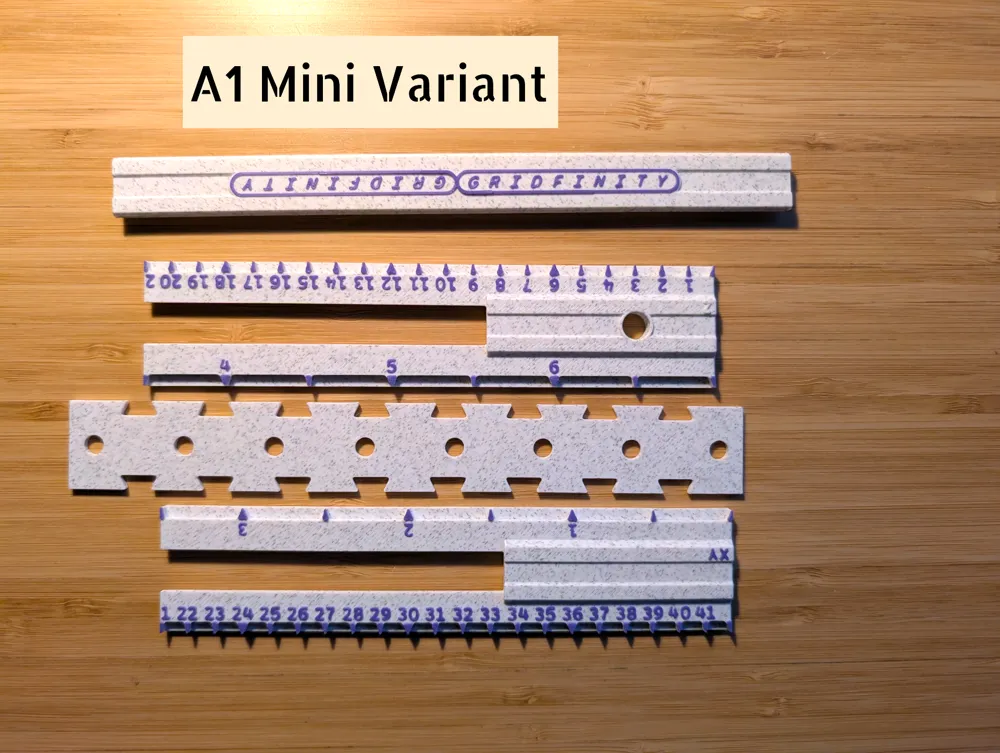
Printable on all Bambu printers, with a special joinable version for the A1 Mini
Super low filament waste: only 3 poops for 2 colour prints! Why poop more? 💩📉
Clear, easy to read markings with a 0.4mm nozzle, thanks to thoughtfully chosen font face, radii, etc.
Hanging hole – to keep your ruler from getting… unruly
A variety of profiles to accommodate everyone:
AMS Version
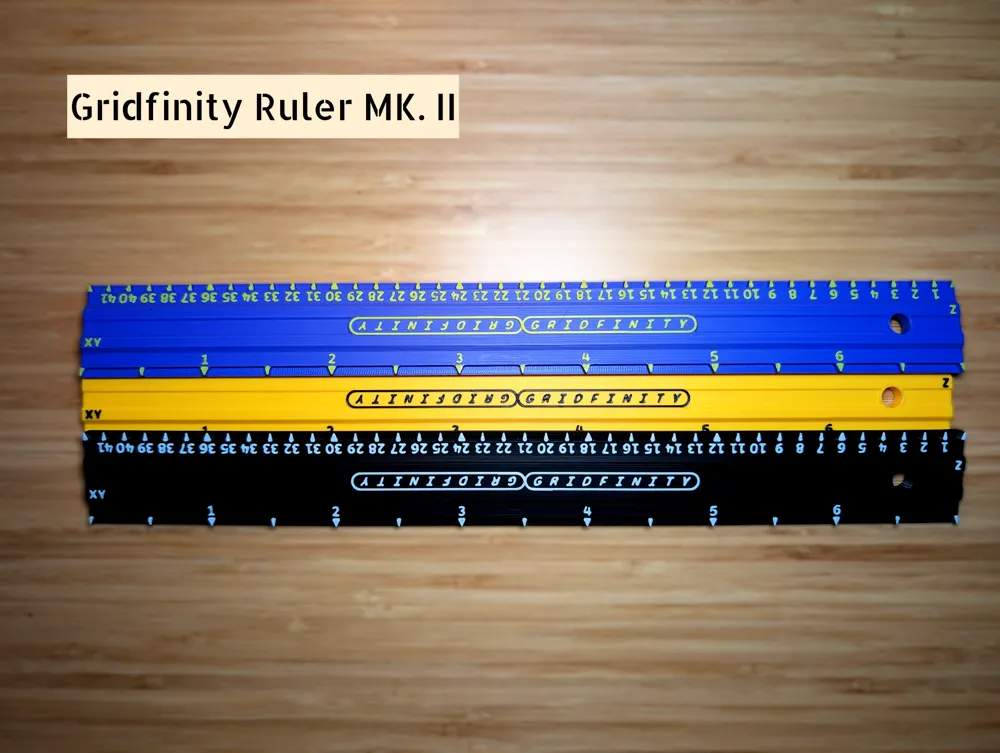
No-AMS Pause & Swap Version with all the markings on one plane & a pause for you to swap filament for 2-colour printing on any printer!
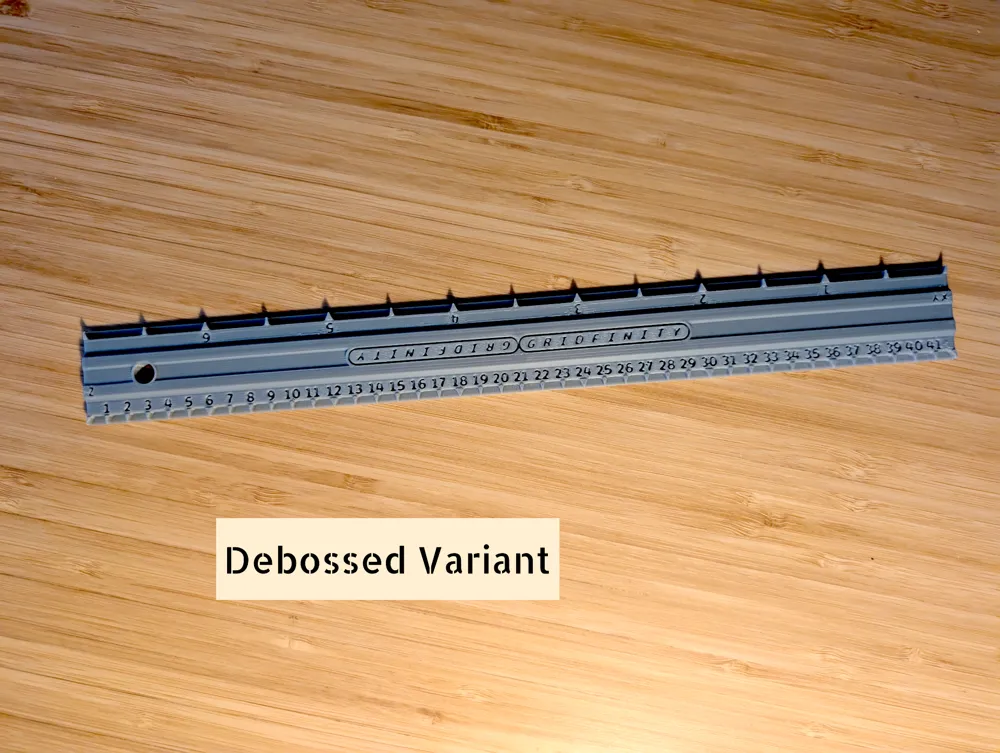
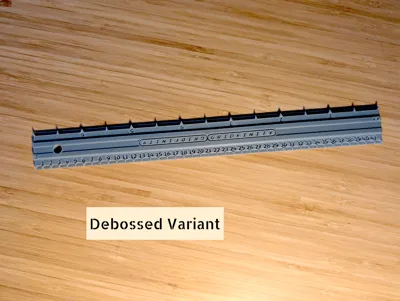
Debossed Version with markings inset into the ruler - easy to read with only shadows
Sharpie Version with extra-tall markings for easy colouring with a permanent marker
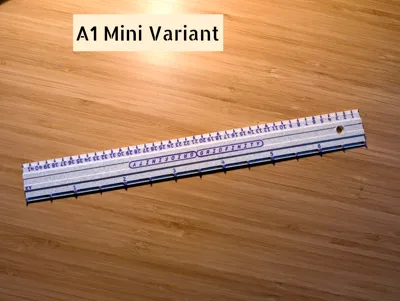
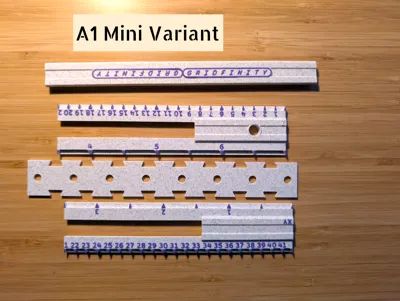
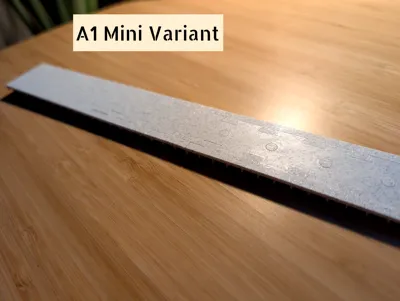
A1 Mini Version prints in several pieces to fit on A1 Mini print bed
PRINTING TIPS:
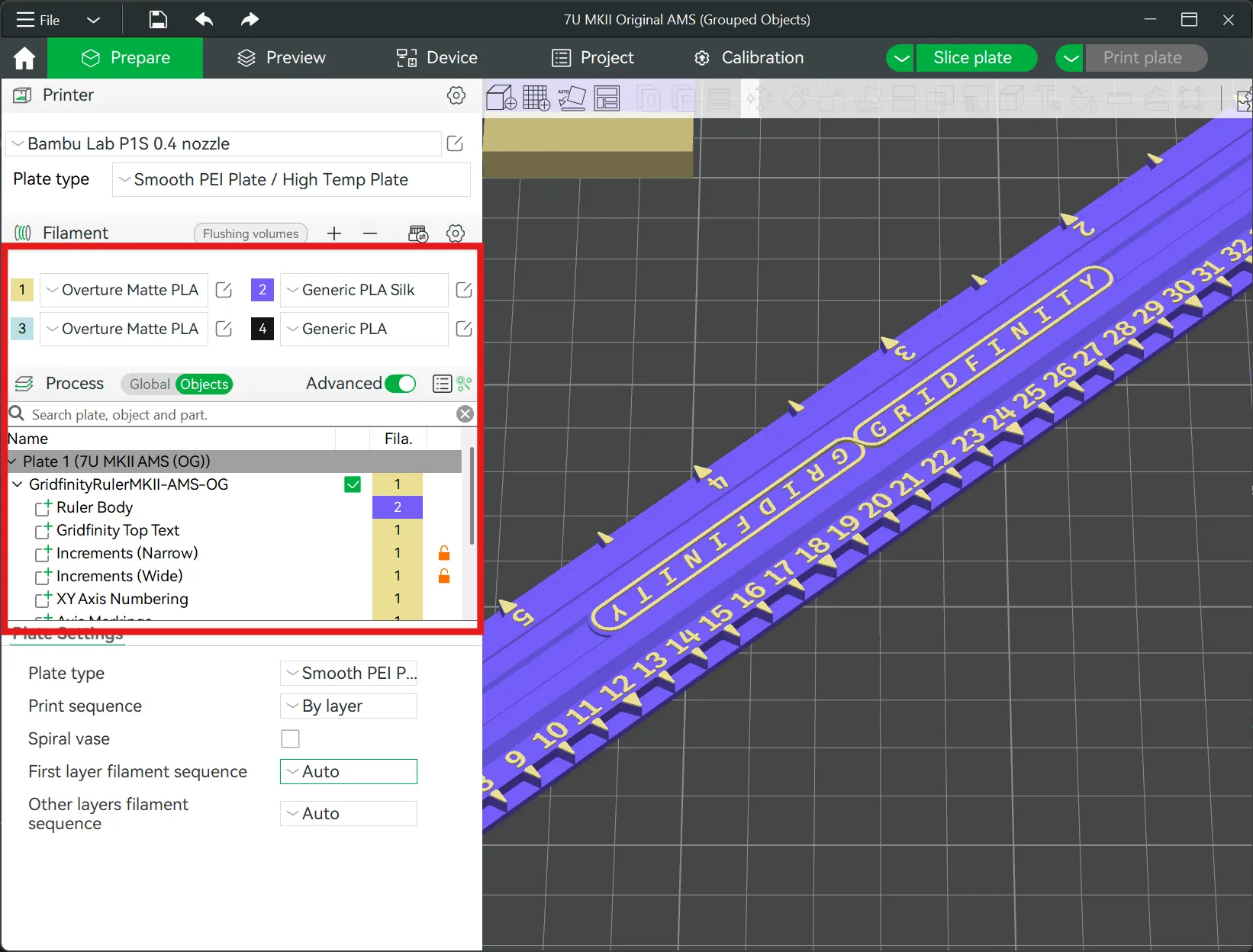
- As of 2025/01/20, this model has been re-reoptimized for to make selecting colours & customizing easier than ever!
- All geometry is now grouped together & named in the objects list in Bambu Studio. Just right click the elements you want to colour and select a filament. Want a different colour for the logo? Want a different colour for just the wide markings? The world is your oyster
But wait: That's not all! This also allows you to hide elements of the geometry that you don't want. Feel like the Z axis is a little too crowded? Enable printing for only every 3rd number! Want to remove the logo on top? You're crazy! But you can do it!
- Allow the model to cool before removing it from the build plate to prevent it from getting bent - it doesn't have to be ice cold, just don't pull it off the second it finishes.
- This model is intended to be printed with a 0.4mm nozzle or smaller. 0.2mm will result in much higher quality, but ≥0.6mm will result in an unfortunate assortment of illegible blobs 🫠
- Please note that bed adhesion issues are not the fault of the model! In fact, it's pretty hard to mess this one up. If you are having issues with adhesion, try cleaning your build plate with dish soap 🧼💧and make sure to rinse 🚿 properly!
GRIDFINITY BIN TIPS:
Occasionally I receive some confused feedback on this design telling me the measurements are incorrect…
Luckily for both of us, they are not! Please allow me to pre-empt future feedback of this nature with some unsolicited bin-splaining:
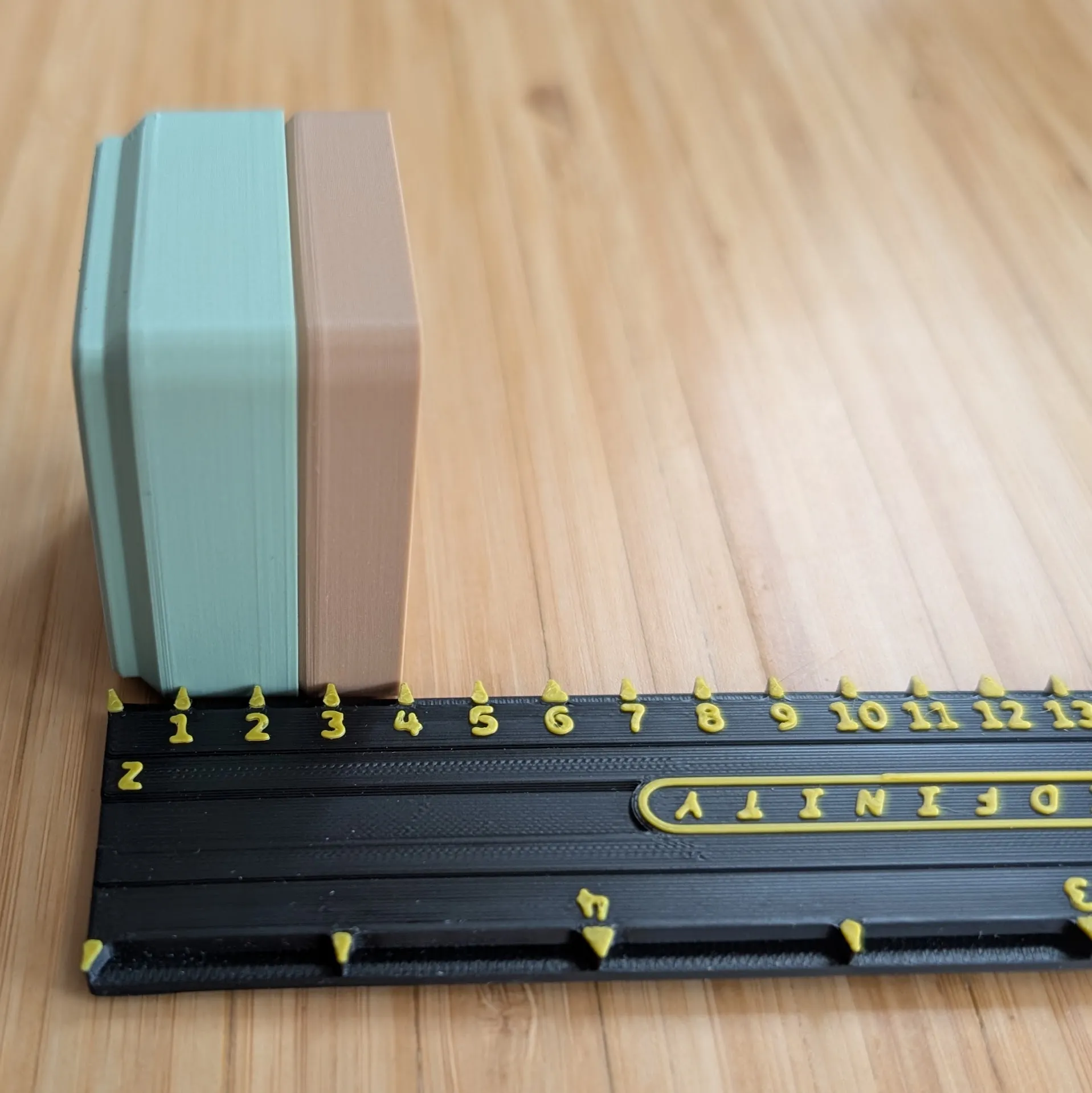
A stacking lip adds to the height of a bin beyond the stated Z Unit height. So, if you've measured a drawer that is 6U (42mm) deep, and you want to stack 3U bins on top of each other, you should only have a stacking lip on the bottom layer. In this reference photo 👉🏻, both bins are 2U tall, but only the bottom one has a lip.
- Also important to note: different bin designs may have varying amounts of usable internal space.
- According to the official spec, given (for example) a 2U tall bin, 1U (7mm) is taken up by the base, with the remaining 7mm open for use.
- In practice, you will find this is not exactly the case 100% of the time. For example, a 2U tall bin from the FusionGridfinityGenerator gives me 8mm of usable space instead.
- Different baseplates also have different heights.. so, measure twice, print once! 😄
Do you think this ruler… uh, rules? 📏
Don't forget to leave a rating & share a photo of your print--
and if you love it, send me a boost! 🚀 It's free!Boost Me (for free)
Your boosts motivate me to prioritize coming back day after day to improve my offerings, & I really appreciate your support! Thank you!
License

You shall not share, sub-license, sell, rent, host, transfer, or distribute in any way the digital or 3D printed versions of this object, nor any other derivative work of this object in its digital or physical format (including - but not limited to - remixes of this object, and hosting on other digital platforms). The objects may not be used without permission in any way whatsoever in which you charge money, or collect fees.


Comment & Rating (3984)