Search models, users, collections, and posts

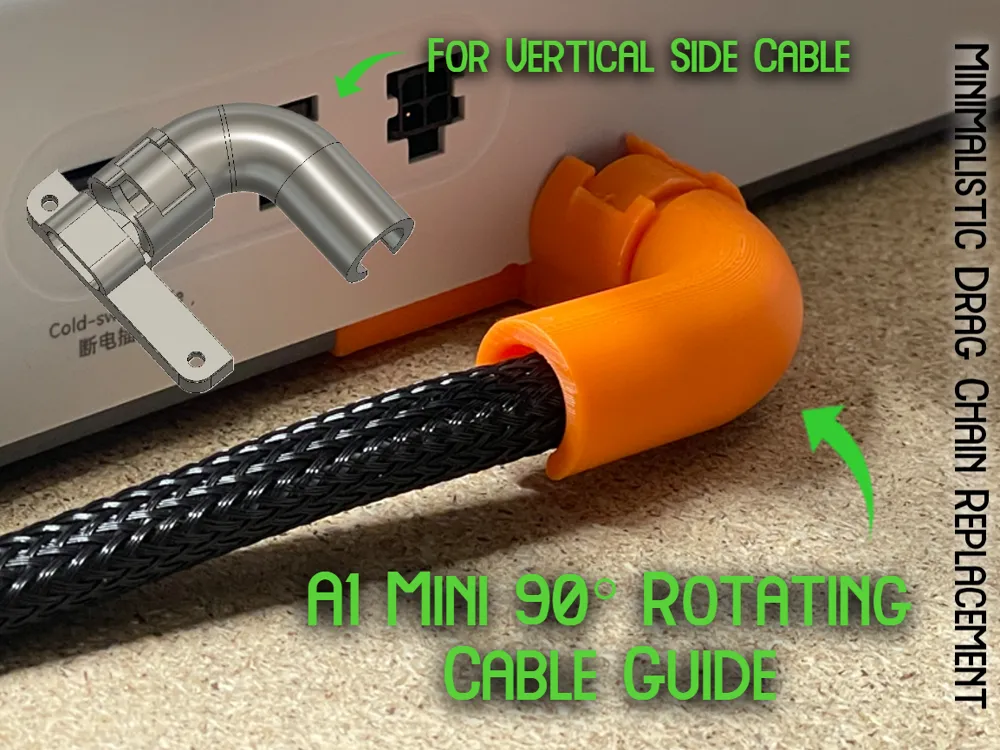
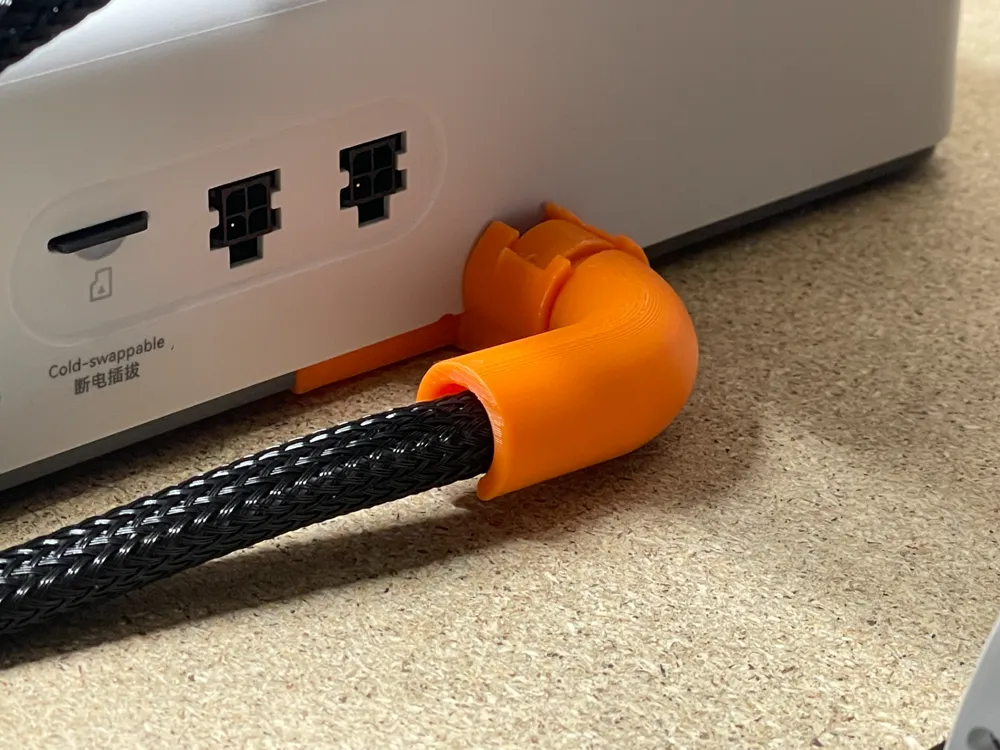
A1 Mini 90° Rotating Cable Guide | For Side Cable
Print Profile(2)

All
A1 mini
P1S
P1P
X1
X1 Carbon
X1E
A1
H2D
H2D Pro
H2S
P2S
H2C
X2D
A2L

Creator Recommended | 0.16mm layer, 2 walls, 15% infill
Designer
54 min
1 plate
4.8(46)

Indent for Zip Tie | 0.2mm layer, 3 walls, 15% infill
Designer
43 min
1 plate
4.5(8)

Open in Bambu Studio
Boost
233
637
94
38
580
442
Released 

Description

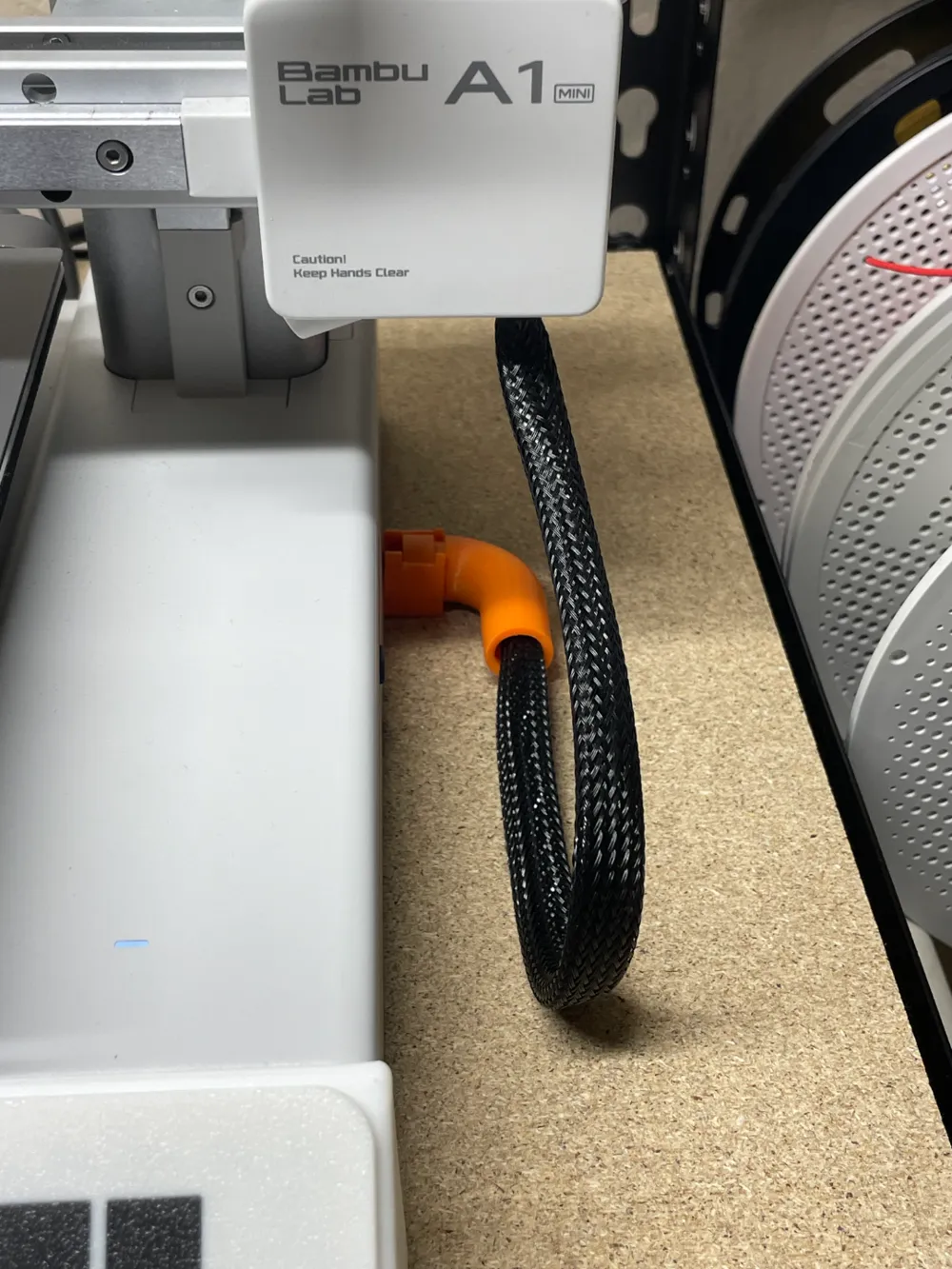
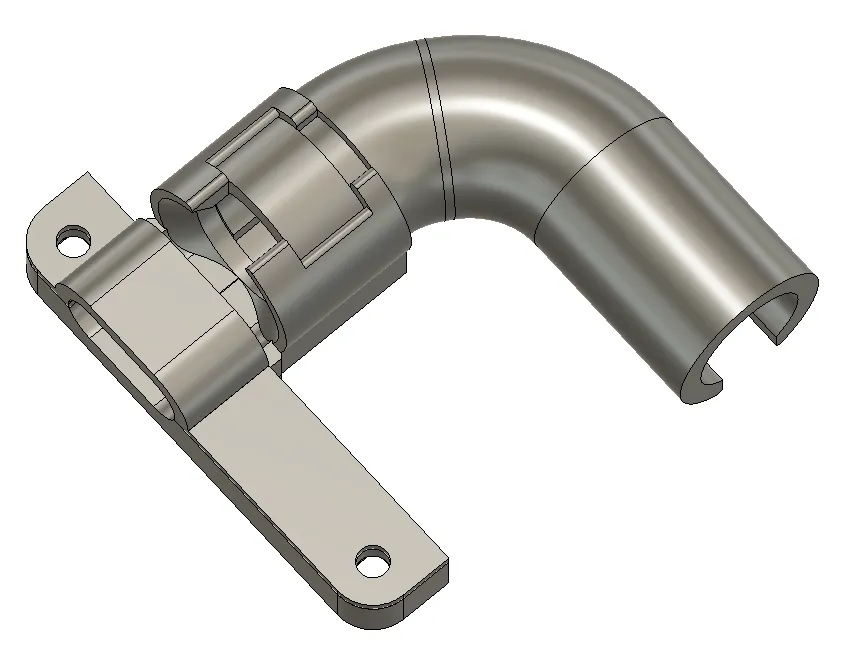
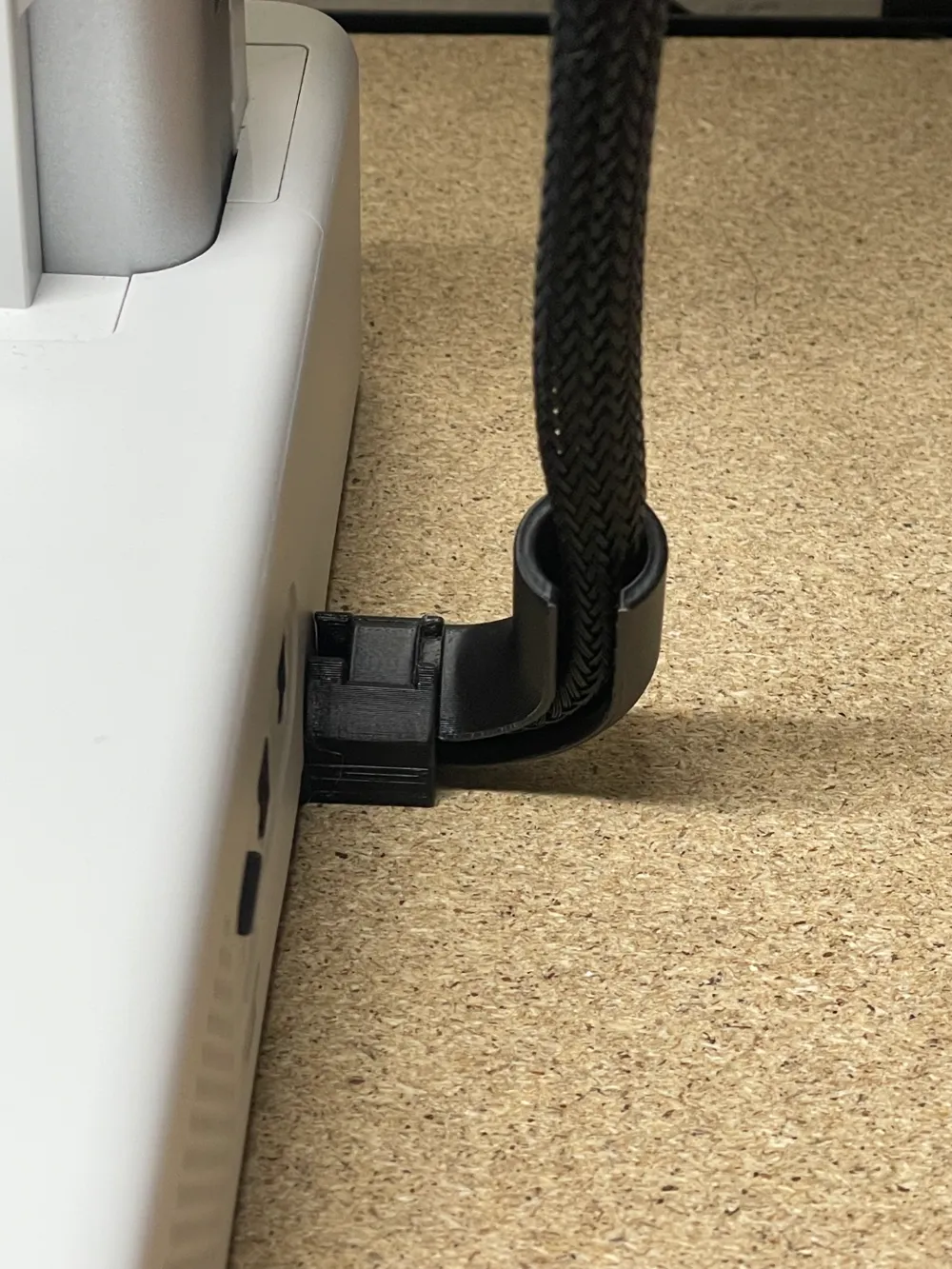
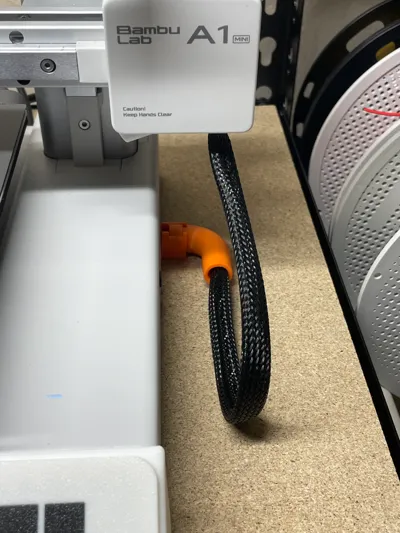
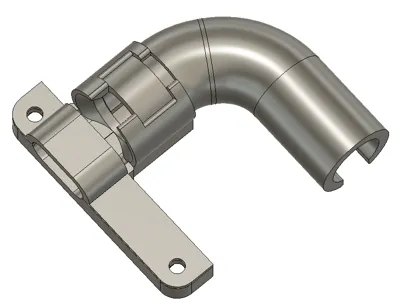
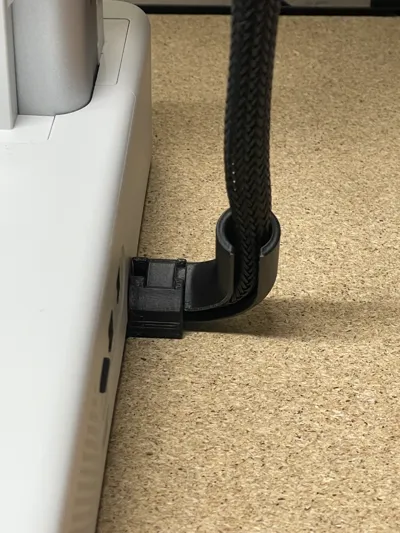
Version 2! If you put the AMS cable above the z-axis cable while the gantry is lowered, if it raises all the way there's a chance it may rip your cable out and damage it. After spending so long designing my cable chain using the same method for attachment, I thought back to when I created a small a simple solution, my 90° cord bend. Knowing it didn't work super well I decided to use the same attachment method and create this, which snaps together and rotates as the gantry goes up. This design has perfect, almost zero play tolerances allowing for smooth movement.


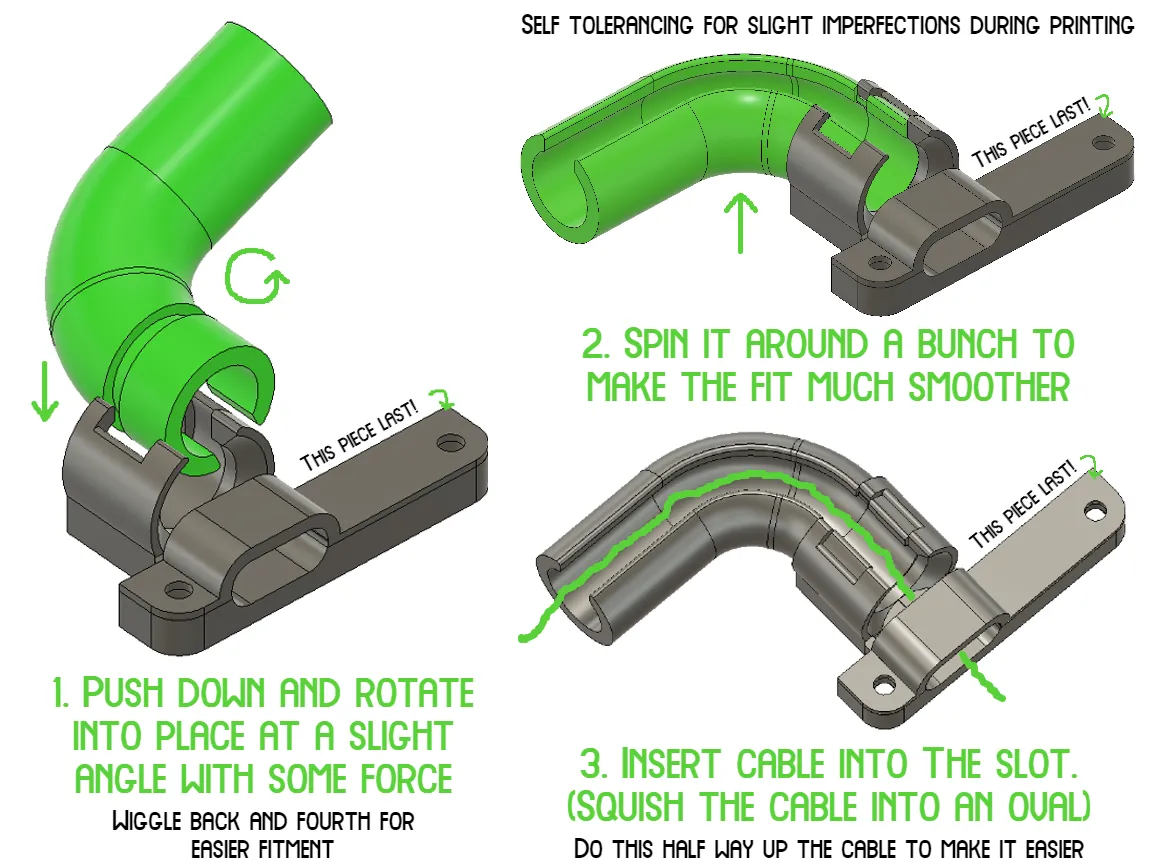
To install, rotate your A1 Mini onto its side and using a 2.0mm allen wrench, remove the two screws holding on the small grey rectangular piece which holds the cable in place. Then, follow the instructions below before screwing the new pieces back into the same spot.
 

Boost Me (for free)

I put a lot of time, effort, and filament into my designs to ensure they work well and efficiently. Boosting my models helps me out significantly, and its free for you!

Comment & Rating (94)

(0/1000)

Boosted
Print Profile
Creator Recommended | 0.16mm layer, 2 walls, 15% infill
I didn't read the description.
The profile uploader has replied
0
Reply
which filament used?
0
Reply
insert at angle and rotate it into the slot
0
Reply
Boosted
Replying to @Andreww :
PLA
0
Reply
Print Profile
Creator Recommended | 0.16mm layer, 2 walls, 15% infill
Great design for a great mod. just a bit too tall as it slightly sticks out at the bottom of the printer.
profile
3
Reply
Hey! I just printed this item. First of all, thanks for sharing! I encountered a small problem. The height of the base was a little too high, which meant that the print rested on the element and the anti-slip pads no longer worked properly. I then had to sand down the part a bit, as well as round off the edges of certain angles that could have damaged the sheath in the long run. I might recommend an update to reduce the height of the base a little and round off the corners of the “pipe” part.
The designer has replied
2
Reply
Sorry about that. It shouldn't stick out that much as it doesn't for me. Can you see if it is incorrectly inset into the bottom?
0
Reply
Boosted
Print Profile
Creator Recommended | 0.16mm layer, 2 walls, 15% infill
Unfortunately the clamp broke when trying to attach the tube despite being very careful. Not holding this against you though, it happens. Will try to reprint the broke part at a later time! (printed in PLA) Edit: I think it’s important to completely remove any trace of the brim around the tube, I’d probably even go so far as to use an exacto knife to round off the edge. I believe the little edge of the brim is enough to cause the tube to not fit properly and thus break the clamp
The profile uploader has replied
0
Reply
Ill dm you a quick version that has that wall a bit thicker you can try to decrease cooling and it will bond the layers better and hopefully not break
0
Reply
Boosted
Thank you!
0
Reply
After installing 4 I wonder if there is a version that could be made which wouldn't interfere, or be limited by, the AMS Lite's cable so it can also be managed better
The designer has replied
0
Reply
cable chain, or I could push it up more but the cable isn’t long enough don’t think for that
0
Reply
Replying to @Andreww :
I'm not sure what could be done about it atm, I am using a different cable managment for the ams lite cable with the ams lite top mounted, so it's a completely different problem
0
Reply
Replying to @Kingsidorak :
do you have. a picture
0
Reply
Boosted
Print Profile
Creator Recommended | 0.16mm layer, 2 walls, 15% infill
Very neat & clever design. Be sure to heed the warning about ams cable route as could end in tears if you get it wrong. Also I found when trying max Z-travel the Z-Axis cable loom is very taugh due to the additional radius this adapter adds, so maybe one to watch. I also added a soft cable tie to the end to keep the loom from rubbing against the slot as it moves up and down. thanks for the model 👍
The profile uploader has replied
0
Reply
yes, make sure you watch to ensure it can reach the height needed nice idea for the cable tie, I might add a groove for a zip tie maybe
(Edited)
1
Reply
this is awesome, and would solve my problem - but, I don't think it's going to be compatible with the AMS lite cable protuding from the 4pin port. A shame, as I don't want a clunky looking chain. *edit* works great with AMS lite cable!!
(Edited)
The designer has replied
0
Reply
it works with mine, just doesn’t go all the way down - and put the cable in the port closest to the screen
0
Reply
Replying to @Andreww :
ok awesome, I'll print it and give it a go. I was worried about it pushing down on the ams cable.
0
Reply
Replying to @pppp :
it pushes a little but I think not nearly enough to damage it
0
Reply
Print Profile
Creator Recommended | 0.16mm layer, 2 walls, 15% infill
I think need have to adjust the direction to increase the strength
0
Reply
First attempt: the base broke. With flat printing orientation the print lines are are to wrong direction to give strength. Printed a new one, rotated 90 degrees and used supports. A lot stronger and did not break.
0
Reply
Print Profile
Creator Recommended | 0.16mm layer, 2 walls, 15% infill
Thank you
Show original
0
Reply

License

This user content is licensed under a Standard Digital File License.

You shall not share, sub-license, sell, rent, host, transfer, or distribute in any way the digital or 3D printed versions of this object, nor any other derivative work of this object in its digital or physical format (including - but not limited to - remixes of this object, and hosting on other digital platforms). The objects may not be used without permission in any way whatsoever in which you charge money, or collect fees.