Search models, users, collections, and posts

A1 mini Print-in-Place Side Drag Chain

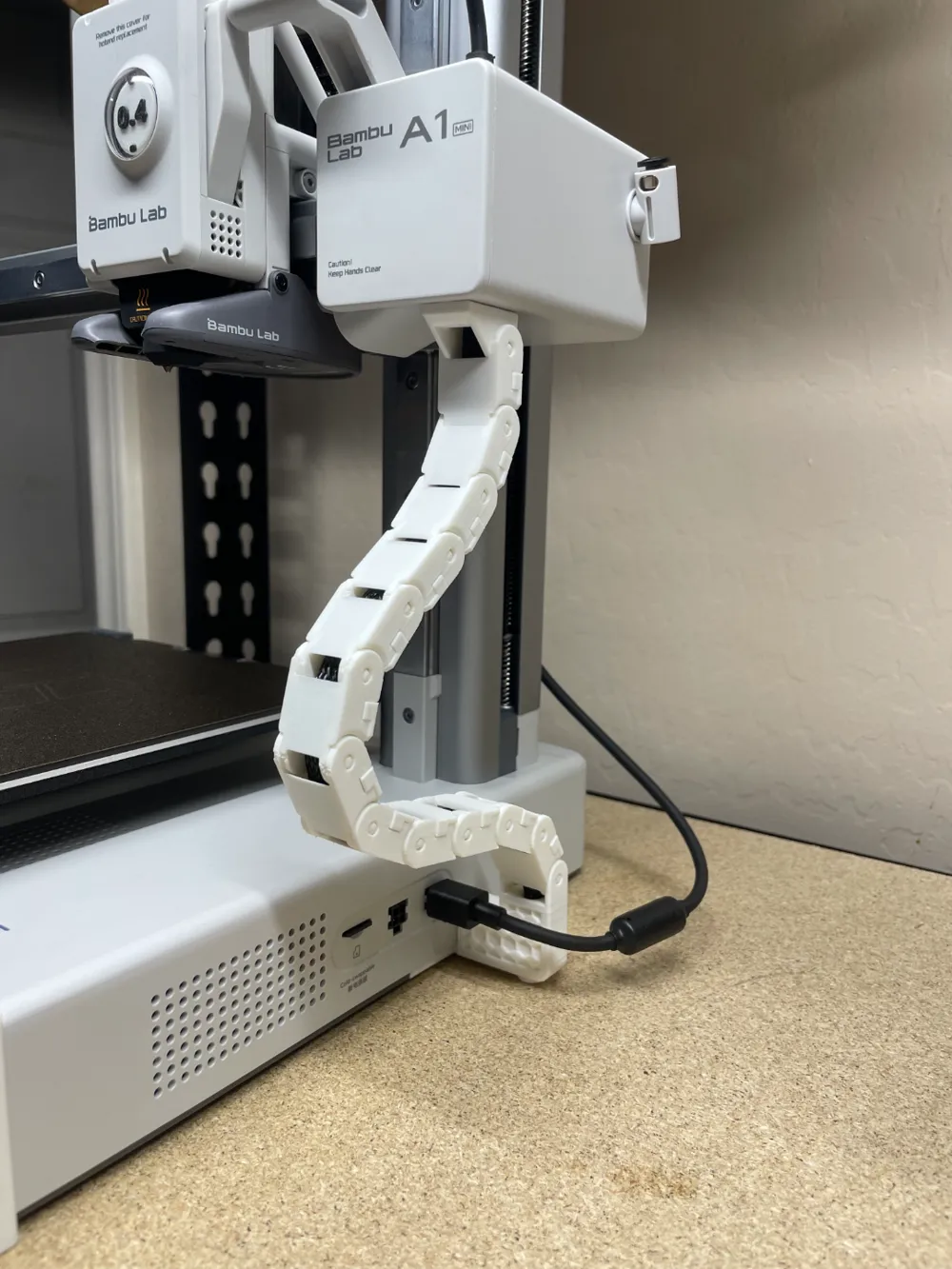
GIF

Print Profile(7)

All
A1 mini
P1S
P1P
X1
X1 Carbon
X1E
A1
H2D
H2D Pro
H2S
P2S
H2C
X2D
A2L

Original Chain PIP | *SUPERTACK* | 0.2mm
Designer
2.4 h
1 plate
4.8(121)

V2 Chain PIP | *SUPERTACK* | 0.2mm
Designer
2.6 h
1 plate
4.8(73)

Full Size PIP Chain (Both) | 0.2mm
Designer
2.7 h
2 plates

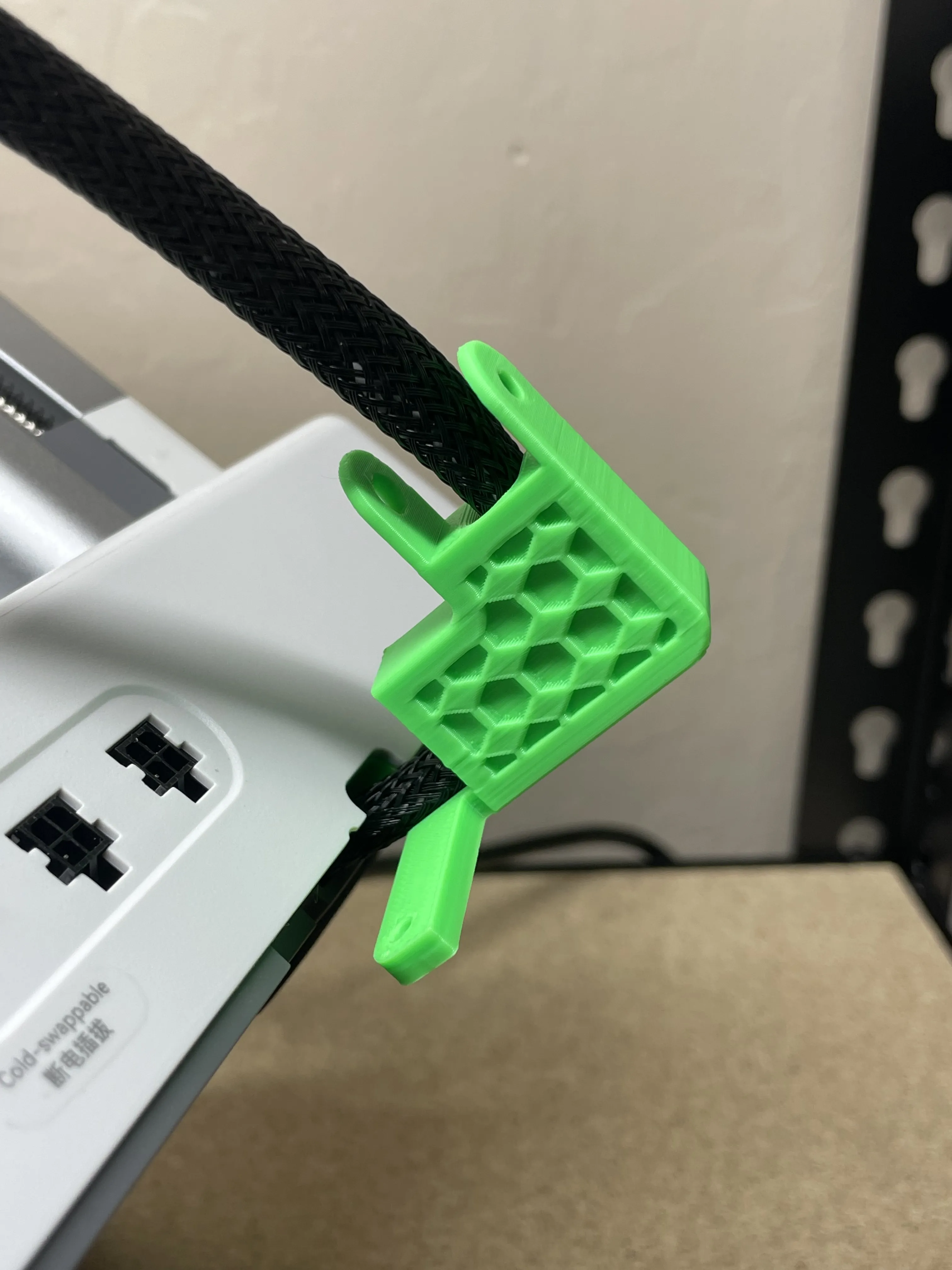
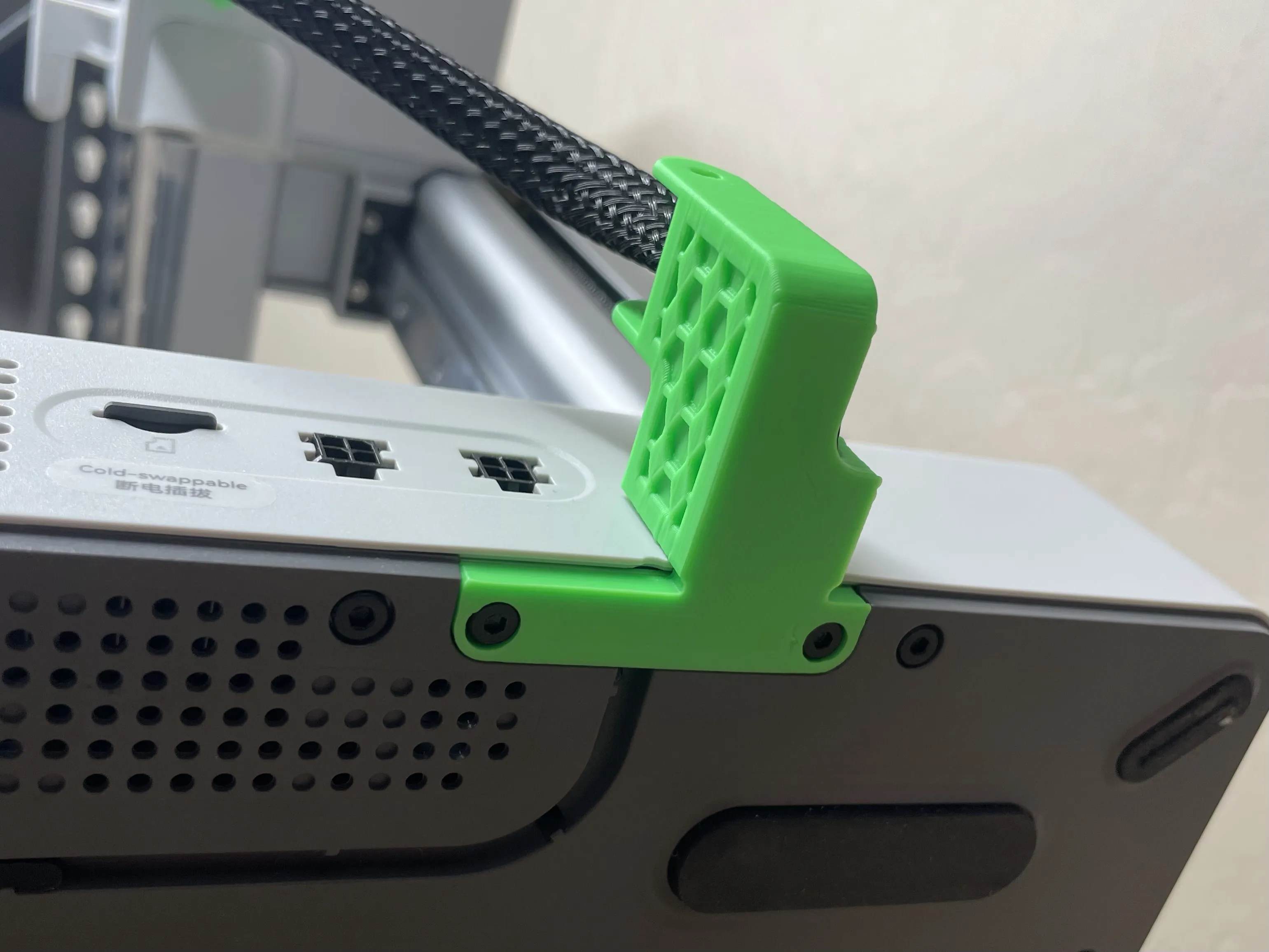
Base Connector w/ Hexagons | 0.2mm
Designer
42 min
1 plate
4.9(8)
Click to see more

Open in Bambu Studio
Boost
507
1289
330
147
1.8 k
1.3 k
Released 

Description

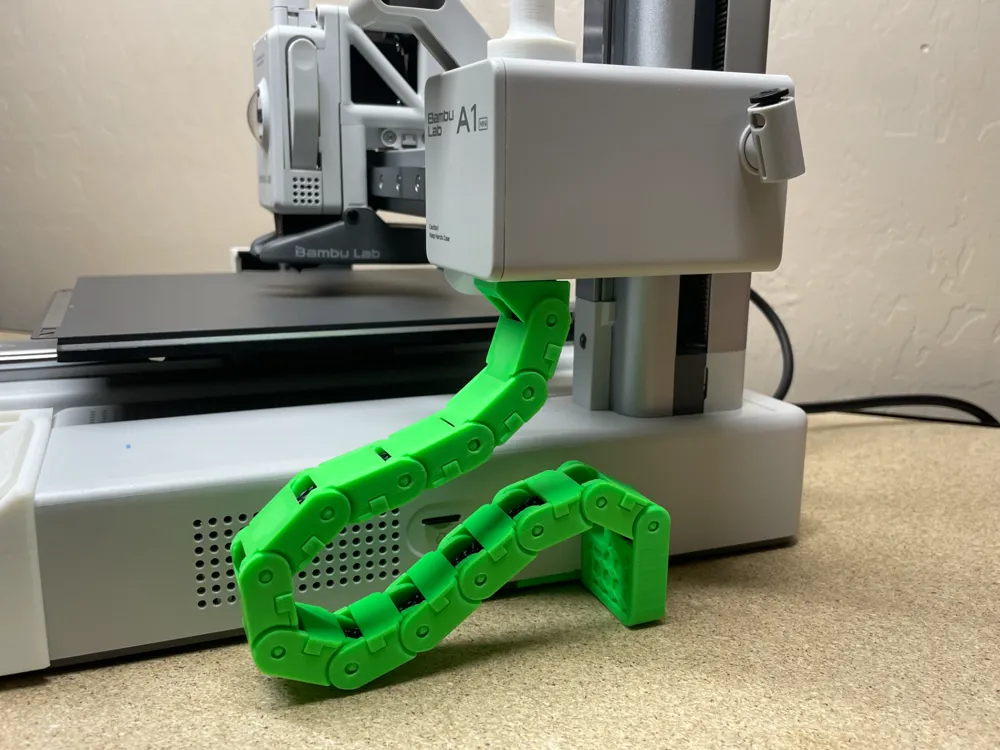
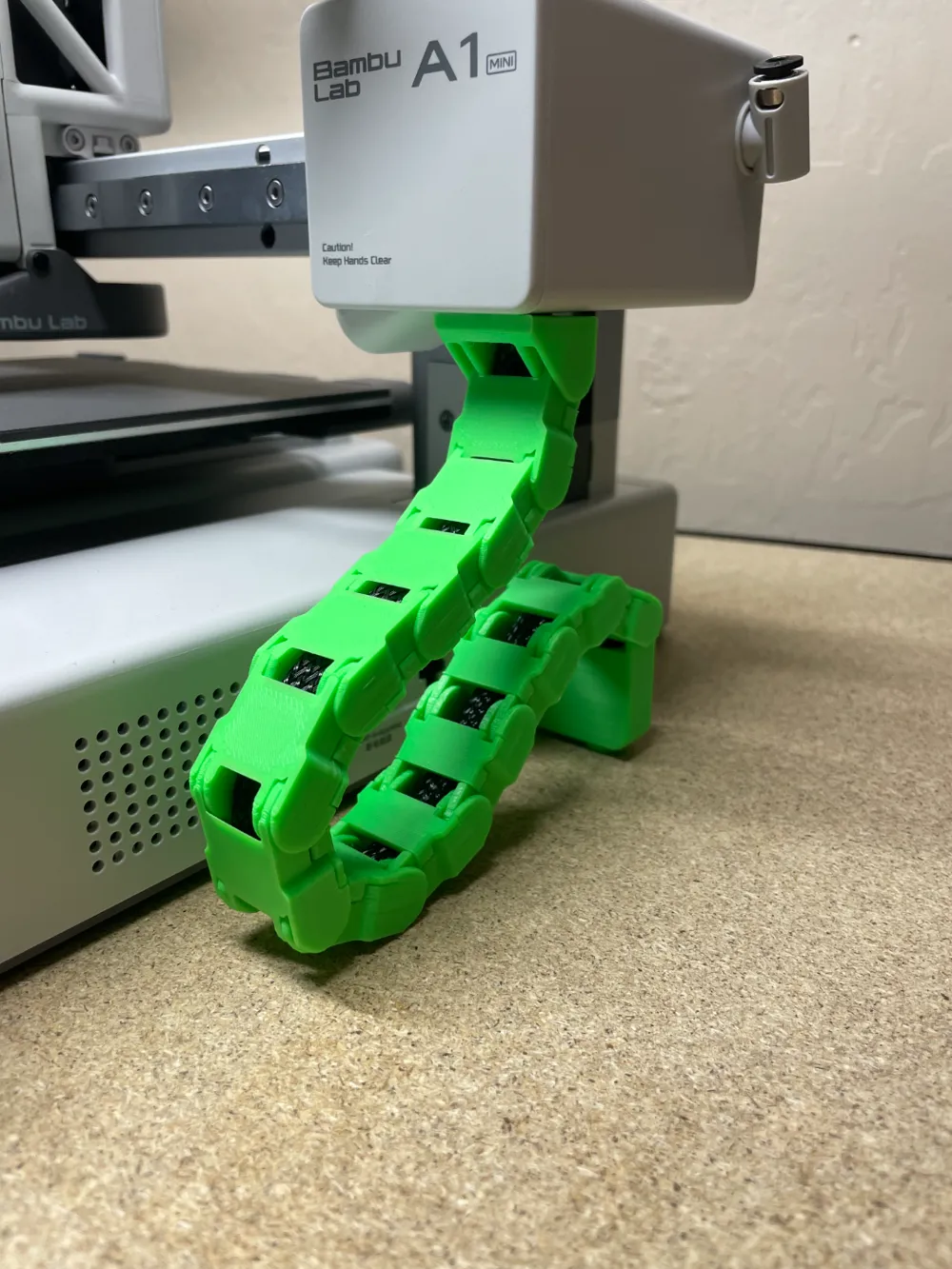
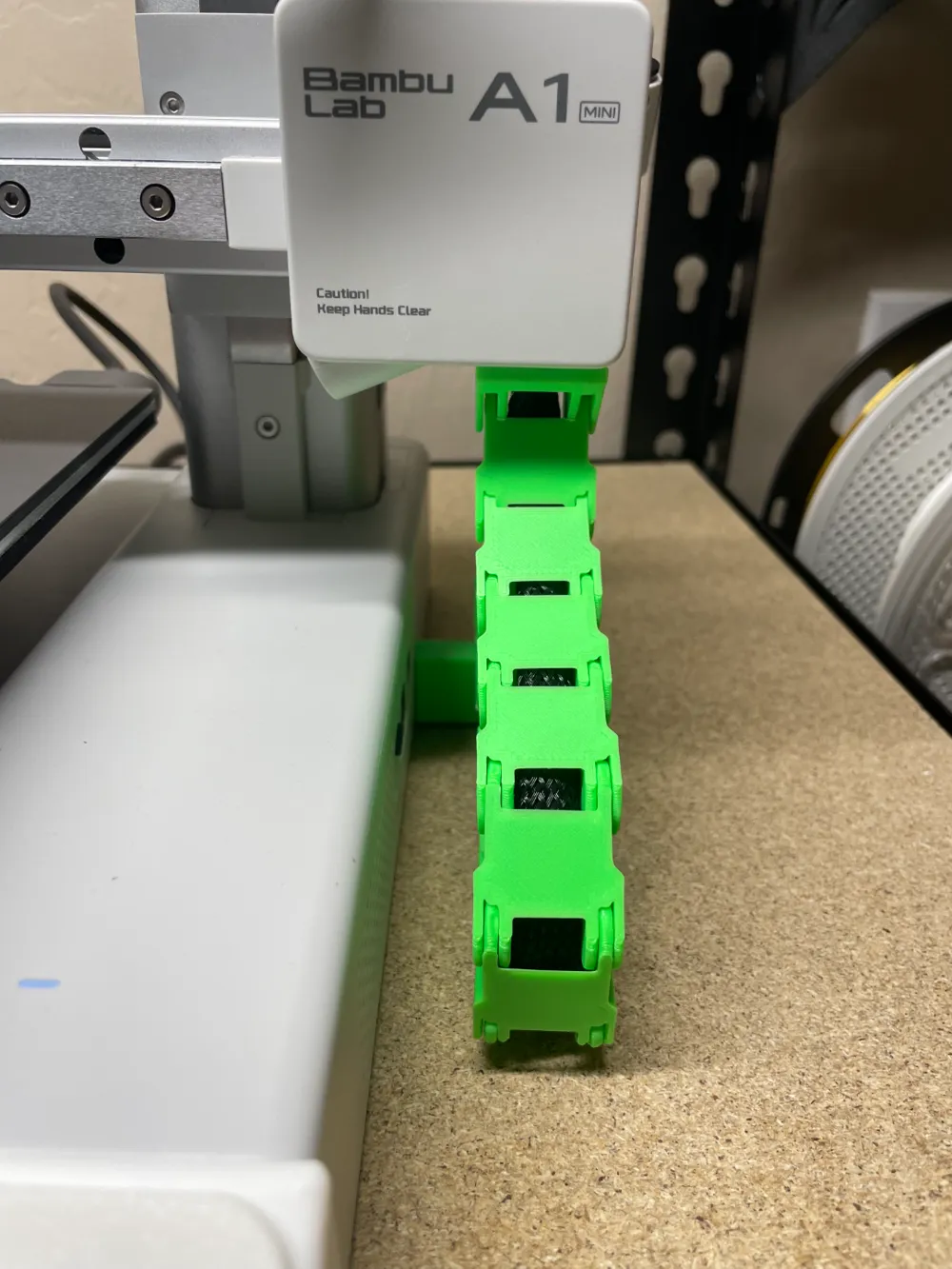
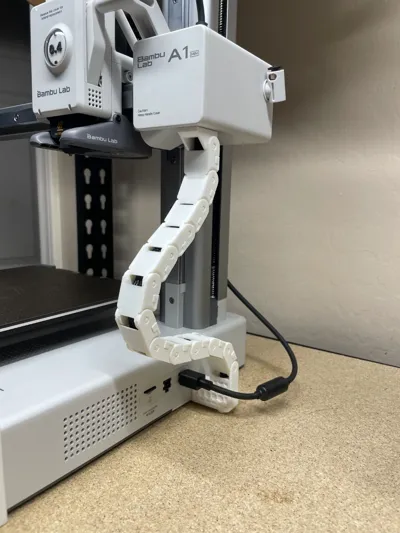
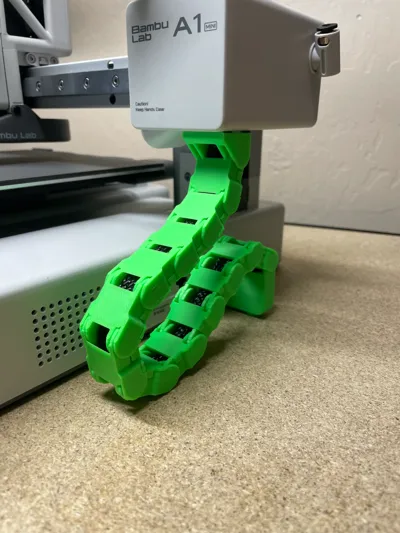
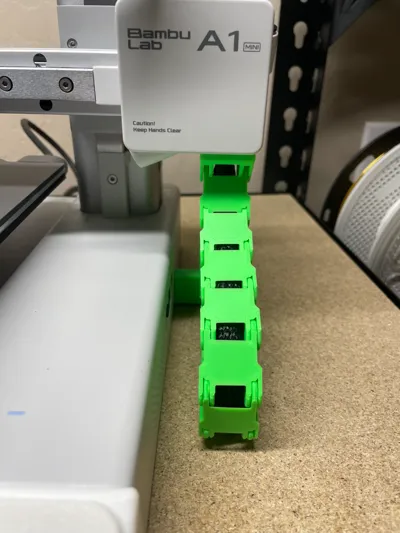
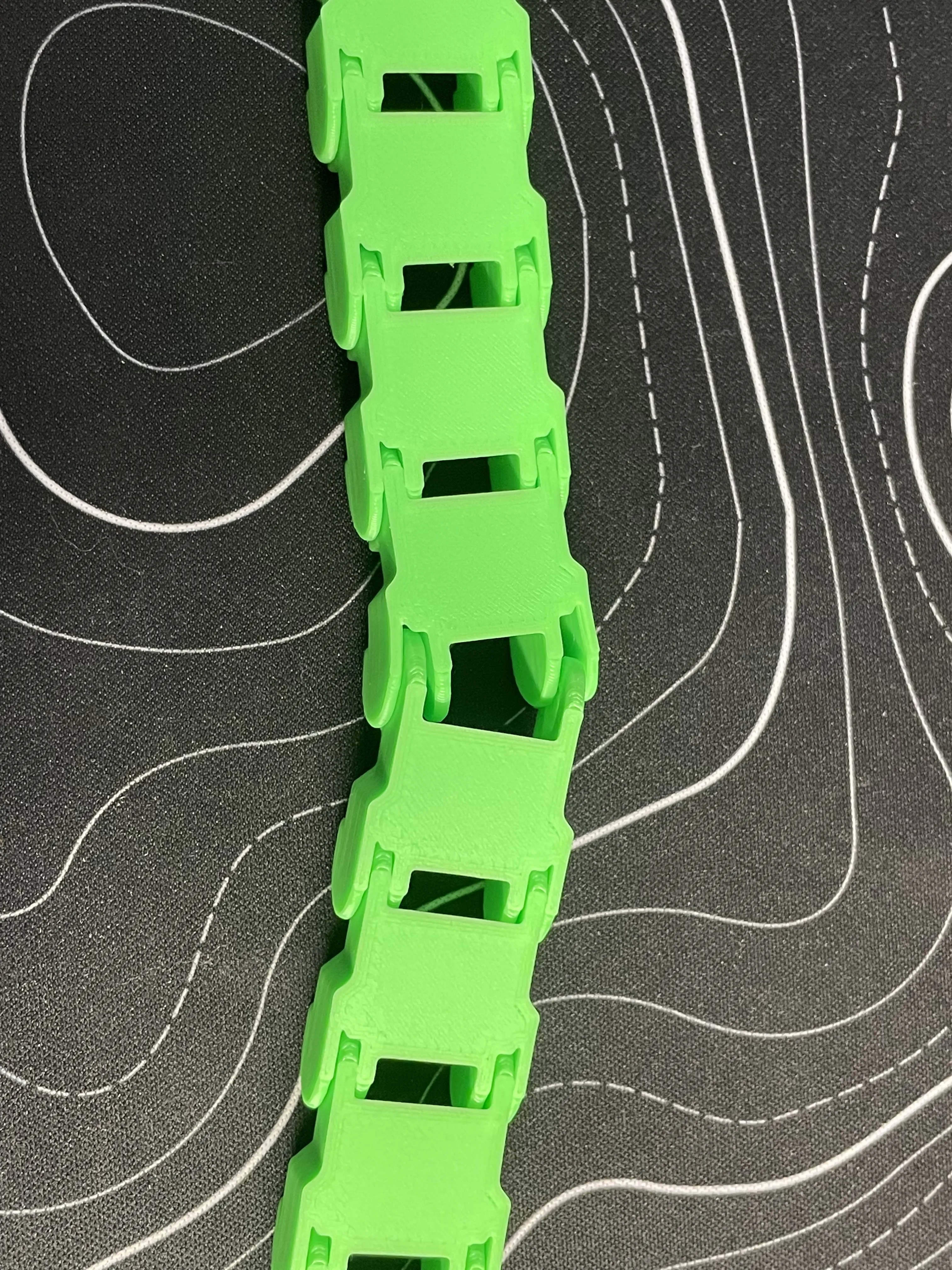
Print in place has been revamped to take the place of the original model download. The new chain style will be available under a print profile. The new PIP chain looks a bit bulkier so I still recommend the original chain. Prints with 0.25mm clearance. Compatible with AMS Lite.


Exclaimer: I strongly advise using the Bambu Lab SuperTack plate to print these parts, as the adhesion is unmatched. If you don't already have one of these, either buy one (it's awesome) or use a brim. I also do not recommend printing this in PLA Matte, as it is quite brittle and will snap easily. Prints with zero support. AMS Lite compatible! FYI, each chain is offset 20.9mm if you want to make custom lengths of this chain.


I spent many many hours designing this in Fusion360 with over 20 prototype parts. This model was made from scratch and before the other models made any changes, and this idea for attachment originated with me. This model requires zero parts that you won't already have, unlike the other models which require miscellaneous screws and nuts to secure it in place. This model will use approximately 50 grams of filament.


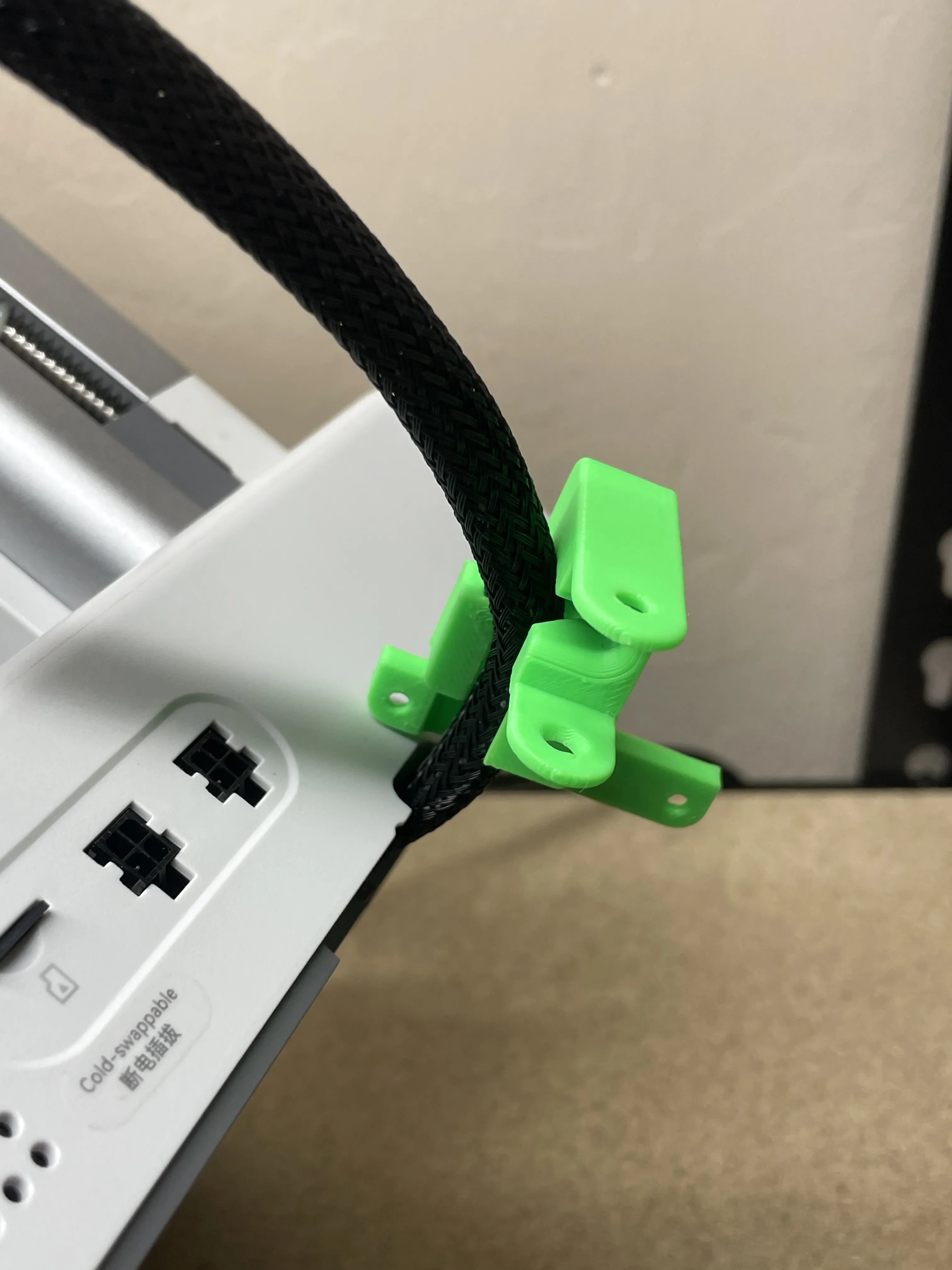
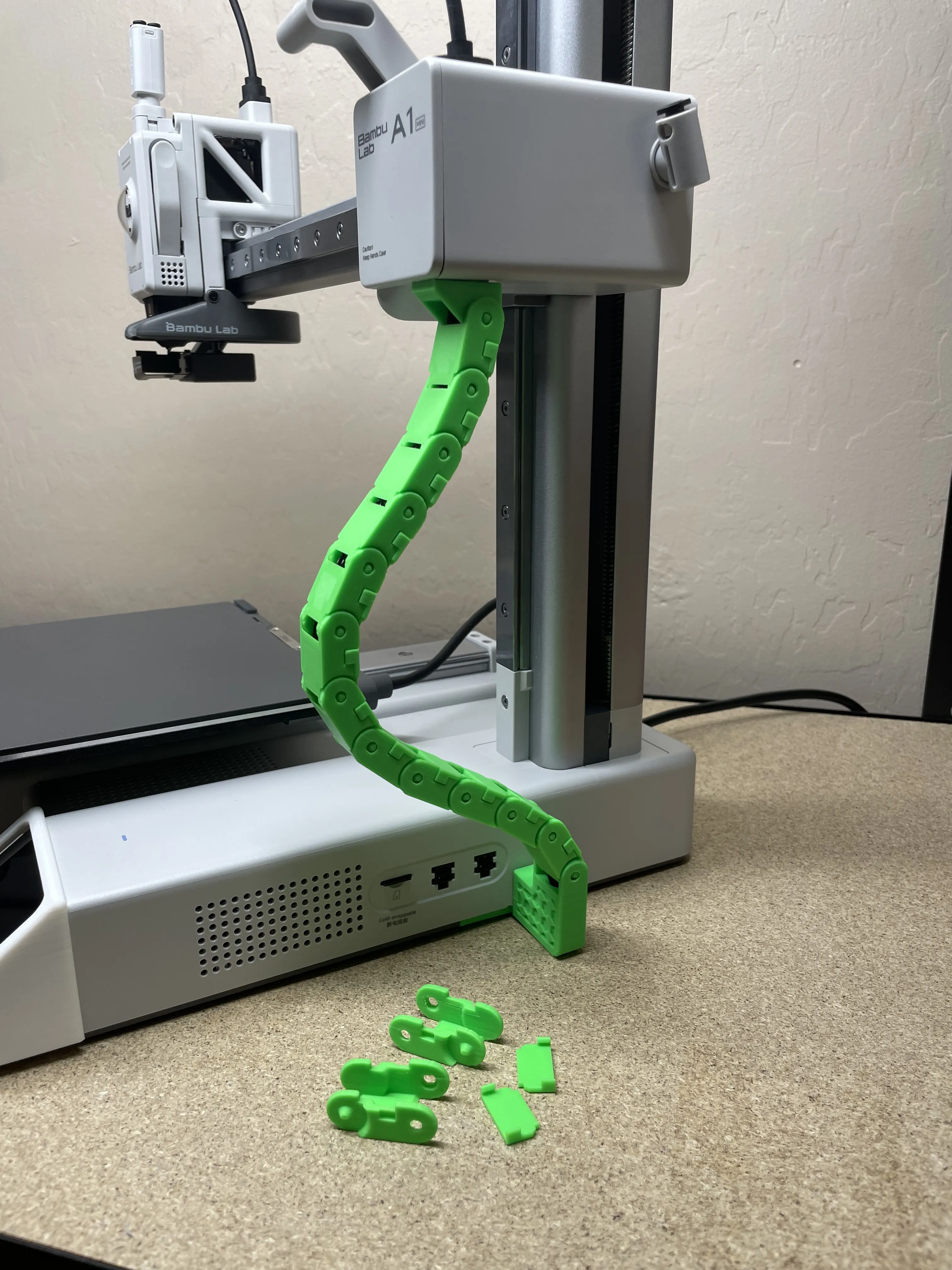
Assembly: You will need: 2.0mm allen wrench, small pry tool (or scraper), your hands, and the printed pieces. You should have two extra chain links if you don't break any.
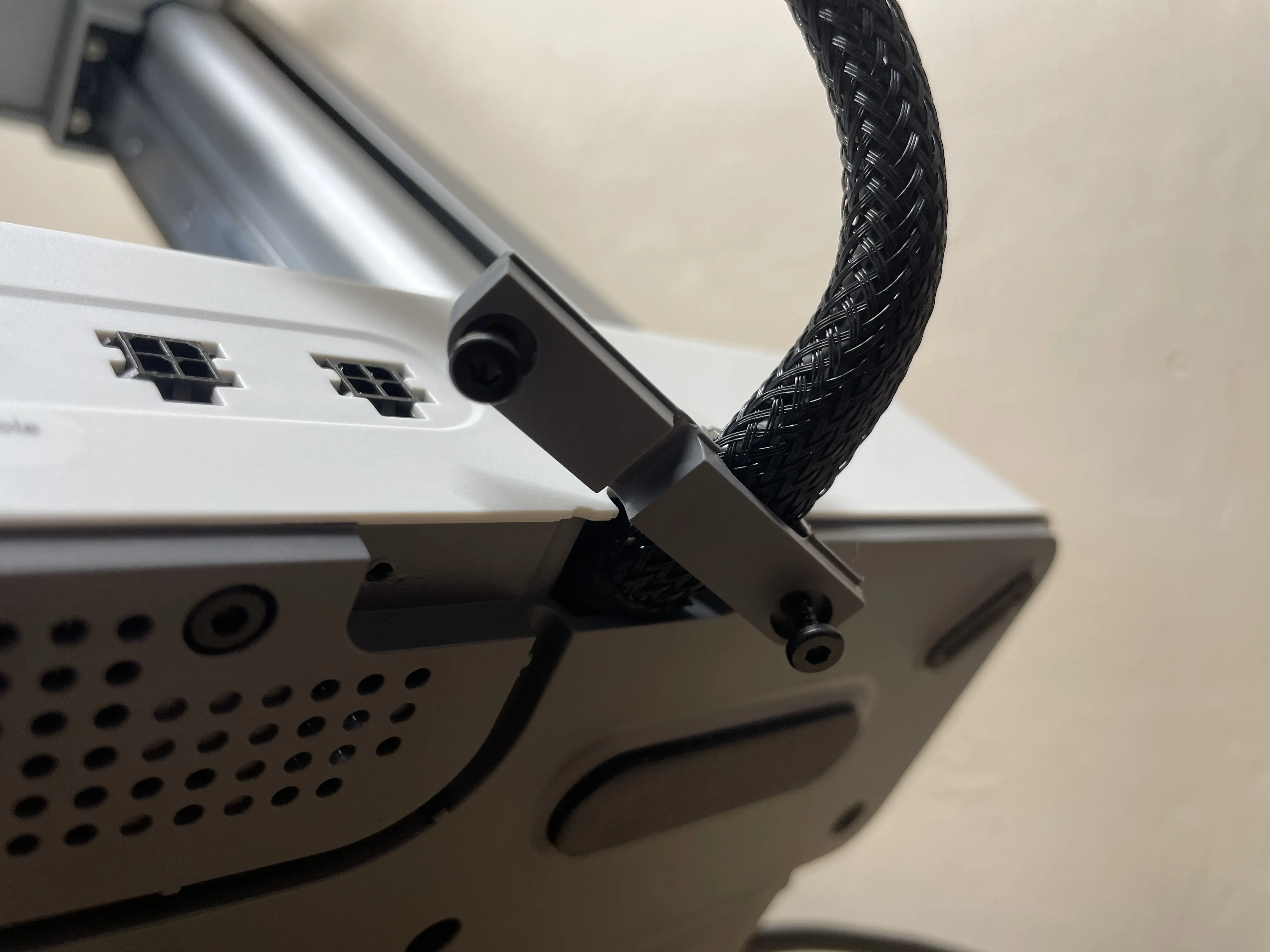
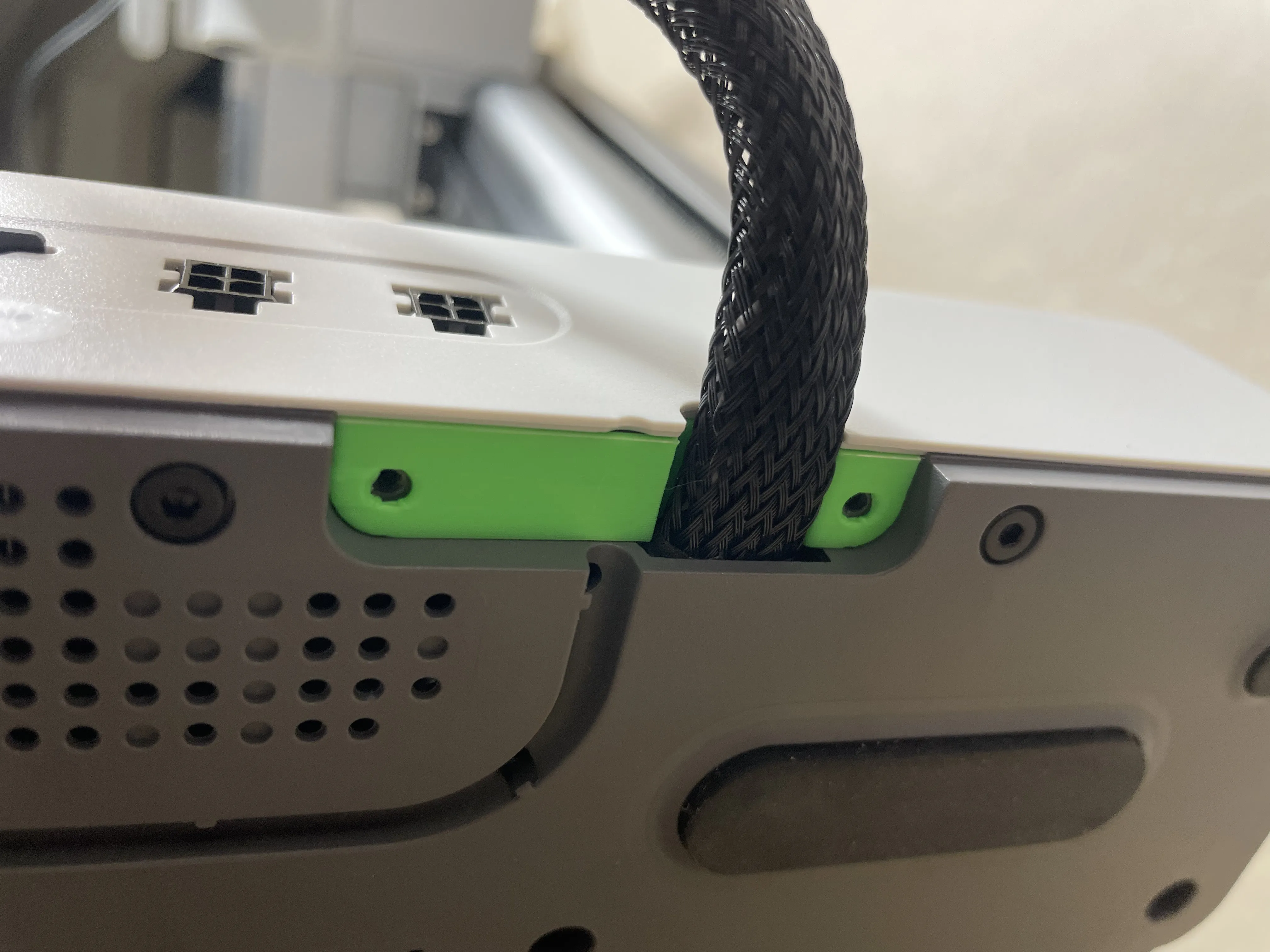
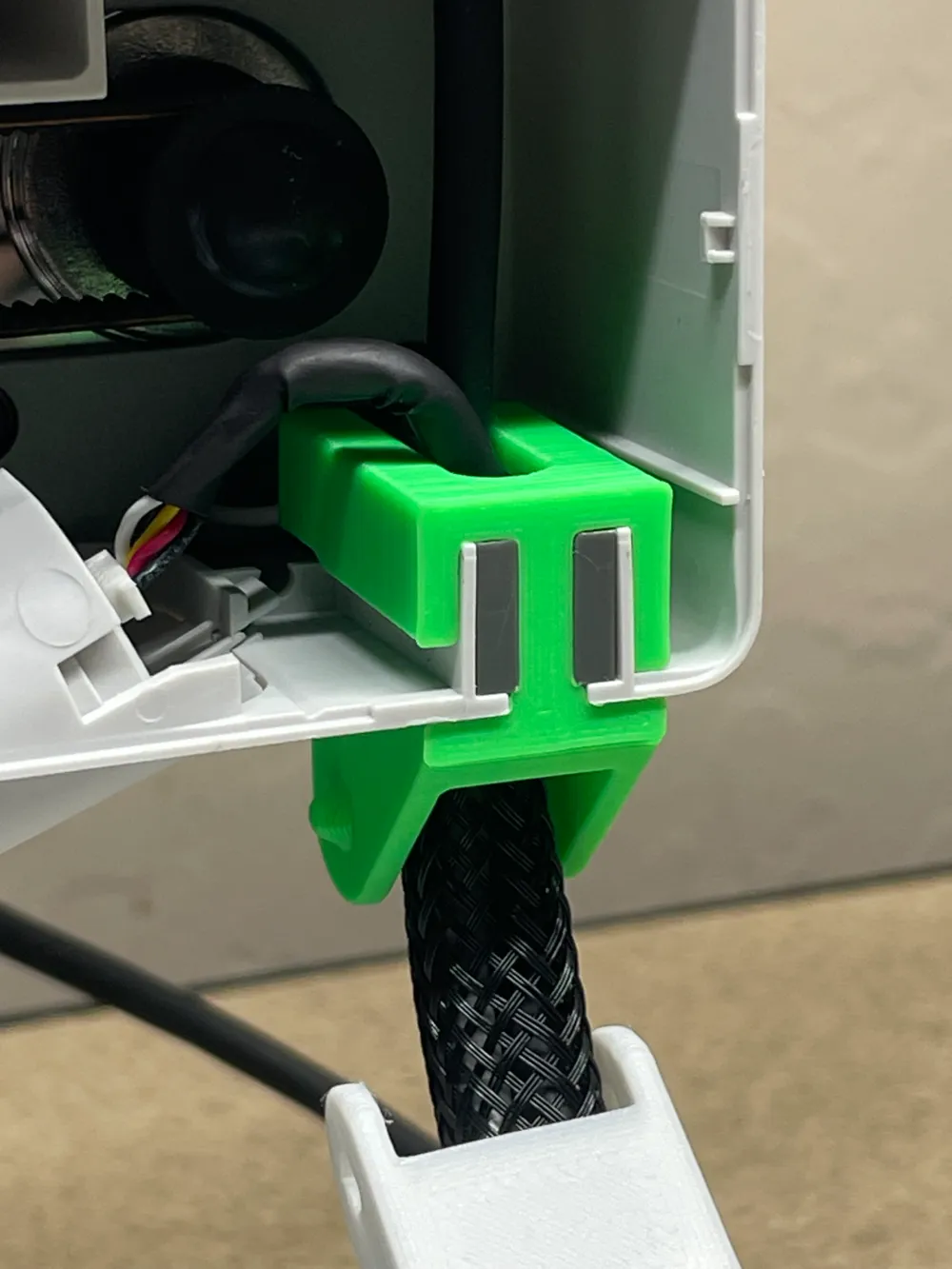
Step 1: Remove the bottom cord holder with your 2.0mm allen wrench.
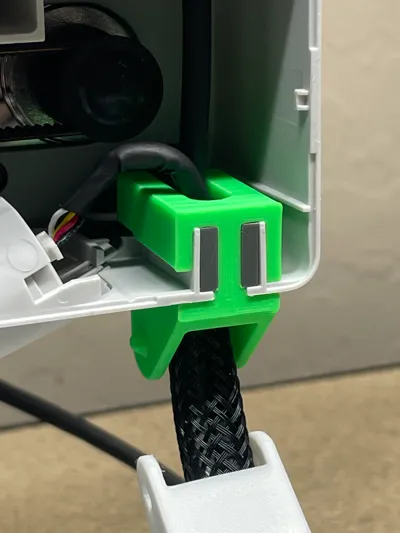
Step 2: Place the top piece into position on the top side of the cord.
Step 3: Slightly up the cord, angle the new piece with the cord squished into an oval.
Step 4: Rotate the new attachment piece into place, push the cord into the slot.
Step 5: Using the same two removed screws and your 2.0mm allen wrench, install the new piece. Make sure you completed step 2!
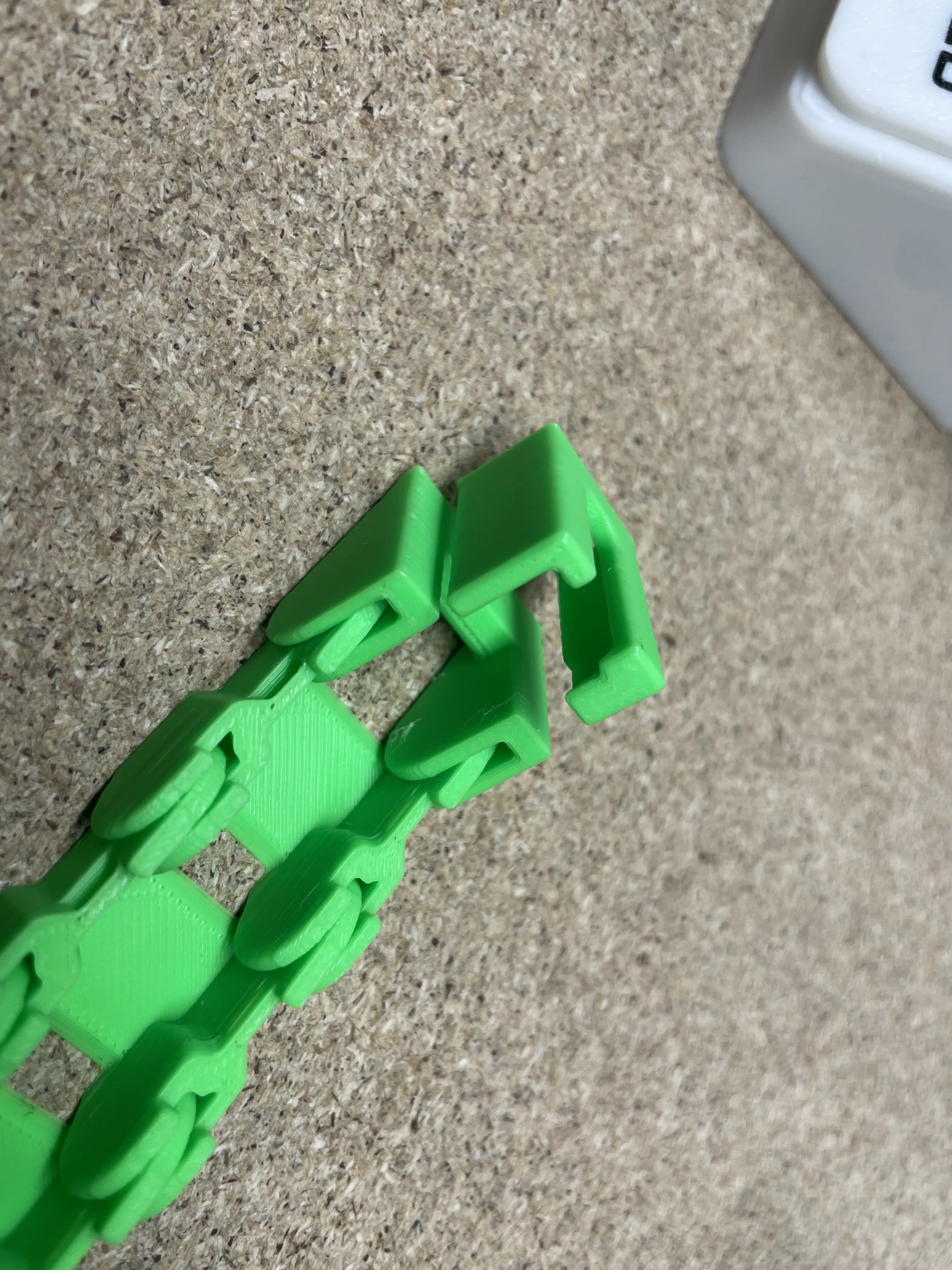
Step 6: Connect the two print in place chain pieces, this will require some force. The best method for attachment (for all of these pieces) is to do one side first.
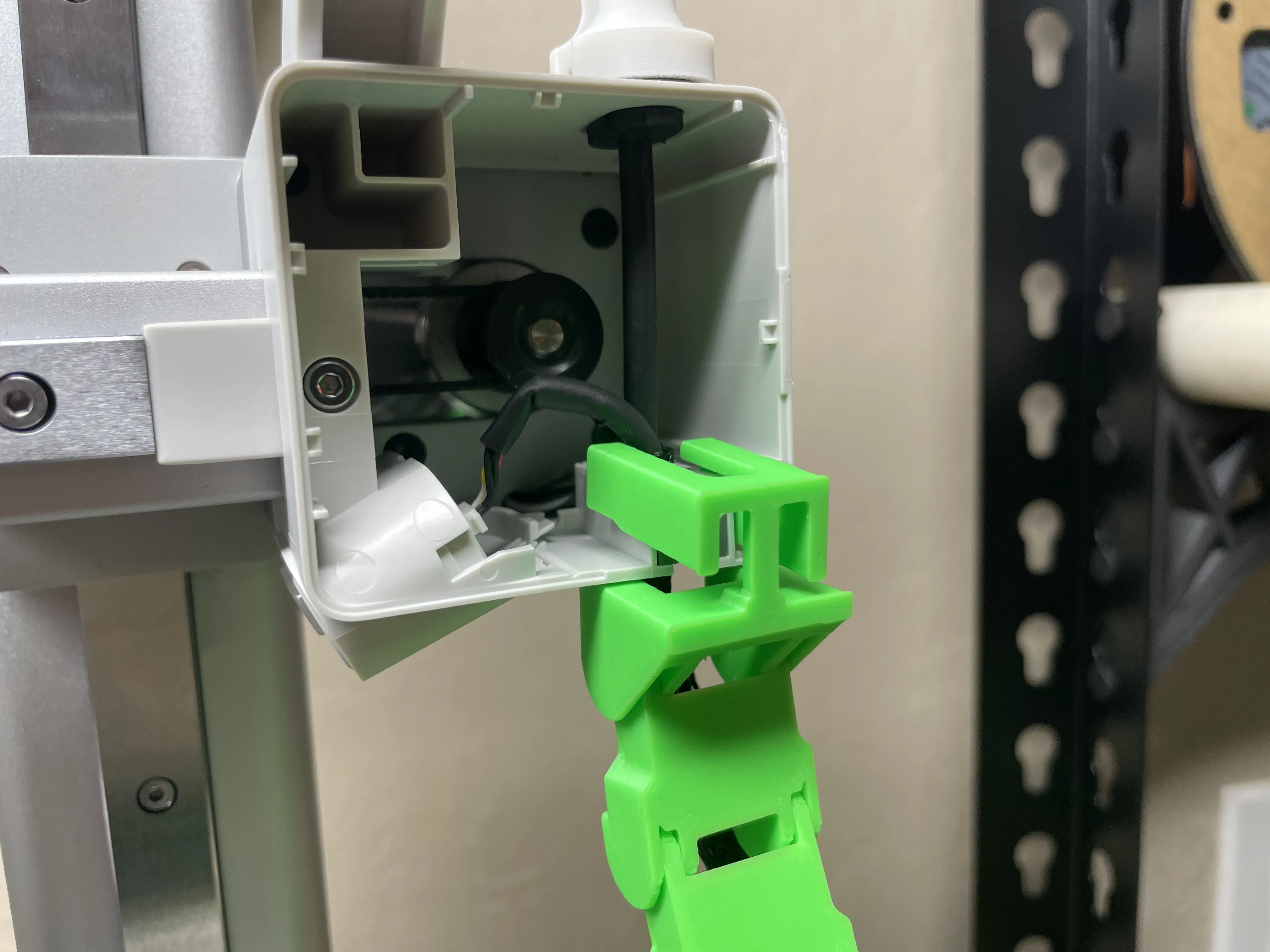
Step 7: Insert the chain into the top mounting piece while still not connected. This is best done flat on a table. Refer to previous step.
Step 8: Install the top connection piece into the x-axis motor housing after removing the cover with your small pry tool (click!). After this, you can put the cover back on.
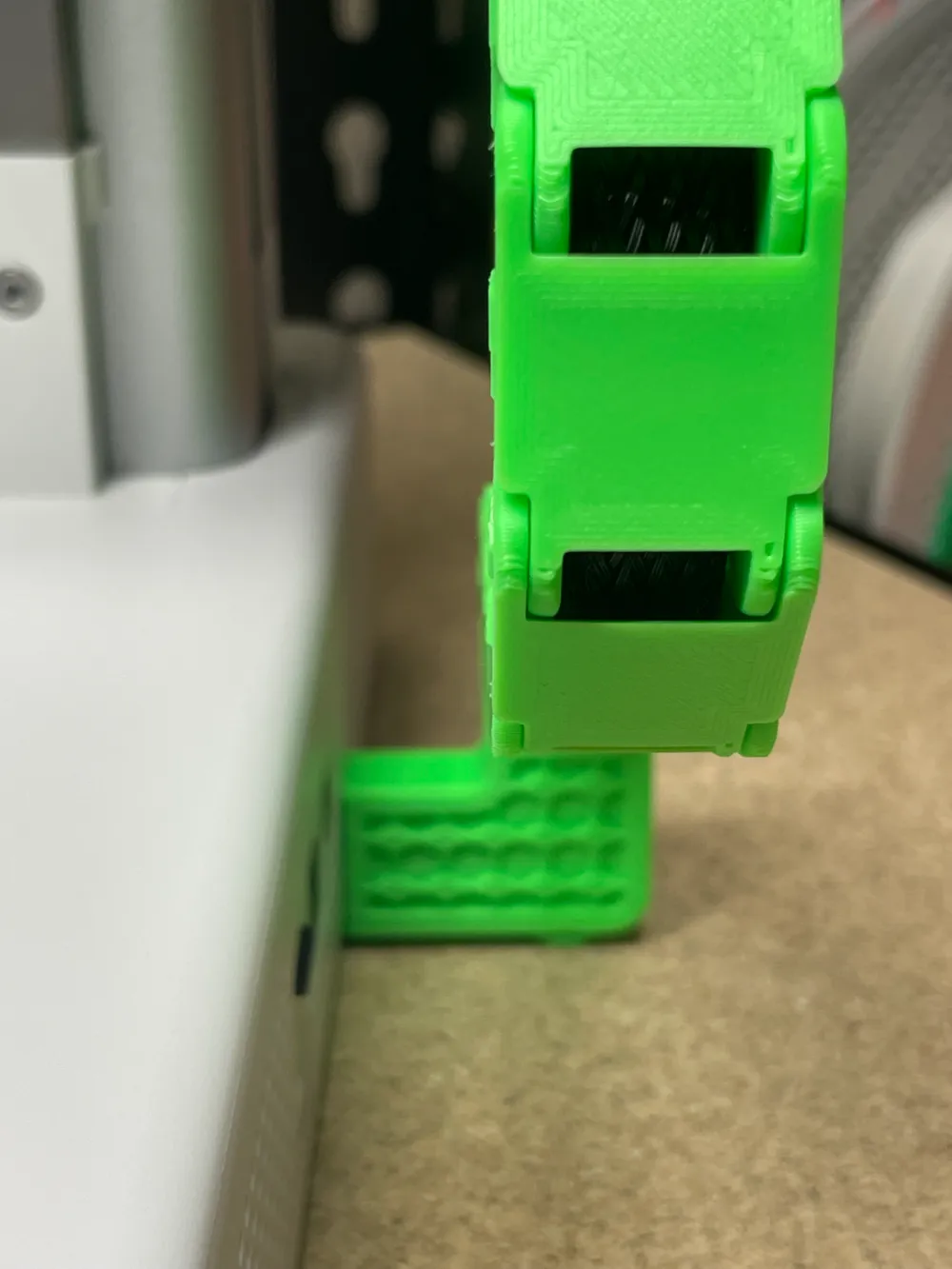
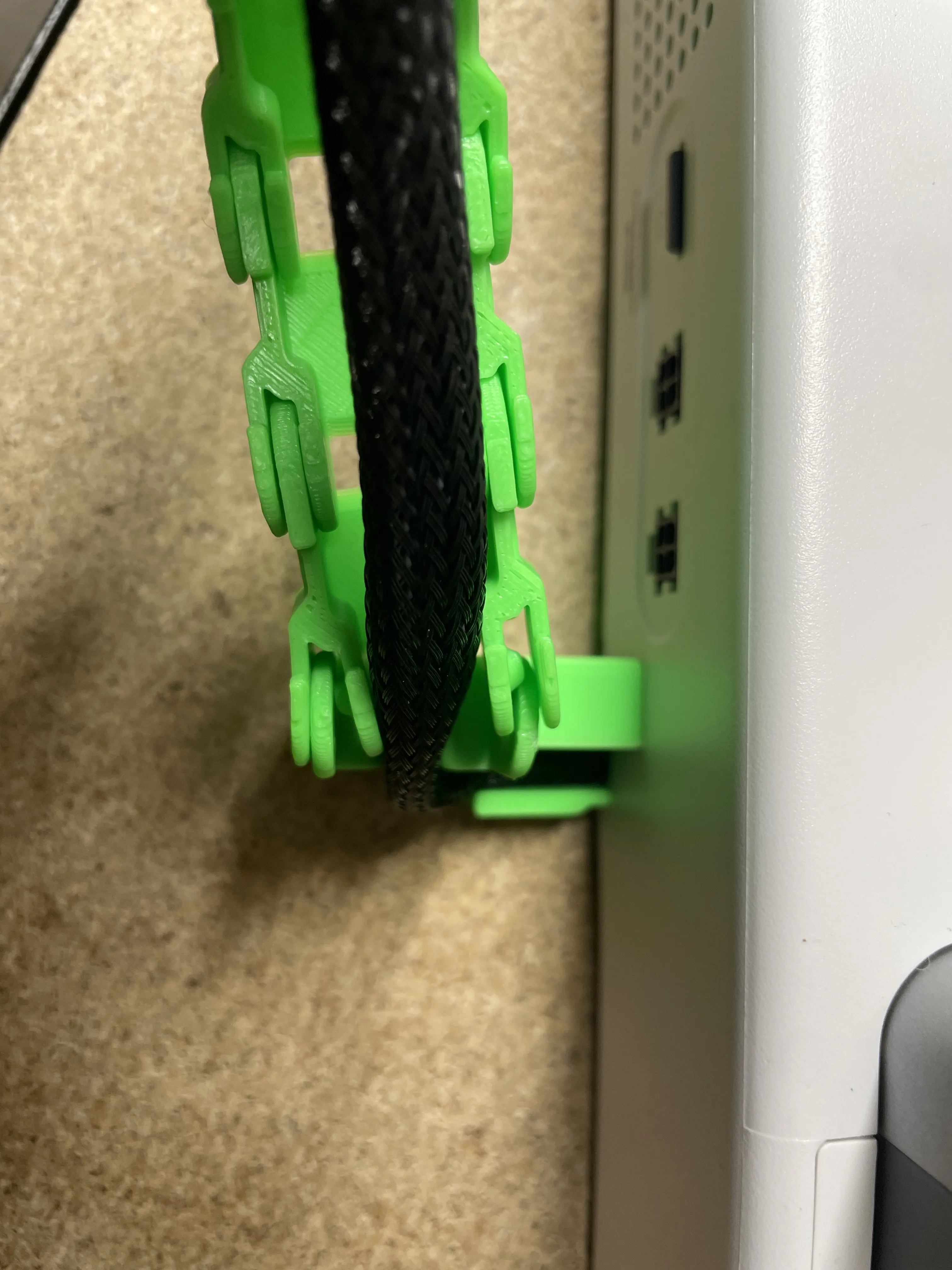
Step 9: Connect the chain to the base housing connection using the same method as shown. It will require some force, so hopefully don't break it!
Step 10: Lastly, attach the chain link covers one at a time starting from the bottom and finishing at the top.

Boost Me (for free)

I put a lot of time, effort, and filament into my designs to ensure they work well and efficiently. Boosting my models helps me out significantly, and its free for you! With this project specifically, lots of work went into it, and I would greatly appreciate your boost.

Comment & Rating (330)

(0/1000)

Boosted
Print Profile
Original Chain PIP | *SUPERTACK* | 0.2mm
Both V2 and V1 printed flawlessly, but V1 was used for a faster and easier assembly
Show original
profile
3
Reply
Hello, does the chain press on the LED strip connector? Thank you in advance
(Edited)
Show original
2
Reply
Boosted
Replying to @YohannP :
Absolutely not, it has been meticulously designed. It circumnavigates the connector without contacting it, with approximately 2mm of clearance.
(Edited)
Show original
2
Reply
Replying to @Giadenant :
What is de print you used for the feet with balls on it? Looks nice!
0
Reply
The design doesn’t seem to allow for the length of the cable on my A1 Mini :( Even without the chain, the 90 degree diverter causes the cable to be too short for the full range of the Z axis. You can see in the photos that the cable that goes to the print head is already tight. I can’t pull the cable at the bottom to go into the 90 degree channel. The chain links also don’t match the length. Perhaps the length of that cable is shorter on mine compared to others.
(Edited)
The designer has replied
1
Reply
it should perfectly reach, might have to pull it slightly out of the base maybe you pushed it in the chain links won’t perfectly match the cable length, but you should put the chain on with the axis slightly lowered
(Edited)
0
Reply
Replying to @Andreww :
Thanks for the feedback. There doesn’t seem to be any slack either side to make the cable longer. Also I can’t put the little cover pieces on because the chain is folding due to the length. Your model seems really well designed. It must be that my cable is somehow slightly shorter than most people’s. Don’t think I can do anything about it.
1
Reply
Replying to @nomadawhatudo :
sorry about that, maybe try this one https://makerworld.com/models/838156
0
Reply
Print Profile
Original Chain PIP | *SUPERTACK* | 0.2mm
functional and great print 👌
The profile uploader has replied
profile
1
Reply
Are you using the other models chain? Didn't know it was compatible!
0
Reply
Replying to @Andreww :
Yeah used a few other models but since the models are similar they clicked like lego, had to verify and ajust the dimensions before printing of course 😉
0
Reply
Replying to @Chaplin_Merek :
ah, cause my chain was made from scratch
(Edited)
2
Reply
the support broke very easily… I’ll have to be careful, but overall nice!
The designer has replied
Show original
0
Reply
hi you can try turning off cooling on those couple layers to help a little, or change materials
0
Reply
Replying to @Andreww :
I ended up just printing the base, and I was just gentler during insertion and everything was fine :) Thank you!
Show original
0
Reply
I had to really slow it down and lower my fan speeds, even past my normal matte pla settings, the movements were way to quick and short for these small of tolerances. the print head would drag and knock up corners of the chain, and the adhesion was kind of spotty. the prints warped at the second layers.
(Edited)
The designer has replied
0
Reply
Increase the temperature of the plate and give it a nice wash with decreasing soap like dawn
2
Reply
for sure, I maxed out the bed temperature, and figured the changes would iron it out, and it did, I'll upload updated photos tomorrow with a new print since I'm getting a cryogrip💯 thank you for the feedback brother!
0
Reply
Print Profile
Original Chain PIP | *SUPERTACK* | 0.2mm
Every time I try to print this it goes wrong.
The profile uploader has replied
0
Reply
please add a brim, the profile is titled supertack because of this alternatively: https://us.store.bambulab.com/products/bambu-cool-plate-supertack?variant=43060628816008
(Edited)
0
Reply
@Yeudy1208 in addition to adding brim, you can also increase your heatbed temperature as well to improve plate adhesion. you might consider revising your rating. the designer did try very hard to suggest adding a brim if you don't use supertack plate - it's in the text of the description as well as the title of the print profile you used @Andreww you might consider just enabling brim by default and noting that supertack users can disable brim. since textured PEI is the "default" plate people get with an A1 mini, you will suit the larger audience. Anyone who paid extra for a supertack plate is probably a little more aware about plate adhesion and can disable brimming... and even if they don't disable it, it will just waste a little filament and be slightly annoying to remove
0
Reply
Excellent print, and good instructions were a bit of a gift. 😁 Printed on A1 Mini, VoxelPLA Pro Gray on Darkmoon Satin plate.
The designer has replied
1
Reply
loove the color
0
Reply
Perfect I will likely alter the lower attachment with a honeycomb style 😁
The designer has replied
Show original
0
Reply
there is a profile with hexagons :-)
0
Reply
Replying to @Andreww :
I know, that's why I said so 😁
Show original
designer
2
Reply
Print Profile
Original Chain PIP | *SUPERTACK* | 0.2mm
Very clever design, easy install, silent in operation
profile
2
Reply
Print Profile
Original Chain PIP | *SUPERTACK* | 0.2mm
Excellent aesthetic mod for A1 mini
Show original
1
Reply

License

This user content is licensed under a Standard Digital File License.

You shall not share, sub-license, sell, rent, host, transfer, or distribute in any way the digital or 3D printed versions of this object, nor any other derivative work of this object in its digital or physical format (including - but not limited to - remixes of this object, and hosting on other digital platforms). The objects may not be used without permission in any way whatsoever in which you charge money, or collect fees.