
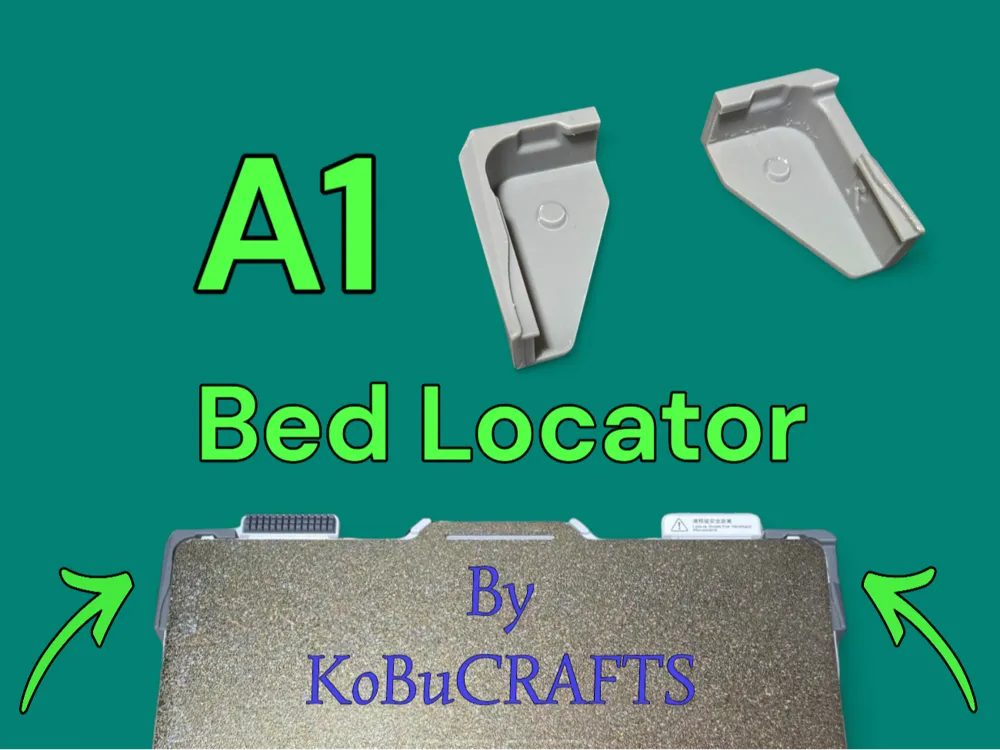
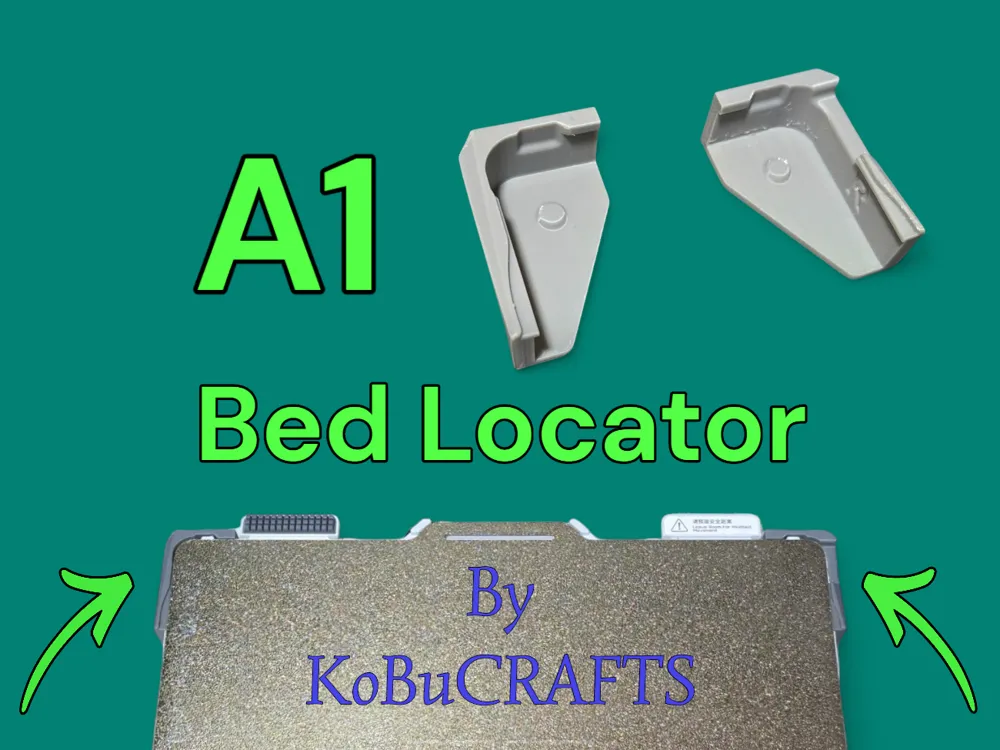
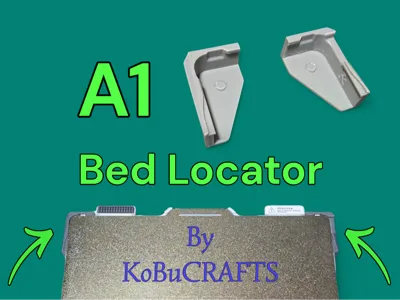
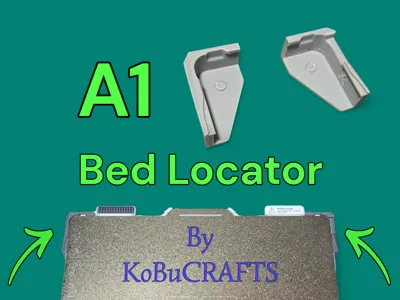
A1 Bed alignment helper, bed locator, snap on!
Print Profile(2)


Description
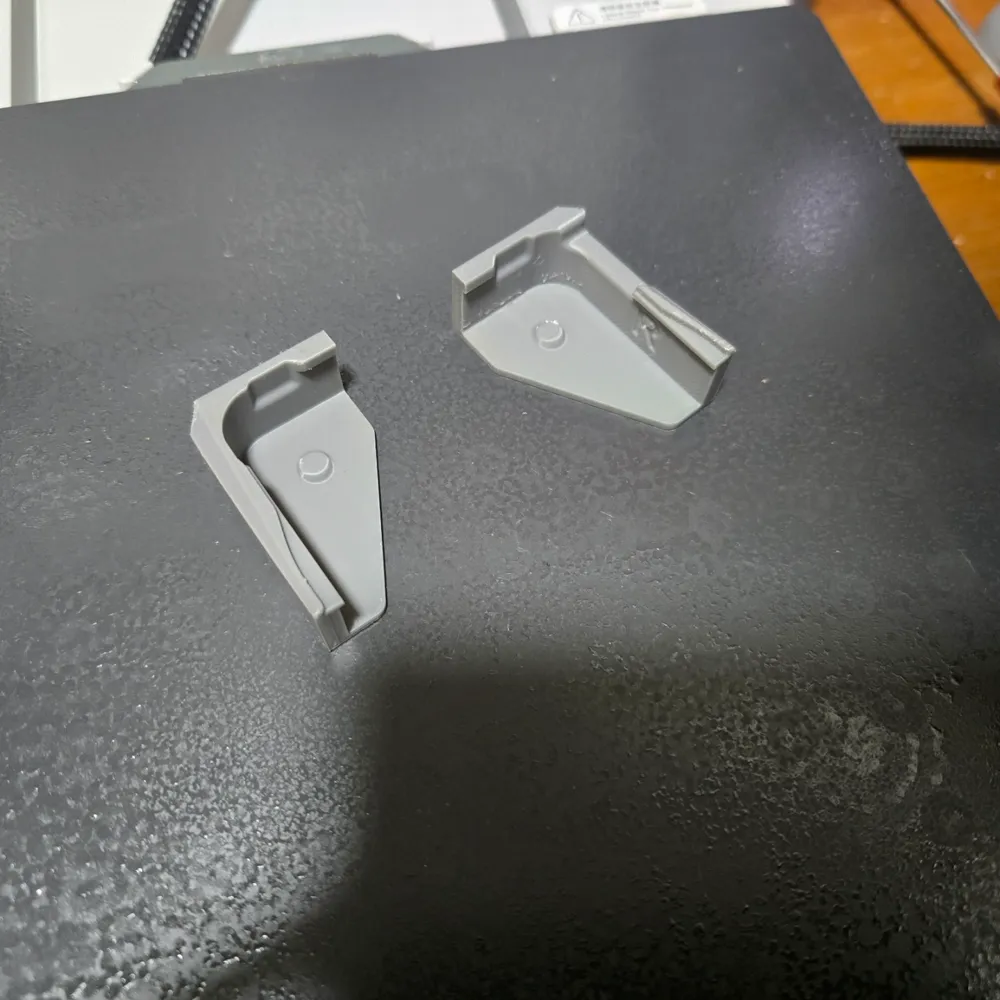
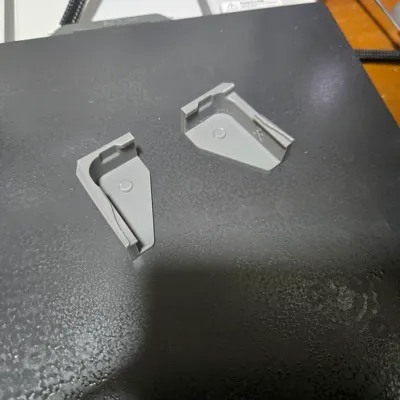
Handy tool to place your buildplate, just snap this parts on your printer.
(It can be a bit hard to push it on, but that's to make sure they are in the right place and don't fall off when u place the plate).
There still are people where the parts doesn't fit on the bed, then i suggest to make the hight of the parts a little bit bigger, for example scale it to 105% (+5%)
When they fall of u have to make them smaller instead of bigger offcoarse. (Not all printers are callibrated the the same and also not all beds are exactly the same)
Keep in mind to scale only the Y-axis, (in my print profile the parts are orientated the way that Y is the hight of the parts, for better print quality)
04-11-2024: Model changed to V2 version Minor updates to the model.
17-01-2025: Model changed to V3 version Better fit! And fixed the “covered by filament faults”.
20-01-2025: Model changed to V4 version Another update for the “covered by filament faults”
It's not bad for your printer when the toolhead (nozzle) touches this part, it's a test, going down slowly and measuring force, when it touches something it will stop and give the error.
Please read the instructions:
Dont use way too much force, make sure u don't break anything! (plastic of the printbed)
Extra info: When u print higher temperature filaments, please print these parts in PETG because of PLA will deform over time when the bed temp rises. So they can fall off.
Info for placement:
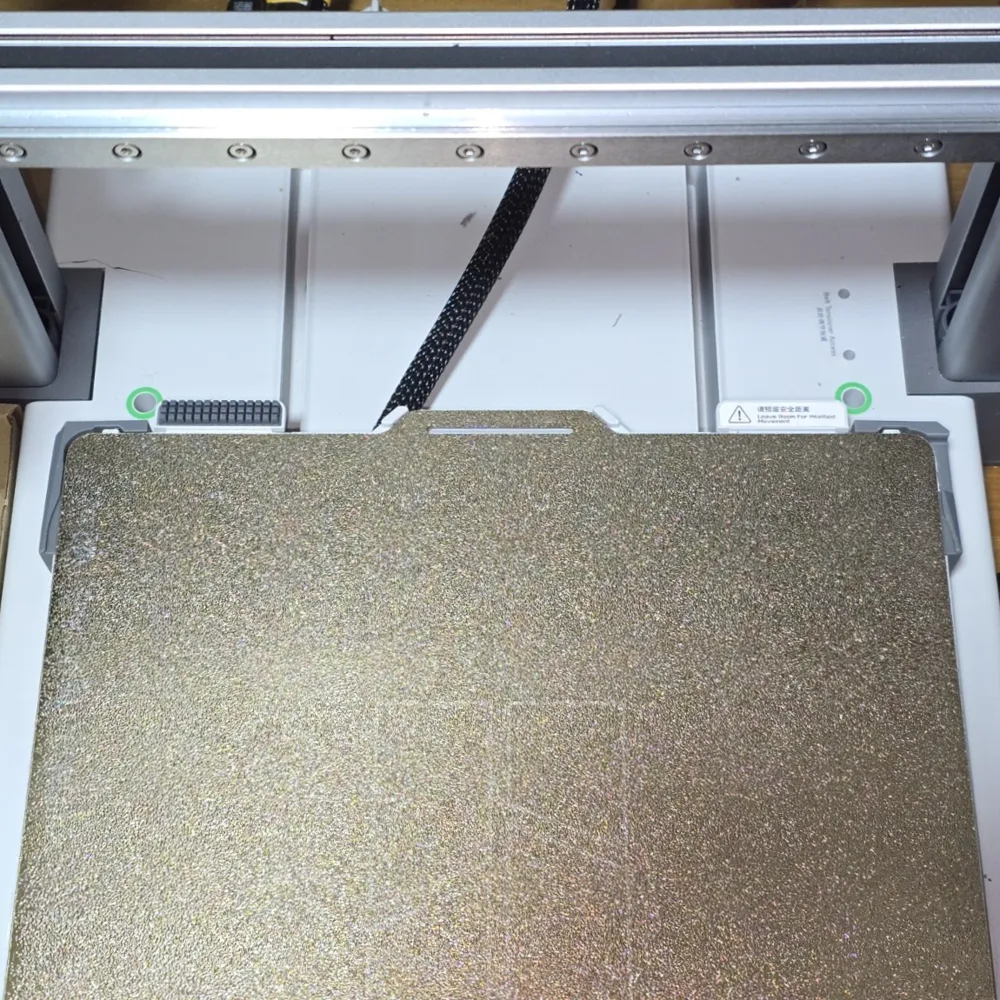
Put 1 side of the part over the edge of the plastic bed, then push the pin in the screwhole (under the bed), now push the part over the other edge from that corner of the buildplate.
When u want to remove: Bend 1 side of the part away from the bed, when it is not above the edge of the plastic bed anymore, u can easily push it downwards!
When u print often with higher bed temps, print this parts in PETG or other filament that can hold in the higher temp range, because of the heat of the printbed.
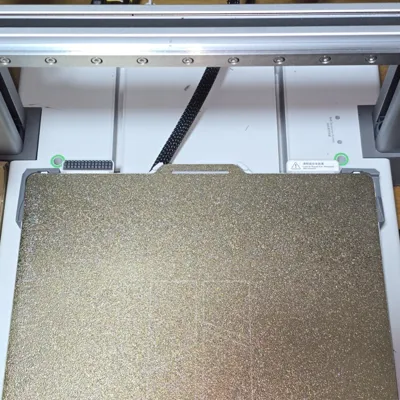
When they are in place:
Then slide your buildplate in place, just as simple as that!
Made my own because others give me the “nozzle is covered by the filament” fault.
Boost Me (for free)
If u really like this model
Feel free to look at my other models/files!
Created by KoBuCRAFTS!
License

You shall not share, sub-license, sell, rent, host, transfer, or distribute in any way the digital or 3D printed versions of this object, nor any other derivative work of this object in its digital or physical format (including - but not limited to - remixes of this object, and hosting on other digital platforms). The objects may not be used without permission in any way whatsoever in which you charge money, or collect fees.


Comment & Rating (1831)