
Custom Mechanical Keypad with Display

Print Profile(1)


Description
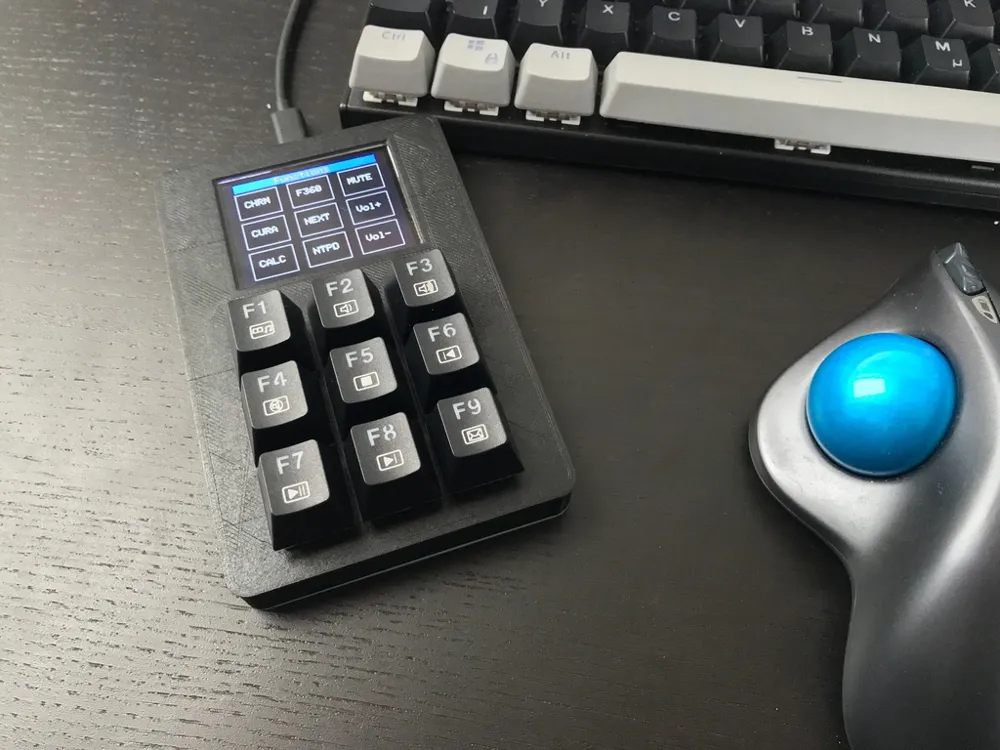
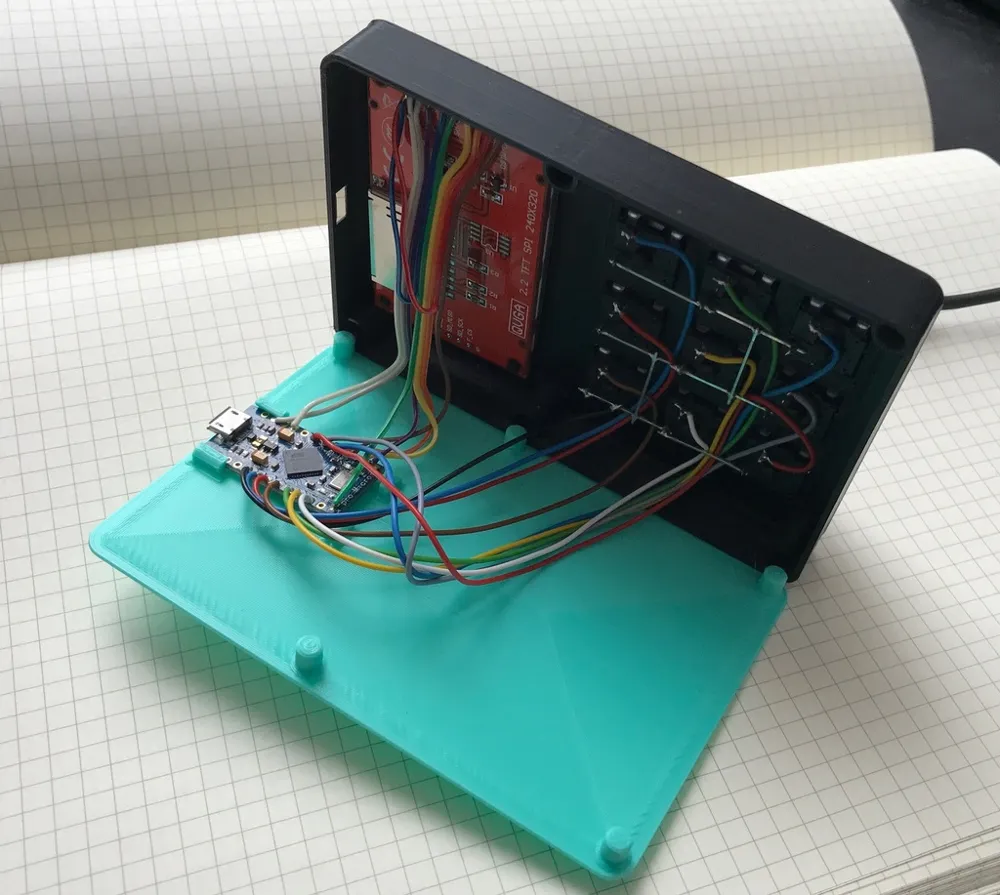
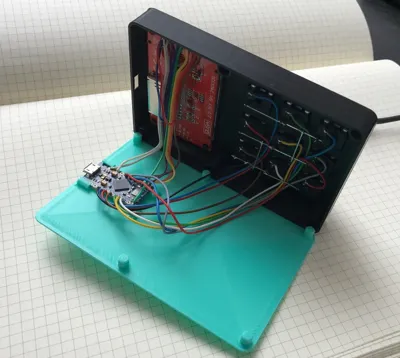
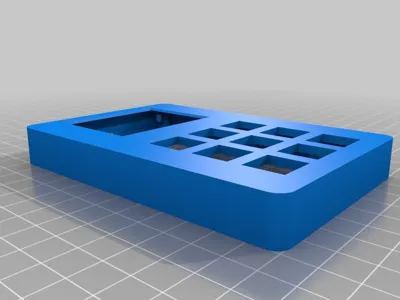
Keypad using mechanical keys, Arduino Pro Micro &ILI9340 SPI Display
Input device to improve workflow and user input without having to remember a lot of different key combinations.
Hardware
Mechanical Keys: Ebay
Microcontroller: Arduino Pro Micro (Ebay - different models available)
Display: Search Ebay for ILI9341
Software
The software running on the Arduino uses the OneButton Library to simply connect multiple buttons without debounce handling needed.
At the moment the software allows multiple modes (window management, start of programms and input of special characters)
The display shows the current selected mode and the function of the keys.
On the computer side i use AutoHotKey for the command handling.
WIRING
The wiring depends on the microcontroller you use and the display. For my current configuration I connected the display according to the spec sheet. Its a simple SPI connection. The reset pin is always pulled high.
The buttons are connected to one digital pin each, using the internal pullup resistor. The other pin of the mechanical buttons are all connected to ground. Pressing the button grounds the pin. This allows a design without other resistors only using the arduino microcontroller.
Work in progress!
Print Settings
Printer:
CR-10
Rafts:
No
No
Resolution:
0.2
20%
Notes:
Good leveling needed to avoid warping.
License



Comment & Rating (0)