


Print Profile(1)

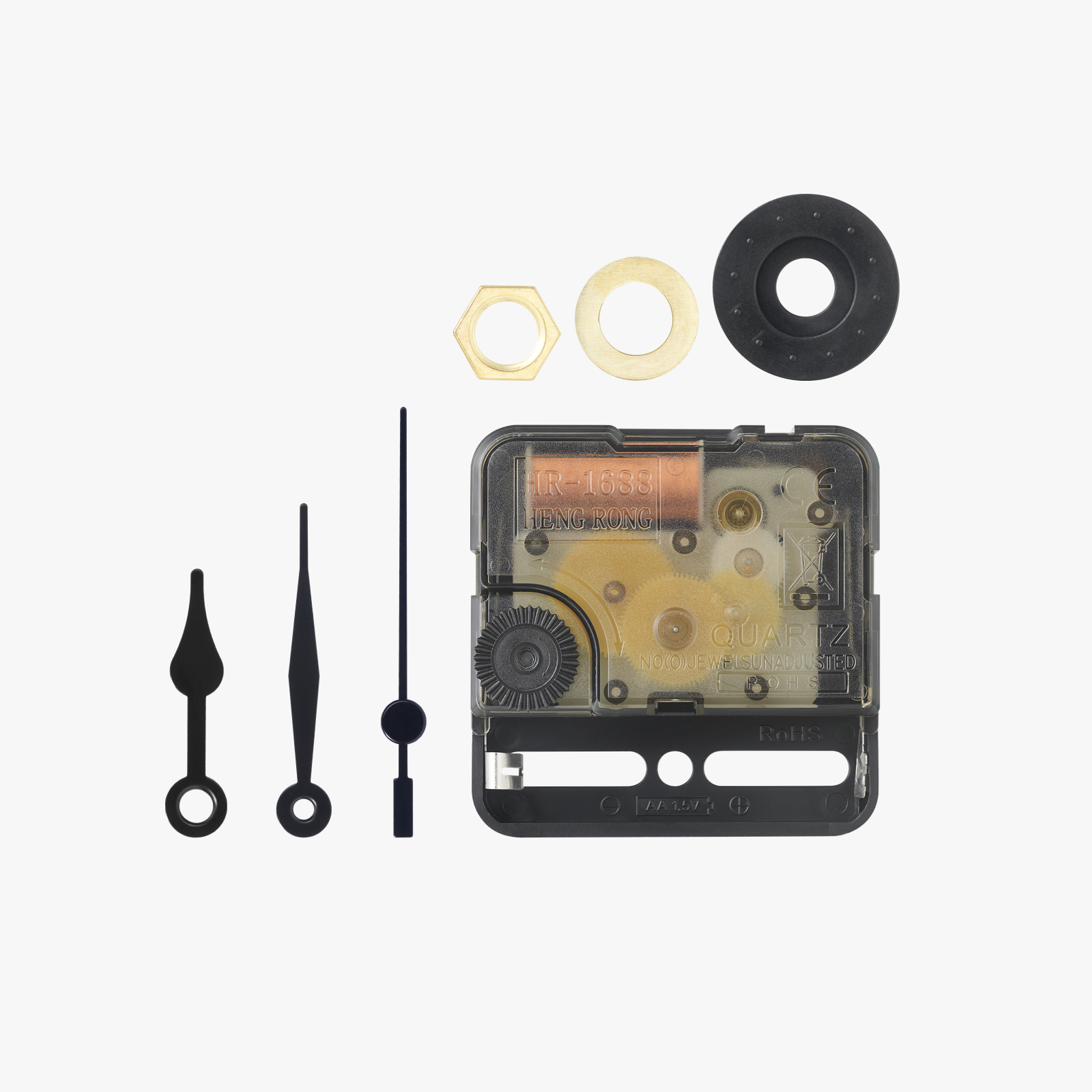
Bill of Materials
Description
Celebrate Halloween with this fun, Peanuts-themed clock inspired by It's the Great Pumpkin, Charlie Brown! Featuring Charlie Brown, Snoopy, and the classic 'I got a rock' scene, it’s a playful nod to the special. With pumpkins, bats, and a clean design, this clock is easy to print and perfect for any Peanuts fan's halloween decorations!
Check out my Omega Speedmaster Inspired Clock here: Omega Speedmaster Clock
Check out my Hamilton Khaki Field Inspired Clock here: Hamilton Khaki Field Clock
Check out my Omega Seamaster Inspired Clock here: Omega Seamaster Clock
Check out my Rolex Explorer II GMT Inspired Clock here: Rolex Explorer II GMT Clock
Check out my AP Royal Oak Inspired Clock here: AP Royal Oak Clock
If you like my work, consider buying me a coffee :)
Boost Me (for free)
If you feel I deserve it, a boost would be more than appreciated!
Printing Specifications
Please note: For those with X1 Carbons, make sure you uncheck the “Flow Calibration” option when going to print, as the calibration lines will intersect with the clock.
- Nozzle Size: 0.4mm
- Layer Height: 0.2mm
- Walls: 2
- Infill: 10% gyroid
- Note: Do not hit the arrange button when printing, as it will separate the pieces from their correct positions.
Recommended Print Plates
- Textured PEI plate
Filaments Needed
- White
- Black
- Orange
- Brown
Assembly Instructions
Clock Mechanism:
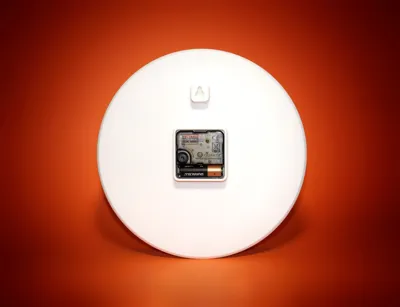
- Insert the clock mechanism into the slot on the back of the dial, ensuring it is fully seated.
- Attach the thin brass nut onto the post protruding from the front of the dial and tighten


- Hands:
- Attach the hour hand first, pushing it onto the larger part of the post as far as it will go without excessive force.
- Next, attach the minute hand similarly onto the smaller part of the post.

- Final Steps:
- Insert the battery into the mechanism.
- Set the time.
Enjoy your Charlie Brown Halloween clock!
Share Your Work
- Please share photos of your completed clocks. I would love to see your prints!
License

You shall not share, sub-license, sell, rent, host, transfer, or distribute in any way the digital or 3D printed versions of this object, nor any other derivative work of this object in its digital or physical format (including - but not limited to - remixes of this object, and hosting on other digital platforms). The objects may not be used without permission in any way whatsoever in which you charge money, or collect fees.


Comment & Rating (22)