
A1 Host Cooling Kit (6025 Fan with Clamp)
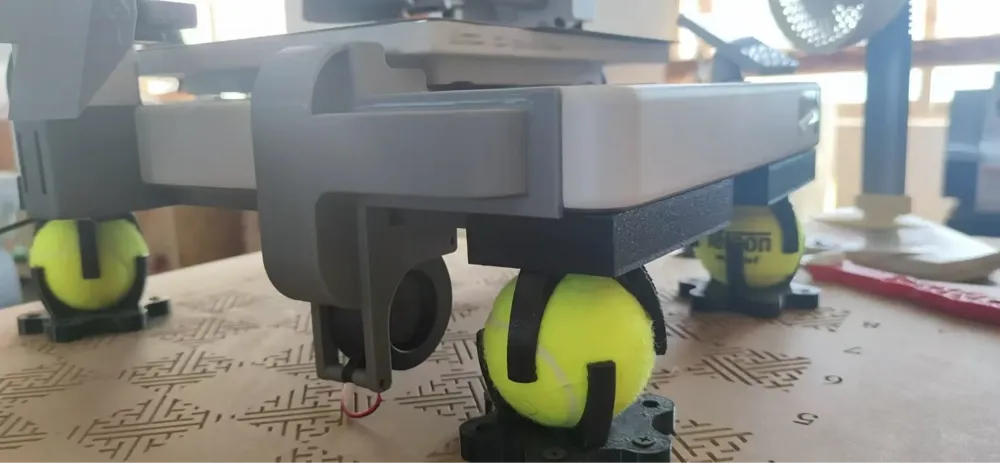




Print Profile(1)
Description
Issue:
1/ There are many heat sources inside the A1 host, causing significant heat buildup.
2/ The ventilation holes are practically useless, offering minimal cooling effect. The vents on the left side even misalign with the internal power adapter's ventilation grid, obstructing each other.
3/ I searched extensively for solutions, some of which were good, but their fans were too small.
Since I couldn't find any original A1 case or base parts for sale, the primary goal was to avoid altering the original parts. (If I could find the original plastic parts, I'd enlarge all the ventilation holes and remove the base in a heartbeat.)
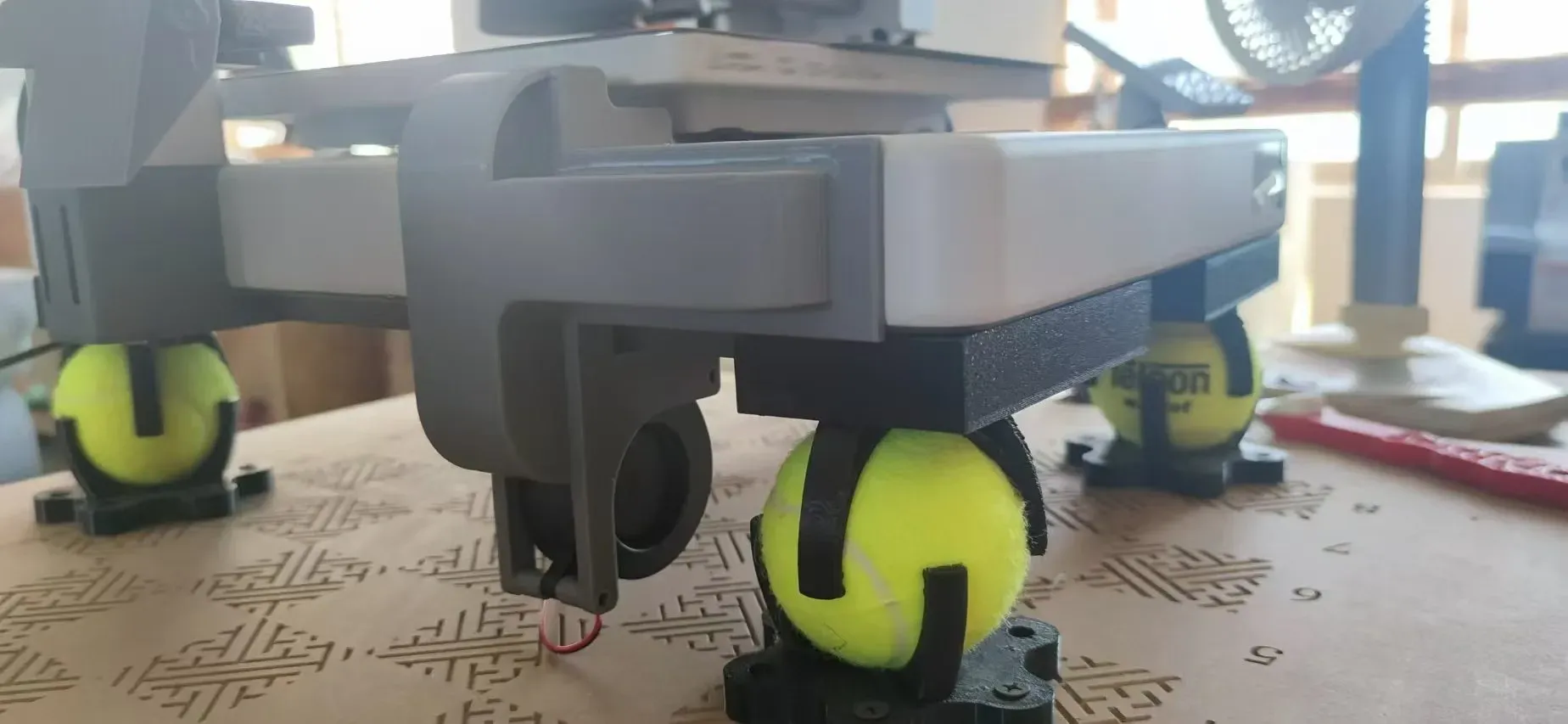
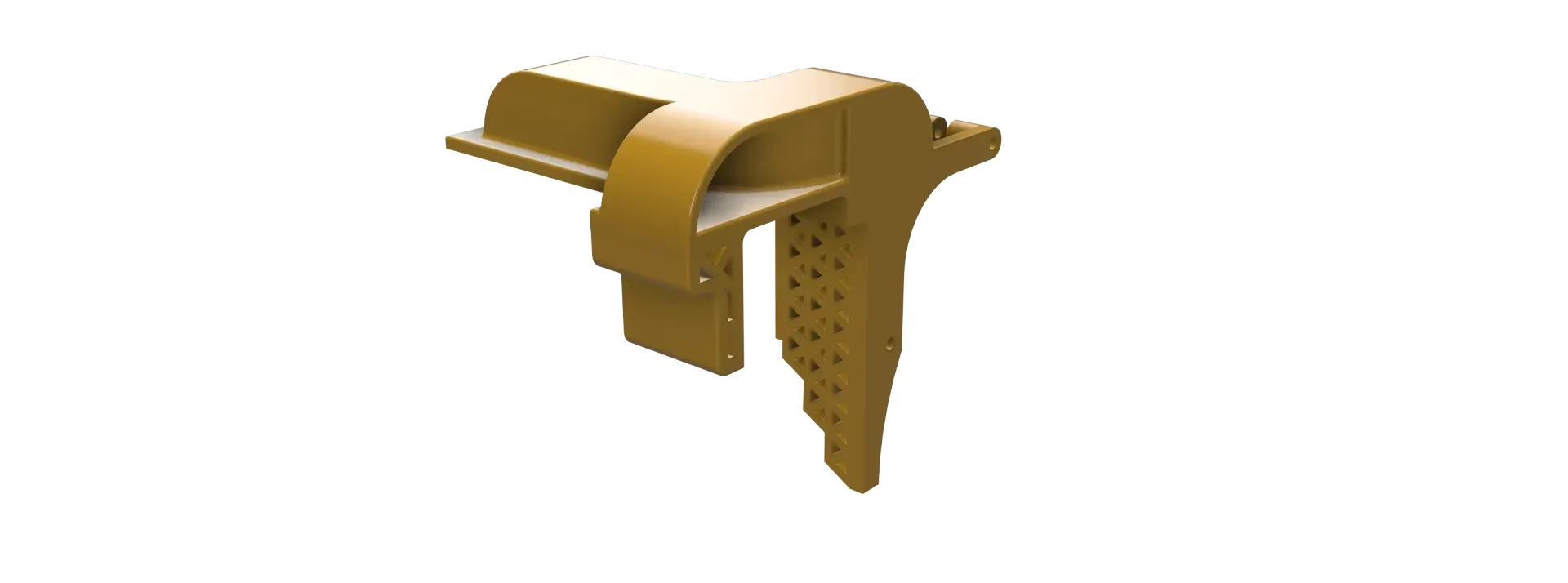
This kit is clamp-on, using a 6025 turbine blower fan that requires no glue or screws for installation and removal. (Glue-on options might leave residue and the adhesive strength is affected by temperature.)
Printing settings: Don't be afraid to use more material or time; print it sturdy to ensure rigidity and clamping force.
I often switch to high-speed mode after the first few layers, and the cooling component clamps firmly.
This solution requires the host to be raised before installation.

License



Comment & Rating (6)