
Cricut Maker Curved Stands With Logo

Print Profile(2)


Description
Membership
Boost Me (for free)
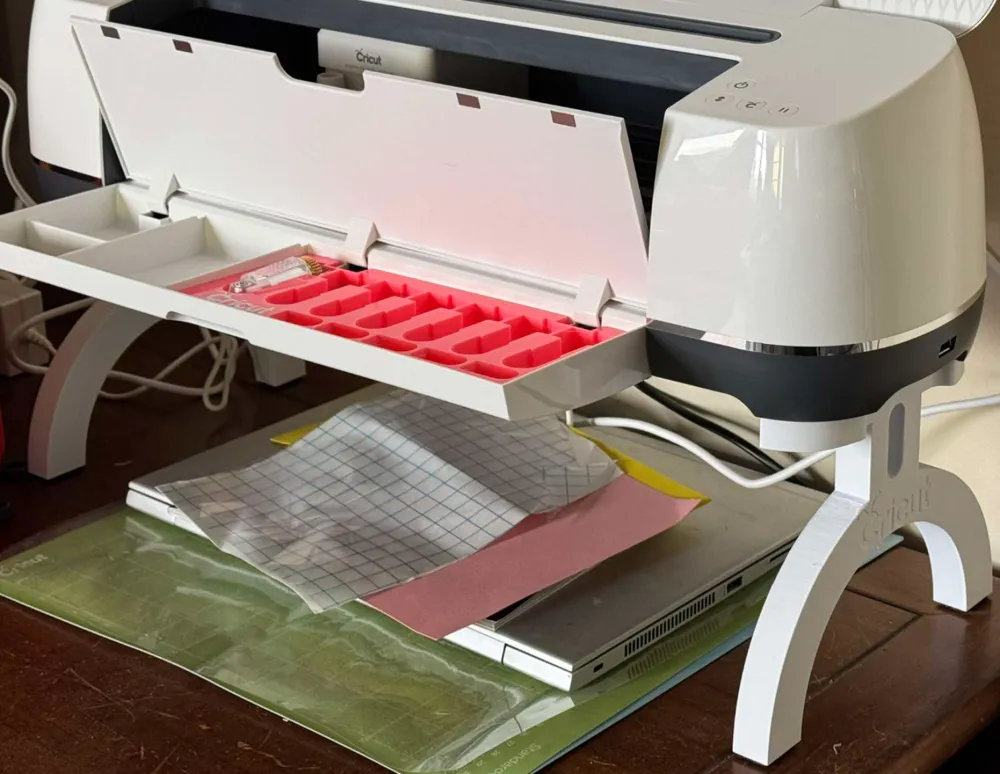
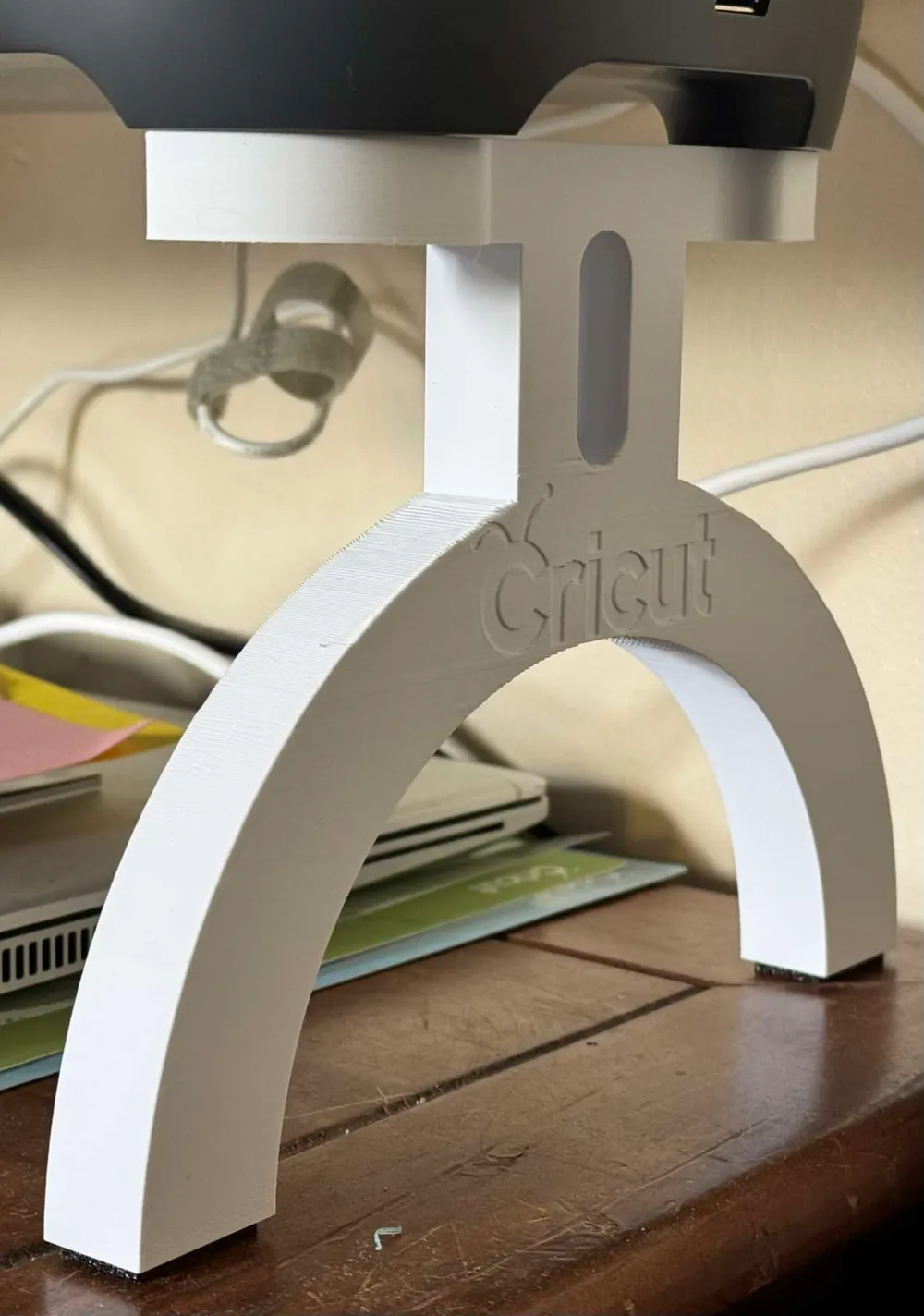
First of all, a huge thanks to Chevytrucks5 for their amazing work on this model. I wanted to improve this for both the function of the TPU feet, which I had difficulty fitting into his model, and also wanted to give it a more sturdy and aesthetically pleasing design so I used a circular design taken from the cricut logo letters and created these legs. For a final touch, I added an embossed Cricut Logo on the outer sides of each leg.
To install these you must place your Cricut Maker upside down on a soft surface and remove the feet, then unscrew the screws which are in the base of the machine under each foot. You will then screw them through the holes in the legs (make sure you're going the right way!) and then place the leg on one end. There isn't a lot of room to work with, so I recommend using a philips bit with a socket as a handle and carefully screwing them on - this doesn't take much force and is fairly easy to do. Repeat with the other side and place the TPU feet in the bottom of the legs for a finished product! If it's not stable please retighten the screws.
Note - This was designed and tested with a Cricut Maker. Longer screws are needed for a Maker 3.
This remix is based on


License

You shall not share, sub-license, sell, rent, host, transfer, or distribute in any way the digital or 3D printed versions of this object, nor any other derivative work of this object in its digital or physical format (including - but not limited to - remixes of this object, and hosting on other digital platforms). The objects may not be used without permission in any way whatsoever in which you charge money, or collect fees.


Comment & Rating (105)