Search models, users, collections, and posts

TPU Dust Cover for P1P, P1S, and X1 Z Axis
Print Profile(3)

All
P1S
P1P
X1
X1 Carbon
X1E
A1
A1 mini
H2D
H2D Pro
H2S
P2S
H2C
X2D
A2L

TPU, 0.2mm layer, 2 walls, 15% infill
Designer
14 min
1 plate
4.9(497)

PLA-   0.2mm layer, 2 walls, 15% infill
PLA- 0.2mm layer, 2 walls, 15% infill
14 min
1 plate
4.9(125)

NO SEAMS - PLA Cover Dust Z-Axes
16 min
1 plate
4.9(16)

Open in Bambu Studio
Boost
1321
3972
742
222
5.5 k
4 k
Released 

Bill of Materials

Bambu Filaments
Select all
Black (51100) / Filament with spool / 1 kg

Description

I changed the geometry of my original dust cover for P1 & X1 to better suit TPU and to make a better seal.

If you do not have TPU, please print the version linked above for PLA, PETG, ABS, or ASA.

I don't recommend printing this design with PLA filament.

The thin wall could break and get stuck between the Z bearing. 


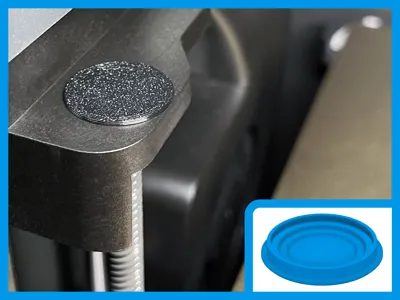
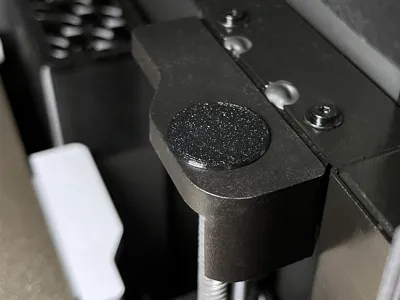
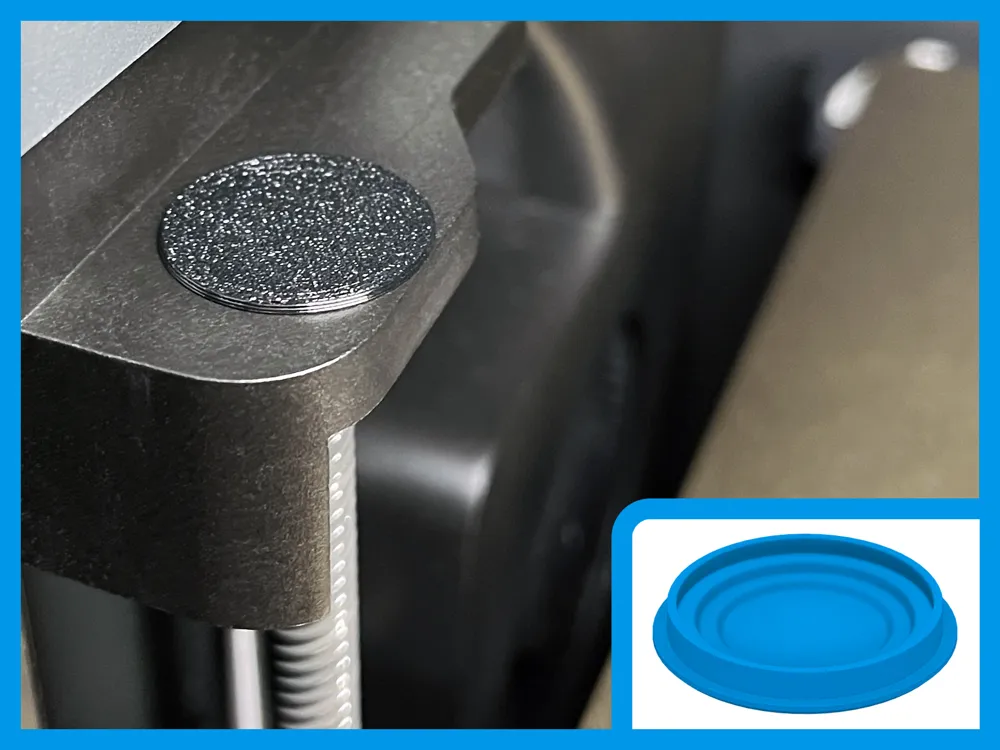
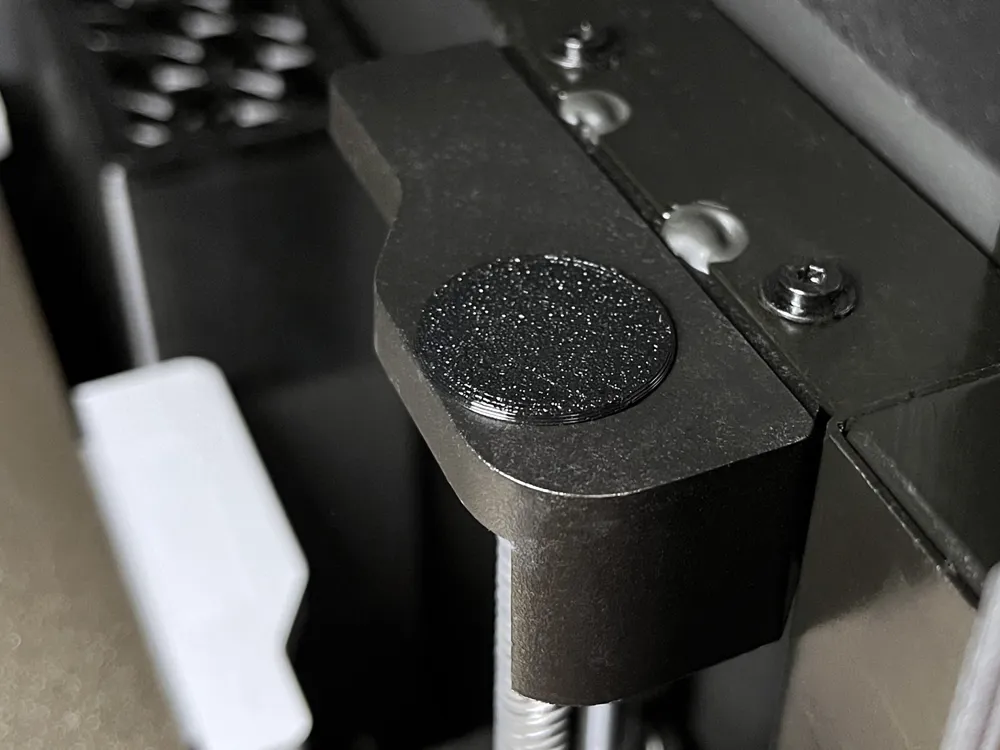
This cap completely covers the top of the z-axis threaded rods to keep out dust and filament bits.

(2) covers print in roughly 14 minutes and about 1.2 grams of filament.

  • Print settings are very important, so please use the included print profile w/ a 0.4mm nozzle.
  • Make sure your TPU is dry!
  • This needs to be printed slowly - most of the speeds have been tuned to 30 mm/s.

There is a round cutout so the top of the rod/rubber plug does not rub against the printed cover!

Optimized for 0.20mm layer height.

Installation:

  1. Simply push into place with your fingers, and work around the edge in a circular pattern.
  2. The outer edge of the cap is meant to fill the space between the metal bearing and plastic.
  3. This creates a seal, and holds it in place with friction.
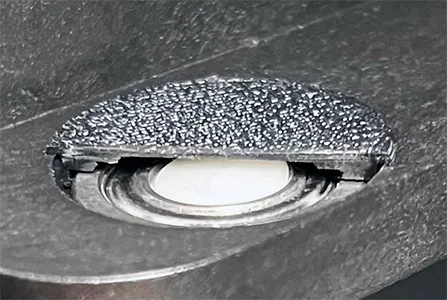
Cross section view


This should fit well because I printed around 20 to verify consistent results.

Due to variances in printing, you might want to print 4 and choose the best 2.

You can also try scaling X/Y by a very small amount in the slicer - maybe 0.2% - 0.5%.


Boost Me (for free)

Comment & Rating (742)

(0/1000)

Print Profile
TPU, 0.2mm layer, 2 walls, 15% infill
Prints nicely and does the job as advertised.
profile
2
Reply
Print Profile
TPU, 0.2mm layer, 2 walls, 15% infill
Was my first TPU print and it turned out great. Thanks a lot. Love since it was husslefree and fun.
The profile uploader has replied
profile
1
Reply
I don't print a lot of TPU, but it's really helpful to keep the filament dry and print it slow!
0
Reply
Print Profile
TPU, 0.2mm layer, 2 walls, 15% infill
Perfect what else can I say. Thank you
profile
1
Reply
Print Profile
PLA- 0.2mm layer, 2 walls, 15% infill
fits them perfectly
1
Reply
Print Profile
TPU, 0.2mm layer, 2 walls, 15% infill
practical, easy print
profile
1
Reply
Print Profile
TPU, 0.2mm layer, 2 walls, 15% infill
Fits perfectly. Printed in Bambu TPU 95A-HF.
profile
1
Reply
Works and fits nicely
designer
1
Reply
Print Profile
TPU, 0.2mm layer, 2 walls, 15% infill
printed out well with some old NinjaTek Cheetah TPU filament. One of the two came out a bit cleaner but again I was using some old filament that has been out lying around for a while. part fit well and looks like it will do what it was intended to do.
profile
1
Reply
Print Profile
TPU, 0.2mm layer, 2 walls, 15% infill
Fits and seals perfectly! (Printed with BambuLab Black TPU
profile
1
Reply
Print Profile
TPU, 0.2mm layer, 2 walls, 15% infill
Printed from 95A TPU and fits great! thank you
profile
1
Reply

License

This user content is licensed under a Standard Digital File License.

You shall not share, sub-license, sell, rent, host, transfer, or distribute in any way the digital or 3D printed versions of this object, nor any other derivative work of this object in its digital or physical format (including - but not limited to - remixes of this object, and hosting on other digital platforms). The objects may not be used without permission in any way whatsoever in which you charge money, or collect fees.