
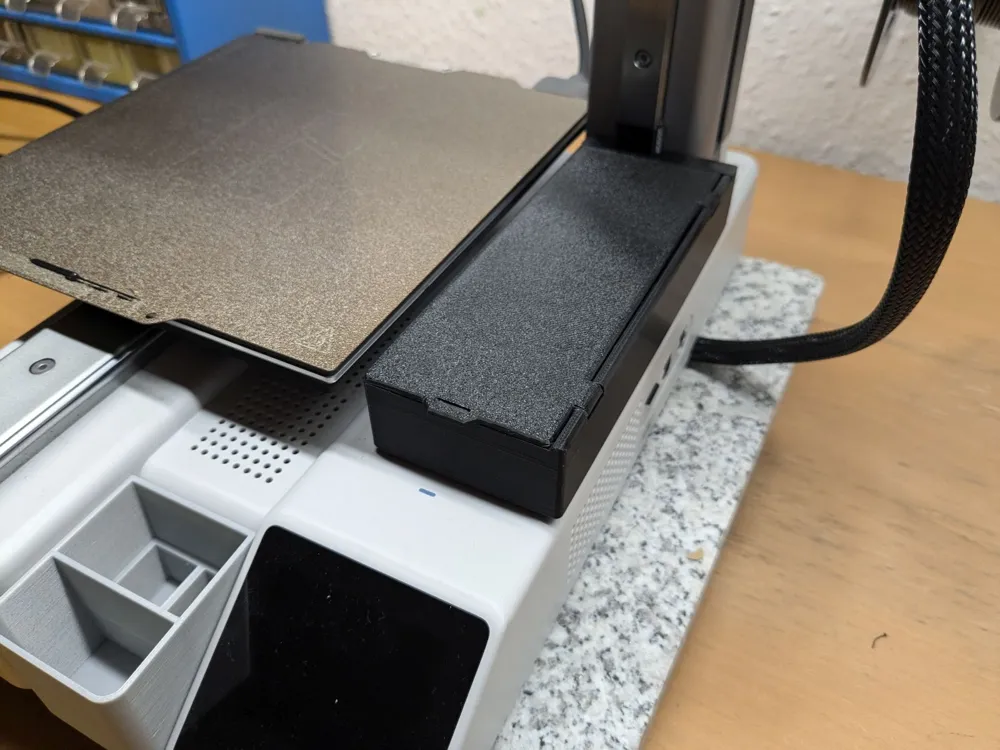
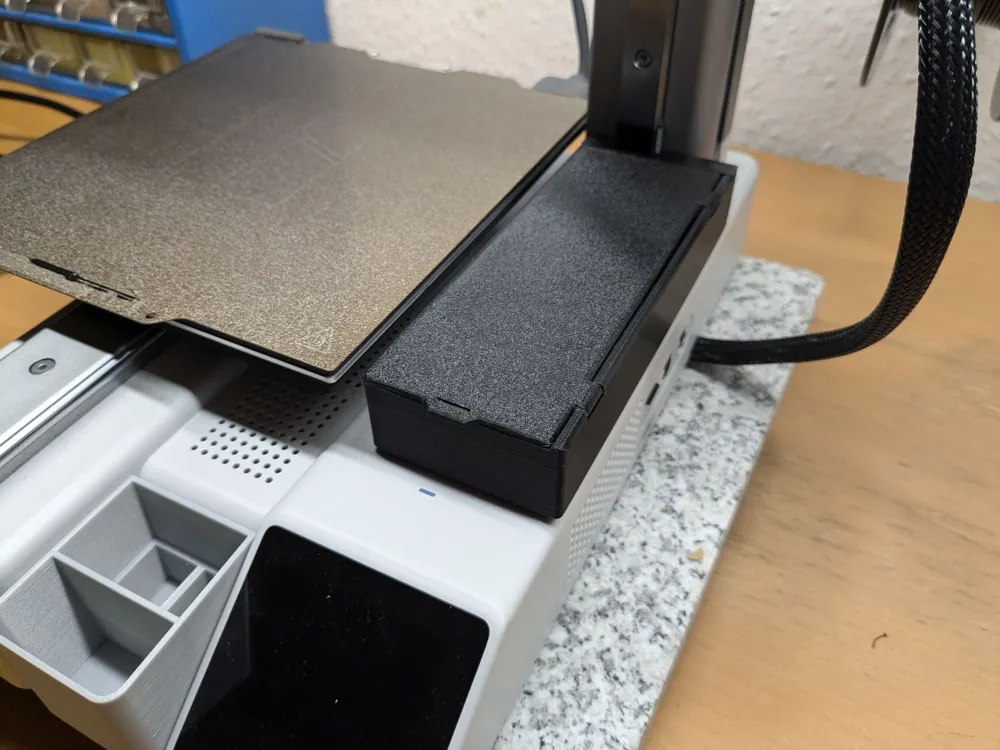
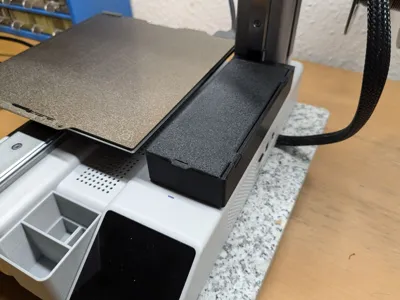
screwed on A1 Mini tool storage box with lid




Print Profile(11)


Description
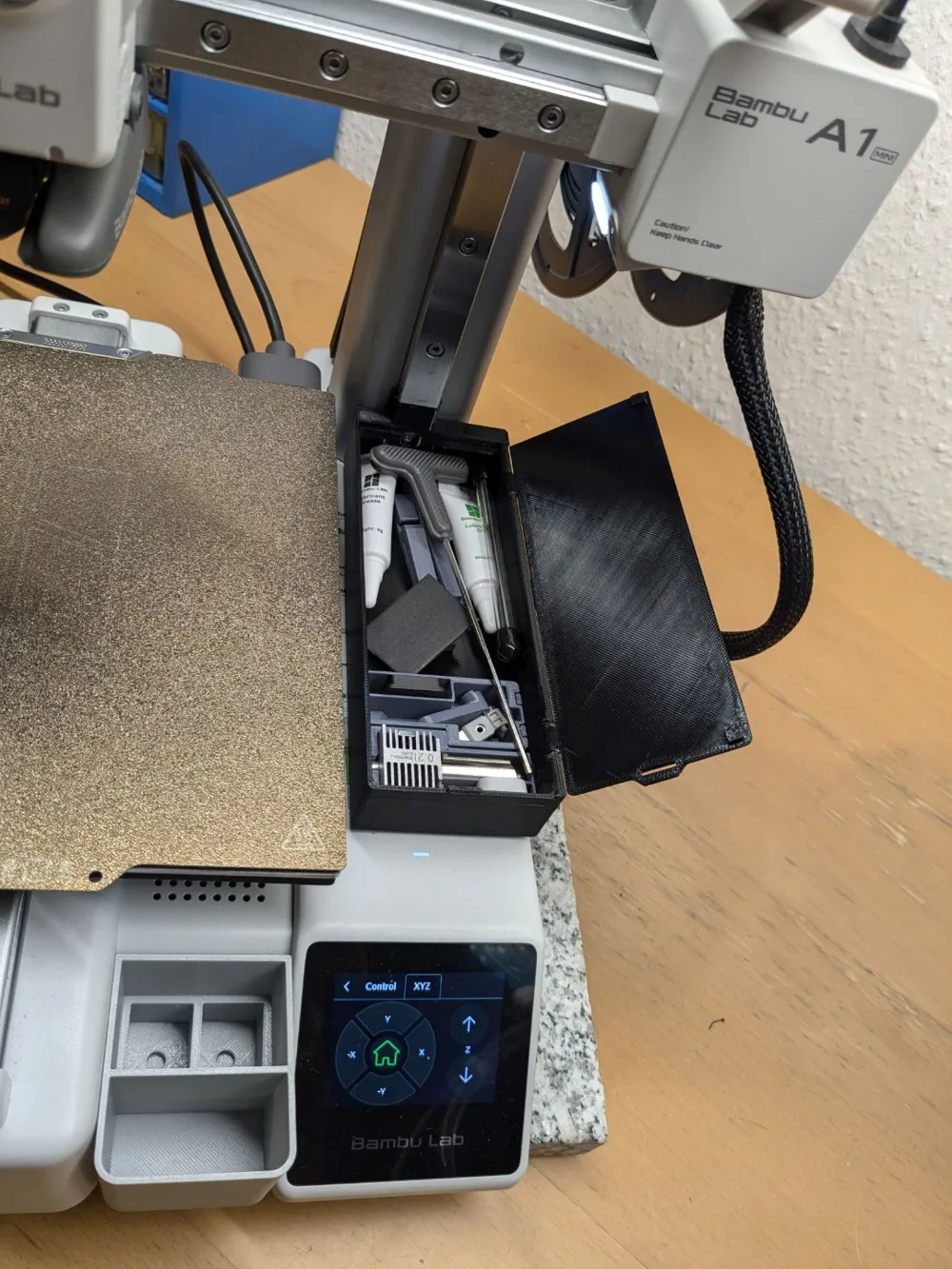
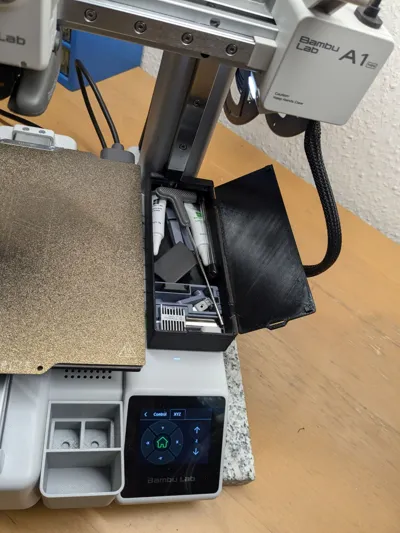
A Storage box for all the Bambu Tools with a Lid to protect t
hem when caring it around :)
Update: 22.10.2024
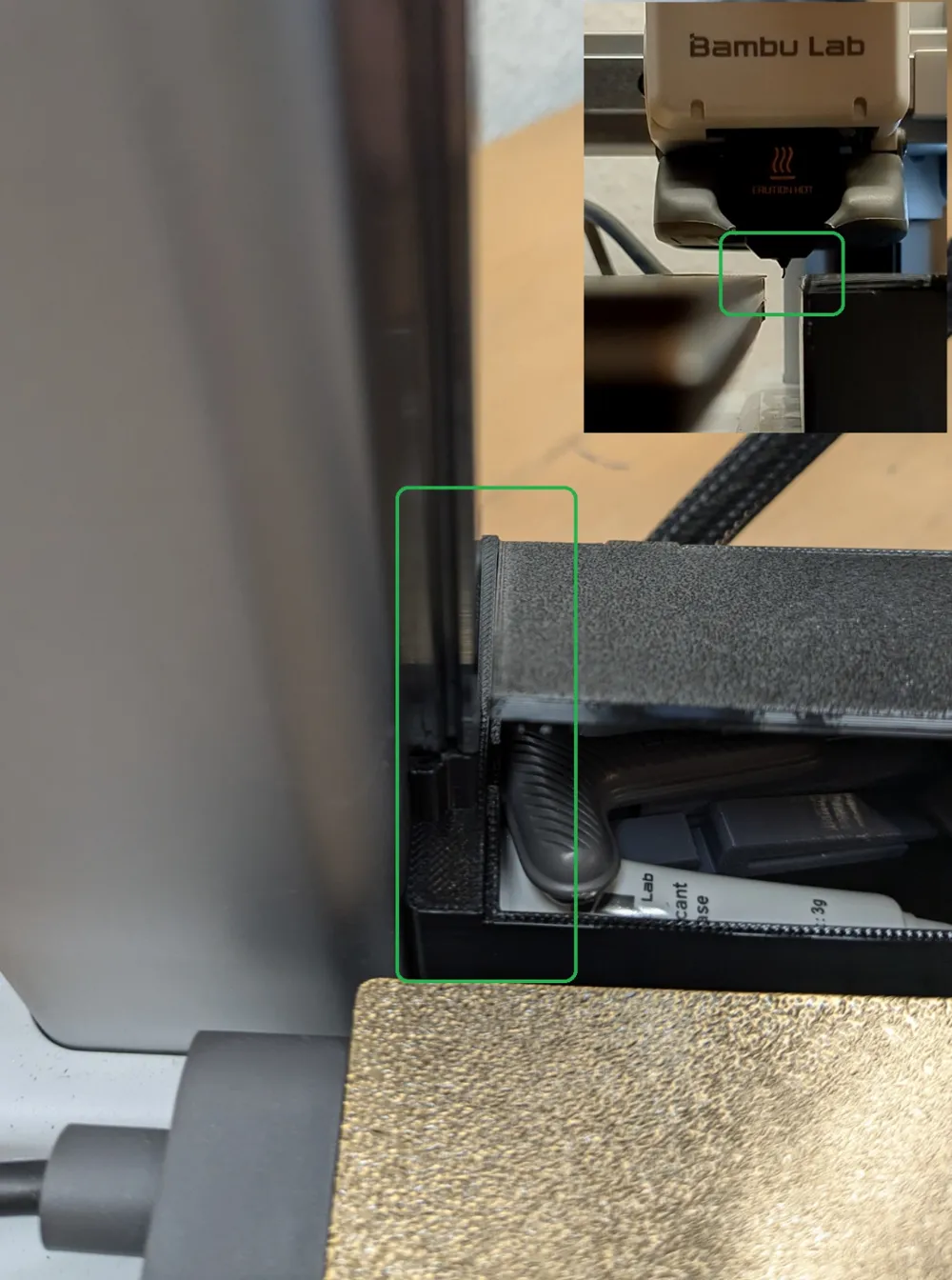
- Made a offset (v2) Box version, now it is 6mm moved to the right, to prevent the Nozzle from hitting the cover when “Nozzle clump detection” is active
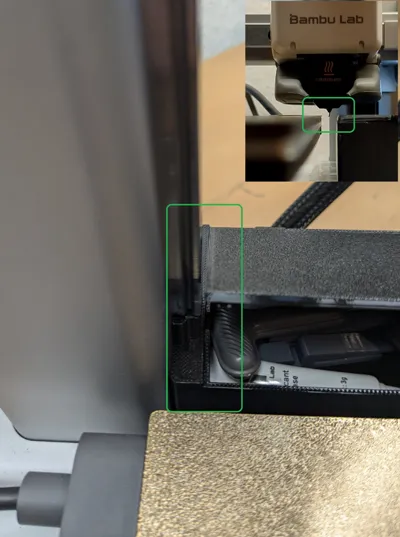
- Made box 1mm longer to have gap between the cover and Z-Rail, so it can`t touch the rail anymore (the original Cover still usable)
- Slightly reduced the Height of the back “Z-Mount” part, as it was a tight fit.
- The black printed box does show the offset Box, i still let the “old” version online.
Update: 05.10.2024 , It seems the Print stopping on some printer is coming from a false-positive of the “clog detection” at the Printer.
I never had the “Nozzle clumping detection” on on my printer and never had issues, so a solution can be to disable this function at the Printer.
Update 19.06.2024: it seems some A1 Mini printers do some kind of homing sometimes at this position and then is going below Z-0. I never experienced this with my printer, however replaced the Body by a new version which is now 27mm high instead of 29mm before so the Hotend should not touch the lid anymore.
No support required.
As the lid does open to the right it can be left open while printing.
To mount the Toolbox just remove the lower Z-Rail cover and install it with the same screw.
I strongly recommend to print at least the lid in a dark color so the LED won`t overexpose the camera !
Print with PETG/ABS or some other high-temp filament, as its very close to the bed ;)
For people who prefer a version without removing the original Z-cover i created a remix here: https://makerworld.com/en/models/501078
Update: Made a nozzle insert for the box, can be found here: https://makerworld.com/en/models/552513
License



Comment & Rating (2283)