
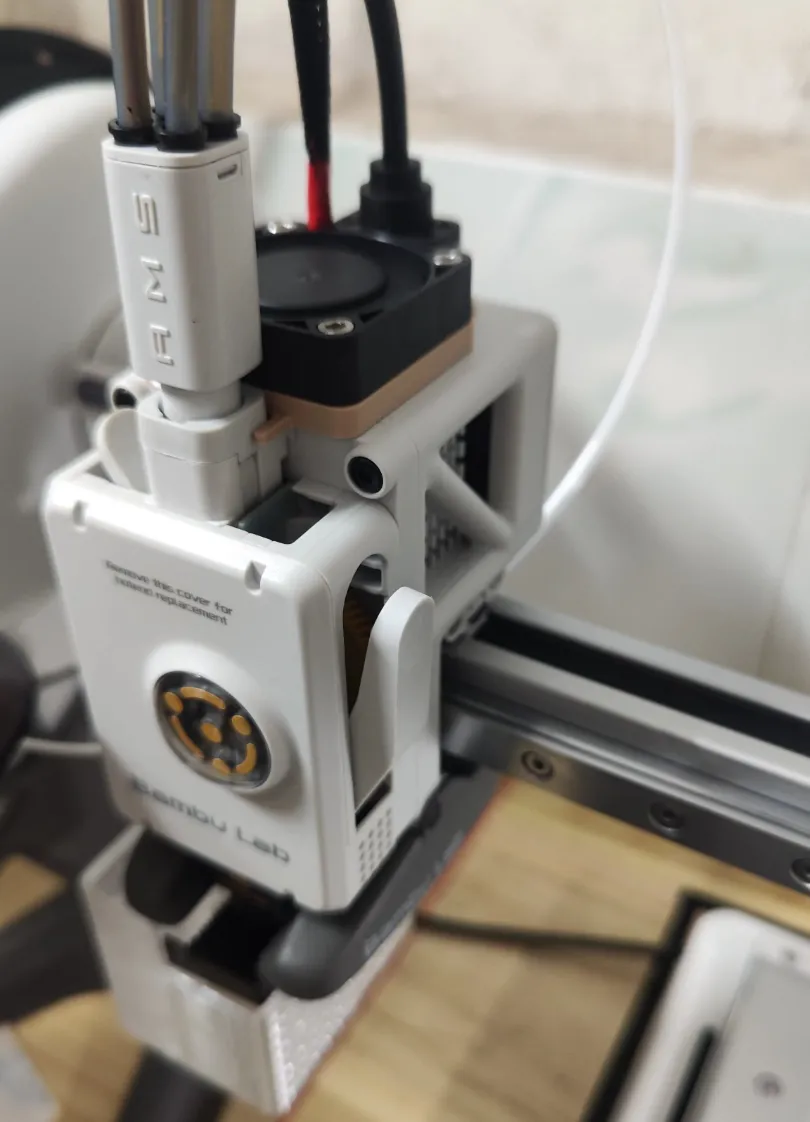
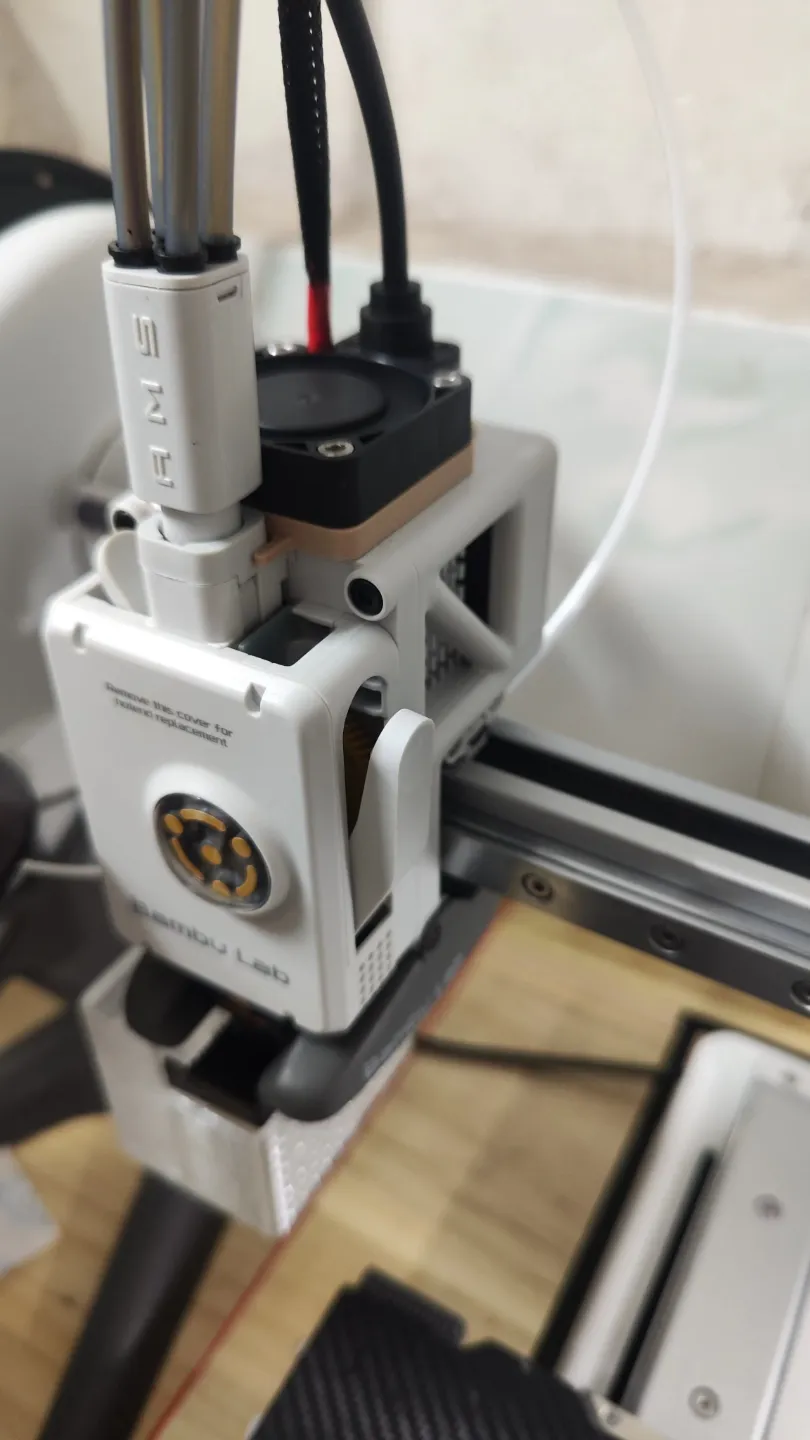
a1 Extruder Cooling Fan Mount
Print Profile(1)

Description
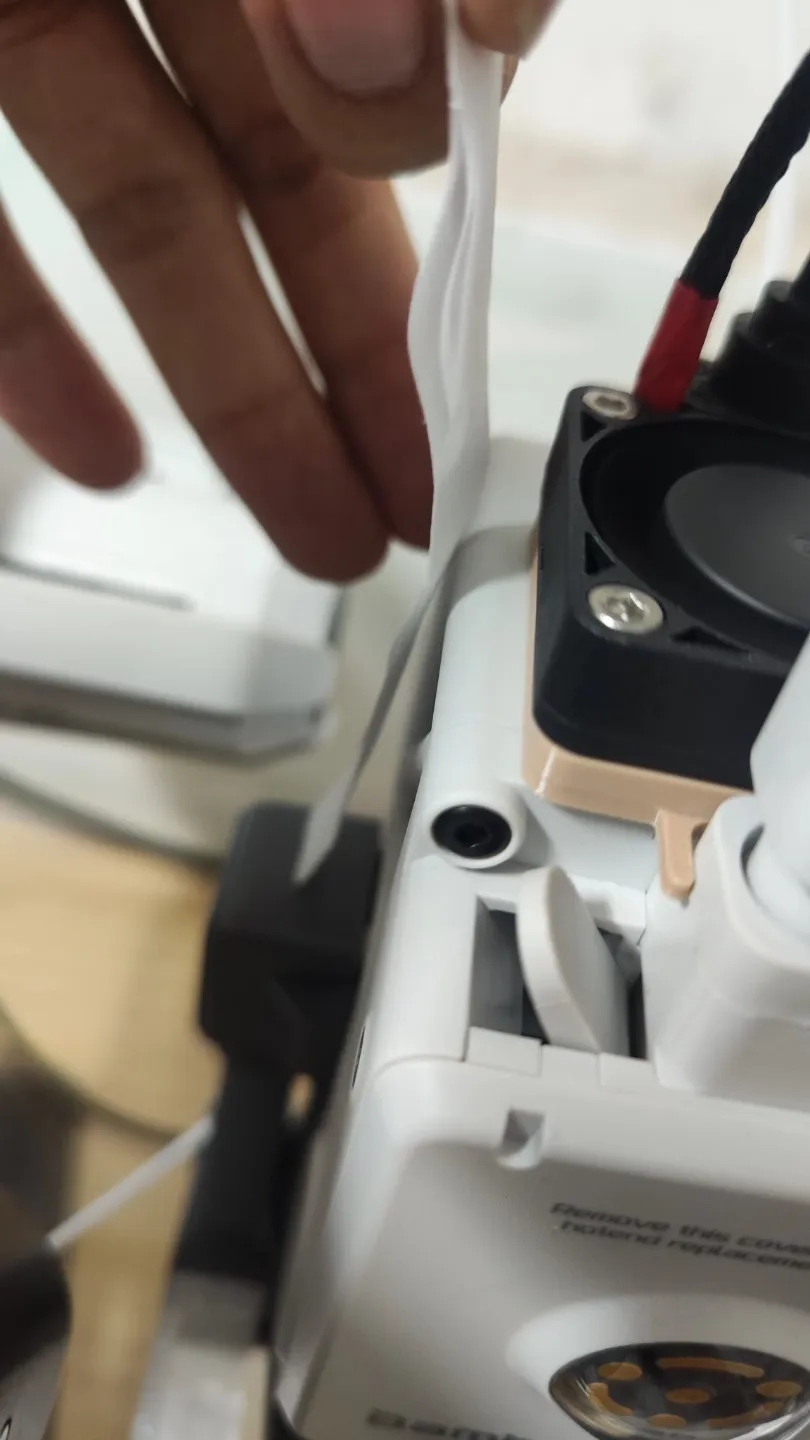
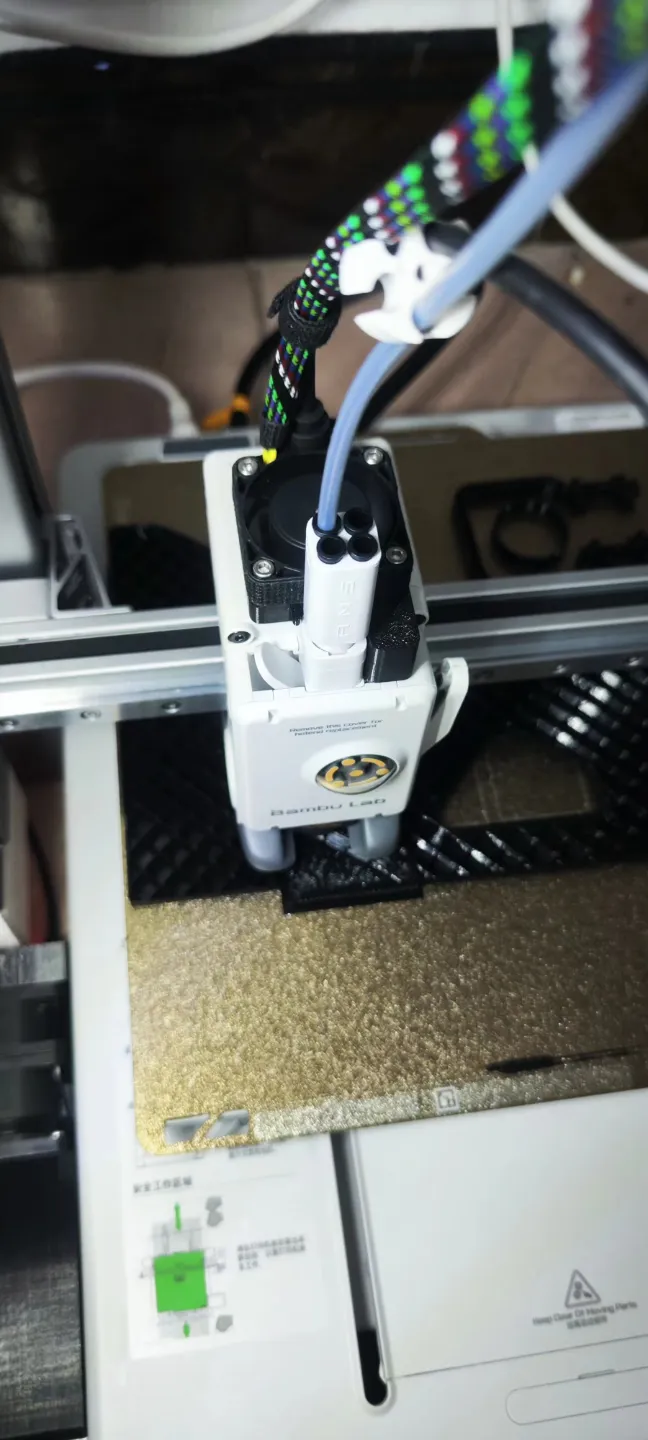
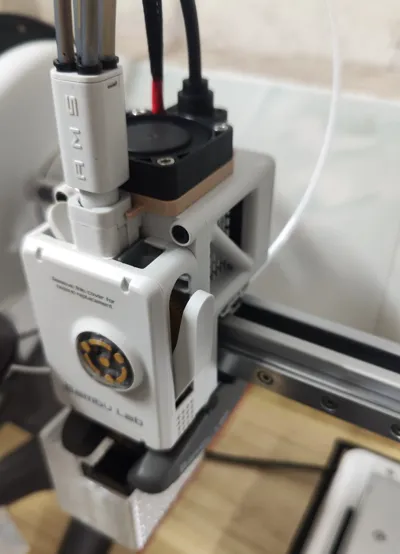
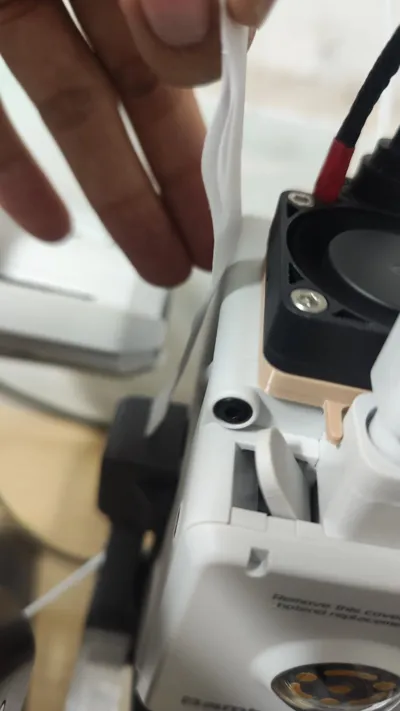
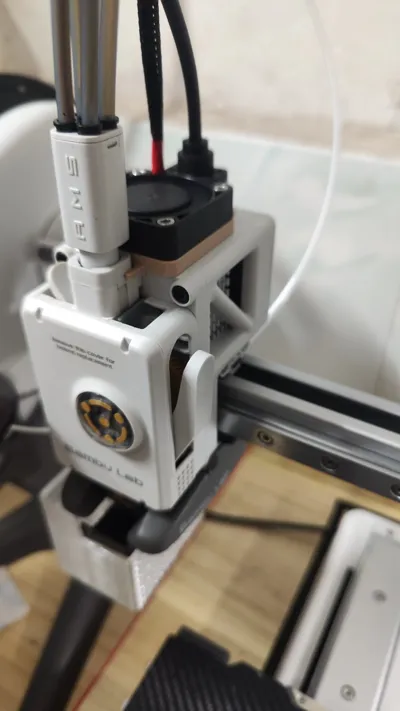
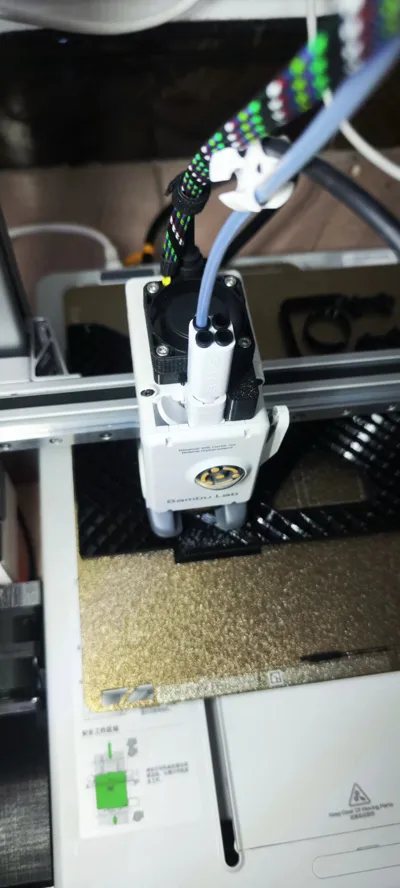
To solve the issue of extruder overheating, use a 4cm fan, 4 pcs m3 screws and 2 pcs 25x25x5mm heatsinks. Previously, the heatsink temperature reached 83 degrees Celsius, but adding the fan lowered the heatsink surface temperature to below 40 degrees Celsius (depending on the fan power). The fan is mounted on the top because the fan wire is vertical, which looks nicer. If the screws are not long enough, you can install it upside down. It uses AMS's mx3.0 power supply, and a buck converter is used to lower the voltage from 24V. A normally open temperature control switch is needed for temperature-controlled starting and stopping. It will close and power on when the temperature is high.
New version, with height increase and front-end heat dissipation.
License



Comment & Rating (13)