Search models, users, collections, and posts

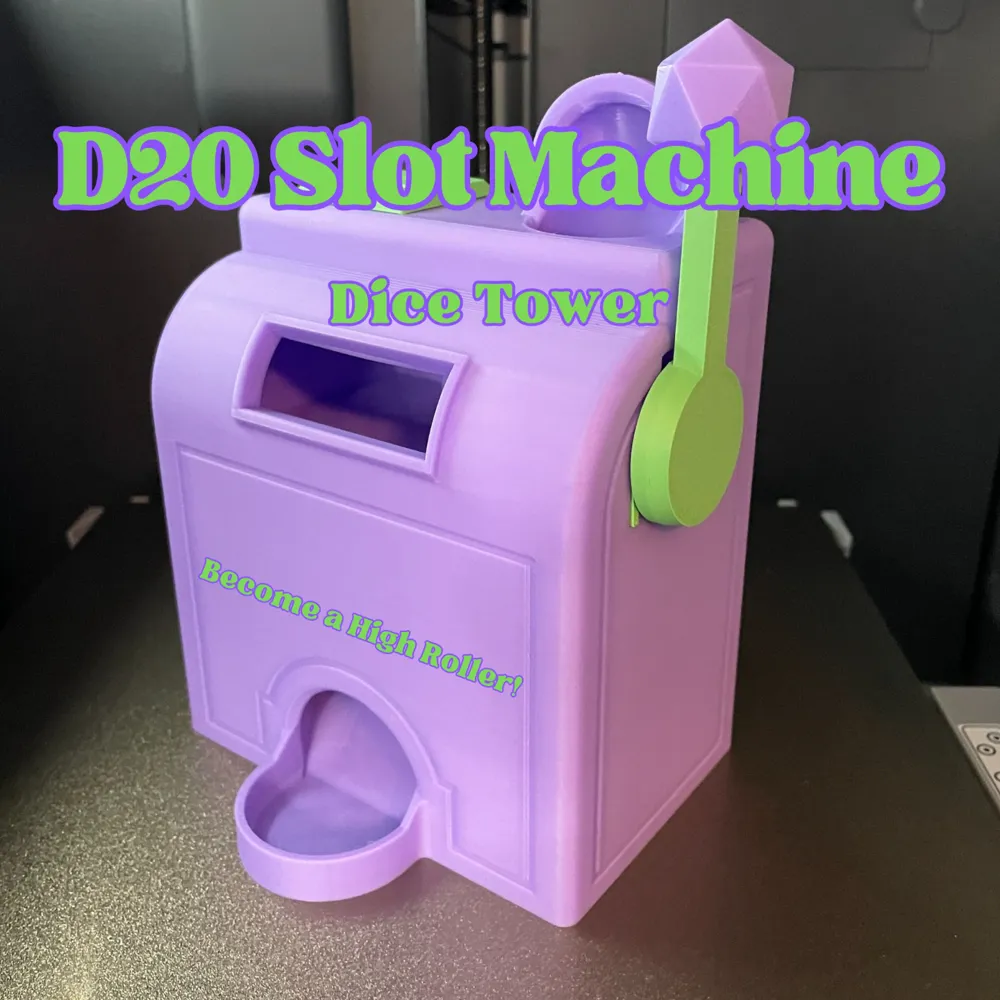
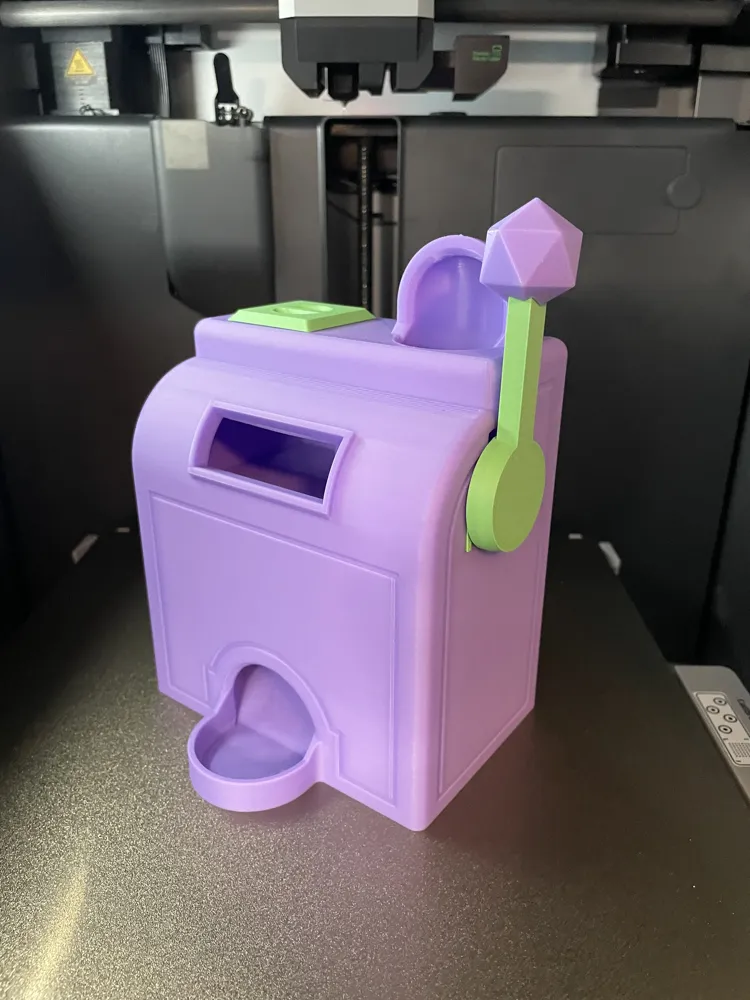
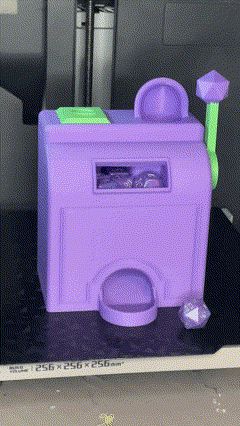
D20 Slot Machine Dice Tower
IP Report

GIF
Print Profile(4)

0.2mm layer, 3 walls, 10%/25% infill, 3 Key Sizes
Designer
7.2 h
4 plates

Bigger tray

7.5 h
4 plates
![[2 Plates & 2 color]: 0.2mm layer, 3 walls, 25% infill](https://makerworld.bblmw.com/makerworld/model/US3bd31d47ab6113/441869638/instance/2024-05-02_e125506cb9f72.jpg?x-oss-process=image%2Fresize%2Cw_100%2Fformat%2Cwebp)
[2 Plates & 2 color]: 0.2mm layer, 3 walls, 25% infill

7.3 h
2 plates
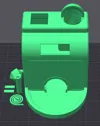
Large Tray, 2 plates, 0.2mm layer, 3 walls, 25% infill

5.8 h
2 plates
Open in Bambu Studio
Boost
1739
4571
271
297
3 k
1.8 k
Released
Description


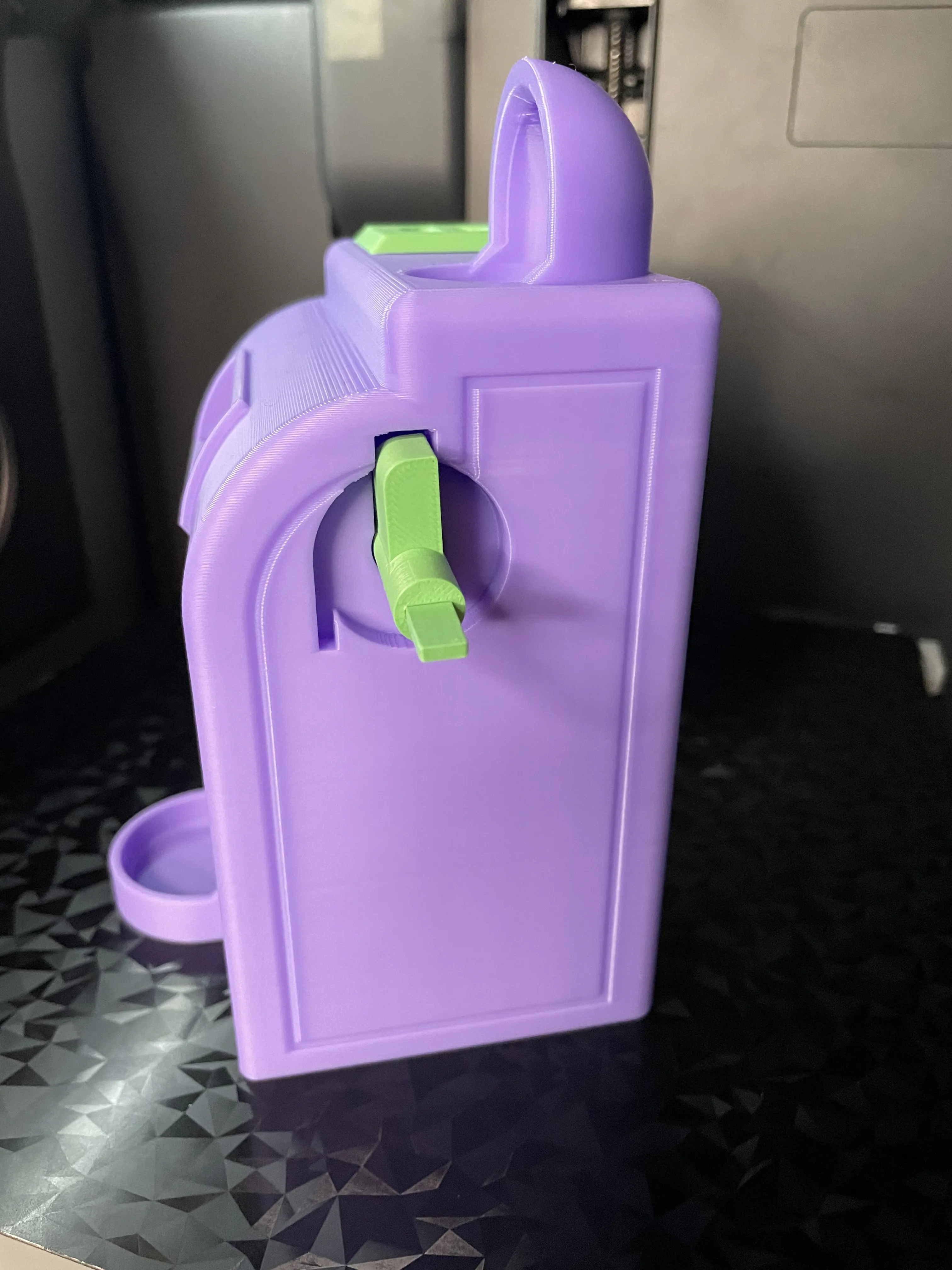
Step up your tabletop gaming experience with the D20 Slot Machine Dice Tower! This unique 3D model combines the thrill of a classic slot machine with the functionality of a dice tower. With its eye-catching design and practicality, it's the perfect addition to any gaming session. Did I also mention it has a storage compartment for your dice? Neat-o!
Print Settings:
- Body
- 0.2 layer height
- 3 walls
- 10% Infill
- Bridging enabled
- No brim
- No supports
- Spring, Key, Arm, Blocker, D20, Lid
- 0.2 layer height
- 3 walls
- 25% Infill
- No supports
- Key, D20
- 0.2 layer height
- 3 walls
- 25% Infill
- No supports
- Scale if tolerances are too loose or too tight
Assembly Instructions:
- Print one of each part
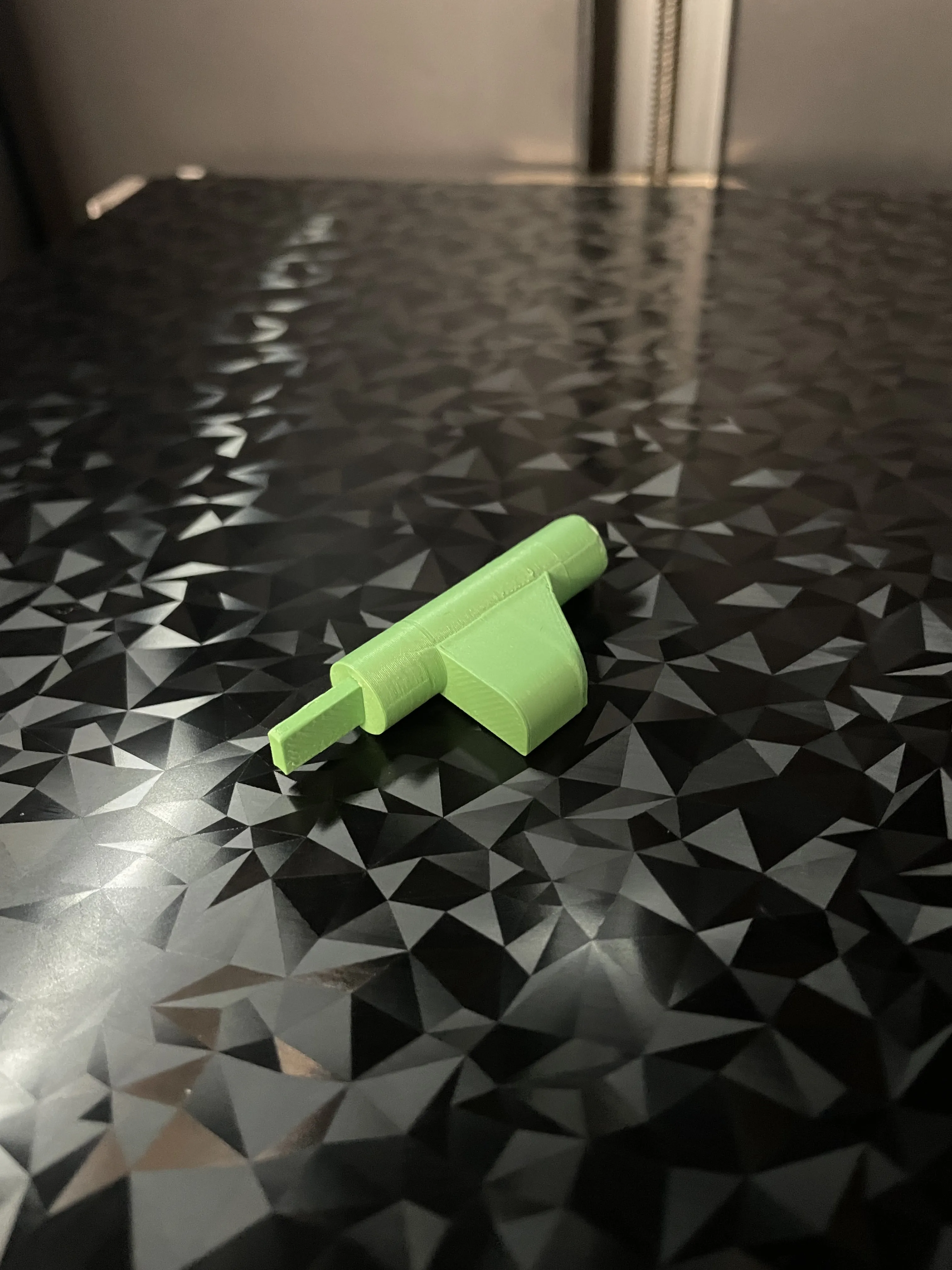
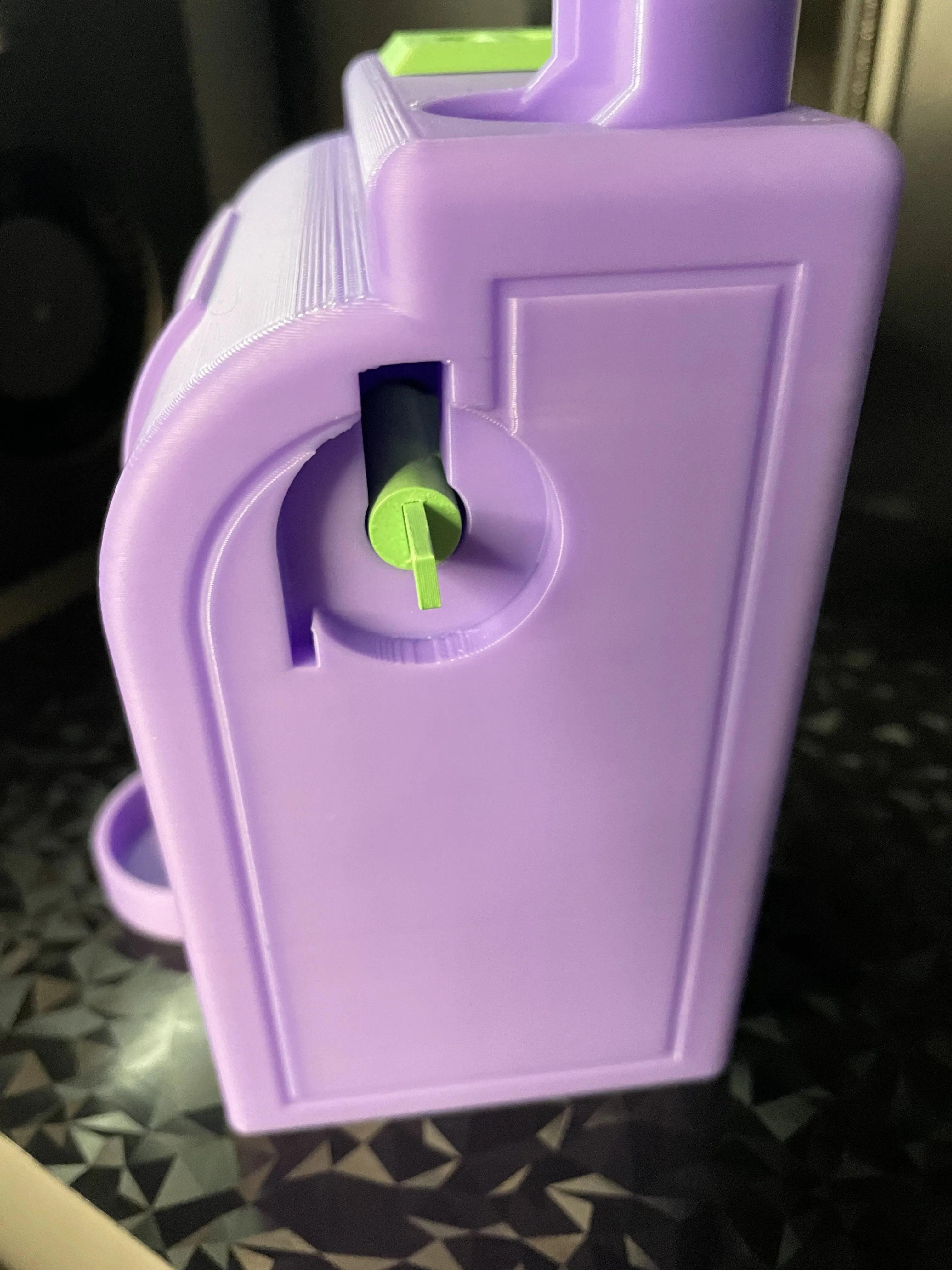
- Insert Key into Blocker (It should hold with friction, use Super Glue if needed)
- Insert Blocker into the side of the Body with the Key facing outward.
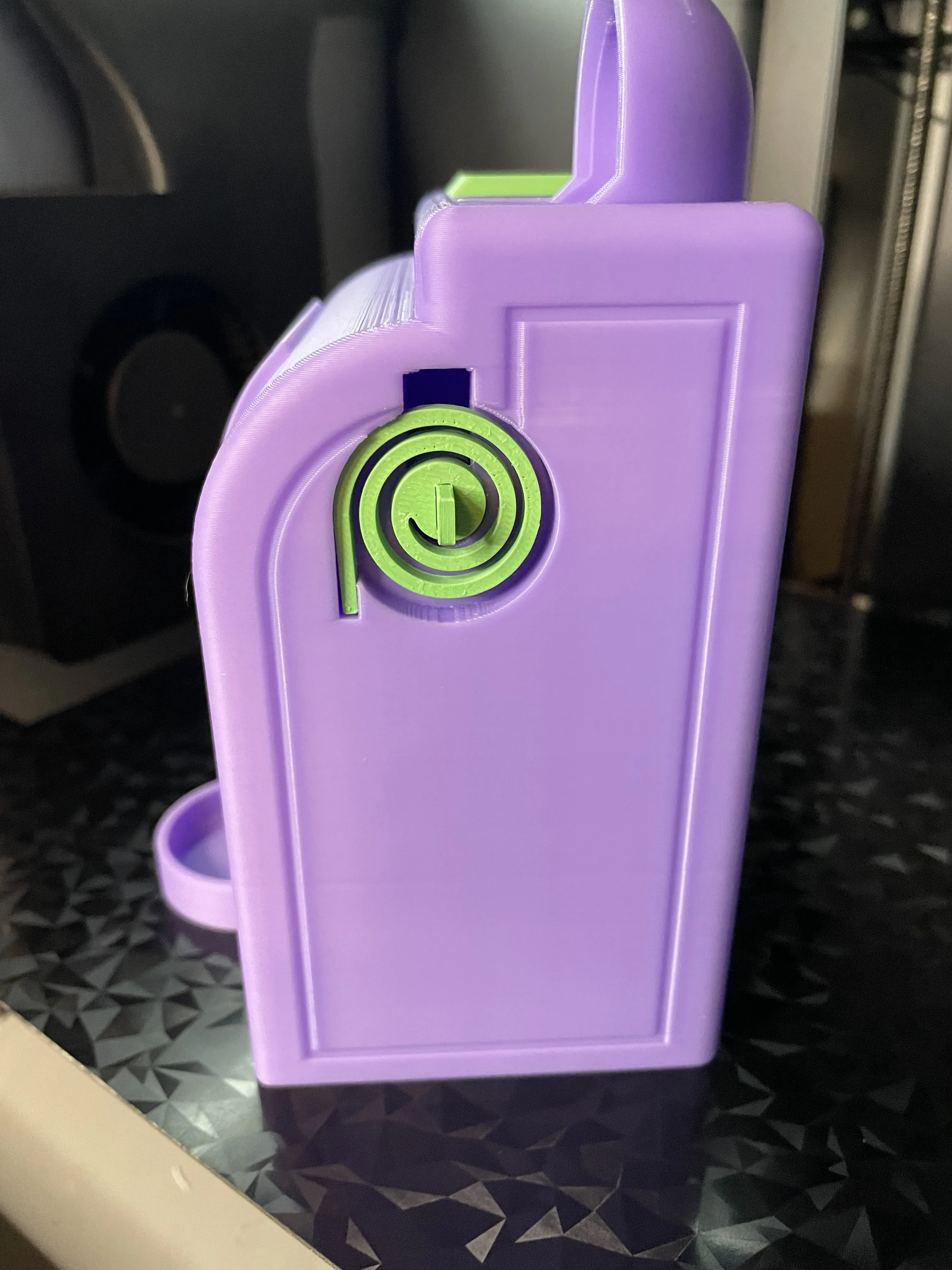
- Insert Blocker all the way and turn clockwise so the key is now vertical.
- Slide the Spring onto the Key and fit the Spring into the slot. (Spring should have slight tension)
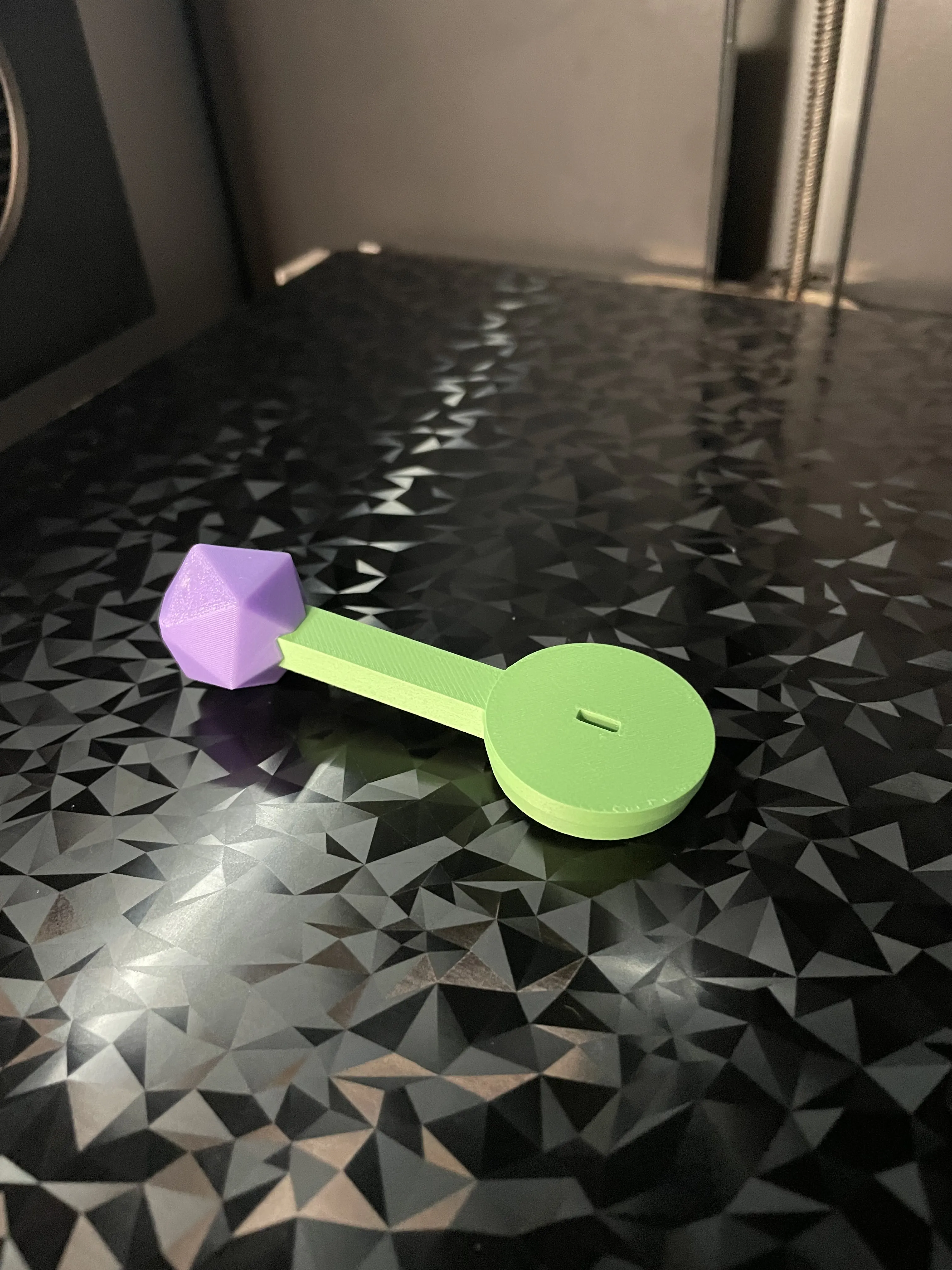
- Press the D20 onto the end of the Lever. (It should hold with friction, use Super Glue if needed)
- Press the Lever onto the end of the Key so the Lever is Pointed up. (It should hold with friction, use Super Glue if needed)
License

This user content is licensed under a
Creative Commons Attribution


Comment & Rating (271)