
A1 40mm Fan Mount Clip (Exhaust / Intake)

Print Profile(4)


Description
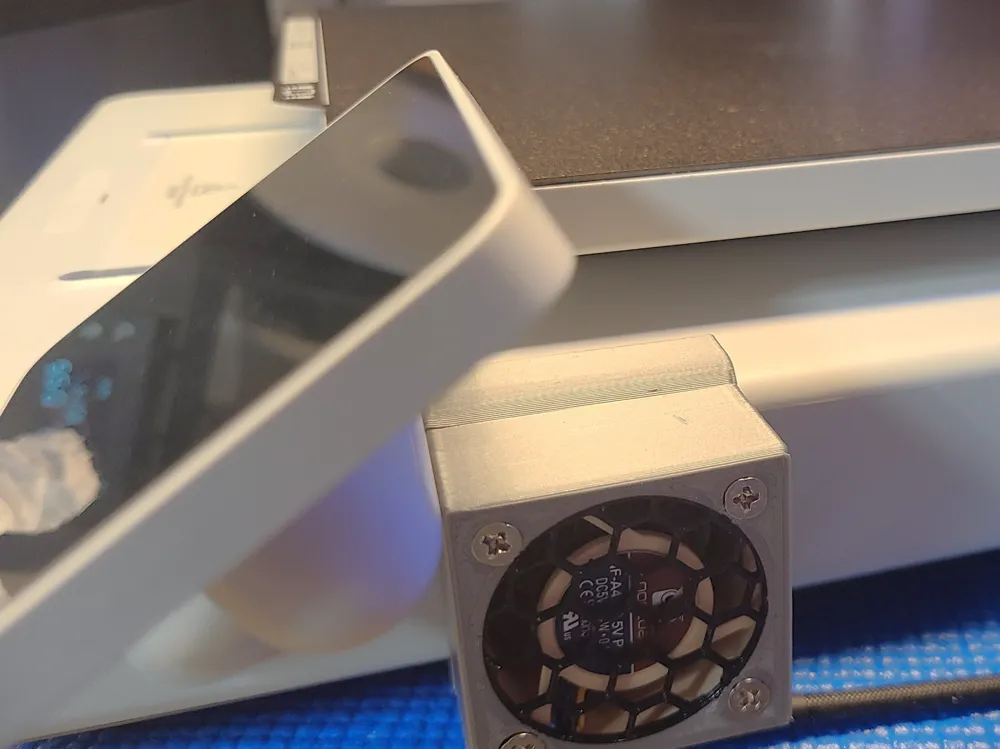
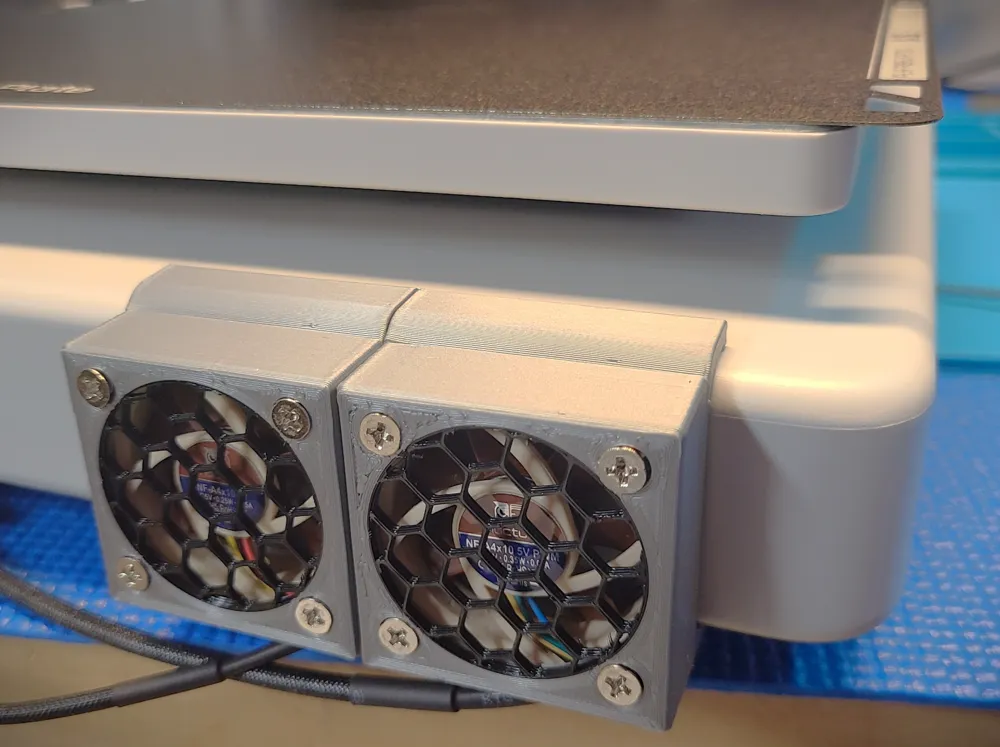
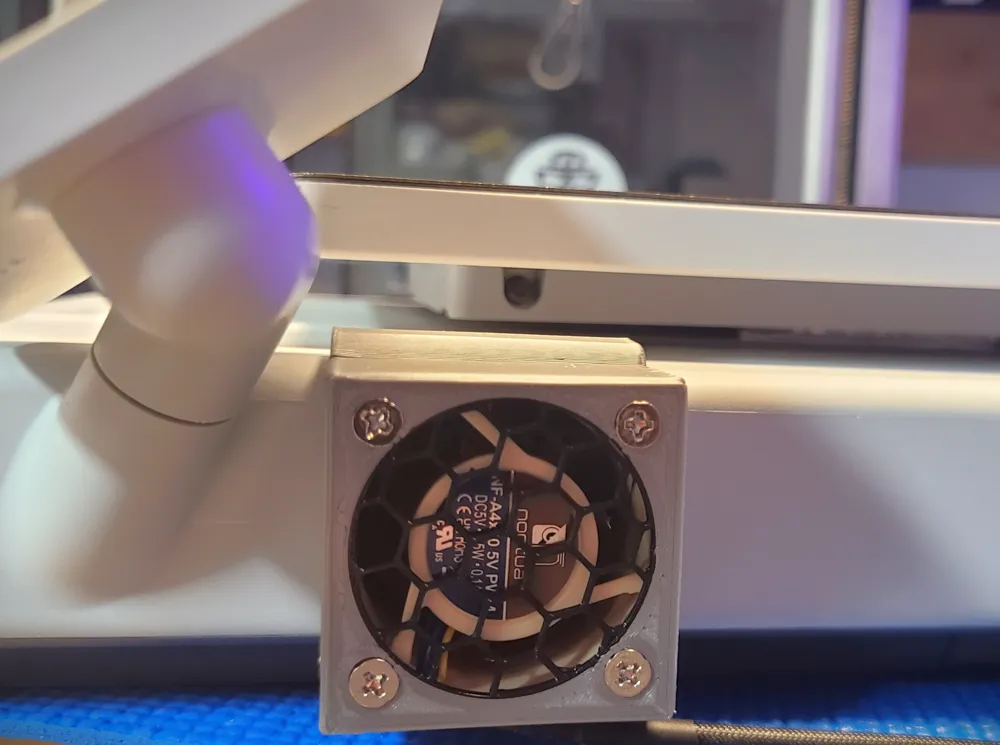
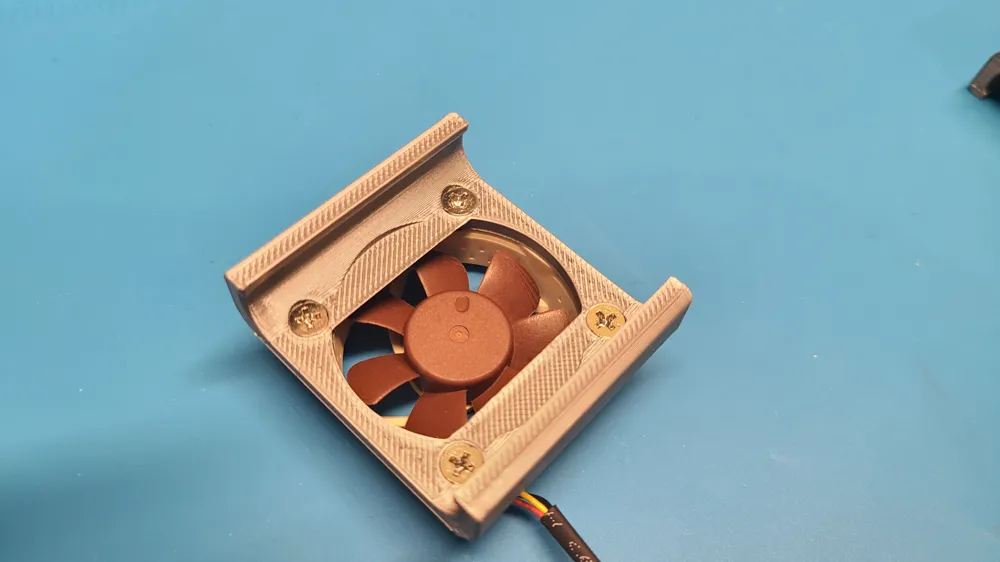
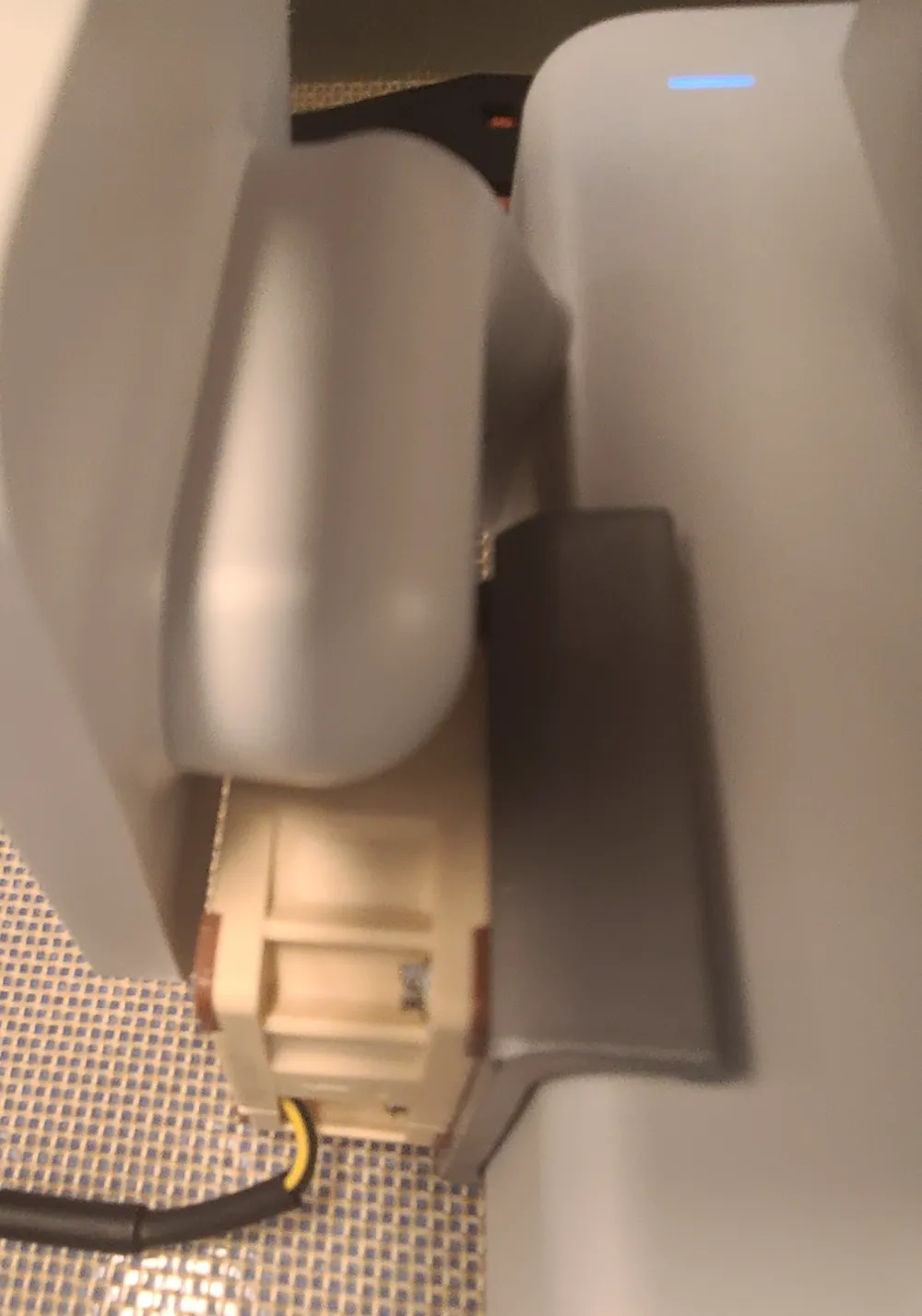
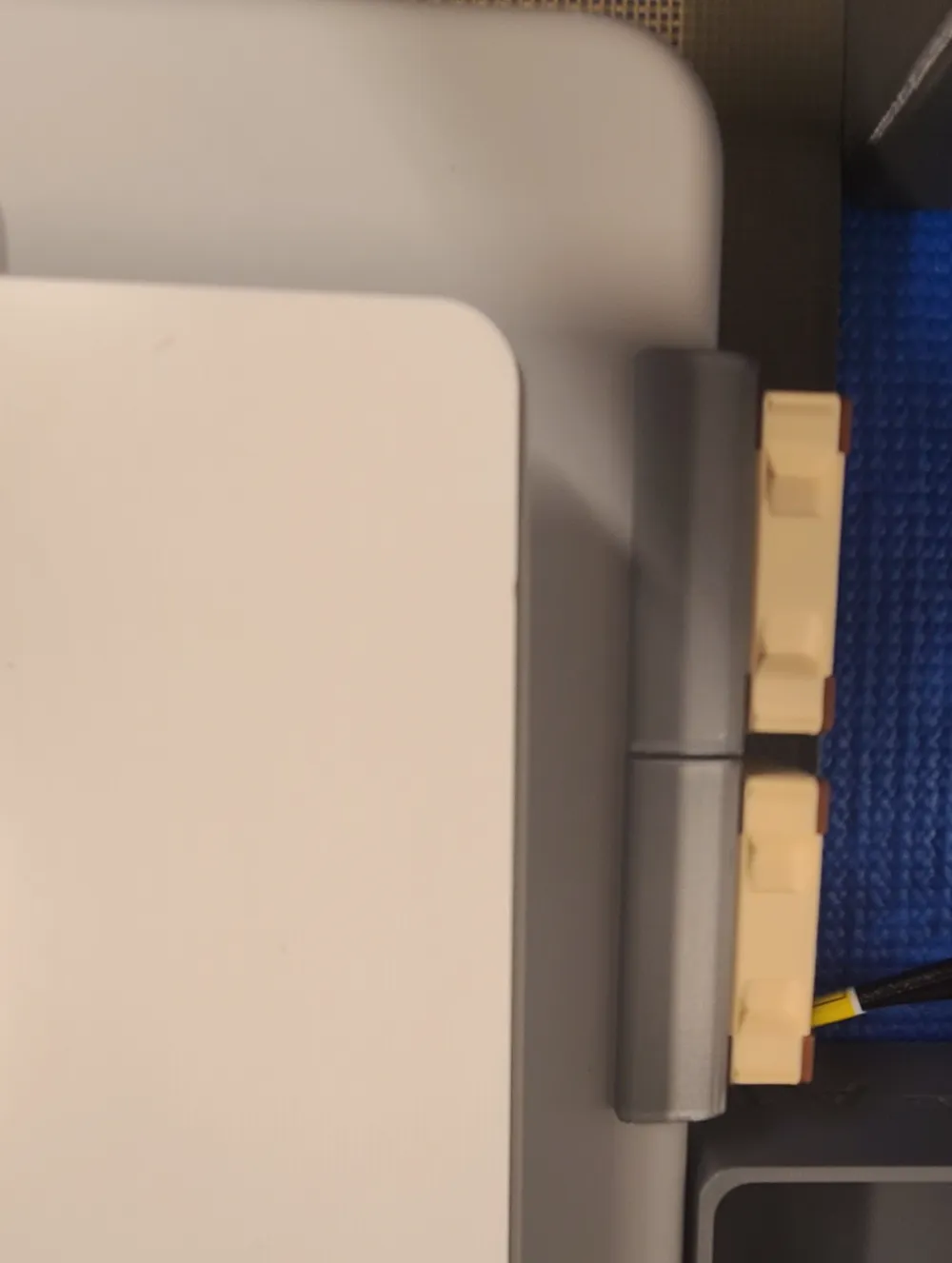
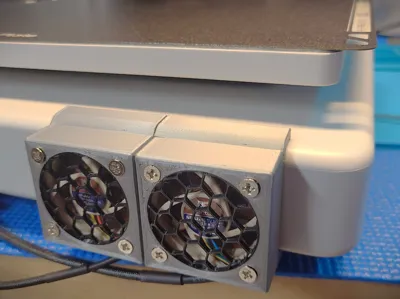
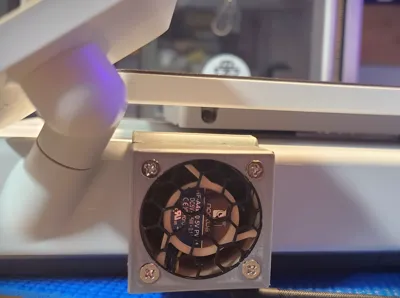
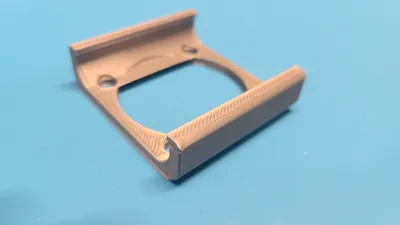
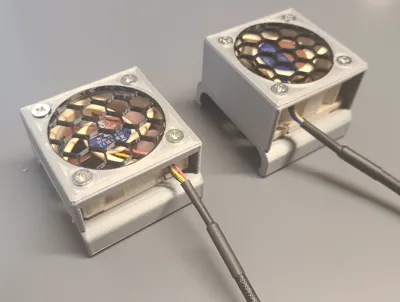
I found out that the A1 does not have active exhaust or intake fan cooling for internal circuits (motherboard, processor, power supply). So I wanted to create an adapter for a standard 40mm pc fan to mount up to the sides of the printer to exhaust hot air. This part / mod is ideal for those using the A1 in a non-climate controlled space such as an enclosure, garage, shed, basement, print farms, etc. However it can be used on any A1 and in theory should help keep internal temperature low and decrease risk of failure due to heat build up.
Note: This is only for the A1 not for the A1 Mini, If you own a A1 Mini use this model instead.
Features:
- Improves airflow by drawing air out from the a1 chassis/base and reduce temperatures for internal circuits
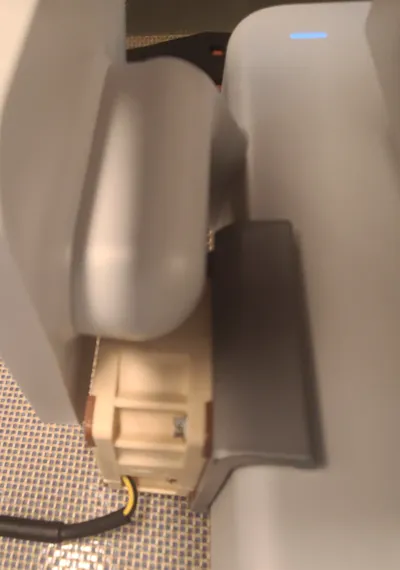
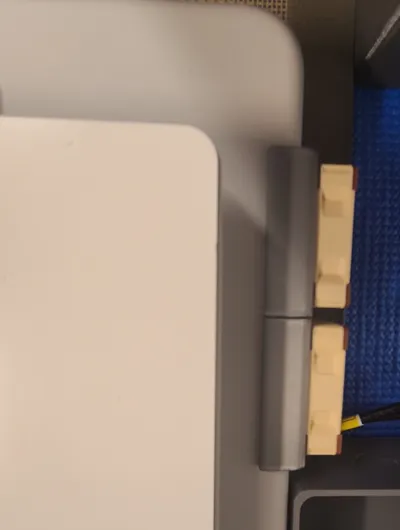
- Clip-on non-permanent attachment, does not require any modification to the A1 itself.
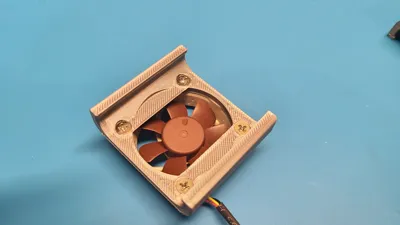
- Uses standard PC case fan screws
Materials Needed to assemble:
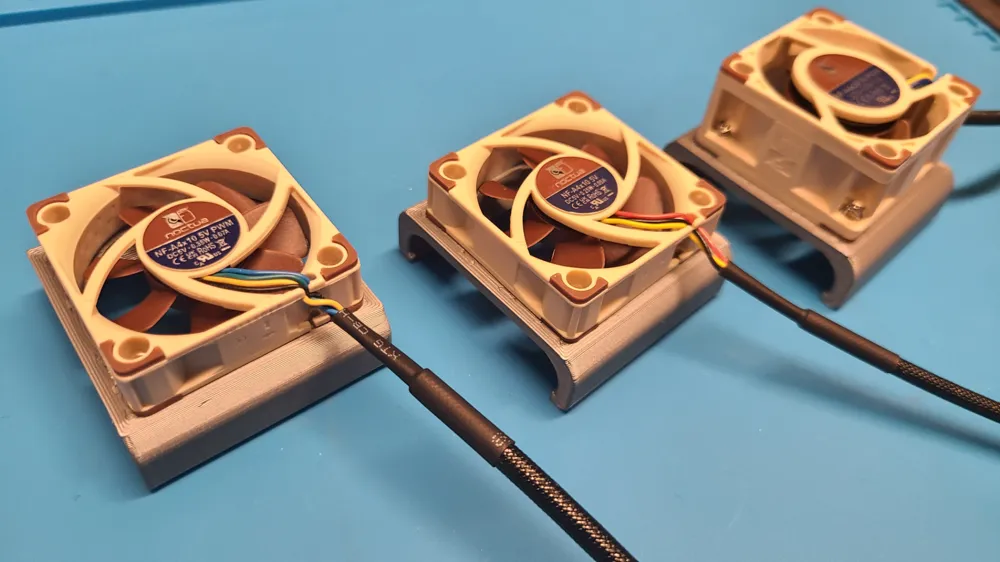
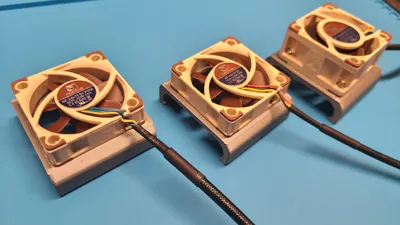
- 1 to 3, 40mm fans. I used Noctua NF-A4x10 5V and Noctua NF-A4x20 5V, but most 40mm fans should fit.
Note: 20mm thick fans are typically better for more static pressure. - (4) standard pc case fan screws per fan mount clip (to attach the 40mm fans)
- Standard USB to 4pin fan splitter cable and USB power adapter. You may need 2 cables if you are installing 3 fans.
Print and Assembly Notes:
- 3 print profiles with 0.16mm layer height, based on number of fans you wish to configure. Do not print at 0.20mm layer height.
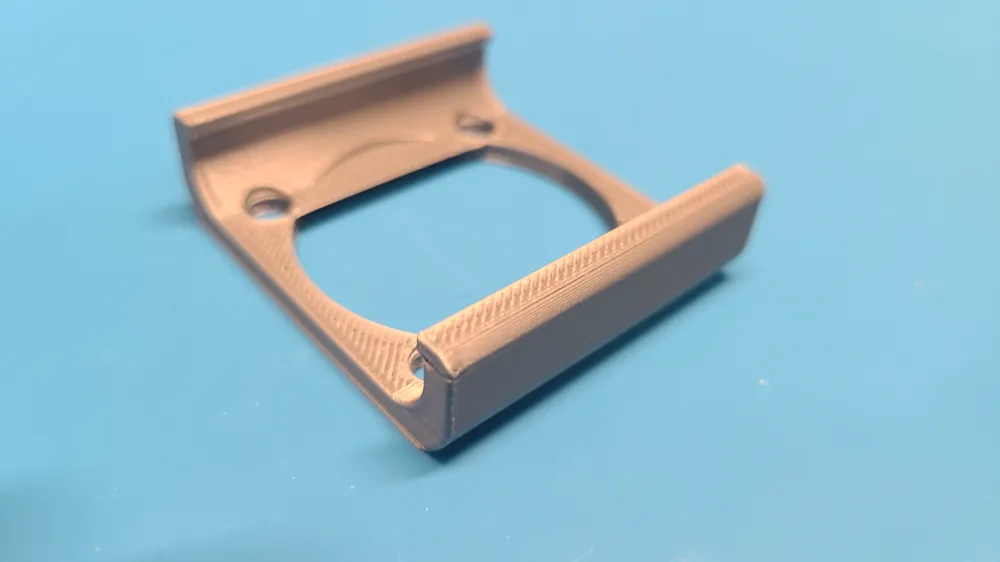
- Once printed, position fan to be on the flat surface of the clip/fan mount
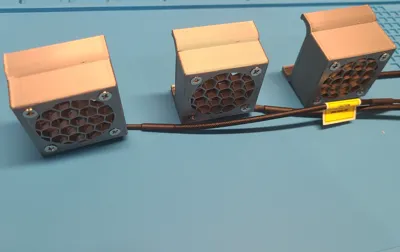
- Ensure the exhaust is pointing away from the printer (pushing away from the C shape of the part), However it can also be used as an intake fan likely without issue due to small size of vent holes on the A1.
- Insert (4) screws in Z pattern and tighten evenly
- Attach fan mount clip/'s to the printer and your done!
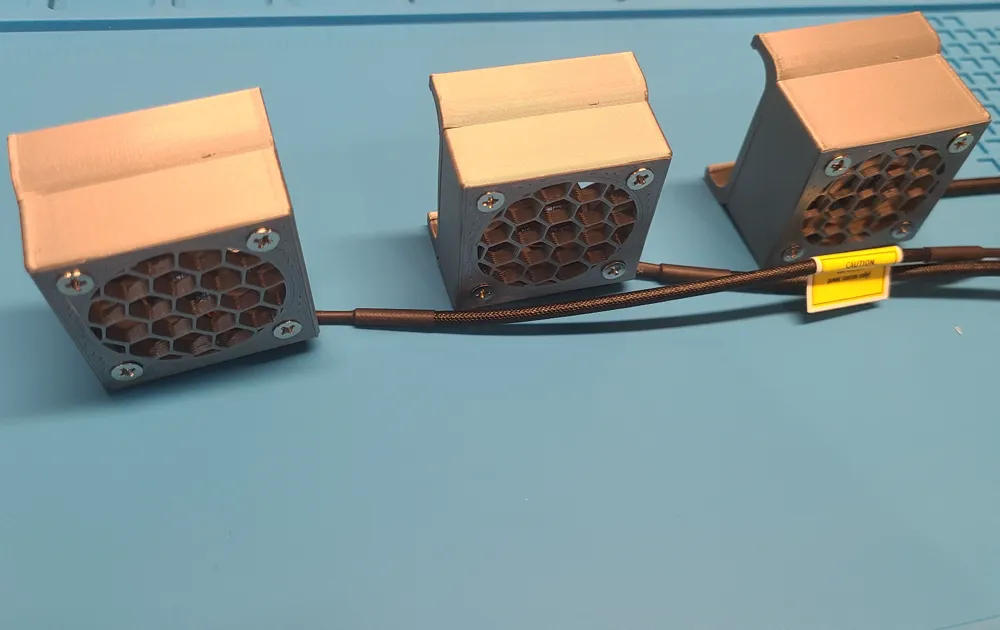
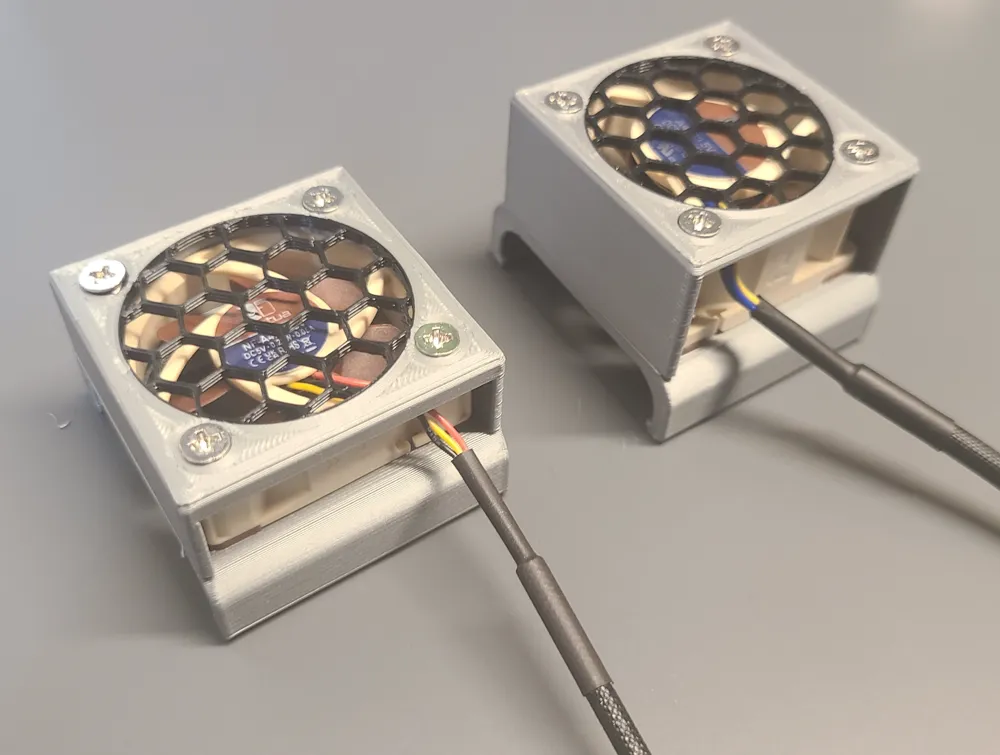
- Optional - If you would like to add a decorative cover you will see multiple print profiles for covers, including multicolor, single color, and no grill fan covers, all of which are compatible with the fan mount clip.
Print Profile Notes:
Nozzle: Suggest 0.4mm nozzle for precision fit
Wall Loops: 5 wall loops on 0.4mm nozzle, 0.6mm nozzle not recommended due to decreased layer adhesion.
Layer Height: Suggest 0.16 to maximize strength and reduce overhangs (0.16mm default)
Infill: 30% gyroid
Brim: 5mm brim default, I was able to print successfully without a brim though.
Material: PETG, PLA would probably be okay, but suggest PETG for functional parts near printer bed.
Color: Any
Print Orientation: Print with the flat portion of the part on the print bed.
Supports: None
3d Printers: Should be printable on any printer.
Filament amount required: 8.37g per part
License

You shall not share, sub-license, sell, rent, host, transfer, or distribute in any way the digital or 3D printed versions of this object, nor any other derivative work of this object in its digital or physical format (including - but not limited to - remixes of this object, and hosting on other digital platforms). The objects may not be used without permission in any way whatsoever in which you charge money, or collect fees.


Comment & Rating (124)