
Print Profile(2)
Bill of Materials



Description
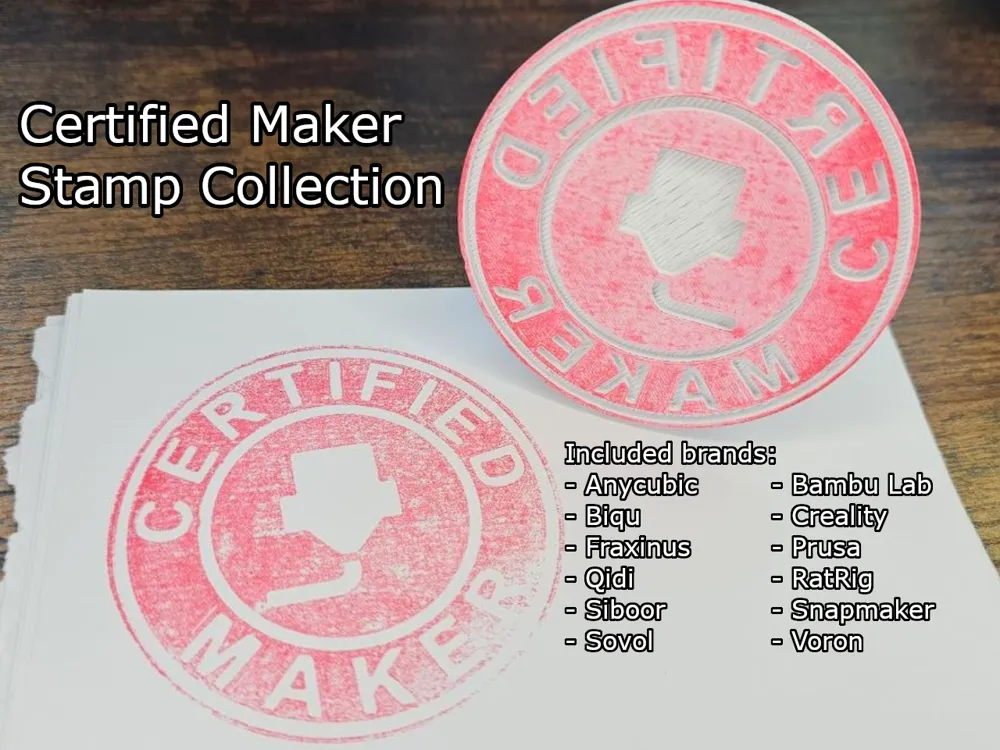
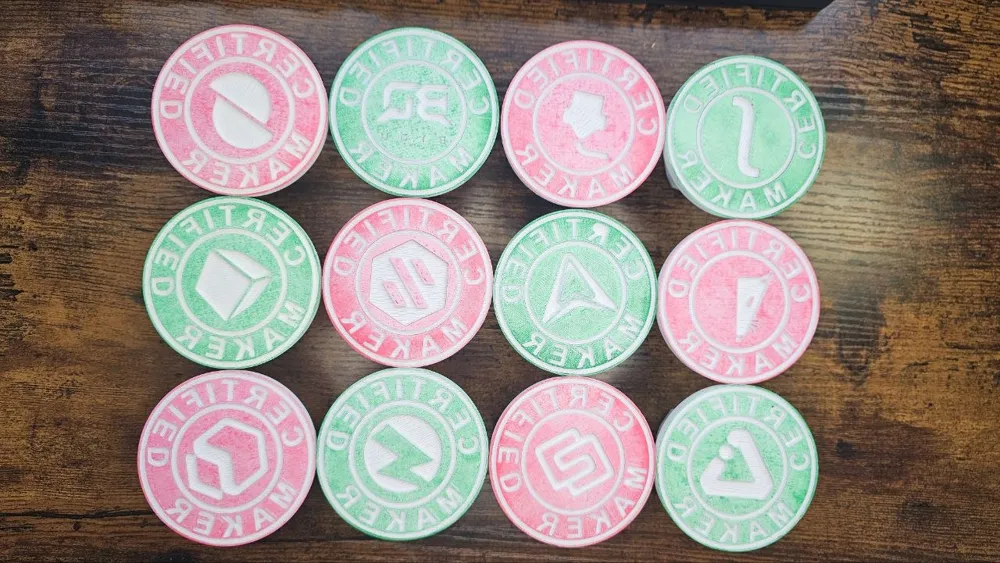
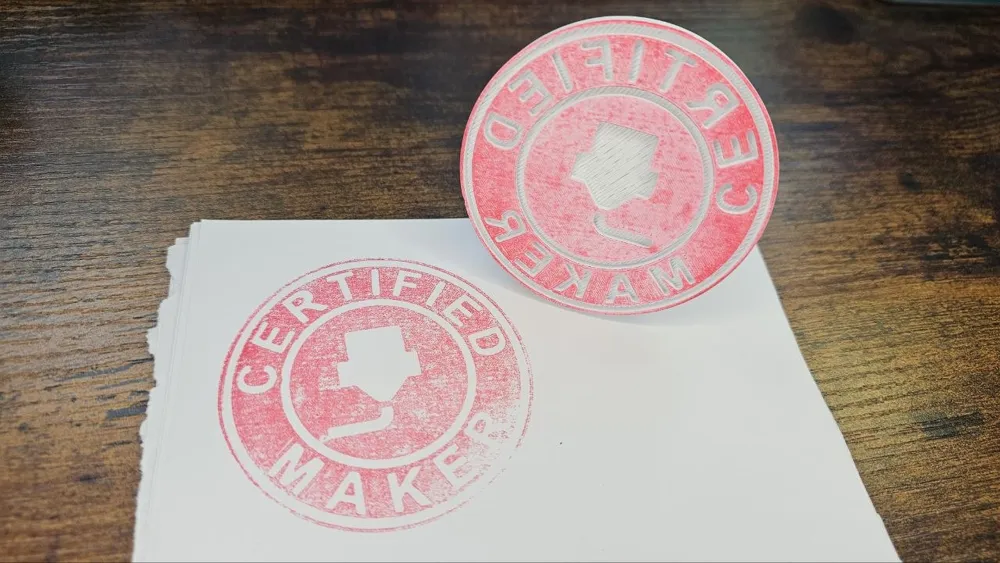
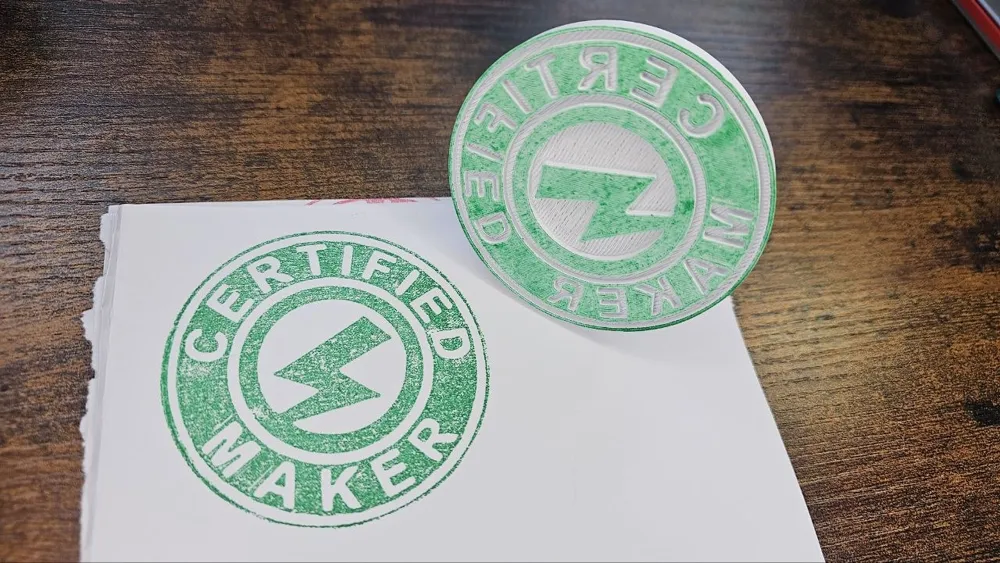
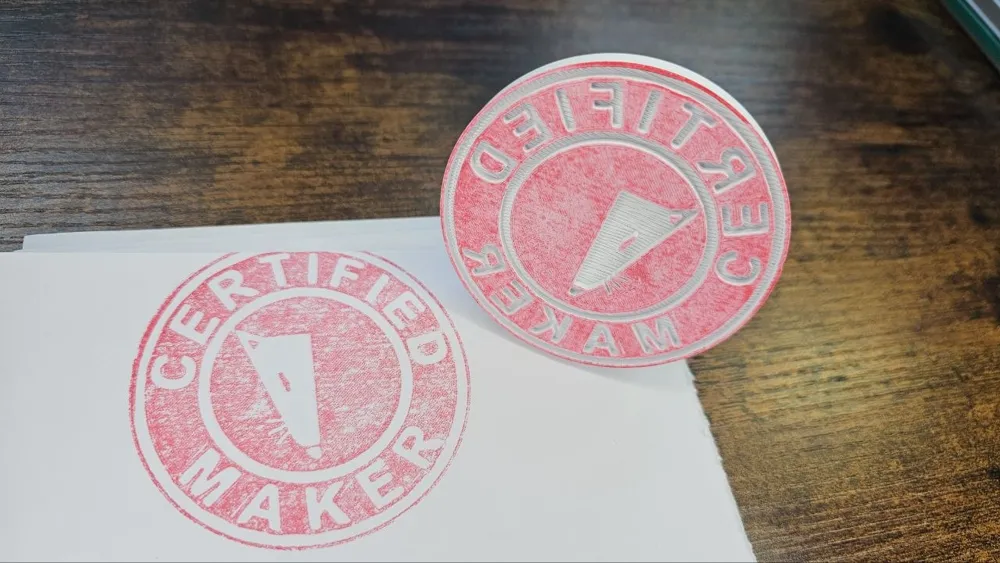
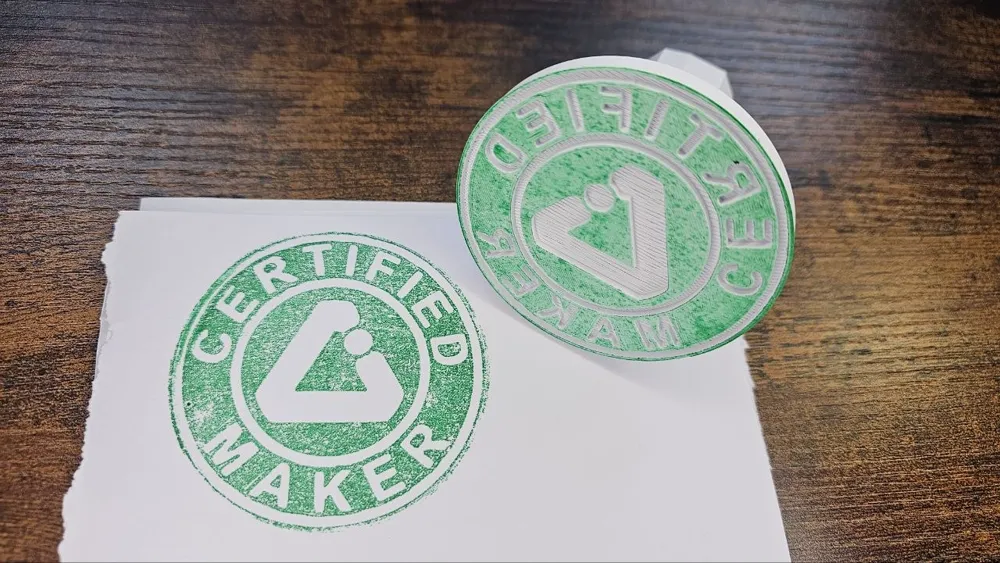
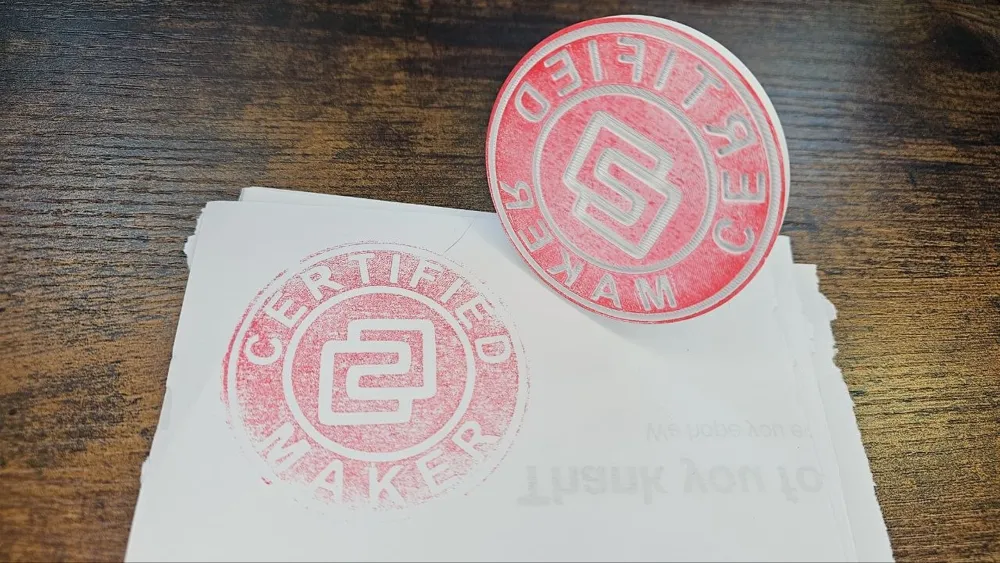
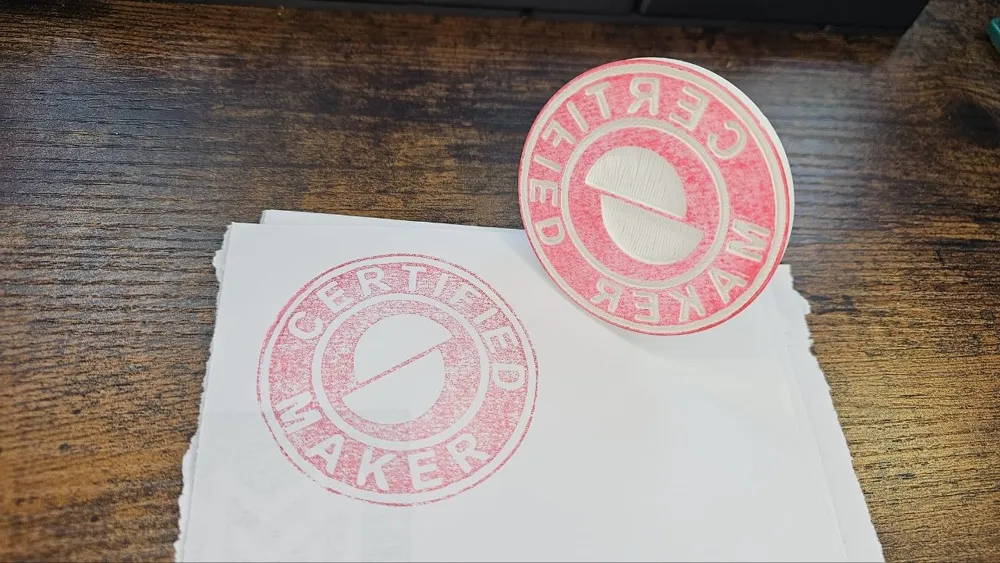
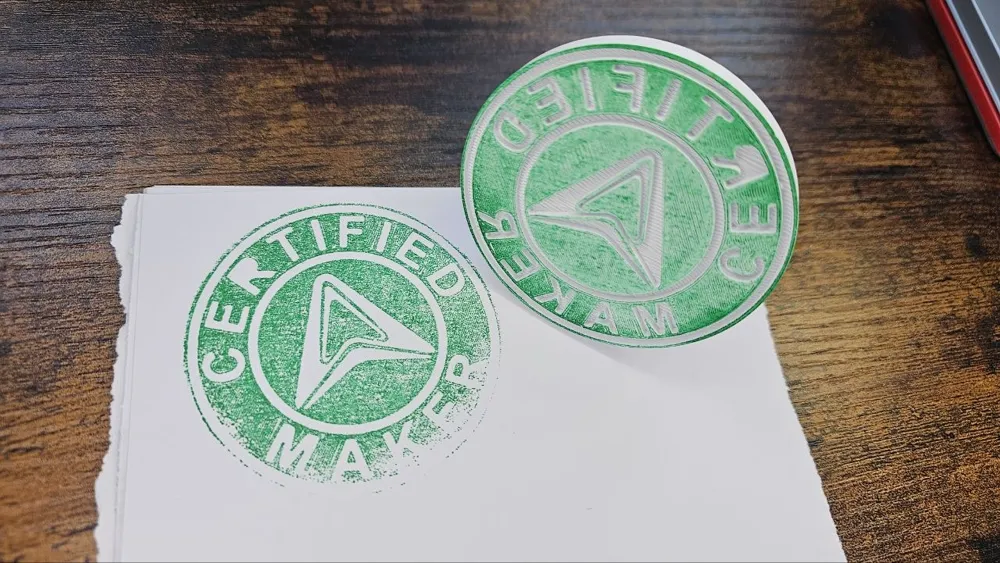
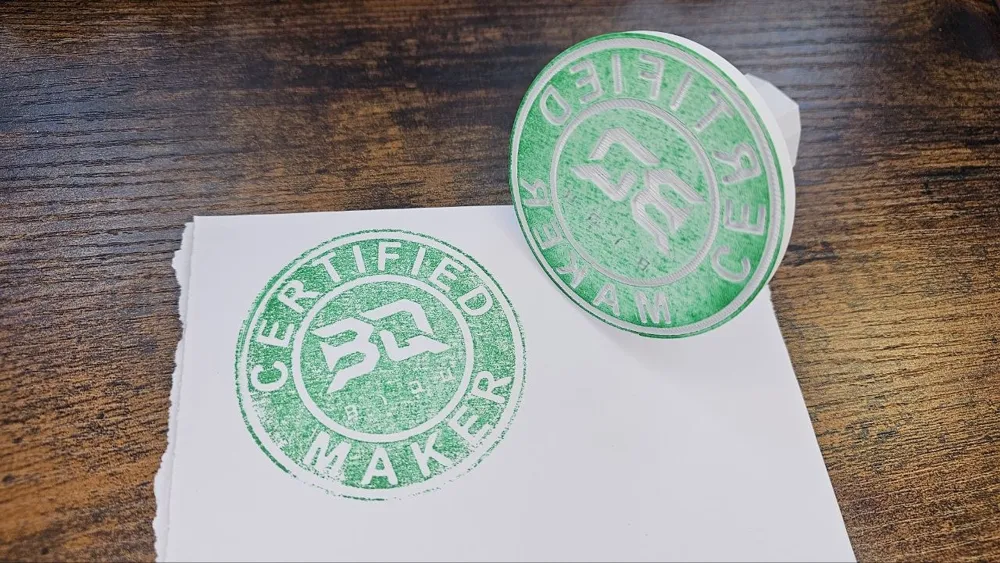
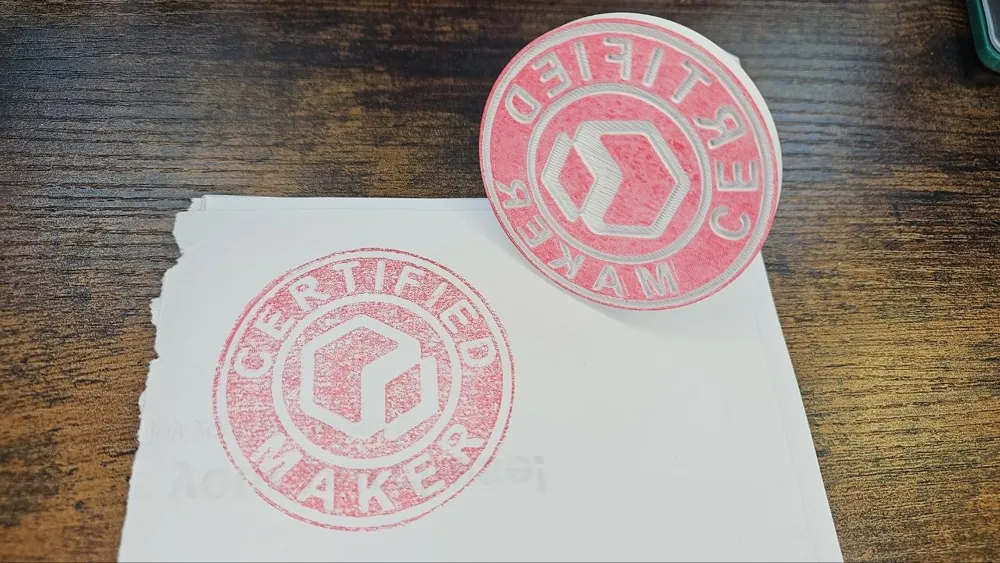
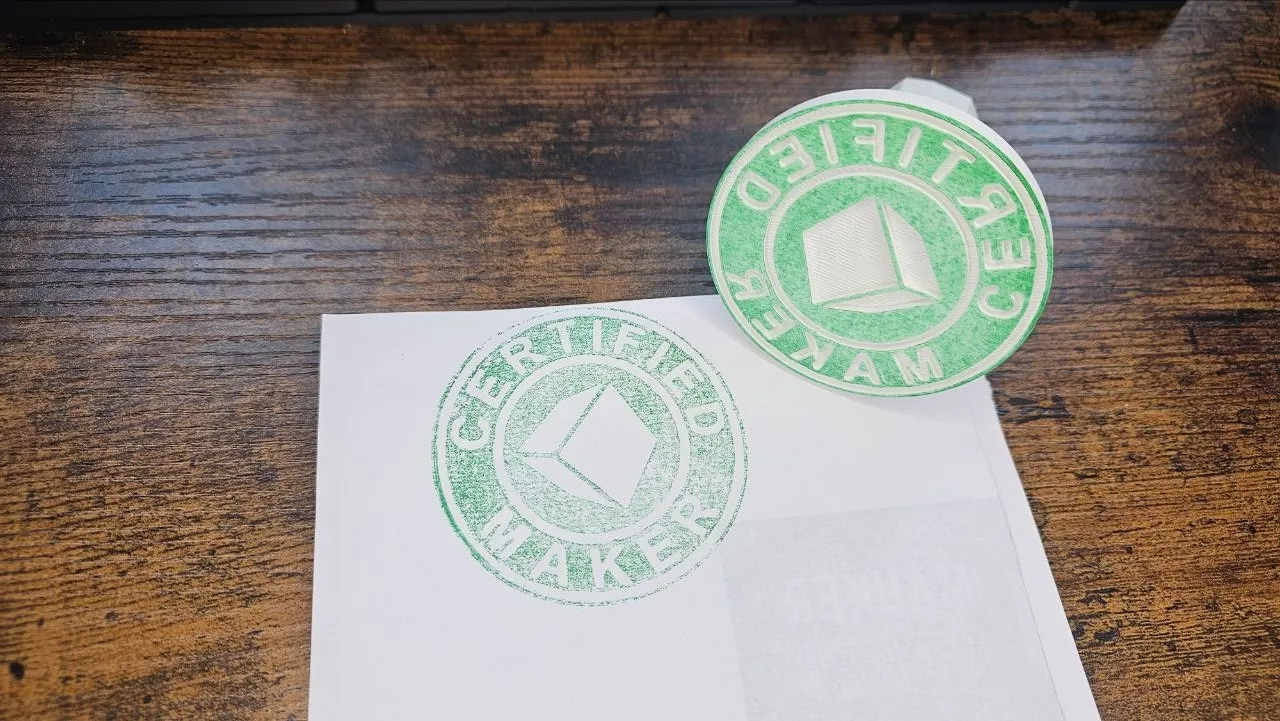
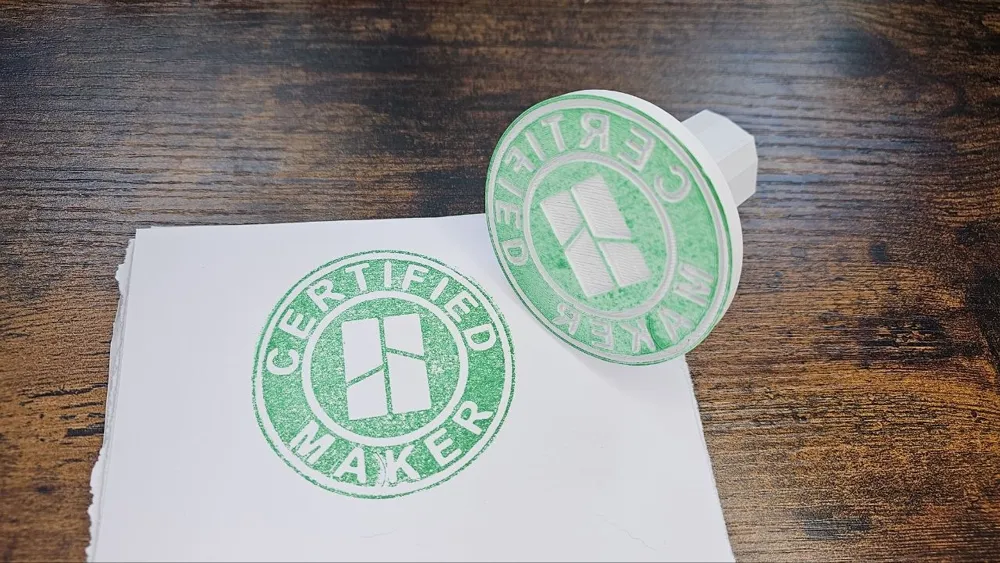
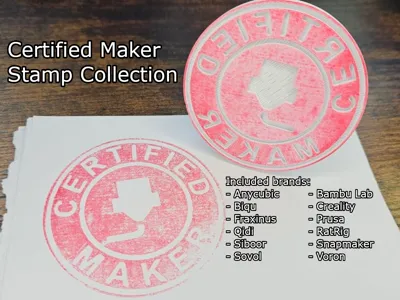
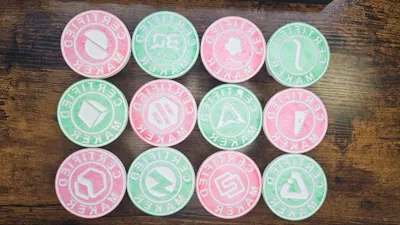
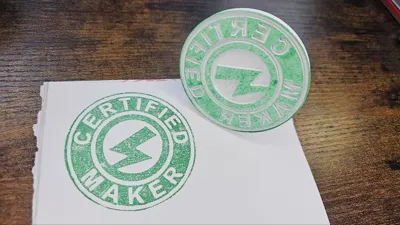
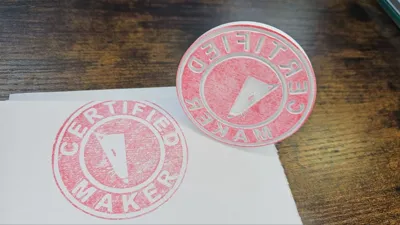
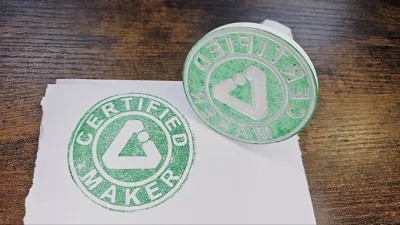
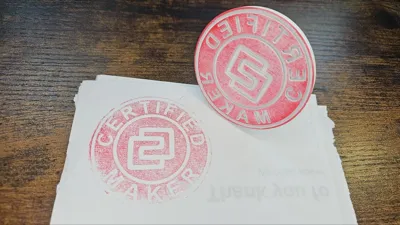
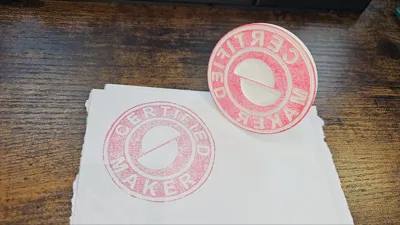
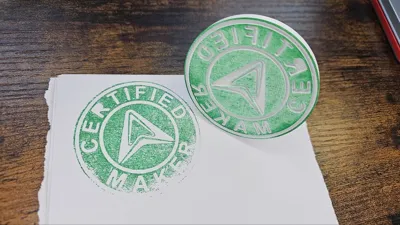
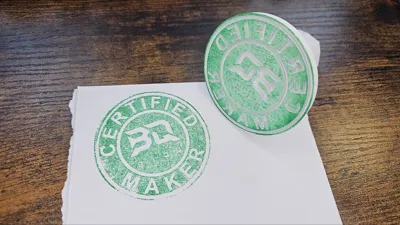
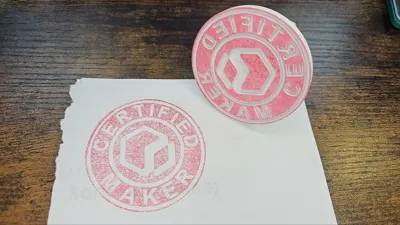
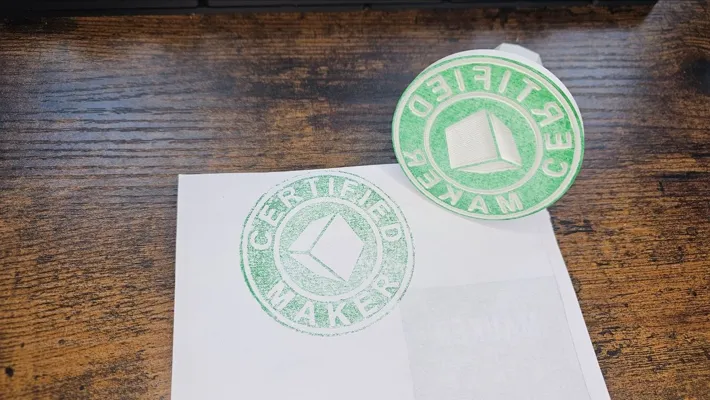
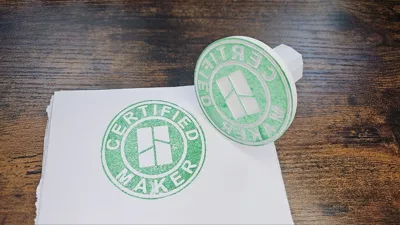
Show off your maker pride with this collection of Certified Maker stamps, designed for fans of the most popular 3D printer brands.
Each stamp features a clean circular design with “Certified Maker” engraved around the edge and a brand logo or symbol centered inside — perfect for adding personality to your workspace or packaging your prints. Whether you’re a proud owner of a specific printer or just love the community, this set is a fun way to celebrate the Certified Maker spirit.
Included designs:
- Anycubic
- Bambu Lab
- Biqu
- Creality
- Fraxinus
- Prusa
- Qidi
- RatRig
- Siboor
- Snapmaker
- Sovol
- Voron
- Plus a generic nozzle version for a universal maker vibe.
I have included two print profiles for these models. One for single material printing (PLA or TPU) and another for multi-material printing (PLA+TPU).
Boost Me (for free)
I make these models for free, and it takes time and material to test them out. Your boost will help me keep releasing new models! Thank you!
Membership
Want to support me further? Or sell my prints? Please consider one of my membership tiers. Thank you!
Do you like my projects? Then please consider donating a coffee ;)

Printing instructions
The printing instructions for these models will vary depending on which material you're using. But regardless of that, it's advisable to sand the stamp side of the print after the job is done for achieving better results. Don't forget to clean the stamp after sanding.
Printing materials
Plain PLA (or other hard filaments)
If you're printing in PLA or similar hard filaments, it's advised to use a smooth plate instead of the texturized PEI plate. This will reduce the required amount of sanding significantly.
TPU/PEBA
3D printed stamps work produce better results if you're printing them with soft materials like TPU, TPU Air or PEBA, as the softer material will have a better transfer with the paper.
Interlocked PLA/TPU
If you don't want to waste a lot of that expensive TPU you have, and you have access to a multi-material printer (BL H2D/H2C, Snapmaker U1, Sovol SV04, etc), you can use beam-interlocking to combine PLA and TPU into a single piece. The uploaded STLs are made in a way you can split them into parts, and change the stamp area to TPU and the handle to PLA. Don't forget to enable interlocking in "Other > Advanced > Use Beam Interlocking" before printing. If you're using my profile, that option is already enabled.
Usage
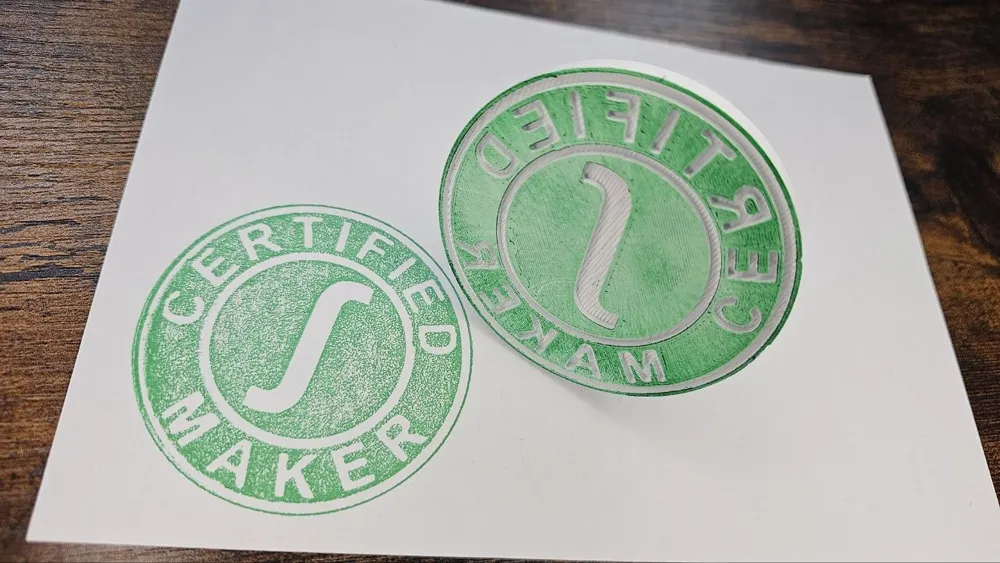
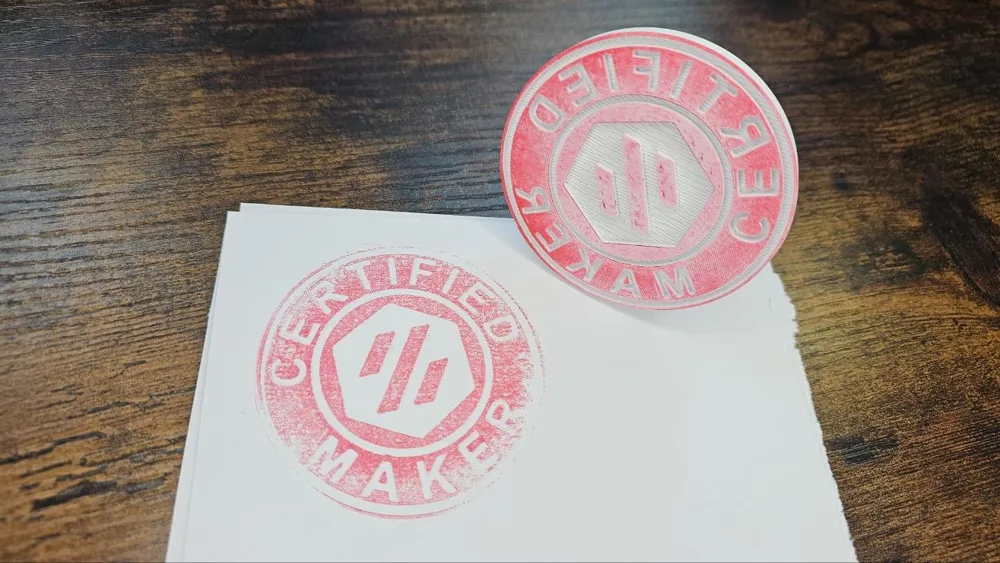
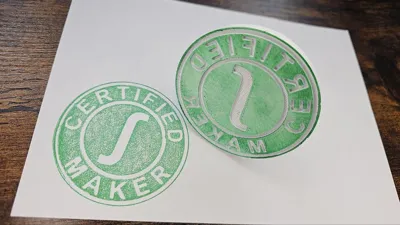
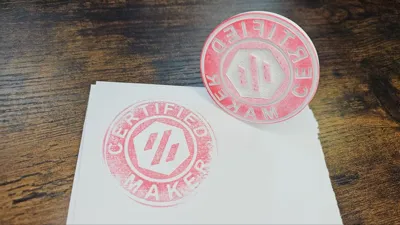
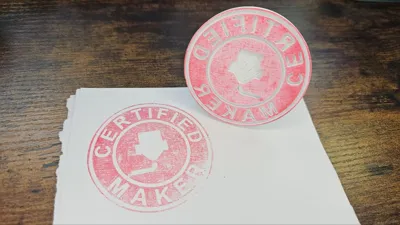
Use a stamp pad like the Imprint 9072M, make sure the ink has been evenly applied to the entire stamp.
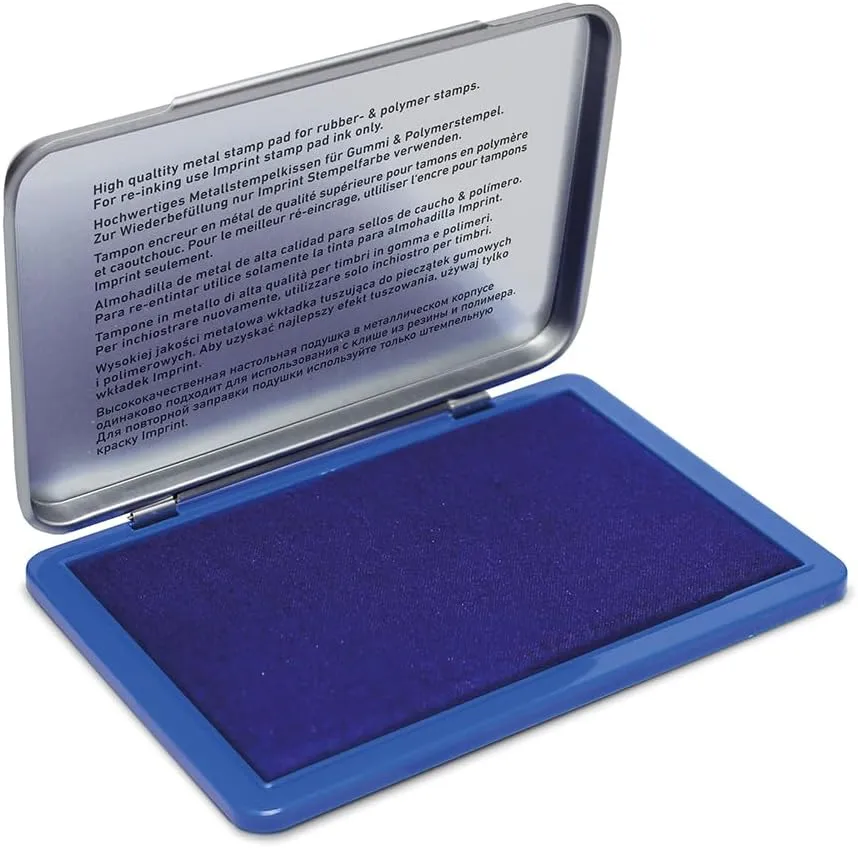
Then, press your stamp against the paper and you're good to go!
Print Settings
Supports:
No.
Resolution:
0.2.
Walls/Perimeters:
At least 2.
Infill:
15% or more.
Filament:
Read instructions above.
License



Comment & Rating (0)