
Stratus 500 add-on - Dihedral Wings
Print Profile(2)
Description
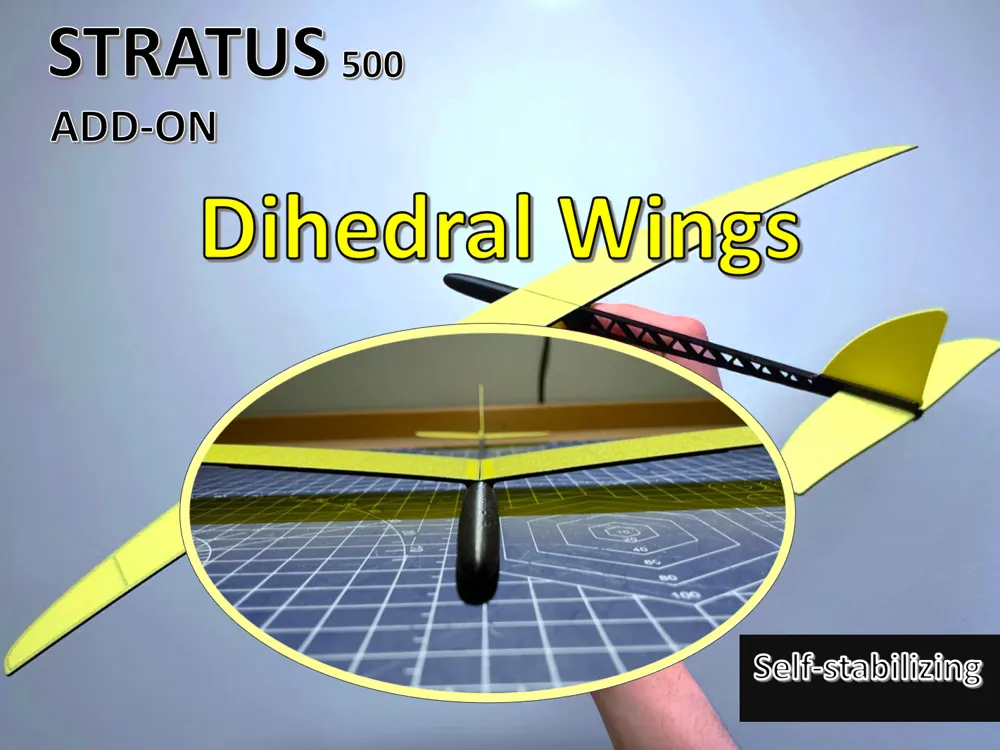
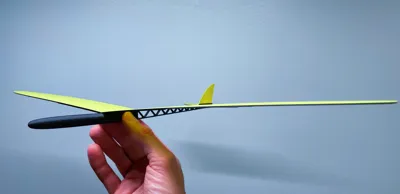
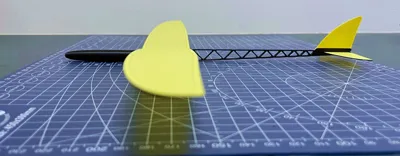
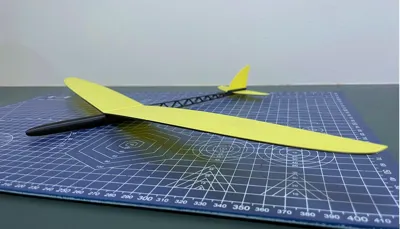
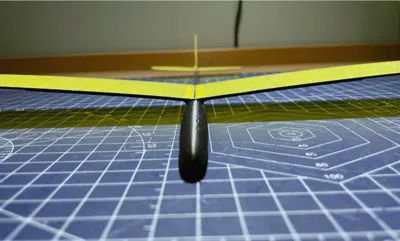
(New) Stratus 500 Add-On: 7° Dihedral Wings (Stability Option)
This is an add-on for the Stratus 500 main model: https://makerworld.com/en/models/2492532-500mm-glider-glue-free-clicks-together-in-2-min#profileId-2739101
Other Add-Ons:
- (NEW) Spinning propeller https://makerworld.com/en/models/2576266-stratus-500-add-on-spinning-propeller-fun-upgrade#profileId-2840893
- Adjustable Elevator: https://makerworld.com/en/models/2513635-stratus-500-add-on-adjustable-elevator#profileId-2764754

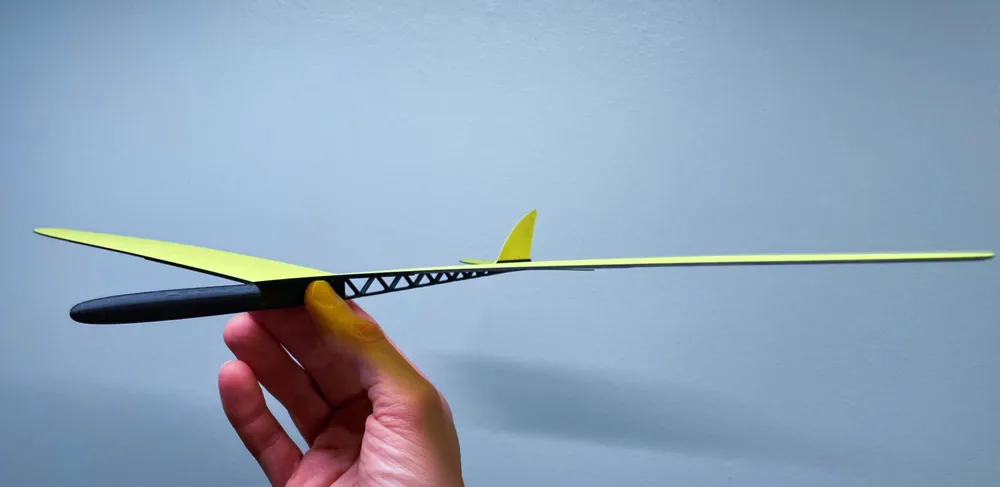
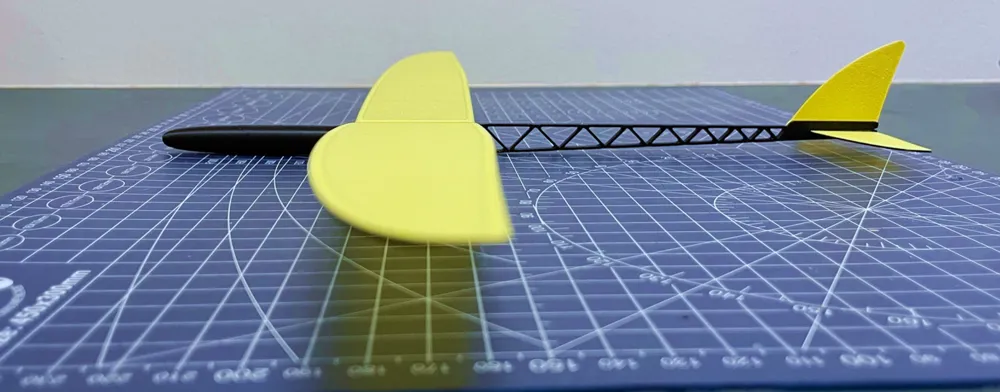
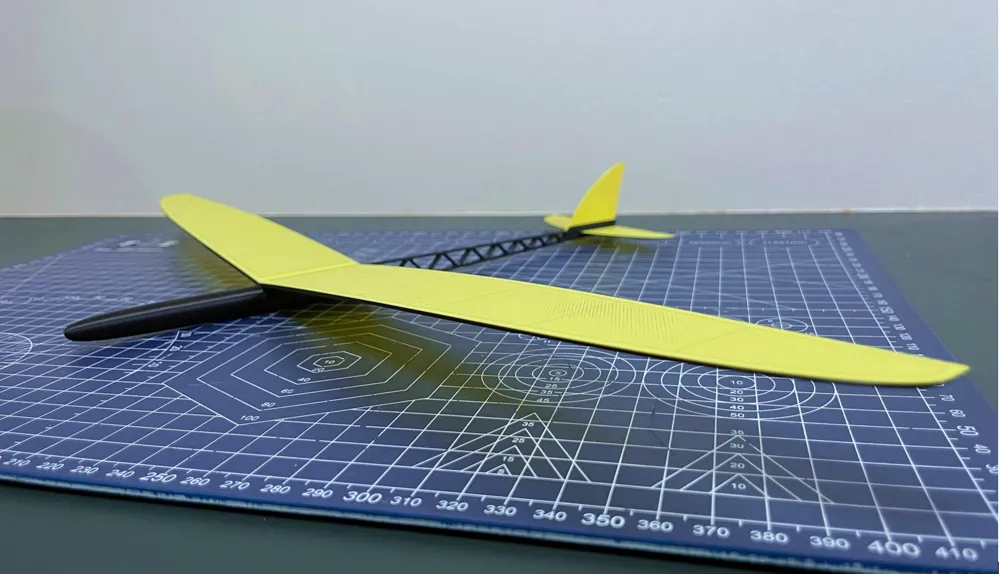
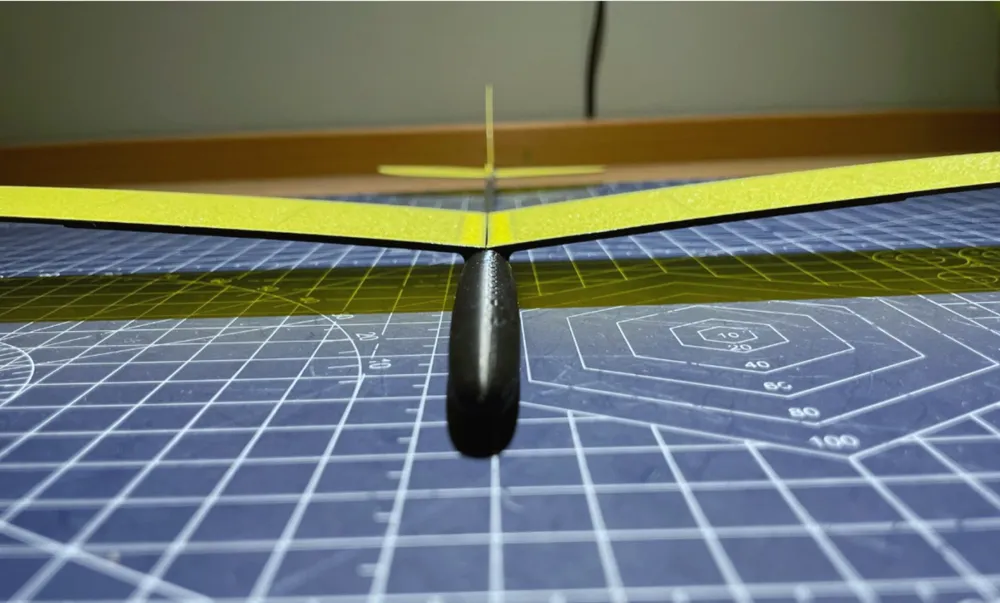
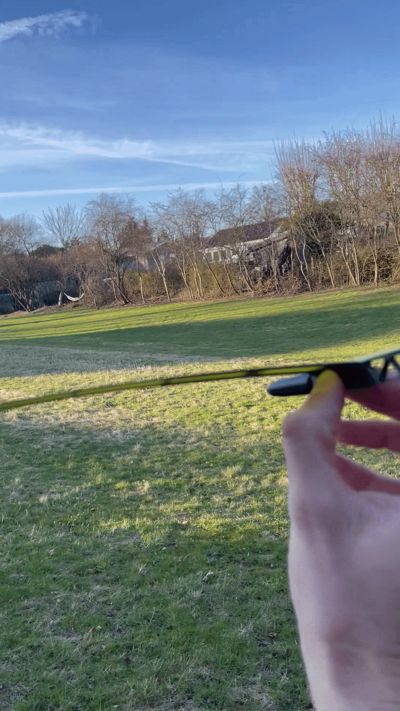
This add-on wing introduces a 7° dihedral angle, offering a slightly different flight characteristic compared to the original wing. It provides a more stable and naturally self-leveling glide, making it a great option depending on your flying preference.
What’s different:
- 7° dihedral for increased natural stability
- Slightly lighter wing design
- Maintains excellent glide performance
Like the base model, this add-on is:
- Ultra lightweight
- Fully compatible with existing parts
- No glue required
I’d love your feedback!
If you try both wings, let me know which one you prefer and why. Does the dihedral version feel better in the air? More stable? Or do you like the original more?
Boost Me (for free)
Enjoying the design? Tap Boost 🚀 and follow me to see new planes and add-ons as soon as they’re released!
Assembly Instructions:

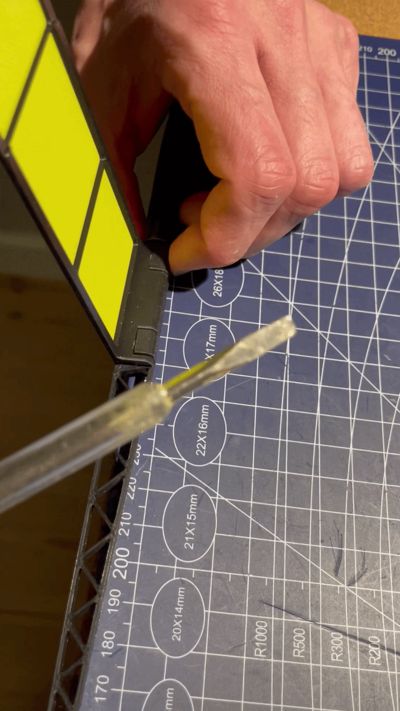
- Wing Removal: The clips are designed to hold firmly, so they can be a bit difficult to remove by hand. If you’re unable to loosen them with your fingernails, gently insert a small screwdriver into the marked slot and use it to pry the clips free. Save the clips for later.
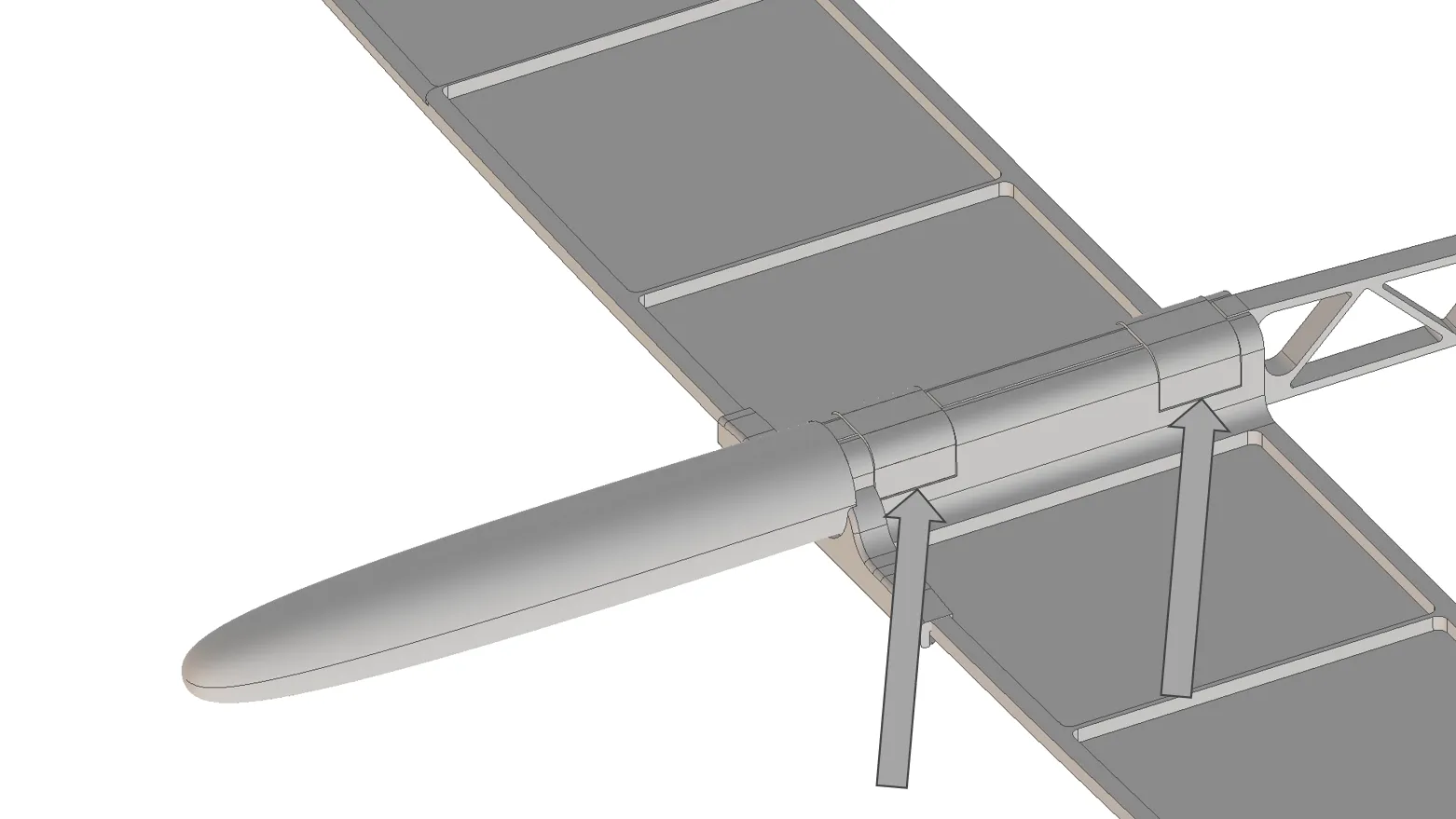
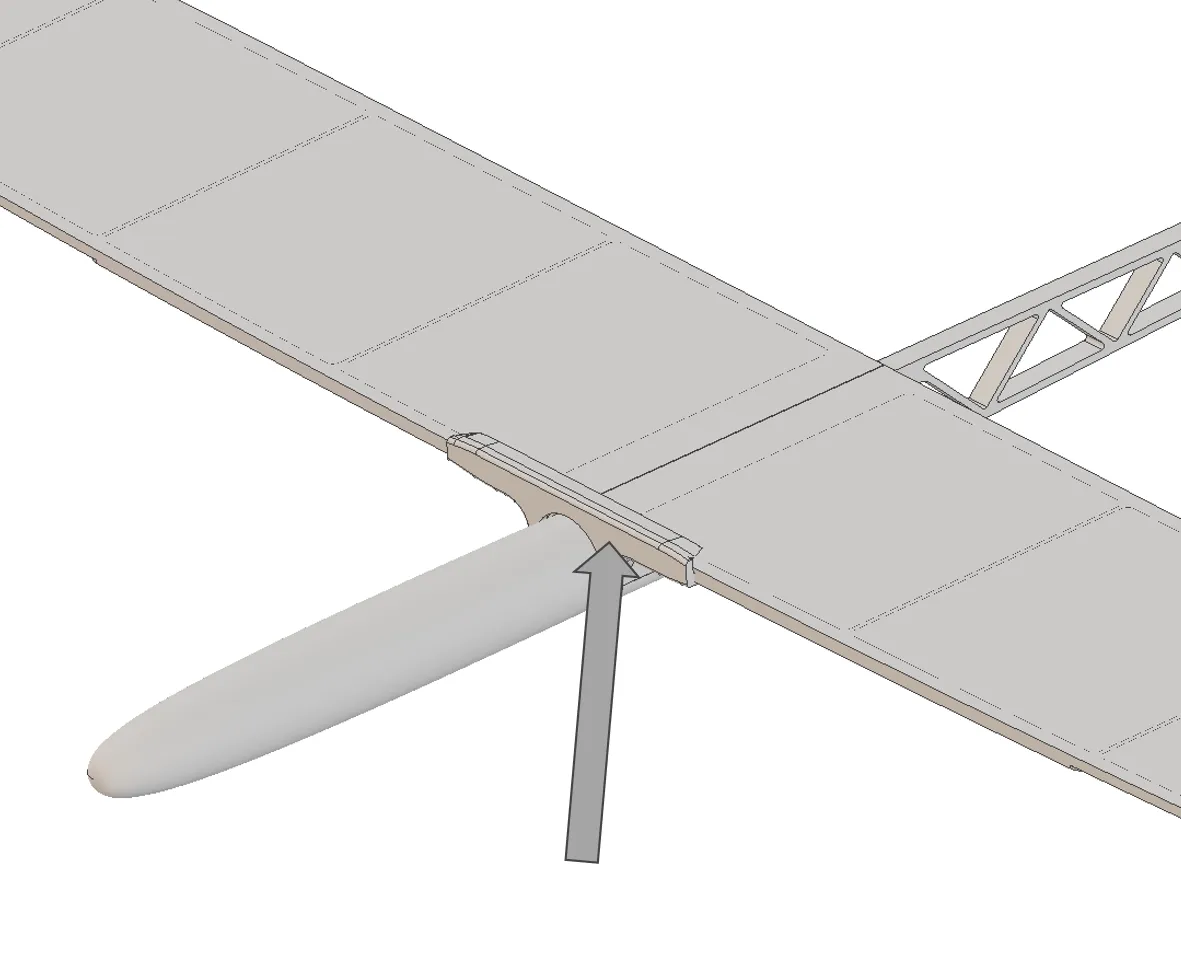
2. Remove Wing-stabilizer: Since the dihedral is now built into the design, you do not need the wing-stabilizer anymore.
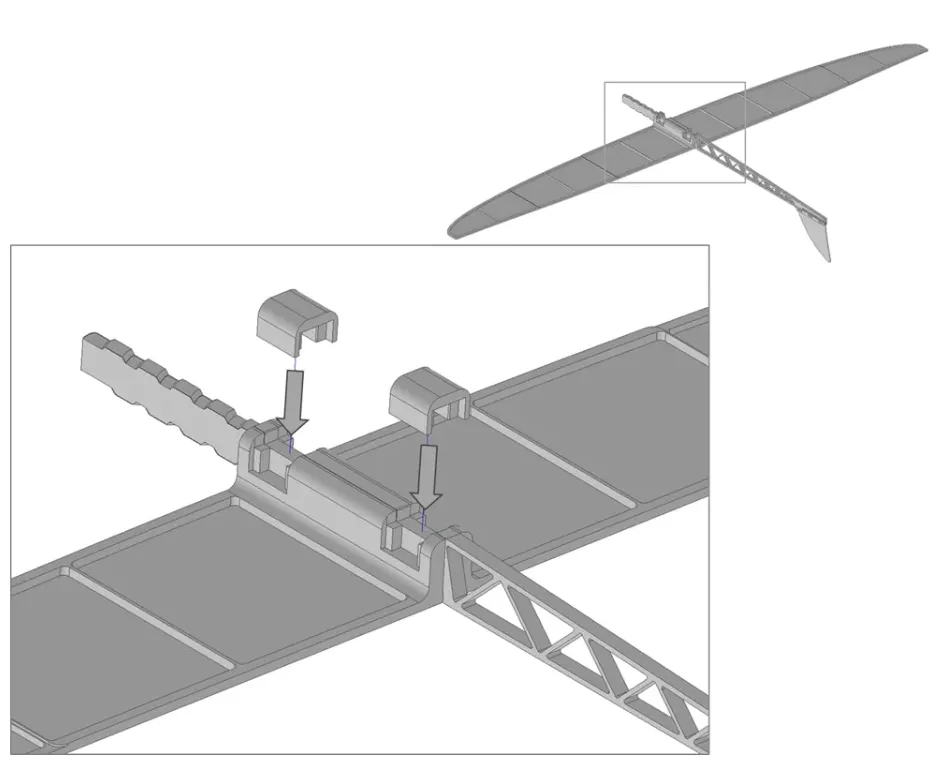
3. Wing installation: Lay the fuselage upside down on a table. Align the two wings with the fuselage slots and insert the wing clamps. Press until they are fully inserted.
Have a nice flight!
Membership
Want to sell printed versions of my planes? Join the membership to get commercial usage rights and support future aircraft development, testing and new releases.
License

You shall not share, sub-license, sell, rent, host, transfer, or distribute in any way the digital or 3D printed versions of this object, nor any other derivative work of this object in its digital or physical format (including - but not limited to - remixes of this object, and hosting on other digital platforms). The objects may not be used without permission in any way whatsoever in which you charge money, or collect fees.


Comment & Rating (30)