
Flowrate Test
Print Profile(3)
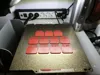
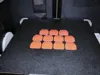
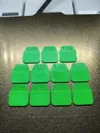
Description
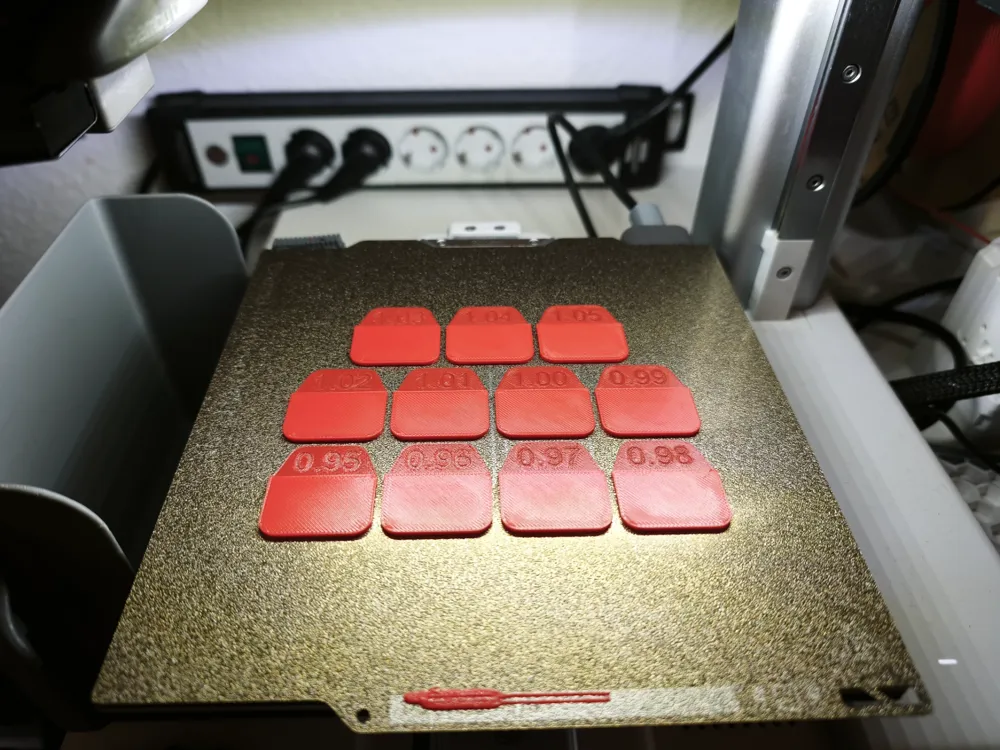
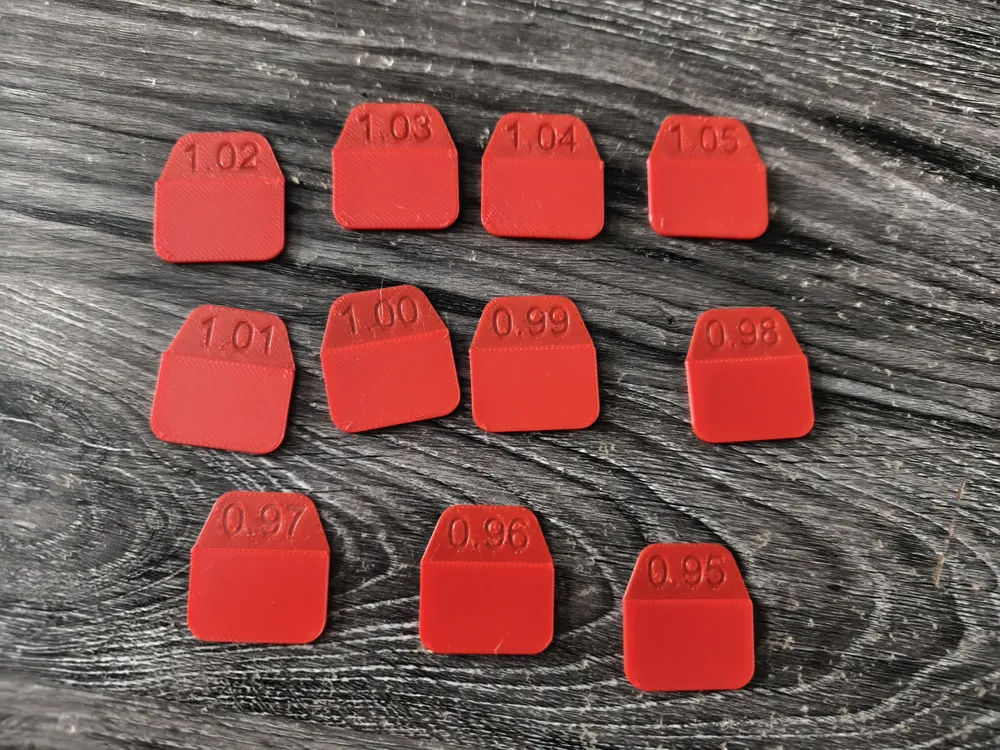
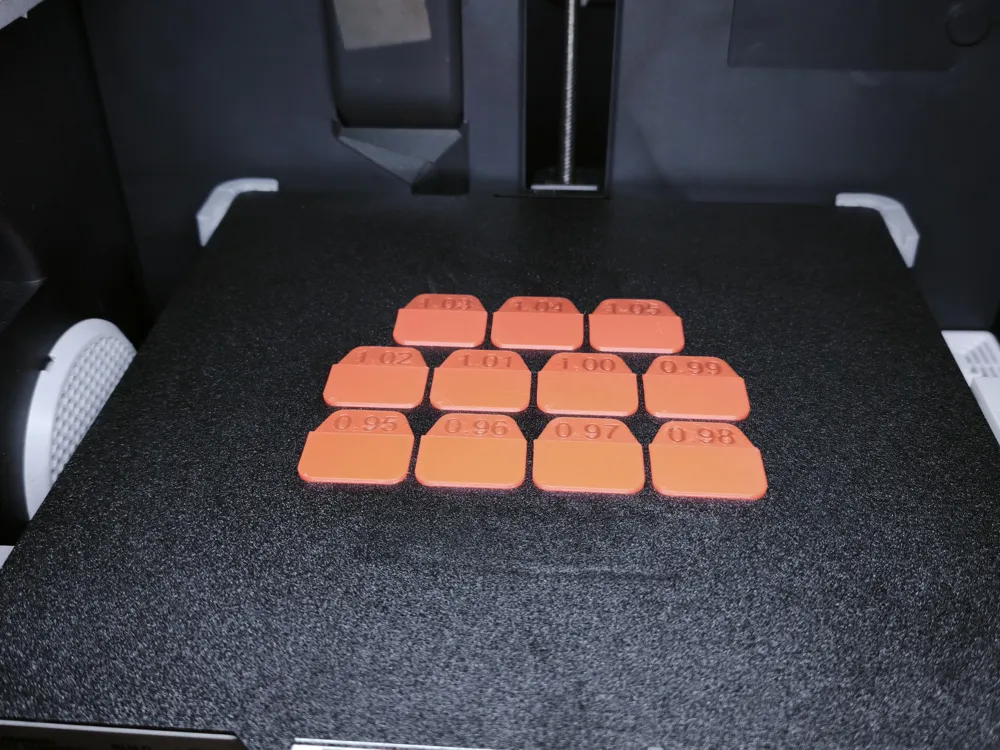
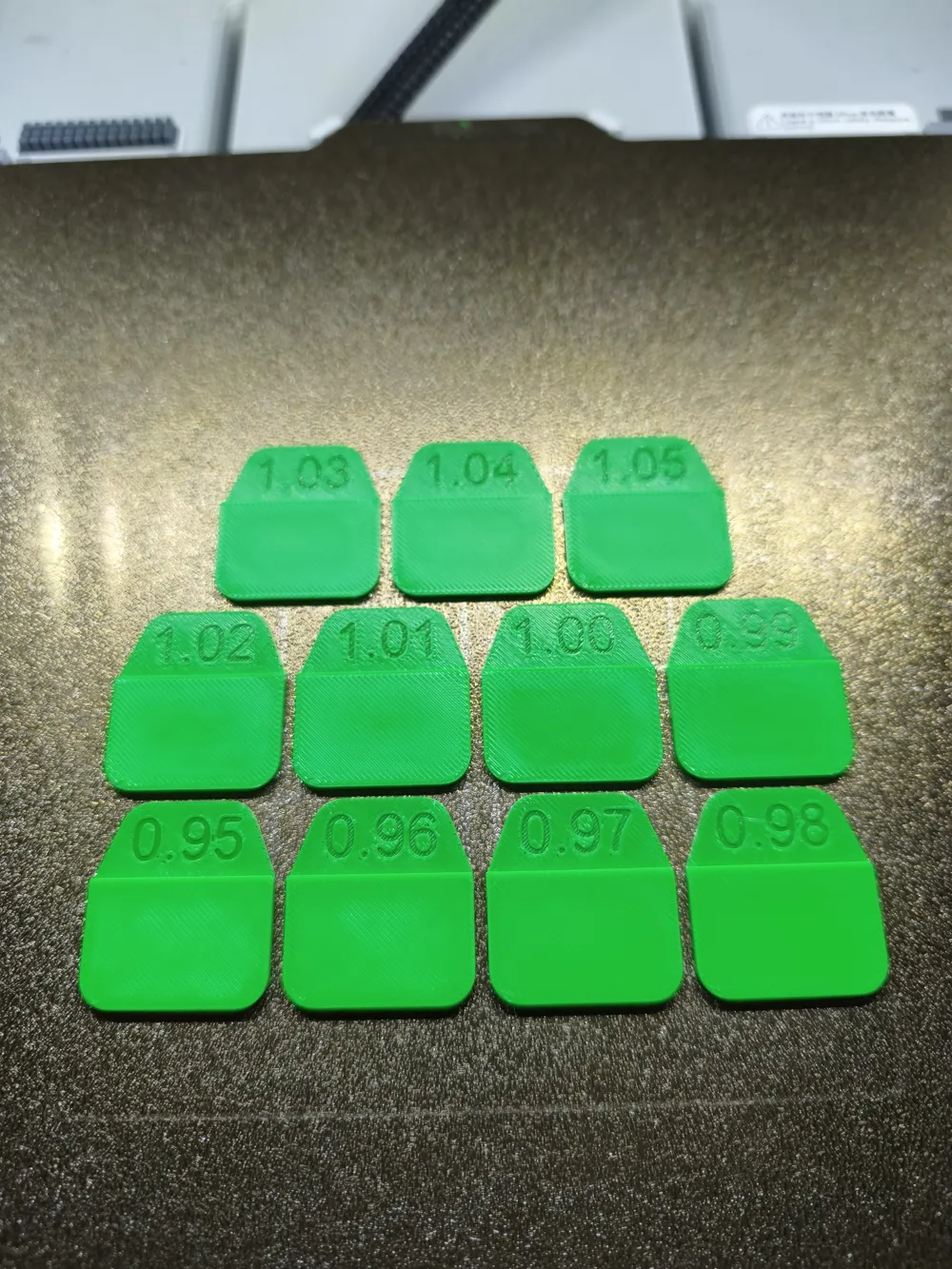
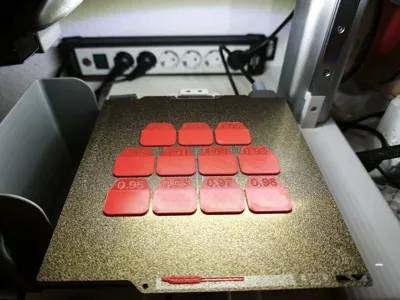
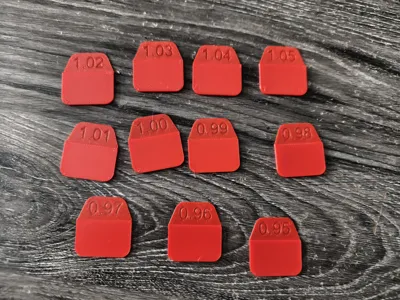
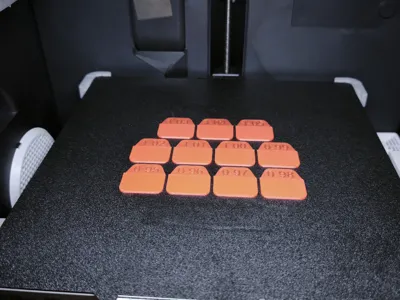
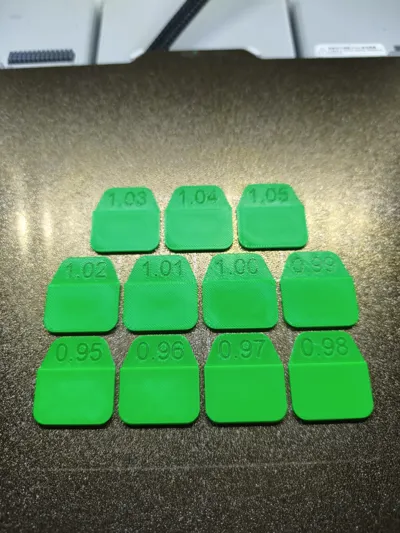
This model is used for flow calibration.
Simply load the model into Bambu Studio, then you can select your new filament and print the model.
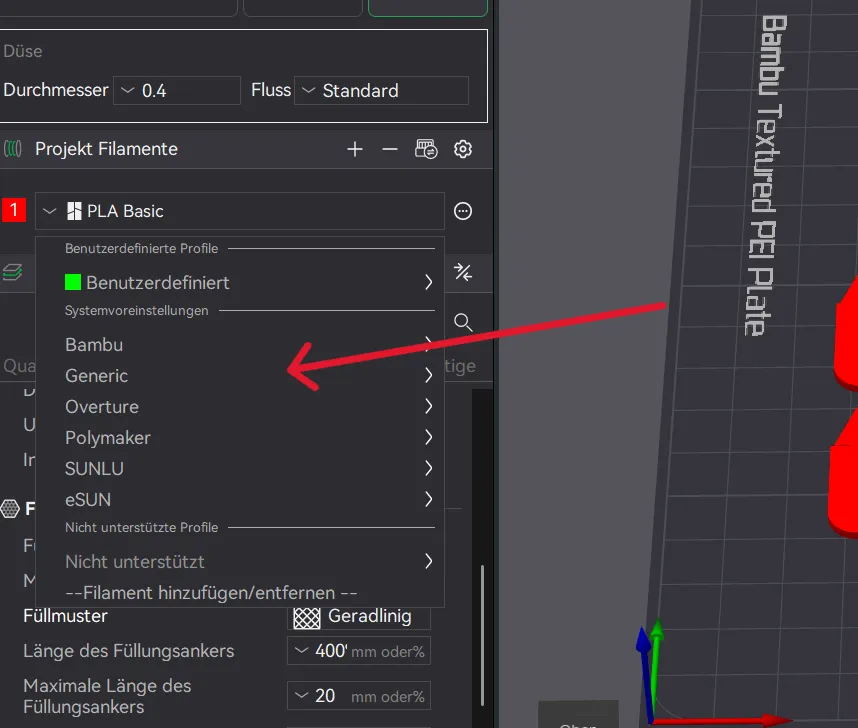
Once the model is printed, simply find the square with the best and smoothest surface. Multiply the value on the square by the value (flow ratio) in the filament profile → see image.
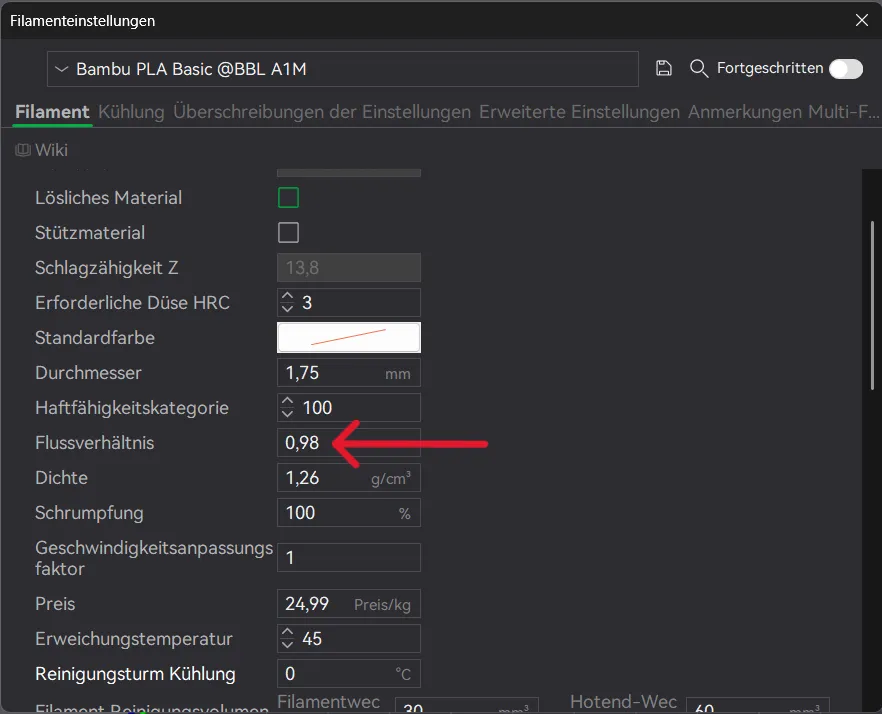
Example: if the best square has a value of 1.03, then the calculation would be
0,98 x 1,03 = 1,0094
Now enter the result (1.0094) as the new value for the flow ratio in the filament profile.
License

You shall not share, sub-license, sell, rent, host, transfer, or distribute in any way the digital or 3D printed versions of this object, nor any other derivative work of this object in its digital or physical format (including - but not limited to - remixes of this object, and hosting on other digital platforms). The objects may not be used without permission in any way whatsoever in which you charge money, or collect fees.


Comment & Rating (16)