
Print Profile(3)






Description
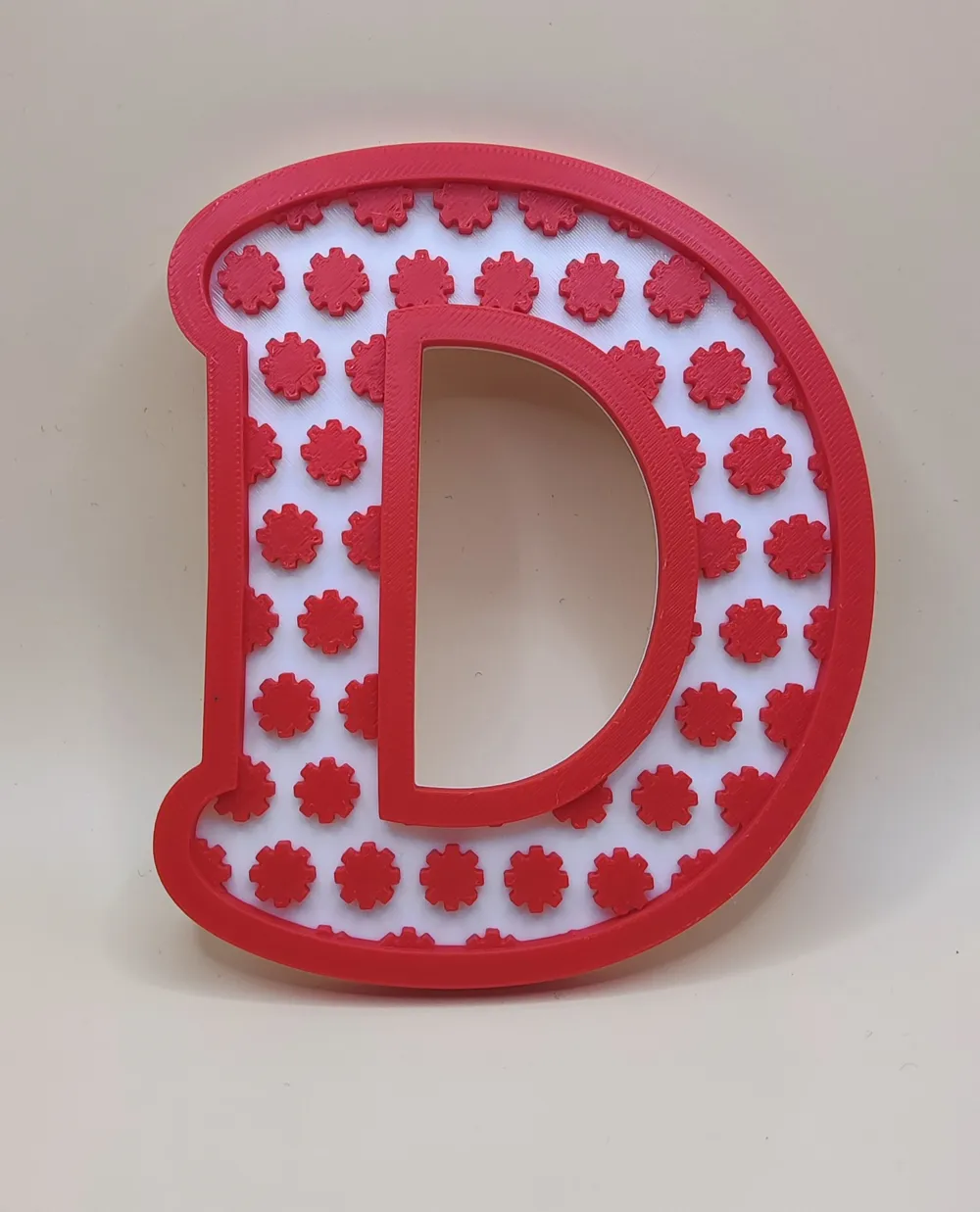
Create unique, personalized 3D letters and signs in seconds!
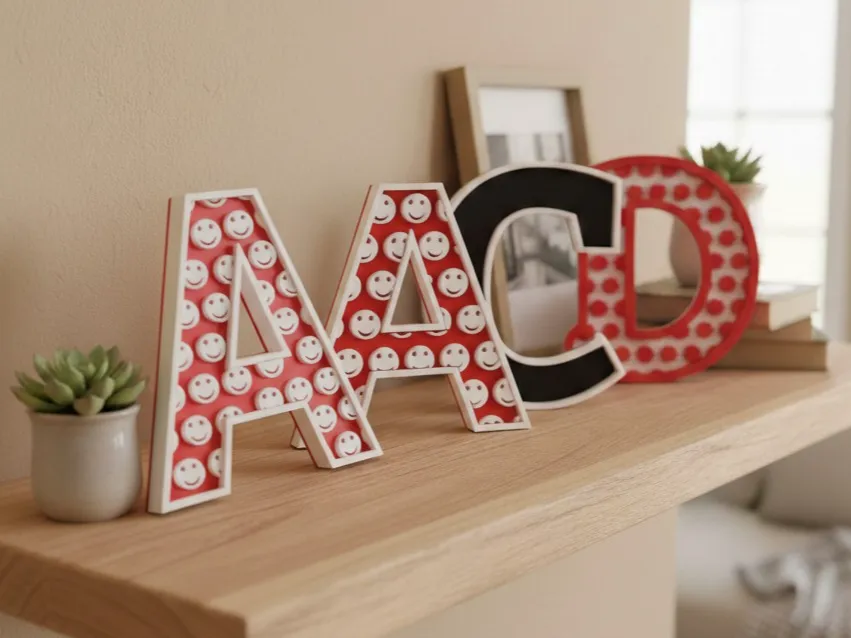
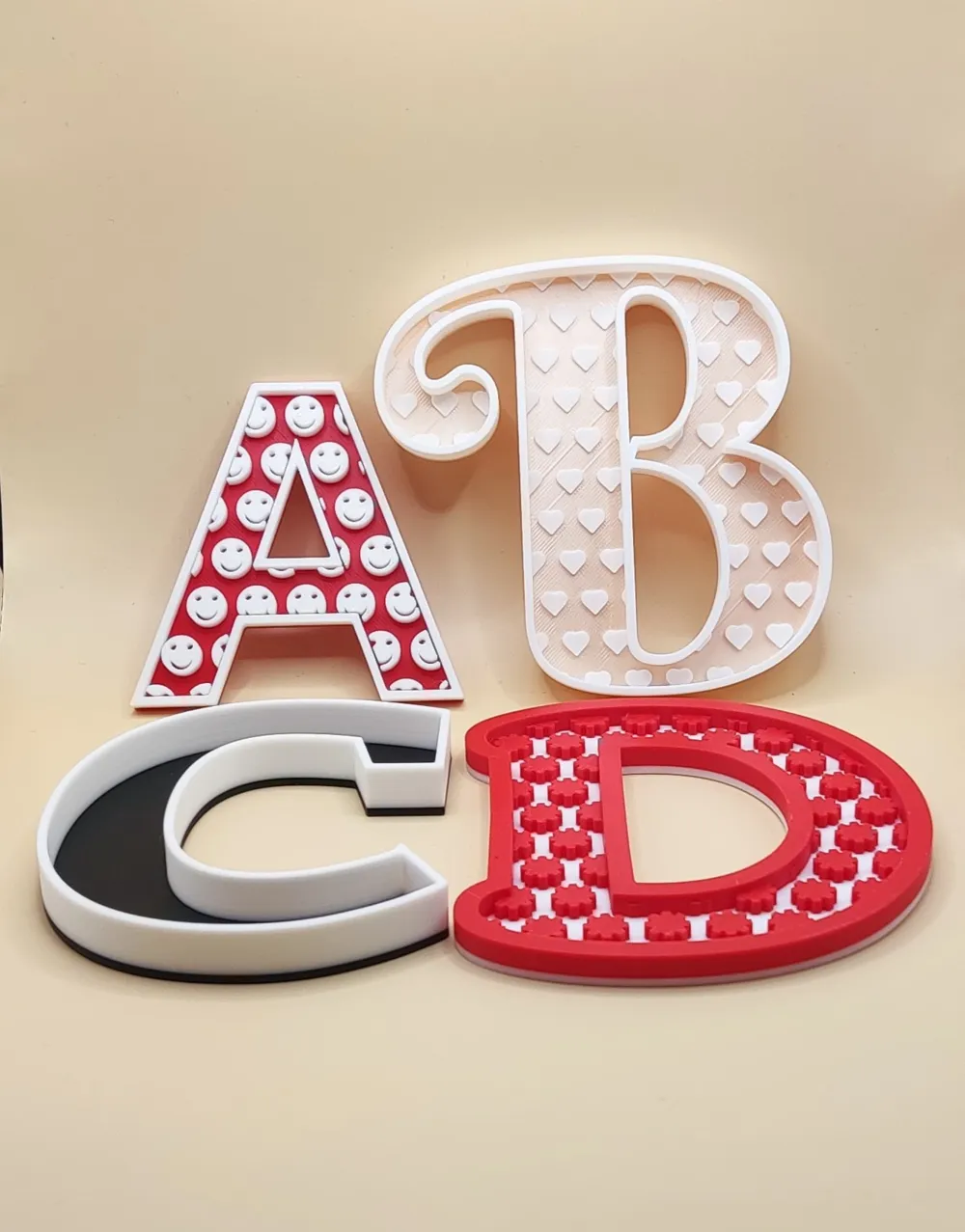
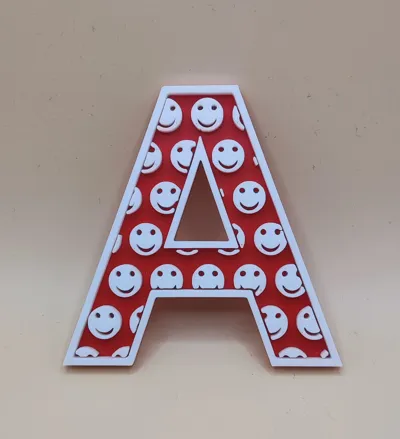
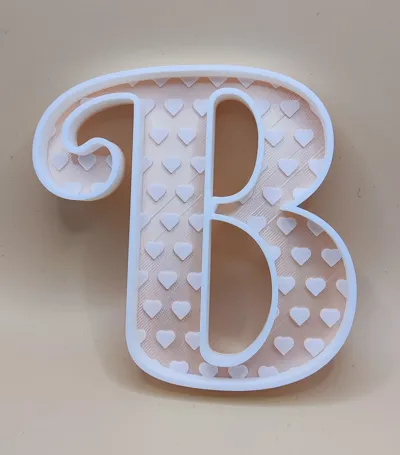
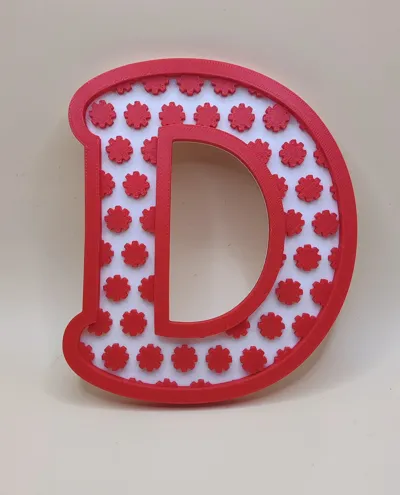
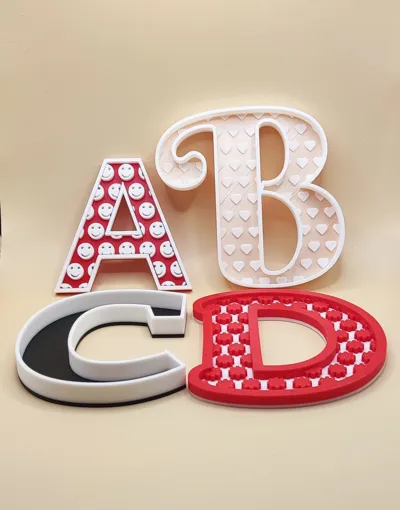
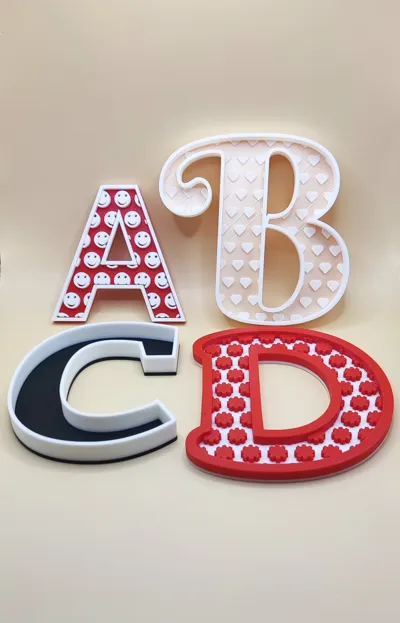
Create beautiful, fully customizable letters with built‑in pattern options and an optional border. This generator lets you turn any letter into decorative art — perfect for wall decor, name signs, gifts, labels, craft projects, and more.
Choose your letter, pick a pattern style, adjust the border, and print. The model is designed to be clean, reliable, and easy to customize, making it great for beginners and advanced makers alike.
Whether you want bold statement letters, subtle patterned accents, or playful decorative pieces, this tool gives you the flexibility to create exactly what you need.
Over 1500 fonts to select from!
To see a preview of all the fonts, see MakerWorld Font Previewer – All Fonts in One Place - Free 3D Print Model - MakerWorld
✨ Features:
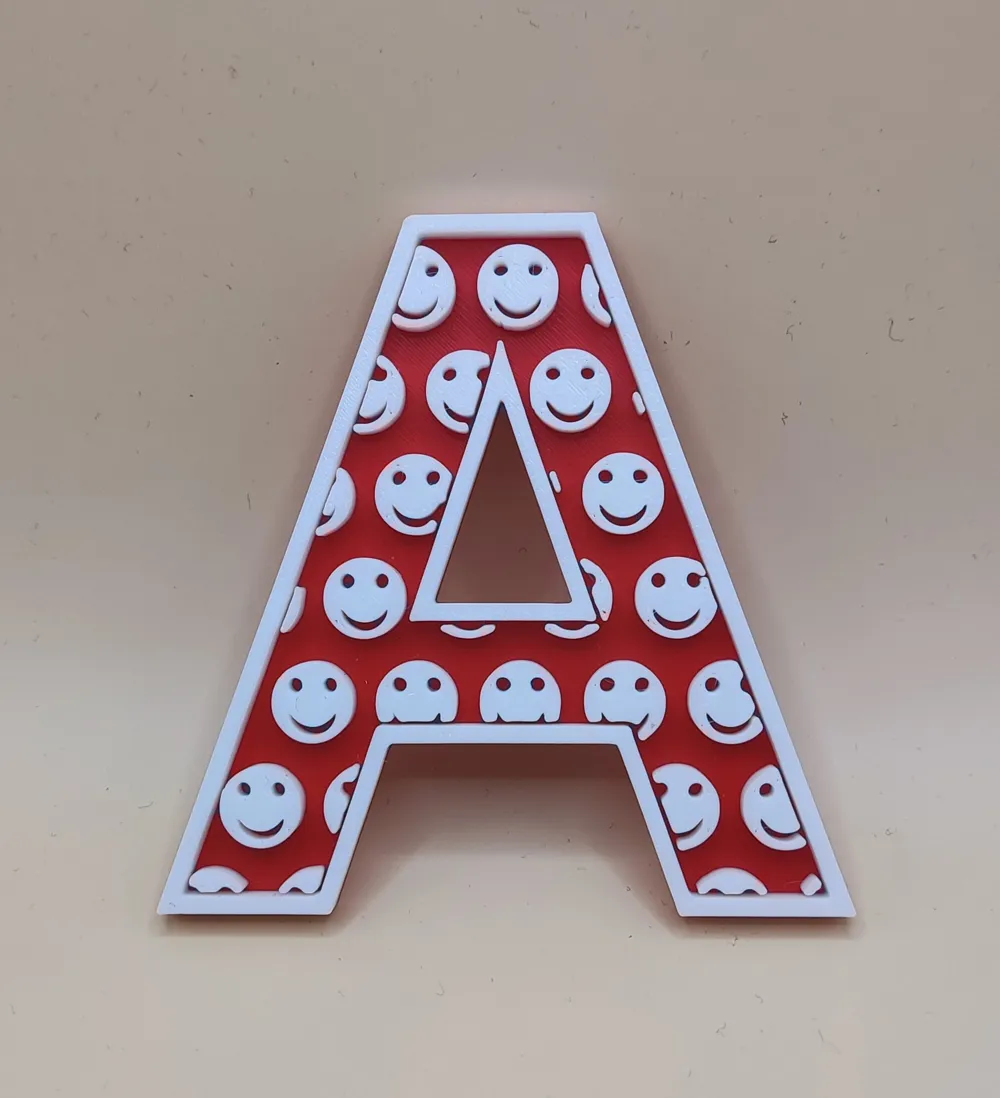
- Many Unique Patterns: Choose from Flower, Star, Circle, Smiley, etc
- Full Control: Adjust the fonts, pattern density, size, and spacing of the patterns.
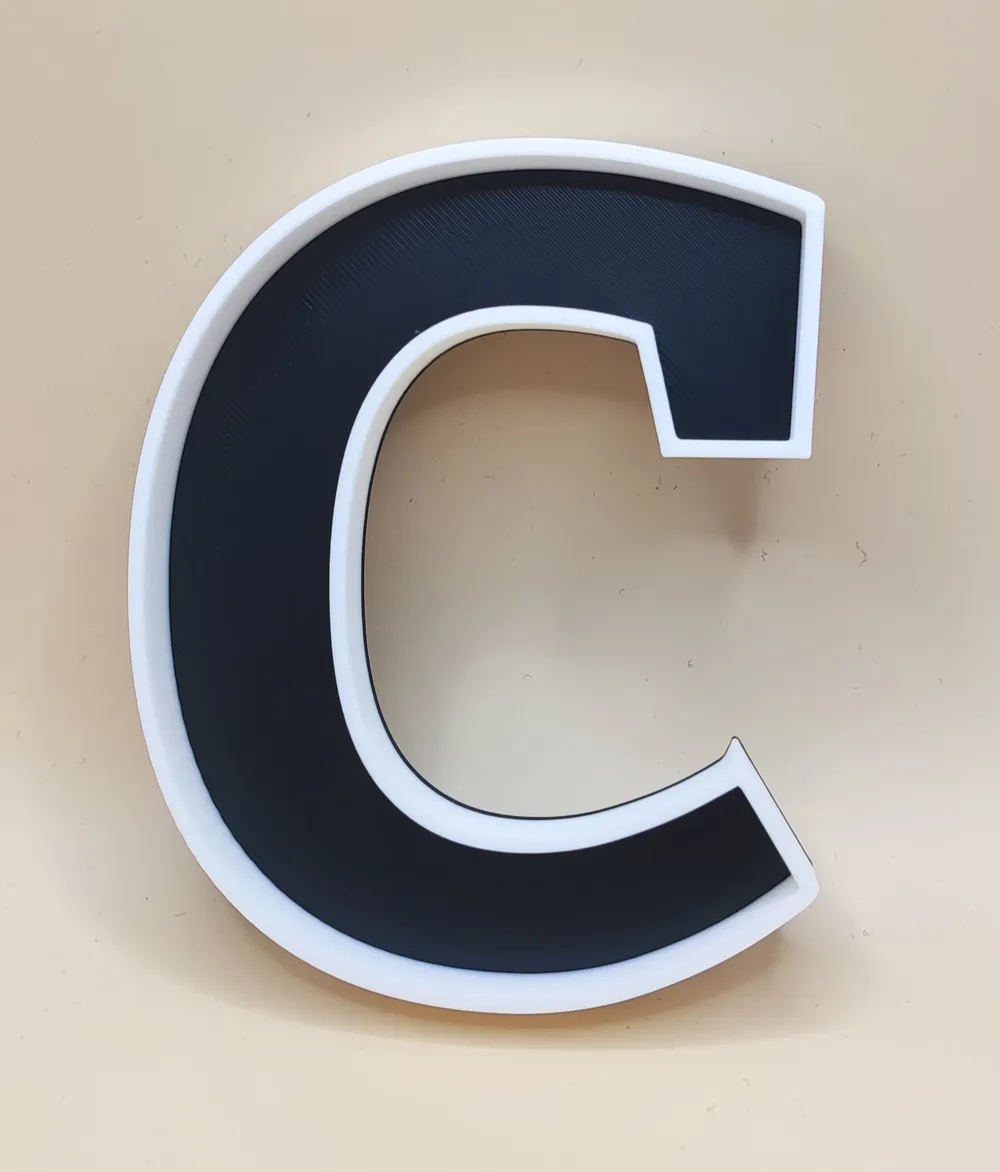
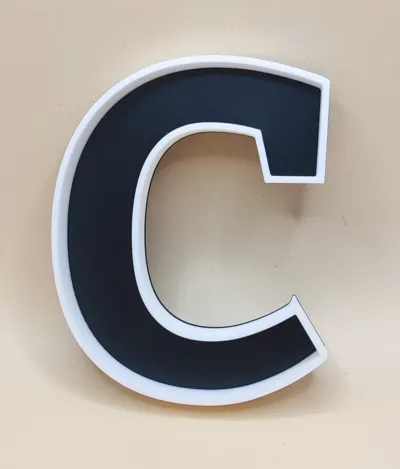
- Border Options: Add a solid outline to frame your text for a professional look.
- Multi-Color Ready: Designed with distinct heights for easy filament swapping (Base vs. Pattern).
🎨 Patterns Included:
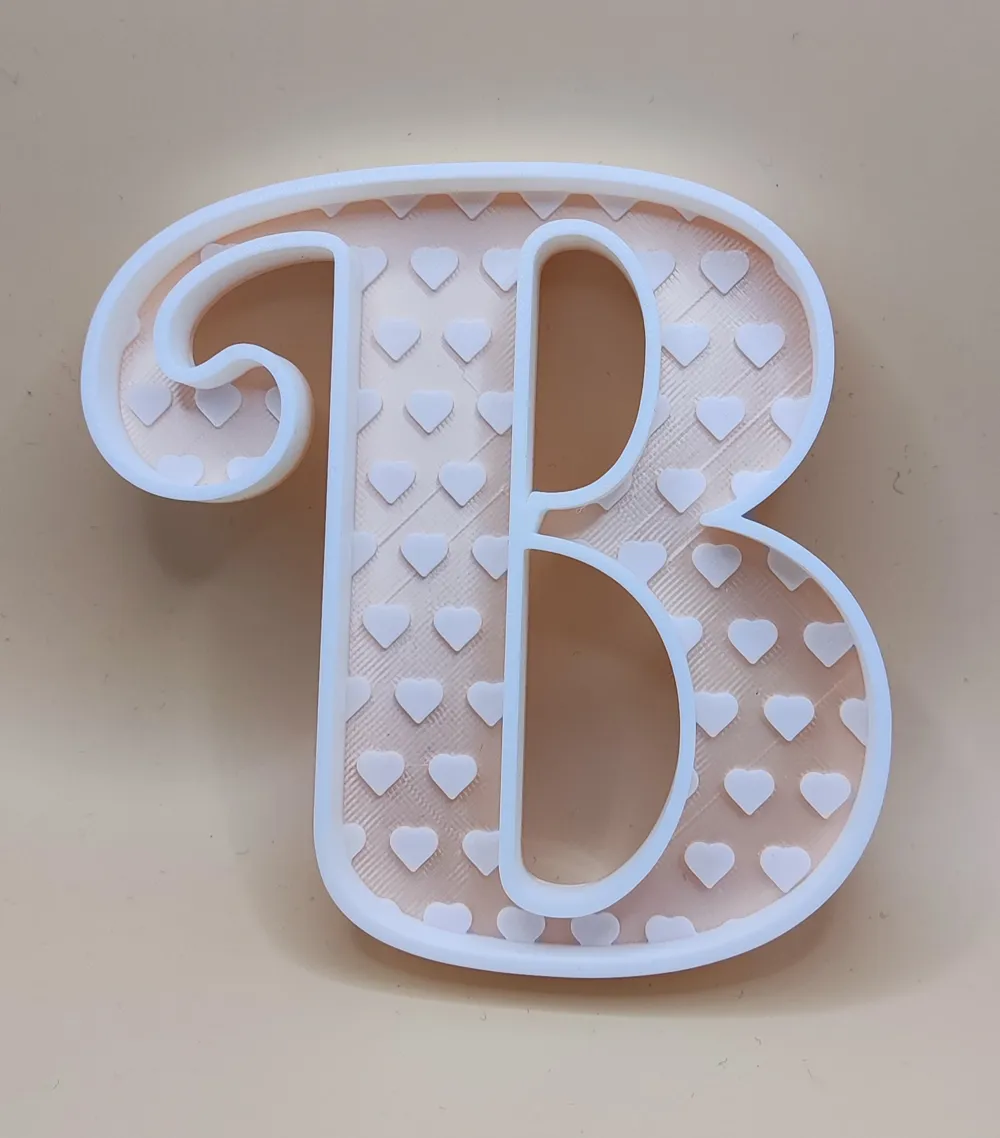
- Flower, Star, Circle, Smiley, Heart, Diamond, Square, Hexagon, Triangle, Clover, Moon, Cross, Ring, Gear, Snowflake, Pawprint, Lightning, Music Note, Cloud, Rainbow, Sun, Key
Emoji: This pattern allows you to add any emoji.
- Windows shortcut: Windows Key + Dot
- Mac shortcut: Command + Control + Space
How to Use the Customizer
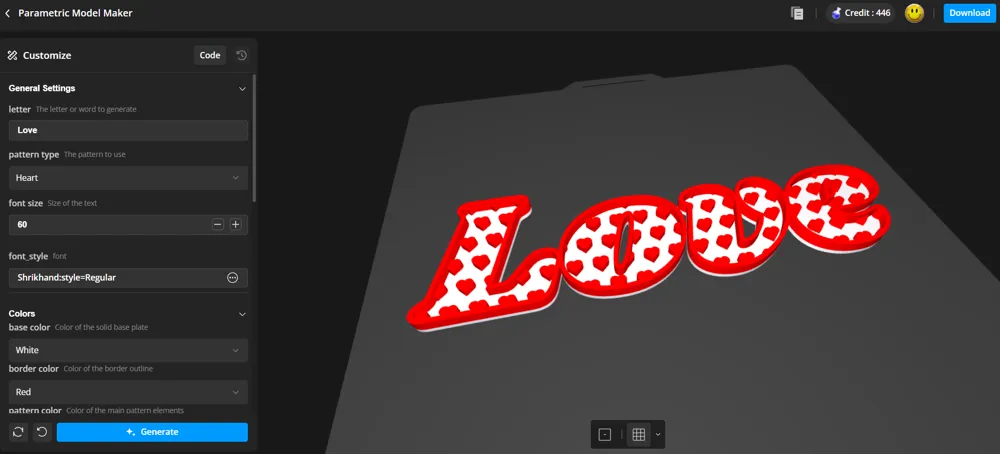
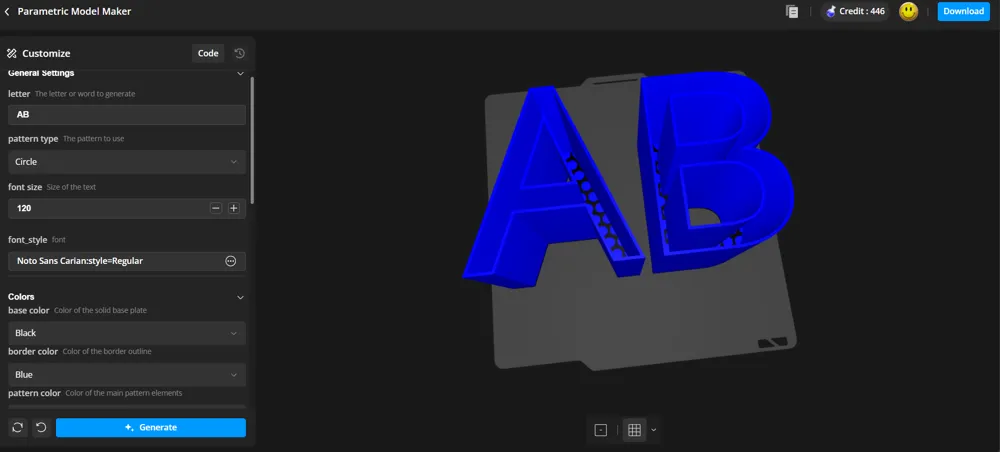
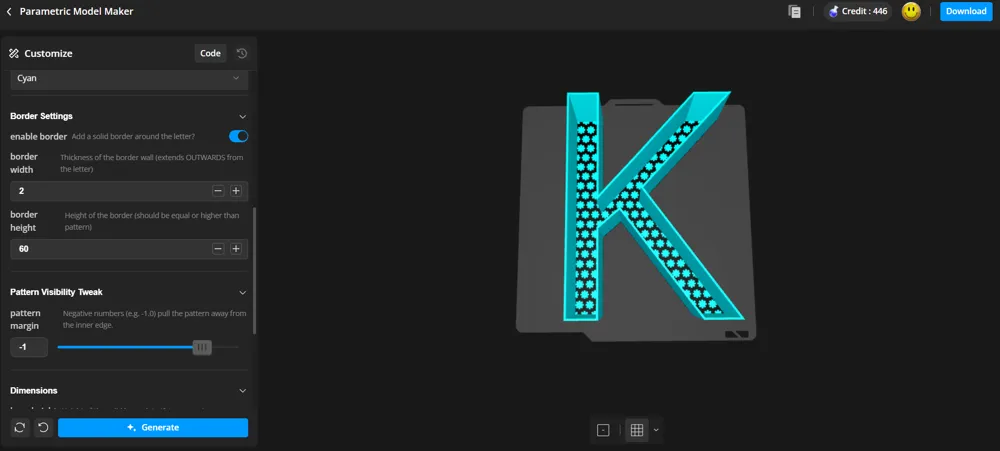
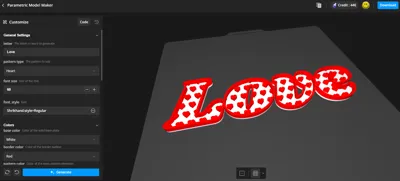
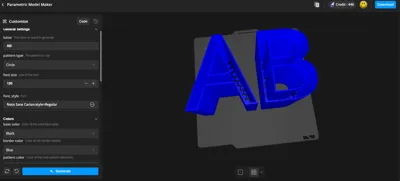
You don't need to know how to model! Click the "Customize" button to open the interface and change these settings:
1. General Settings
- Letter: Type the character, name, or word you want to generate (e.g., "A", "LOVE", "DAD").
- Pattern Type: Select the shape that fills the letter from the dropdown menu.
- Emoji Char: Choose any emoji you want (Windows shortcut: Windows Key + Dot / Mac shortcut: Command + Control + Space). Only one Emoji (the first) will be used.
- Pattern Size: Size of the pattern/emoji
- Pattern Spacing: Space between the patterns/emojis
- Font Size: Overall size of the text.
2. Colors (Preview Only)
- Select colors for the Base, Pattern, and Border to preview how your print might look. Note: Your actual print color depends on the filament you load.
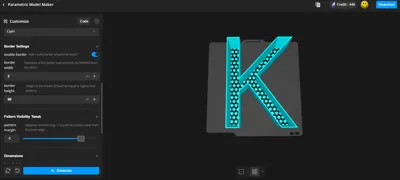
3. Border Settings
- Enable Border: Check this box to add a solid wall around the text outline.
- Border Width: How thick the wall is.
- Border Height: Make this higher than the pattern to protect it, or flush with it.
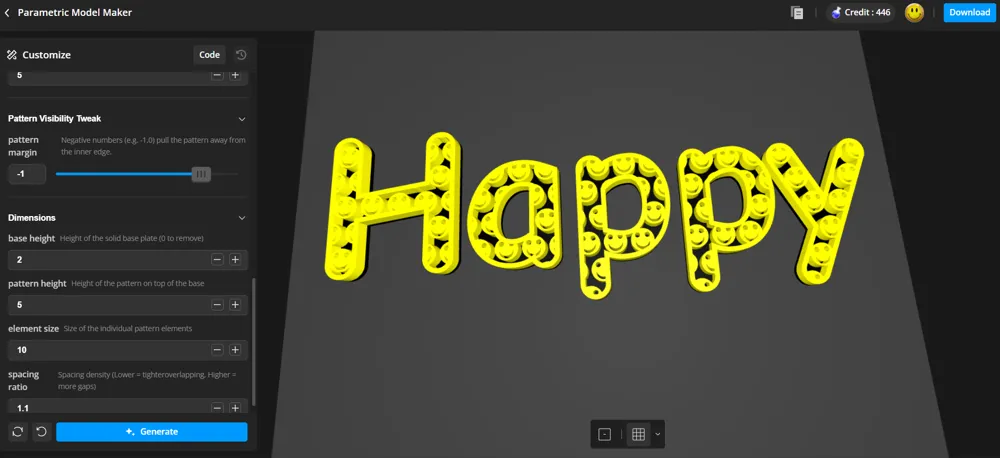
4. Pattern Visibility Tweak
- Pattern Margin: Use this to fix edges.
- Negative numbers (e.g., -1) pull the pattern away from the edge.
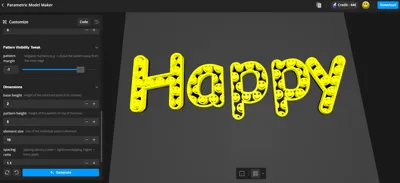
5. Dimensions & Spacing (Important!)
- Base Height: Thickness of the solid bottom layer.
- Pattern Height: Thickness of the texture on top.
Updates:
2026-01-13: Added the option to add real emojis as pattern
Boost Me (for free)
I appreciate a boost if you have one to give.
Membership
If you would like to sell printed models of my designs, have look at the membership options.
Also check out some of my other 160+ designs:
John_M | Published - MakerWorld
License

You may create derivative works based on this object, provided that all such derivative works are published exclusively on the MakerWorld platform and include proper attribution to the original creator. You may not share, upload, host, distribute, or publish this object—or any derivative work of this object—on any other digital platform, marketplace, or distribution channel. Commercial use of this object and any derivative works is strictly prohibited. This includes, but is not limited to, selling, renting, sublicensing, or using the object in any context in which you receive monetary compensation or other financial benefits.


Comment & Rating (7)