
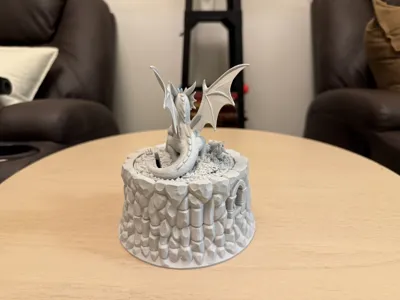
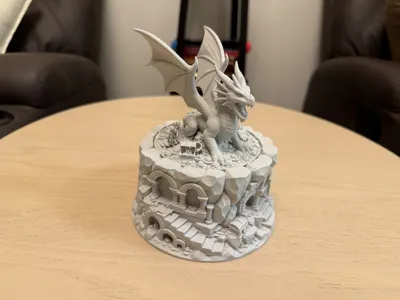
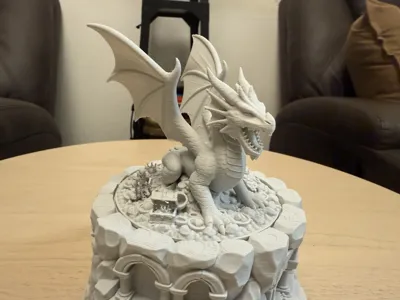
Dragon King Coin Bank - Ruins Vault Diorama
Print Profile(4)


Description
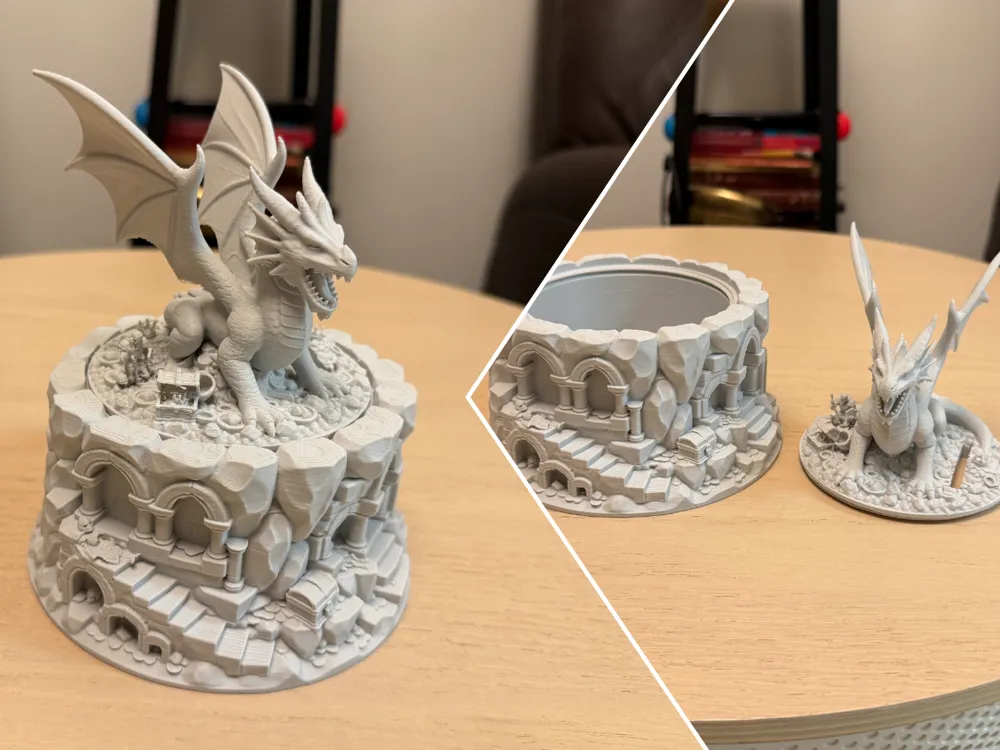
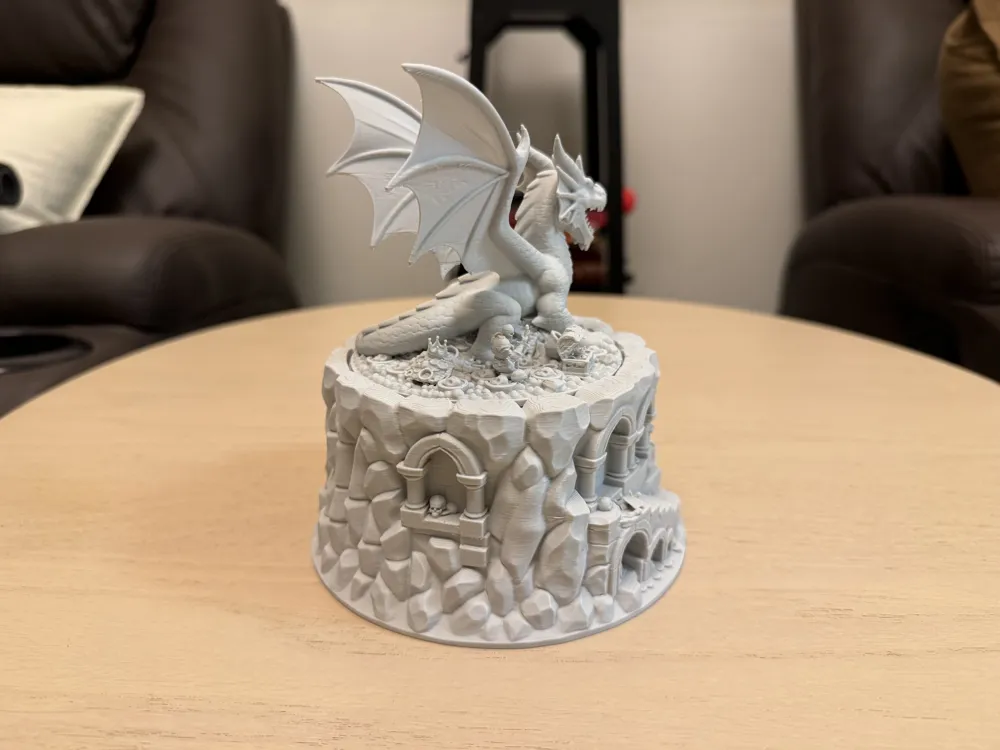
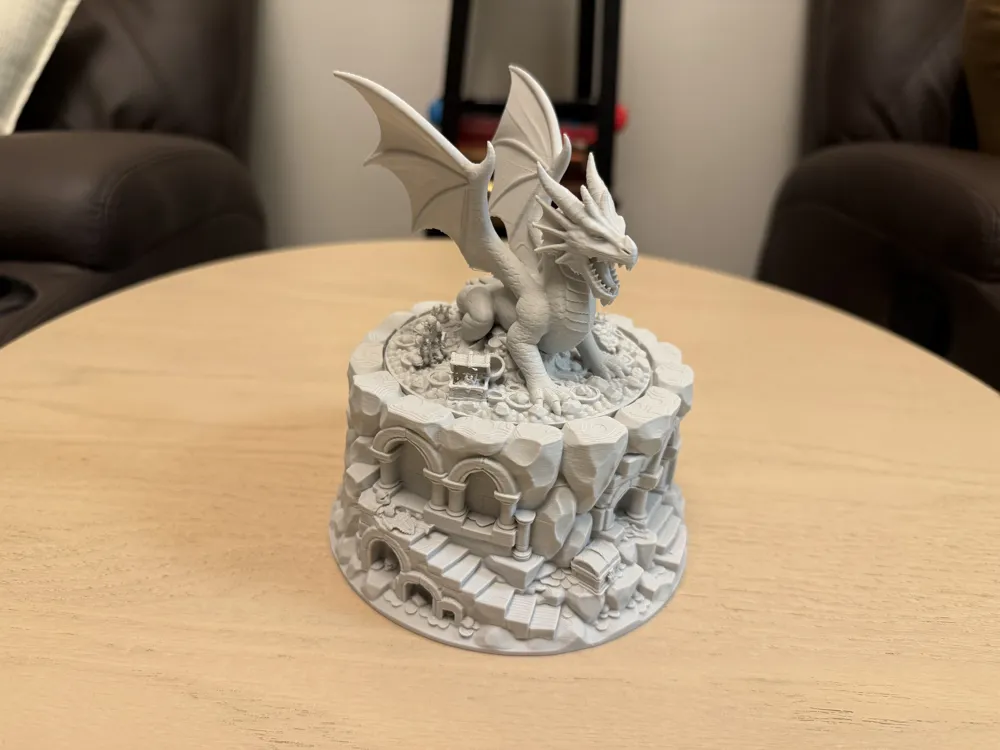
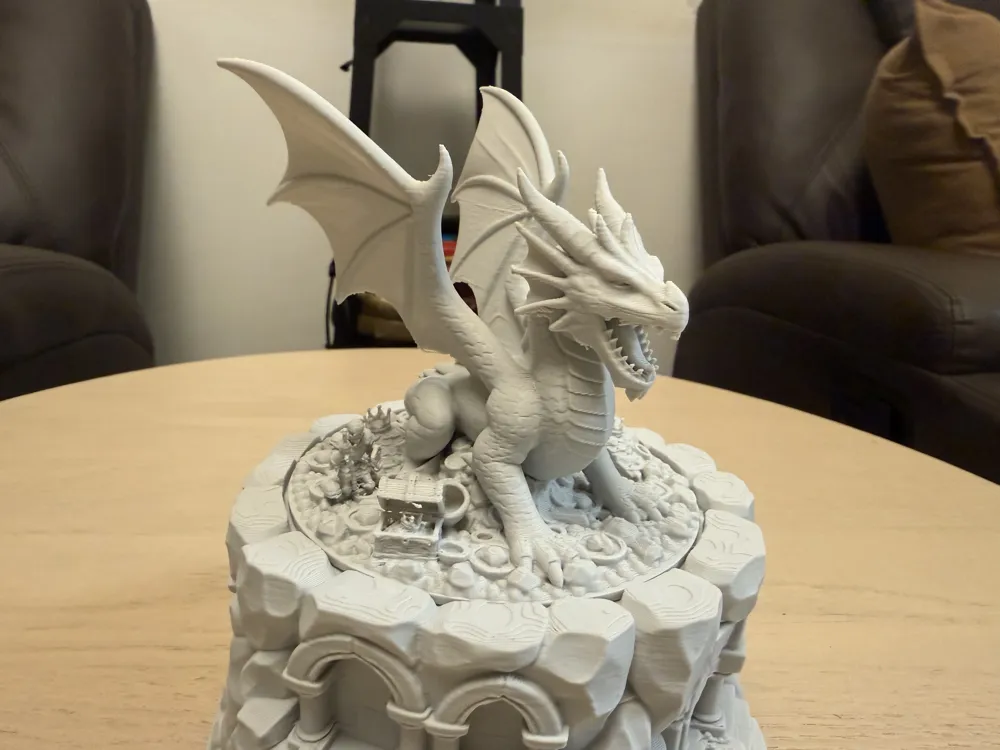
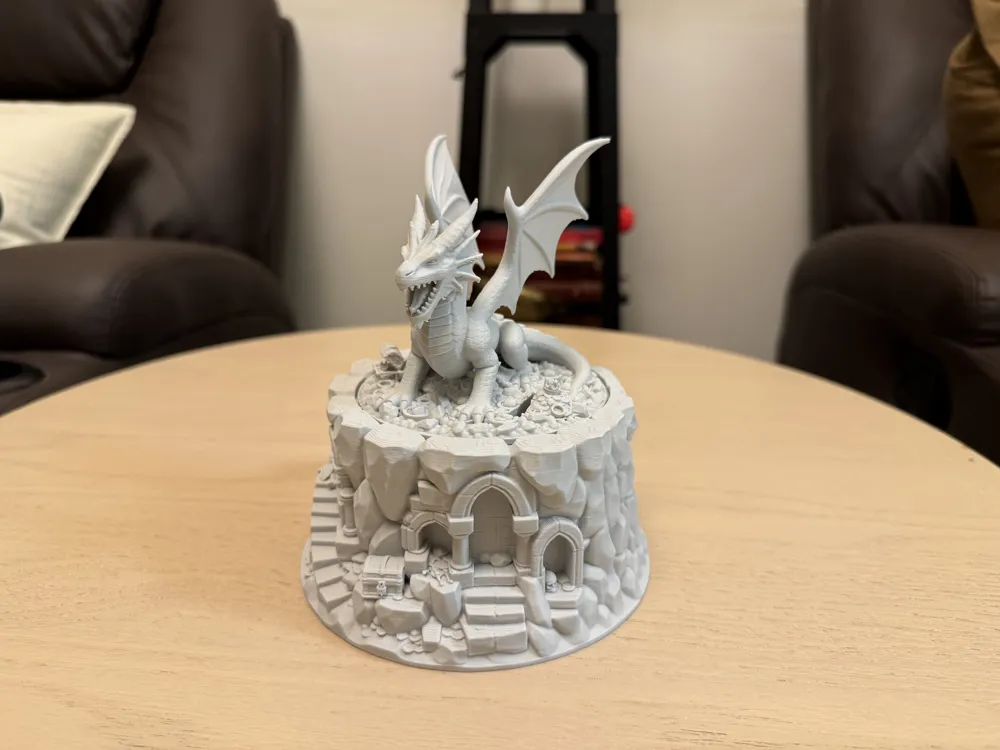
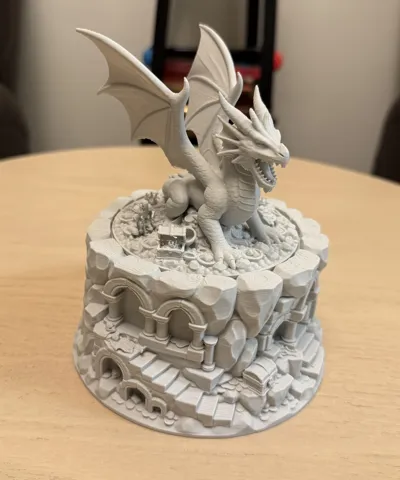
Many have tried to take the treasures guarded by the Dragon King; none have succeeded. (Please read the entire description for print notes)
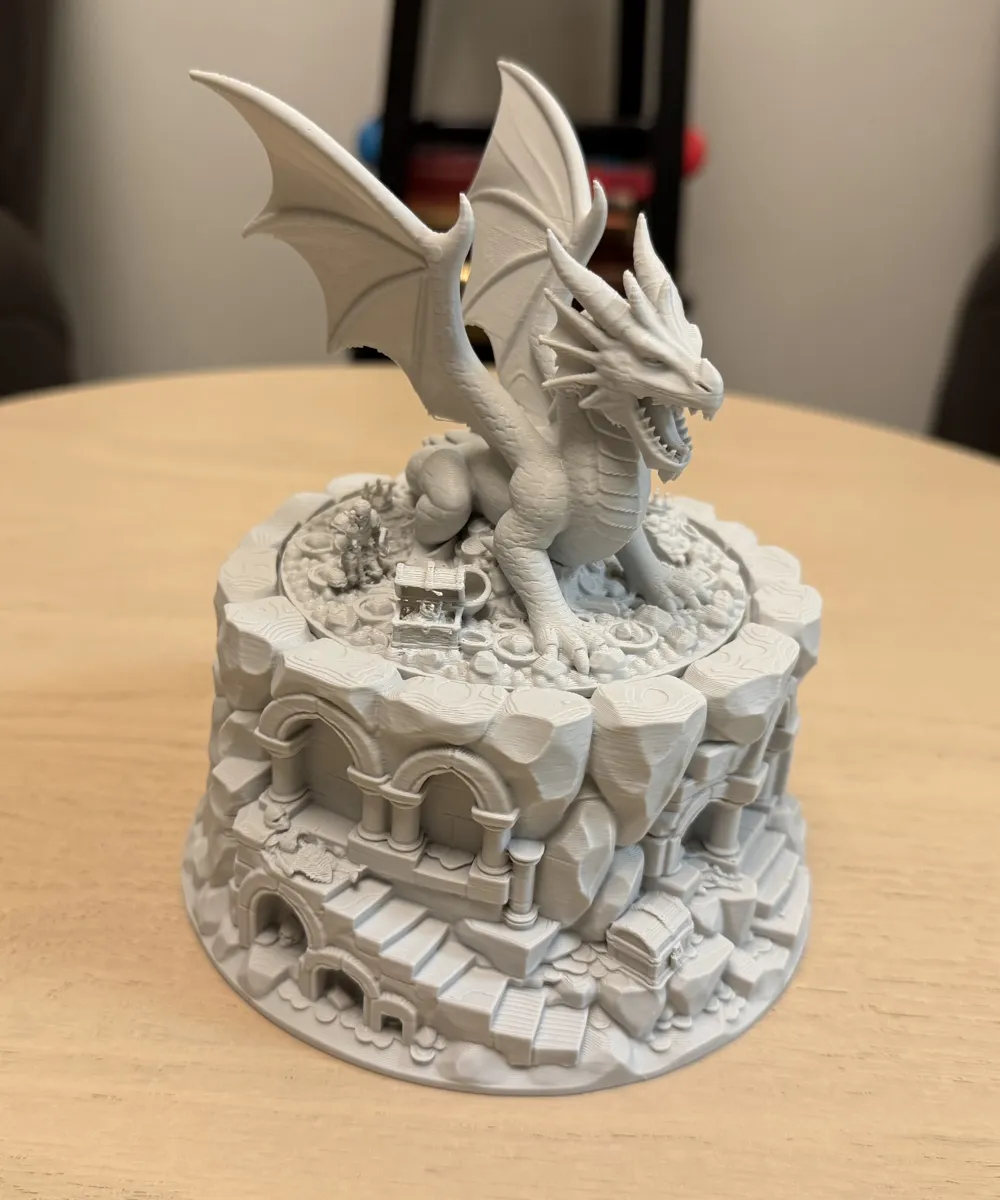
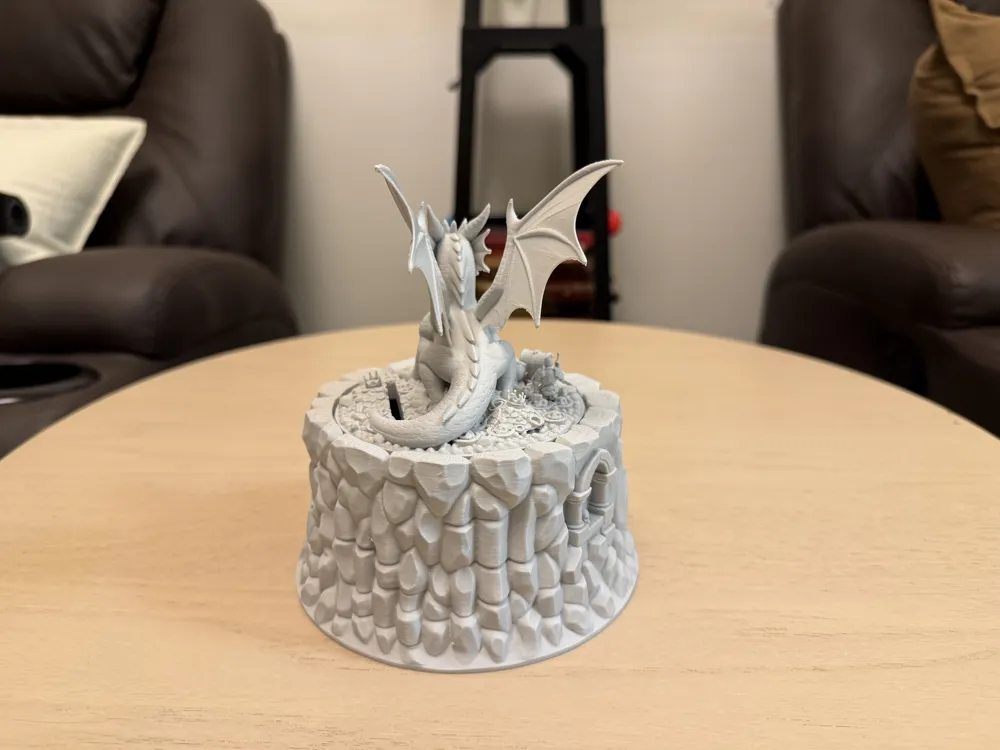
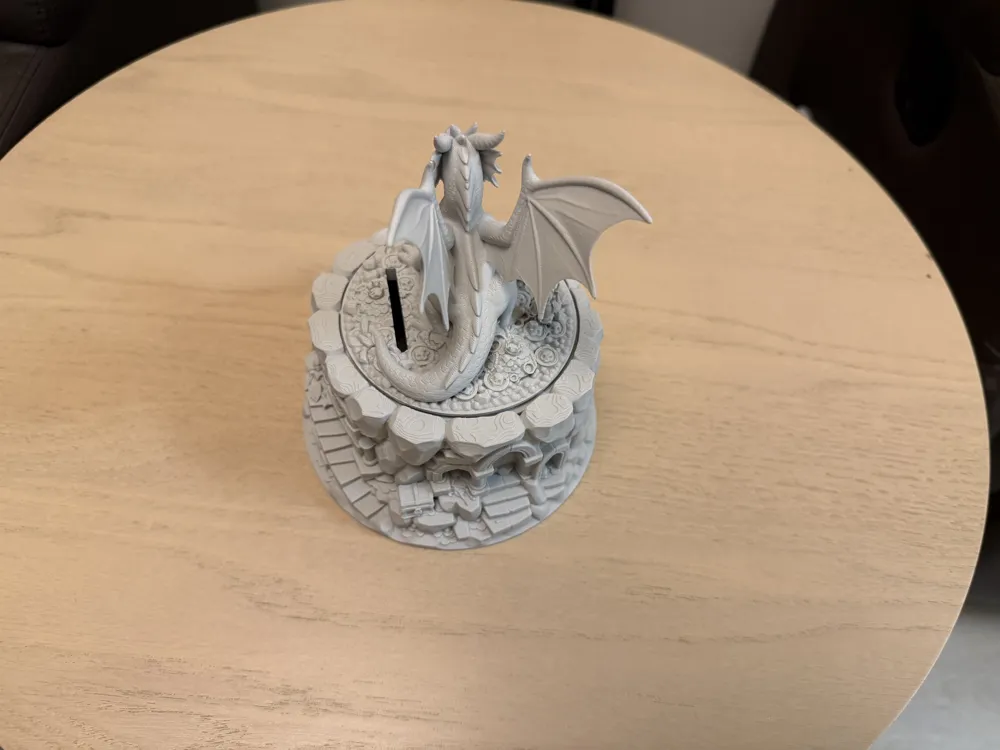
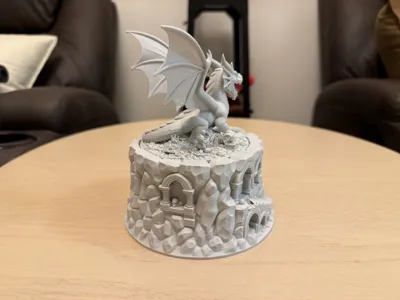
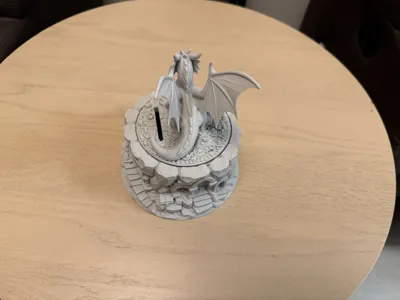
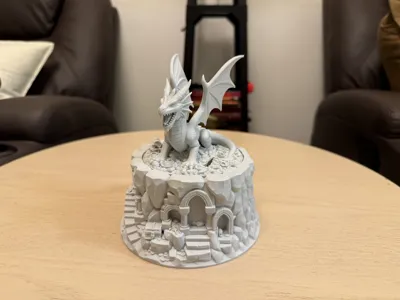
From the shattered arches to the overflowing chests, this coin bank is a full fantasy diorama—starring the Dragon King, sovereign of the Ruined Vault. Drop your coins into the hidden vault and let the monarch of fire keep watch over your growing hoard.
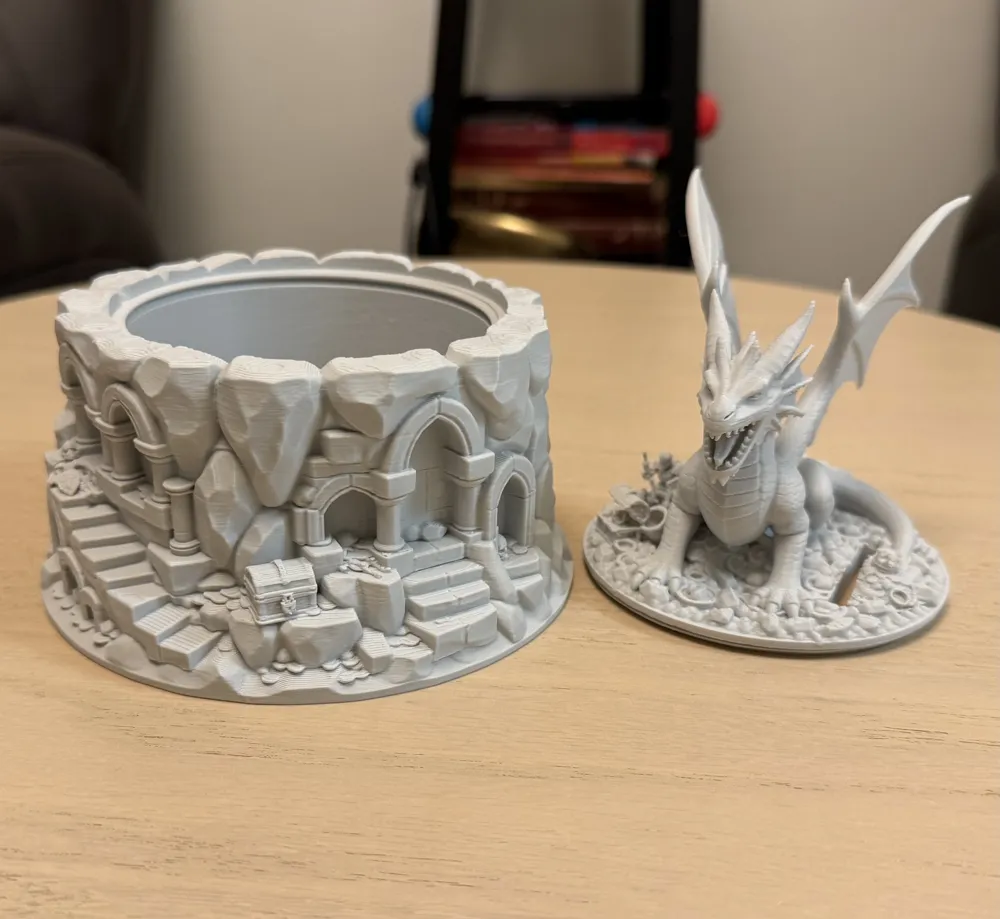
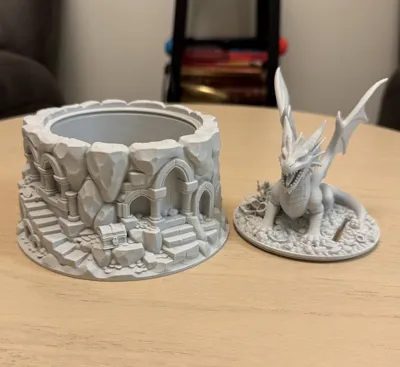
These are high detail functional models (coin bank / piggy bank ) for your coins or other treasures you may want to store inside the mountain ruins.
Print details:
- Nozzle: 0.4 mm
- Layer height: 0.20 mm (can be done at 0.16 or 0.12 for even higher detail)
- Plate prep: ensure the build plate is clean to ensure good first layer adhesion
- When printing please enable the bed leveling option
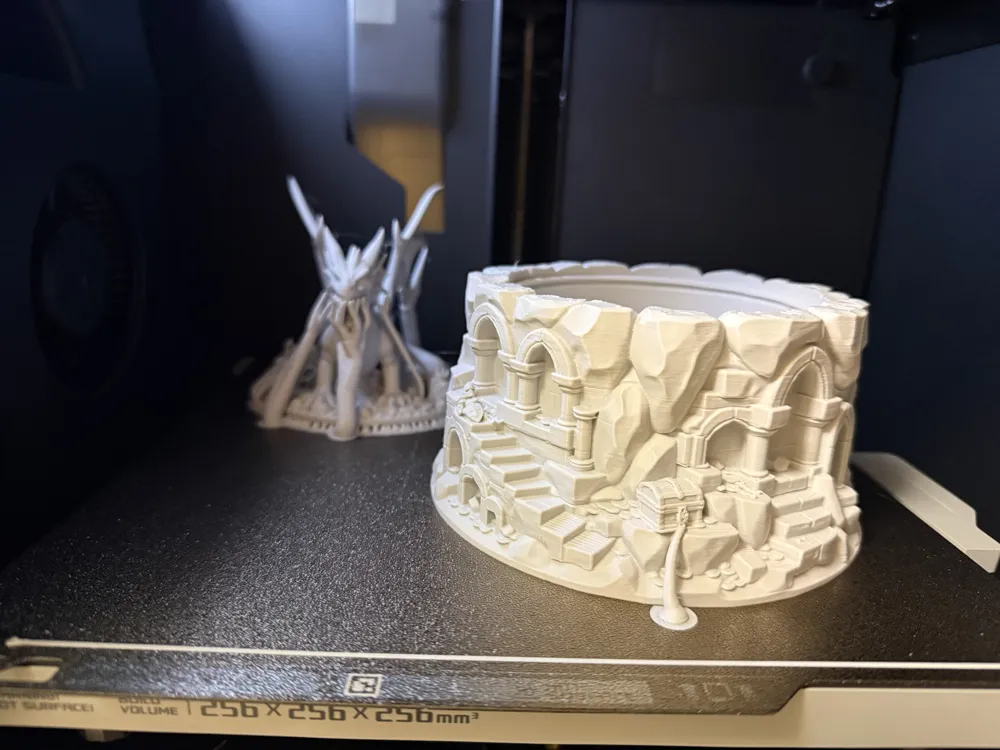
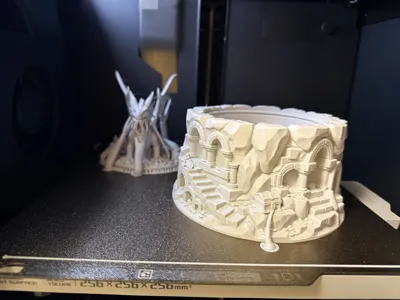
- Please take your time on removing the supports from the dragon lid, I first remove most of the the small supports at the base , then the wings and and the ones supporting the dragon head I wiggle them left and right a bit and should come off fairly easy without scars.
- Tests have been made with basic PLA on normal speed although turbo speed should work ok as well but have not tested yet at turbo.
Support settings: for base and dragon lid with coin slot: Tree auto - default , threshold angle 35, on build plate only on , critical regions only on , top z distance 0.26 (if you print on 0.16layer hight I suggest using top z 0.24 and for 0.12 layer - 0.18 or 0.2 top Z).
For the Dragon top (lid) without coin slot settings: only difference is “build plate only ” is disabled rest are the same settings as above.

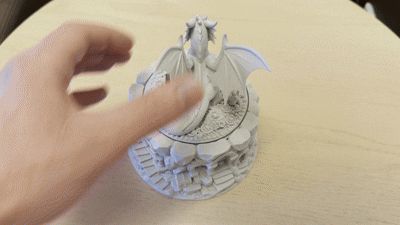

When closing the lid point the dragon to the back of the mountain and roate to the right (should easly close press on the GIF below to see demonstration )
For more Dargon models check out my Dragons collection HERE
Boost Me (for free)
If you like this model a boost would be much appriciatated
License

You shall not share, sub-license, sell, rent, host, transfer, or distribute in any way the digital or 3D printed versions of this object, nor any other derivative work of this object in its digital or physical format (including - but not limited to - remixes of this object, and hosting on other digital platforms). The objects may not be used without permission in any way whatsoever in which you charge money, or collect fees.


Comment & Rating (208)