
Fuel Cutoff panel for TCA Boeing Quadrant
Print Profile(1)

Description
DESCRIPTION
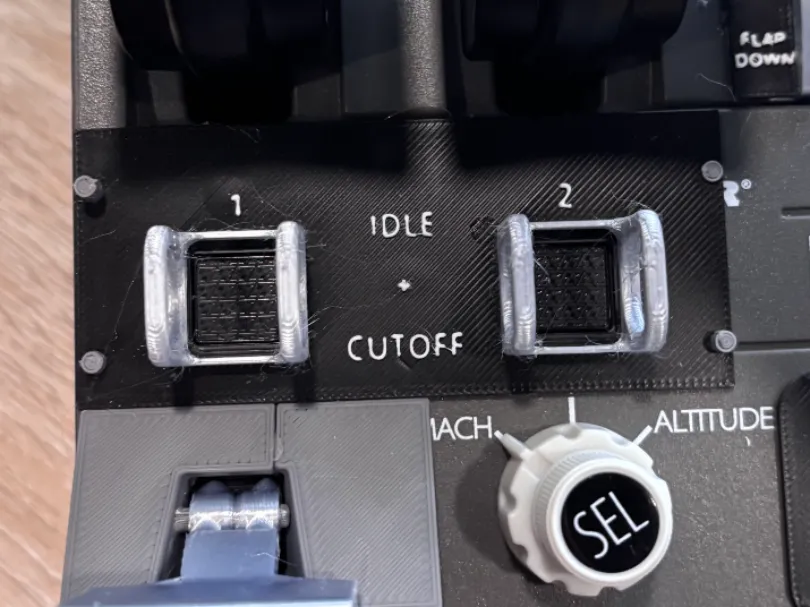
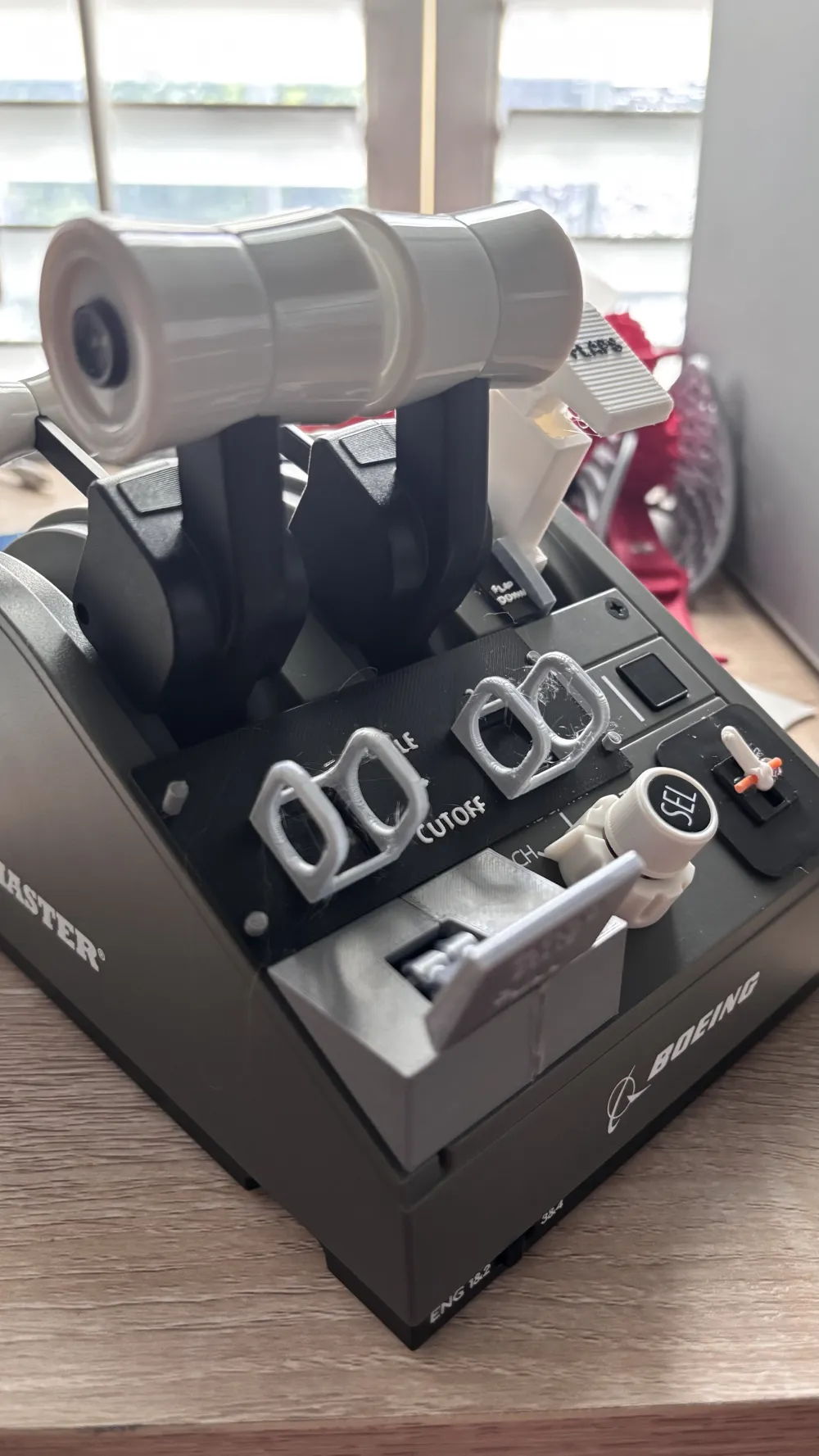
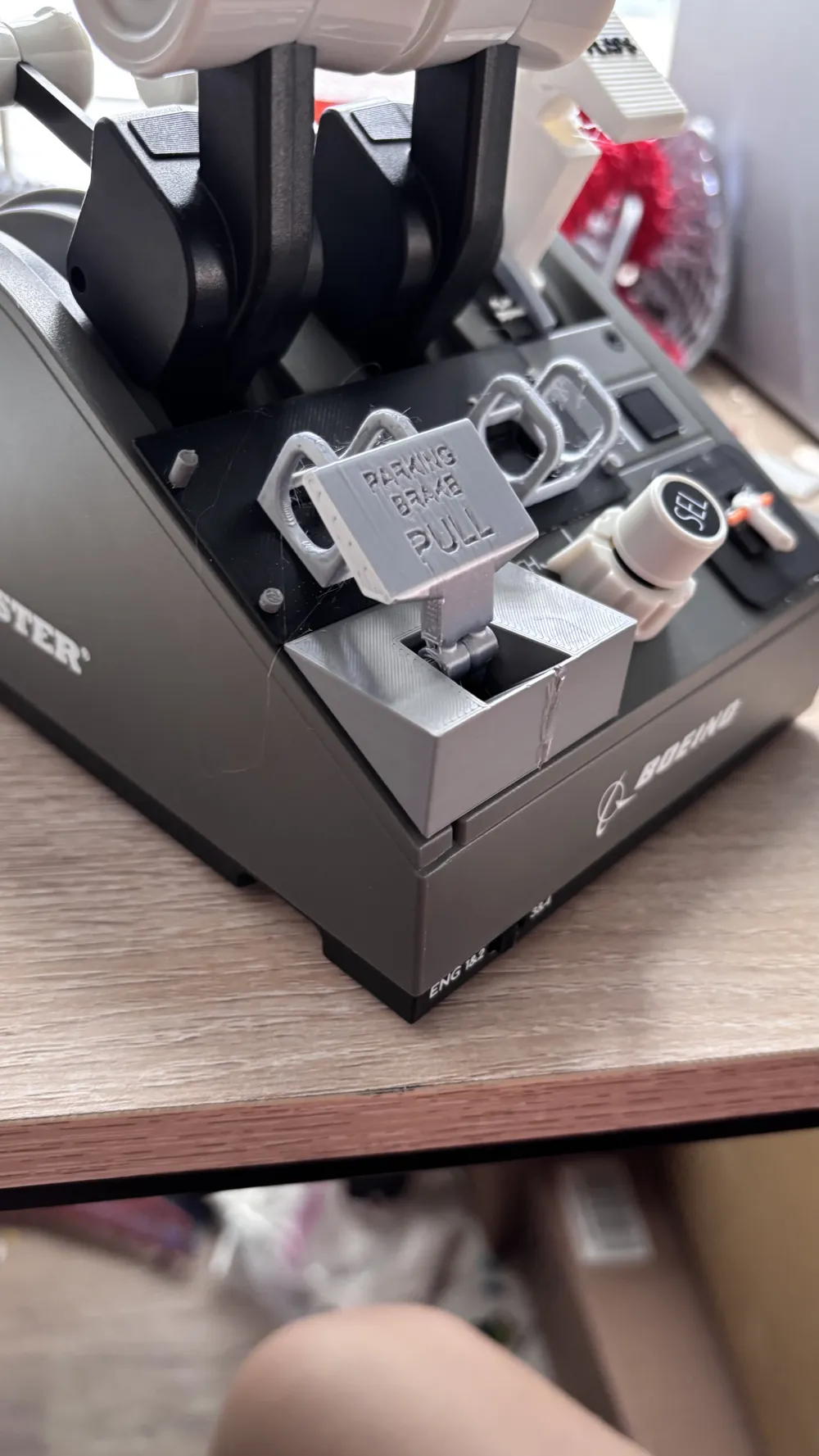
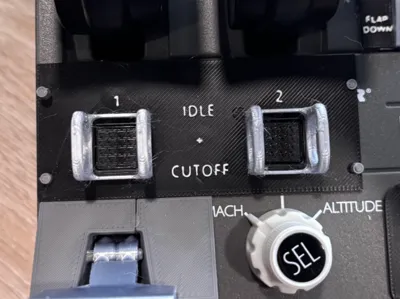
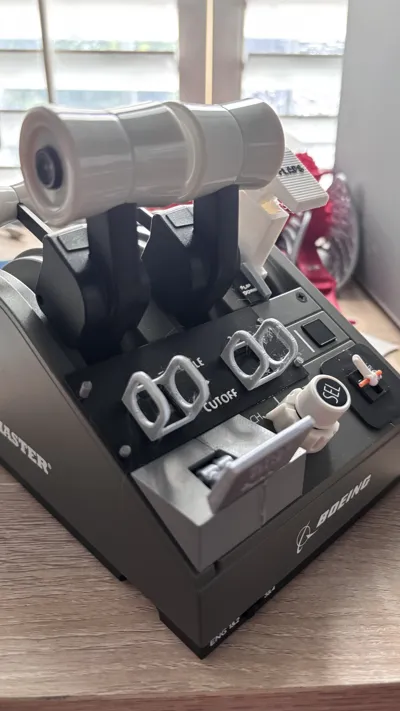
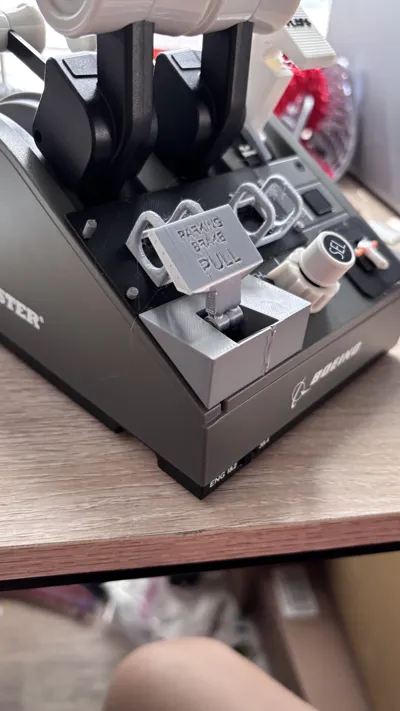
I designed this model looking to replicate the fuel cutoff switches in the 737 MAX. I could not figure out how to make the switches guarded the same as the real aircraft, so I settled for simply guarding the buttons. This model attaches to your TCA Boeing Quadrant and makes the quadrant look more realistic to the 737 MAX or 787 Dreamliner. If you map the buttons it covers to the fuel cutoff switches in your simulator, it adds another layer of realism. This model is also perfect for use with my TCA Boeing Parking Brake model, as the engine 1 switch guard also holds the parking brake lever off the quadrant.
NOTES
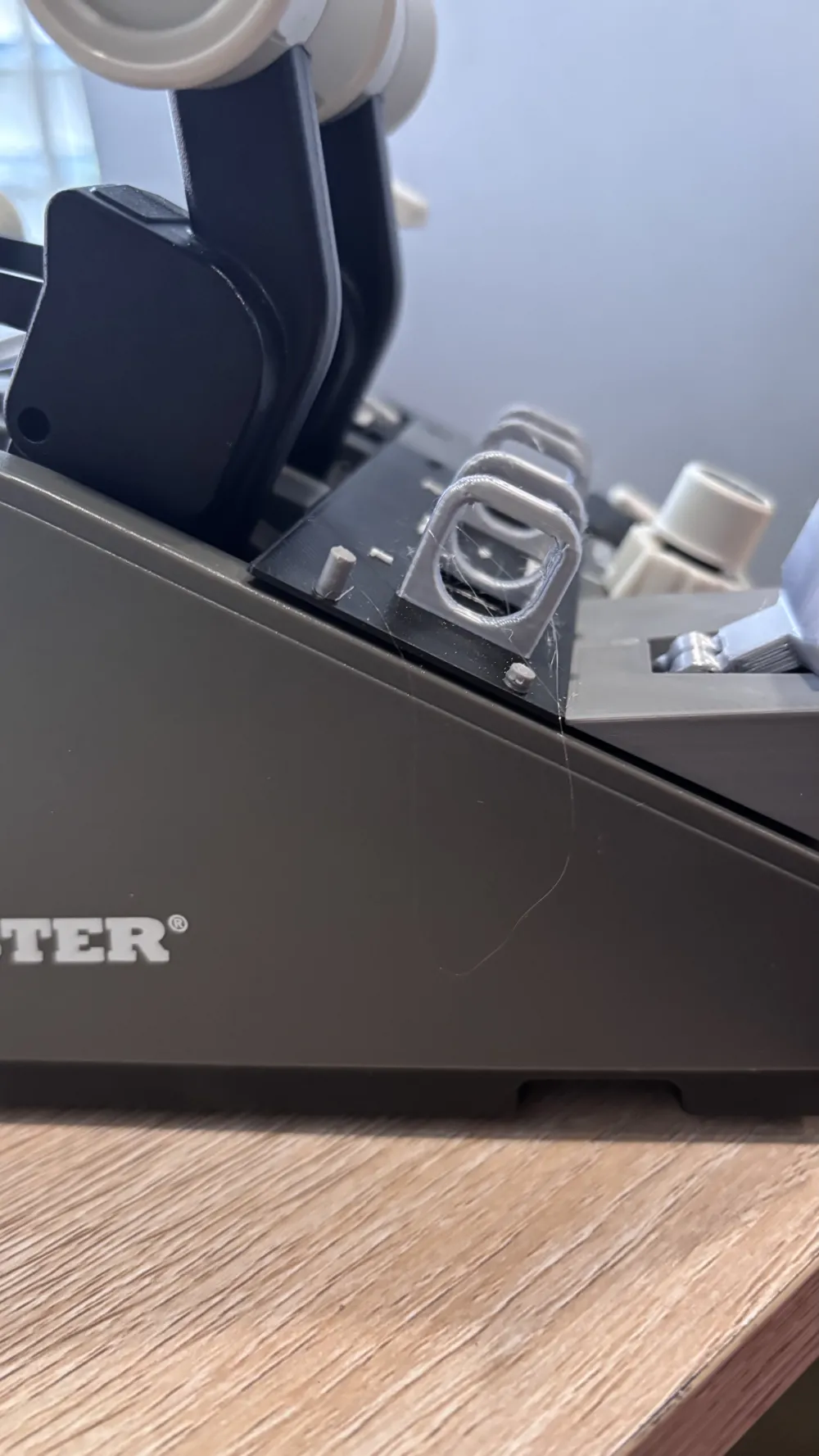
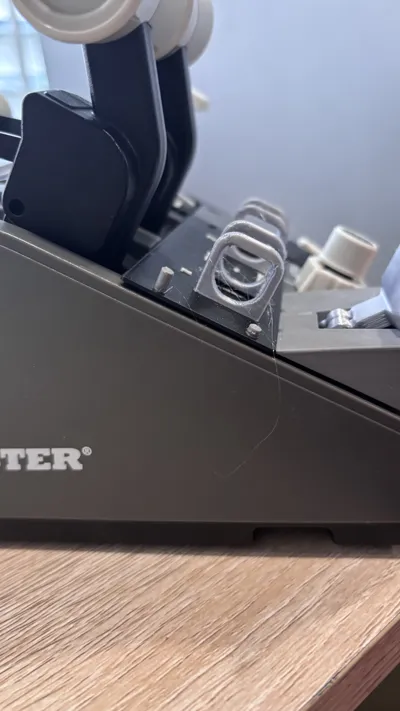
This model has small side posts meant to replicate the physical guards on the 787 quadrant. These are very fragile and may pop off, as shown in the pictures. Mine popped off very quickly. If you can, edit the model in Bambu Studio and make the button guards silver with PLA silk or a stronger filament. I have found PLA Silk to hold up quite nicely, but if you have PLA-CF or a stronger filament, I would recommend using that for the guards.
Due to the small size of the letters and numbers, they may come out slightly deformed or missing. Please keep and eye on the print and make sure the letters come out.
This model is an excellent companion to my TCA Boeing parking brake module.
ATTACHMENT
Simply print the model with your desired colors and then glue it onto your TCA Boeing Quadrant using hot glue. Hot glue makes the model easier to remove and the strings or extra bits are easier to remove. Glue around the edges of the model to make sure no glue gets close to the buttons on the quadrant.
License



Comment & Rating (0)