Search models, users, collections, and posts


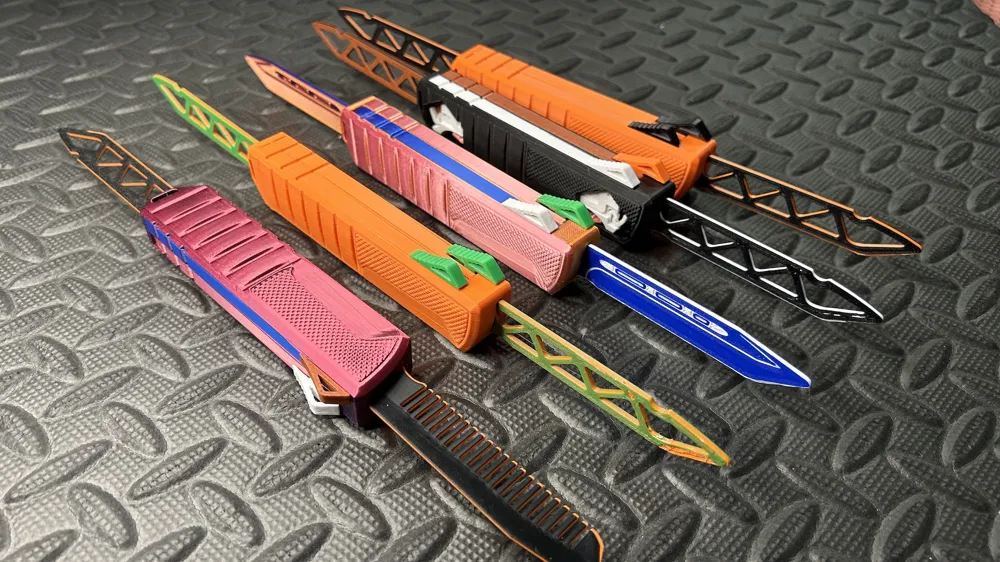
OTF Duo Double Bladed Fidget knife Over-Engineered
GIF

Print Profile(7)

All
A1 mini
P1P
X1
H2D
P1S
X1 Carbon
A1
X1E
H2D Pro
H2S
P2S
H2C
X2D
A2L

OTF Duo Pattern A
OTF Duo Pattern A
Designer
3.2 h
1 plate
4.6(124)

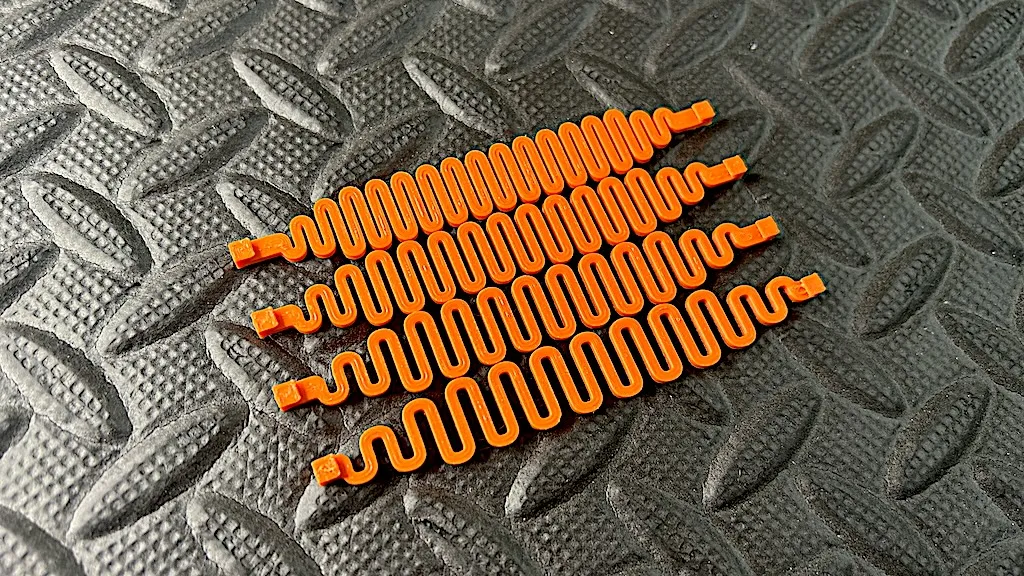
Spring Kit. Multiple specifications in one set. Read desc.
Designer
35 min
1 plate
5.0(5)

Upgrade kit (if you printed the OTF)
Designer
2.7 h
1 plate
4.6(7)

OTF Duo Pattern E
OTF Duo Pattern E
Designer
3.1 h
1 plate
4.9(31)
Click to see more

Open in Bambu Studio
Boost
1421
2685
385
191
3.9 k
2.2 k
Released 

Bill of Materials

Bambu Filaments
Select all
Black (33102) / Refill / 1 kg

Description

Check my crowdfunding project OE OTF RE: Redefine and Evolve

 

It is recommended to use the latest enhanced version below, which provides better style and handling.
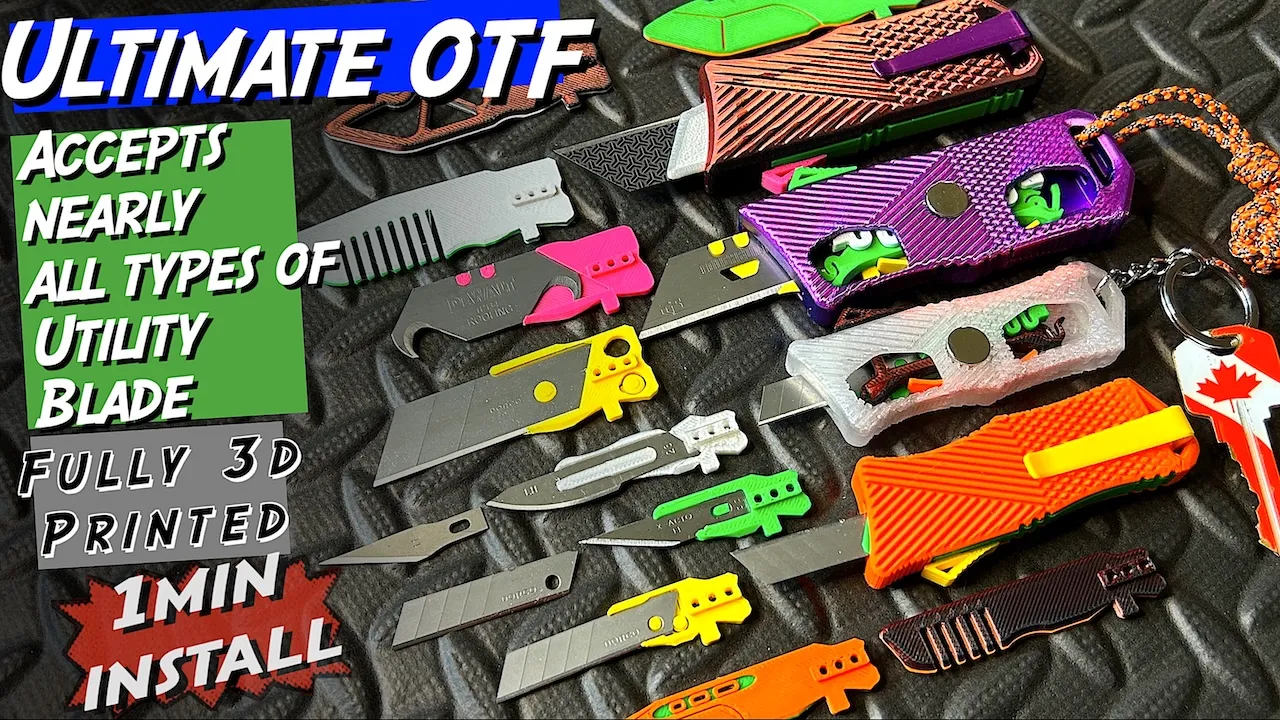


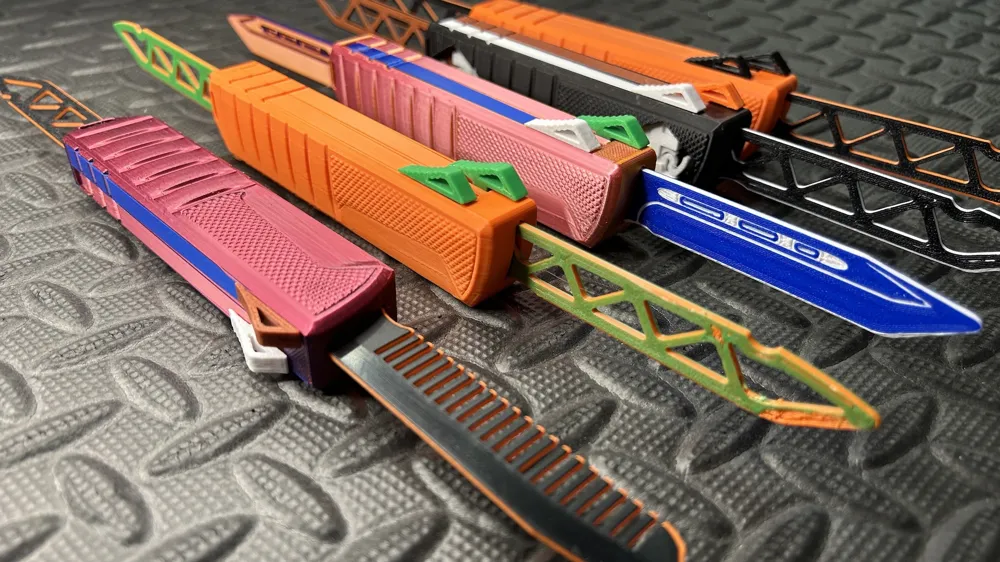
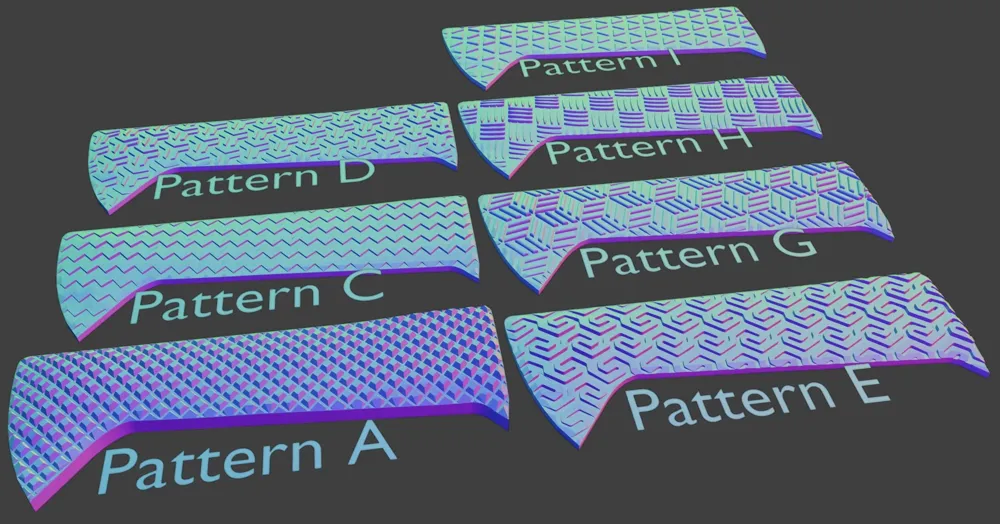
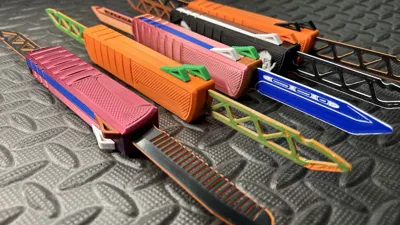
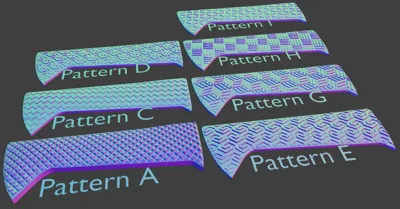
Have a knife day!   Branched from Over-engineered OTF into double-bladed version. Also good for brenchmark print. Lots of variants. Lots of patterns. Fully 3D printed. Upgradeable. Good as gift. Also very nice as comb.

(This is an over-engineered model. Please always print using a print profile and DO NOT try to slice it yourself!)


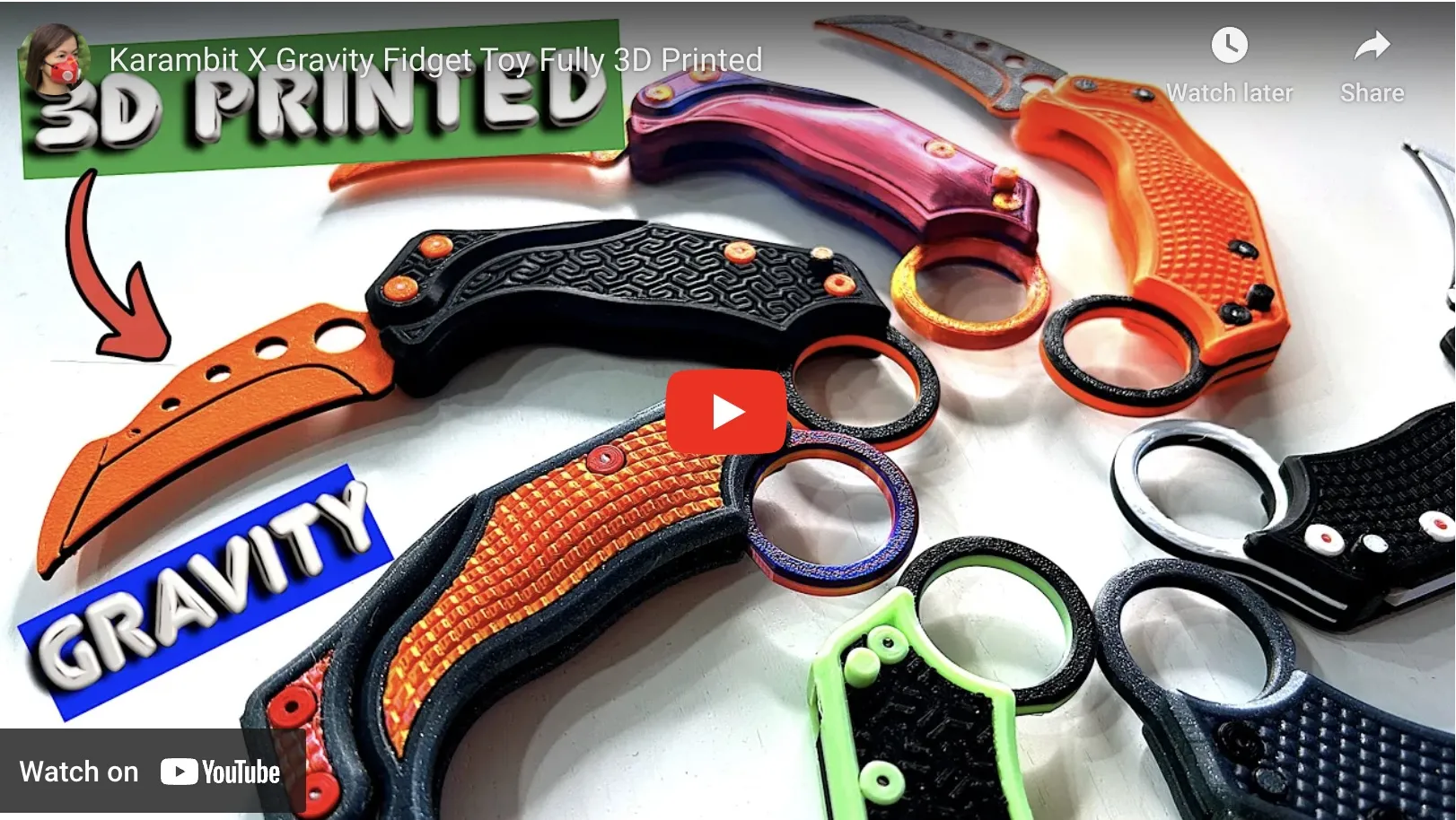
Also try this Gravity Knife
 

⚠️⚠️⚠️⚠️⚠️Make sure no ELEPHANT FOOT.⚠️⚠️⚠️⚠️⚠️

‼️‼️‼️‼️‼️Especially if you print from A1 mini or A1. ‼️‼️‼️‼️‼️

🌟🌟🌟🌟In Bambu Studio,  increase default Elephant Foot Compensation to 0.15 [ Wiki link ]🌟🌟🌟🌟

This accurate model requires printing using the most reliable filament and printer settings. Good as a benchmark testing your machine and filament setup. If you are confident in your settings, you may want to try changing the filament. But you can also try the spring kit set profile. This will, to some extent, force the overturning of certain errors. Please let me know the results. Good luck.

The main problem is warping: The front cut out becomes smaller. The blade failed to catch the spring for ejection. Strongly suggest Liquid Glue in BambuStore. 

Filament issues: The push lever is difficult to move(a common problem with silky), or if the parts need to sanded, this means you need to try a different filament colors/types. 

Installation issues:  The latch lever is oriented in a "V" shape, not an "A" shape. Pull the blade all the way out (reference time 0:0:55 in the video) and the latch lever will prevent it from returning. Now you can install the top cover.

(Don't blame a model or print profile by giving a low rating. It won't help you to be successful with your next print at all!)

****Based on my experience, not all PLA filaments are suitable for precision printing.

**** Profile well testing using PETG-HF and PLA Basic, Sparkle and Marble. Strongly suggest PETG-HF, especially for the spring. And the PLA Silk Dual Color is not good for this precision print.
****If mixing filament types (e.g. PETG with PLA) for multiple colors, it is best to disable flow calibration.


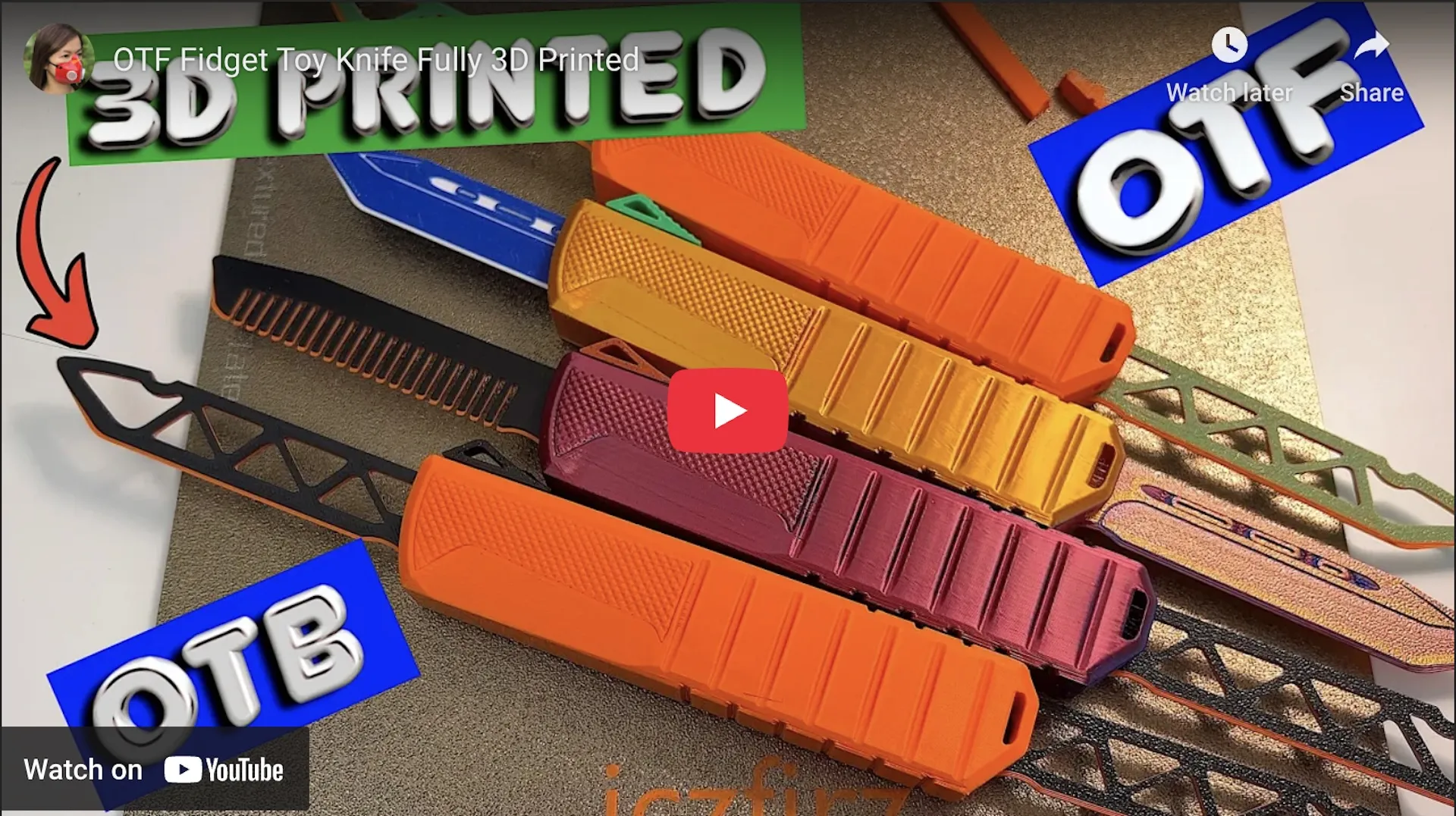
Build instruction video


Yet another OTF fidget, Anti-anxiety, ADHD. 

More pattern and print profile to be updated. 

 

Blade Type
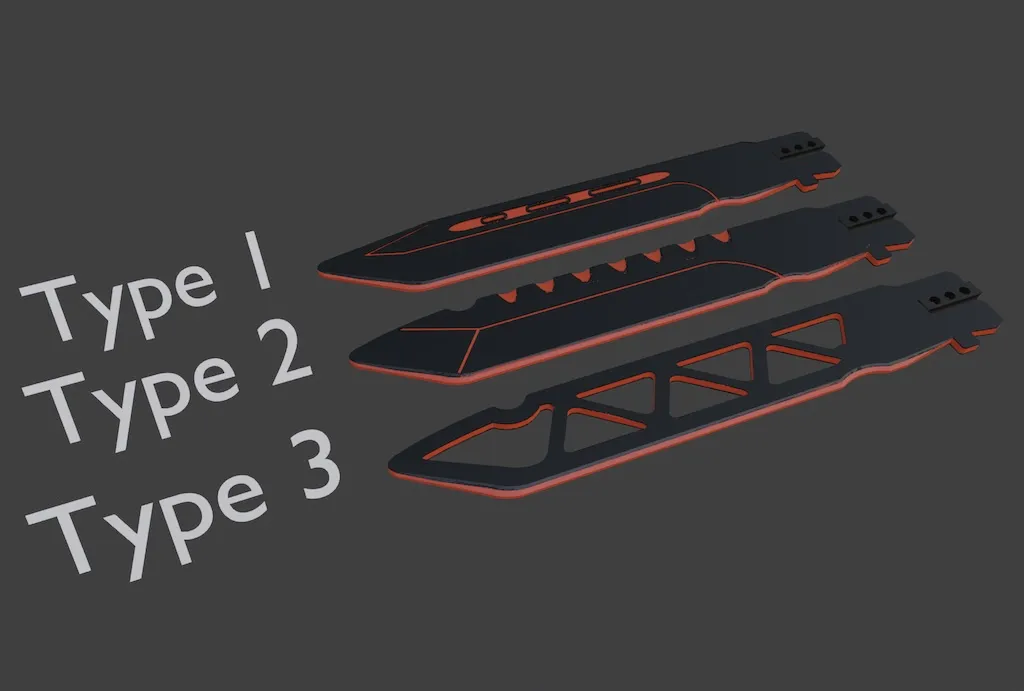
 

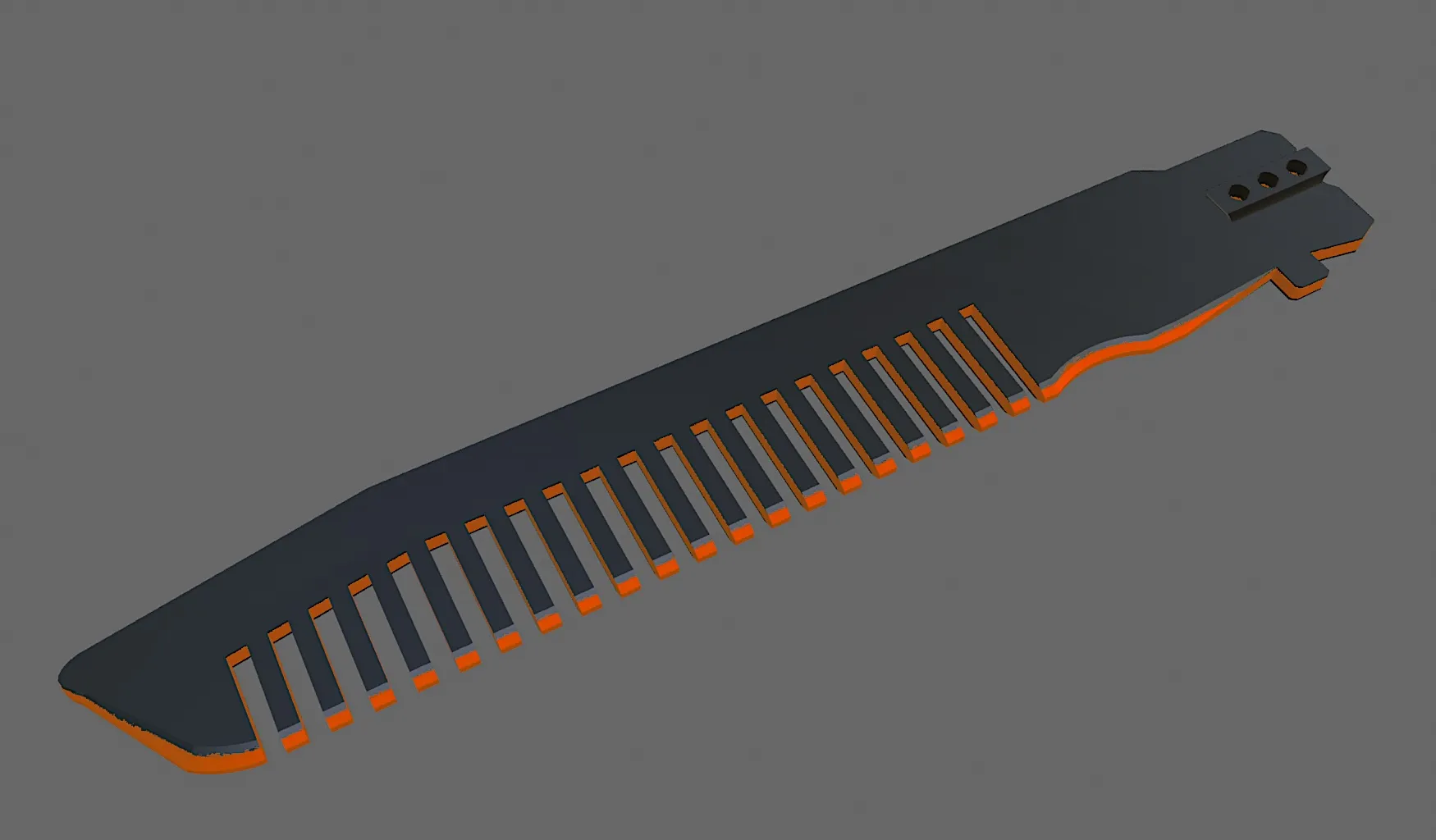
Optional comb blade


btw. Thumb pain indicates that the OTF is not working properly. You're trying to cover all the print and filament error with your Hulk thumb. A good OTF can be triggered through your pinky finger! 

 

Don't forget to try my Gravity Knife!



Good luck and happy printing!

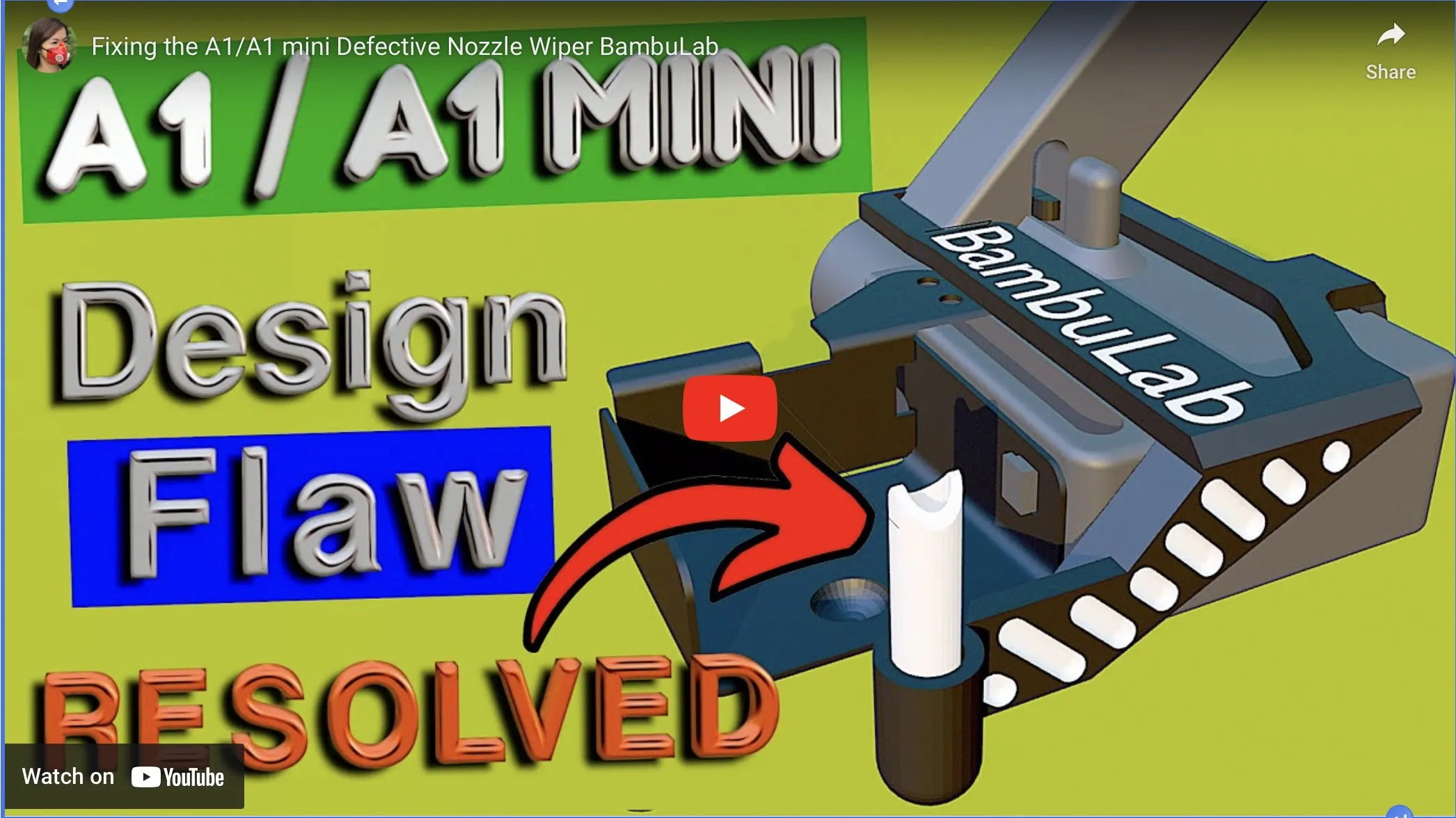
Try my nozzle wiper fix for X1/P1/A1.
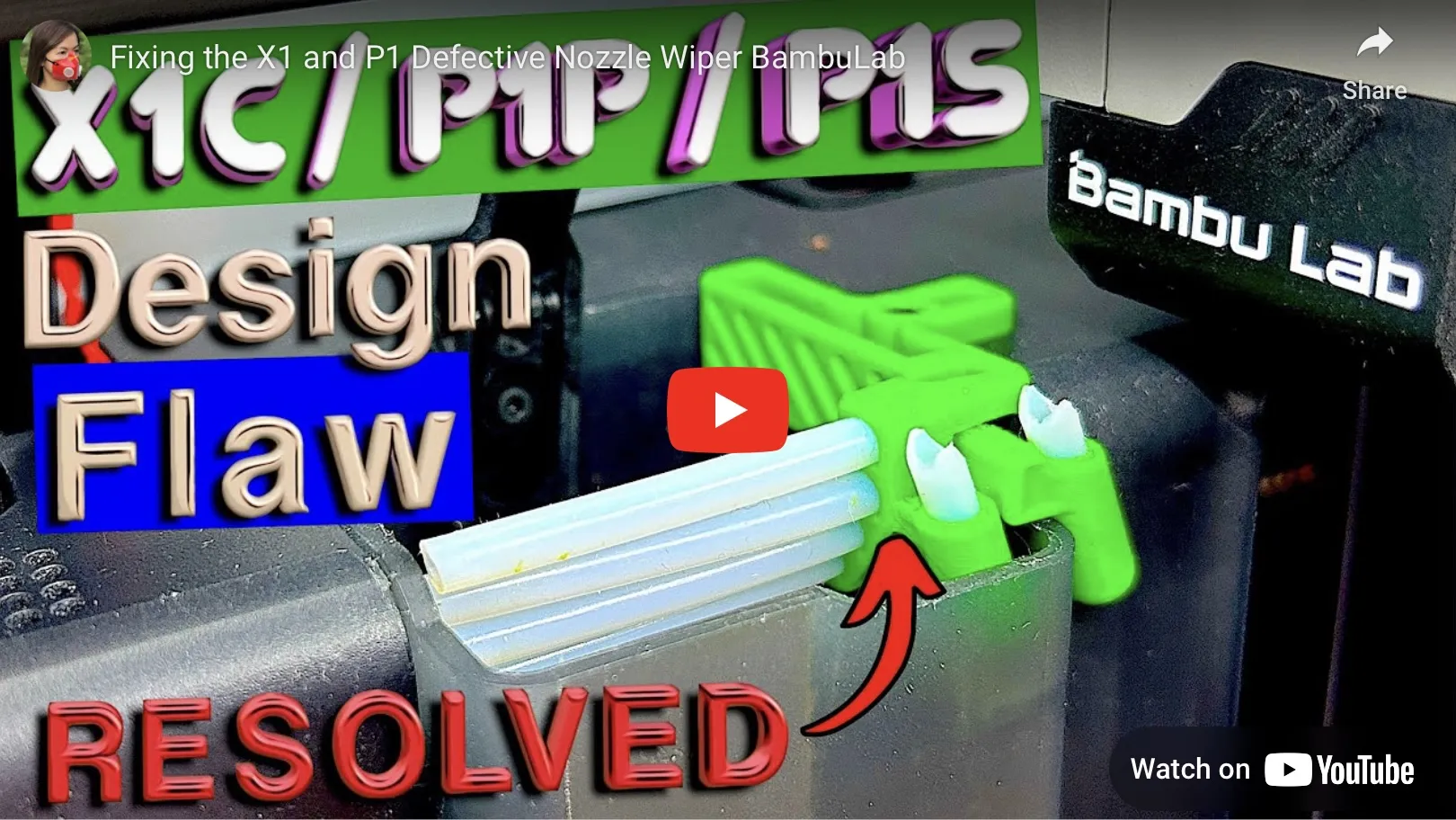
X1/P1 Wiper video link

A1/A1 mini video link

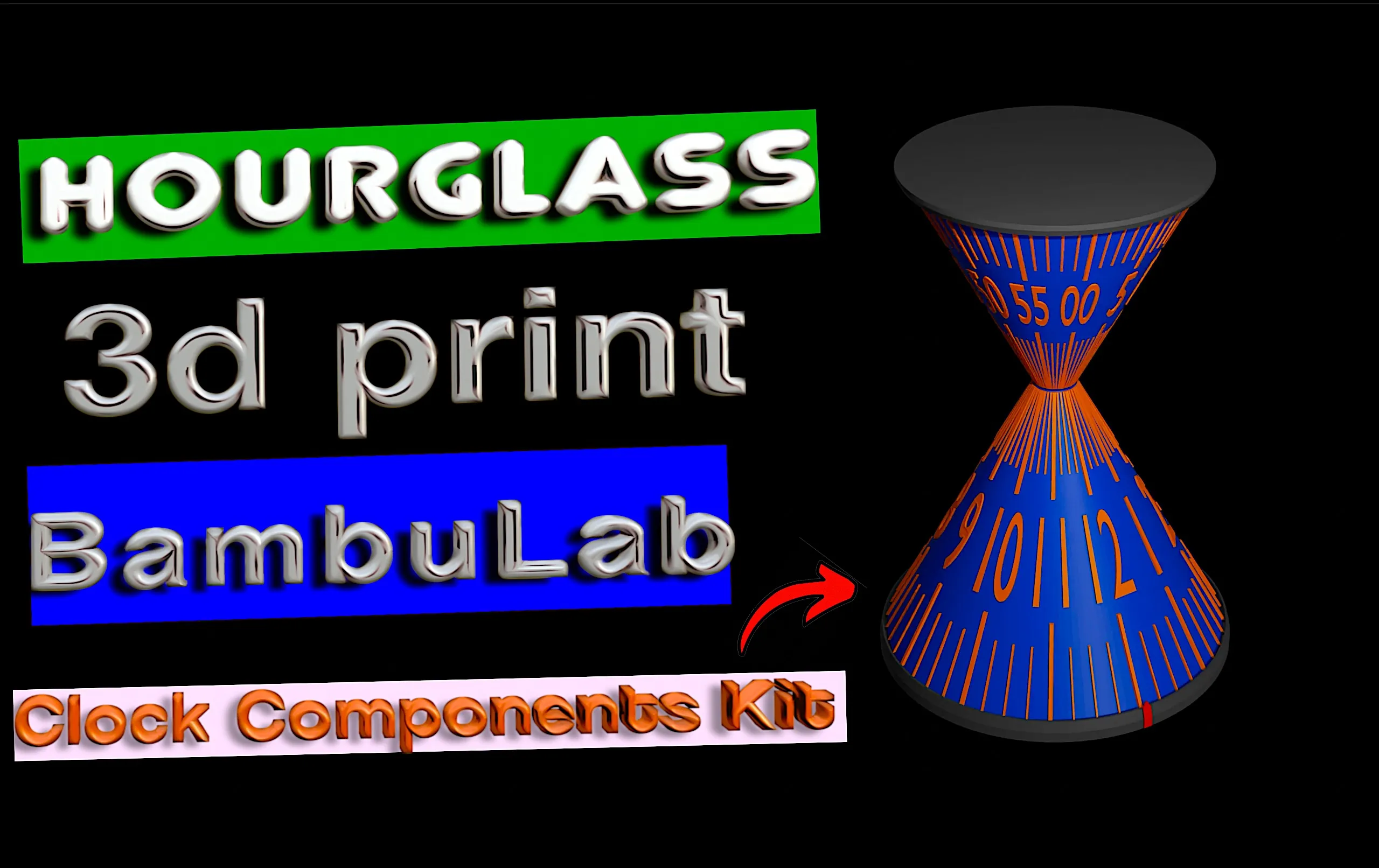
Also try this hourglass clock!


Documentation (1)

Other Files (1)
Video_instruction_in_the_model_description.txt

Comment & Rating (385)

(0/1000)

Pinned by Designer
Print Profile
OTF Duo Pattern E
Printed internals in PETG, and the shell/blade in PLA+. Turned out amazing and slides really smooth, I love it!
The profile uploader has replied
profile
1
Reply
GIF
0
Reply
does it work in sunlu pla+ silk?
0
Reply
Is there a upgrade with metal springs for this model?
0
Reply
Print Profile
OTF Duo Pattern E
These are really fun to print and assemble. Had a blast picking different colors and also printing a scaled down, fully functional, 'incognito' version. The possibilities are endless! Great job creating this, looking forward to your next ideas. Thanks!
The profile uploader has replied
profile
3
Reply
200% ?
(Edited)
1
Reply
Replying to @iczfirz :
The smaller one is like 2/3 size. The other is just normal size.
(Edited)
1
Reply
Replying to @Slappy. :
about how big it it normal size? I have small hands and don't want to print something to big for them.
0
Reply
printed on a X1C with a E3D horned and cool plate supertack and used PLA and it still works perfectly didnt sand or modify anything
The designer has replied
designer
1
Reply
Where is the pattern?
0
Reply
Replying to @iczfirz :
printer would stop because I used a different print bed so I had to slice it myself and I guess it just removed the pattern for some reason
0
Reply
Replying to @iczfirz :
I’m dumb just realized you can select the bed in the app never really used the app and I’m new to these printers I’m used to having to slice things myself
designer
1
Reply
It's magical, but it works. Tried this first thing after my very first print which was a benchy. Used the PLA Basic in green that my P1S came with.
1
Reply
Came out quite nicely for your second print!
0
Reply
did it work well with PLA
0
Reply
Replying to @ethanmg :
I would say so.
0
Reply
The little switch that controls the blade going in/out has too much friction...
The designer has replied
0
Reply
Lube the internal parts with cooking oil.
0
Reply
Replying to @iczfirz :
ok i'll get back to you
0
Reply
Replying to @Peeler :
btw, try this model too :P https://makerworld.com/en/models/1768244
GIF
0
Reply
Print Profile
OTF Duo Pattern A
best thing I have ever printed! love your work and dedication!
(Edited)
profile
3
Reply
Excellent model. I like it. Thanks to the author.
1
Reply
how do you assemble it? I followed the instructions in the video but the blade isn’t moving when I use the switch
0
Reply
Print Profile
OTF Duo Pattern A
Other Issues:I can’t but two pieces in but it was still pretty cool
1
Reply
I have the same issue, I wonder why..
(Edited)
0
Reply
I JUST REALIZED, JUST SWAP THE 2 LIKE PARTS FROM BOTH SIDES
0
Reply
here
0
Reply
Print Profile
OTF Duo Pattern E
LOVE IT!!!
0
Reply
those are the exact same colors I did black was petg red was pla how do you make it work? I watched the video a hurdlers times
0
Reply
it’s super simple I didn’t need the video lol they were both in pls
0
Reply
Print Profile
OTF Duo Pattern G
work how it should its fun to mess with
The profile uploader has replied
profile
1
Reply
Print Profile
OTF Duo Pattern A
(Edited)
The profile uploader has replied
0
Reply
You better change filament. Not all filament good for precision printing.
0
Reply
Replying to @iczfirz :
I printed in PETG
0
Reply
Replying to @Spectraforge :
Based on my test prints, white PETG is not suitable for precision printing. Blue and silk is the worst. Orange and yellow work so well.
0
Reply

License

This user content is licensed under a Standard Digital File License.

You shall not share, sub-license, sell, rent, host, transfer, or distribute in any way the digital or 3D printed versions of this object, nor any other derivative work of this object in its digital or physical format (including - but not limited to - remixes of this object, and hosting on other digital platforms). The objects may not be used without permission in any way whatsoever in which you charge money, or collect fees.