
XTouch (P1Touch) Mount Dual Screen


Print Profile(2)


Description
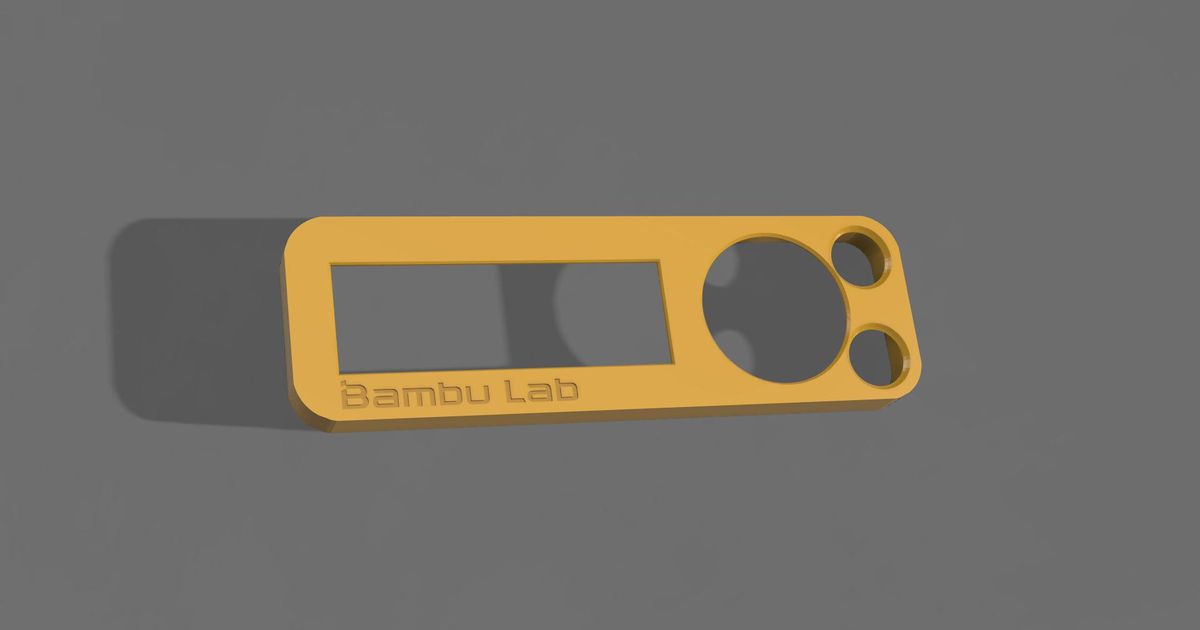
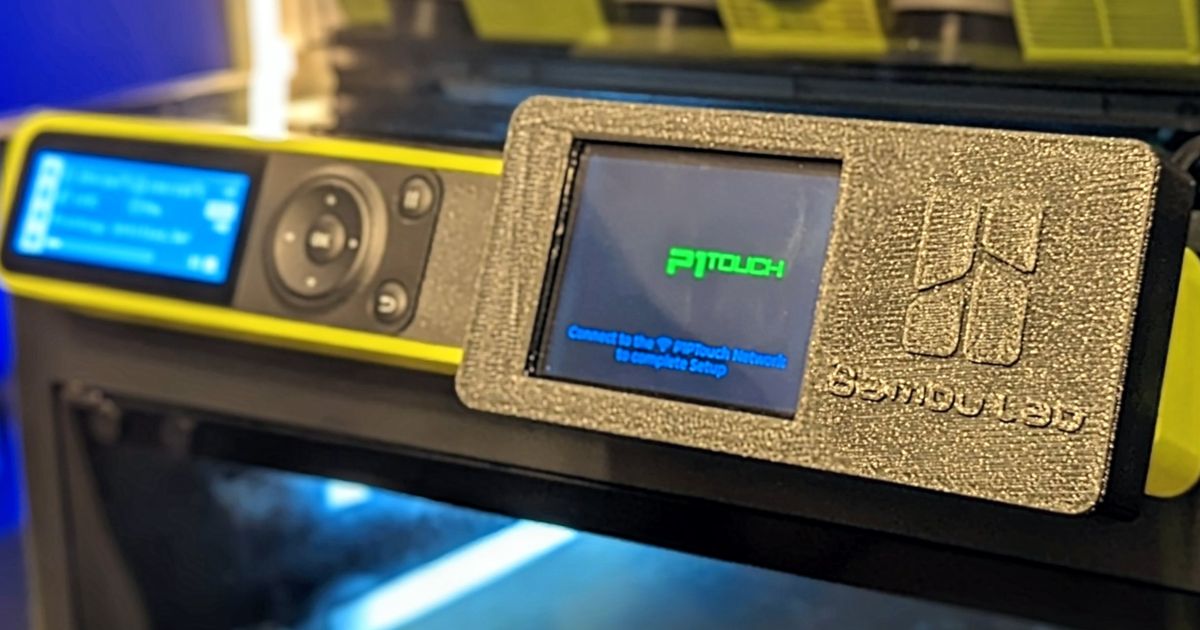
I wanted to easily attach and remove the P1Touch screen in case I needed to tinker with it. I was using a snap on faceplate for the original screen, so I merged it with some other files and filled in some gaps. I added the logo as separate bodies so I could print in multiple colors.
When you open the file, select yes when Bambu Studio asks if the file be loaded as a single object with multiple parts.
For single color print (no logo), print in one color or use the recessed logo version (untested).
For multi color print, select the objects tab and set the screen bezel to color 2.
Used M2.5x10mm machine screws to secure the back to the bezel.
First time posting a remix, so be gentle in the comments. I am still figuring out Fusion360.
***Update V3***
Extended cutout on bottom for access to temp sensor and I/O add-on connections. Saw a video of a temp sensor working and figured that is where it would need to plug in.
***Update V2***
Added cutout to allow for microSD card. Read that an upcoming P1Touch update will need the card.
This remix is based on
License



Comment & Rating (125)