
KOBRA 3 MAX COMBO CHAIN MEGA HEAD UNIT


Print Profile(1)

Description
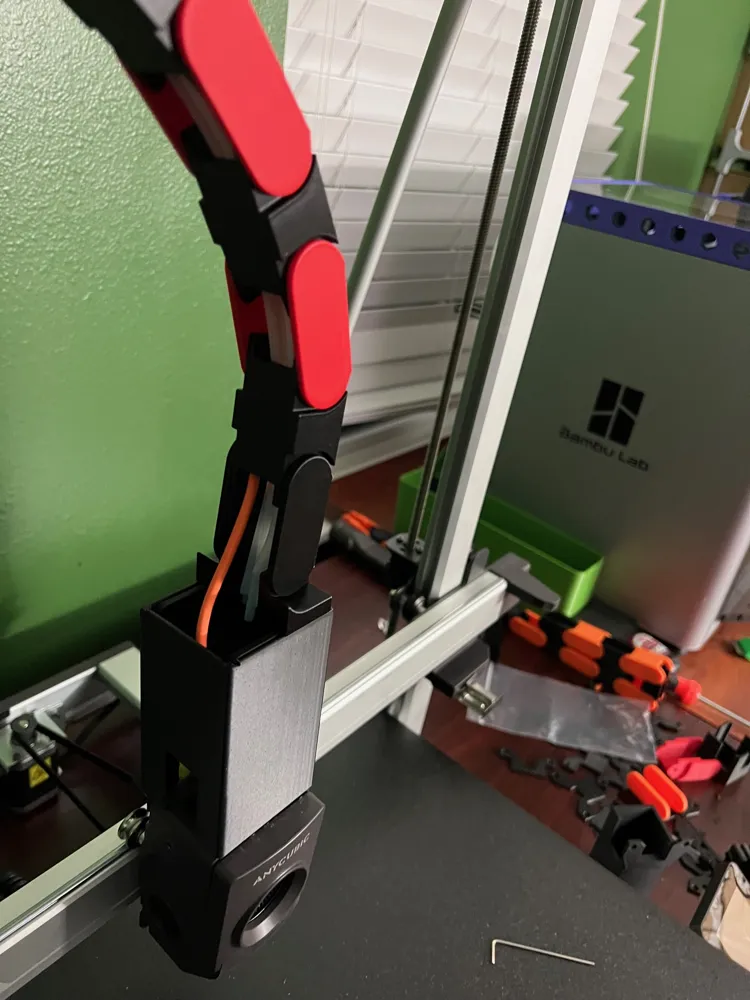
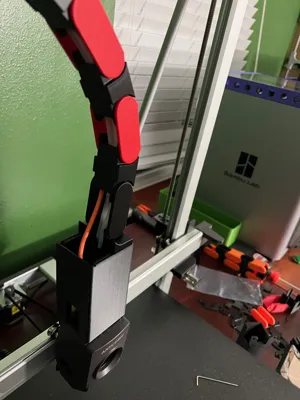
My original design was mode for the Anycubic 8-in-1 PTFE Hub. However, I had a request to modify it so it can support some of the 9-in-1 Hubs. The largest one requested was to support the Kobra 3 Combo | 9 Position Bowden Tube Hub
My original KOBRA 3 MAX COMBO CHAIN for Anycubic 8-in-1 HUB
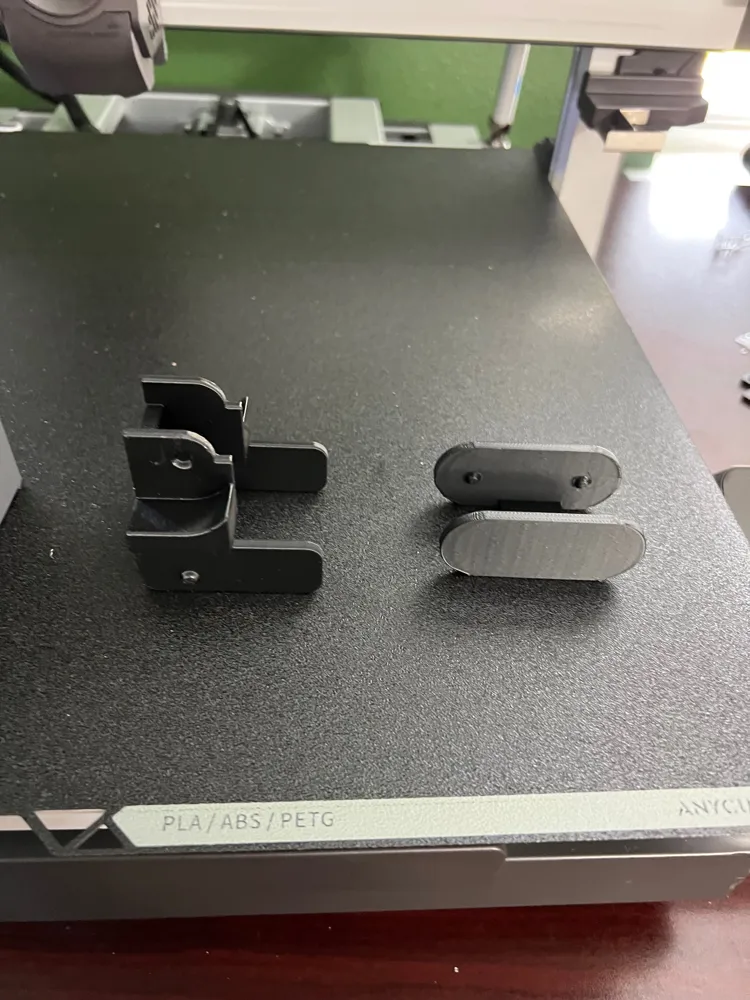
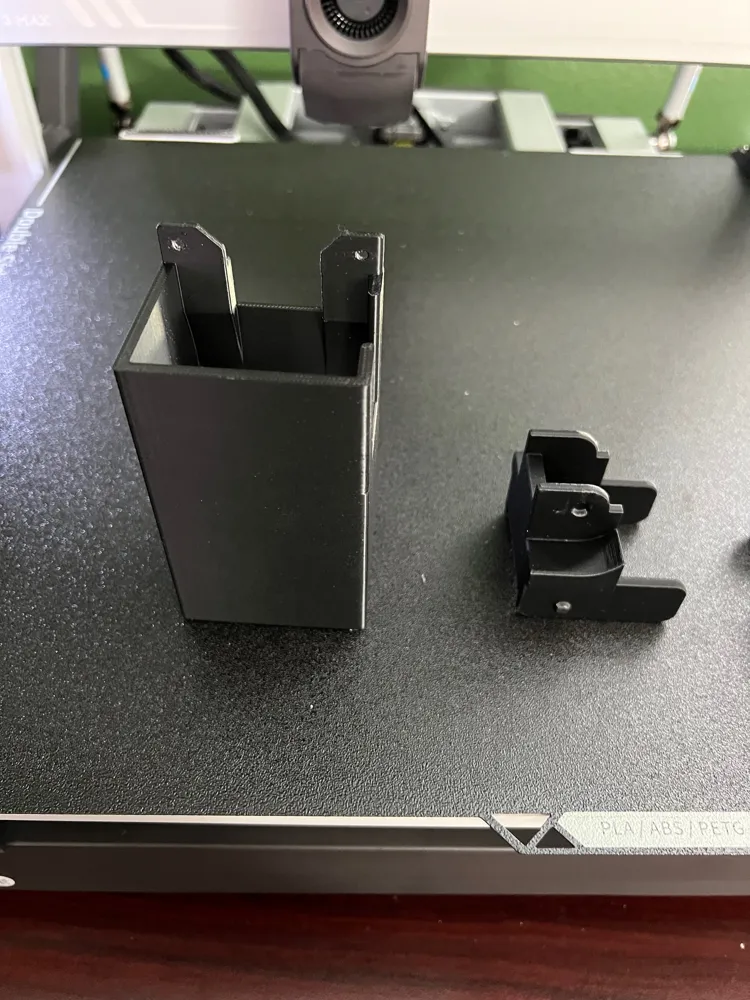
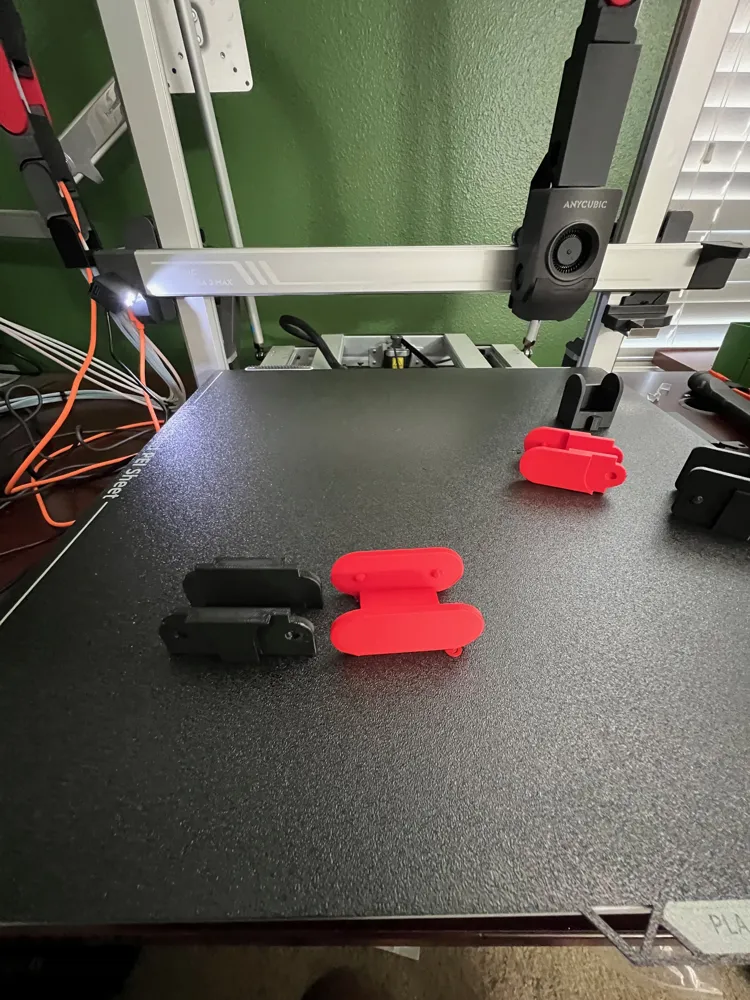
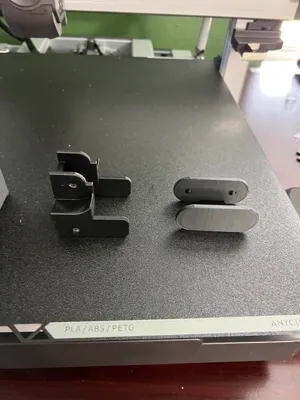
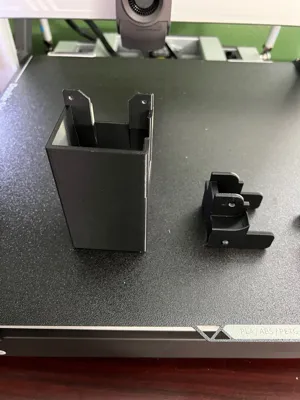
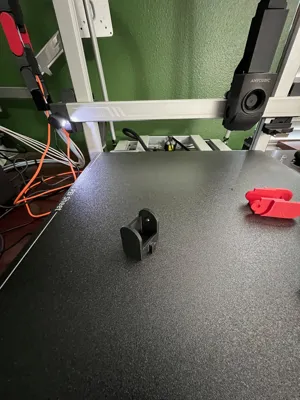
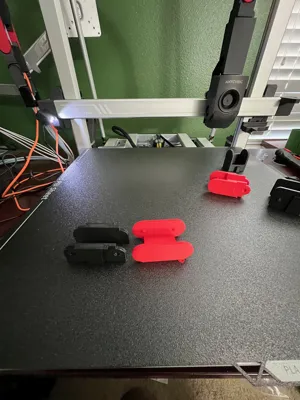
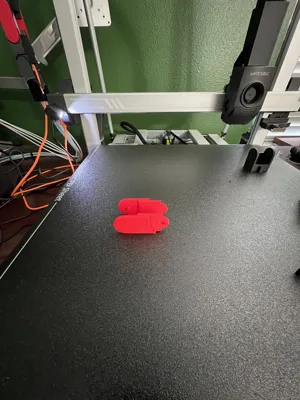
Plate 1 - HEAD UNIT - Large 9 Position Hub
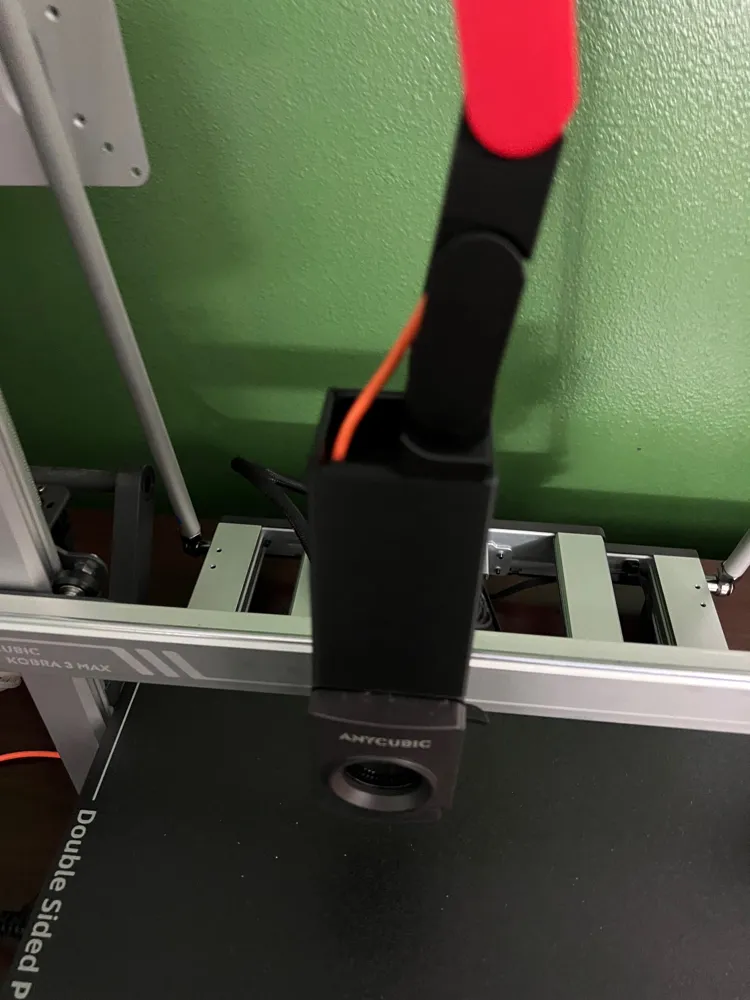
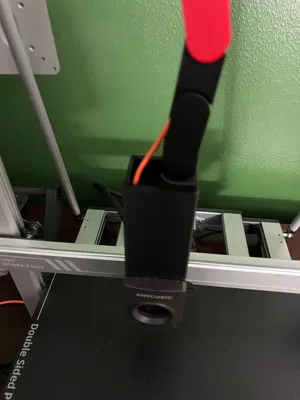
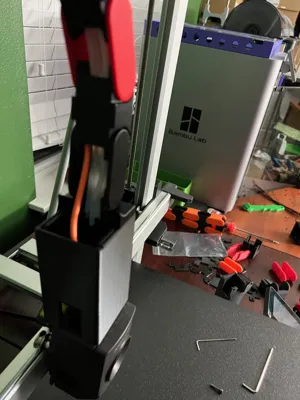
Will allow the large hub body to remain connected when you unscrew the Mega Head Unit (Hot End Cover). The Larger version will stick out a little in the front. That was the only way to allow the cover to be removed without removing the hub.
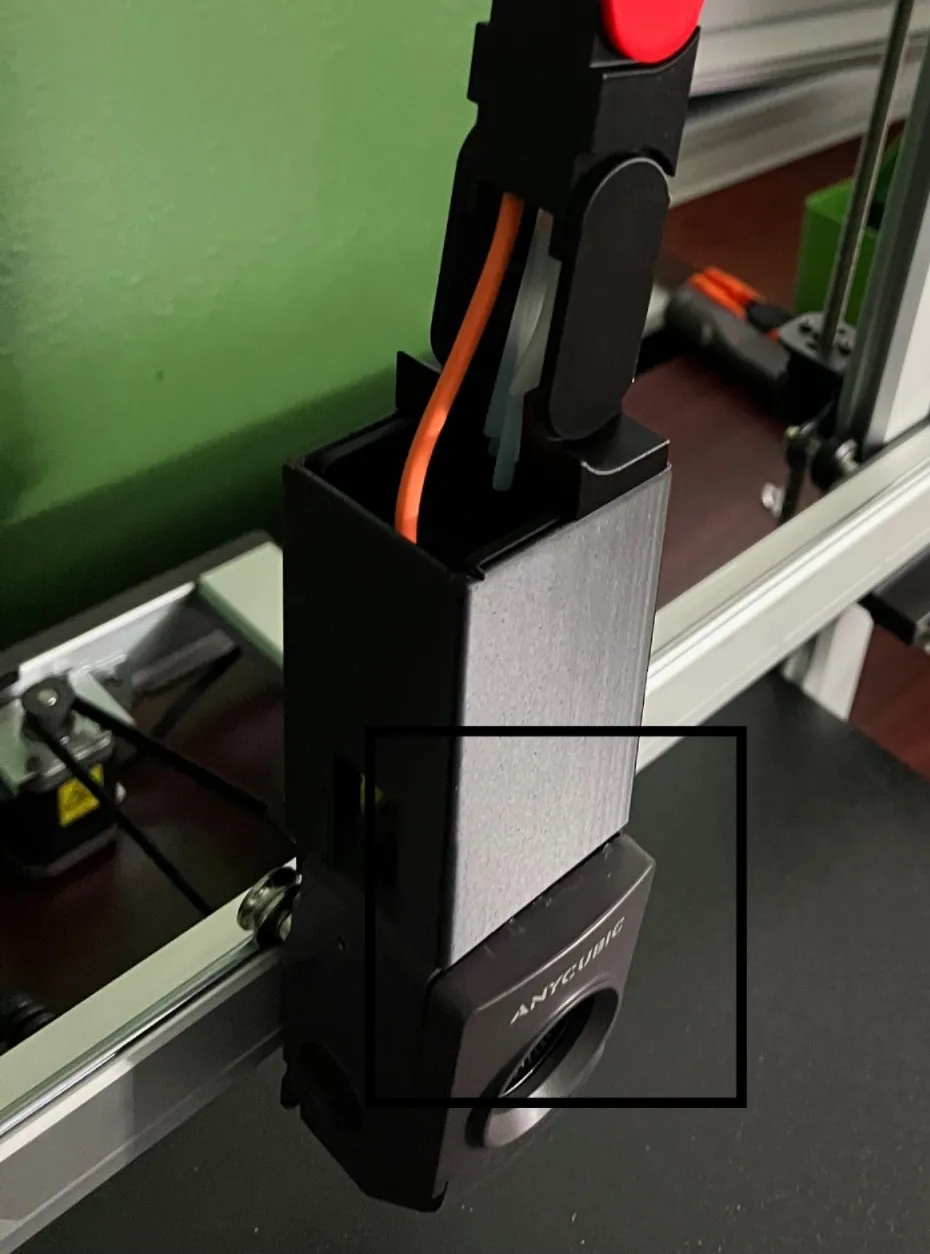
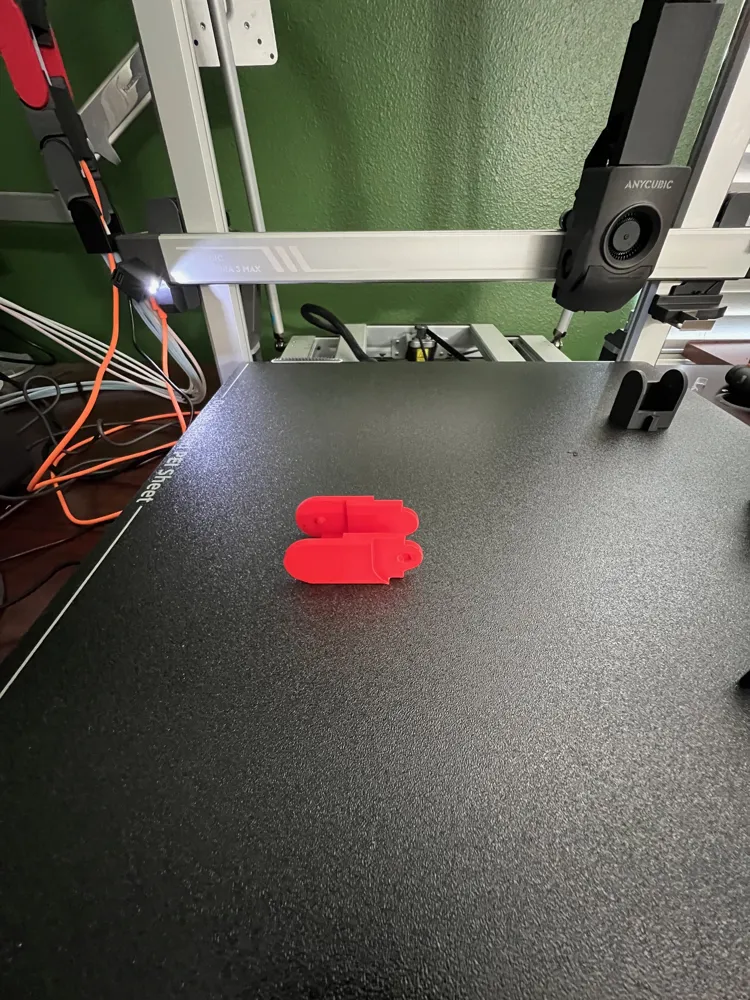
Plate 2 - HEAD UNIT - Medium 9 Position Hub
Will fit the large hub but will require the hub be unscrewed to move the Mega Head Unit out of the way when working on the hub.
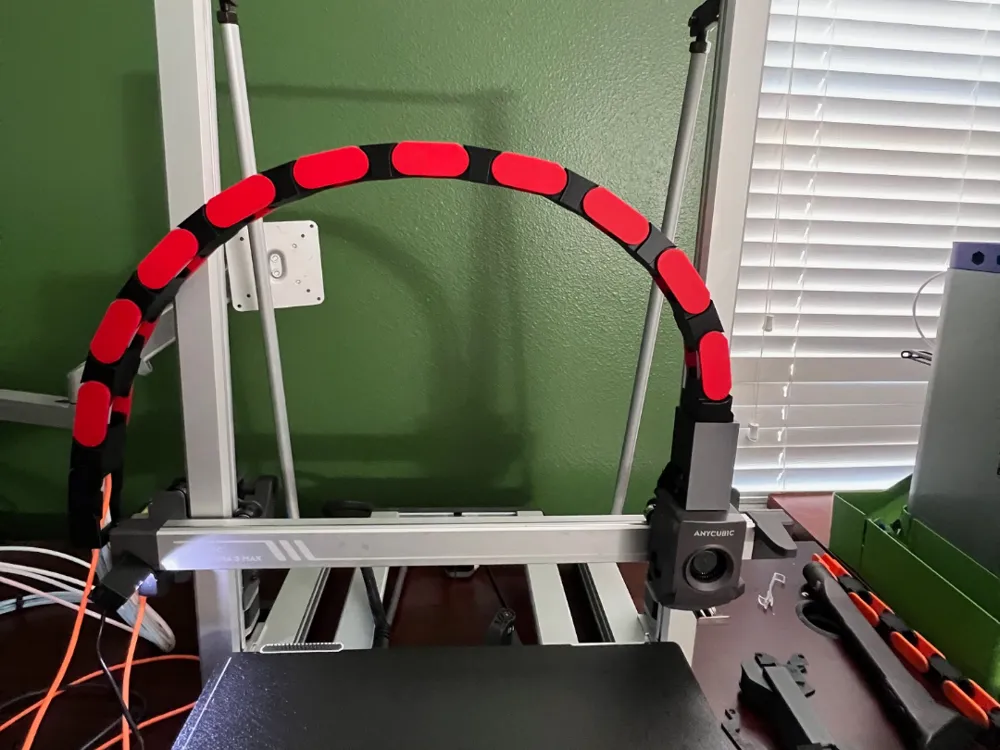
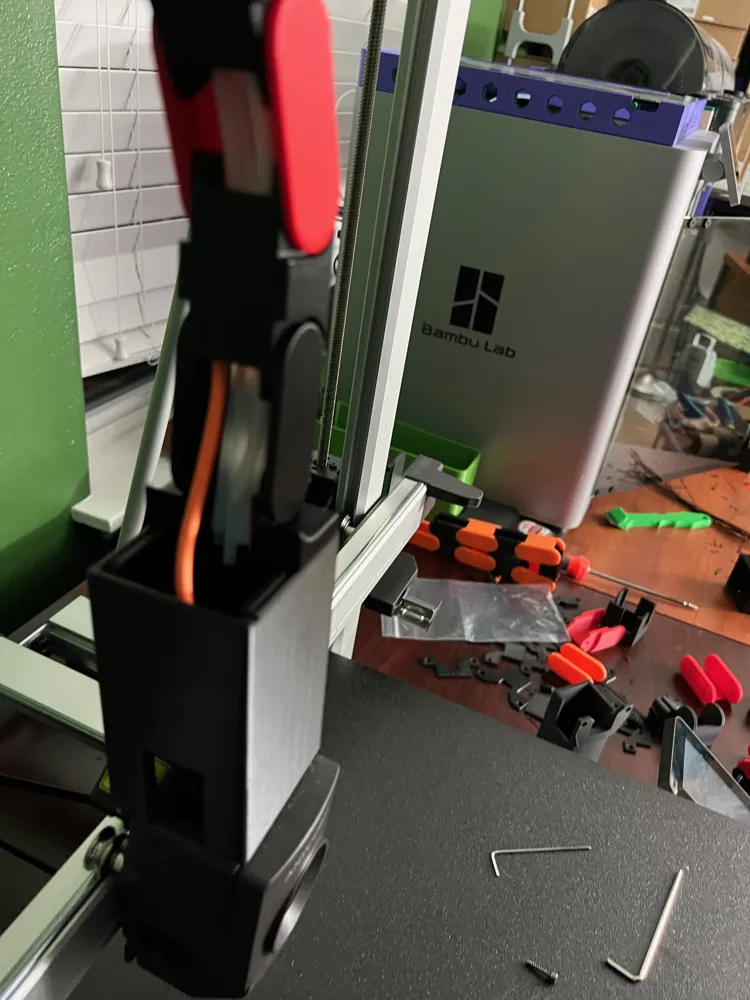
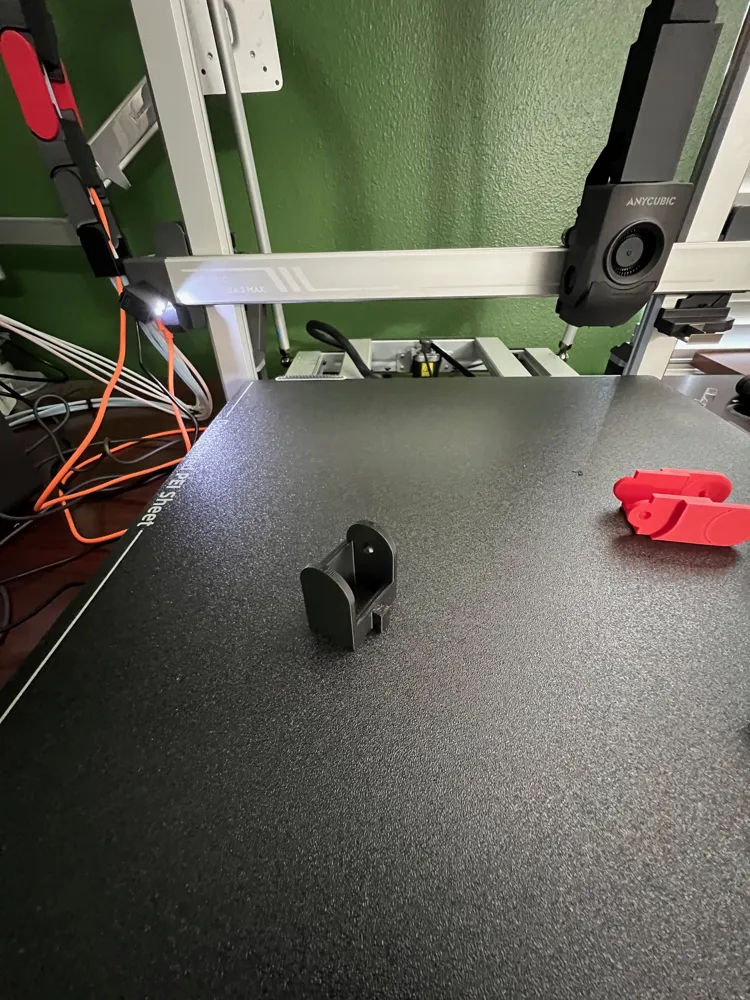
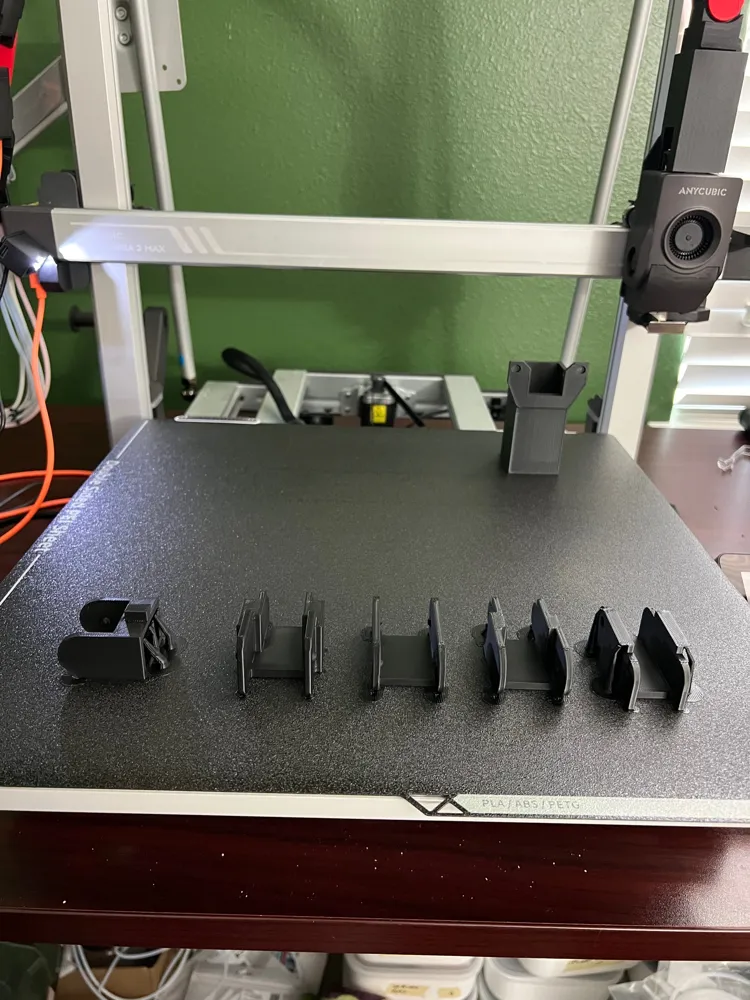
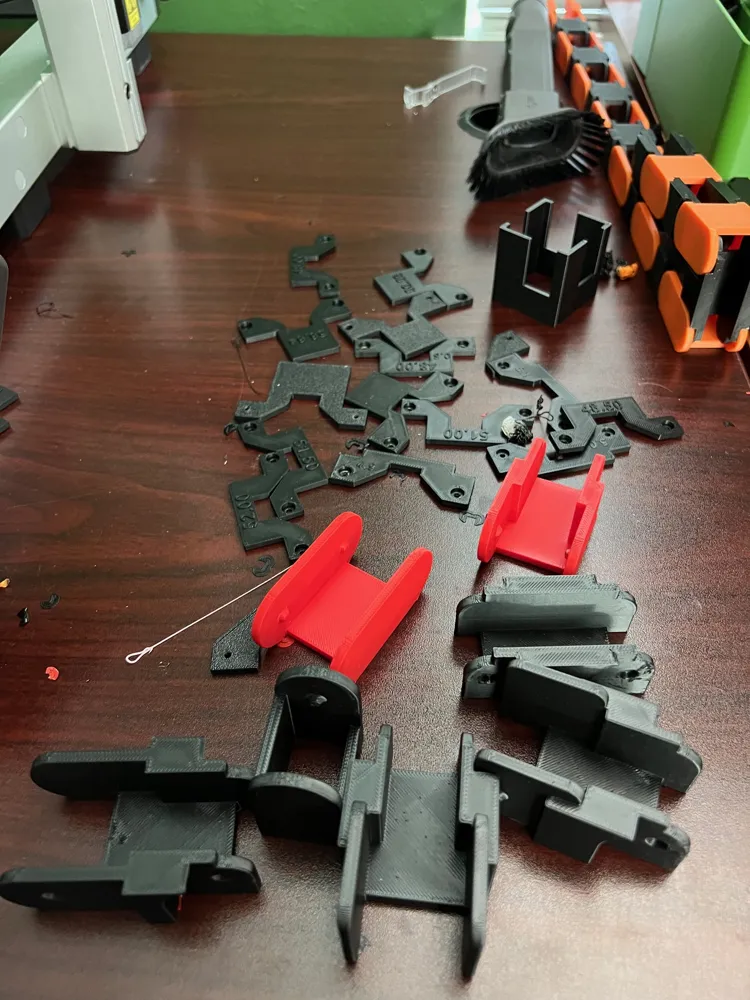
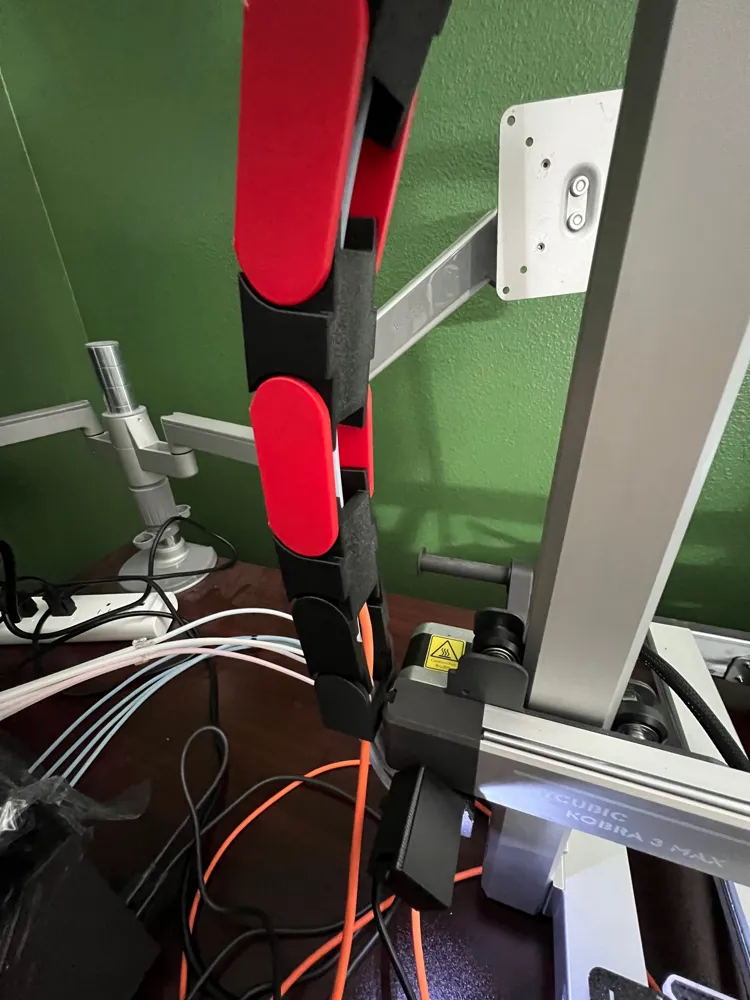
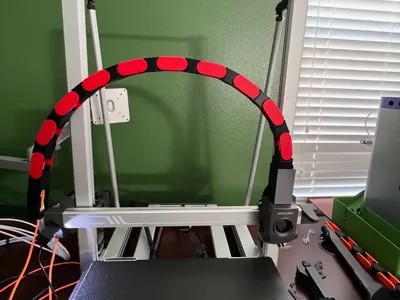
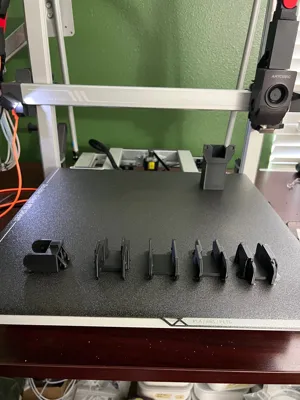
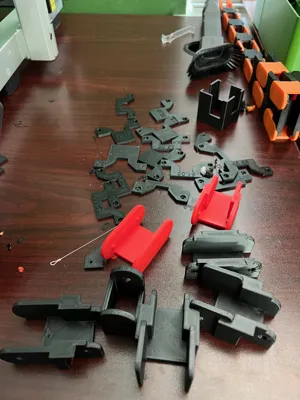
I have created a chain to route your 8 PTFE tubes and the USB cable for the hot end for your Kobra 3 MAX. As you can see in one of the pics all of my test models to come up with the finished product. It took a lot of trial an error to get it so it would flex enough but not too much. Enjoy.
I used 10% infill for all parts except for the mount and head unit. I will be making a new Mount model to better handle the pressure. I've seen lots of pics of that part snapping.
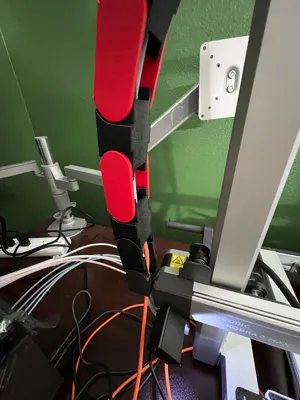
I needed a clean way to route the 8 PTFE tubes and USB cable for my KOBRA 3 MAX. There was nothing available out there. I found a couple of cable chains for the Kobra 2 and one great design for the KOBRA 3 MAX. Only issue with the KOBRA 3 MAX chain was that it wasn't made for connecting to the 8 in 1 hub or holding that many tubes.
The original designer did not have an 8 in 1 hub to be able to make a larger version at the time. I didn't want to wait and made my version in Fusion. If you are only connecting a single PTFE tube and the USB cable. I recommend using LefevreLucie's model it is much smaller and uses less filament. But if you need to connect to ACE units this works great.
I tried to name the parts so they would make sense on how to connect them. But there was a request for better instructions. Let me know if the attached instructions are clear enough. Also look at the pictures to see it installed on my printer.
Documentation (1)
License

You shall not share, sub-license, sell, rent, host, transfer, or distribute in any way the digital or 3D printed versions of this object, nor any other derivative work of this object in its digital or physical format (including - but not limited to - remixes of this object, and hosting on other digital platforms). The objects may not be used without permission in any way whatsoever in which you charge money, or collect fees.


Comment & Rating (23)