Search models, users, collections, and posts

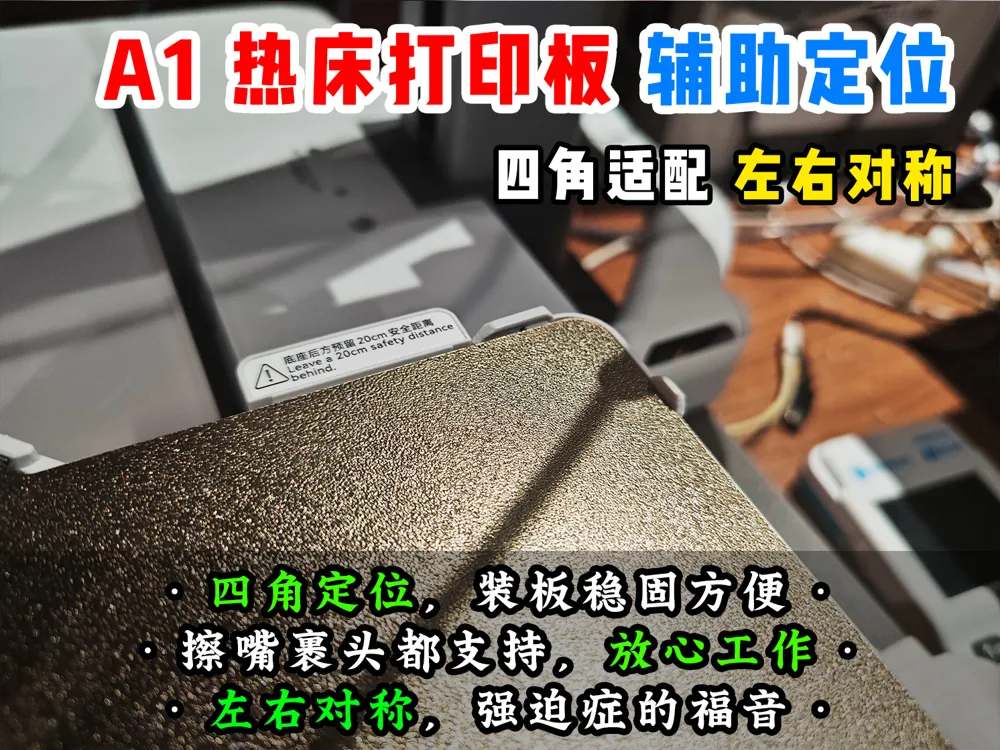

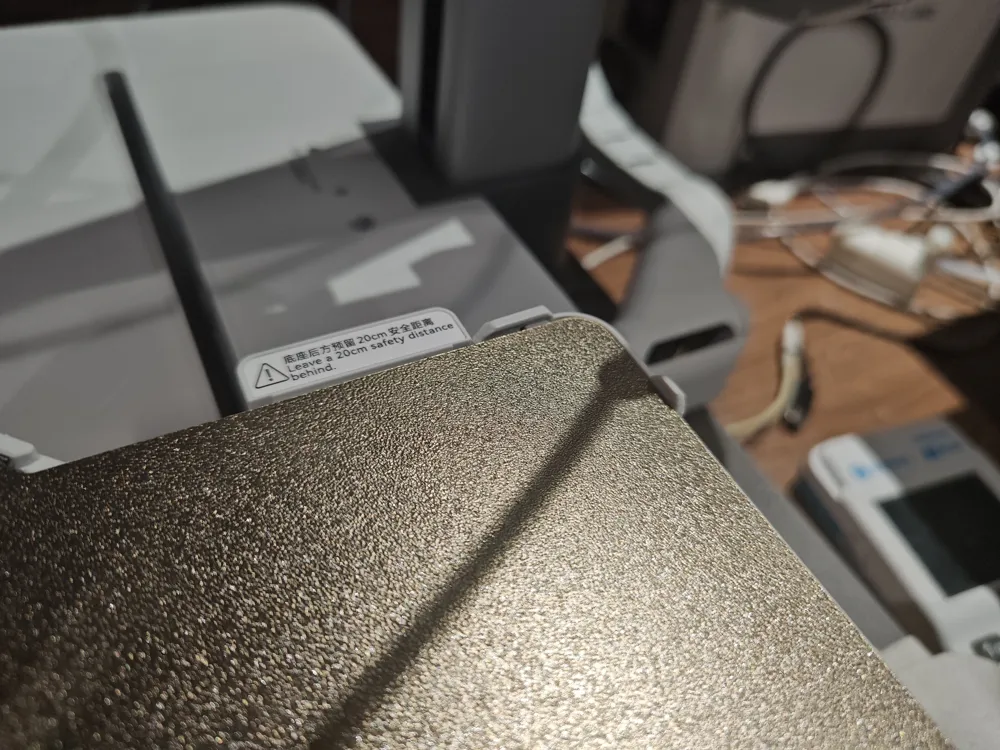
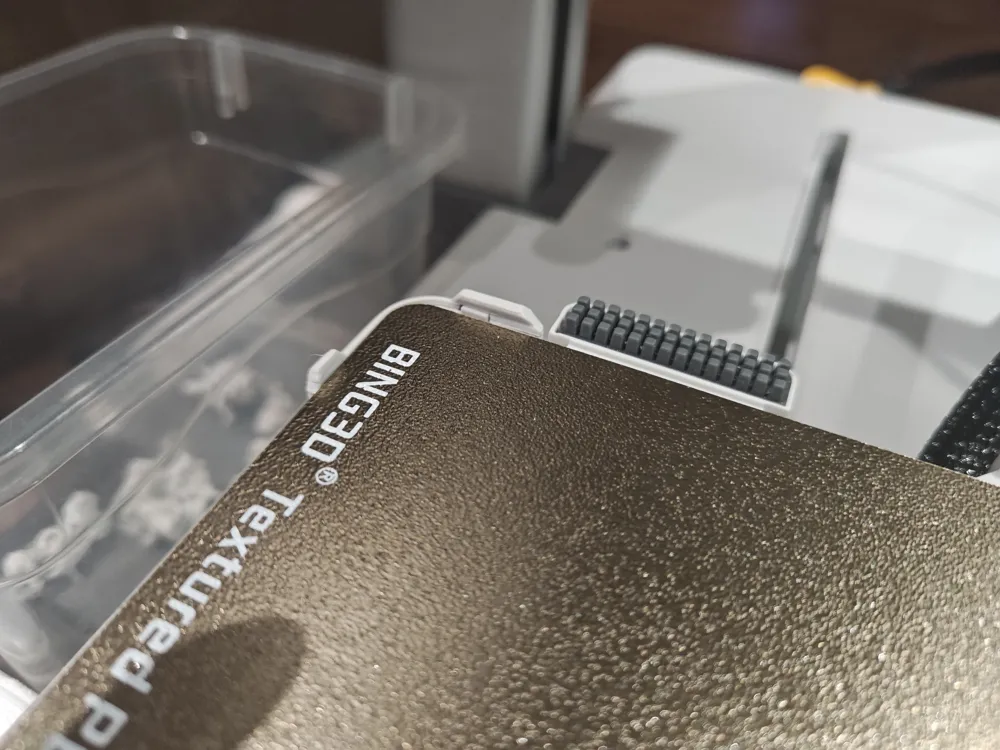
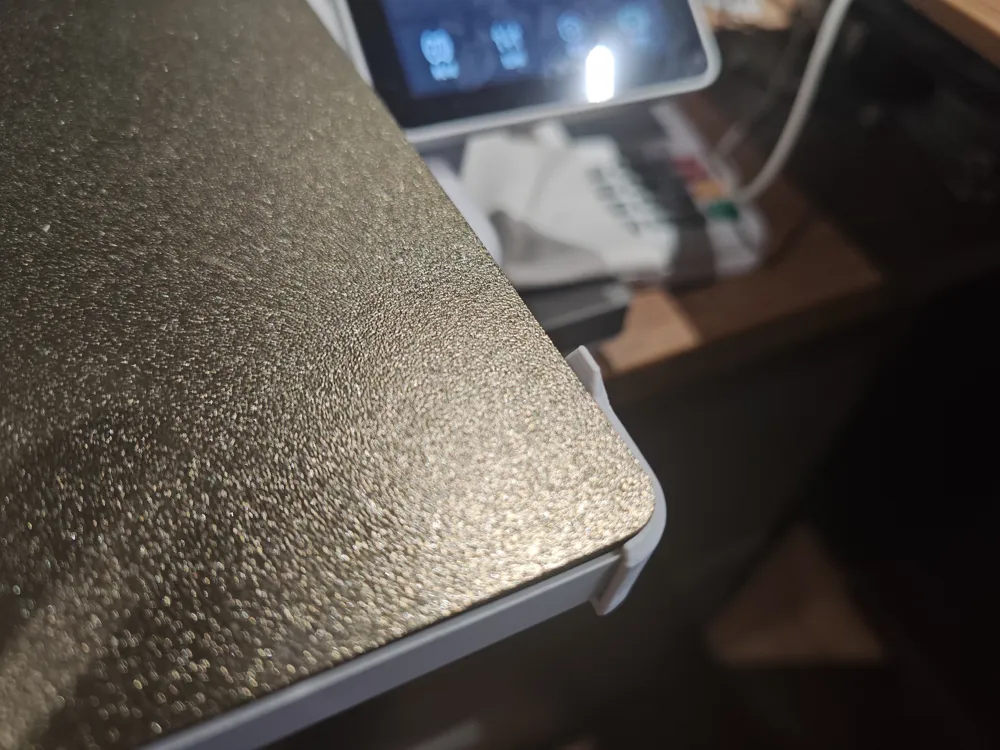
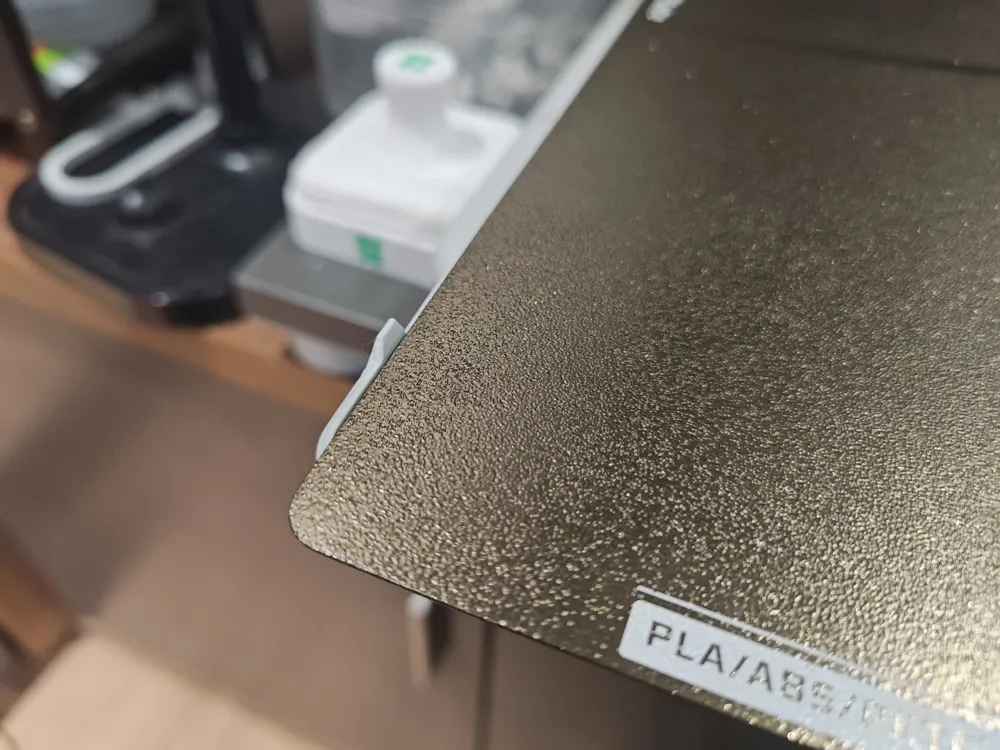
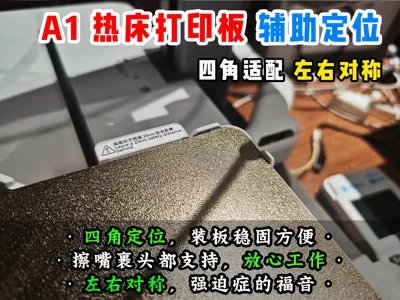
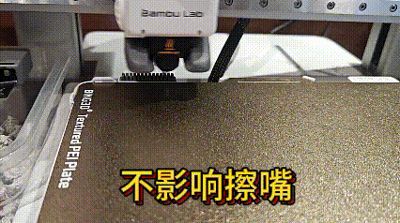
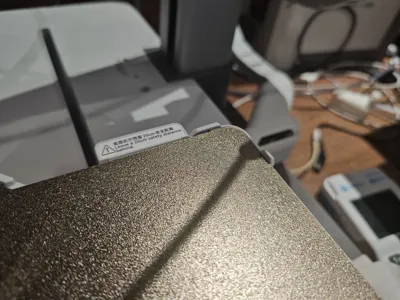
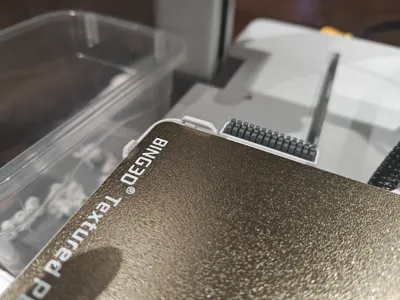
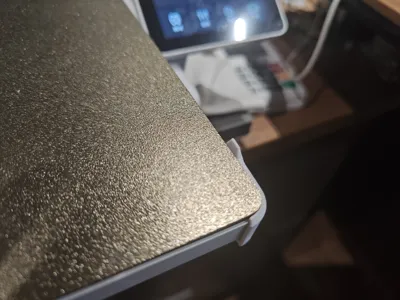
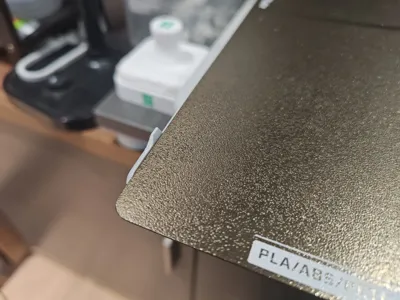

[Lao Teng] A1 Build Plate Auxiliary Positioning Tool, four-corner positioning, symmetrical left and right, aesthetically pleasing design, does not affect wipe and enclosure detection
IP Report
GIF
Print Profile(1)

Four-corner positioning
Designer
38 min
1 plate
Open in Bambu Studio
Boost
32
63
13
7
138
89
Released
Description
Content has been automatically translated.
- Never underestimate any design!!! Even if it weighs only a few grams T.T#
- A simple build plate positioner consumed an entire day, hundreds of grams of filament, while the model itself is only 10 grams!
- I adjusted the dimensions to 0.1mm precision, made several major design revisions, over a dozen minor adjustments, and refined the finished product through over a dozen test prints, finally completing it!
This design features the following:
- Bilateral symmetry, absolute symmetry, mandatory symmetry, asymmetrical designs cause insomnia!!! My OCD is incurable!!!
- Wiping must not be affected (duh!), nor should the head wrap detection (even if many users don't enable it), printing ultrathin parts, even the first layer detection must not be affected (exceedingly demanding).
- All four corners must be present, otherwise it's imperfect!
- Installation must be easy, no hardware required!
- It must be aesthetically pleasing! It must appear as if it came from the factory! This is also a strict requirement of my OCD!
- In summary, this nearly cost me my life.
- The wiping and head wrap detection motion paths are completely asymmetrical, and to achieve the front two corners, the build plate position and the print head's initial extrusion path must not collide!
- Testing these fleeting operational trajectories has only one solution: repeatedly initiating the print, preparing the job, then stopping the print and repeating the process…
- The worst part was accidentally blinking and missing the head wrap detection position, only to stop the print, wait five minutes for preparation, then find a model and print three layers to trigger head wrap detection…
- Then I thought, if only I could shorten the preparation time, so I learned an additional skill: modifying G-CODE. I disabled vibration compensation, thus reducing extrusion volume. This can be considered a by-product.
Design is truly challenging, support my work with a boost! Wishing everyone success and prosperity!! Get rich quick!! Get rich quick!!
License

This user content is licensed under a Standard Digital File License.
You shall not share, sub-license, sell, rent, host, transfer, or distribute in any way the digital or 3D printed versions of this object, nor any other derivative work of this object in its digital or physical format (including - but not limited to - remixes of this object, and hosting on other digital platforms). The objects may not be used without permission in any way whatsoever in which you charge money, or collect fees.


Comment & Rating (13)