
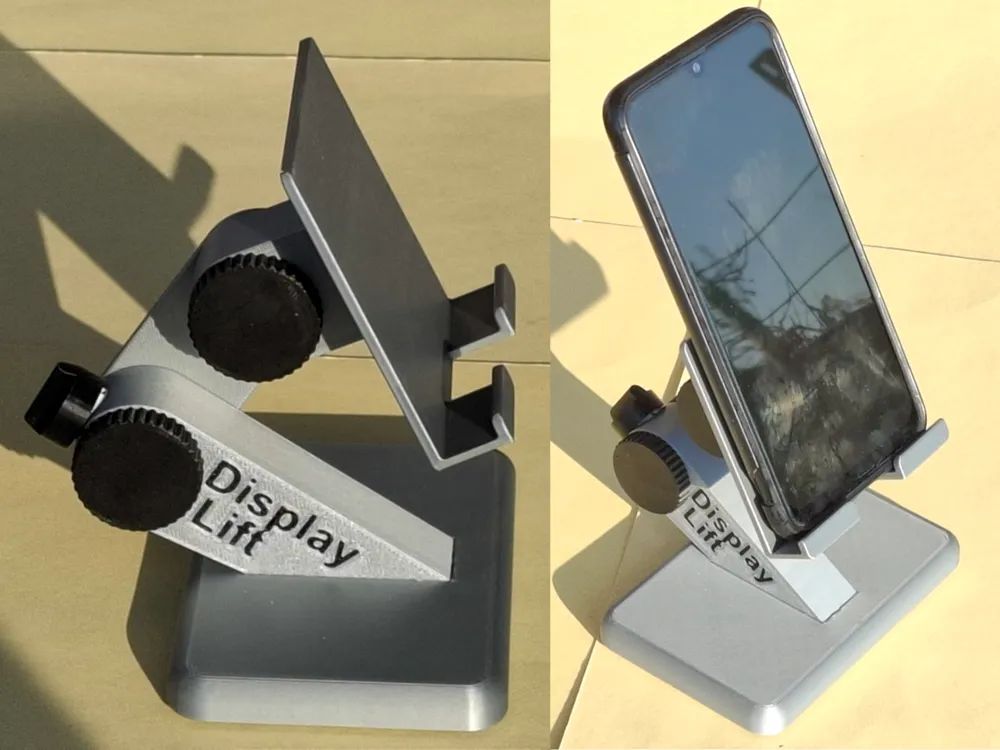
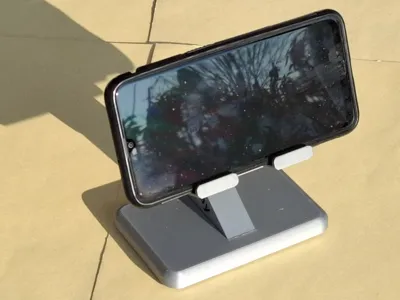
Display-Lift Phone desktop stand







Print Profile(6)



Description
German | English |
|
|
German
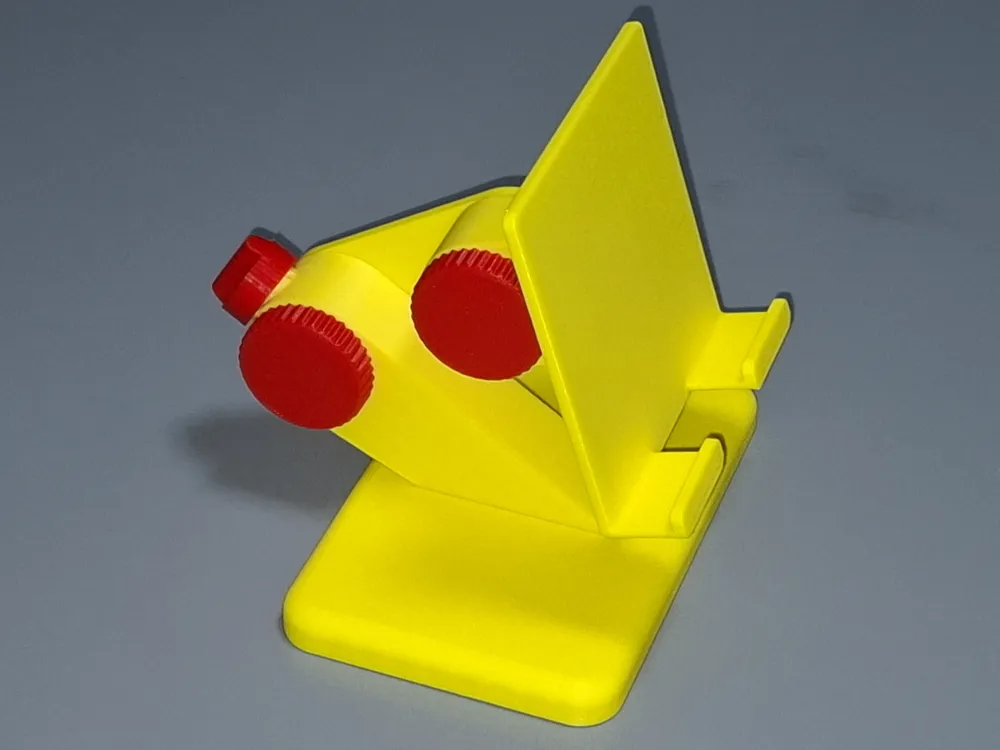
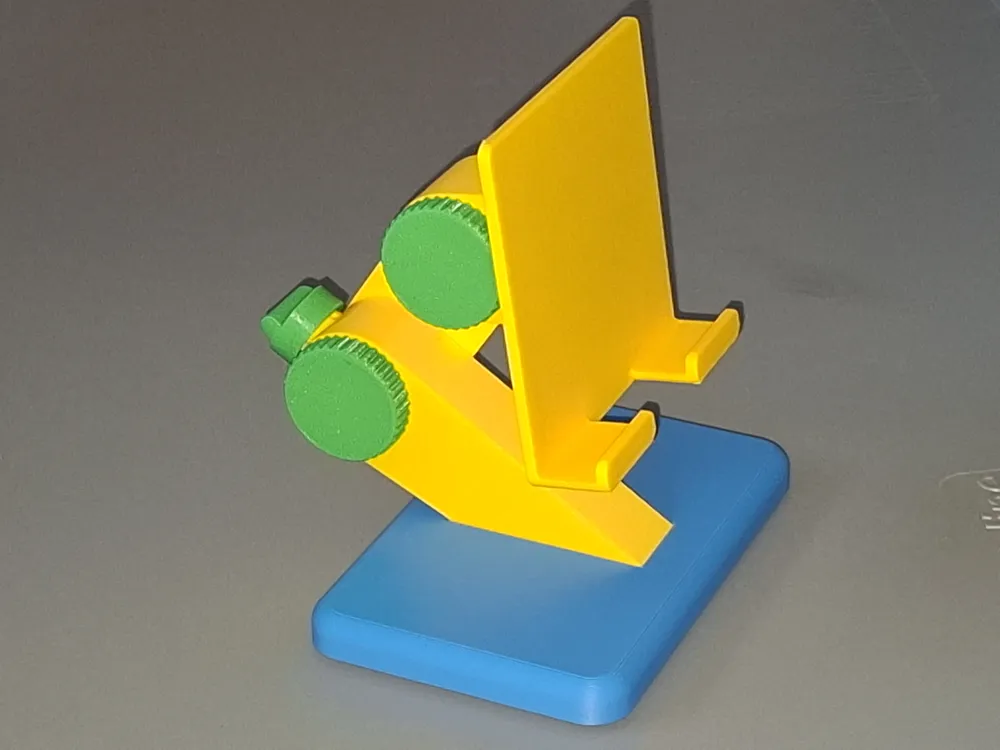
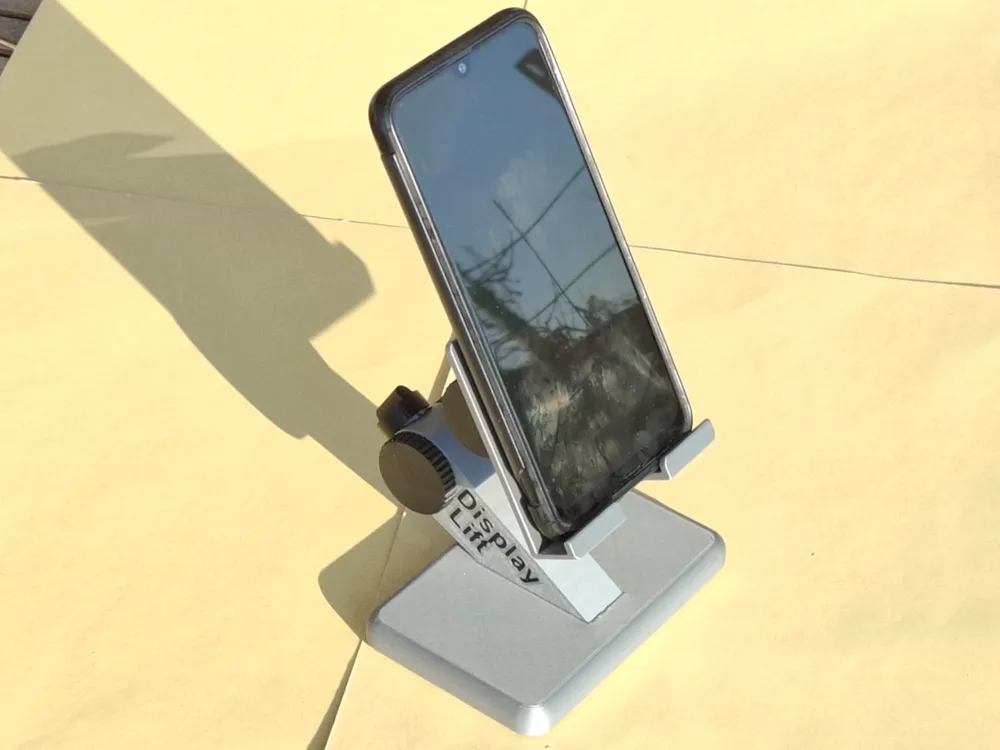
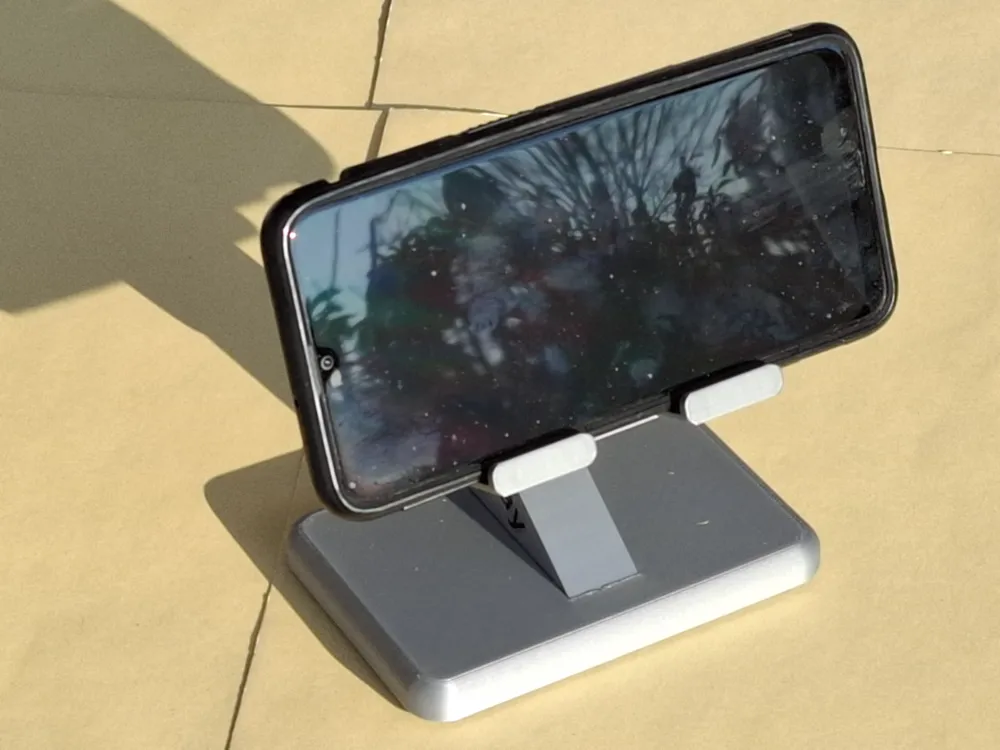
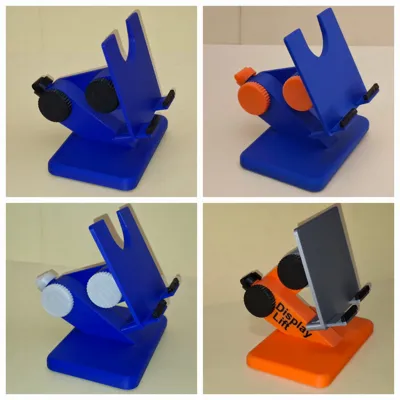
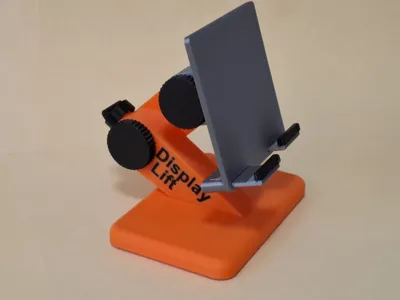
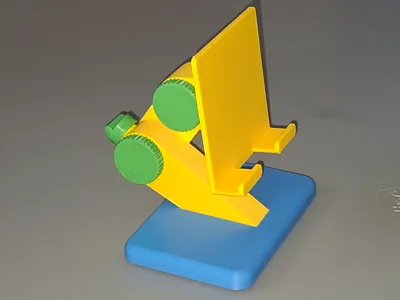
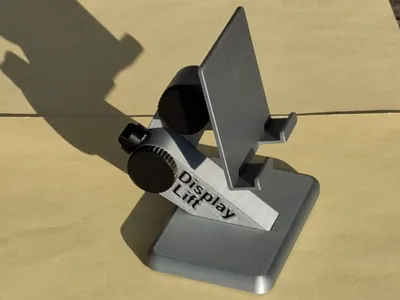
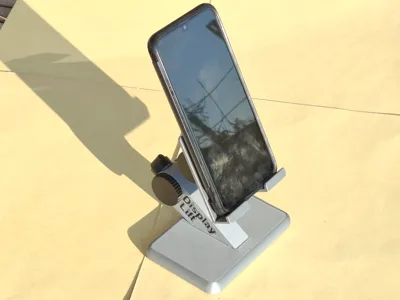
- My desk stand for devices with a VESA mount looked at me and declared its versatility, thus birthing the “Phone” variant
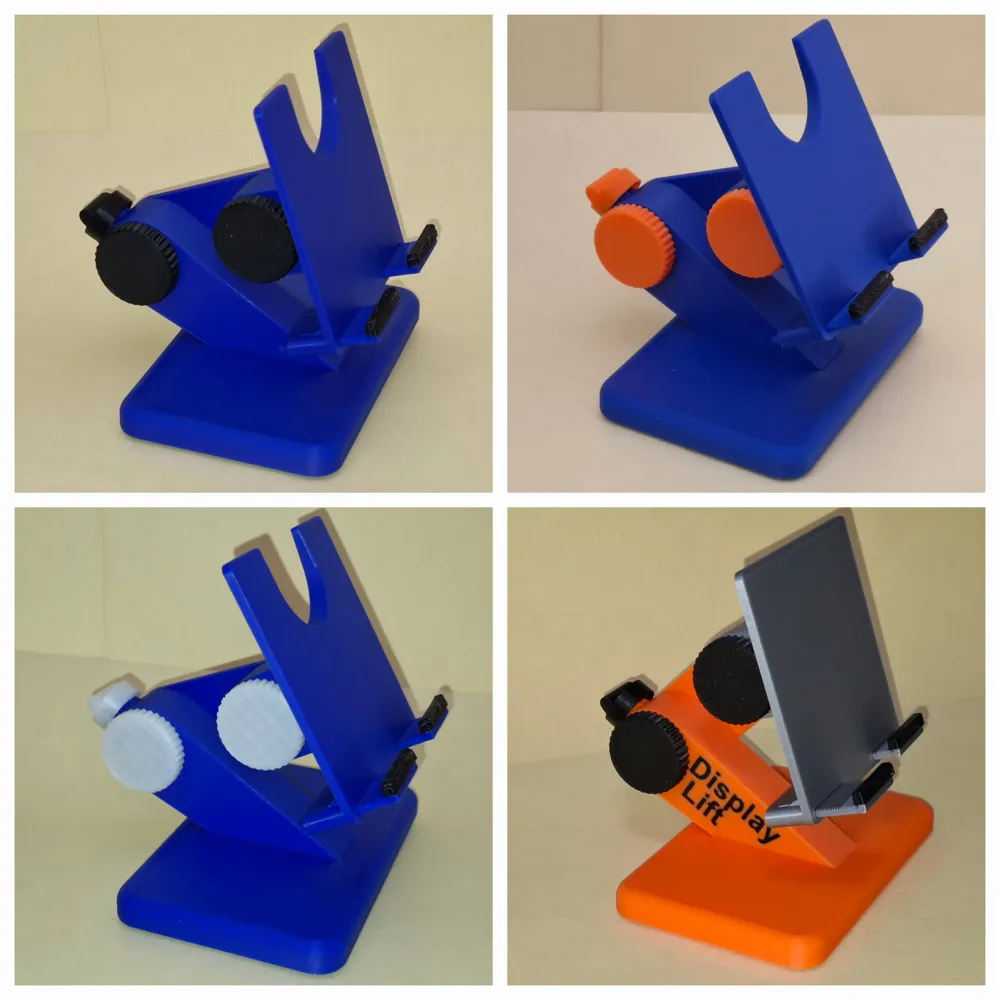
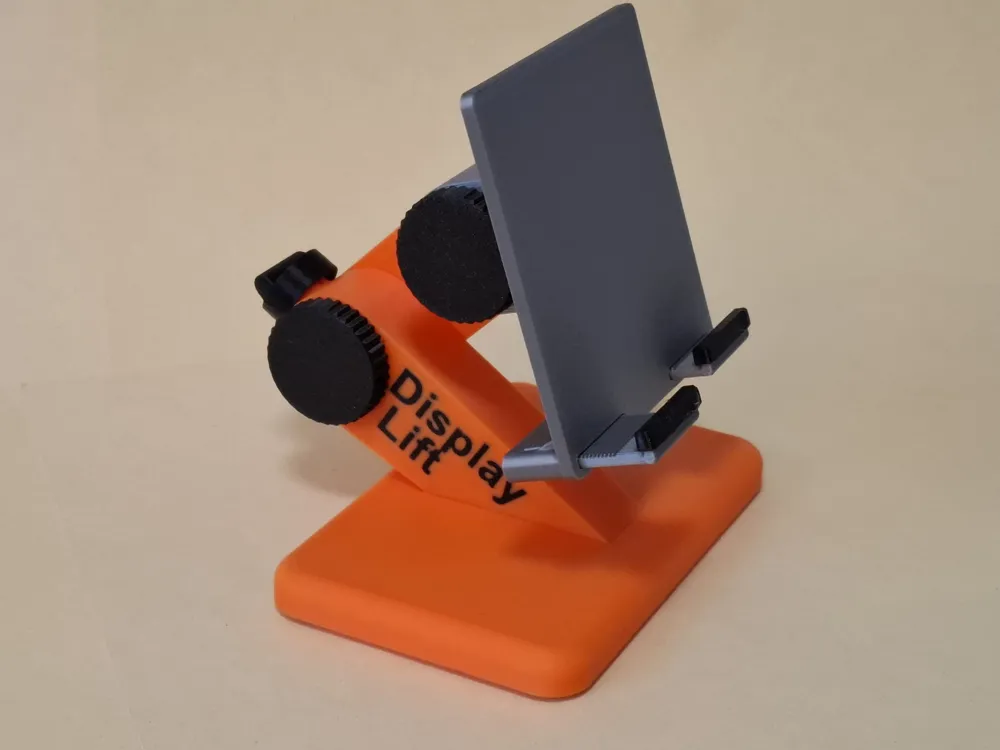
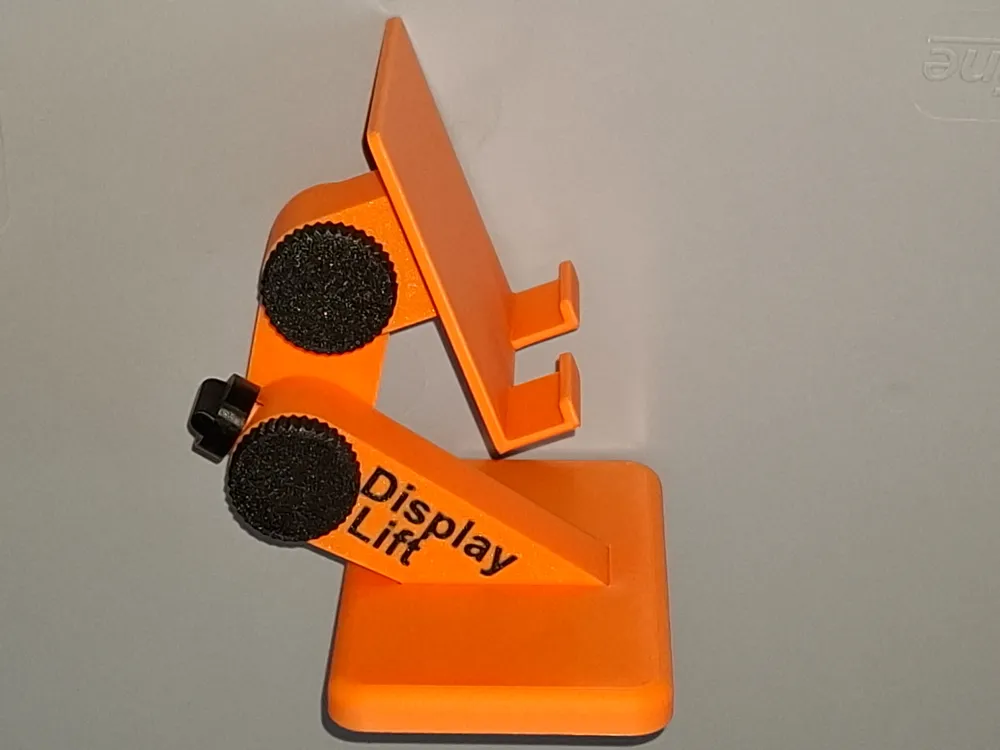
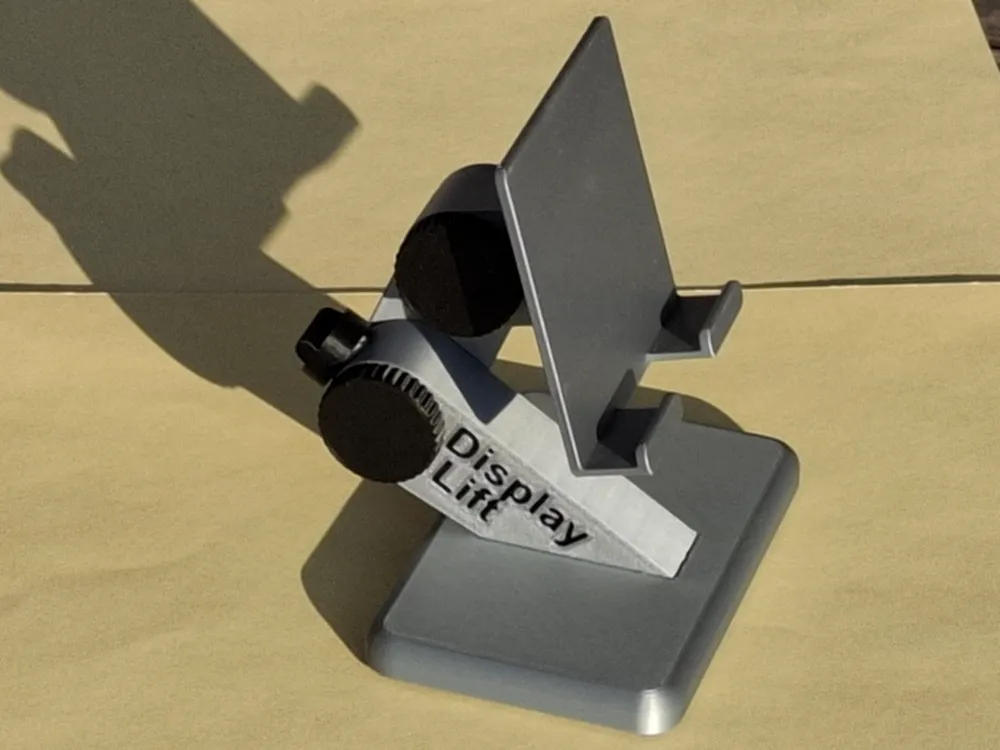
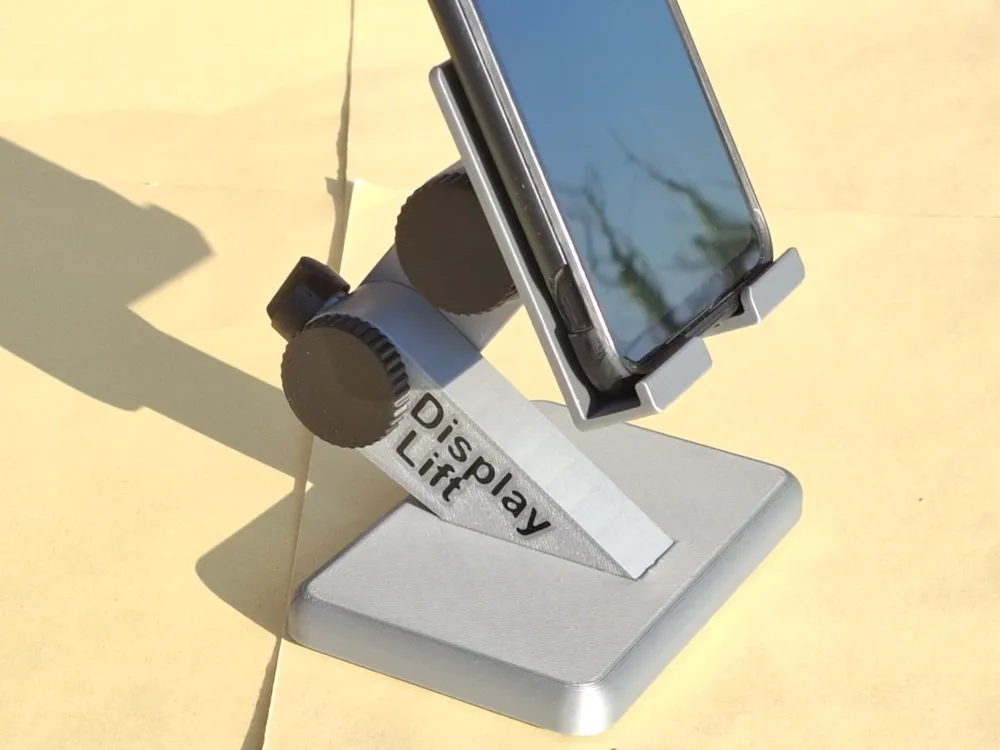
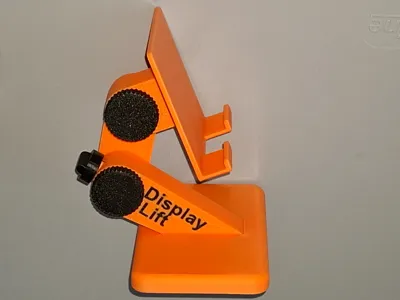
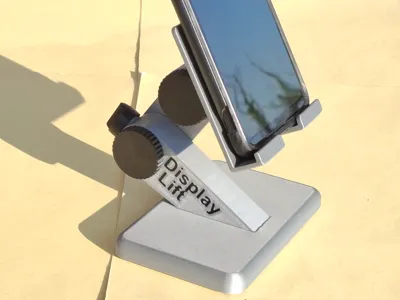
- The stand is height and tilt adjustable Height adjustment can be locked to prevent heavier phones (or tablets) from sagging
- If needed, the stand can be made taller by simply swapping the 50mm arm for a longer one Available lengths in the STL file list: 40, 50, 60, 70, 80, 90, 100, 120 and 150mm (distance between rotation axes)
Thanks to my niece, a solution now exists for the Samsung Flip, whose rear thumb rest precludes a flat back
- Version 1
- For devices with a fixed 14mm mounting width
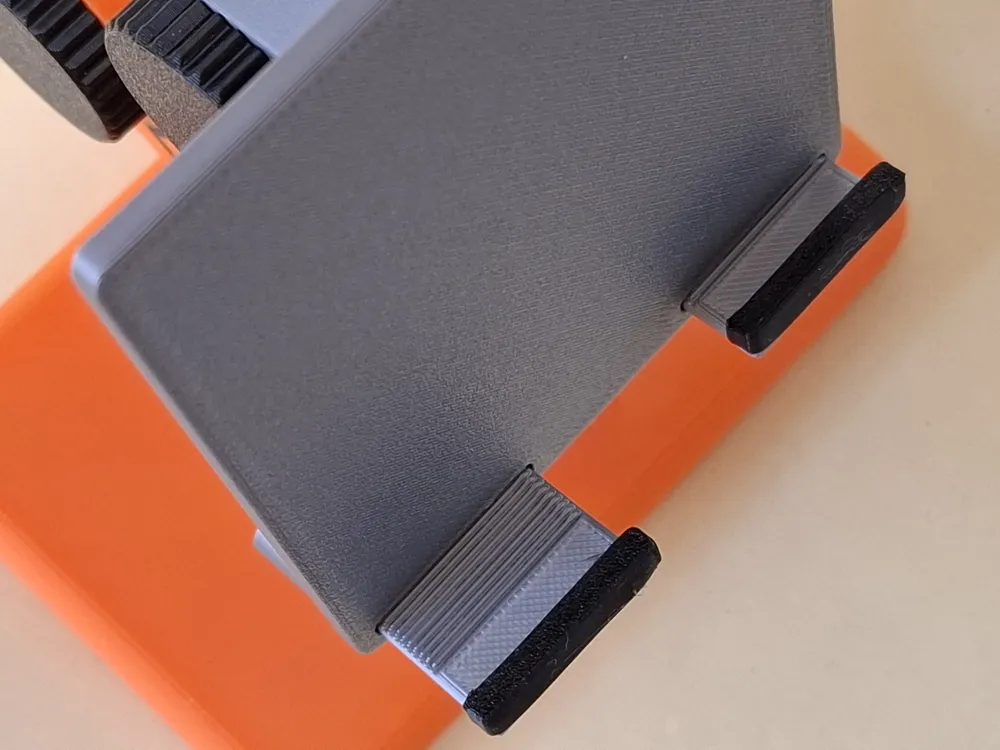
Version 2
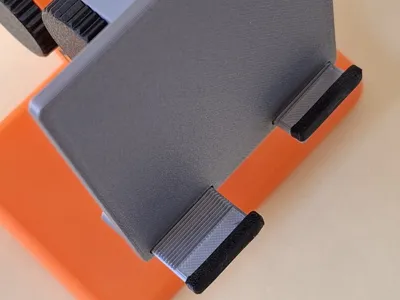
- Adjustable mounting width from 0mm to 20mm
Ideal for modern slim tablets
- Assembly
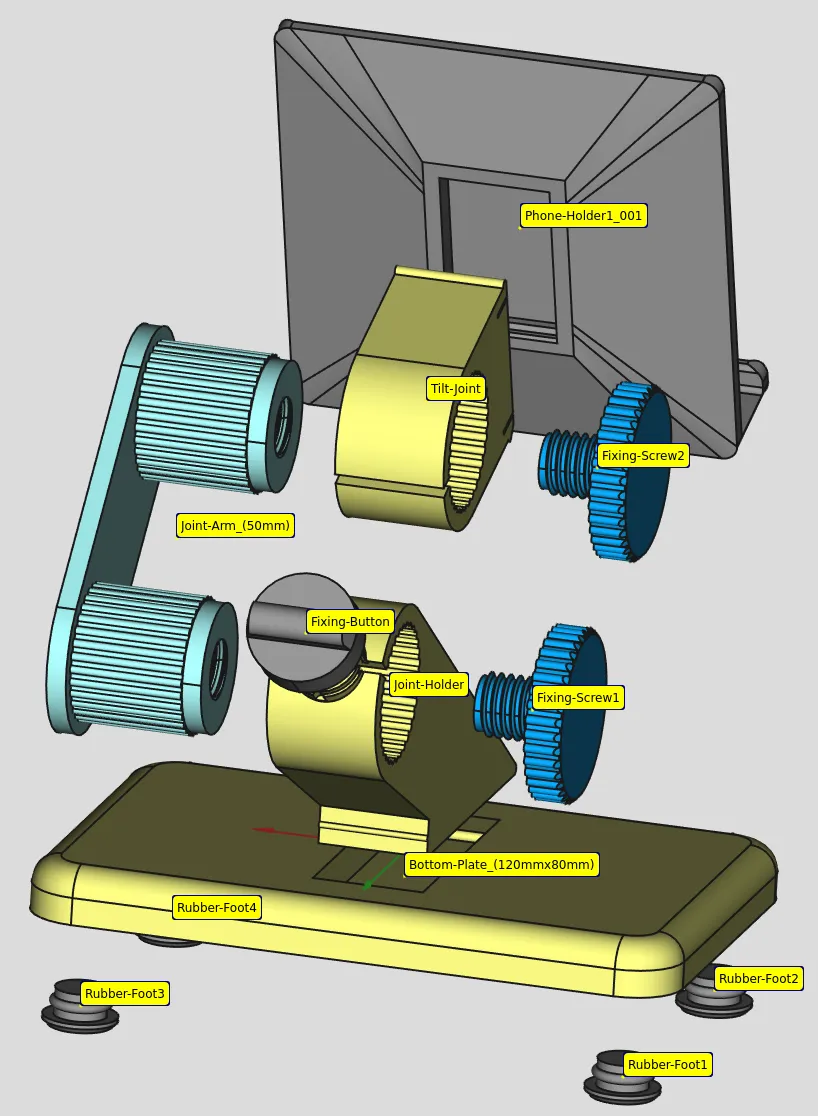
- Insert the rubber feet into the base plate Firm pressure should suffice
- Insert the joint holder into the base plate:
- First, insert the rounded tip into the provided recess, then firmly tap the opposite end
- Disassembly is equally simple a firm tug on the joint holder is all it takes
- Attach the locking knob to the joint holder:
- Slightly compress the joint holder gap
- Slide the locking knob over the mounting cylinder ensuring the small control knob is horizontal
- Release the joint holder the locking knob will now hold independently
- Press one arm roller into the joint holder It is easier with the locking knob vertical
- Insert a set screw into the roller This screw merely prevents disassembly and does not affect clamping force
- Snap the phone holder into the tilt joint:
- Press the tilt joint into the corresponding recess using the small bead at the edge
- The joint now rests on the edge on the other side
- Place a suitable object (I used a wide-bladed screwdriver) on the bead
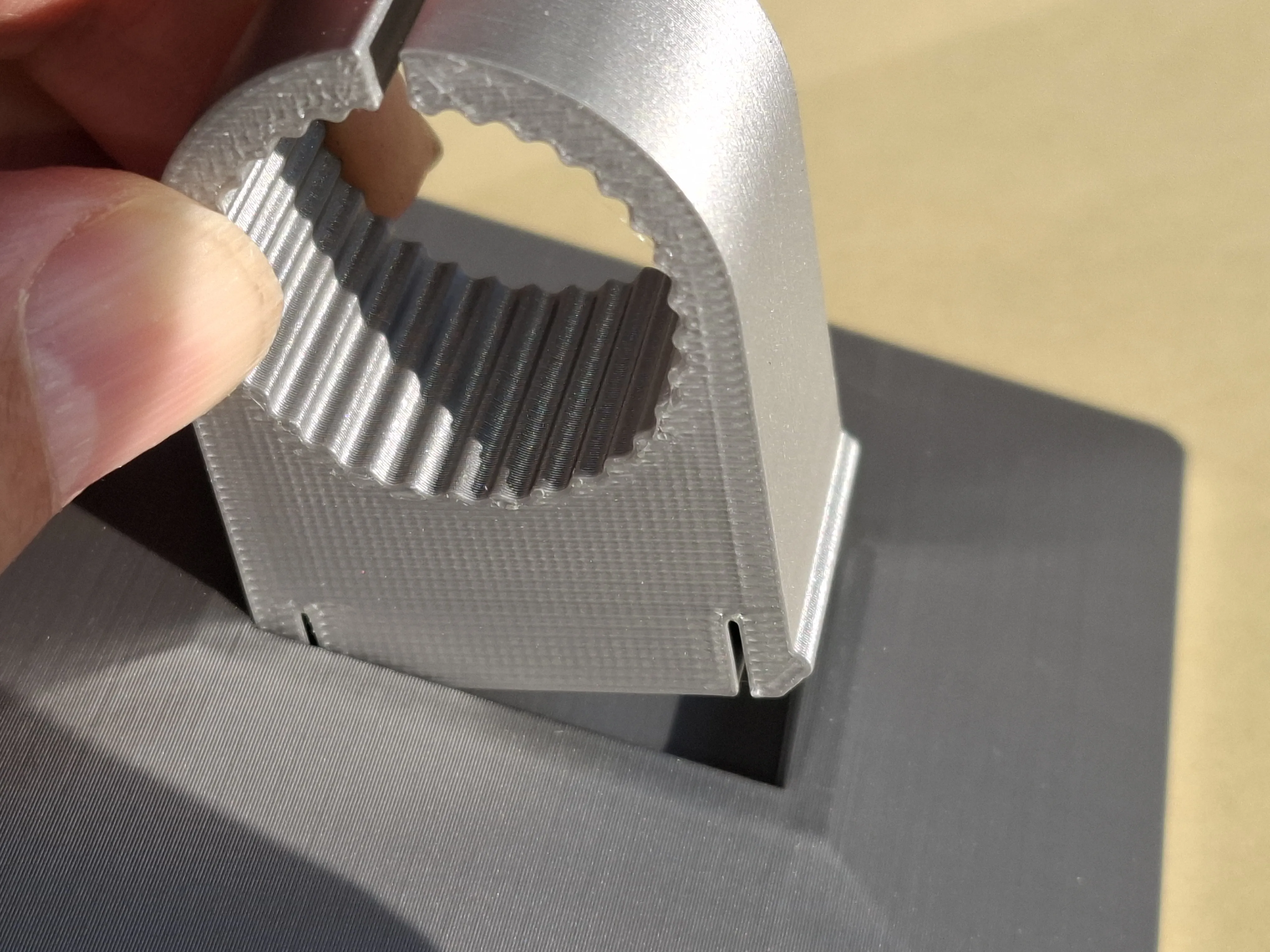
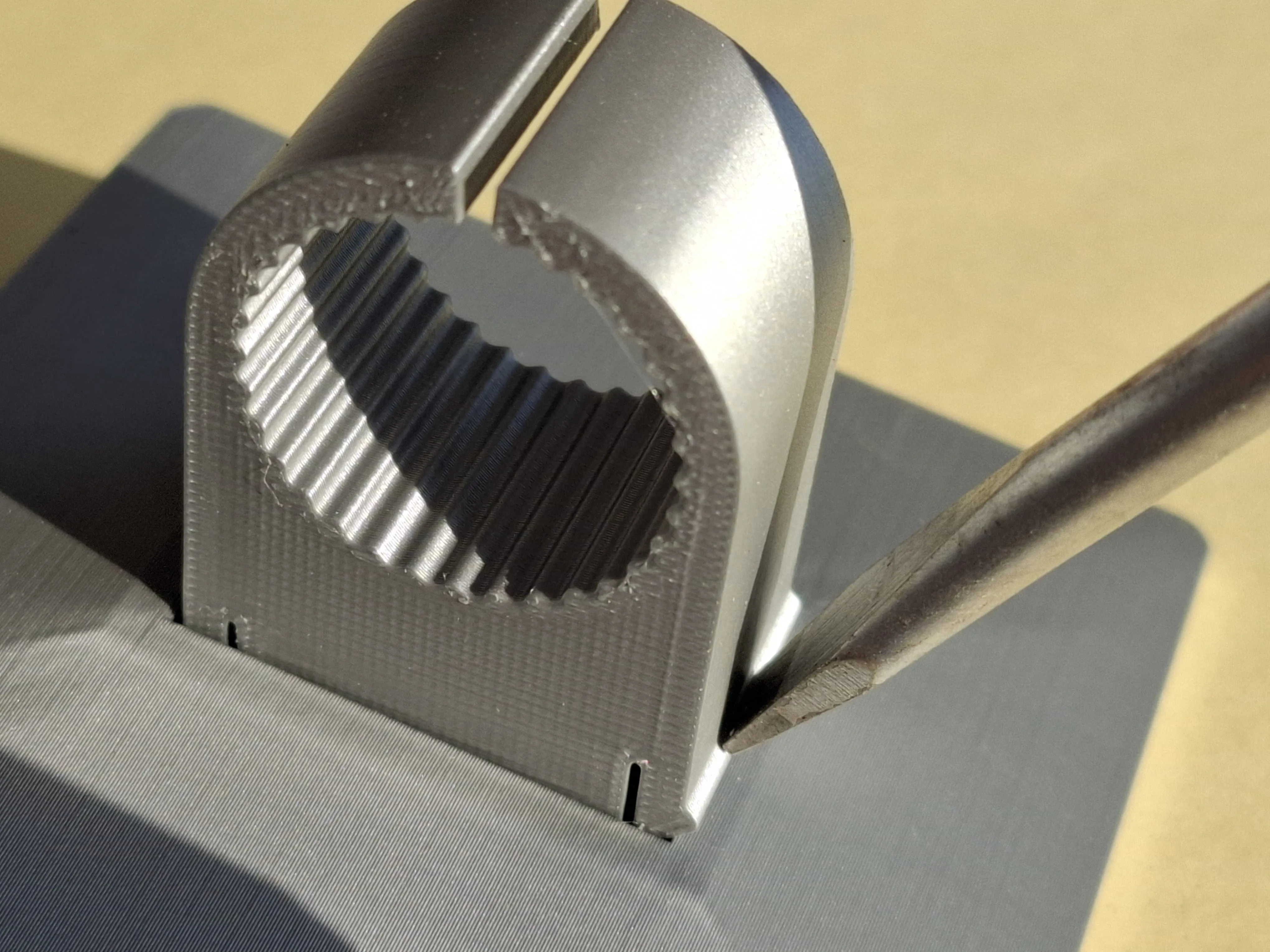
- Firmly tap the screwdriver to seat the bead in the recess
- This is slightly more challenging than with the base plate
- Unlike the base plate, this join is irreversible without damaging the parts
- Press the tilt joint onto the other arm roller
- Tighten the other set screw
- COMPLETE! when using the simple fixed-width phone holder (v1)
- For the adjustable-thickness holder (v2), proceed as follows:
- Loosely insert the two device holders
- Optionally, attach the rubber caps (adhesion is preferable)
- Position the device and fully insert the device holders
COMPLETE!
- Operation/Function
- Height adjustment via arm rotation:
- Position the locking knob vertically
- Gently move the arm
- Return the locking knob to horizontal to prevent sagging under load
- Tilt adjustment
- Adjust the tilt by pushing/pulling the phone holder
Due to reduced force vectors, fixation is unnecessary
- Height adjustment via arm rotation:
- 3D Printing
I used BambuLab’s new TPU90A for the rubber feet TPU95A might yield firmer feet If they don’t fit, print slightly smaller feet
- Materials
- I tested the stand with Bambu’s PLA Basic PETG should also work without modification
License

You shall not share, sub-license, sell, rent, host, transfer, or distribute in any way the digital or 3D printed versions of this object, nor any other derivative work of this object in its digital or physical format (including - but not limited to - remixes of this object, and hosting on other digital platforms). The objects may not be used without permission in any way whatsoever in which you charge money, or collect fees.


Comment & Rating (17)