
Print Profile(1)
Description
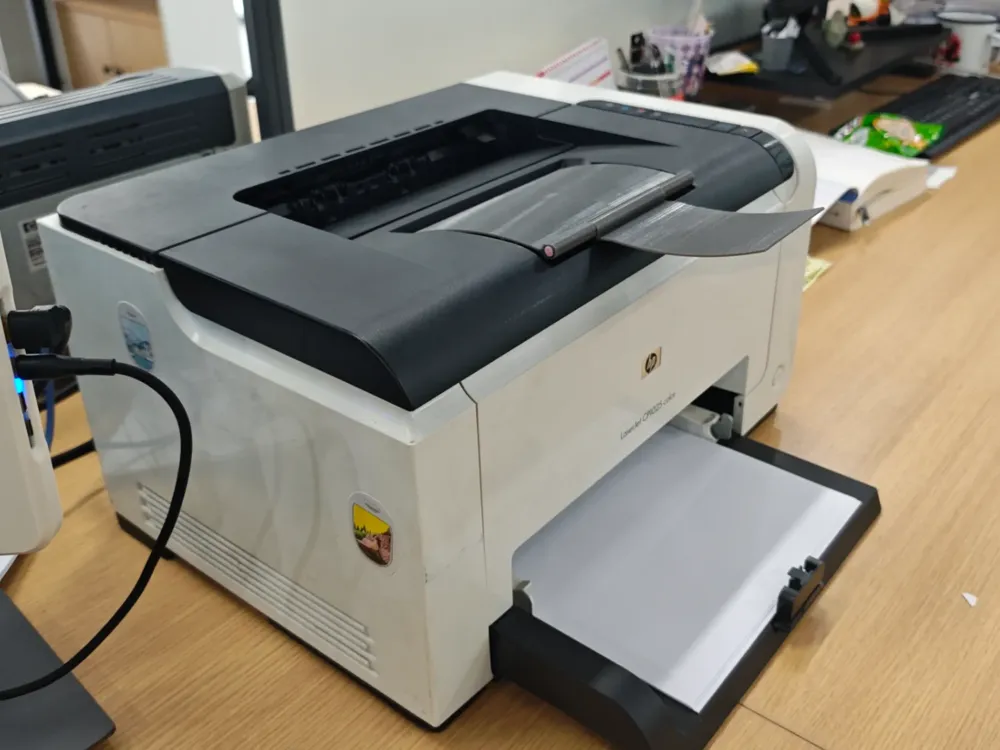
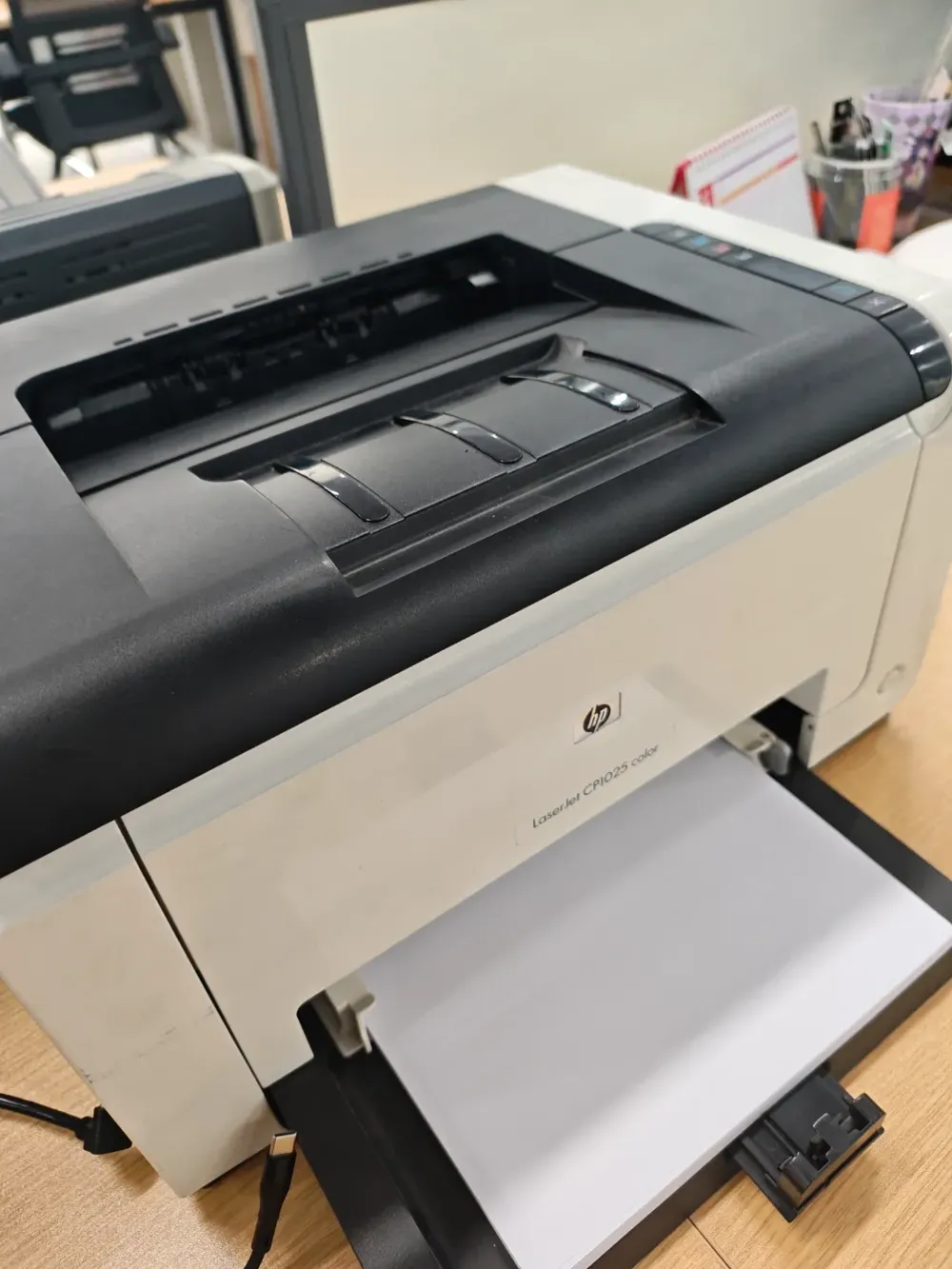
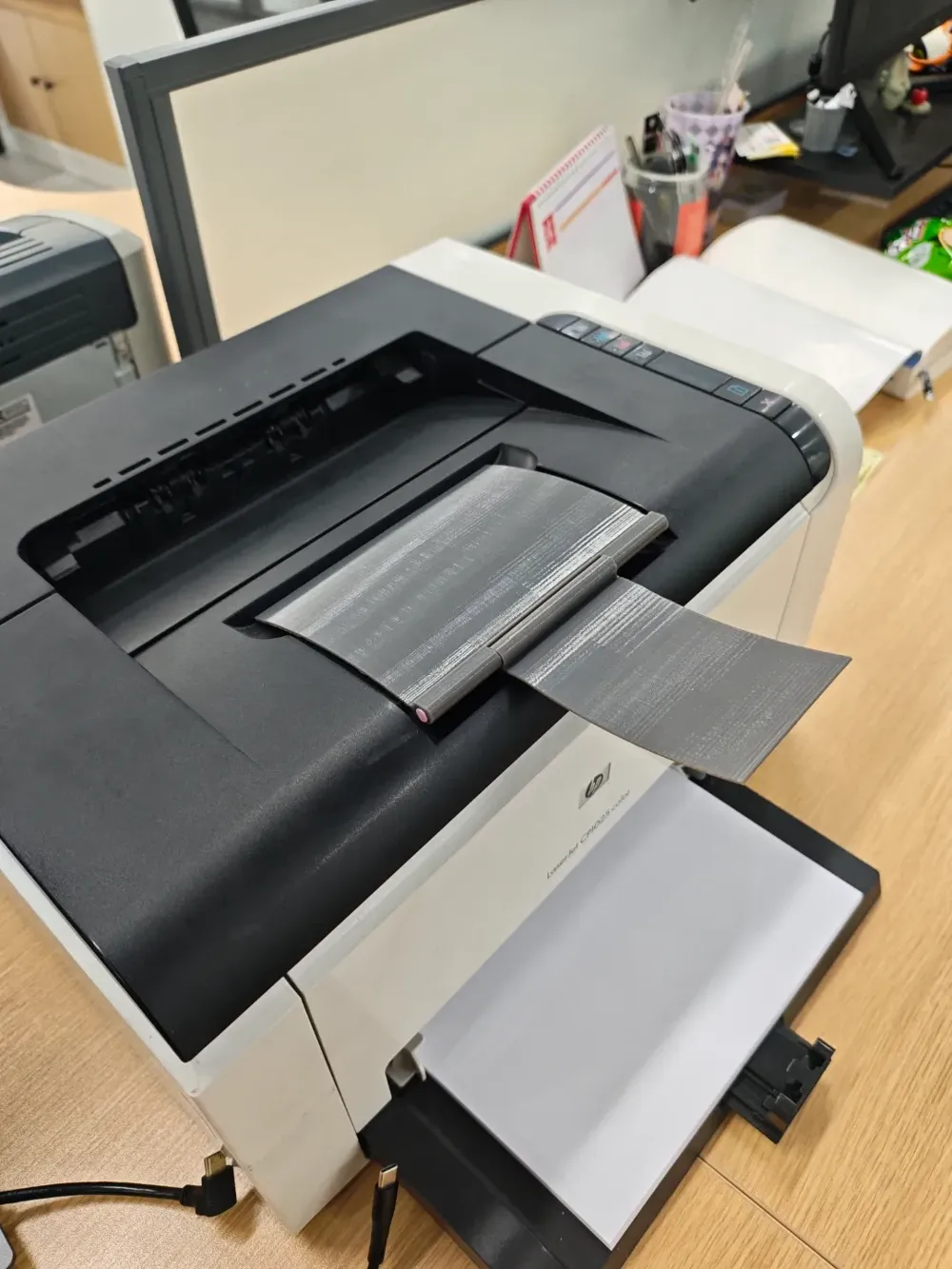
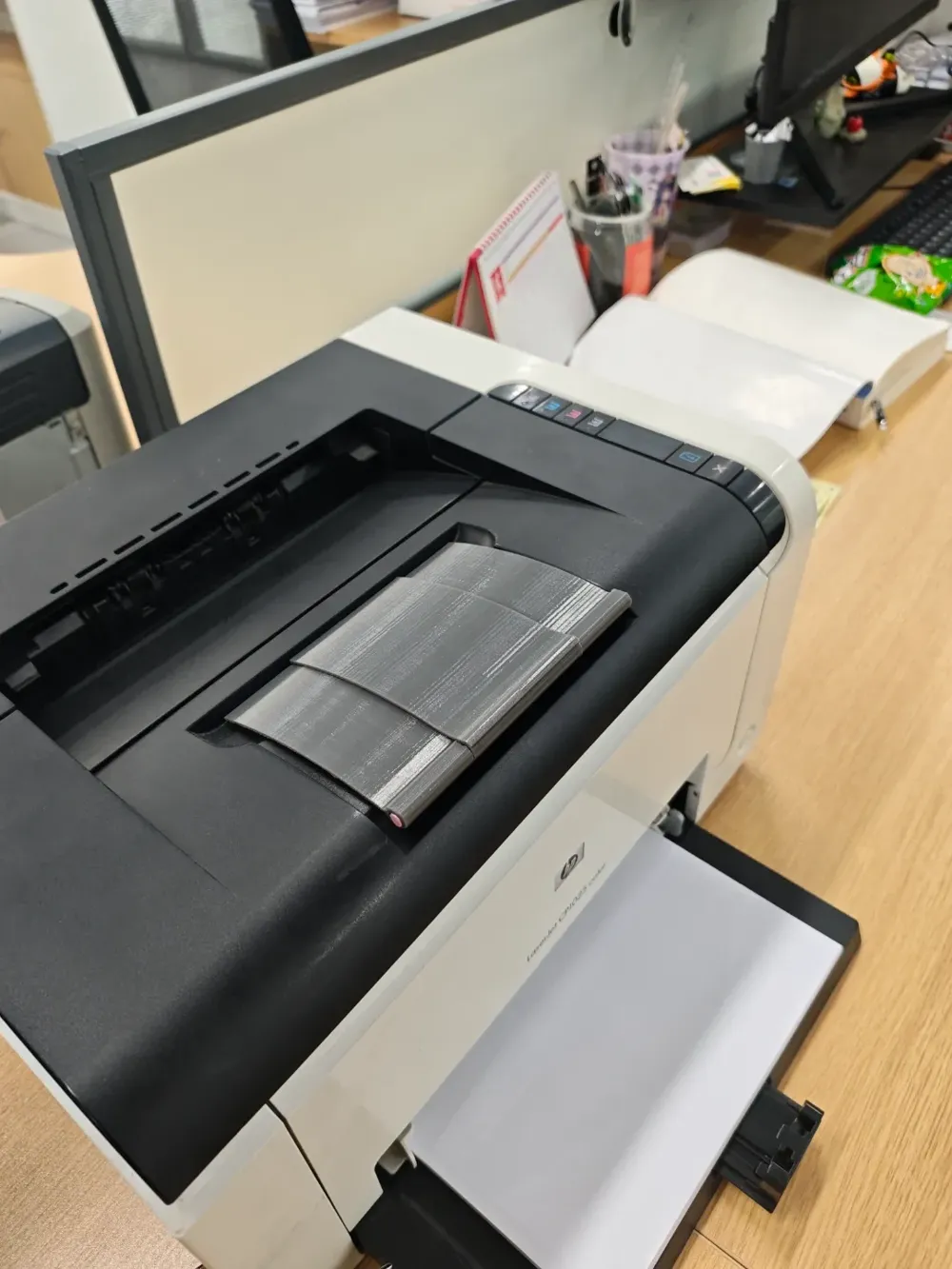
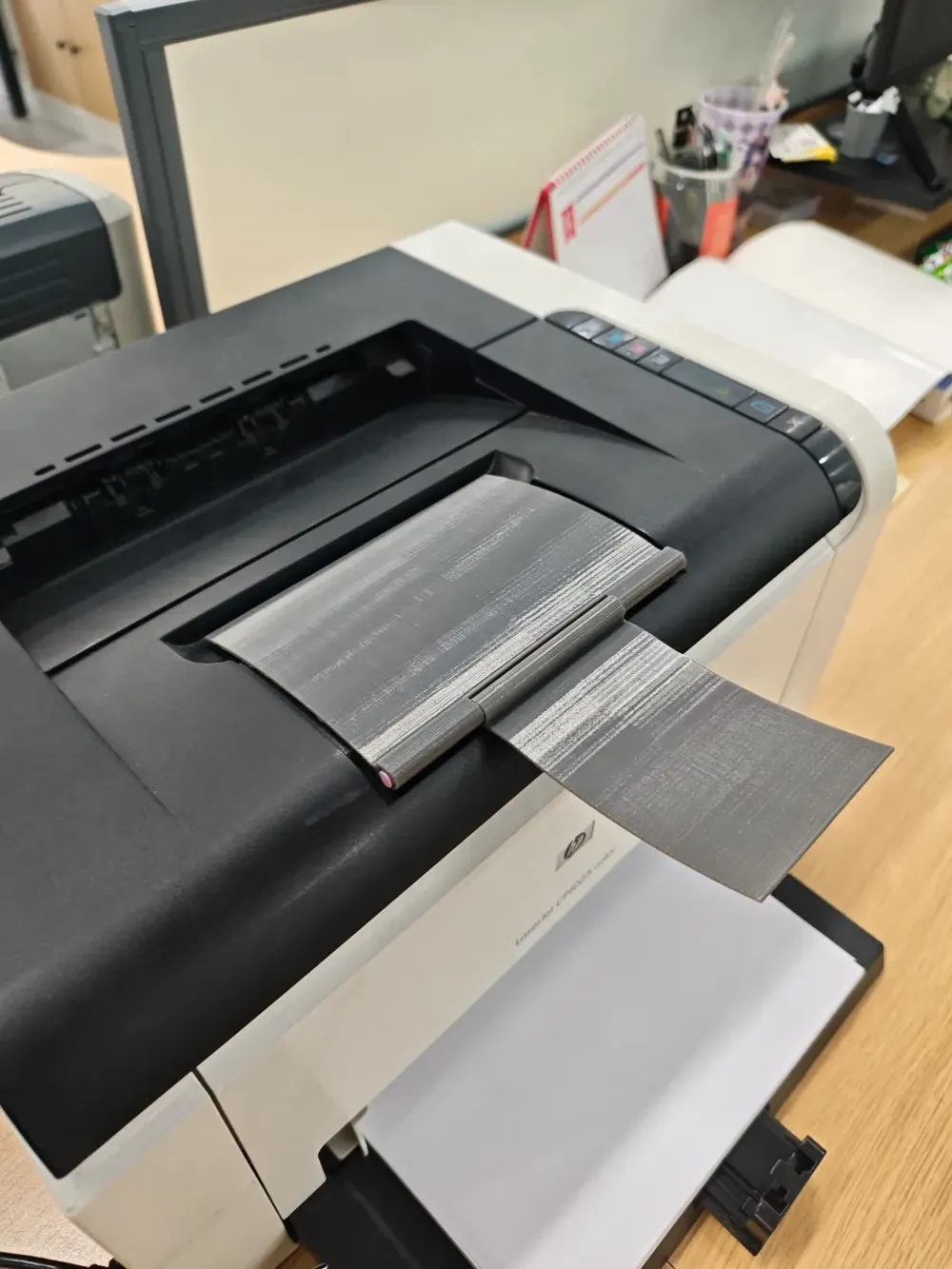
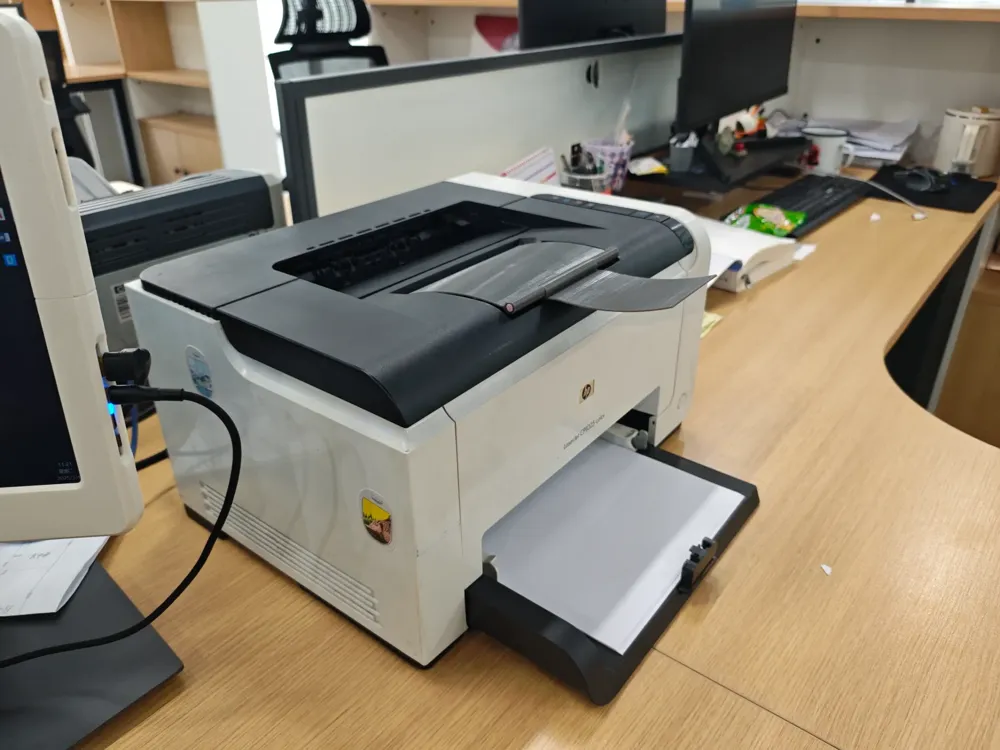
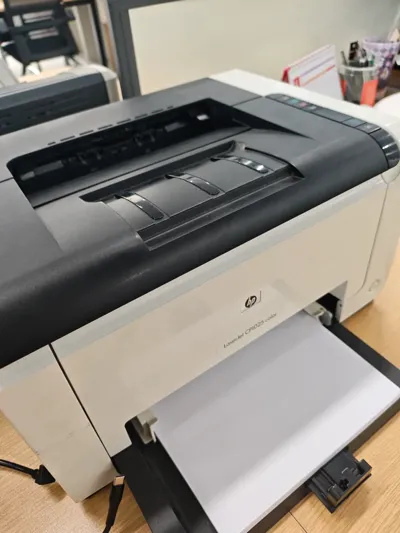
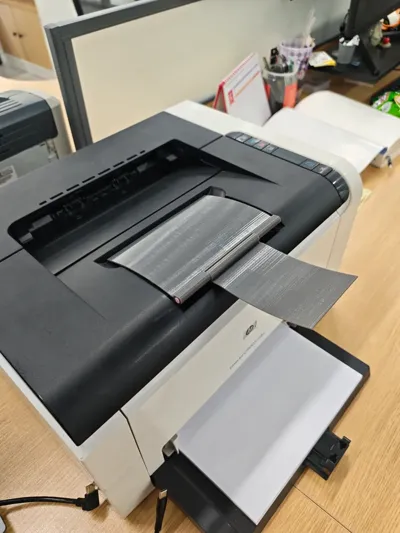
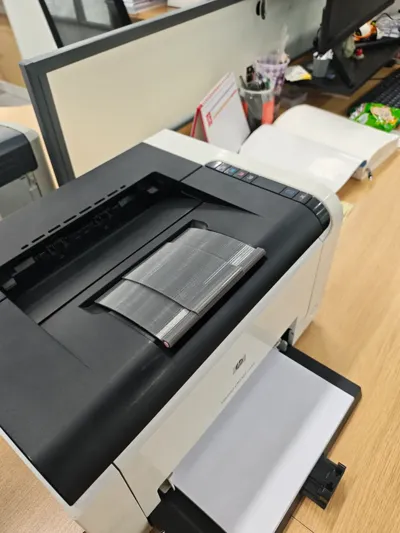
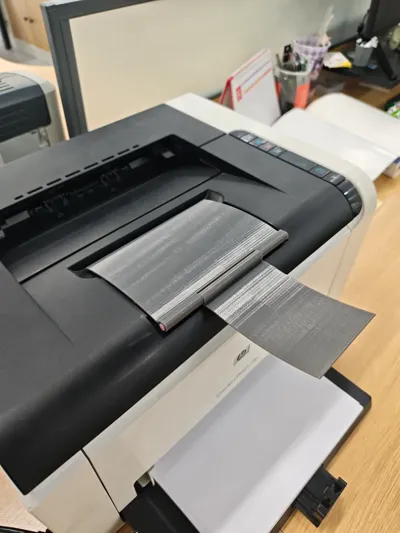
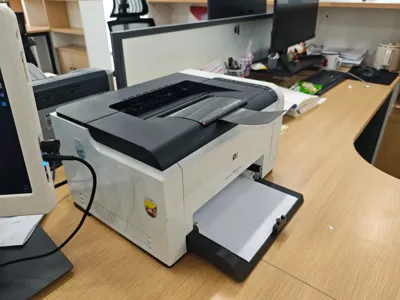
Paper tray for HP LaserJet CP1025 printer
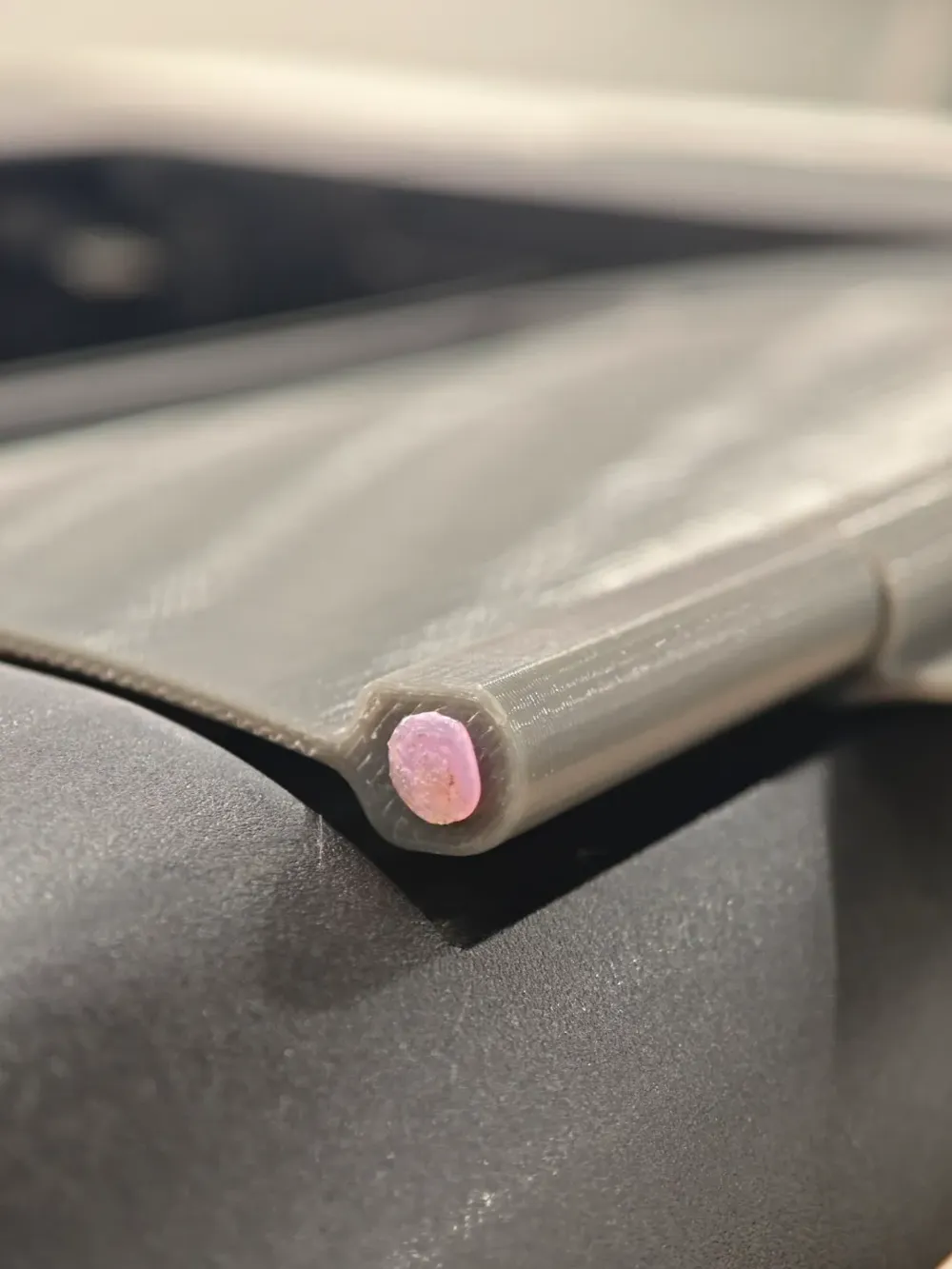
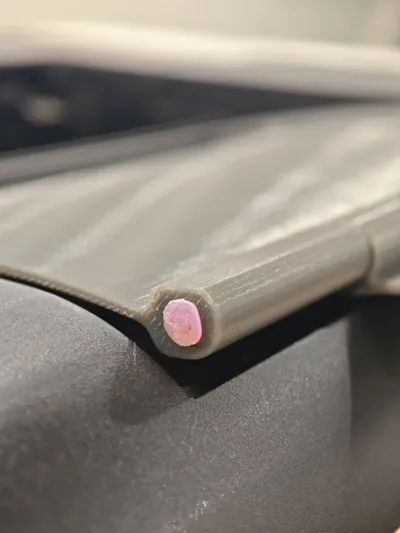
This printer's paper tray is prone to damage or loss, and its absence can cause printed sheets to fall back into the machine, leading to paper jams. This replacement tray can be 3D printed; you will require double-sided tape and a short length of filament. Following printing, insert the filament, leaving a five-millimeter margin at each end. Gently heat the filament ends with a lighter and carefully mold them to prevent slippage. Testing confirms its functionality.
The shaft pinhole measures 2.2 millimeters in diameter. Minor adjustments may be necessary to facilitate insertion.
------------------------------------------------------
Paper holder for HP laser printer CP1025
The paper holder of this printer is easily damaged or lost, and the lack of a holder can cause the printed paper to fall back into the machine, resulting in paper jams. This holder can be printed for replacement, and double-sided tape and a section of consumable wire (filament) need to be prepared. After printing is completed, insert the consumable wire, leaving a 5mm gap at both ends. Heat it slightly with a lighter and push it to deform to prevent the consumable wire from falling out. In actual testing, it can be used normally
The size of the shaft pin hole is 2.2 millimeters in diameter, and can be adjusted appropriately if insertion is difficult.
License



Comment & Rating (0)