Search models, users, collections, and posts

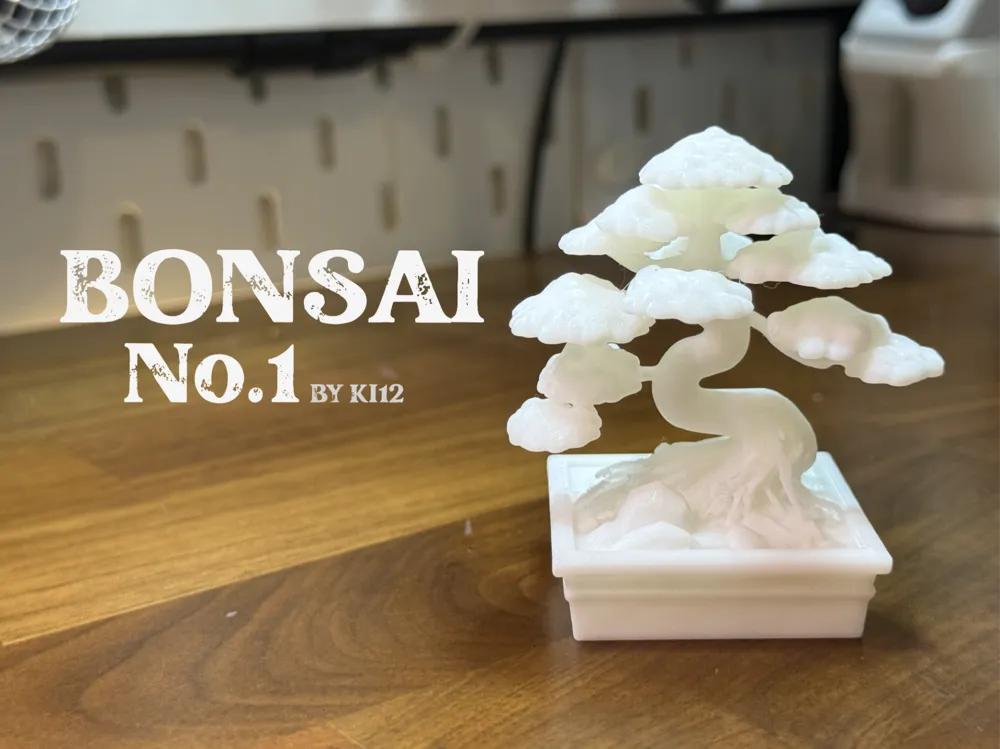
Bonsai Tree No.1
IP Report



Print Profile(2)

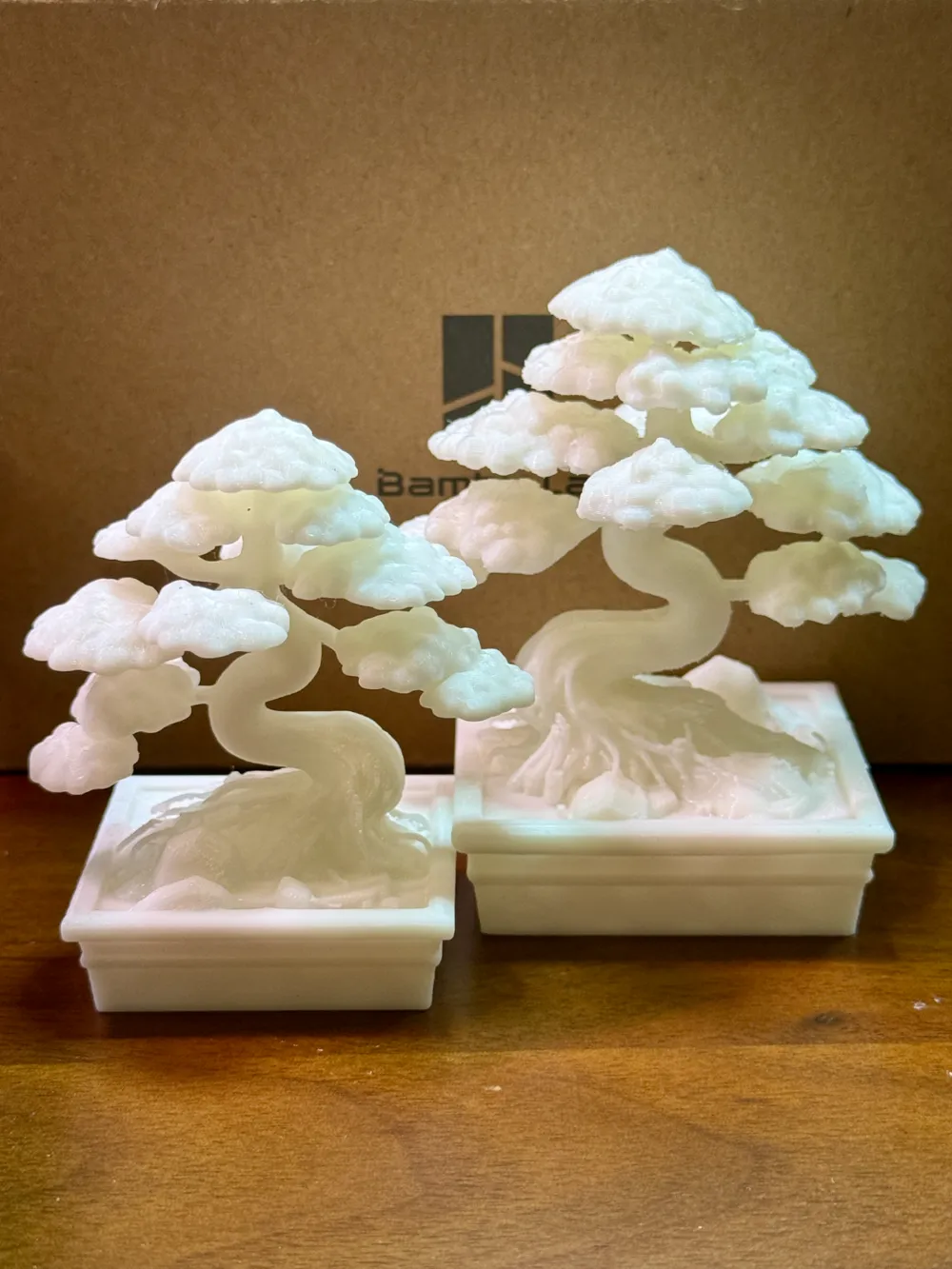
0.12mm layer, 2 walls, 10% infill
Designer
5.1 h
1 plate

Low poly 0.12mm layer, 2 walls, 10% infill
Designer
3.7 h
1 plate
Open in Bambu Studio
Boost
265
578
9
7
466
163
Released
Description
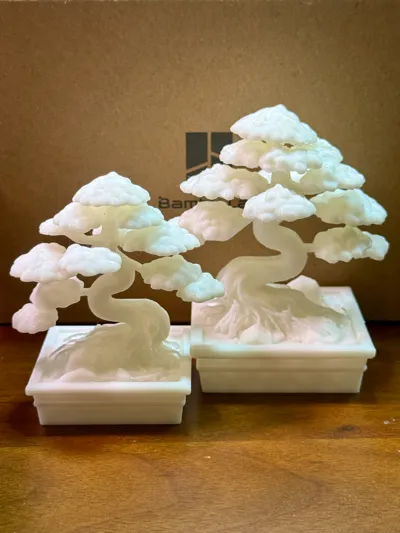
Bonsai Series – No.1
Informal upright Bonsai style (Moyogi)
Update
- 22/2/25 updated - Make support easier to remove / resize model 120% / top z space 0.15mm / support diameter 3mm
Notes
- I’ve currently growing real bonsai as a hobby
- But when searching for 3D model bonsai, I couldn't find one that truly matched what I had in mind.
- So, I decided to create my own using AI tools
Recommendations
- Scale up to any size match your need
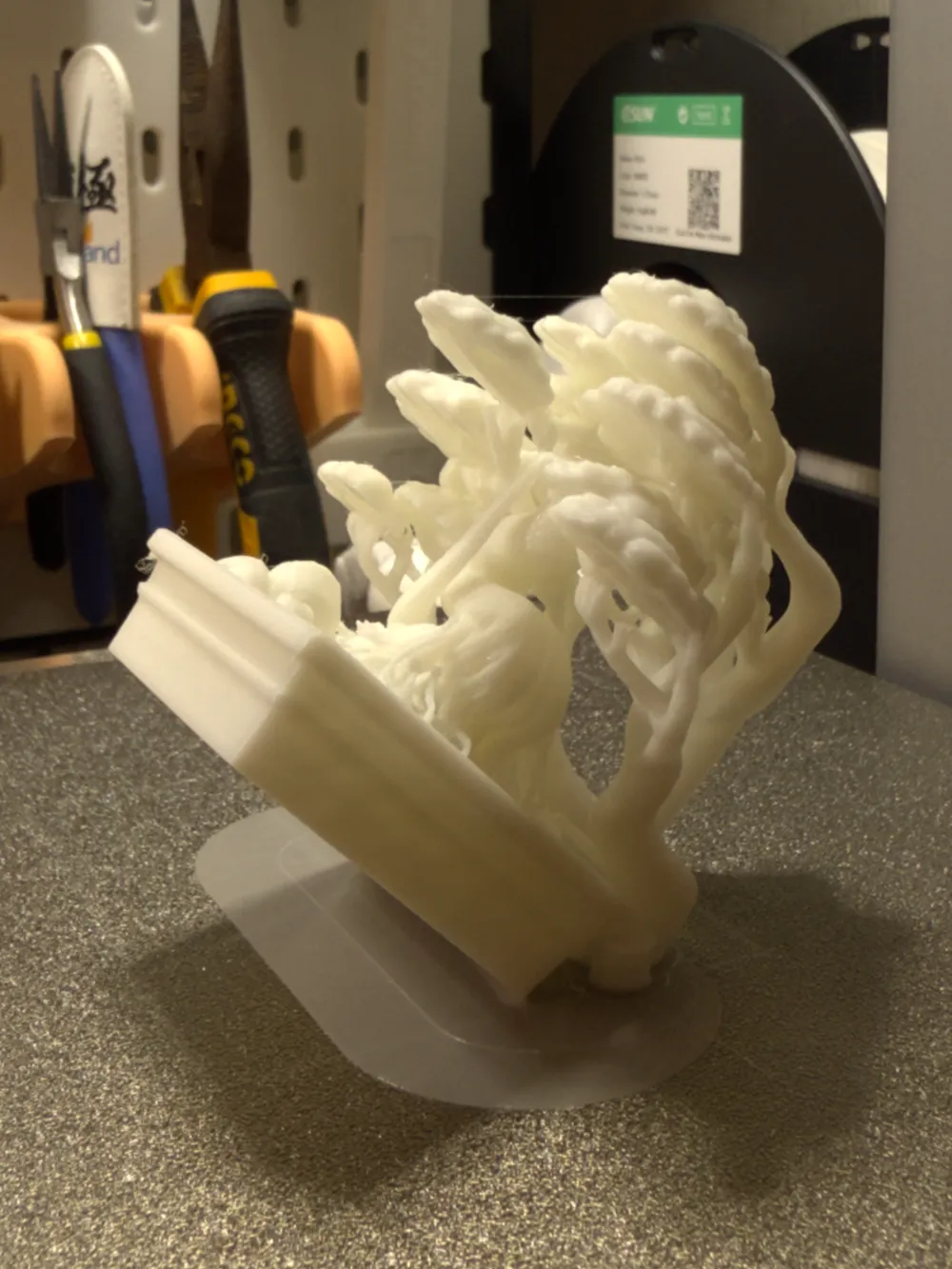
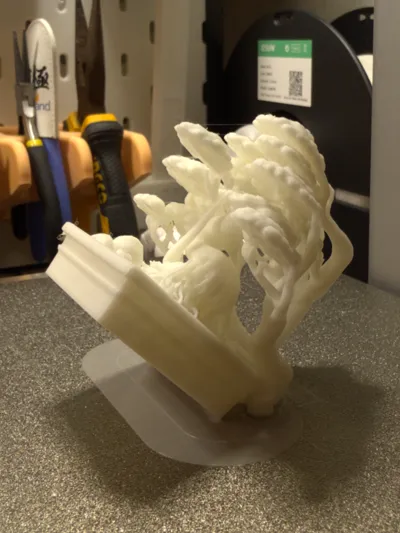
- The support structures might be a bit tricky to remove, so patience is key! (Growing real bonsai also requires patience —so think of removing the supports as part of the experience!)
- Use pliers for removing supports.
- Use small plastic model cutters to trim the supports into smaller sections instead of pulling them off directly—since the branches are quite delicate and may break.
- After several trial runs, I found that printing at a 45-degree angle makes it easiest to remove the supports.
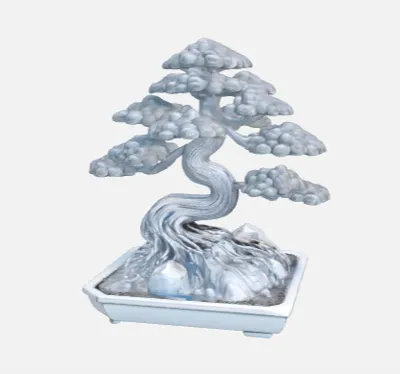
Here is my process
 | This model started with DALL-E, an AI image generator.
After multiple rounds of trial and error with prompts, I finally got a concept image I liked. |
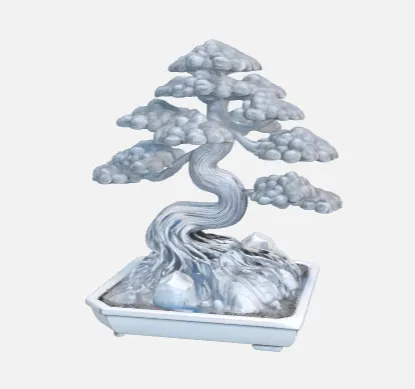
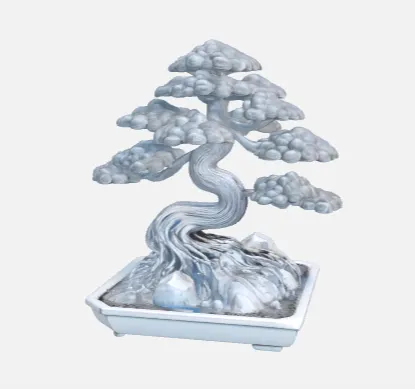 | From there, I used Maker World's image-to-3D tool to generate the final model. |
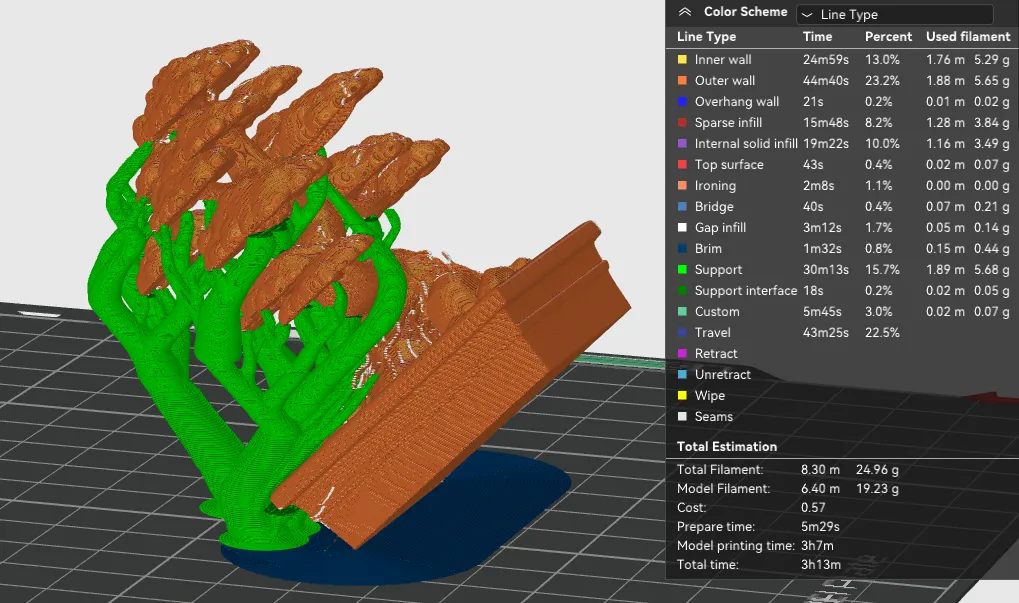
| Using Bambu Studio for final adjustment ! |
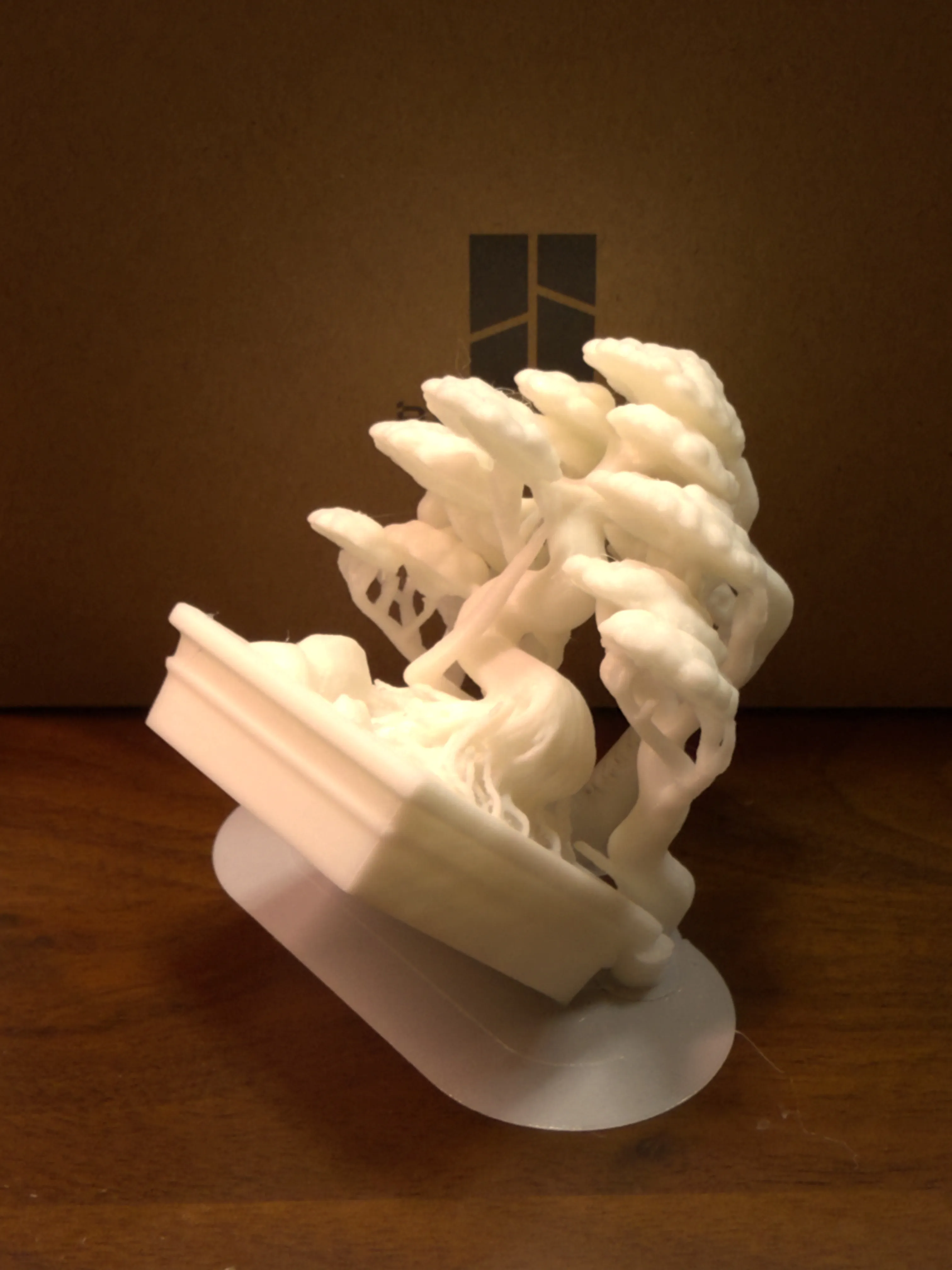
| Done ! |
Powered by Image-to-3D from MakerWorld (https://makerworld.com/makerlab/imageTo3d)
If you like this model, be sure to check out my other designs!
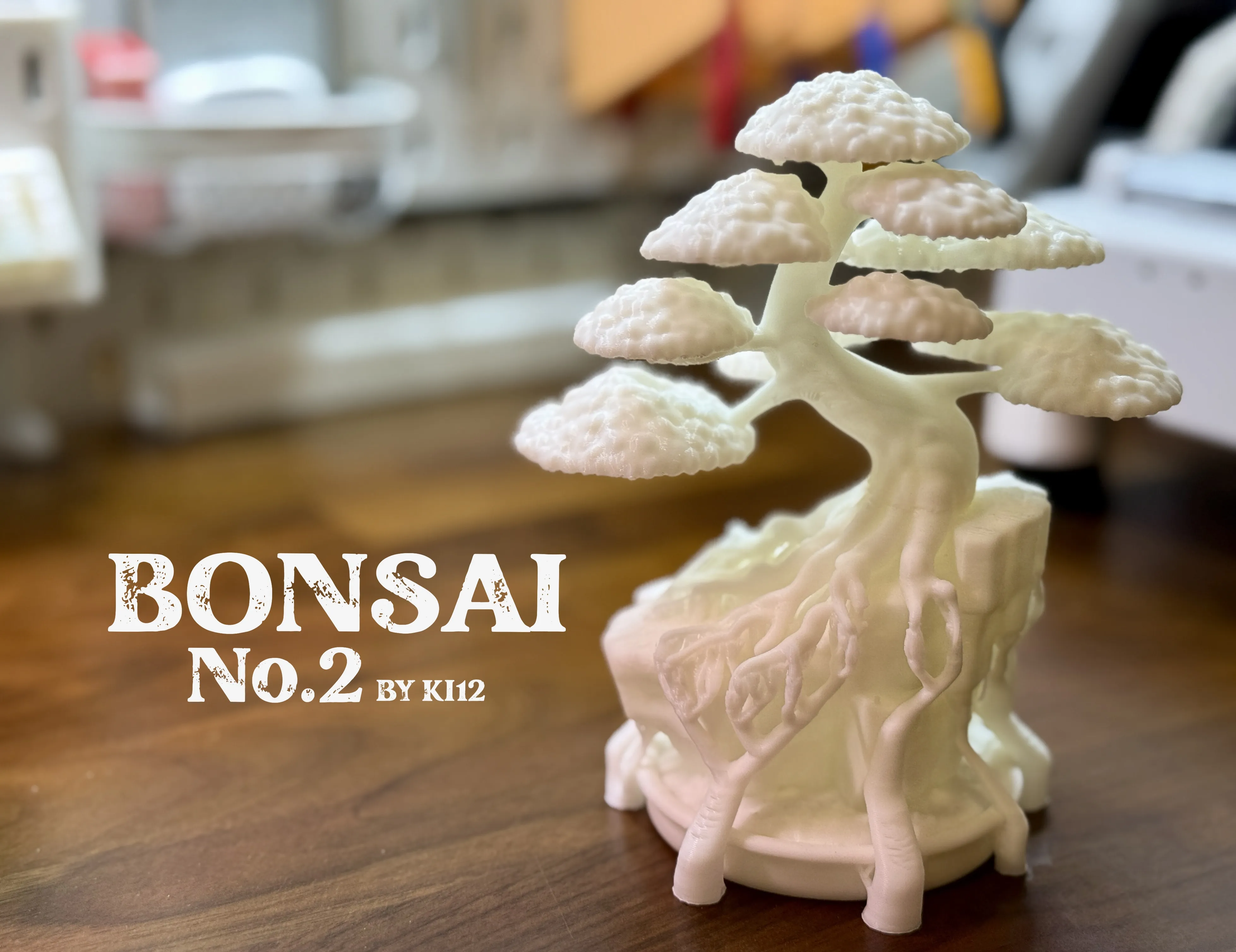
Boost Me (for free)
If u liked this model feel free to Boost !
License

This user content is licensed under a
Creative Commons Attribution-Noncommercial-NoDerivatives


Comment & Rating (9)