
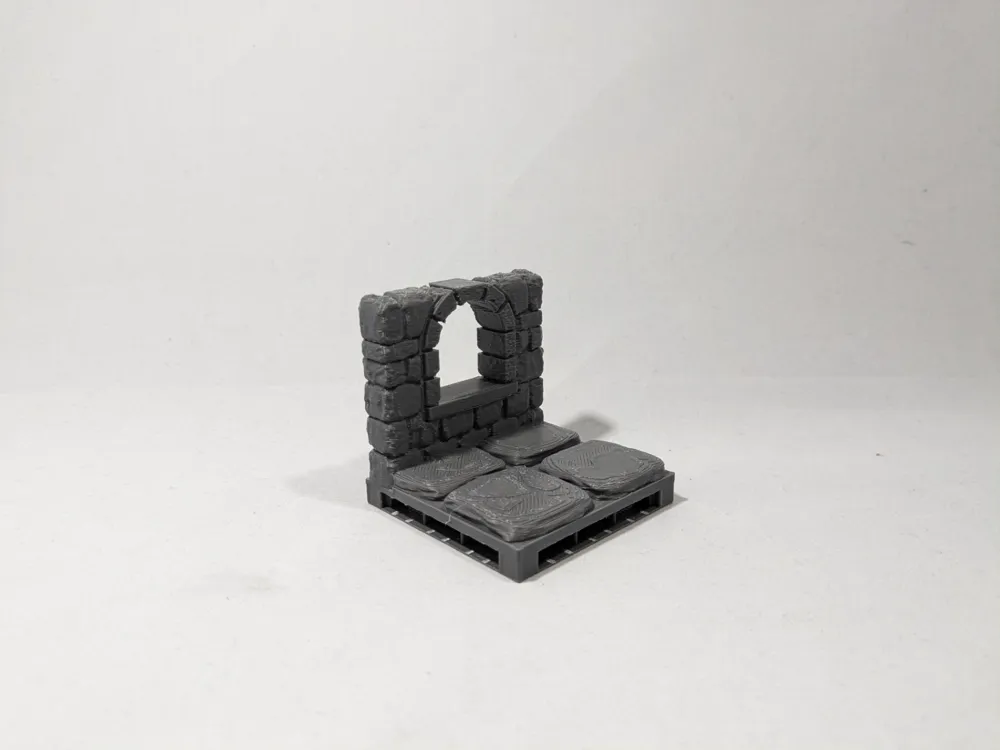
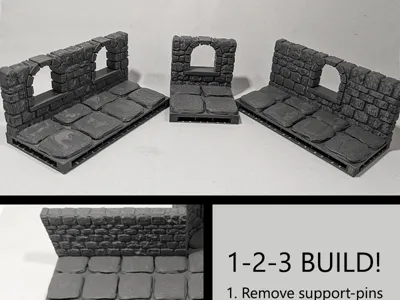
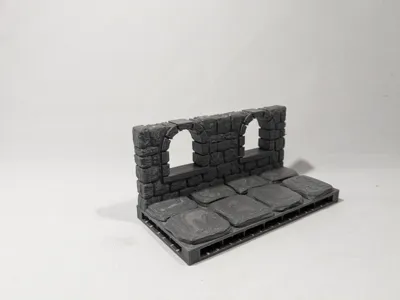
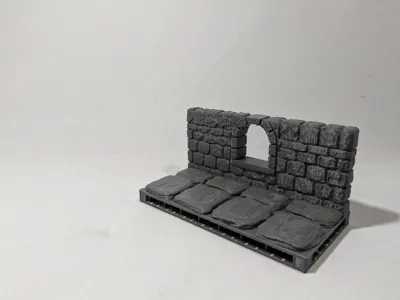
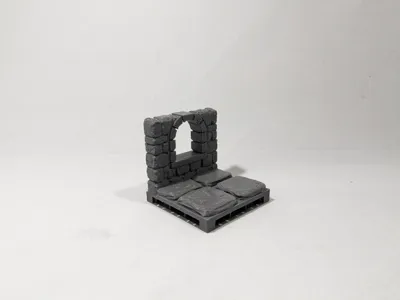
Dungeon Stone Window (OpenLOCK)
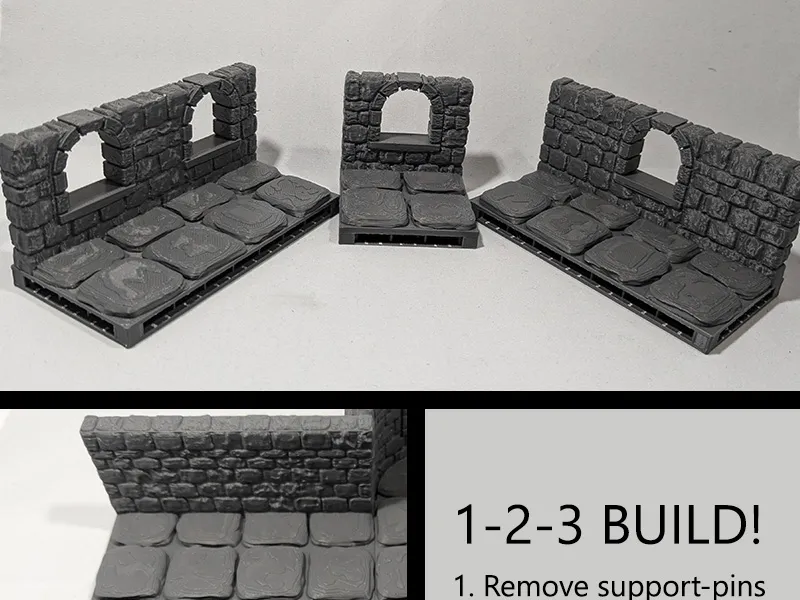


Print Profile(1)

Description
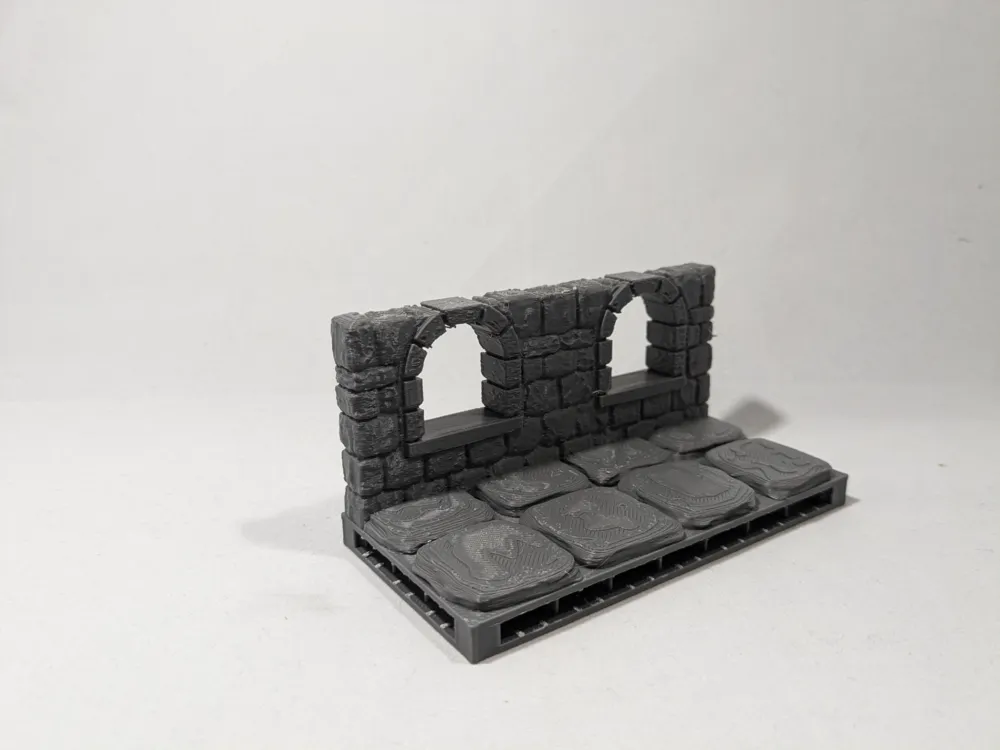
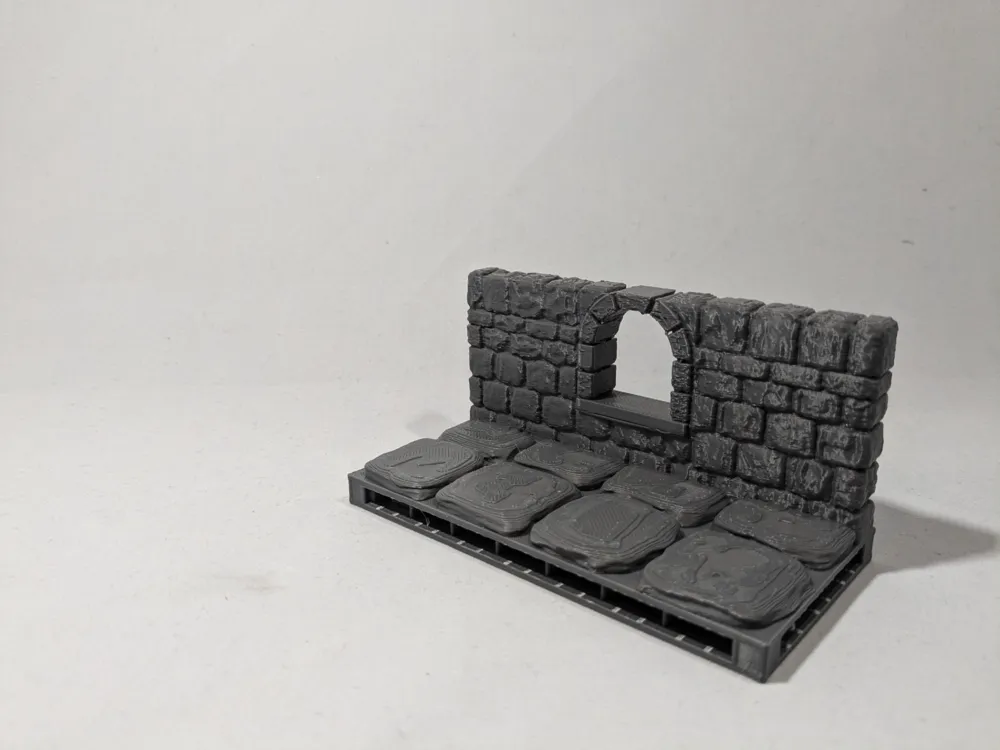
Remix of devonjones's OpenForge 2.0 Dungeon Stone Window.
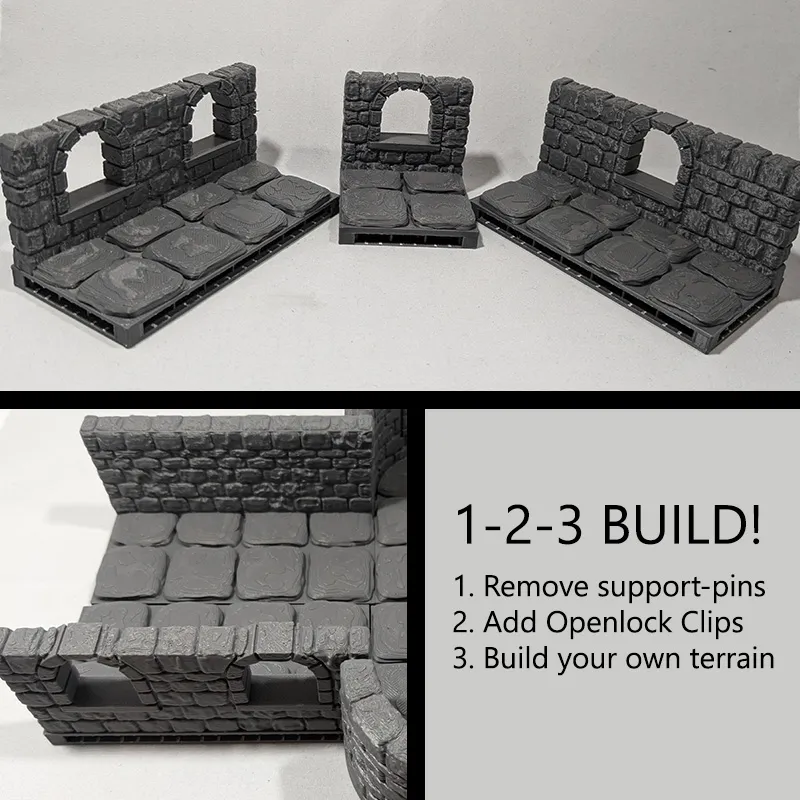
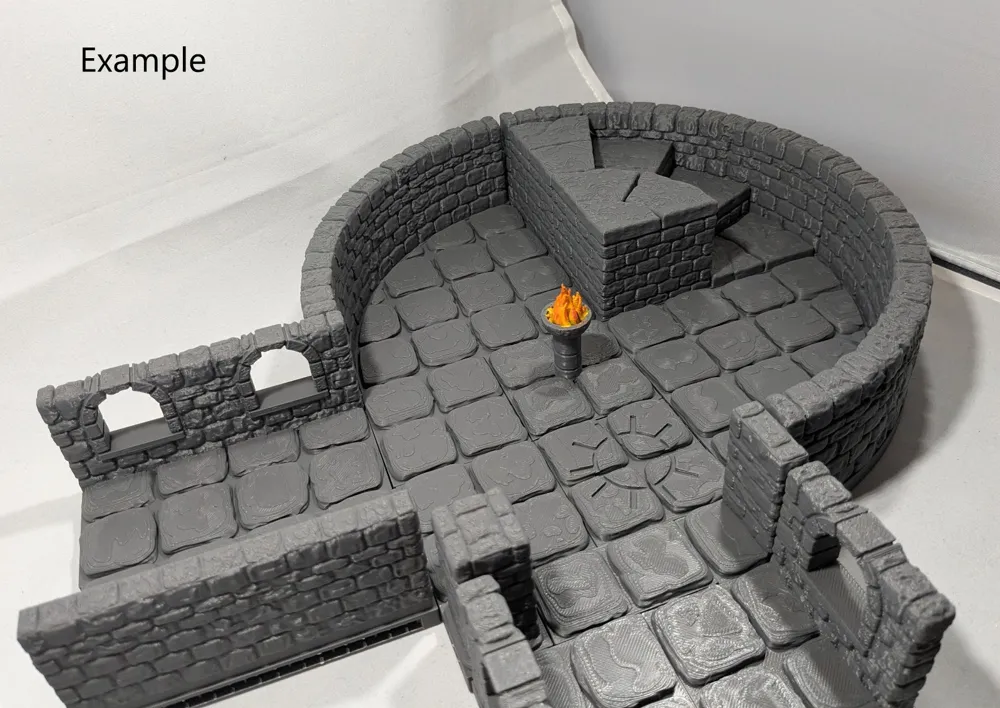
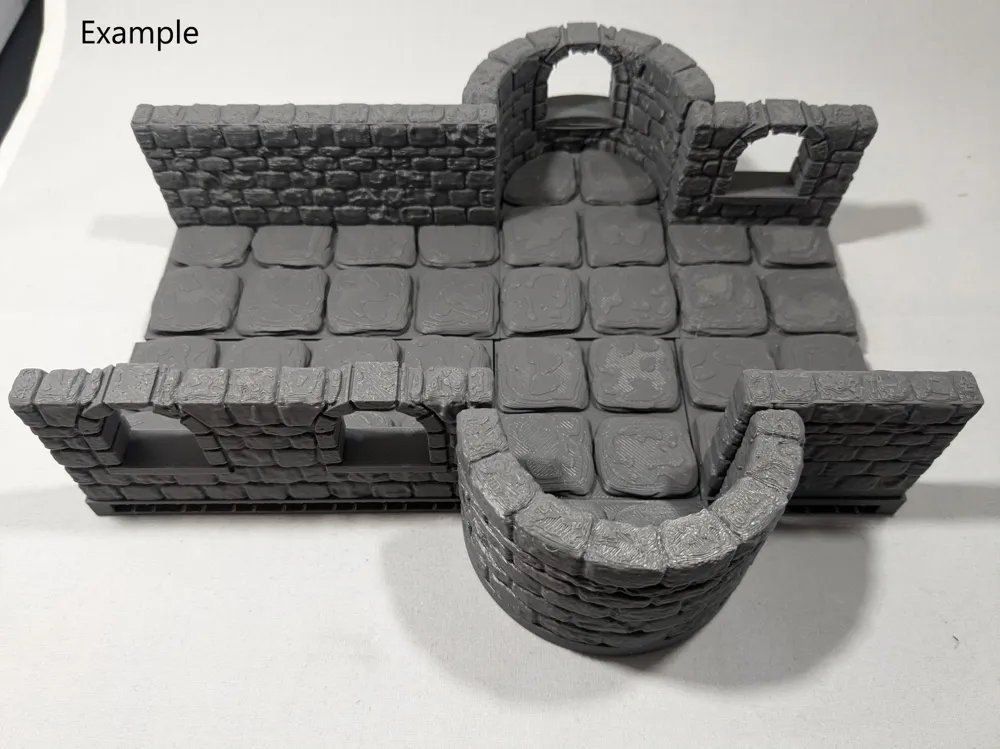
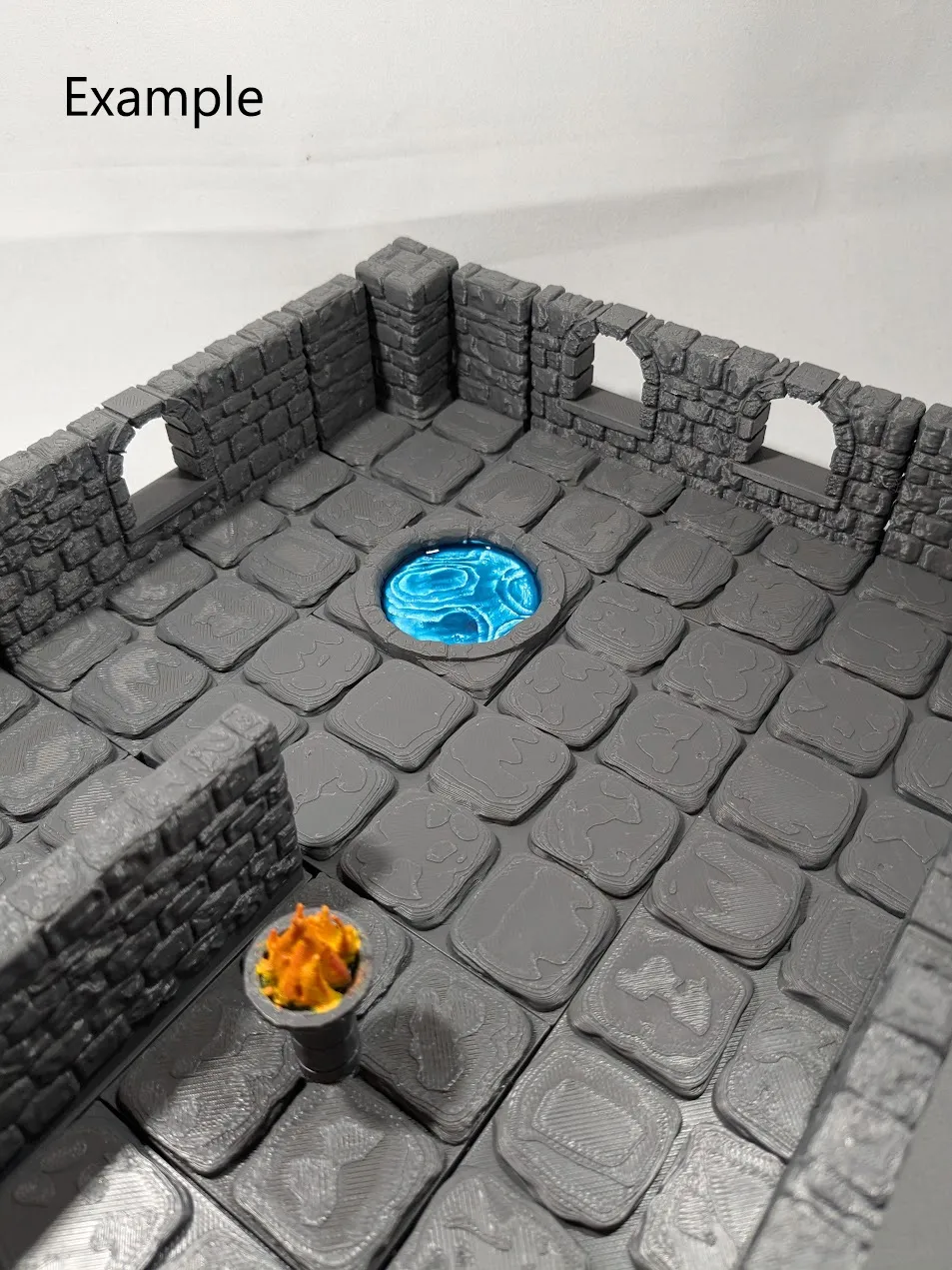
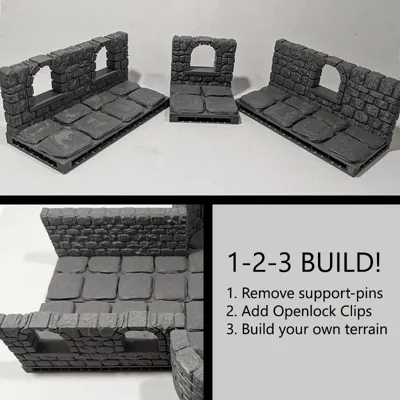
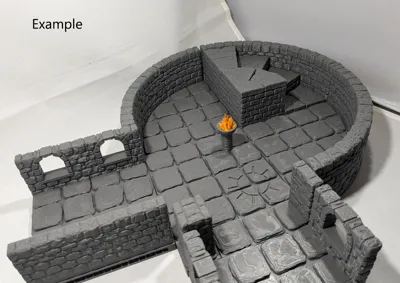
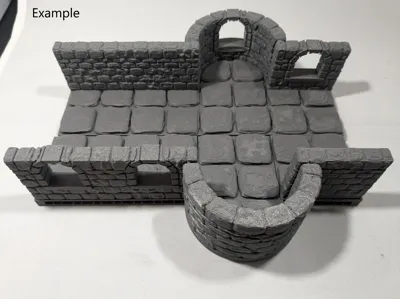
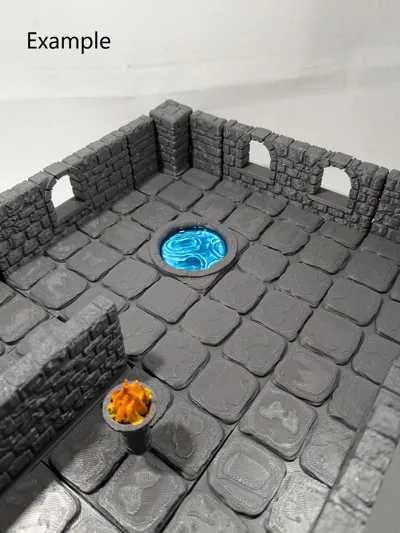
With the Openlock triplex base you can click the tiles together in a limitless configuration of your choice.
I added aditional beams, because I found that printing the big ones without them gives a very bad texture at the bottom. And if I put the time and money in tiles, I want them to be pretty and sturdy.
In the print profile there are support blocks, so you don't get supports you don't need. Only the top part needs to be supported.
Update 27th of October: updated the 2x2 windows so it is more sturdy on the bottom.
Building your own dungeon? Check out this Dungeon Tile Collection.

Instructions:
- Print the tiles of your choice.

- Remove the small supporting pins on the sides.
- Print Openlock clips to connect the tiles.
- Push one or more Openlock clips into the tiles (depending on the size of the tile 1 can be enough, 2 works best with big tiles).
- Connect the tiles together.
Building your own dungeon? Try these components:
- Basic Tiles
- Corners
- Walls
- Walls with windows
- Pillars
- Brazier
- Stair tile going down
- Straight stairs going up
- Curved stairs going up
- Trap door tiles
- Gates
- Alcove
- Small pool/portal
- Tile with symbol
The designer of the totally free, awesome and VERY complete series is Devon Jones, check out his profile => https://www.thingiverse.com/devonjones/designs
Together 3D has a commercial license for using the OpenLOCK system. More info can be found on www.printablescenery.com
Boost Me (for free)
Spread some Makerworld magic — boost what you love! ❤️
Membership
Interested in selling our original designs? Join our commercial membership!
This remix is based on

License



Comment & Rating (5)